Embedding YouTube videos is a great thing. You copy the embed code, paste it into your website, and the YouTube video shows up there.
If you have a WordPress website, it's even easier. You only have to copy the YouTube URL to embed a video in a post.
When it comes to data protection, though, this isn't entirely unproblematic.
Embedding YouTube videos sets up several connections to Google servers. These store multiple cookies in your readers' browsers and send information about them to YouTube and Google's advertising service DoubleClick:

And that happens before your readers have even clicked the video, which isn't GDPR-compliant.
There are several solutions to prevent this and embed YouTube in a data-minimizing way. I'll show you four of them in this article:
- YouTube embeds transfer personal data as soon as they load, which is a GDPR problem without consent.
- YouTube-nocookie.com (privacy-enhanced mode) reduces tracking, but it isn't a 100% GDPR-compliant solution.
- WP YouTube Lyte or Real Cookie Banner block external content until consent is given, which is much safer and legally backed.
1. Embedding with privacy-enhanced mode
YouTube itself lets you generate embed codes that don't set any tracking cookies.
To do that, go to Share > Embed below the YouTube video, scroll down, and tick the box “Enable privacy-enhanced mode”:
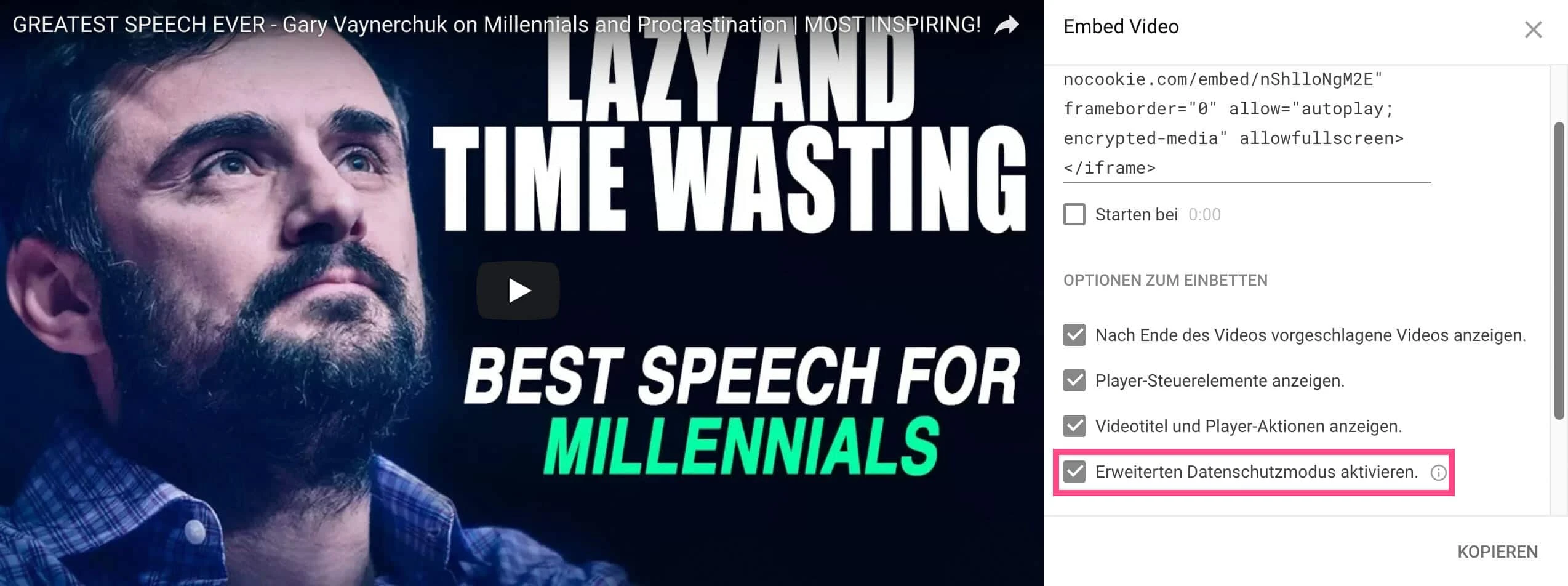
The videos are then loaded not from the domain youtube.com but from youtube-nocookie.com:
<iframe width="560" height="315" src="https://www.youtube-nocookie.com/embed/nShlloNgM2E" frameborder="0" allow="autoplay; encrypted-media" allowfullscreen></iframe>This method has two downsides, though:
Downside #1:
It's difficult to change this globally on your website. You have to search your entire website for YouTube videos and replace every single one with the new embed code.
Downside #2:
Privacy-enhanced mode does send less user data to YouTube and none at all to the advertising service DoubleClick.
But several connections to Google servers are still made (including a cookie, which only contains very little information) before the user has even clicked the video:

That's not really data-minimizing, and it isn't 100 % GDPR-compliant either.
There are better solutions:
2. WP YouTube Lyte
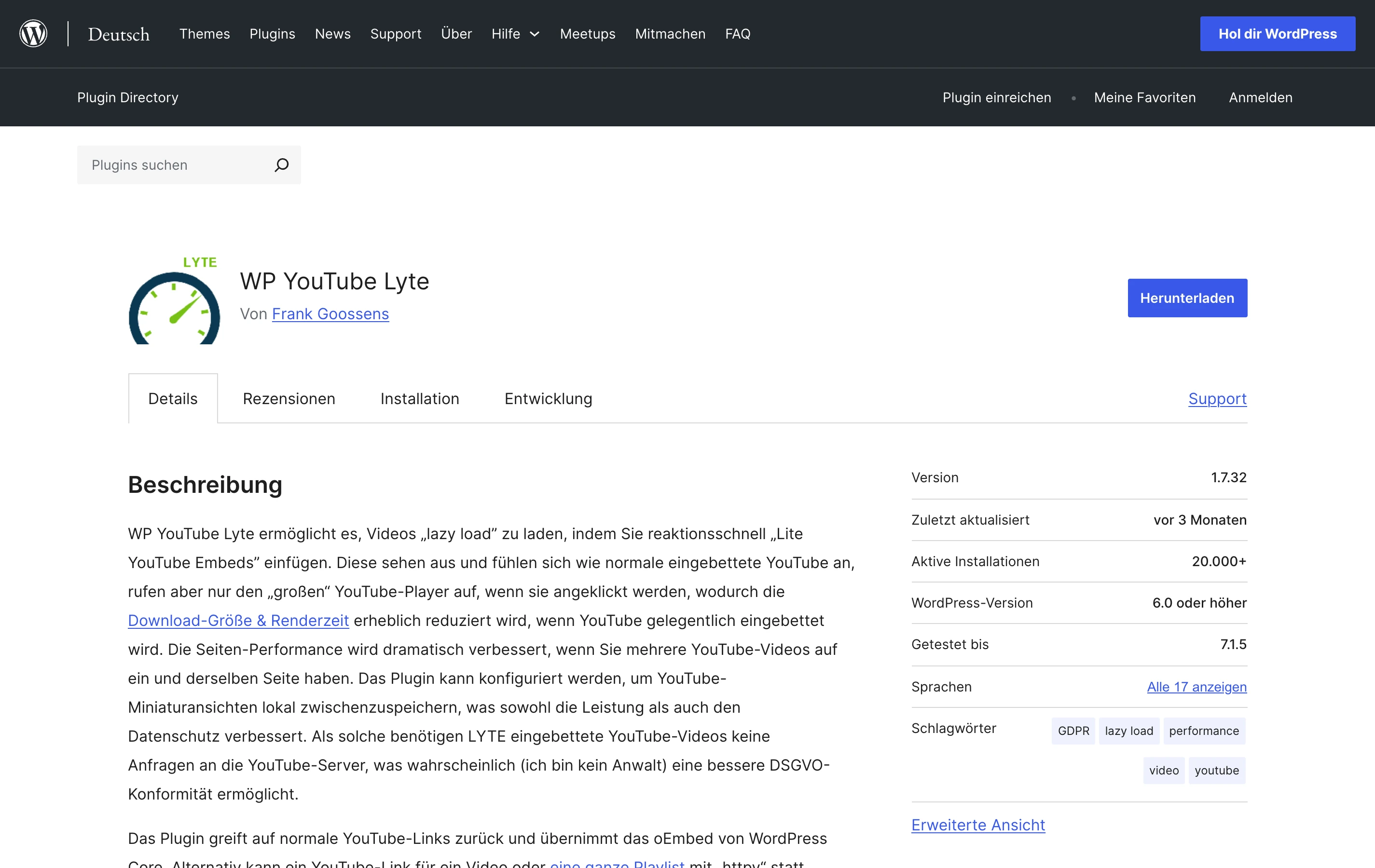
If you have a WordPress website, you can embed YouTube videos in an even more data-minimizing way with the plugin WP YouTube Lyte.
The two-click solution means that when a page opens, only the preview image is loaded from YouTube servers, as you can see here in the Chrome developer tools:

The video itself is only loaded after the user has clicked the play button.
Privacy-enhanced mode is used automatically in the process. So videos are loaded from youtube-nocookie.com instead of youtube.com.
The videos replaced by WP YouTube Lyte look almost like the normal YouTube embeds:

The plugin automatically detects YouTube videos on your WordPress website (including simple links or Gutenberg blocks) and replaces them with the two-click version. That means you don't have to replace embed codes by hand!
If you want to be even more data-minimizing, you can even set in the settings that featured images are cached on your own server. That makes sure no external connection to YouTube is made anymore.
However, WP YouTube Lyte is only a solution if you use nothing but YouTube videos and no other embedded content, because for that you need consent as well.
WP YouTube Lyte also isn't 100% legally safe under the GDPR, because consent must not only be revocable but also provable.
But there's a better alternative to WP YouTube Lyte, too:
3. Real Cookie Banner
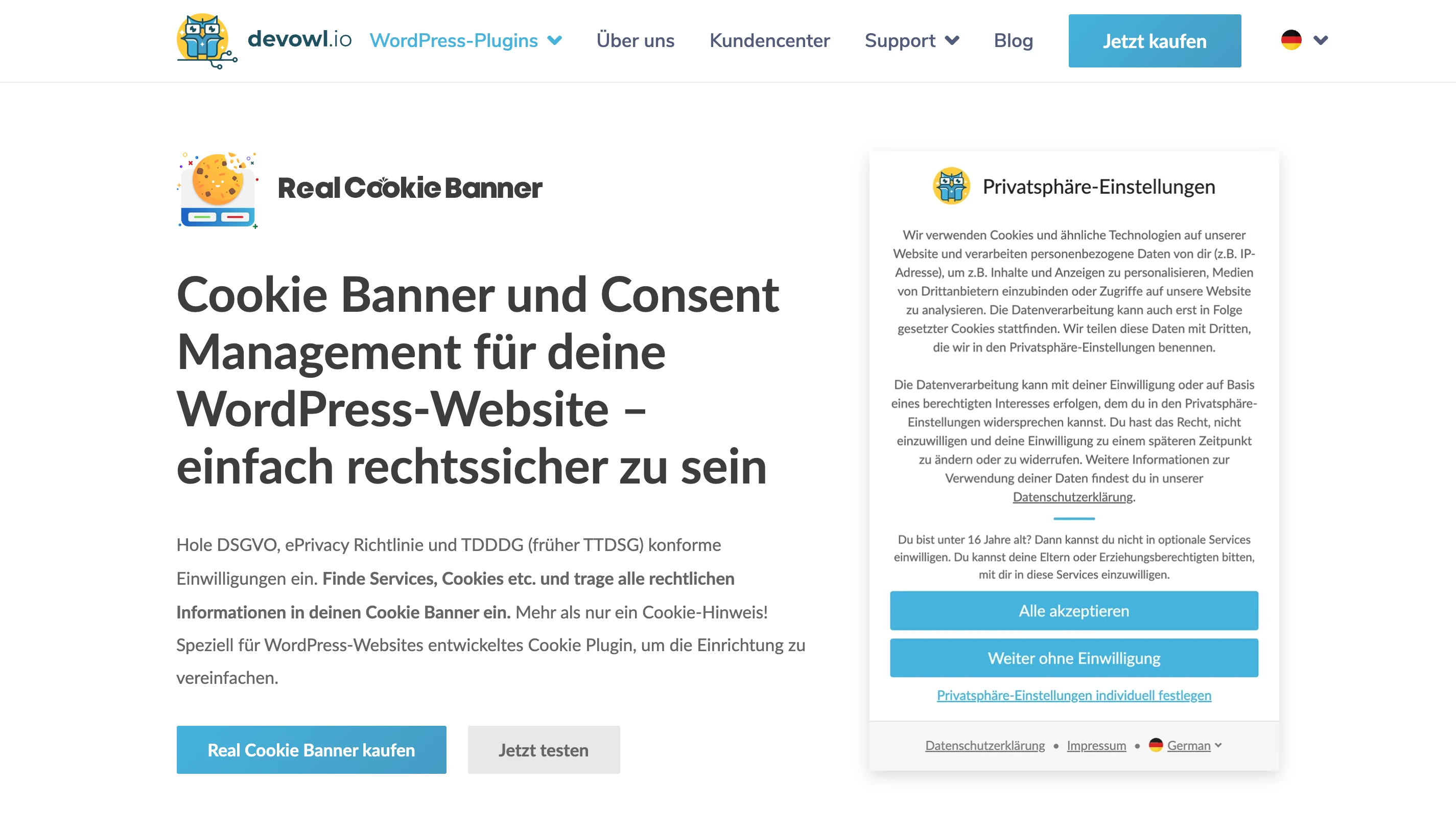
Real Cookie Banner is the most comprehensive solution for embedding YouTube videos in a GDPR-compliant way.
The plugin combines a cookie banner, opt-in management, and a content blocker that blocks external media until users consent.
If visitors decline external media, Real Cookie Banner shows a placeholder instead.
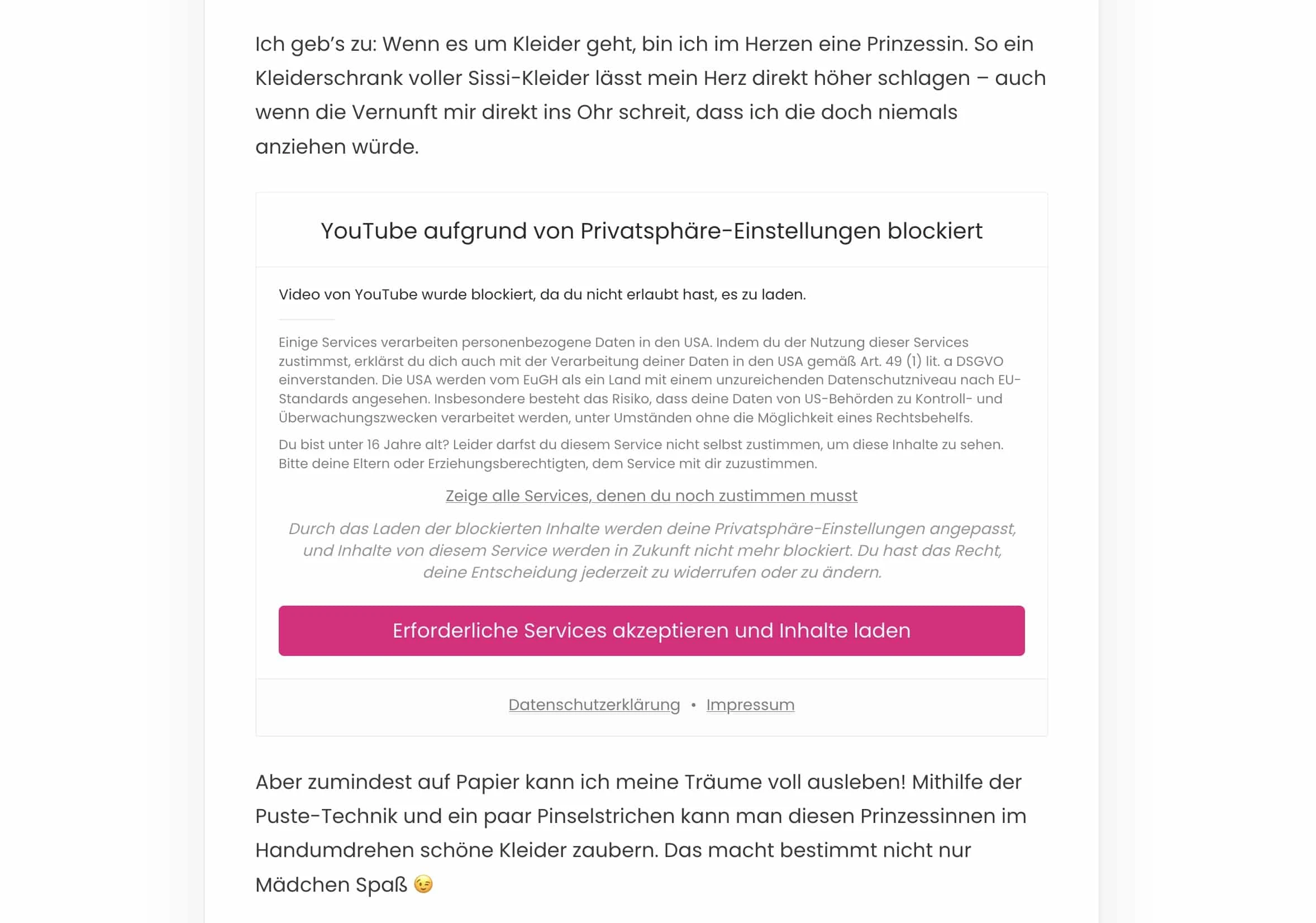
Since version 3.0 you can choose from several designs and have preview images downloaded automatically, so the blocker looks almost like a normal player.

With the hero variant plus a local preview image, the user experience stays almost unchanged.
The blocker doesn't only work with YouTube but also with more than 100 other services, from Vimeo to Google Maps.
These are further advantages of Real Cookie Banner:
- Users can decide as soon as the page loads that all external media should be displayed
- The content blocker also works without a YouTube API key
- The plugin is updated regularly and offers German-language support
- You don't need a second, third, or fourth plugin for other external services, because Real Cookie Banner is an all-in-one solution!
- Real Cookie Banner logs every consent in the WordPress database
- Users can withdraw their consent at any time
You can find more information about the plugin in my Real Cookie Banner review and in my comparison of WordPress cookie plugins.
4. Linking to YouTube
If you don't want to install any additional plugins, there's always the simple solution: set a link.
Either you give the URL directly: https://www.youtube.com/watch?v=nShlloNgM2E
Or you use descriptive link text: Video by Gary Vaynerchuck about millennials and procrastination
The downside is obvious: users leave your website and end up on YouTube.
For completeness' sake, this option should still be mentioned.
5. FAQ
Here I answer frequently asked questions about YouTube videos and data protection.
Why are embedded YouTube videos a problem for data protection?
Embedded YouTube videos are problematic under data protection law for several reasons:
- They transfer personal data to third-party servers without the user's consent (unless you use a plugin like WP YouTube Lyte or Real Cookie Banner)
- IP addresses are transferred to Google servers in the US (which is theoretically completely impermissible since the EU-US Privacy Shield was struck down)
- They set cookies (even tracking cookies from Google's advertising services if privacy-enhanced mode isn't active)
Can I also upload videos to my website locally?
Yes, that's always possible. But keep in mind that, first, videos need a lot of storage space and, second, normal web hosting isn't necessarily suited to playing videos.
If you host a lot of videos locally, you may need a better-equipped VPS, cloud server, or managed server that can handle the additional load of the video downloads.