
SEO has become enormously more complex in recent years.
In 2011 it was still enough to cram a keyword into a post as often as possible and submit your website to 300 web directories to reach top rankings in the SERPs. Today, far more effort is required.
That's partly because Google's algorithm keeps getting better at separating the wheat from the chaff, and partly because of the steadily growing competition.
The good news is:
The number of tools has grown significantly too.
In this post you'll find 77 browser extensions for SEO.
Extensions that let you get more out of your SEO tools, improve your workflow, or simply give you new ways to analyze.
When I updated this post in July 2026, 63 store listings were still available. 14 earlier recommendations have since disappeared from the Chrome Web Store and remain in the post as an archive for context.
- The list covers SEO areas from Core Web Vitals to local SEO and distinguishes current store listings from archived ones.
- 63 extensions were still reachable in the Chrome Web Store on July 23, 2026. 14 listings are no longer available.
- Only install extensions whose permissions, publisher and last update you have checked.
The best browser extensions for SEO
Here are the browser extensions I use most often for SEO and can't do without in my day-to-day work:
- Keyword Surfer
- Jasper.ai Chrome Extension
- Keywords Everywhere
- Ahrefs SEO Toolbar
- Detailed SEO Extension
- SEO Minion
- Link Grabber
- Open SEO Stats
- Core SERP Vitals
- Instant Data Scraper
1. Core Web Vitals & load time
The following extensions let you examine the load time and Core Web Vitals of individual pages or of pages in the SERPs:
1.1 Lighthouse
Price: free
Registration: not required
Available for: Chrome, Firefox, Safari, Opera, Edge
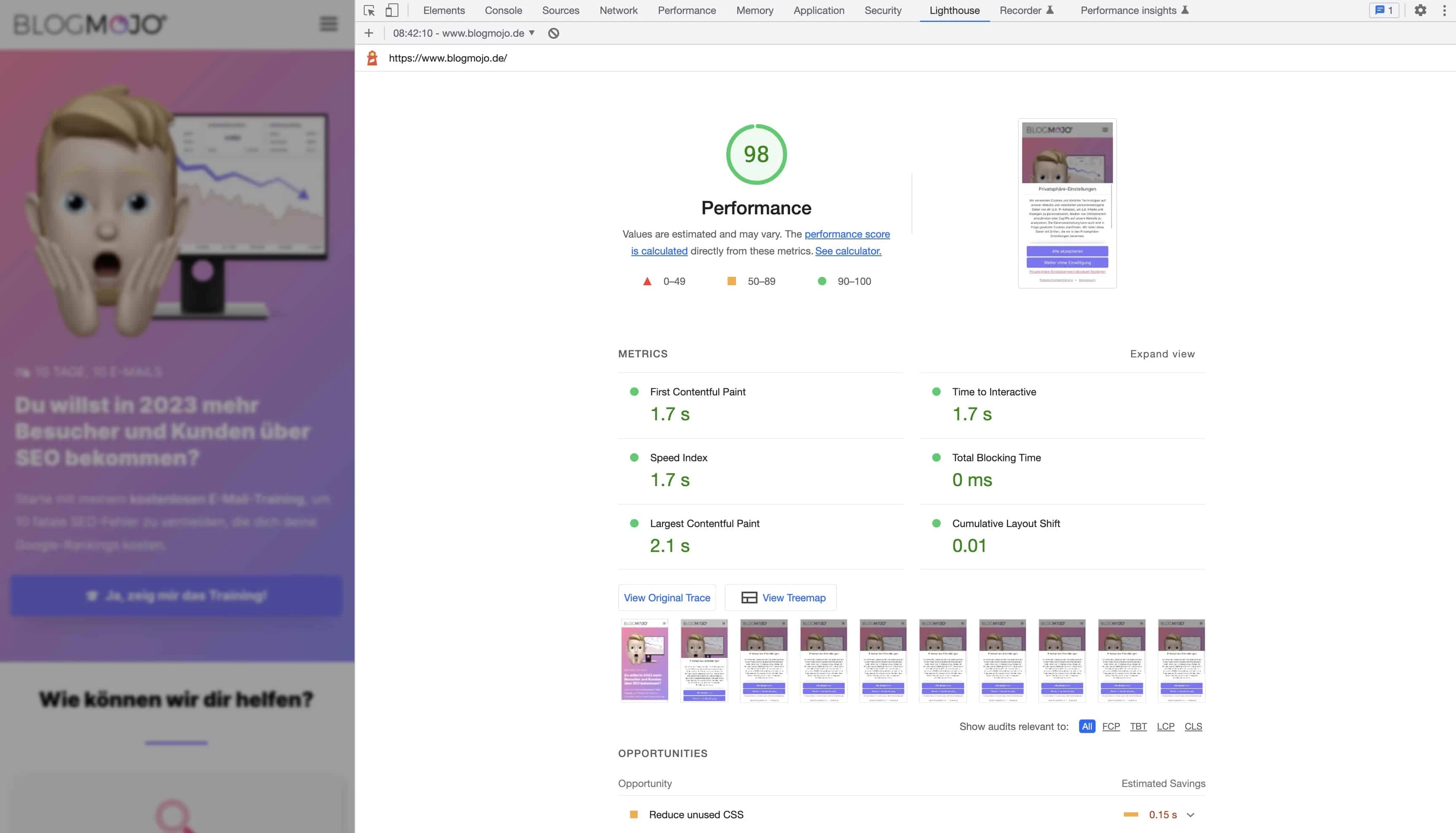
Lighthouse is an open-source tool that Google provides for optimizing a website.
A Lighthouse test checks performance, accessibility, best practices and SEO, among other things. At the end you get a clear report with measurements and optimization tips.
You can use Lighthouse either as an extension or as a browser application.
1.2 Web Vitals (archive)
Price: no longer available
Registration: not applicable
Available for: archive, removed from the Chrome Web Store
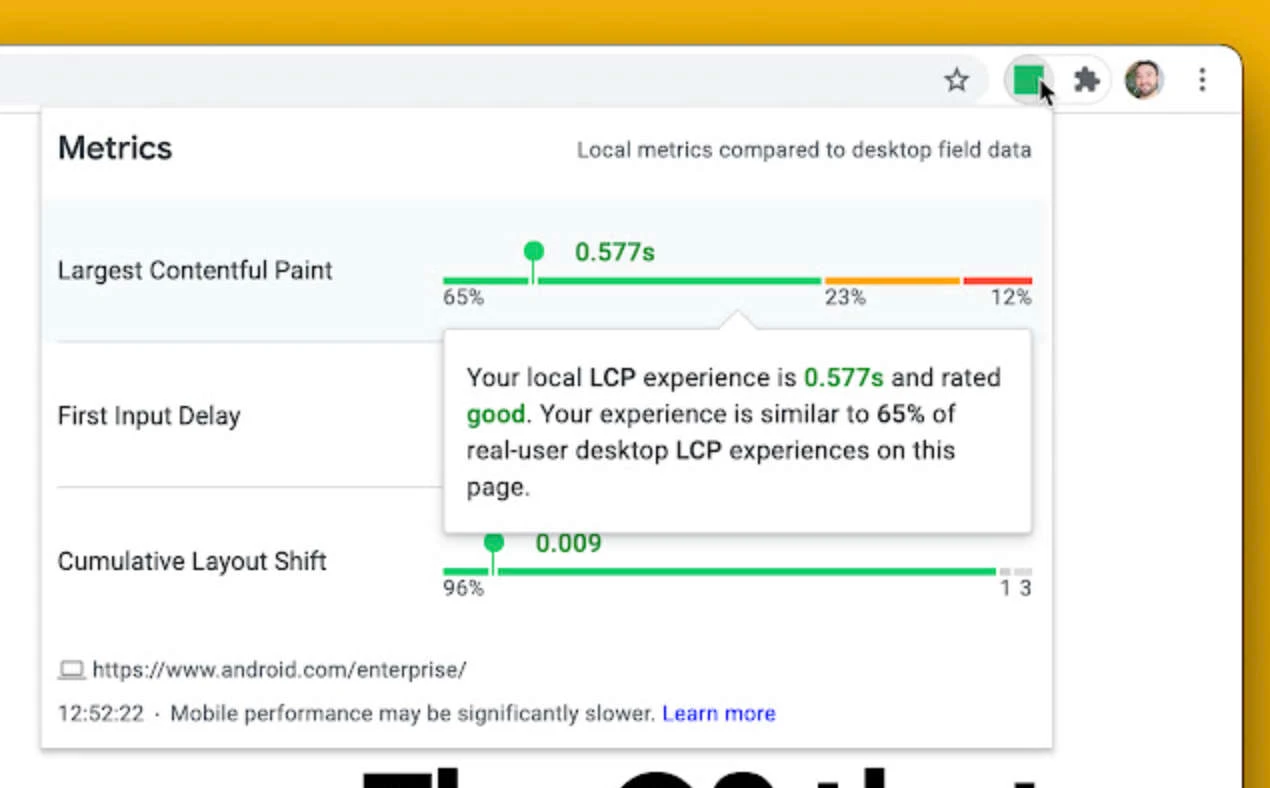
Google used to offer its own Web Vitals extension for Chrome. The store listing is no longer available today.
It automatically showed metrics such as LCP (Largest Contentful Paint) or CLS (Cumulative Layout Shift) for the pages you visit.
You should be aware, though, that this is a lab tool. The results it generates therefore depend on your internet connection, your browser and other individual interference.
1.3 Core SERP Vitals
Price: free
Registration: not required
Available for: Chrome
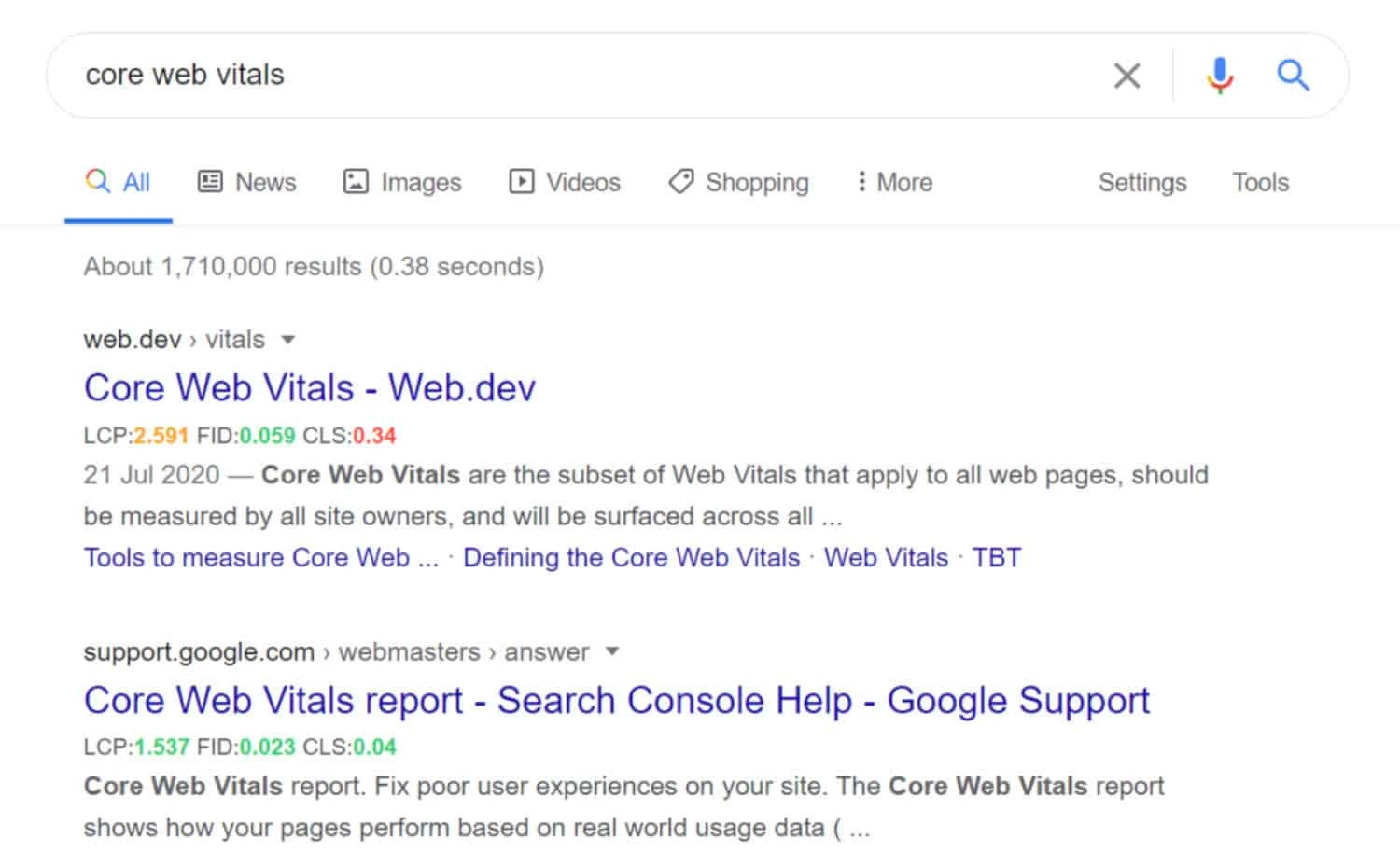
Core SERP Vitals lets you display Web Vitals data directly within the SERPs.
The extension shows available field data for LCP, INP and CLS right next to search results.
Since this isn't lab data but values from the “real world,” the tool can only display values if they exist.
1.4 Page load time

Price: free
Registration: not required
Available for: Chrome
The Chrome extension Page load time adds a small display of the page load duration to the browser.
This load time is generated based on the Navigation Timing API.
The code is publicly available on GitHub.
1.5 Core Web Vitals
Price: free
Registration: not required
Available for: Chrome
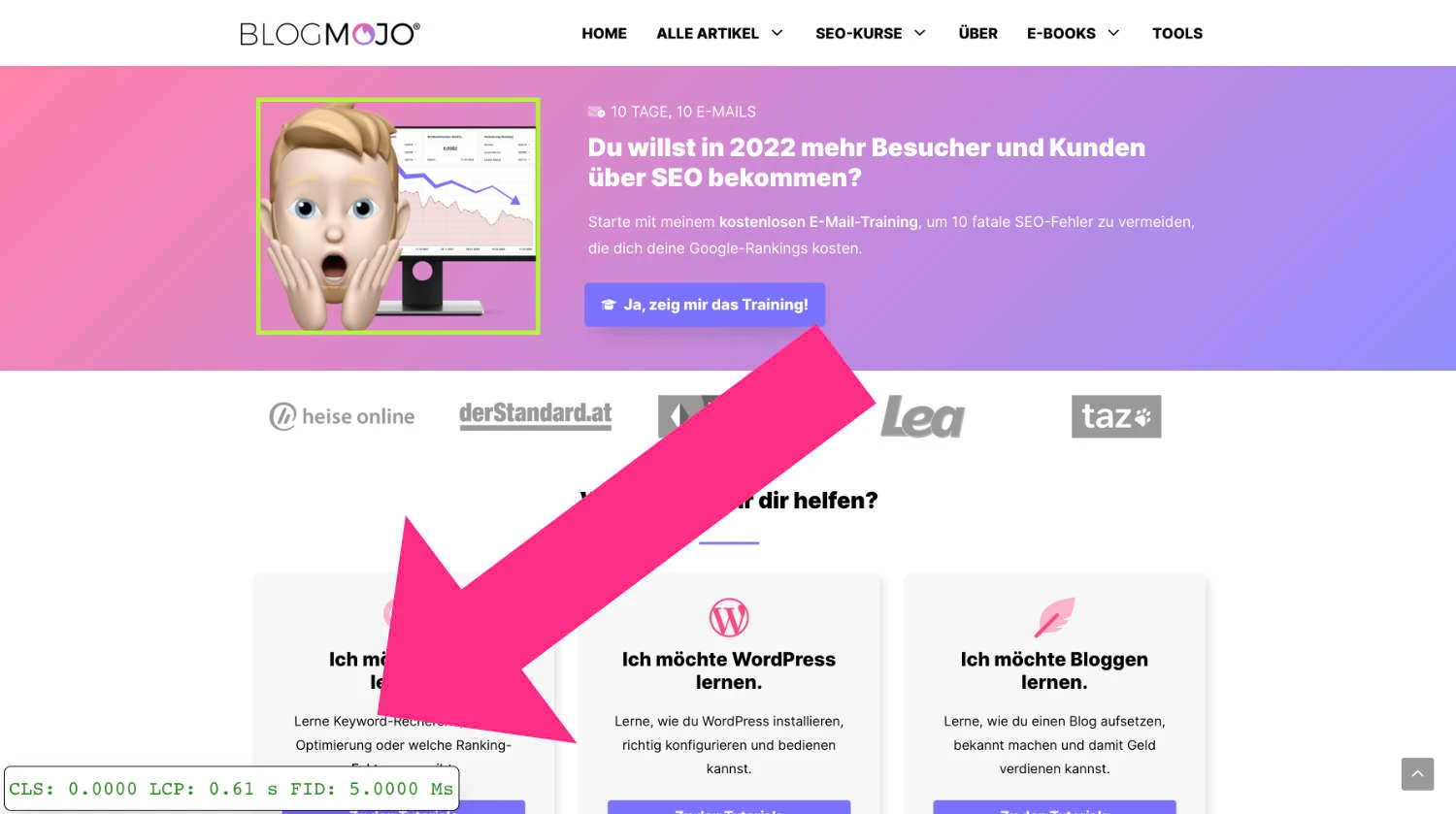
The Core Web Vitals extension for the Chrome browser automatically measures the Web Vitals of a page you open.
It directly generates and displays the values for LCP and CLS.
In the developer console, it can also show the HTML elements responsible for a layout shift.
1.6 Google PageSpeed Insights API Extension (archive)
Price: no longer available
Registration: not applicable
Available for: archive, removed from the Chrome Web Store
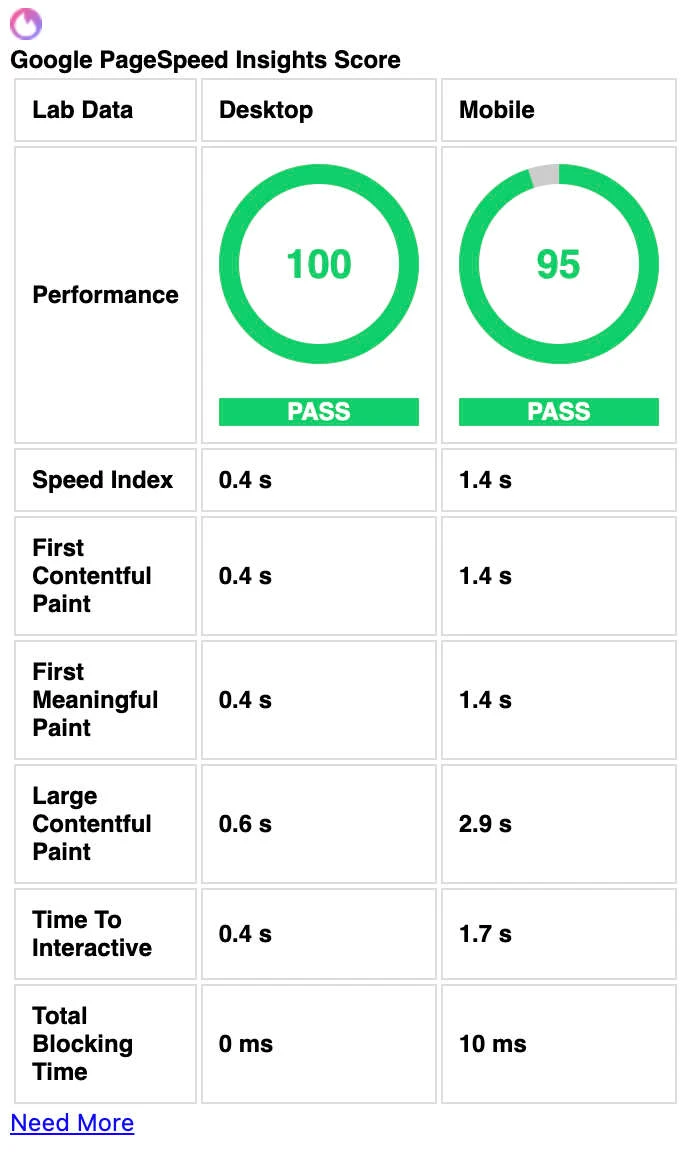
Most webmasters will have heard of Google PageSpeed Insights.
The former Google PageSpeed Insights API Extension is no longer available in the Chrome Web Store. Use PageSpeed Insights on the web or Lighthouse in Chrome DevTools instead.
Via an icon in the Chrome toolbar, it displayed performance values (lab data) for mobile and desktop for the metrics FCP, FMP, LCP, TTI and TBT.
2. Writing
The following extensions help you write website or SEO texts:
2.1 Jasper Everywhere Extension
Price: included in a Jasper subscription from $59 / month with annual billing
Registration: requires a Jasper account
Available for: Chrome, Edge
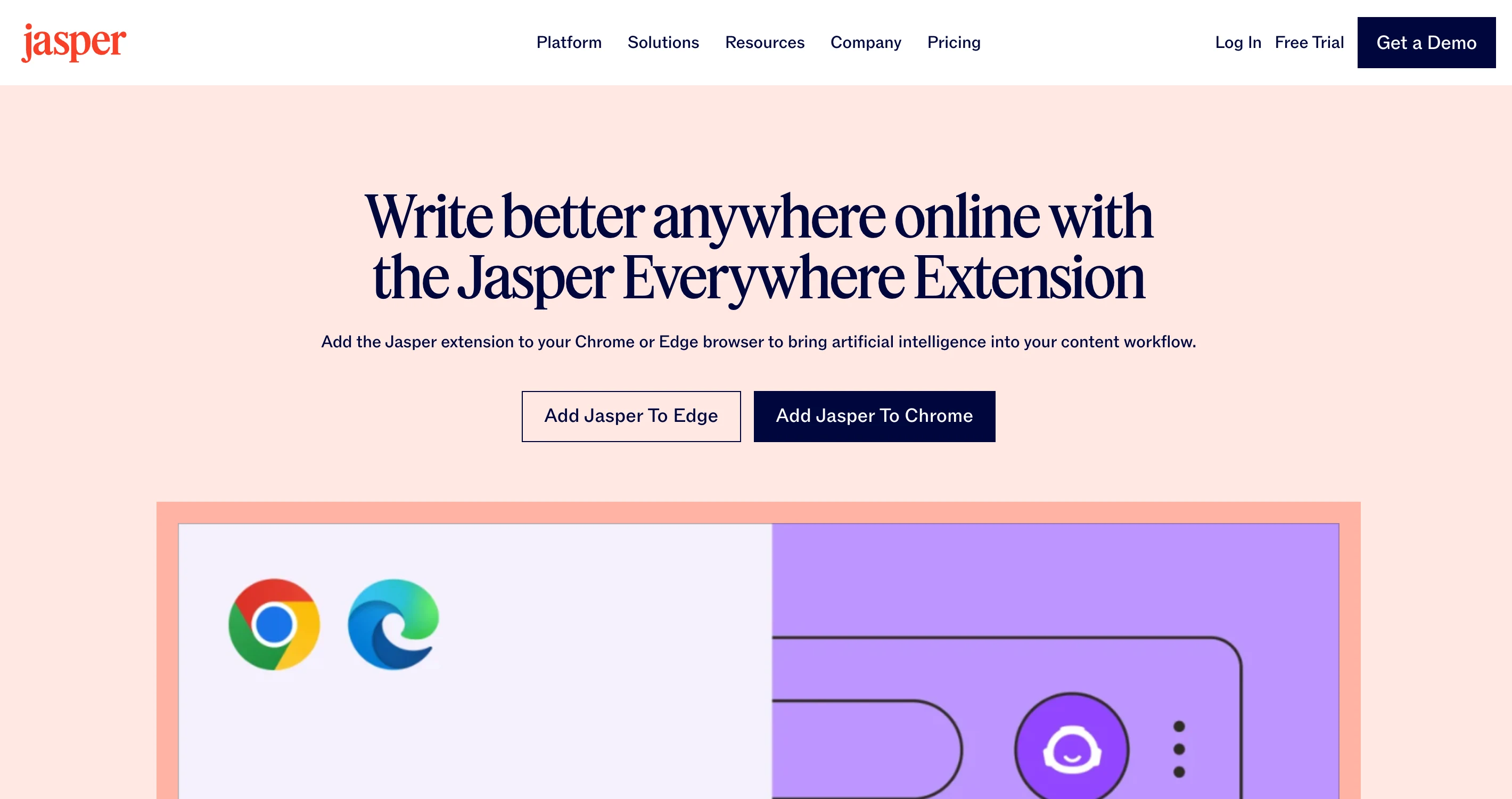
Jasper is an AI text generator for marketing content. The browser extension is part of the paid Jasper subscription and is available for Chrome and Edge.
With the Jasper extension you can use the writing features outside the Jasper app too, for example in editors and web-based applications.
3. Keyword research
3.1 Keywords Everywhere
Price: some features free, separate credit packs available, annual subscription from $84 / year
Registration: required for paid keyword data
Available for: Chrome, Firefox, Edge
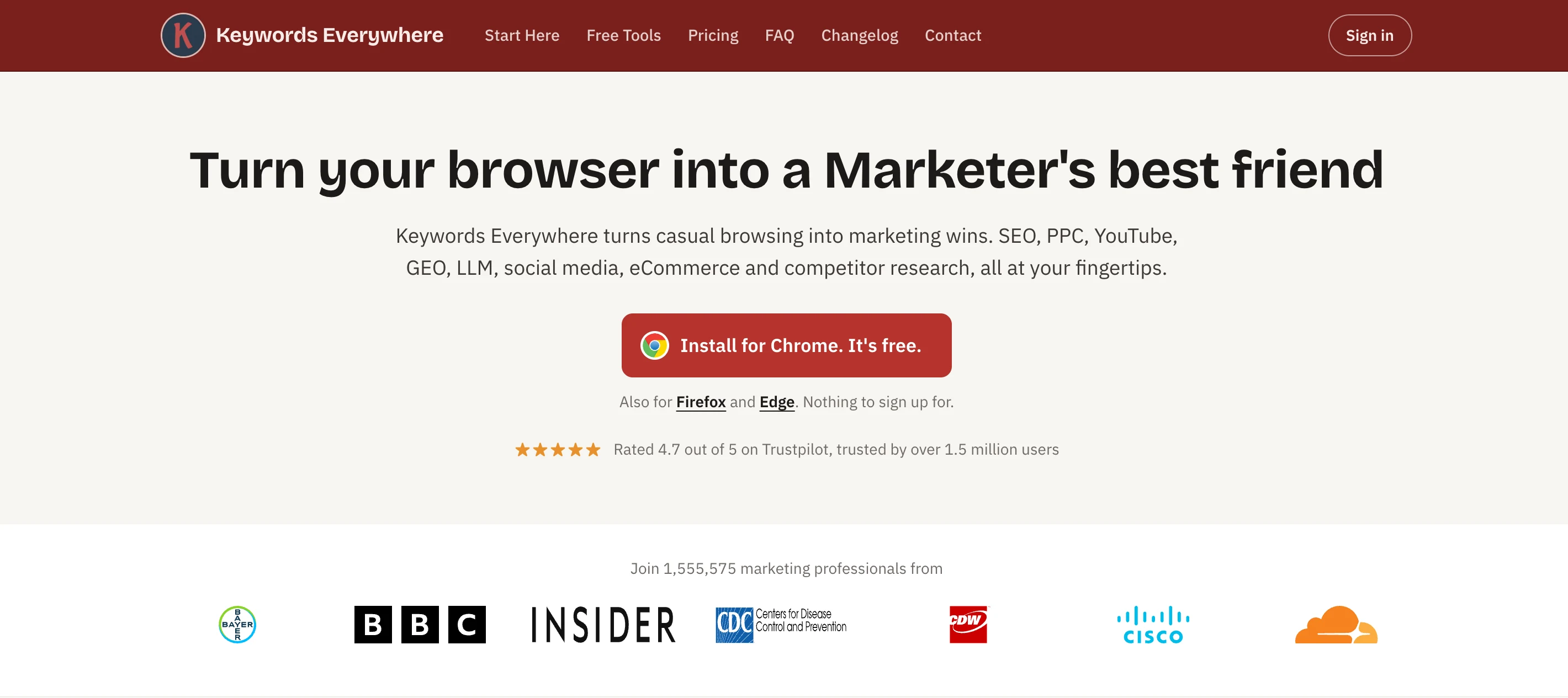
Keywords Everywhere is a browser extension for Chrome, Firefox and Edge.
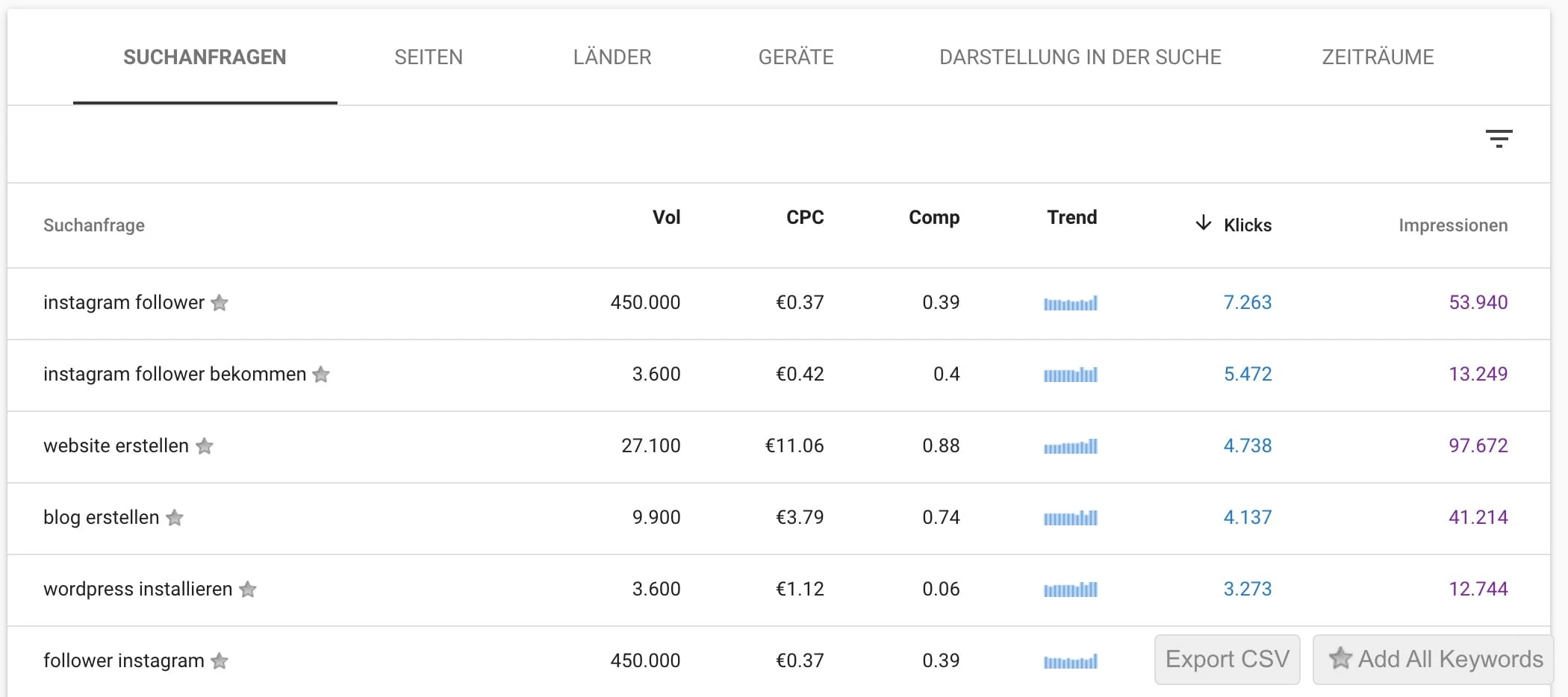
It shows keywords and related data (such as search volume and CPC) everywhere it could be useful.
For example in Google Search Console:
For detailed keyword data you need an API key plus individually purchased credits or an annual plan.
The Bronze subscription costs $84 per year. Some features can be used for free.
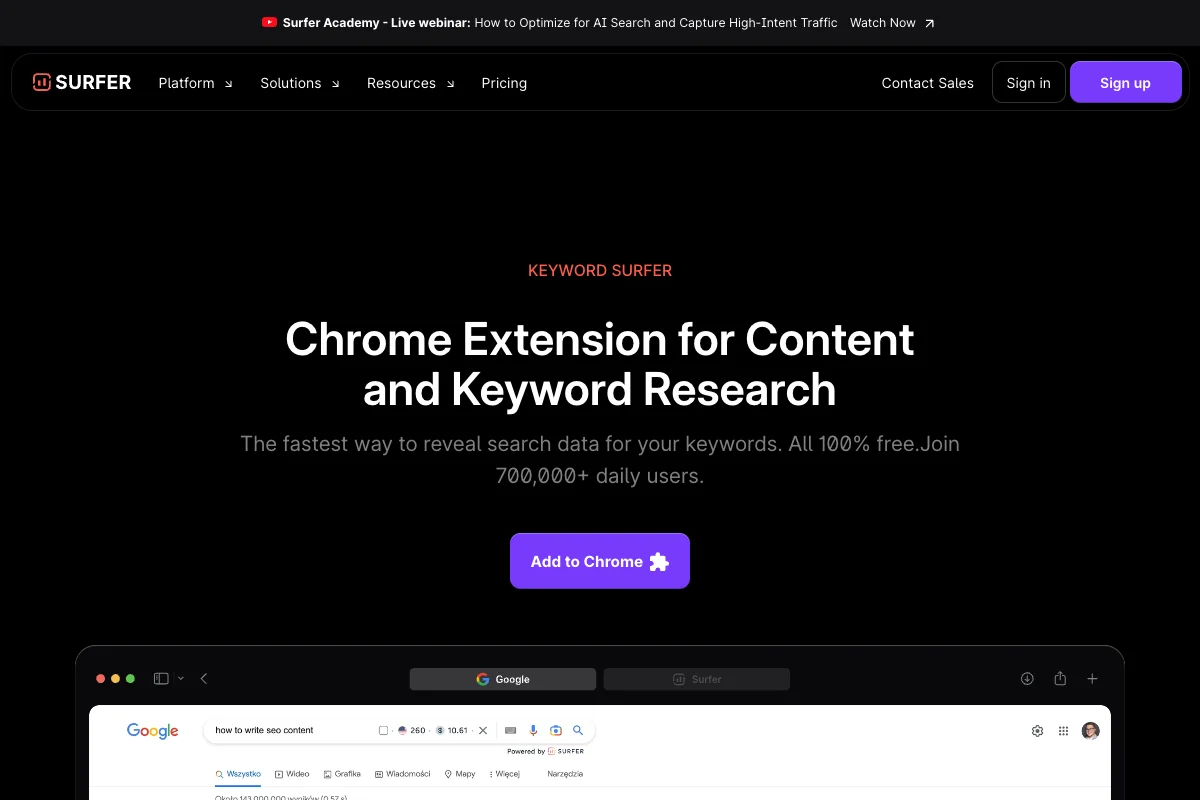
3.2 Keyword Surfer
Price: free
Registration: not required
Available for: Chrome
Surfer SEO is now very well known in the SEO scene, its Chrome extension less so.
It's called Keyword Surfer and shows you synonyms and further keyword ideas for the keywords you enter, right in Google search:
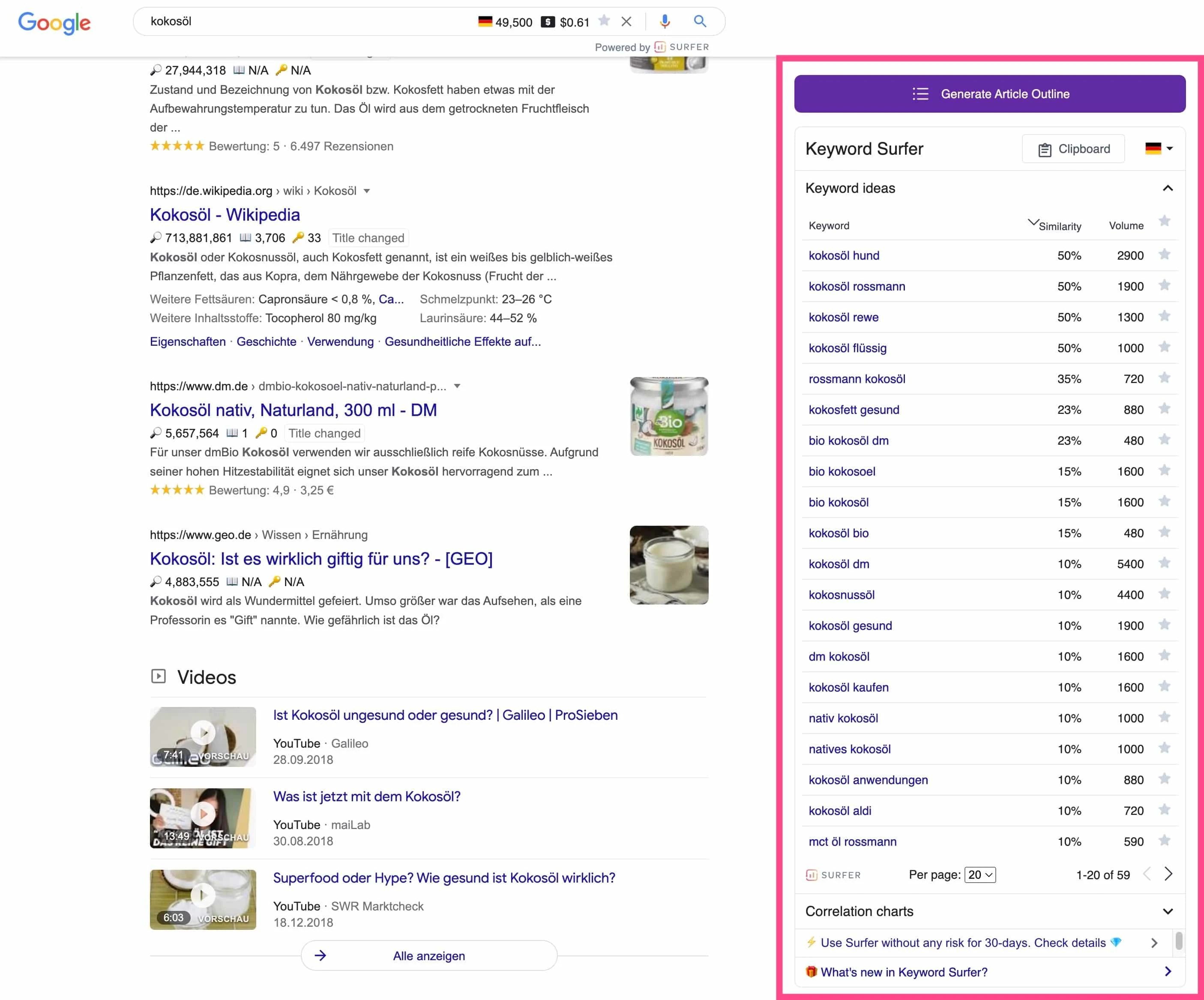
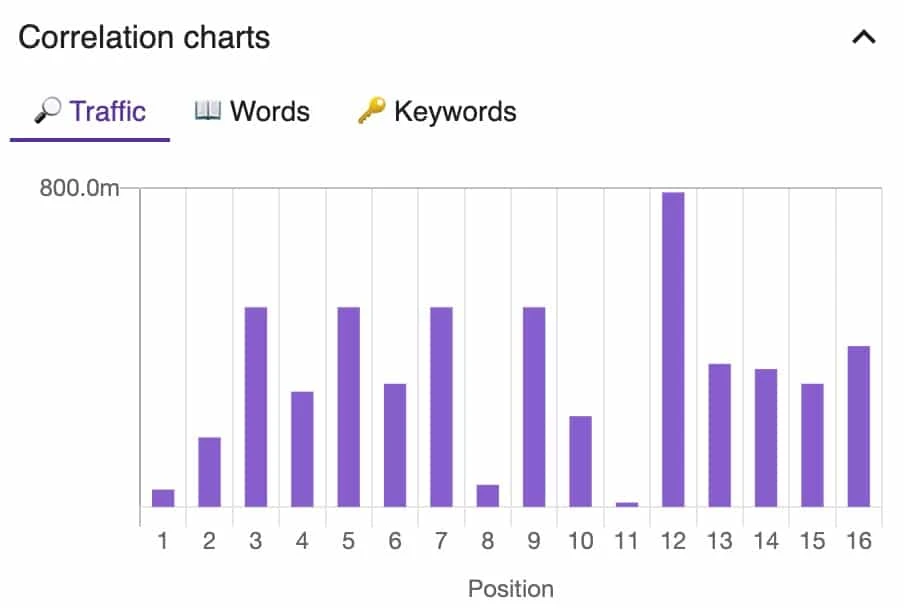
You can also use the tool to analyze the search results more closely. For example, it shows how often a keyword appears in exact order on a page and how many words a page contains.
Not only below each search result, but also summarized as a chart:
PS: The Keyword Surfer doesn't require a Surfer SEO account. How cool is that?
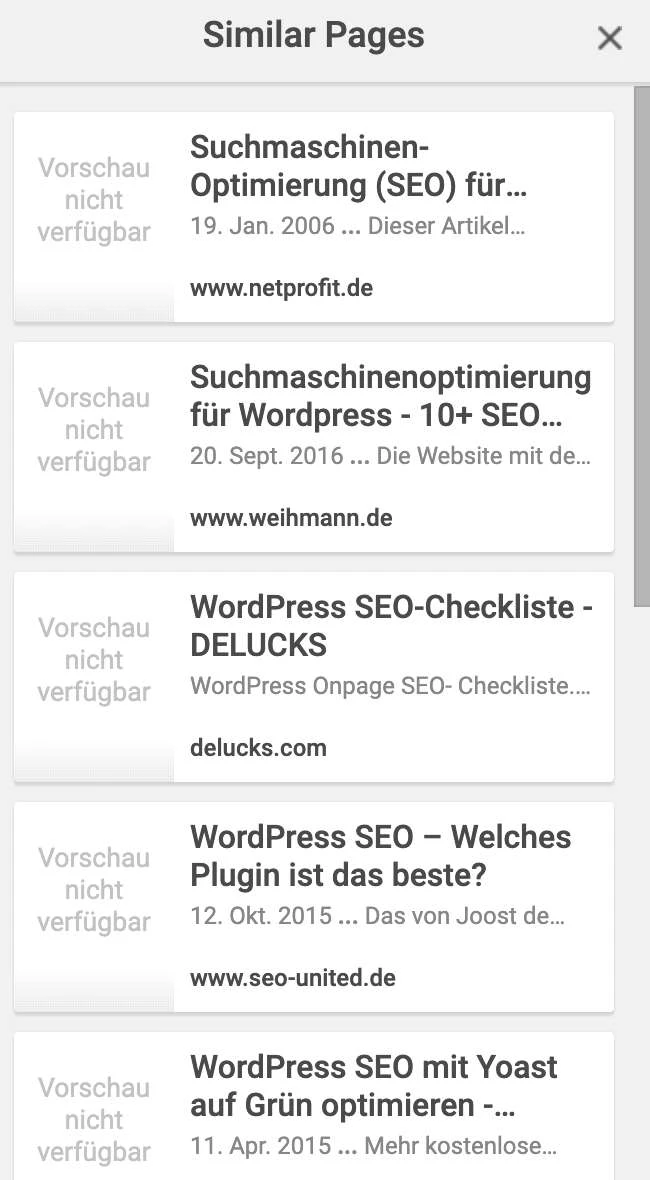
3.3 Google Similar Pages (archive)
Price: no longer available
Registration: not applicable
Available for: archive, removed from the Chrome Web Store
Google Similar Pages analyzed the page you were visiting and suggested similar content. The store listing is no longer available.
That made the tool particularly suitable for content research when writing articles, so you could find as many sources on a topic as possible.
3.4 SeoStack Keyword Tool (archive)
Price: no longer available
Registration: not applicable
Available for: archive, removed from the Chrome Web Store
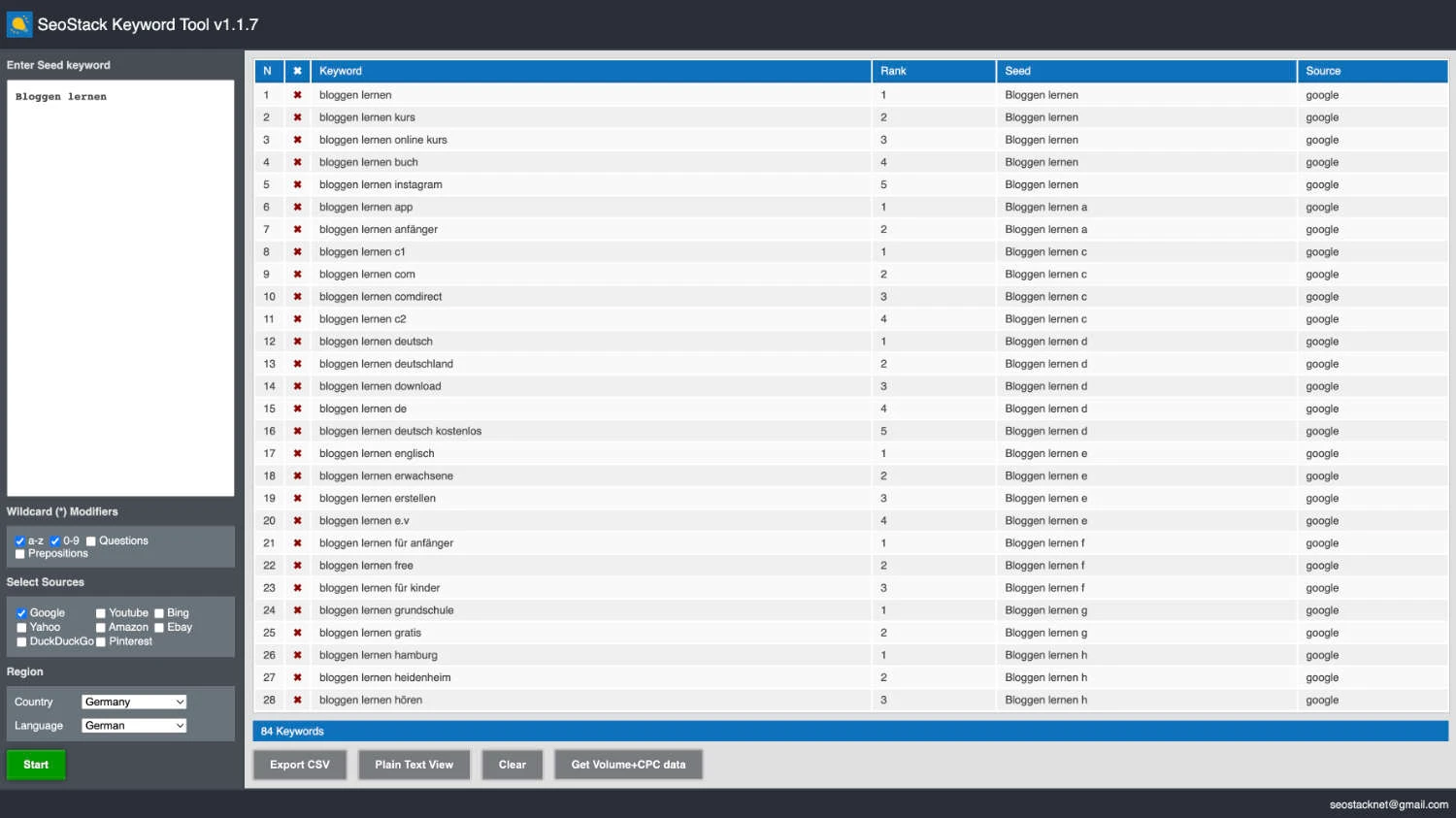
The SeoStack Keyword Tool let you generate long-tail terms for a keyword. The former store listing is no longer available.
It didn't just “tap into” Google itself as a search engine. Data from YouTube, Bing or Amazon was possible too.
You could also export all results as CSV. That made it quick to retrieve search volumes with the help of other tools such as Ahrefs or KWFinder.
3.5 TextOptimizer
Price: freemium / from $45 per month
Registration: not required
Available for: Chrome
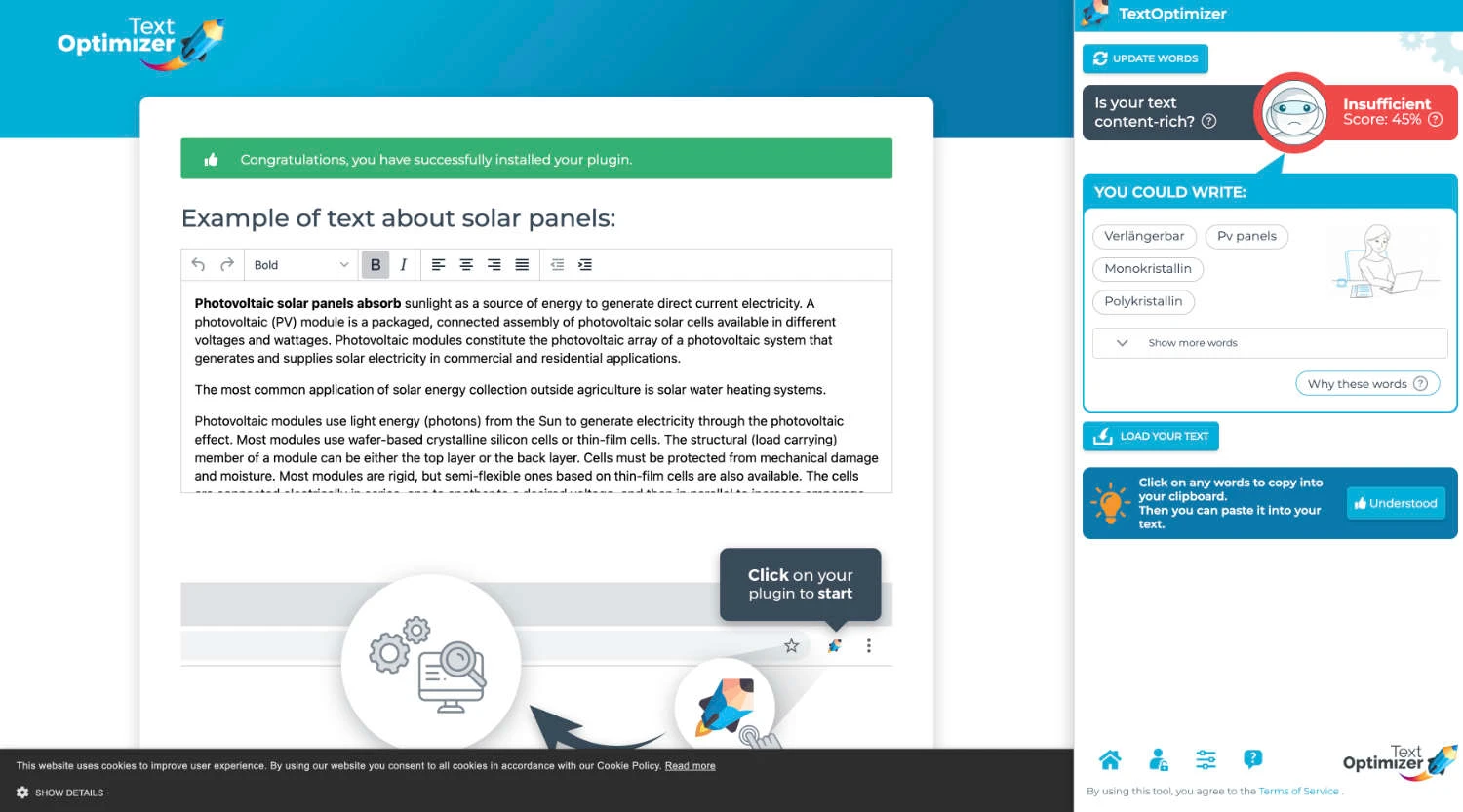
TextOptimizer is a Chrome extension that can help you write better SEO texts.
To do this, the tool analyzes existing texts and gives suggestions for improvement.
In the Pro version, optimizations are made automatically, suggestions are generated based on the “People Also Ask” boxes, and there's also a writing tool for Chrome.
4. On-page analysis
4.1 OnCrawl SEO Page Audit (archive)
Price: no longer available
Registration: not applicable
Available for: archive, removed from the Chrome Web Store
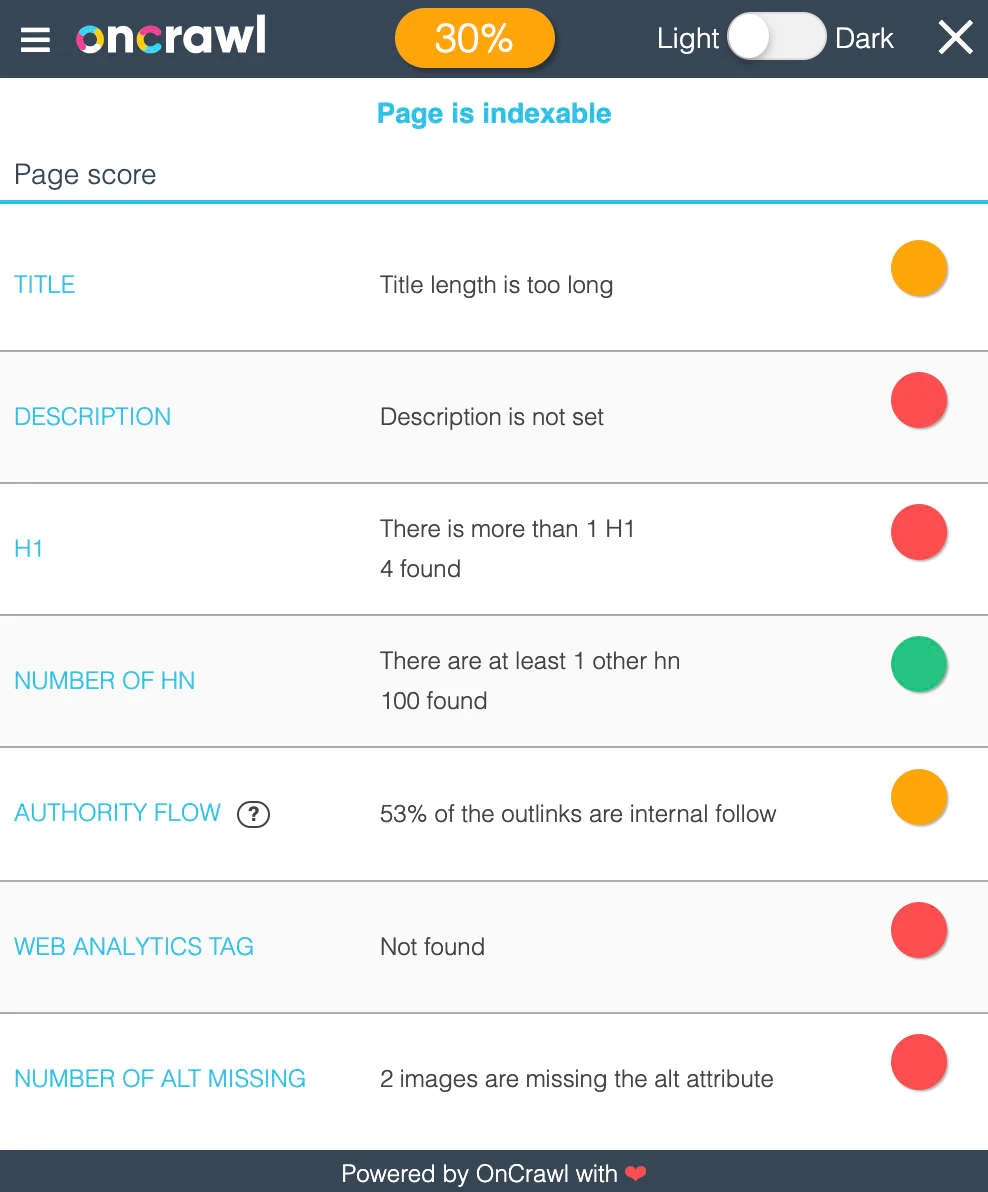
The former OnCrawl extension created a compact page audit. Its store listing is no longer available.
If you're willing to create a free user account, even more detailed data was available.
4.2 Checkbot
Price: free
Registration: not required
Available for: Chrome, Firefox
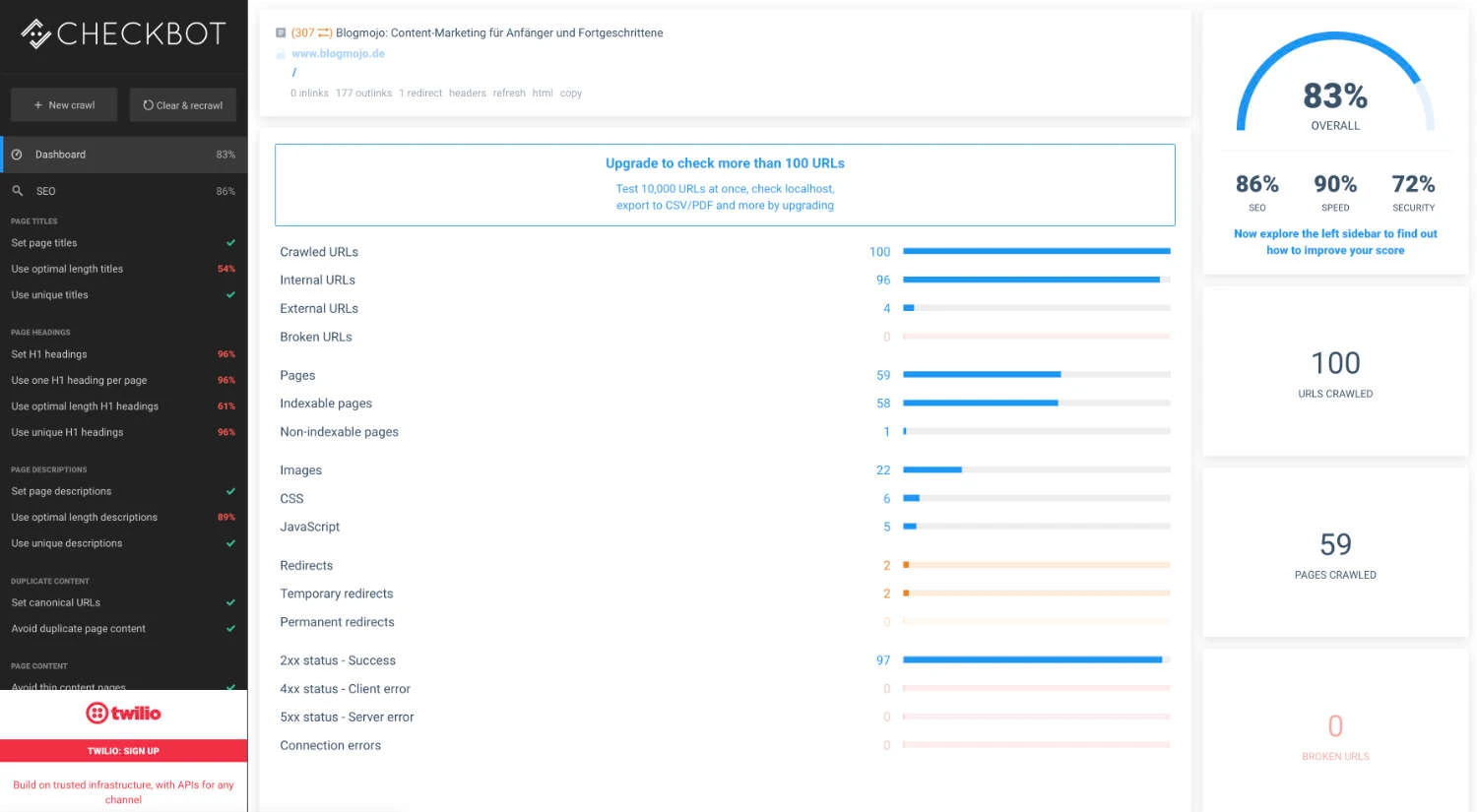
Checkbot bundles technical checks for SEO, speed and security. User numbers and ratings in the store can change at short notice and are therefore not used here as proof of quality.
And that's not by chance:
Checkbot delivers a comprehensive SEO report on numerous pages within a few seconds. It checks classic building blocks such as security, speed and SEO.
You can also track down things like broken links or 404 errors quickly and easily with the extension.
4.3 SEO Info
Price: free
Registration: not required
Available for: Chrome
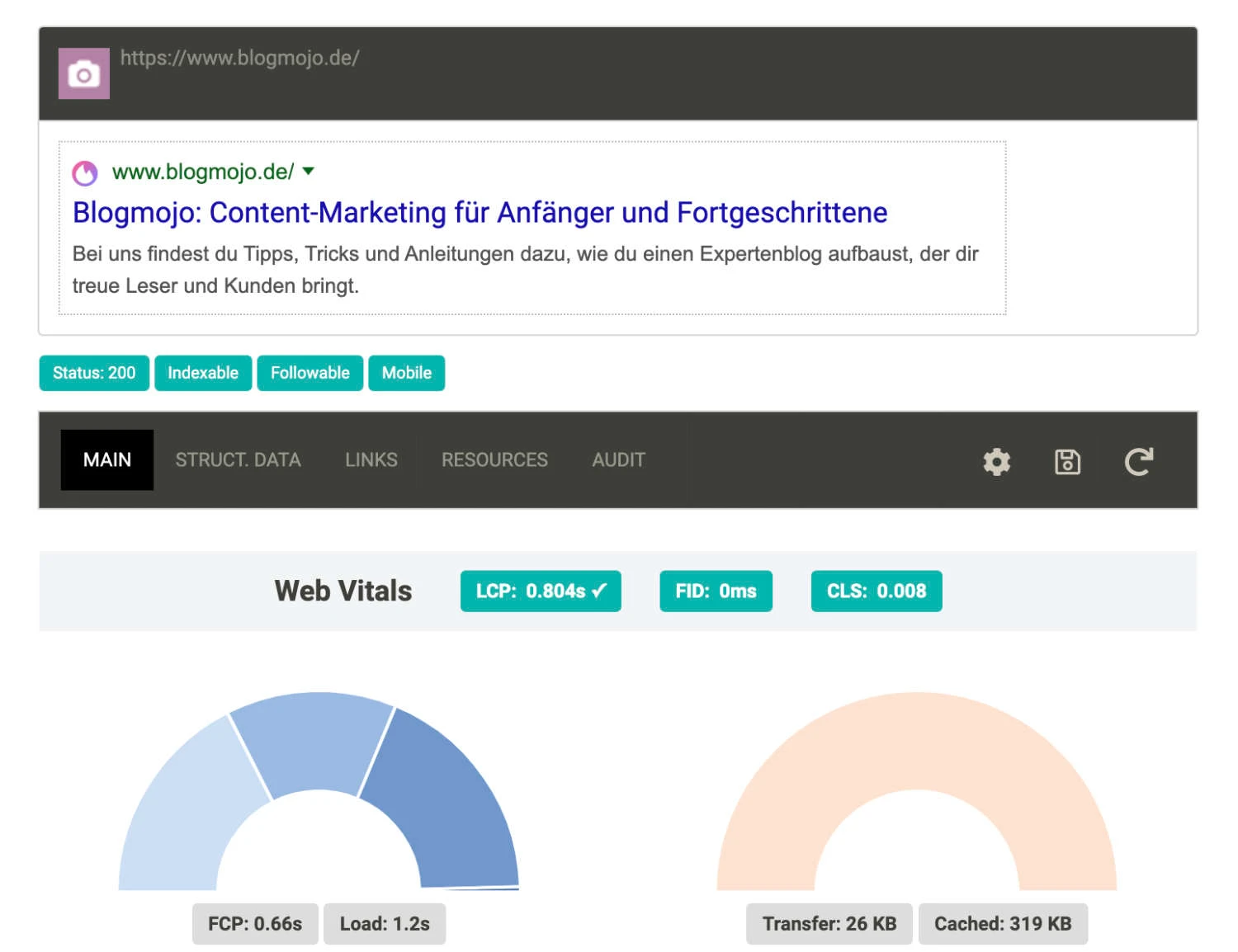
SEO Info works in the background and tells you immediately when SEO errors are detected on a website.
At the push of a button you can also generate SEO reports with a wealth of useful data. That includes Lighthouse, but also duplicate content, redirect errors and more.
4.4 META SEO Inspector
Price: free
Registration: not required
Available for: Chrome
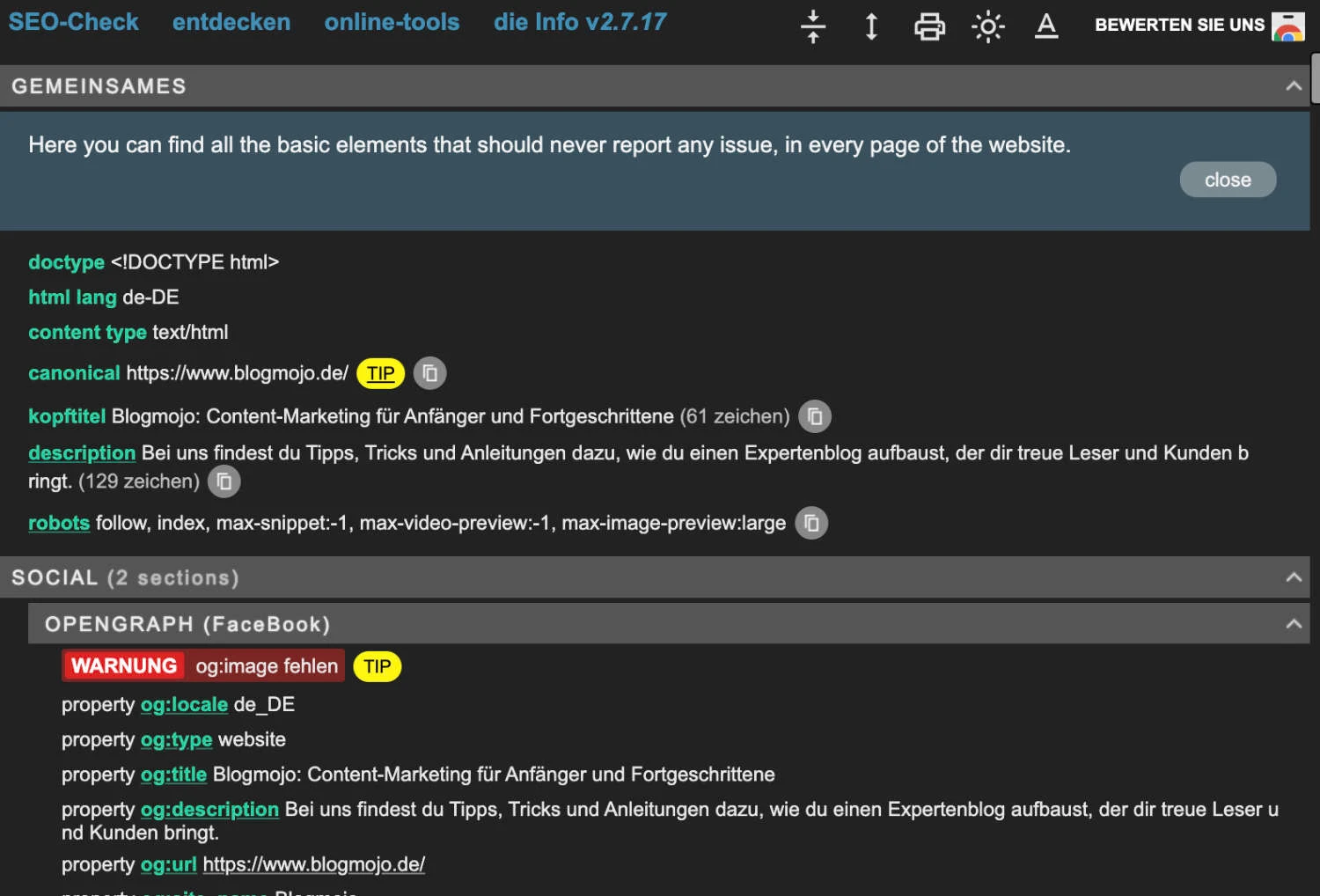
With the META SEO Inspector you can read out and display a page's HTML source code with a single mouse click. The meta data in particular is presented very clearly.
If needed, all reports can be exported.
4.5 Ahrefs SEO Toolbar
Price: freemium / from $99 in an Ahrefs subscription
Registration: required
Available for: Chrome, Firefox
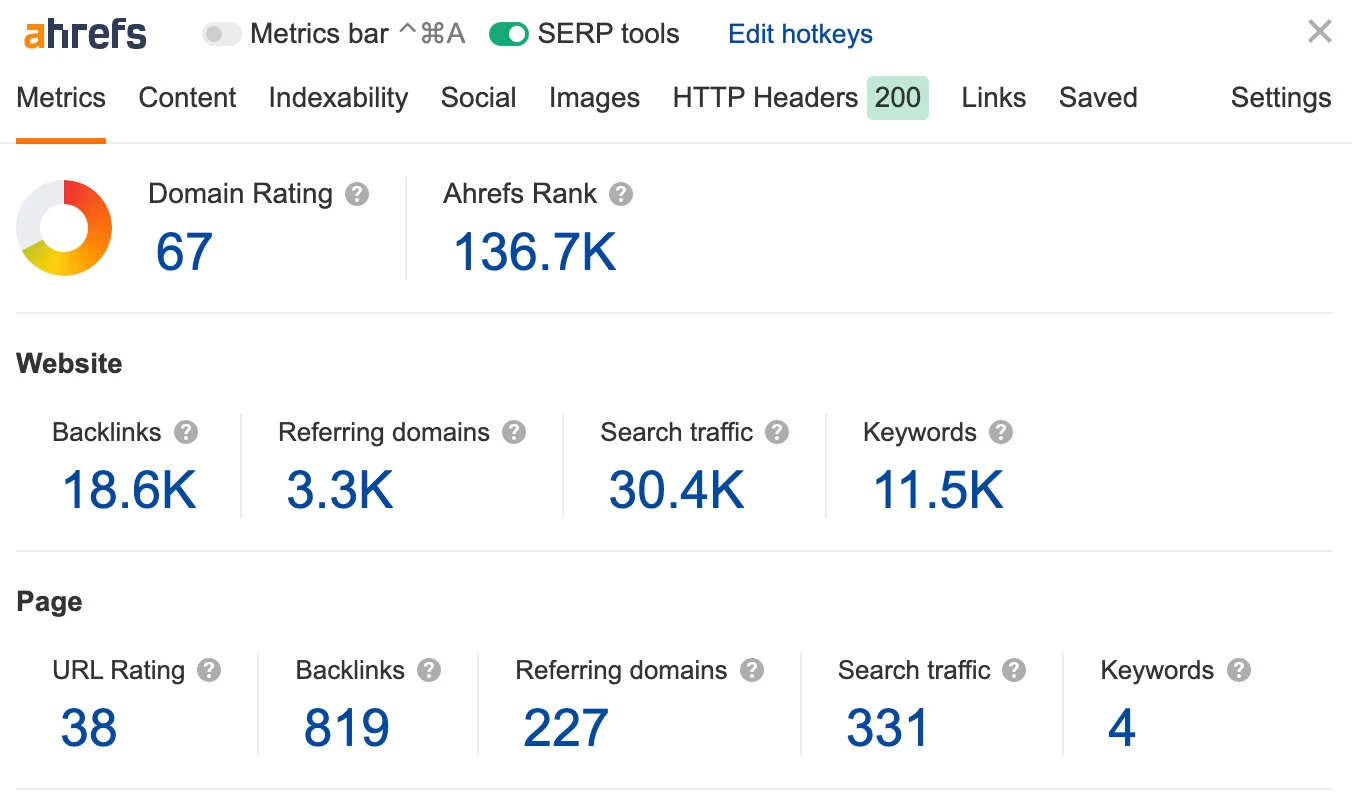
The Ahrefs Toolbar comes in a free version that examines a page for links, broken links or faulty redirects, among other things.
If you have a valid Ahrefs subscription, it also shows advanced SEO metrics such as Domain Rating, URL Rating or the number of backlinks.
All values are clickable, so you're taken straight to the detailed Ahrefs report if you need it.
4.6 SEO META in 1 CLICK
Price: free
Registration: not required
Available for: Chrome
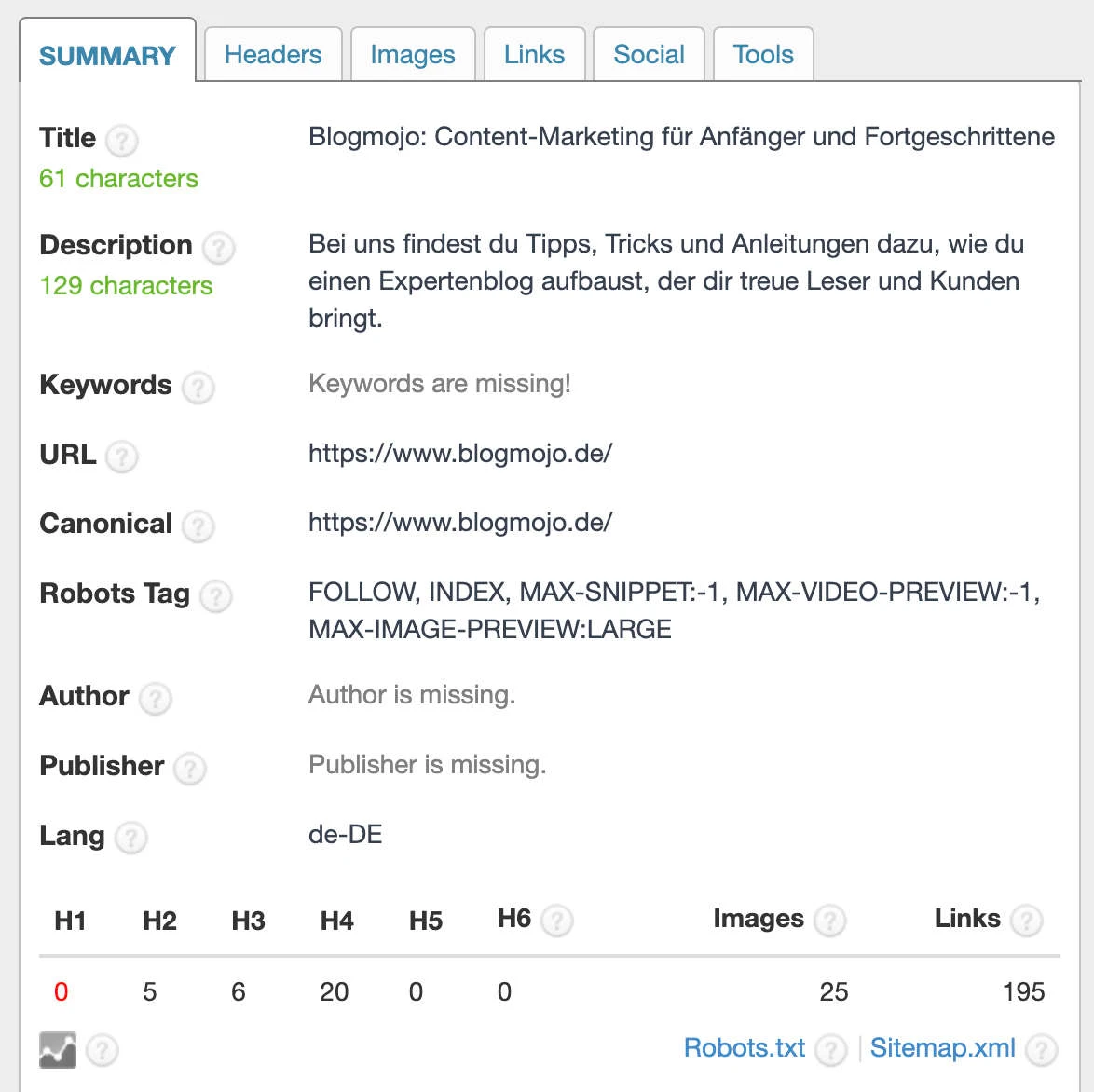
The extension SEO META 1 Click shows a lot of important information with one click, such as the SEO title and its length, the meta description, the heading structure or a page's robots.txt.
That makes SEO META in 1 CLICK suitable for a quick overview of a page and how it's built. User numbers and ratings in the store can change at any time and are therefore not a reliable quality criterion.
4.7 Ayima Page Insights (archive)
Price: no longer available
Registration: not applicable
Available for: archive, removed from the Chrome Web Store
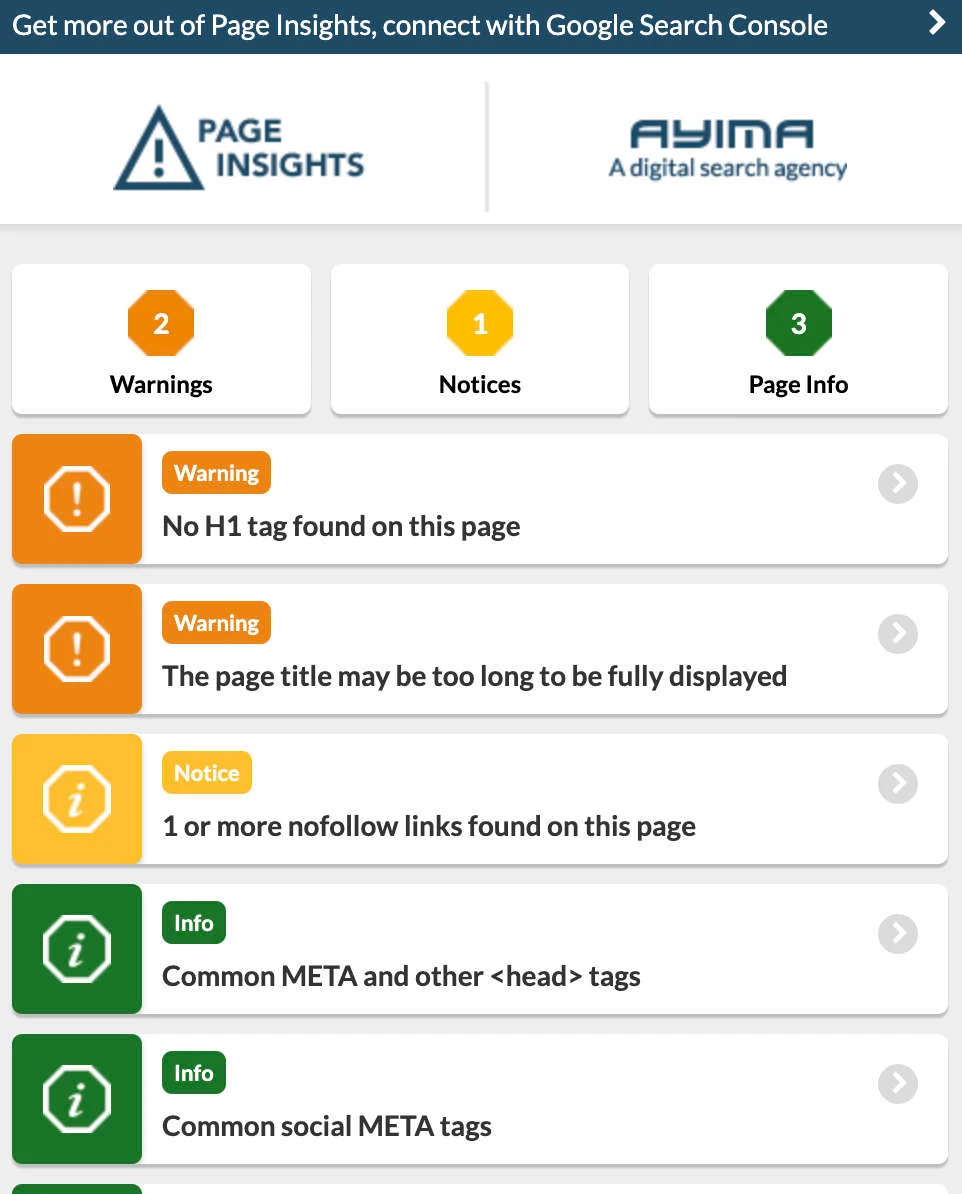
Ayima Page Insights checked links, redirects and on-page data, among other things. The store listing is no longer available.
It sorted information into the categories error, warning and information, so you could see immediately where action was needed. The extension could even be connected to Search Console to generate still more data.
4.8 Conductor Monitoring (formerly ContentKing)
Price: paid
Registration: required
Available for: Chrome
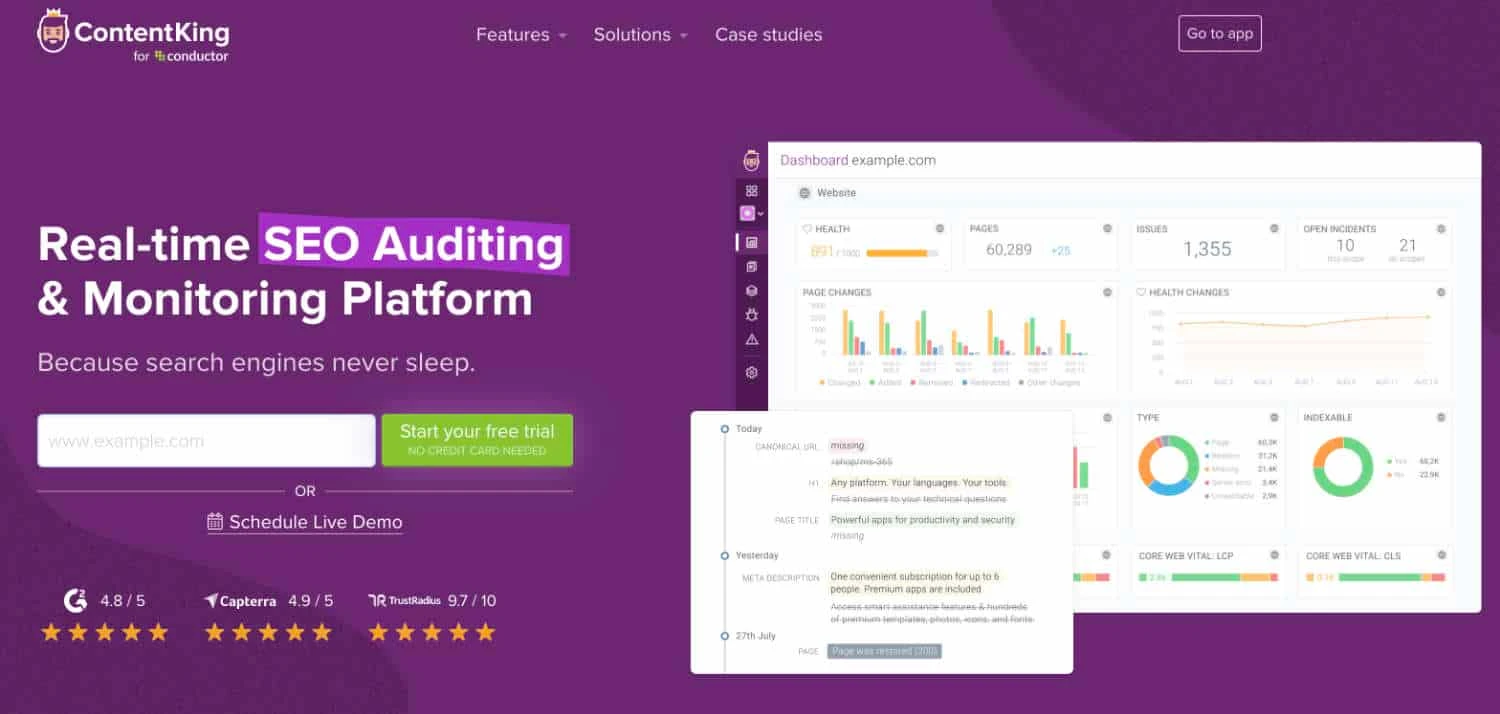
The former ContentKing extension is now called Conductor Monitoring. It connects the page you currently have open with the monitoring data of the paid Conductor service.
You can use it to check page problems and changes, among other things. A Conductor account is required to use it.
4.9 The 15-Minute SEO Audit
Price: free
Registration: not required
Available for: Chrome
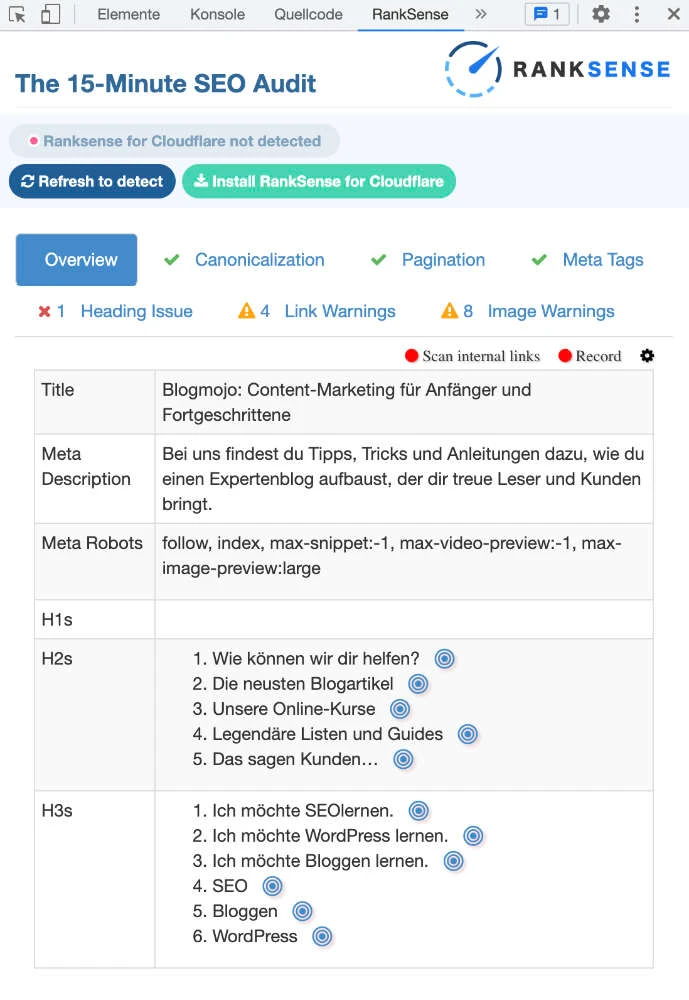
Although The 15-Minute SEO Audit delivers decent results, it's one of the lesser-known extensions in the Chrome Web Store.
With a click you get all the important information about a web page, including meta data, the number of images, videos and links, rich snippets or a preview of the mobile view.
4.10 SEO Pro Extension
Price: free
Registration: not required
Available for: Chrome
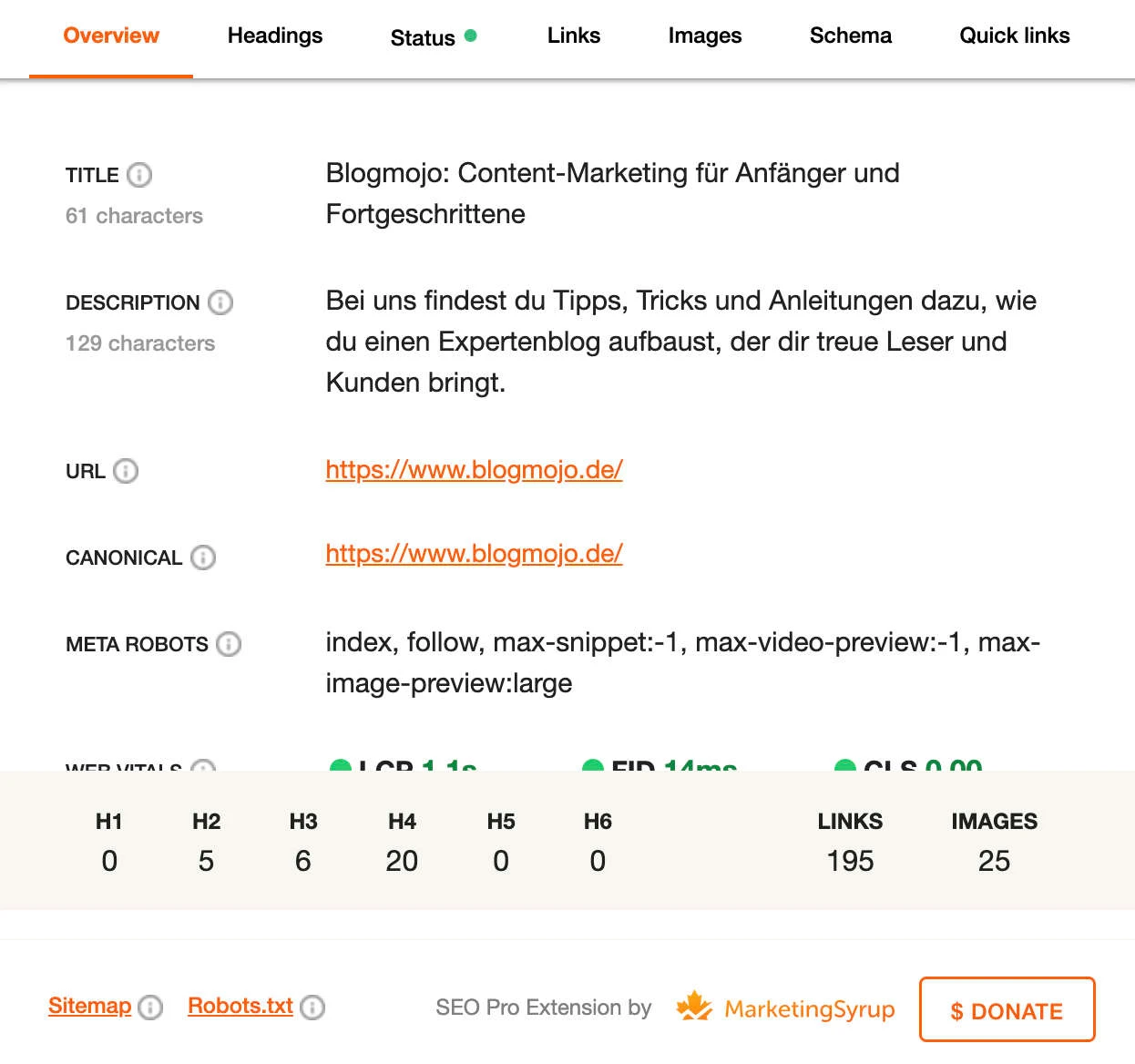
This free tool gives you a first overview of a page's most important SEO data. That includes the title, links or headings.
New since the last update is the display of Core Web Vitals directly in the SEO Pro Extension.
All the data it collects can be exported at the push of a button.
4.11 Detailed SEO
Price: free
Registration: not required
Available for: Chrome
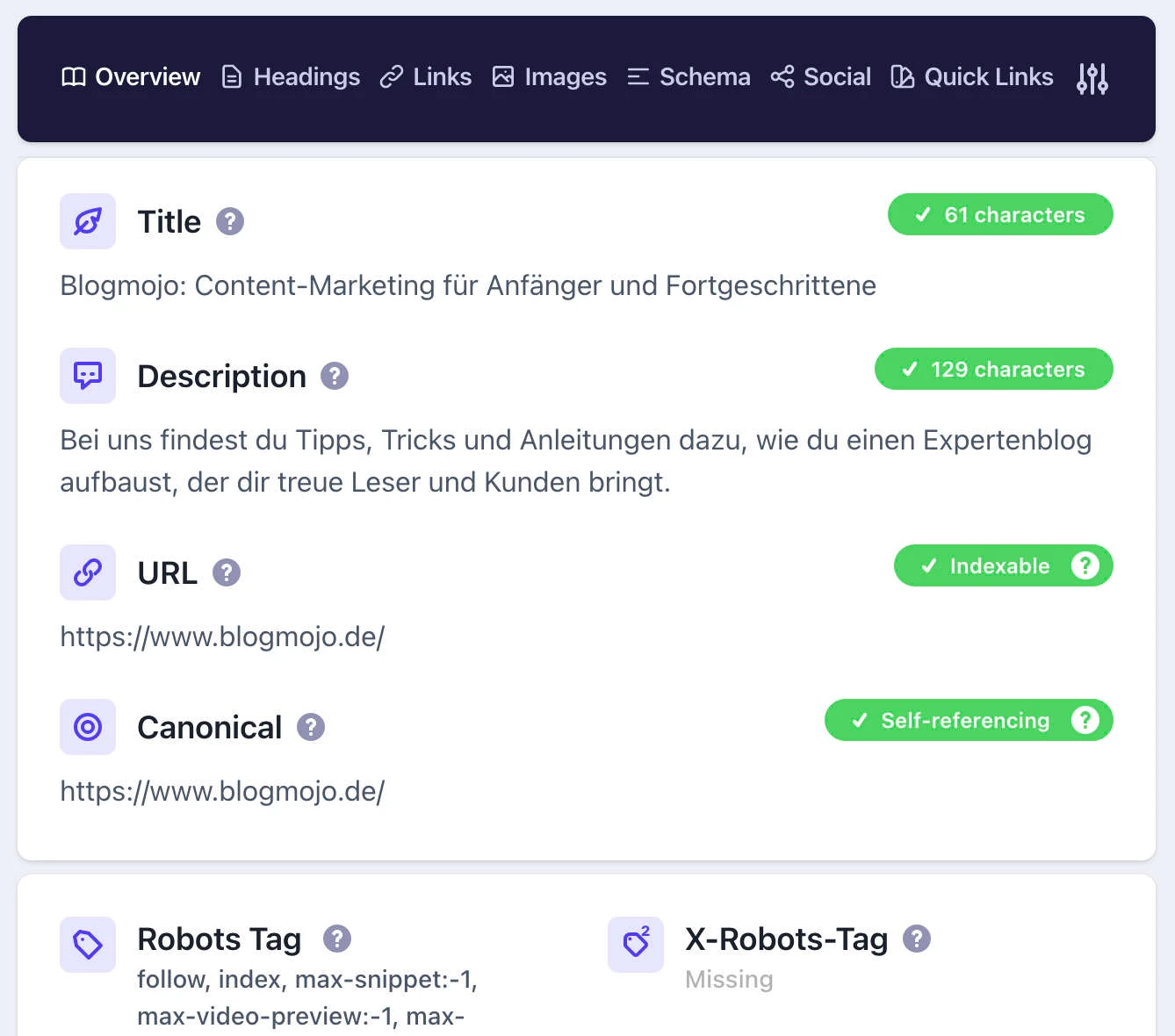
Detailed SEO delivers a minimalist short overview of important SEO metrics right in the Chrome toolbar.
The extended right-click menu is very well done. With its help, you can hand a website over to big tools such as Ahrefs or Majestic with a single click. That saves a lot of time when you want to run more extensive analyses.
5. Technical SEO
5.1 Instant Data Scraper
Price: free
Registration: not required
Available for: Chrome
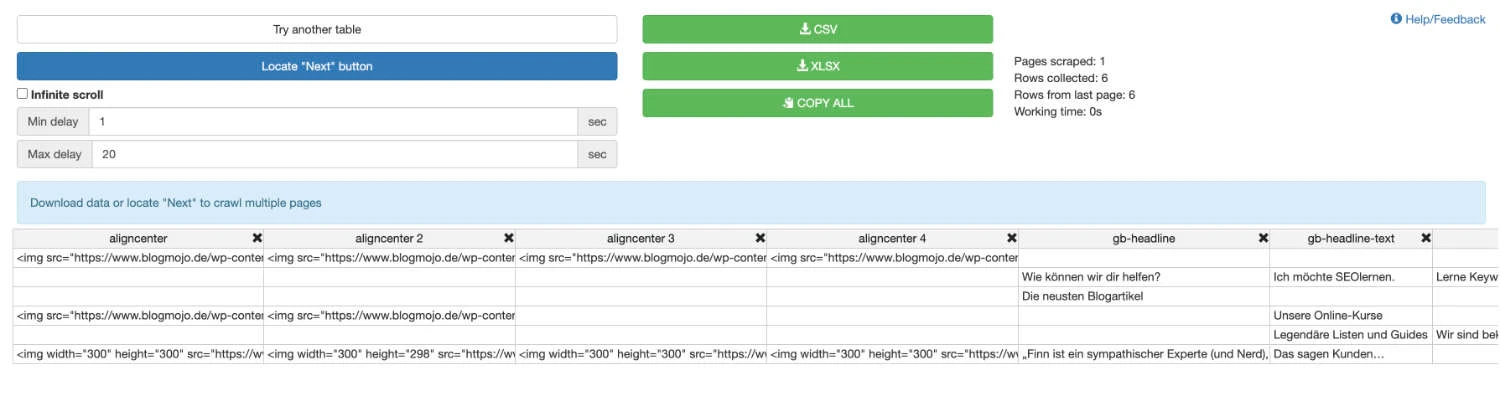
The Instant Data Scraper crawls a website and then extracts all the important data into an Excel or CSV file.
The tool uses artificial intelligence to recognize important content automatically. One of the biggest advantages of this technique is that the generated data is very small and even larger websites can be bundled into compressed archives.
5.2 Check My Links (archive)
Price: no longer available
Registration: not applicable
Available for: archive, linked version removed from the store
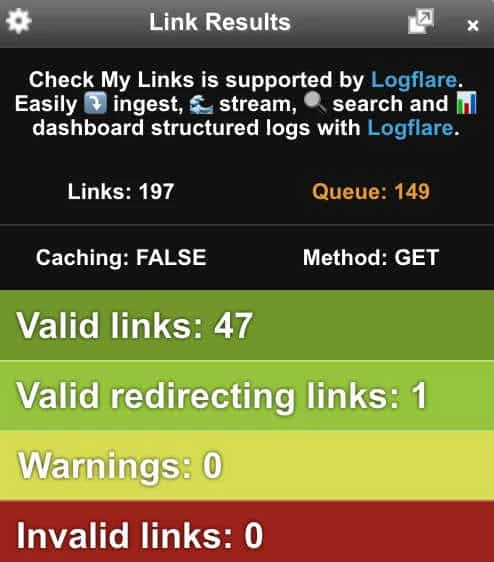
The version of Check My Links linked here examined internal and external links. This store listing is no longer available.
Working links are highlighted in green, for example, while broken links appear in red. The error it generated, such as 404, is shown as well.
This tool is not only excellent for identifying possible backlink sources but also for auditing your own pages.
5.3 Link Grabber
Price: free
Registration: not required
Available for: Chrome
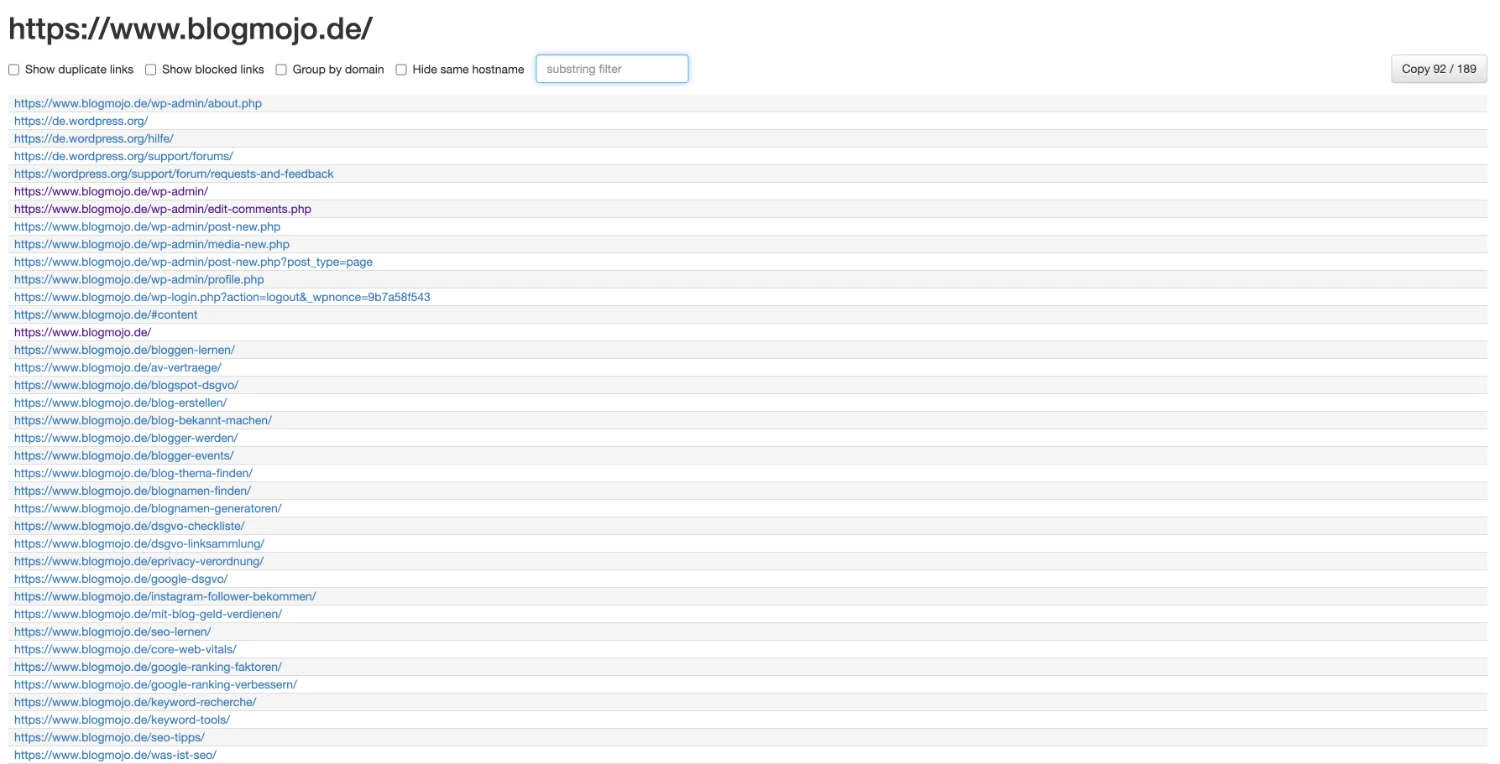
With the Link Grabber you can capture all the links on a web page, external or internal, within a few seconds: The tool identifies all links, generates a table and opens the table in a new tab.
Afterwards you have several filter functions to present or group the results clearly.
A summary of link sources is possible too.
5.4 Inspect Canonical
Price: free
Registration: not required
Available for: Chrome
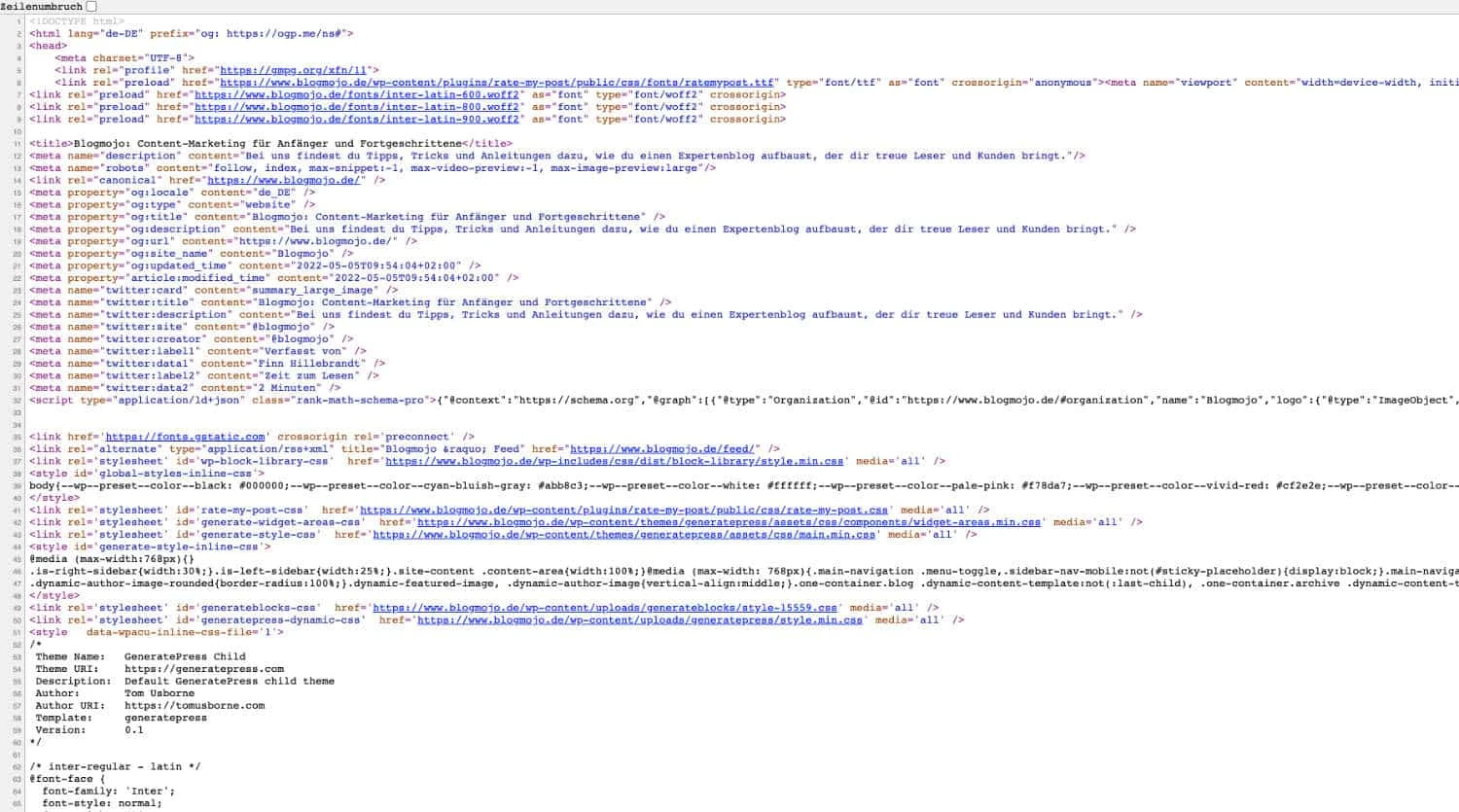
With the Inspect Canonical Chrome extension you can identify canonical URLs. And you don't have to take so much as a glance at the HTML code.
The application's logo in the Chrome toolbar shows what type of URL it is:
- Green: The current URL is the canonical one
- Yellow: The current URL is not the canonical one
- Red: Indicates various errors (details on mouse hover over the application logo)
5.5 Hreflang Tag Checker
Price: free
Registration: not required
Available for: Chrome
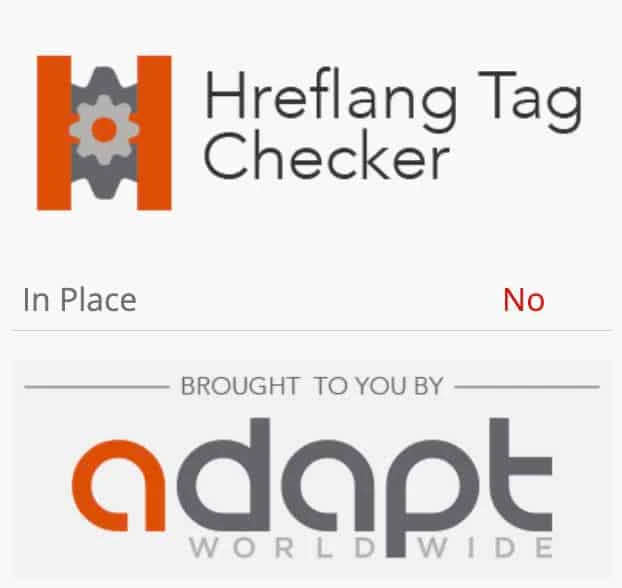
The Hreflang Tag Checker is a brilliant aid when you want to quickly get a picture of how well a website is optimized for international SEO.
The extension combs through a page's hreflang tags and then checks whether they point back to the page you visited.
Results are clearly classified with “Yes” or “No.”
5.6 Link Redirect Trace
Price: free
Registration: not required
Available for: Chrome, Firefox, Safari, Opera, Edge
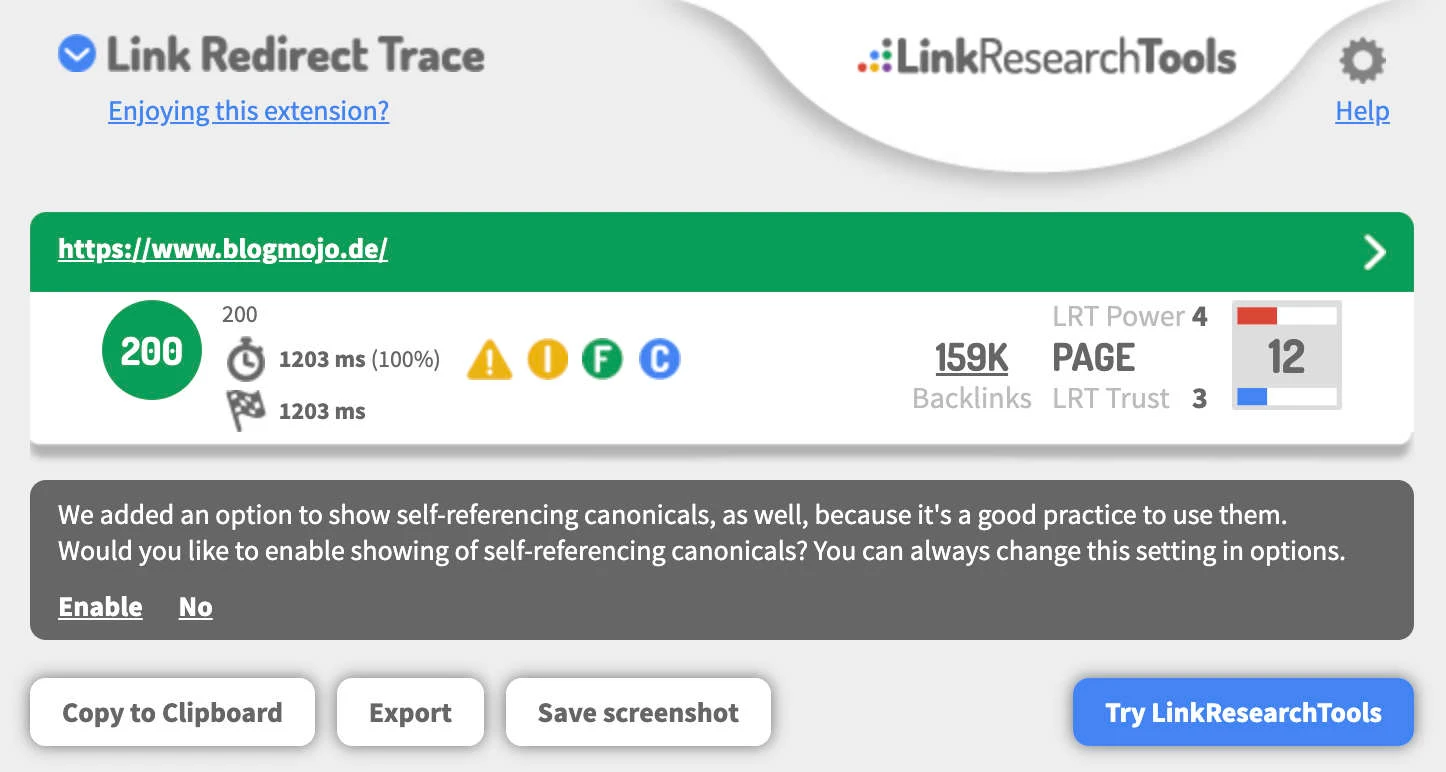
If you want to check links for errors or find out which stops a link makes on its way to the target URL, the small tool Link Redirect Trace is a handy helper.
Within seconds, a URL you enter is examined for redirects, canonical URLs, broken links and much more. A clear report is then generated that shows errors and problems.
5.7 Redirect Path
Price: free
Registration: not required
Available for: Chrome, Firefox
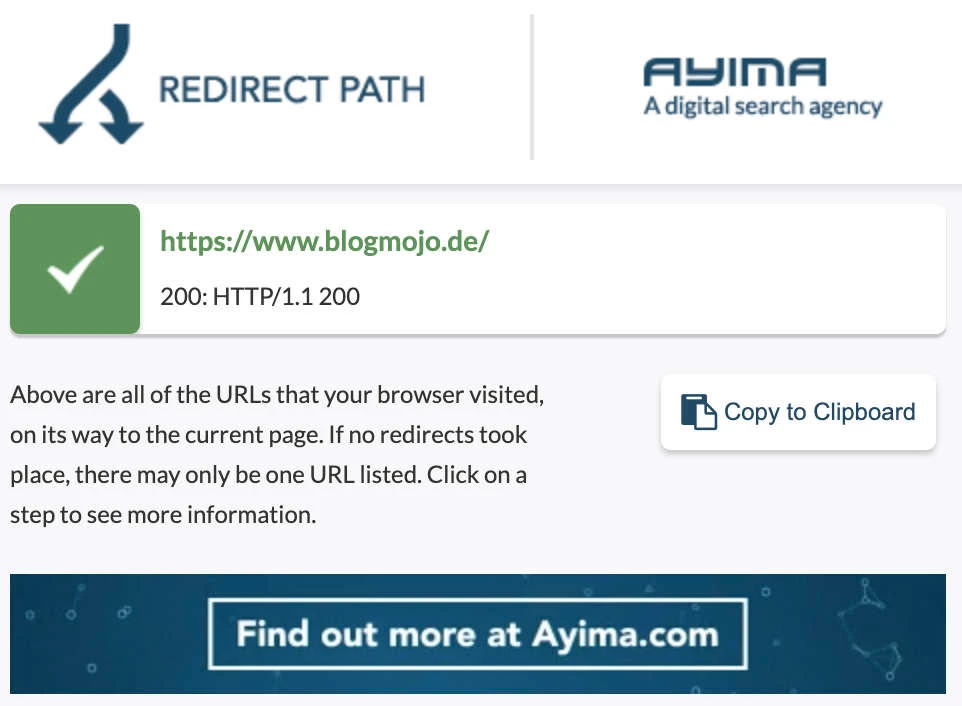
With Redirect Path you can uncover the redirects of a URL. The tool detects not only 301 and 302 redirects but also redirects via meta refresh tag or JavaScript.
The browser extension also reports errors, which makes it ideal for the SEO audit of your own site too.
If needed, you can display further details about links, such as the date of the last change.
5.8 AMP Validator
Price: free
Registration: not required
Available for: Chrome, Firefox
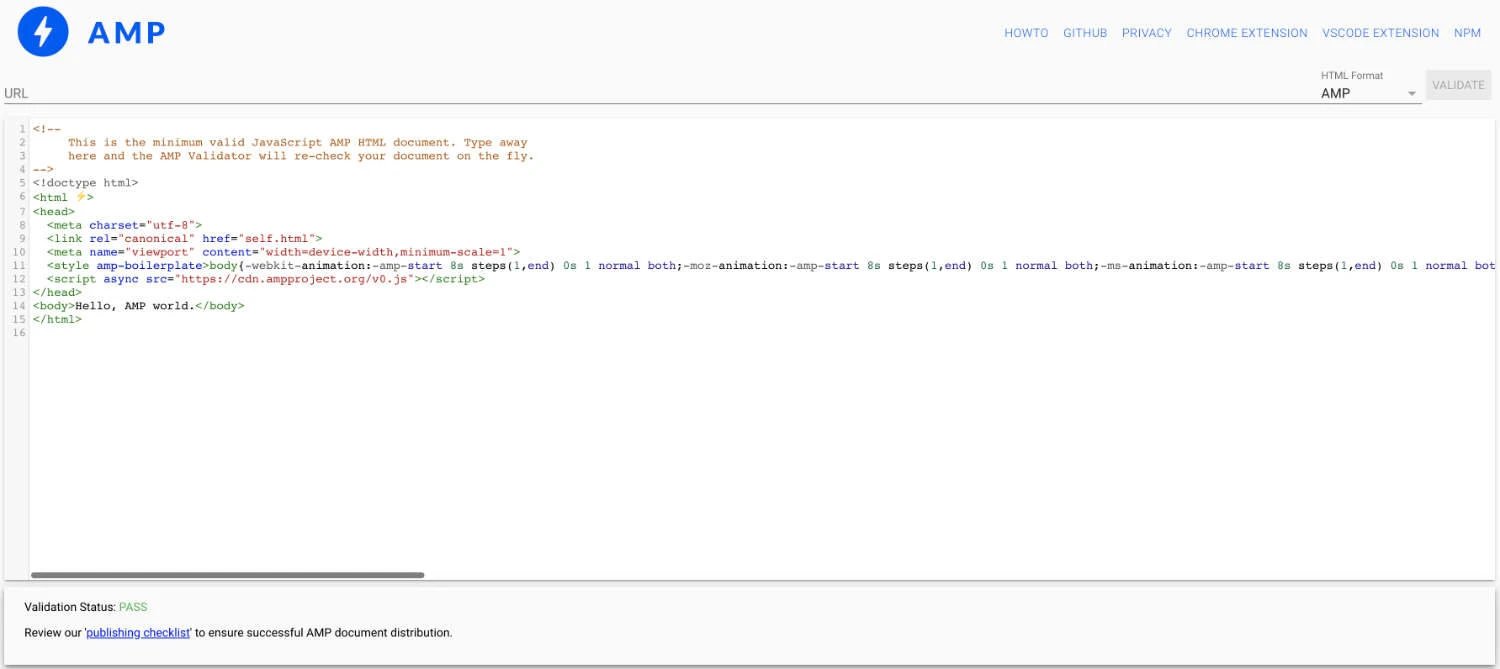
The AMP Validator checks that AMP works correctly on a web page.
A successful test is certified with green, a failed one with red. For the latter, potential causes are shown as well.
If the extension doesn't find an AMP version, it indicates this in the icon. It does not generate a full AMP version of your page itself.
5.9 View Rendered Source
Price: free
Registration: not required
Available for: Chrome
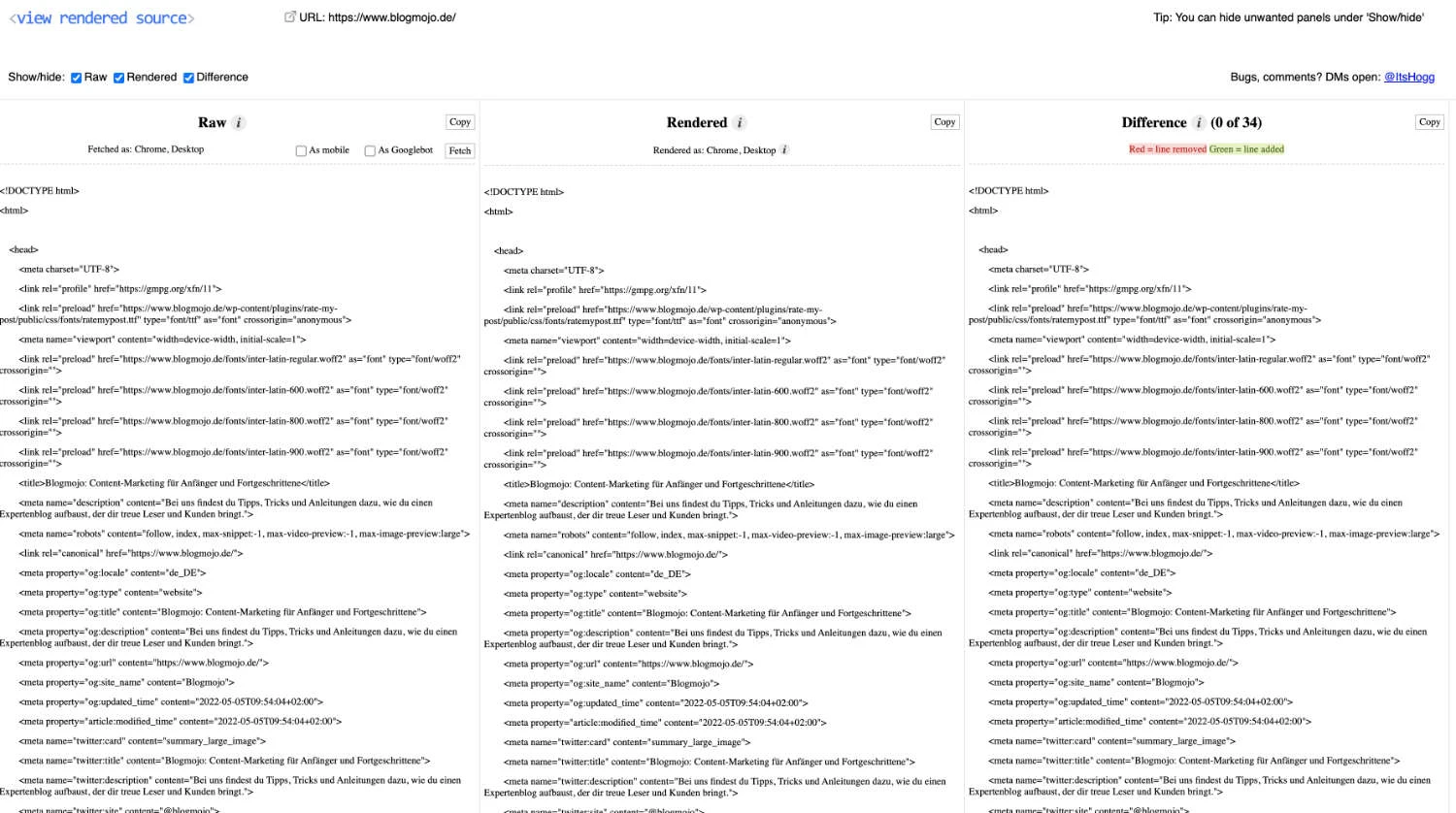
The View Rendered Source Chrome extension is a developer tool that gives you insights into a web page's original HTML before the browser renders it.
This can be a big help especially for developers who use JavaScript frameworks such as Angular, ReactJS and Vue.js.
The tool is useful for SEO too, because you can use it to check whether Google finds content that is loaded via JavaScript.
5.10 User-Agent Switcher
Price: free
Registration: not required
Available for: Chrome
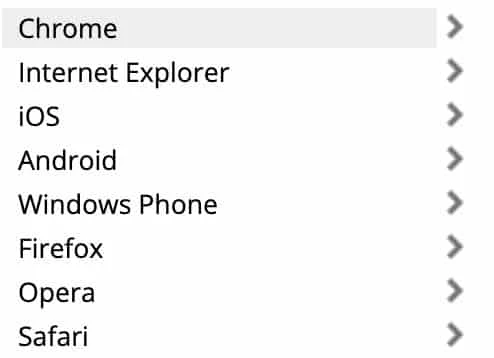
The Chrome plugin User-Agent Switcher lets you make a website believe you're browsing with a browser other than Chrome.
A practical plugin for checking your own website or client websites for compatibility with Firefox, Internet Explorer or Safari without having to switch device or program.
5.11 Yet another flags
Price: free
Registration: not required
Available for: Chrome
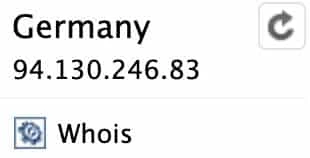
The small extension Yet another Flags shows you which country a website is hosted in.
It displays a small flag icon in the address bar. When you click it, you find out further details such as the city and region of a website. There's also a button that takes you straight to the WHOIS data.
5.12 Greenlane SEO Sitemap Tools (archive)

Price: no longer available
Registration: not applicable
Available for: archive, removed from the Chrome Web Store
The Greenlane SEO Sitemap Tool checked XML sitemaps and their HTTP status. The store listing is no longer available.
The tool delivered numerous other useful data points such as broken links, your server's response time or the size of your sitemap.
All results could be exported. Live monitoring was built in as well, so errors could be detected immediately.
5.13 Ryte structured data helper
Price: free
Registration: not required
Available for: Chrome, Firefox
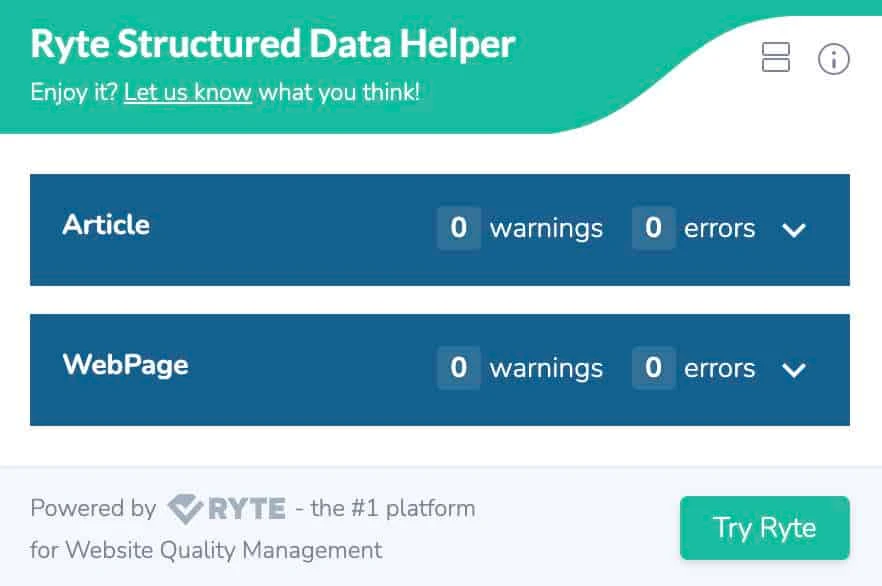
With the Ryte structured data helper you can quickly read out and validate a page's schema markup. That saves you a detour via external tools.
Errors are displayed clearly, and the tool distinguishes between warnings (yellow) and critical errors (red).
5.14 IP Address and Domain Information
Price: free
Registration: not required
Available for: Chrome
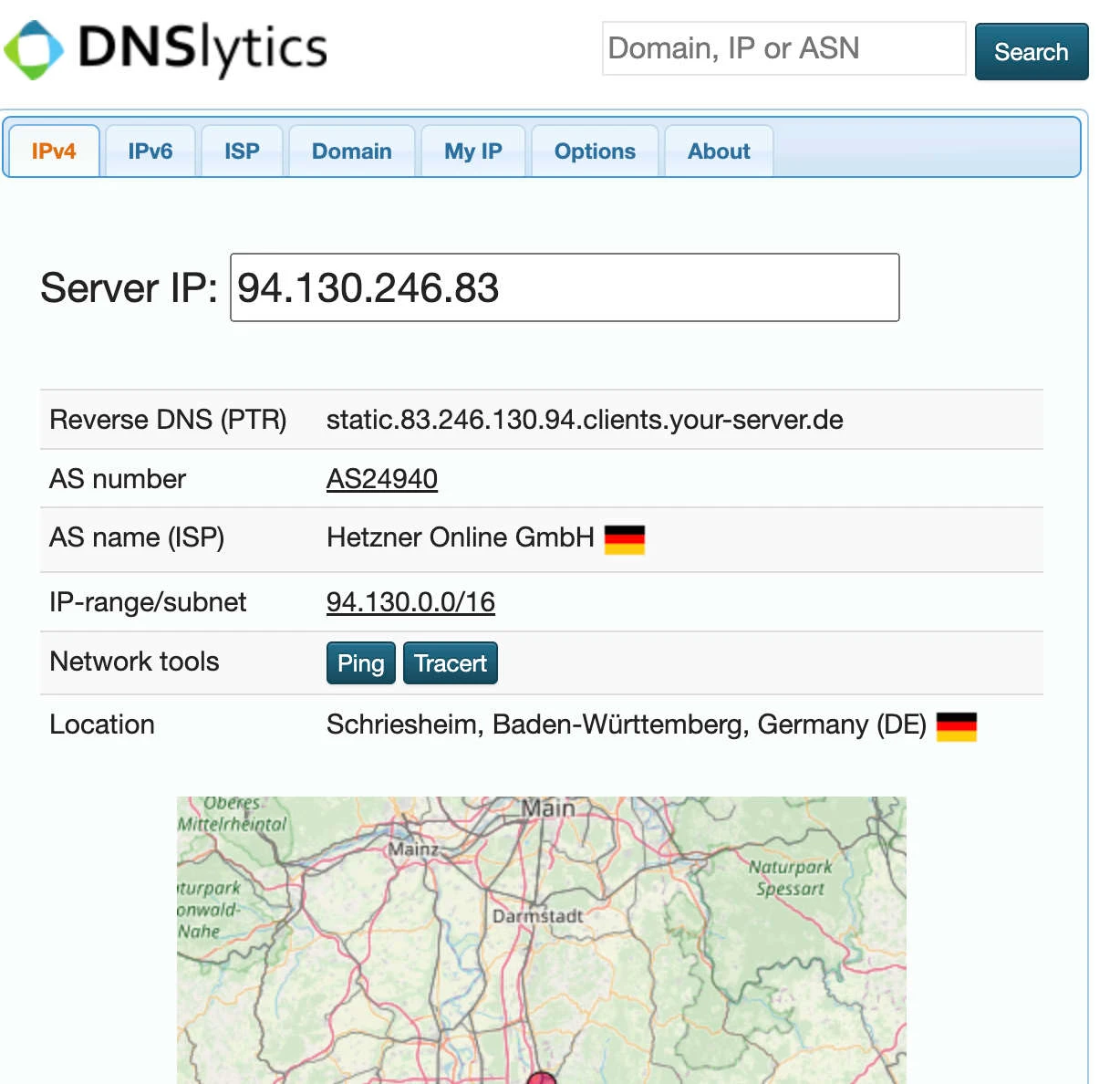
As the name suggests, the Chrome extension IP and Domain Information shows you a website's IP and domain information.
It also generates information on location, DNS or ASN. Even WHOIS entries (where available) are displayed within the results.
5.15 NoFollow Simple
Price: free
Registration: not required
Available for: Chrome, Safari, Opera
With NoFollow Simple, the name says it all:
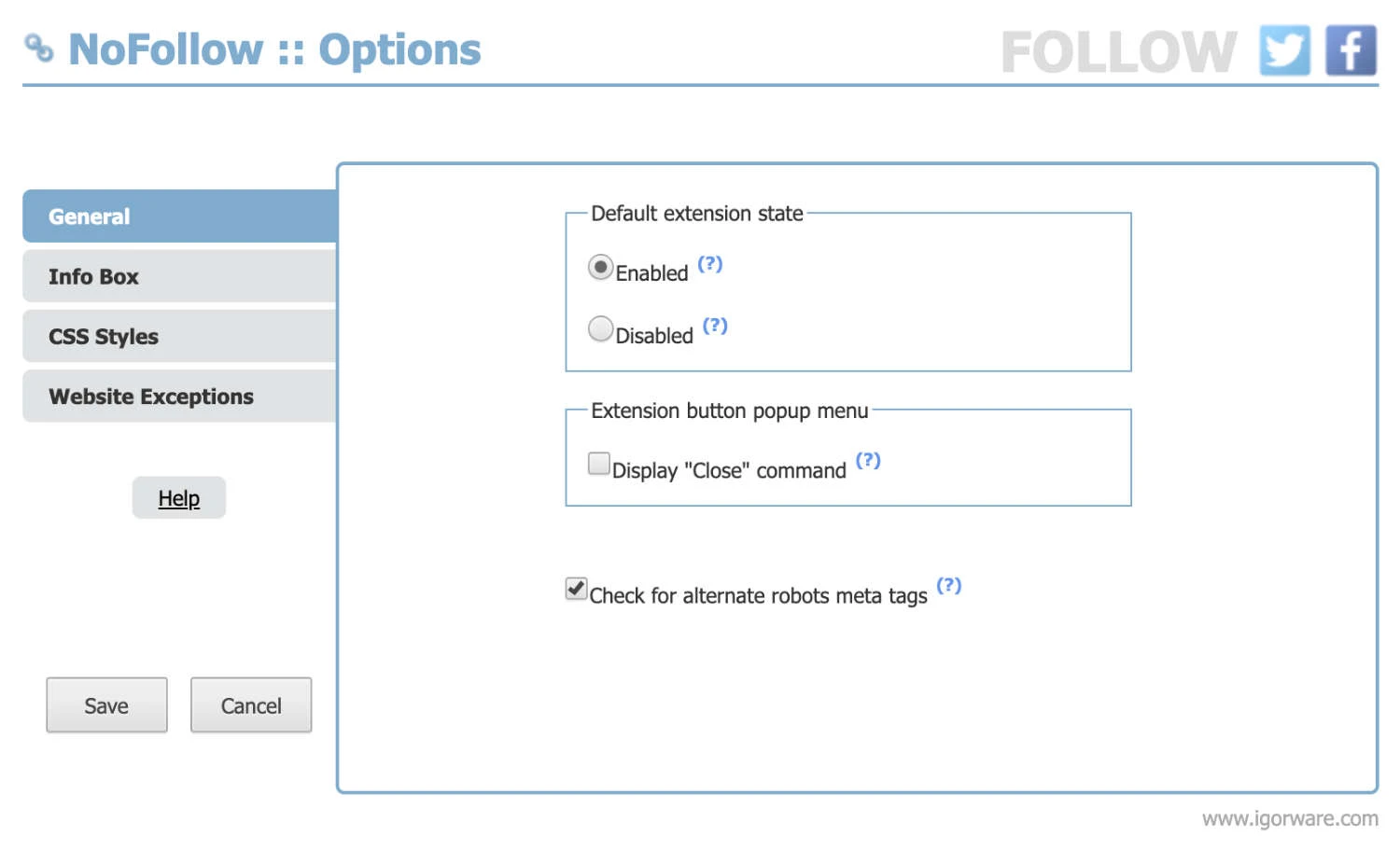
The tool reads out the rel information of a website's links and displays it clearly.
It detects nofollow, ugc and sponsored attributes.
The extension can also detect robots meta tags such as noindex.
5.16 BuiltWith Technology Profiler
Price: free
Registration: not required
Available for: Chrome, Firefox, Safari, Opera, Edge
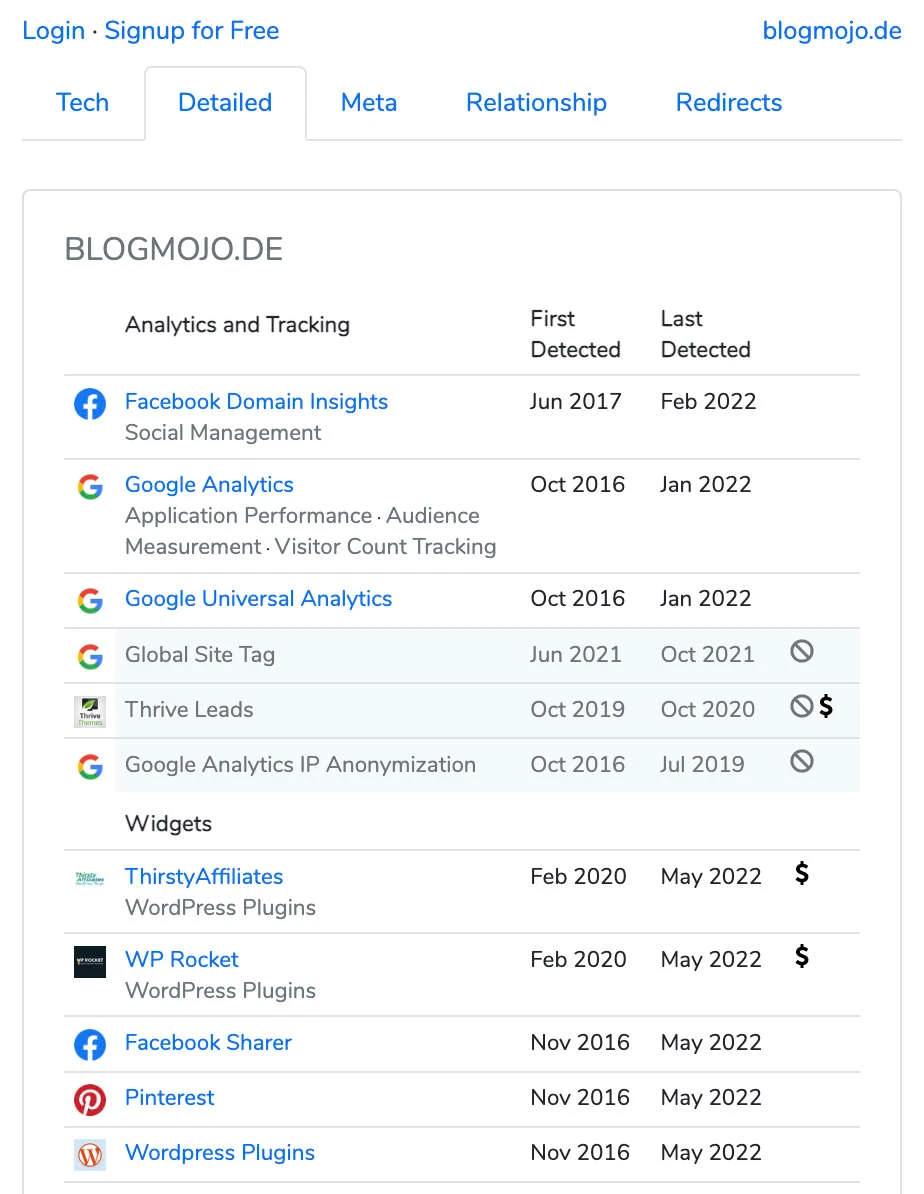
The Chrome extension BuiltWith Technology Helper doesn't just show you which platform or CMS a website uses, but the technologies it uses.
These include WordPress plugins, Google Analytics or social media plugins.
The brilliant part is that it lists not only the current configuration but also applications that were installed in the past.
5.17 Web Developer

Price: free
Registration: not required
Available for: Chrome, Firefox, Opera
The Web Developer extension is a brilliant little aid for SEOs, web designers and developers.
An icon in the toolbar opens a clear list of important developer tools and functions.
Besides functions such as determining a color code or displaying the meta data, you can also use the extension to enable or disable JavaScript or cookies.
5.18 SEO Indexability Check (archive)
Price: no longer available
Registration: not applicable
Available for: archive, removed from the Chrome Web Store
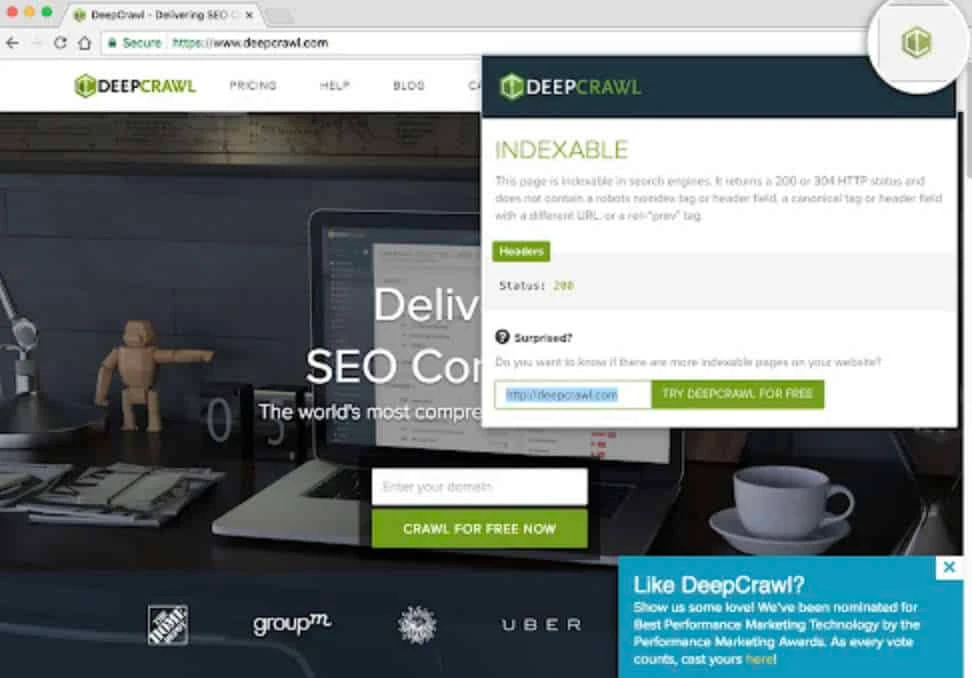
SEO Indexability Check examined basic technical indexing signals. The store listing is no longer available.
Among other things, the extension checked whether the robots.txt or a meta robots tag blocks indexing. For current indexing data you should use Google Search Console.
5.19 Robots Exclusion Checker
Price: free
Registration: not required
Available for: Chrome
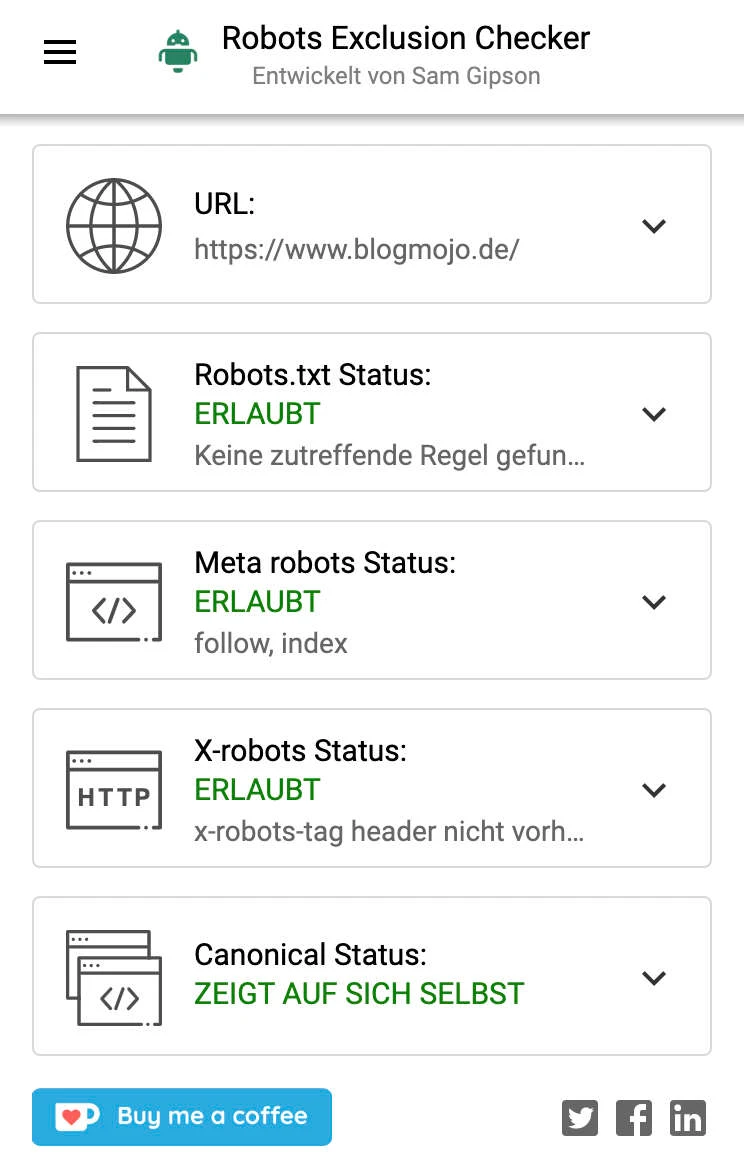
The tool Robots Exclusion Checker analyzes a website for possible problems that could prevent crawling or indexing by Google.
Among other things, it checks the robots.txt and the meta robots tag. The extension can also read out link attributes such as “sponsored” or “nofollow.”
The result of a check is divided into the categories “Allowed,” “Warning” or “Blocked.”
5.20 Schema Builder & Tester for Structured Data
Price: free
Registration: not required
Available for: Chrome
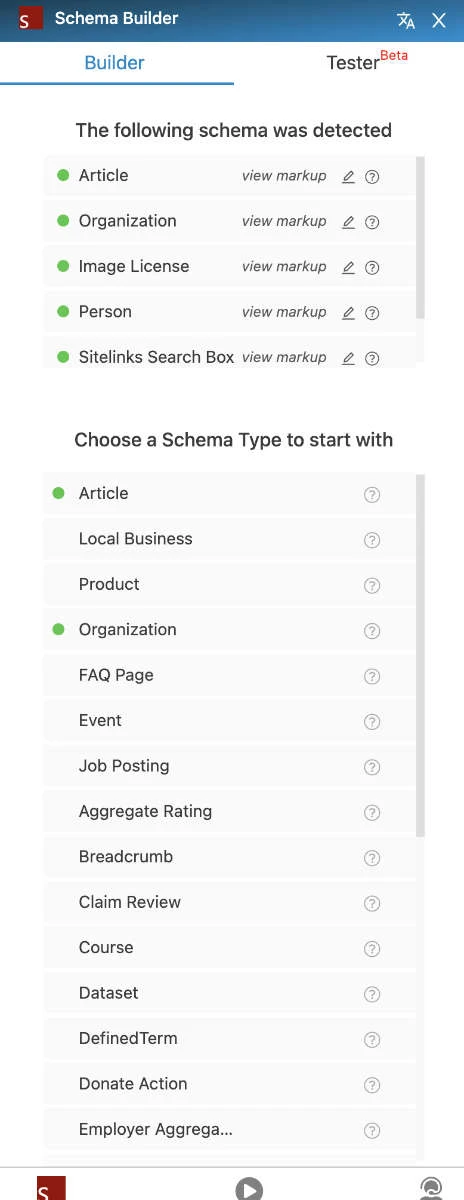
With the Schema Builder & Tester for Structured Data you can quickly generate structured data in JSON-LD format for your website.
The extension supports more than 20 schema types. Testing data that is already embedded is possible too.
Using it is simple:
Select the spot on a page you want to generate structured data for. The extension takes care of the rest.
5.21 Suspicious Site Reporter (archive)
Price: no longer available
Registration: not applicable
Available for: archive, removed from the Chrome Web Store
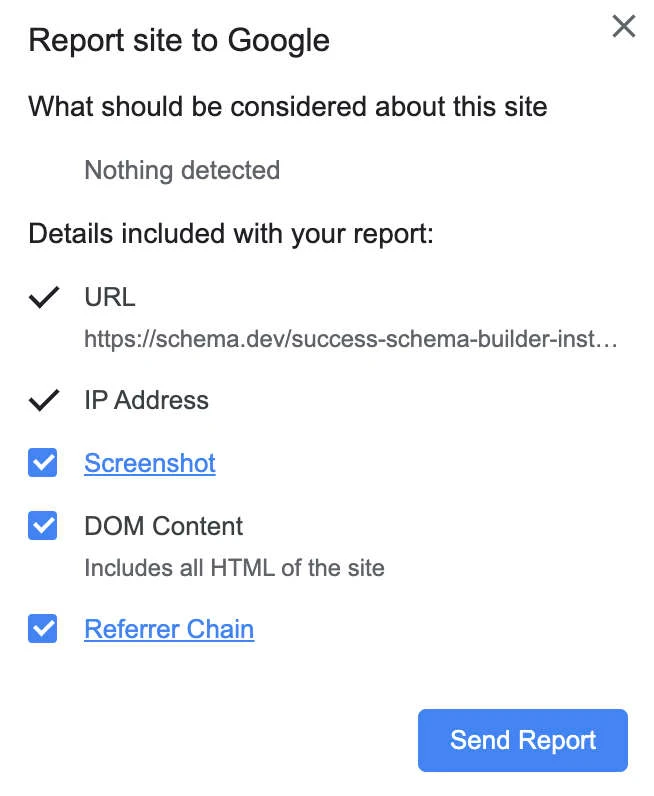
The Suspicious Site Reporter warned about potentially dangerous websites and made it possible to report them to Google. The store listing is no longer available.
All information was shown via a small icon. Earlier user numbers and ratings no longer matter for a decision now that it has been removed from the store.
6. Backlink analysis
6.1 Link Research SEO Toolbar
Price: free
Registration: not required
Available for: Chrome
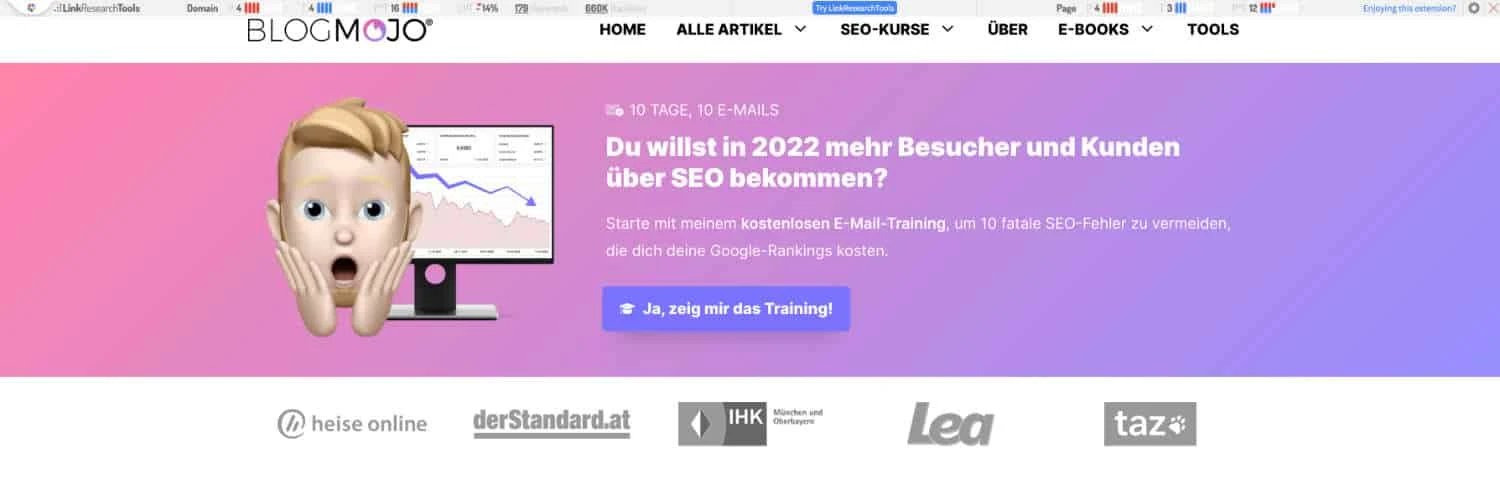
With the Link Research SEO Toolbar you can put a website's link profile through its paces.
Besides LRT Power*Trust for domains and pages, it also shows the number of backlinks and the keywords present in the Google index.
The tool also runs a social media analysis and uses the “Buzz” value to show how well a website performs there. The “Impact” tells you how well the page works in terms of user engagement.
Based on all the values provided, you can quickly research whether a page is suitable as a link target or link source.
6.2 LRT Power*Trust
Price: free
Registration: not required
Available for: Chrome
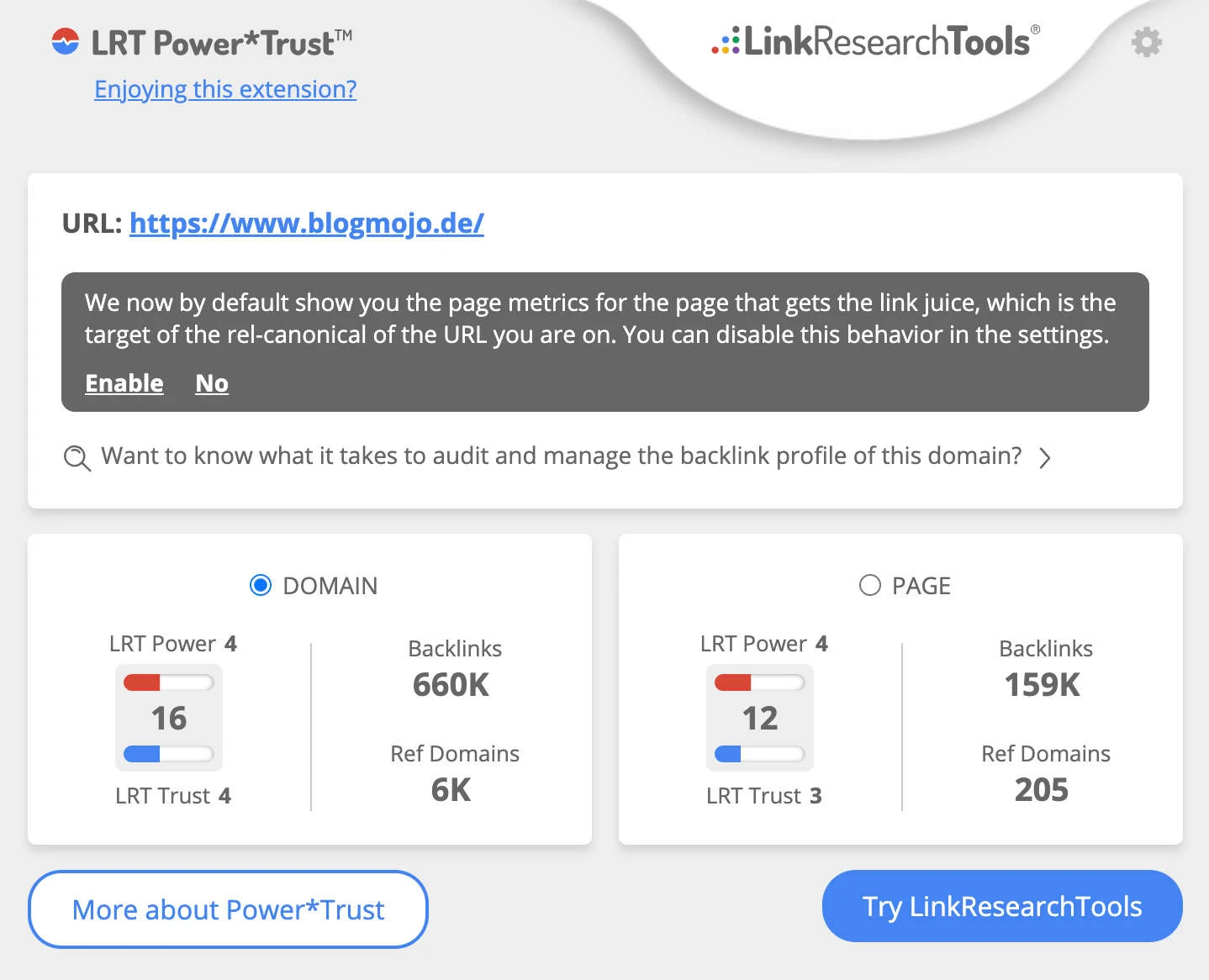
In response to Google no longer publishing PageRank for some years now, the makers of LinkResearchTools developed their own value, the LRT Power*Trust.
This value is a good indicator for judging the link power of a domain or page.
With the LRT Power*Trust extension, the metric is shown automatically for every domain and page you visit.
6.3 Free Link Checker by LRT
Price: free
Registration: not required
Available for: Chrome
Another tool from LinkResearchTools is the Free Link Checker by LRT.
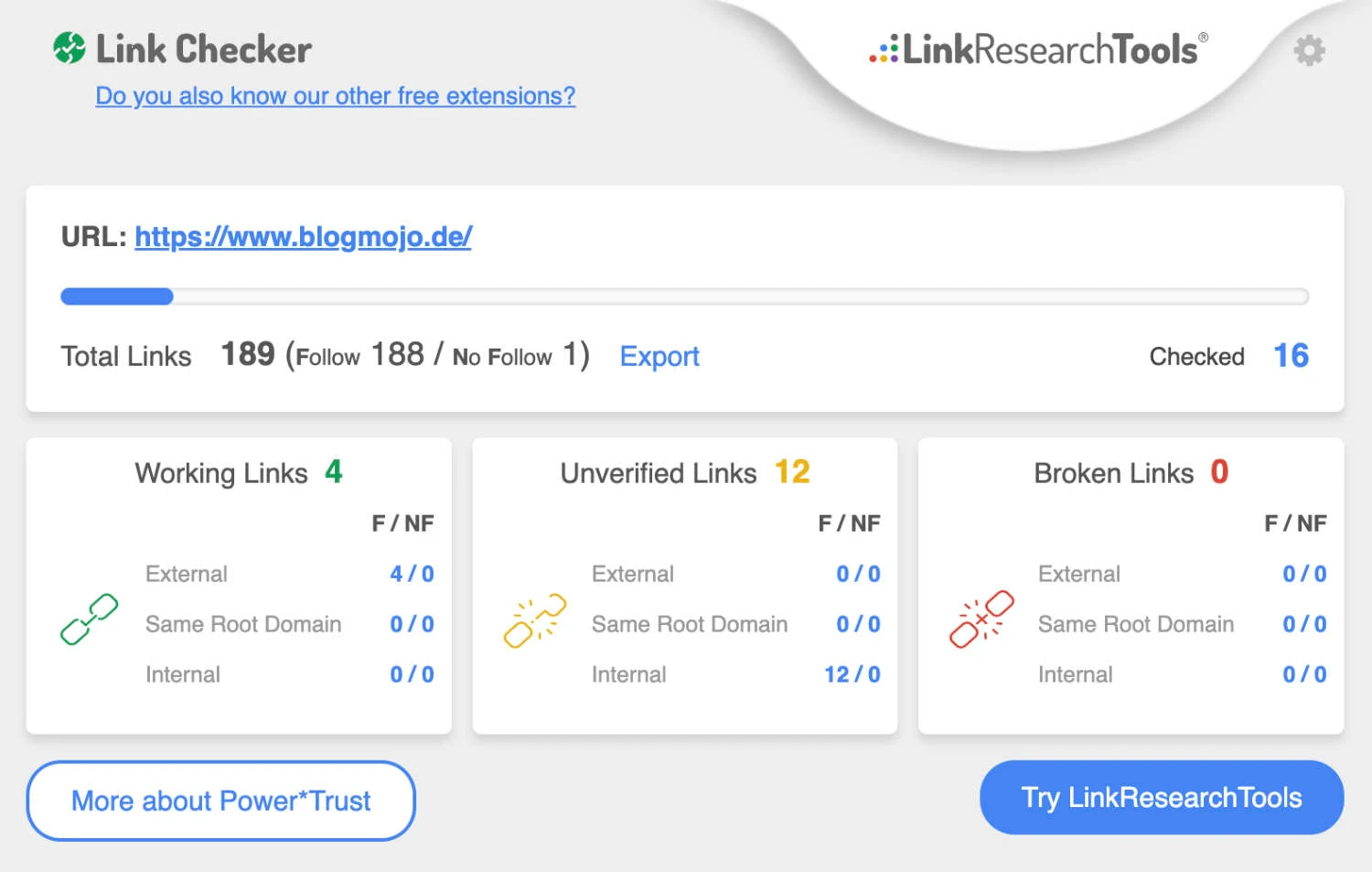
With the extension you can analyze all the links on a page. The tool categorizes all the links it finds into “Working,” “Unverified” and “Broken.”
The LRT Power*Trust value is determined for every link and shown directly on mouse-over.
6.4 Majestic Backlink Analyzer
Price: freemium
Registration: not required
Available for: Chrome, Firefox
Majestic is one of the best SEO tools on the market, but unfortunately also one of the most expensive.
The good news: The Majestic Backlink Analyzer can be used partly for free.
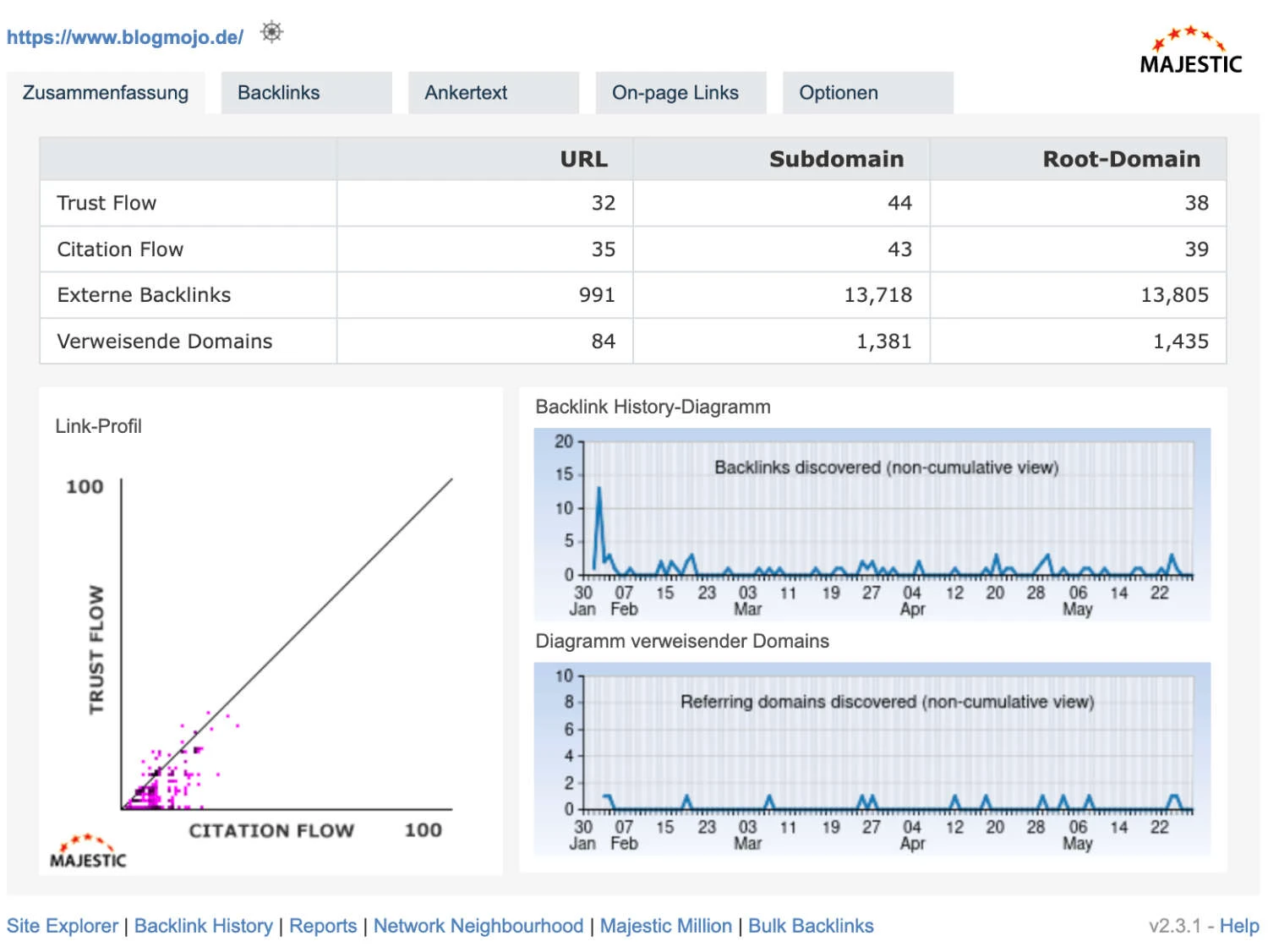
Besides a link profile chart and the number of backlinks, it also shows the Trust Flow (TF) and Citation Flow (CF) of a URL and its domain.
Majestic subscribers can look forward to numerous further values in the extension. Among other things, it identifies the 10 strongest backlinks on a page and also analyzes their anchor texts. A link lets you transfer all the data straight into Majestic's backend.
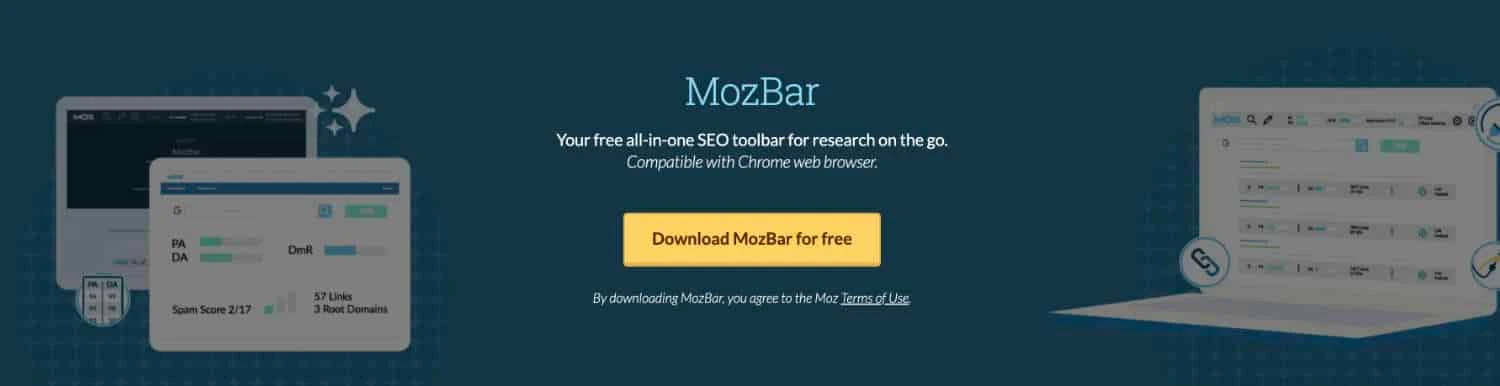
6.5 MozBar
Price: freemium
Registration: required
Available for: Chrome, Firefox, Opera
In its free version, the MozBar delivers numerous on-page and link metrics.
Besides letting you generate custom search queries by country, region or city, it shows the Domain Authority (DA) and Page Authority (PA) of a URL.
It does this not only when you visit the page in question but also in the SERPs, which is very helpful for competitor analysis.
If you're a Moz Pro subscriber, there are further values such as Keyword Difficulty or direct suggestions for page optimization.
7. Web analytics tools
7.1 Page Analytics (archive)

Price: no longer usable in a meaningful way
Registration: not applicable
Available for: archive, based on Universal Analytics
Page Analytics was a free Google extension for Universal Analytics. The store listing is still reachable, but since the end of Universal Analytics the extension is no longer a usable GA4 tool.
7.2 GTM/GA Debug
Price: free
Registration: required
Available for: Chrome, Firefox
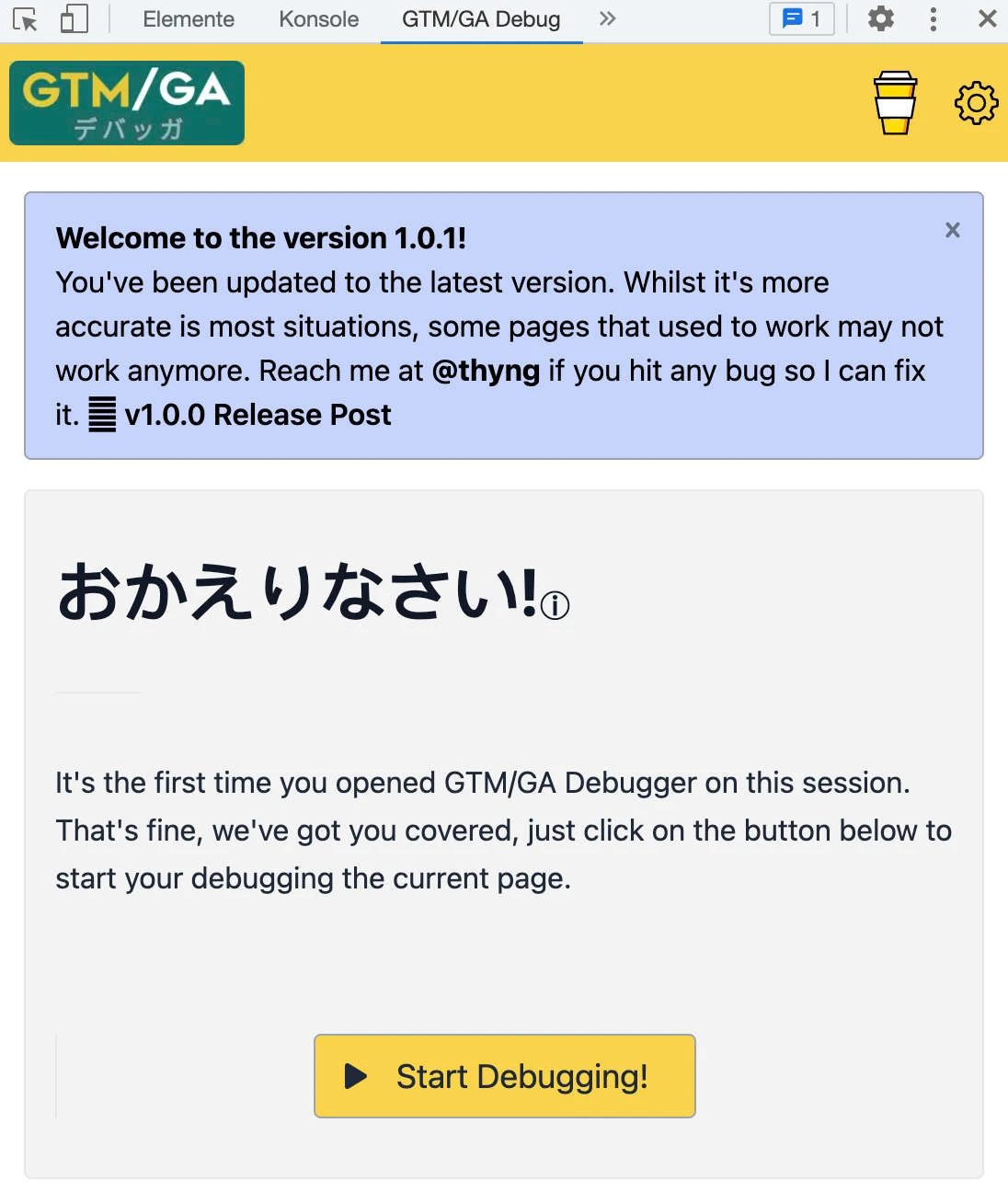
With the free GTM/GA Debug extension you can check whether you've embedded Google Tag Manager or Google Analytics correctly in your website.
Generated reports are exportable, and the extension is also compatible with Google Analytics 4.
7.3 Google Analytics Debugger
Price: free
Registration: required
Available for: Chrome
Google Analytics Debugger is Google's official tool for loading Google Analytics in a debug version.
All information, including warnings and errors, is displayed clearly in the console. That way you see at a glance whether you've implemented your tracking code correctly.
7.4 ObservePoint Debugger
Price: free
Registration: not required
Available for: Chrome
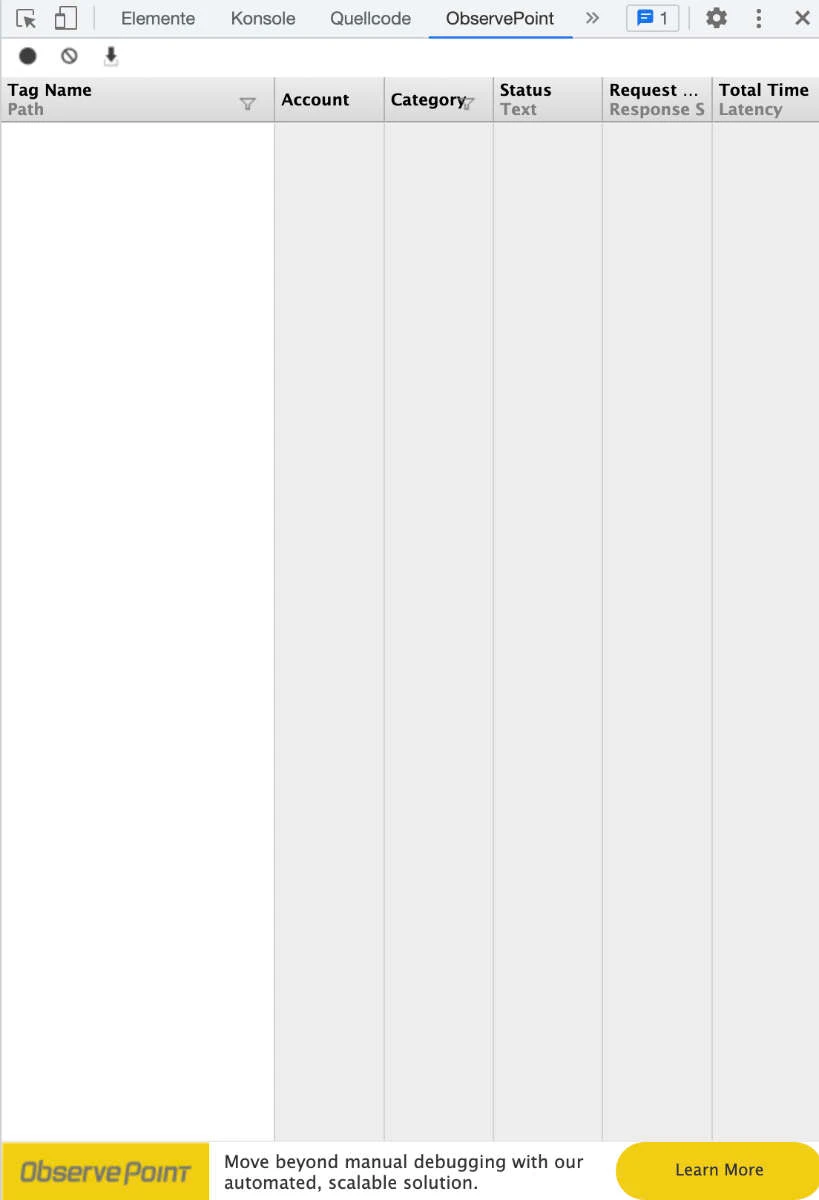
The ObservePoint Debugger collects analytics and marketing tags as well as event-based tags as soon as they fire while a page loads.
The results are then presented in a clear list and can be grouped and filtered. Export is possible too.
That makes the tool a simple solution for analyzing whether all the tags on your own site run correctly.
7.5 Tag Assistant
Price: free
Registration: not required
Available for: Chrome, Firefox, Safari, Opera, Edge
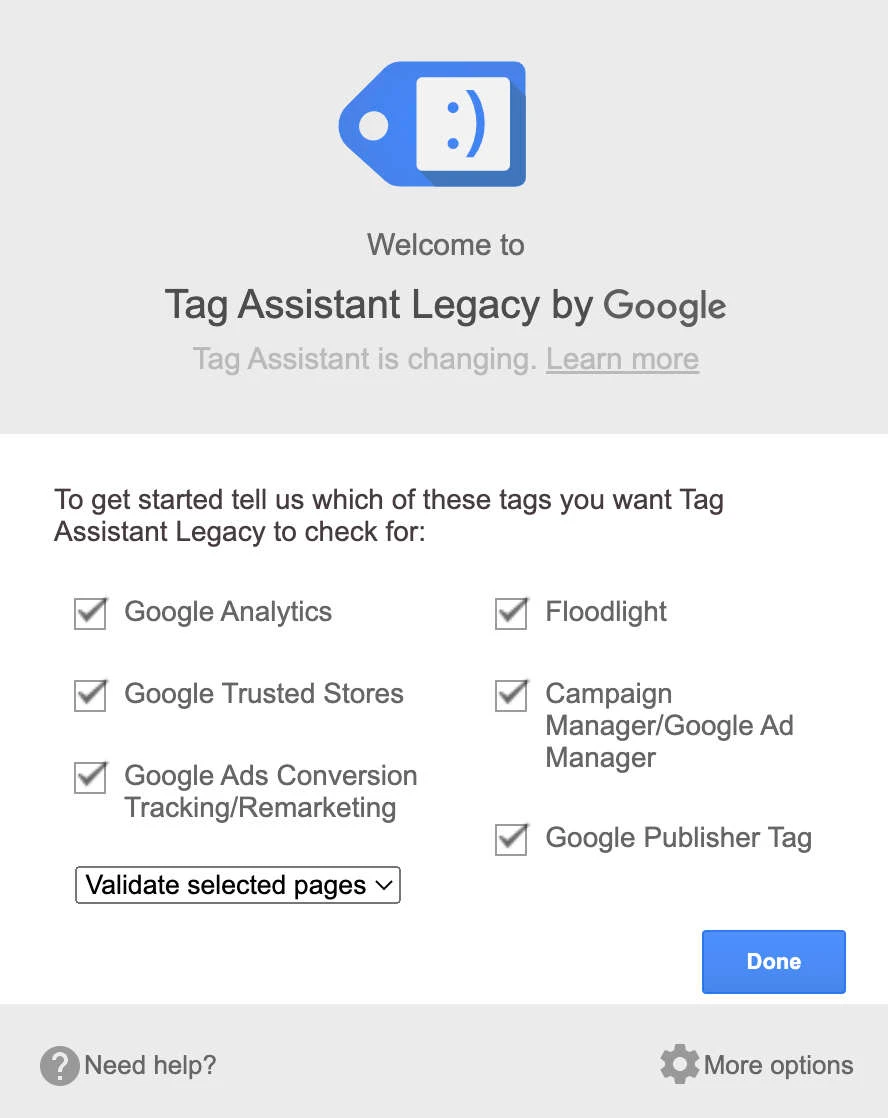
The Tag Assistant is a useful tool if you use Google Analytics or Search Console. It's not for nothing that more than 2 million users have it in use.
Right in the Chrome toolbar, an icon shows whether there are problems with the tag setup on a page. If you like, you can also display more detailed reports.
8. SEO metrics
Here you'll find Chrome extensions that give you an overview of important SEO metrics of pages or domains, such as traffic estimates, key keywords, server location or domain authority.
8.1 Essential SEO Toolkit
Price: free
Registration: not required
Available for: Chrome, Firefox
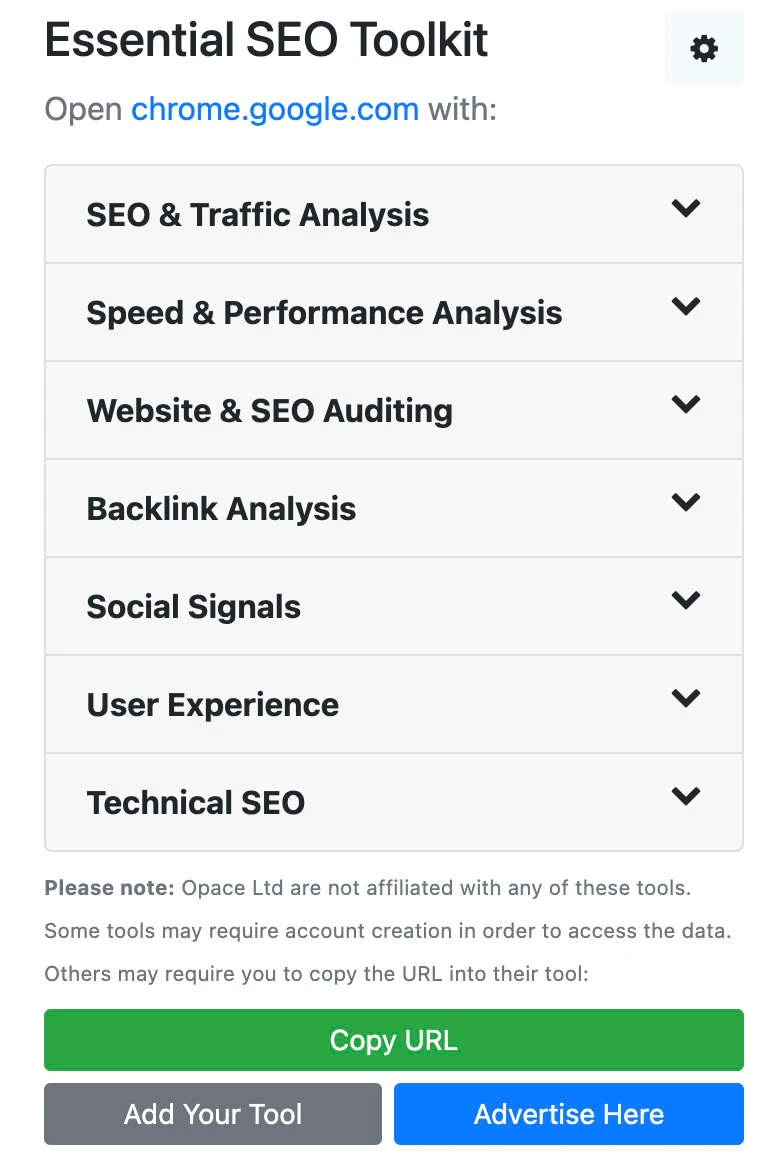
The Essential SEO Toolkit doesn't show any SEO metrics itself, but lets you open a URL in various SEO tools such as PageSpeed Insights, GTmetrix or Semrush.
That usually saves you two or more steps:
Instead of copying the URL, opening PageSpeed Insights, pasting the URL into the field provided and starting the test with a button, you only have to open the Essential SEO Toolkit and select PageSpeed Insights there, for example.
8.2 Impactana Content Marketing Toolbar (archive)
Price: no longer available
Registration: not applicable
Available for: archive, removed from the Chrome Web Store
The Impactana Content Marketing Toolbar delivered social and link metrics for content research. The store listing is no longer available.
The extension shows buzz metrics from networks such as Facebook, LinkedIn or Pinterest and so helps you identify strong content as well as popular influencers in your niche.
The toolbar also shows Page Authority (PA) and the LRT Power* Trust.
8.3 Spark SEO by seoClarity
Price: free
Registration: required
Available for: Chrome, Firefox
Spark SEO by seoClarity bundles on-page checks, keyword data and further SEO analyses for the page you currently have open.
It gives you access to the Spark database, which checks a text against several billion keywords and 40 technical factors, among other things. Backlink information is also obtained via Majestic.
8.4 SEO Checker Tool
Price: free
Registration: not required
Available for: Chrome
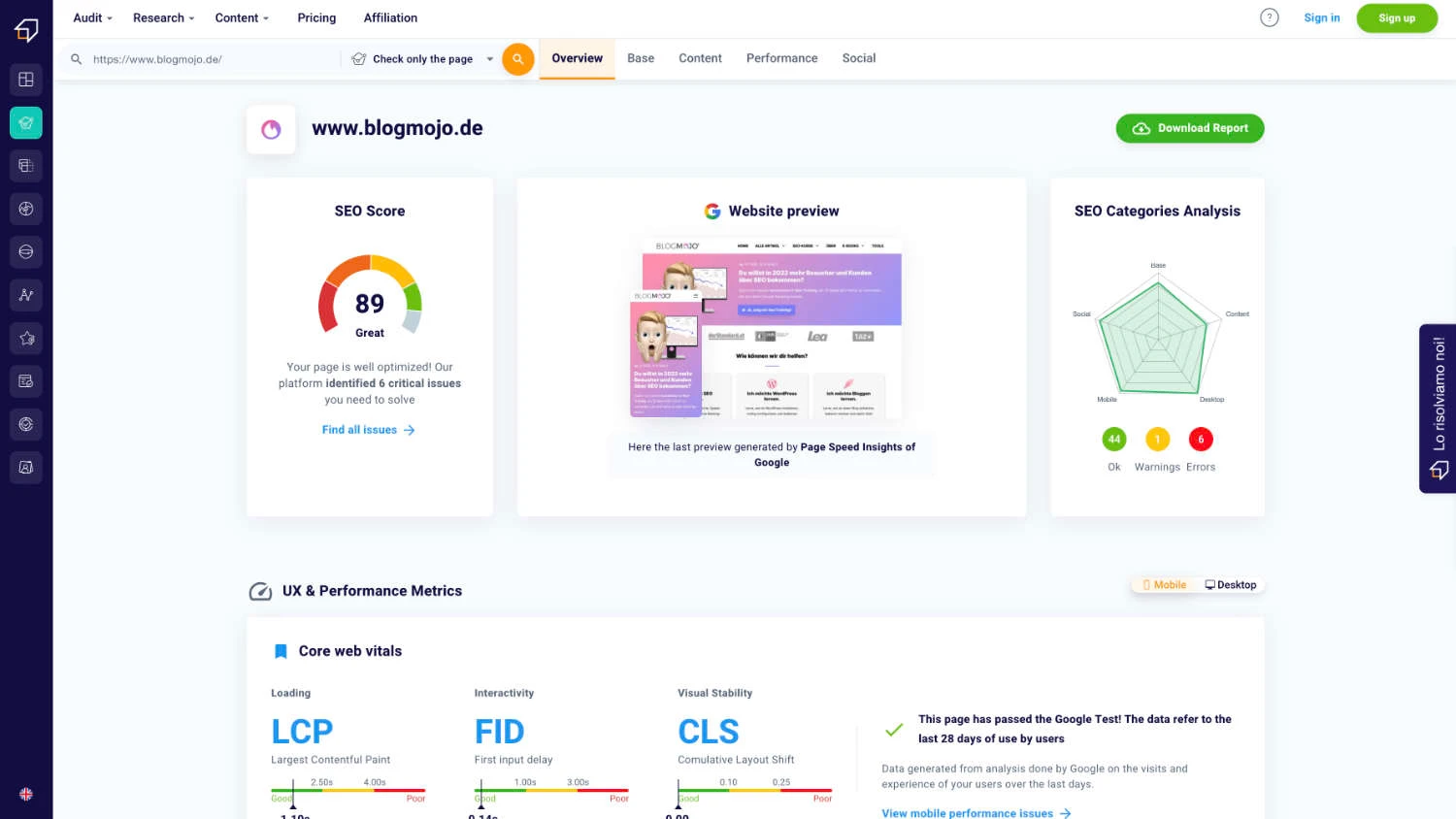
The SEO Checker Tool is a popular browser extension that outputs an SEO score based on five factors, including performance, content or social media.
The content function deserves particular mention. The tool analyzes the entire text with regard to keywords, headings, page title and snippet and gives a score from 0 to 100 for each area.
That way you see at a glance where you should optimize your content.
8.5 SEO Site Tools, Site Analysis
Price: free
Registration: not required
Available for: Chrome, Firefox
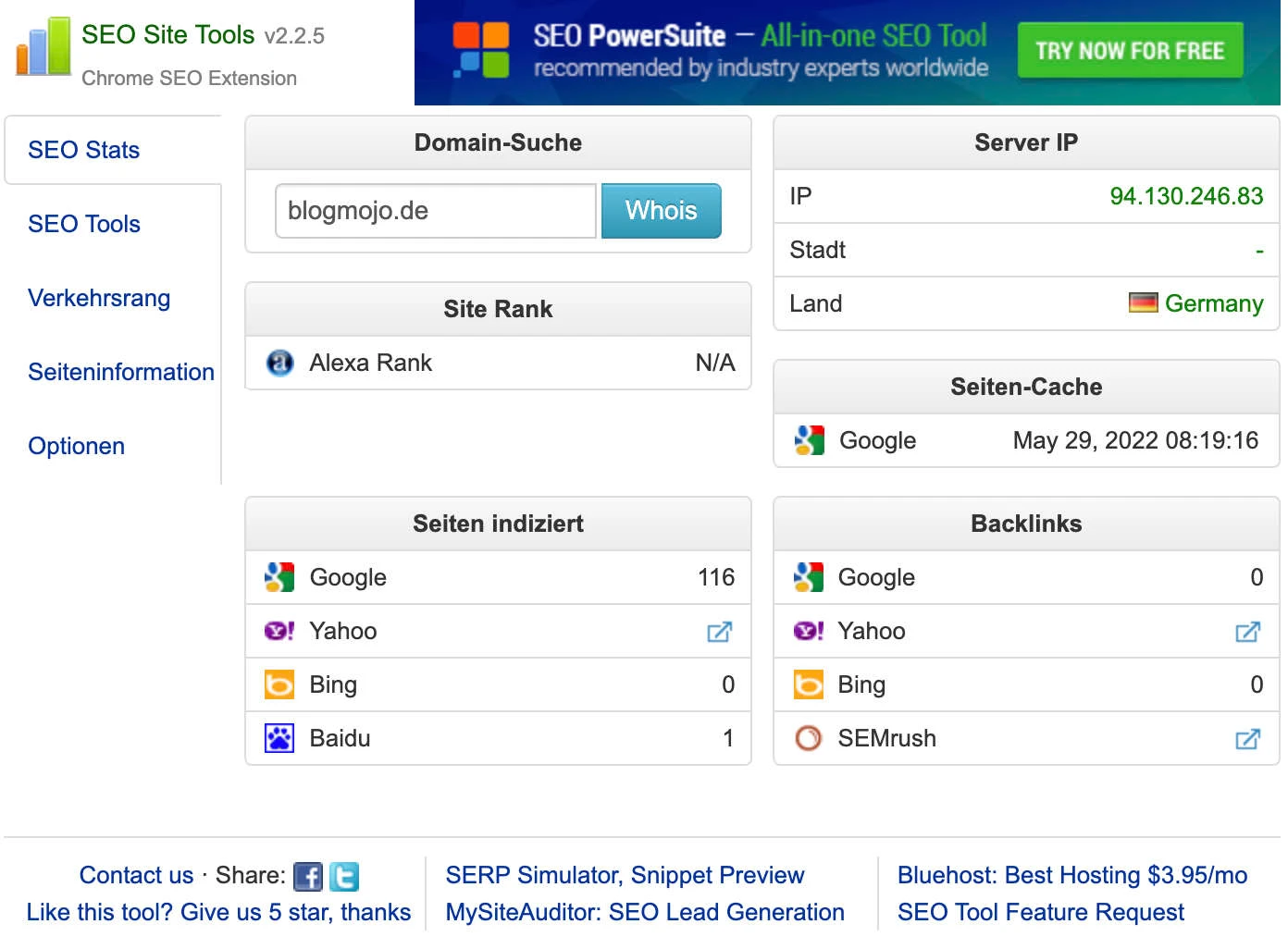
The extension SEO Site Tools runs an extensive SEO analysis of your page and evaluates criteria such as keyword density or word count.
It also delivers a wealth of further metrics and functions such as a redirect checker, an IP lookup, a backlink checker, DNS information or a check of the robots.txt or your XML sitemap.
All the data it determines is provided in several clear tables and tabs.
8.6 GrowthBar (archive)
Price: store extension no longer available
Registration: not applicable
Available for: archive, removed from the Chrome Web Store
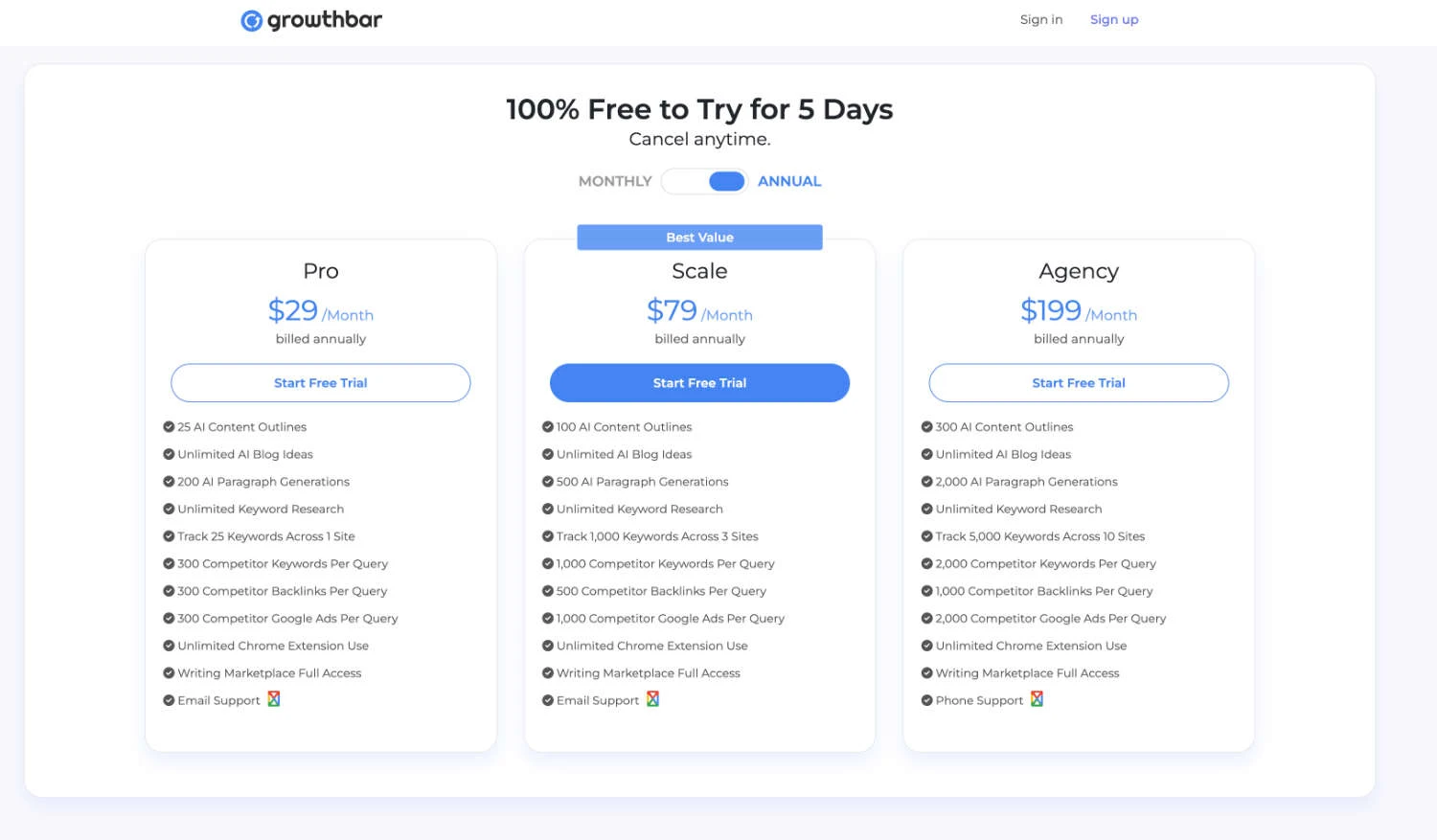
The former GrowthBar extension supported content optimization and showed SEO metrics in the search results. The store listing linked here is no longer available. The historical feature and price information is therefore no longer relevant for decisions.
8.7 Open SEO Stats
Price: free
Registration: not required
Available for: Chrome
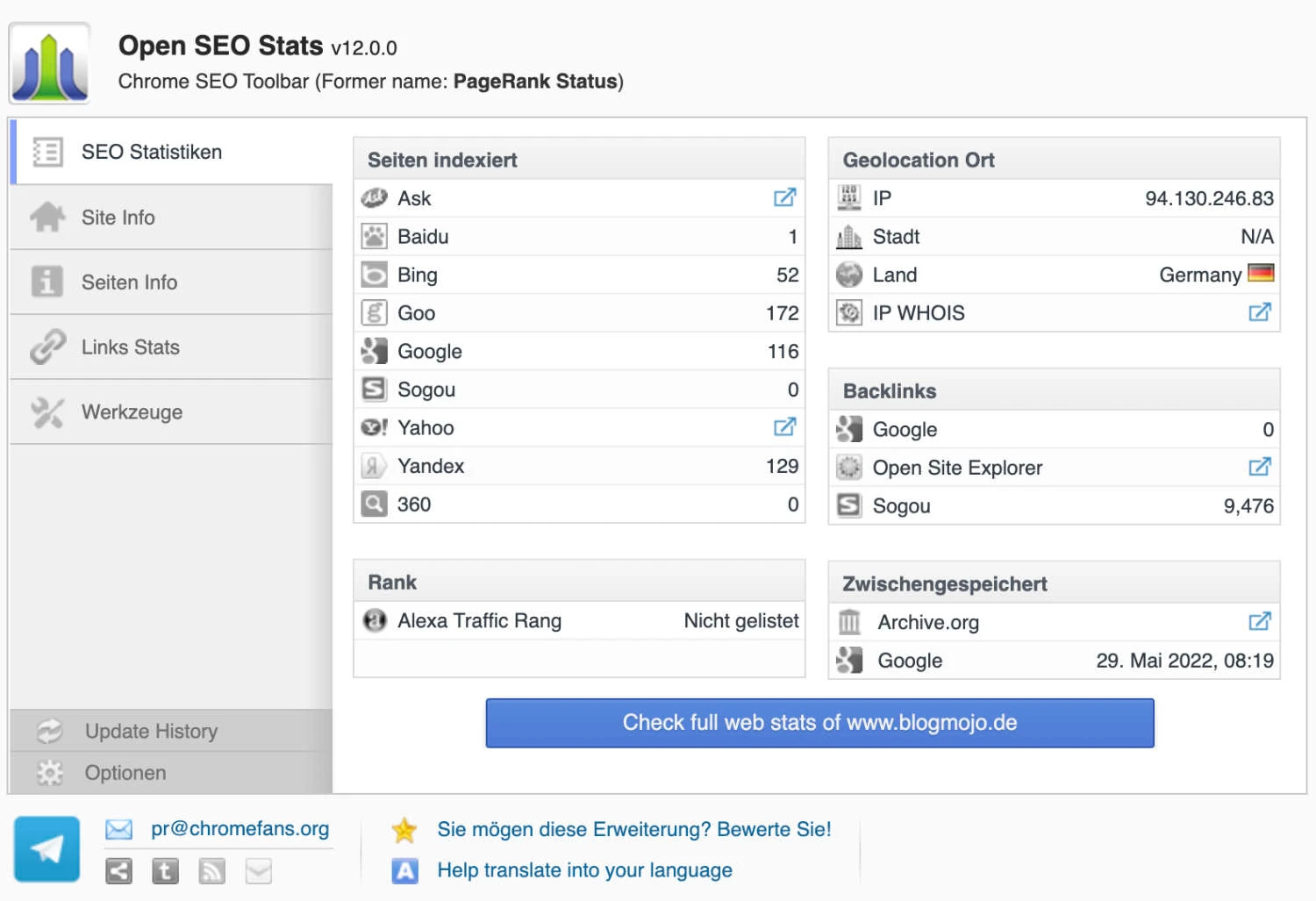
Open SEO Stats quickly gives you a very detailed look at a website's SEO metrics. The tool puts the most important data together in a clear table.
That includes:
- Indexed pages in various search engines
- Traffic statistics
- Operator information
- Backlinks
- Domain values
How good the tool is shows in its rating of 4.6 out of 5 stars from over 6,000 votes.
8.8 Mangools SEO Extension
Price: freemium
Registration: required
Available for: Chrome
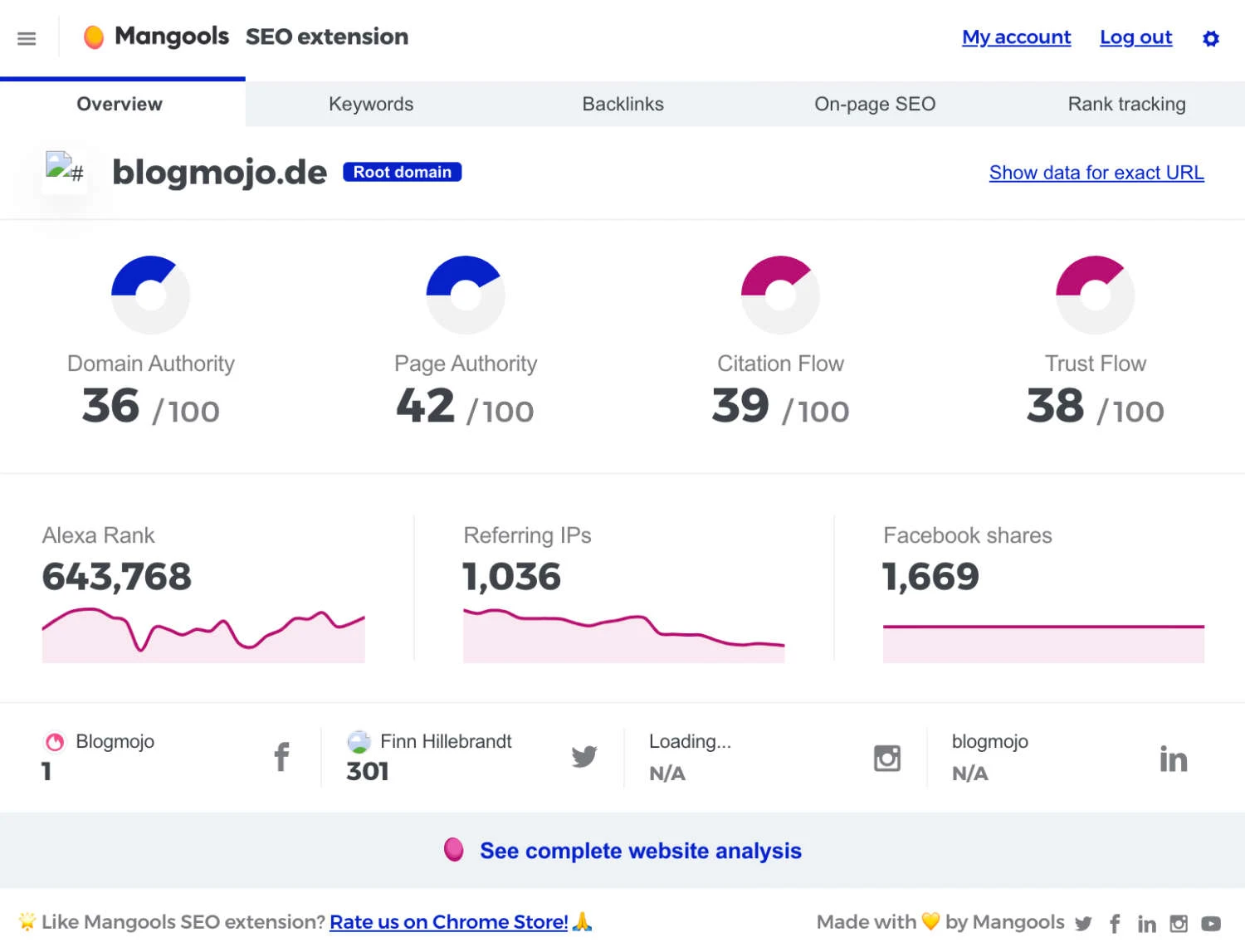
The Mangools SEO Extension is the extended arm of KWFinder and the accompanying mangools suite, which is one of our favorite tools in the SEO field.
The extension gives comprehensive insights into a website and tells you the domain authority and backlinks, among other things, or analyzes the content of individual pages with regard to their structure.
By far the best feature, though, is the keyword checker: The extension analyzes a page and then spits out all the keywords for which SERP entries could be found. It also gives the current ranking, the keyword difficulty and the estimated search volume.
Unfortunately, the full scope of the extension can only be used with a paid plan.
8.9 Serpstat Website SEO Checker
Price: freemium
Registration: required
Available for: Chrome, Firefox
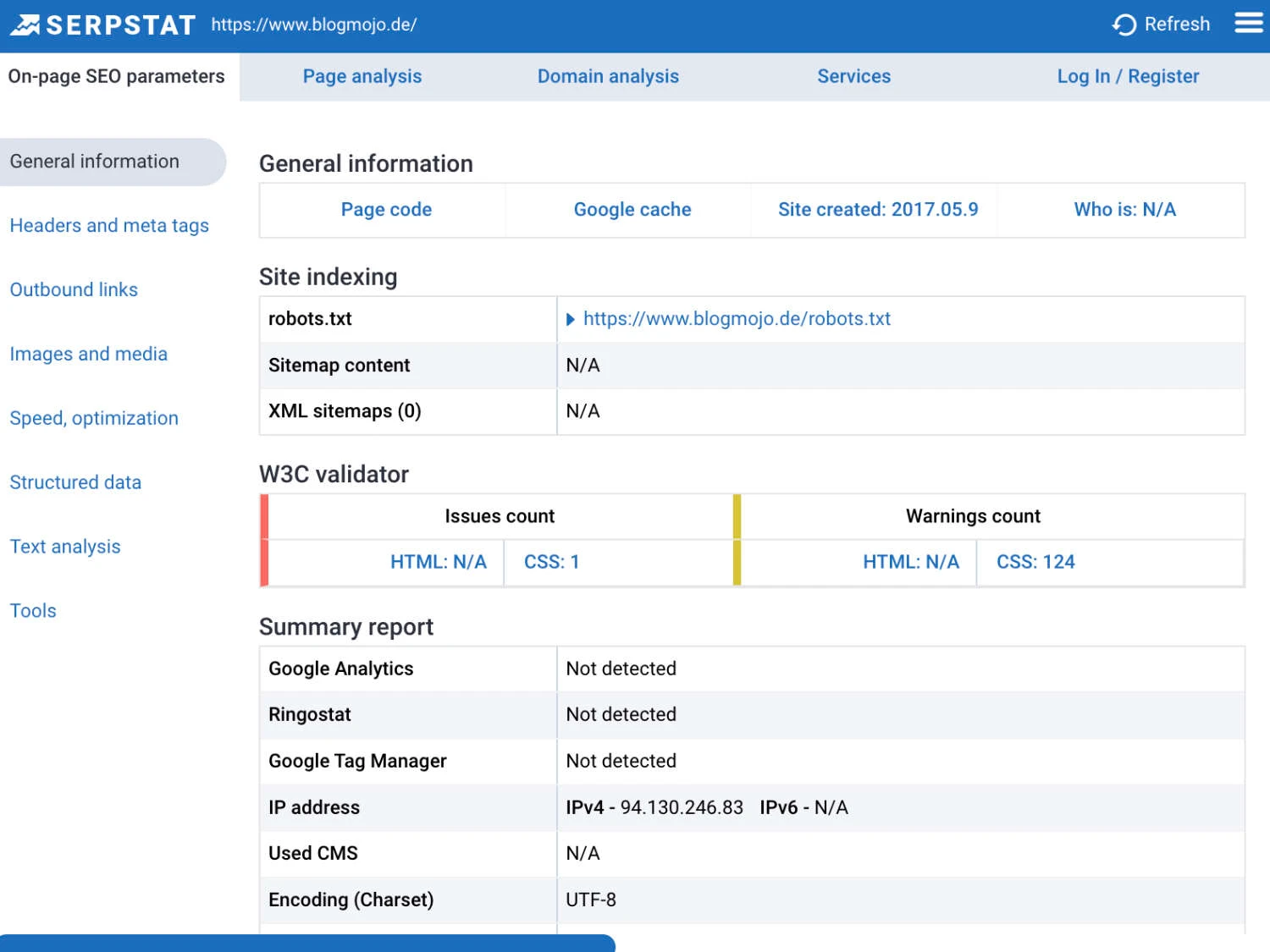
With the SEO Checker from Serpstat you can get a detailed overview of a page's SEO performance in a short time.
Among other things, the tool provides a visibility trend (similar to Sistrix's visibility index), examines the page structure and even runs a speed test.
There are also the top 10 keywords per page, including search volume sorted by country, and the page's current position within the SERPs.
Unfortunately, page and domain analysis are only available as part of a paid membership. The on-page SEO parameters, on the other hand, are free.
8.10 SimilarWeb
Price: free
Registration: not required
Available for: Chrome, Firefox
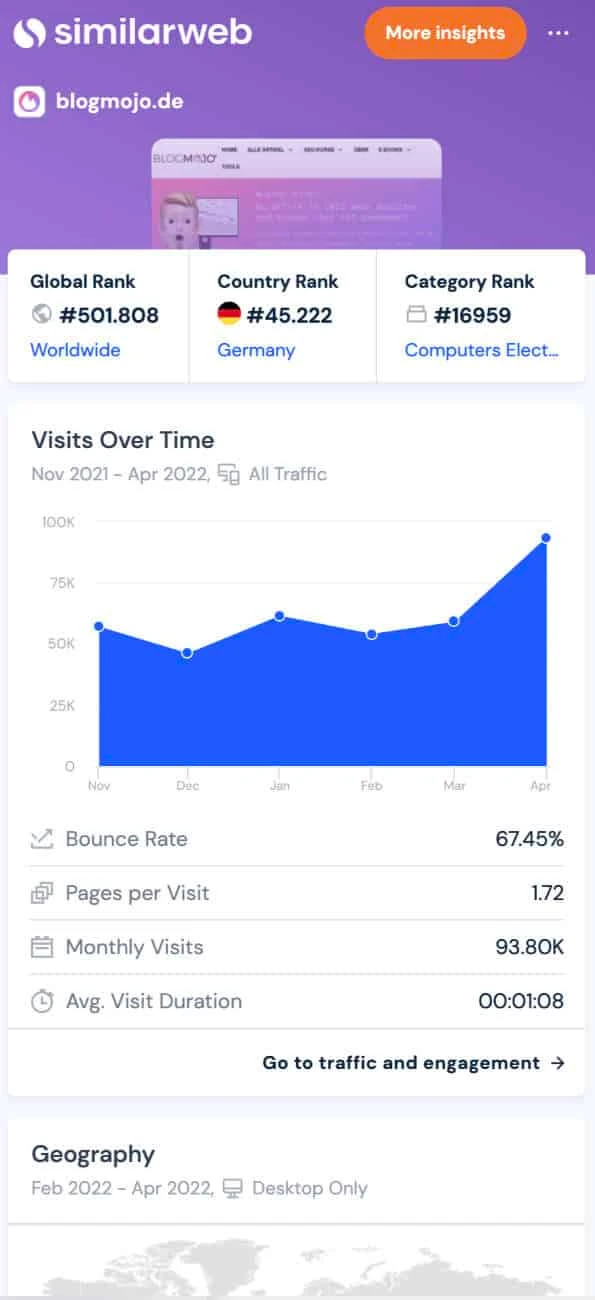
You've surely heard of SimilarWeb. The tool helps you identify a website's SEO performance and traffic and is one of the most popular solutions in this area.
The SimilarWeb browser extension summarizes all the tool's functions in small, clear windows, and the data is loaded in the background as soon as you open a page. That saves you the detour of entering a website into SimilarWeb by hand.
It displays data on search volume, traffic sources or geographic characteristics of the visitors.
8.11 WooRank
Price: free
Registration: not required
Available for: Chrome
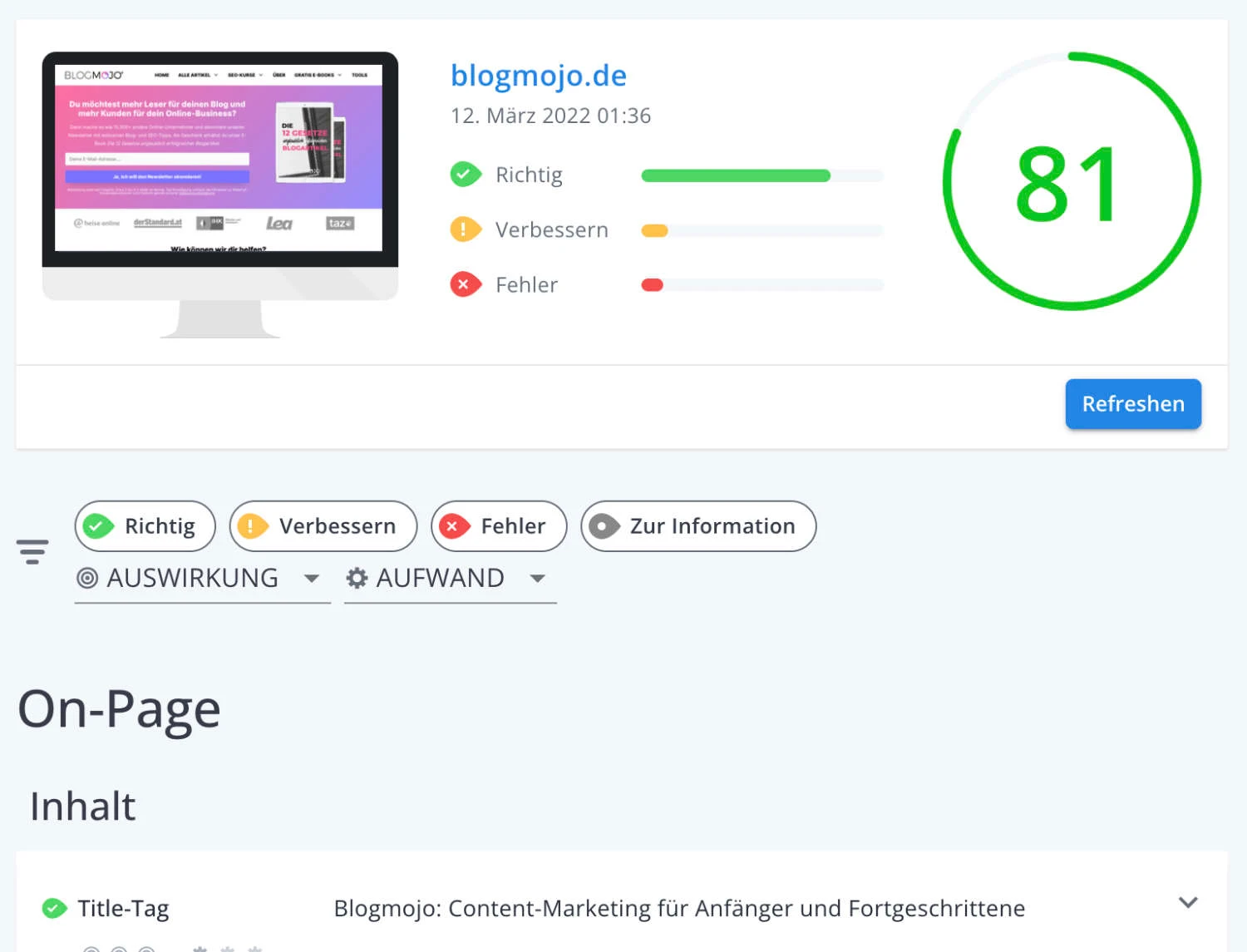
WooRank examines a page based on several factors and outputs a value between 0 and 100 to show you how well a website is optimized.
Numerous criteria such as keyword optimization, text length, article structure or meta data are taken into account.
There's also a backlink checker and a social media analysis right in the tool.
8.12 SerpWorx
Price: $29.95 per month
Registration: required
Available for: Chrome
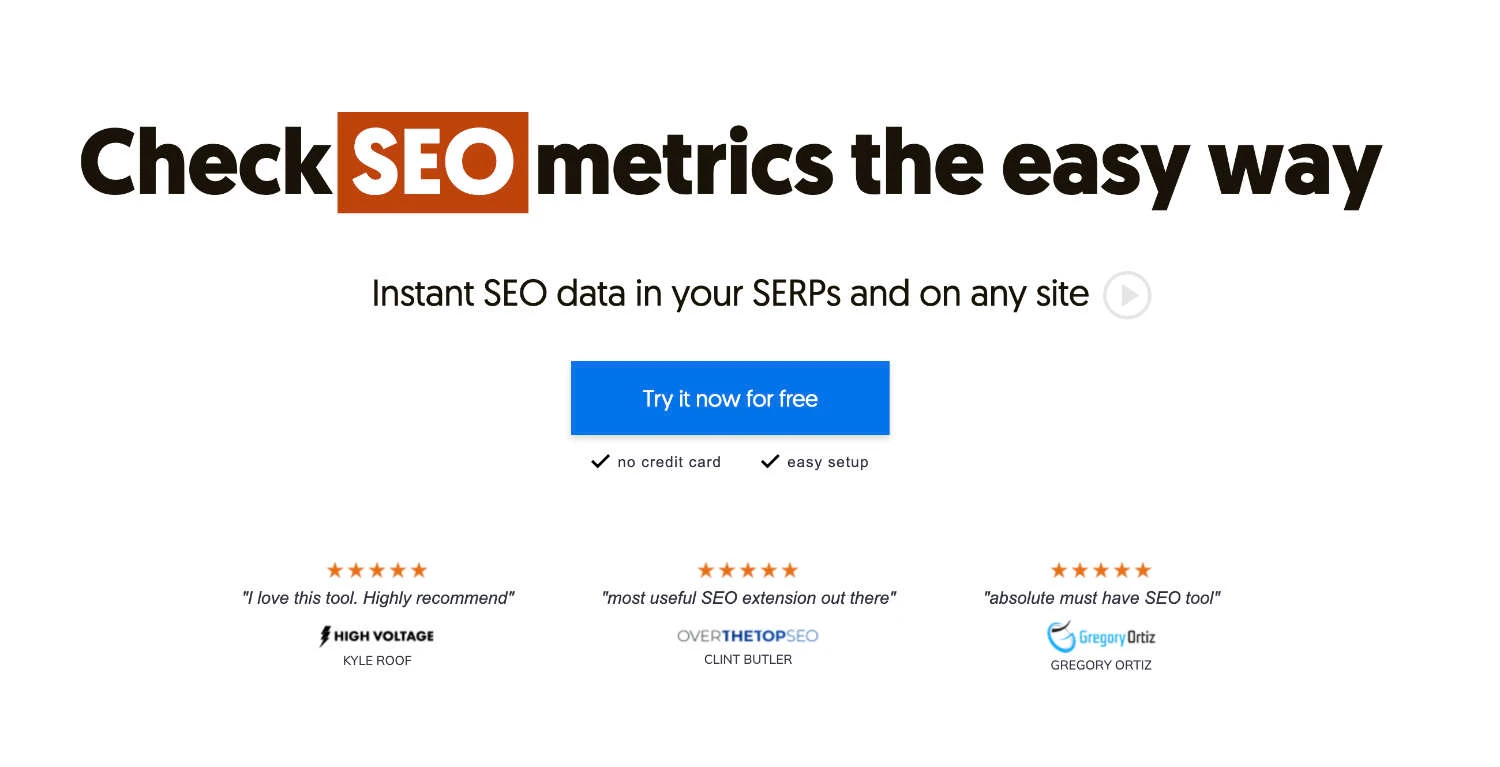
SerpWorx extends the Chrome browser's SERP view with numerous useful data points, without you having to take any further steps.
The extension draws on popular SEO tools and their metrics to give you a detailed look at a website:
- Majestic: Trust Flow and Citation Flow etc.
- Moz: Domain and Page Authority, Spam Score etc.
- Ahrefs: Backlinks, Domain Rating etc.
The tool also shows numerous other metrics for the page in question. These include the word count, the keyword density and many more.
8.13 DNS Checker
Price: free
Registration: not required
Available for: Chrome, Firefox, Safari, Opera, Edge
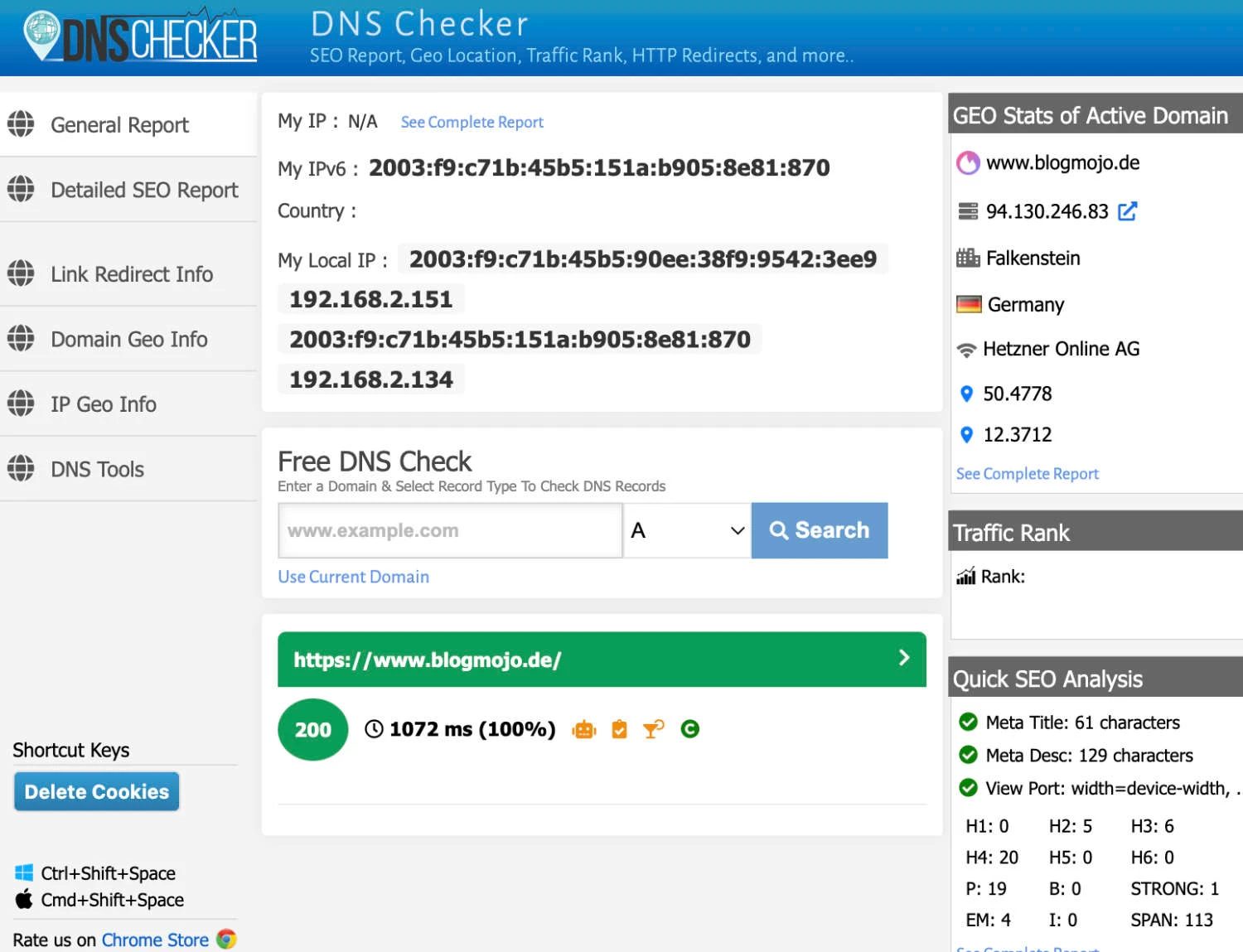
The DNS Checker provides you with a lot of important information about a website. That includes, for example, the IP and geolocation or a website's redirects. It even runs an analysis of the load time and displays it directly.
A content analysis is also run, which checks the underlying text for structure, keyword density and many other values.
9. Ranking check
9.1 SERPTrends
Price: free
Registration: not required
Available for: Chrome, Firefox, Safari, Opera, Edge
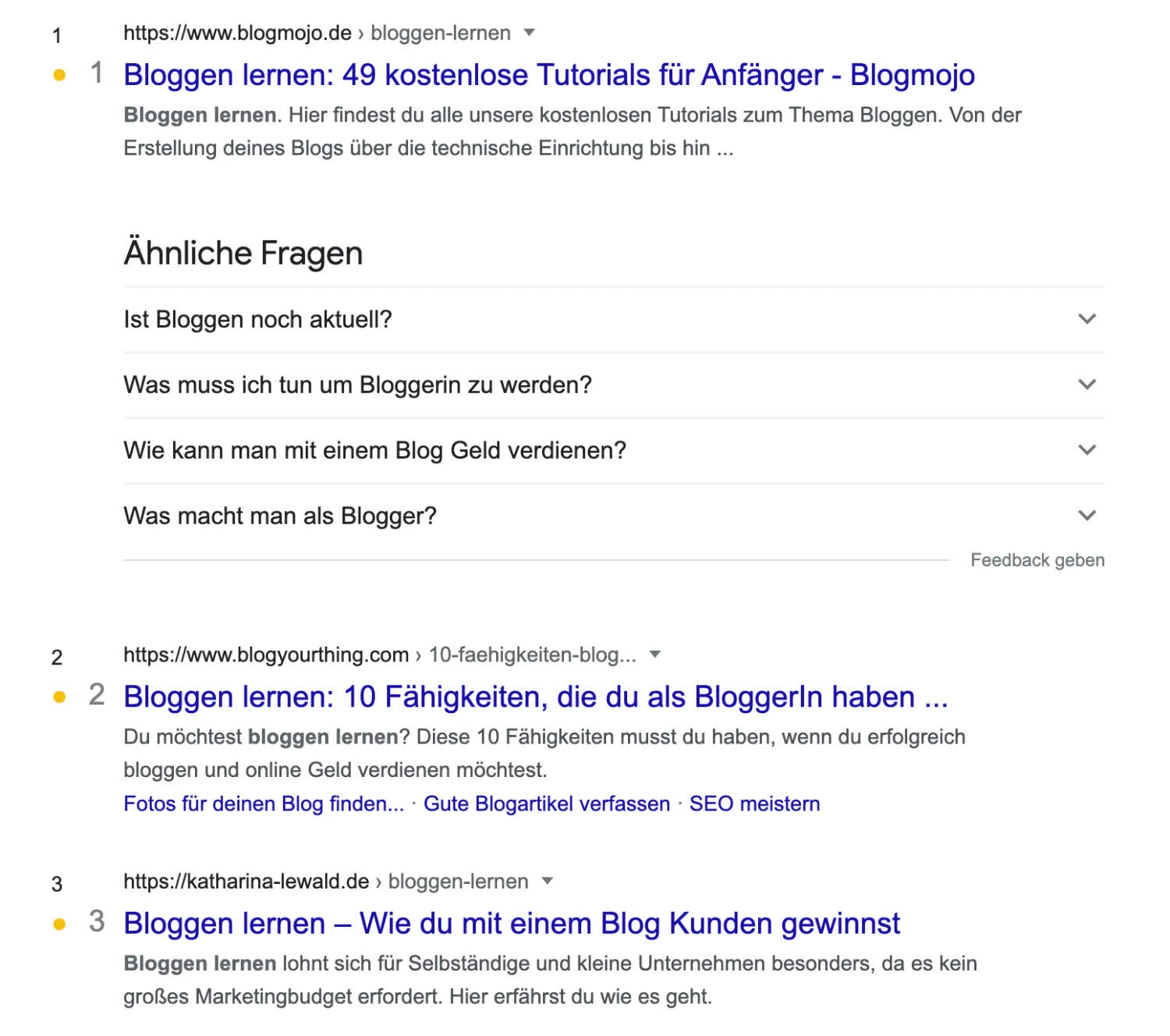
SERPTrends clearly shows you recent changes in Google search.
To do this, the extension inserts a small symbol to the left of each search result, which differ as follows:
- Green: Positive change (incl. numeric value)
- Yellow: Unchanged
- Red: Ranking loss (incl. numeric value)
The tool doesn't just analyze the Google SERPs but also works with Yahoo! and Bing.
9.2 SEO Search Simulator by Nightwatch
Price: freemium
Registration: not required
Available for: Chrome
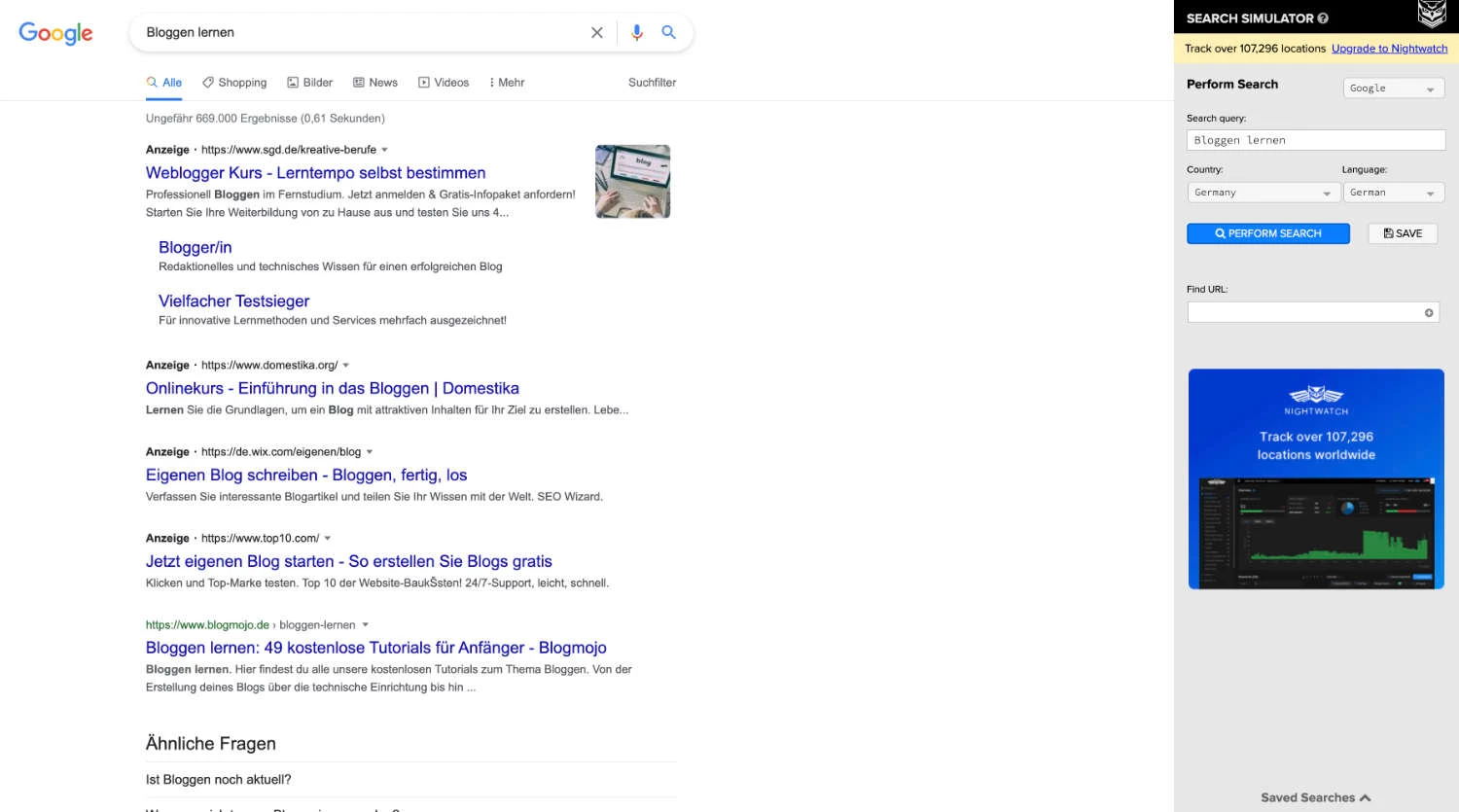
SEO Search Simulator lets you simulate Google searches and display SERPs specifically for a search region or language. That means you can display exactly the results a person with country-specific queries sees.
What would otherwise take a laborious detour via a VPN works easily in no time.
The free version is somewhat scaled down in scope. If you opt for the Pro version, you get over 107,000 search regions from all over the world.
9.3 FATRANK
Price: free
Registration: not required
Available for: Chrome
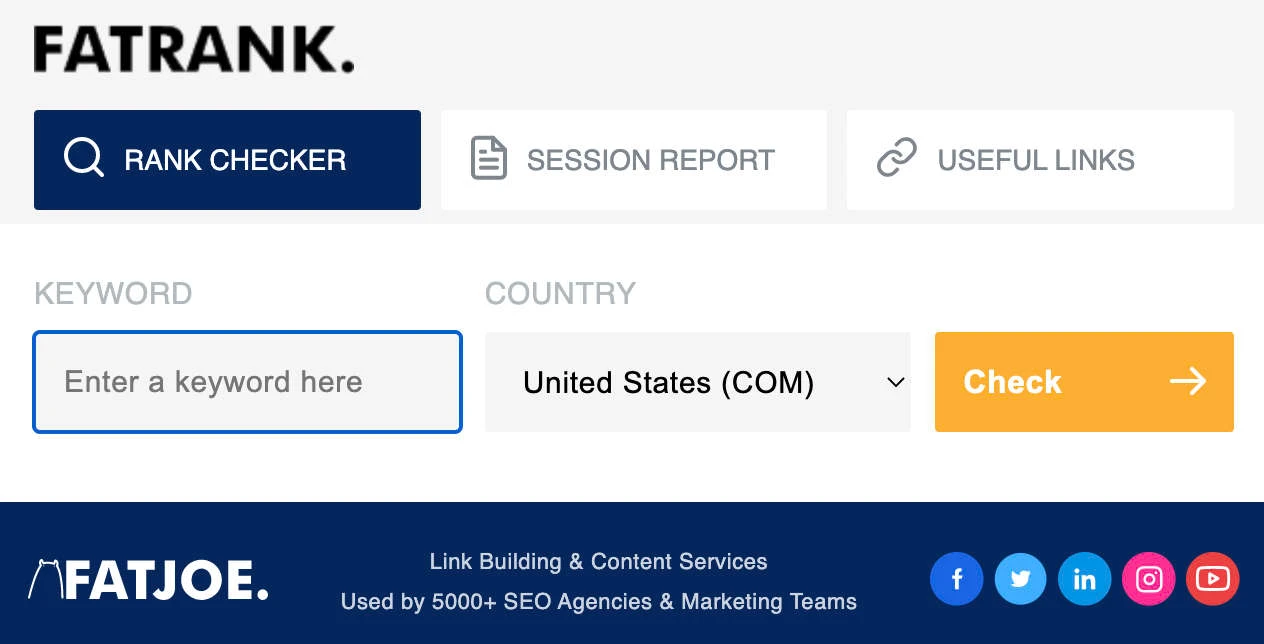
With FATRANK you can check a website's ranking for specific keywords. To do so, start the extension after you've opened the page you want to analyze.
Besides the keyword, you can also select the region.
All results can then be summarized in a report and exported, so you can compare different pages with each other.
Unfortunately, only Google search is currently supported.
10. SERP analysis
10.1 gInfinity (archive)
Price: no longer available
Registration: not applicable
Available for: archive, removed from the Chrome Web Store
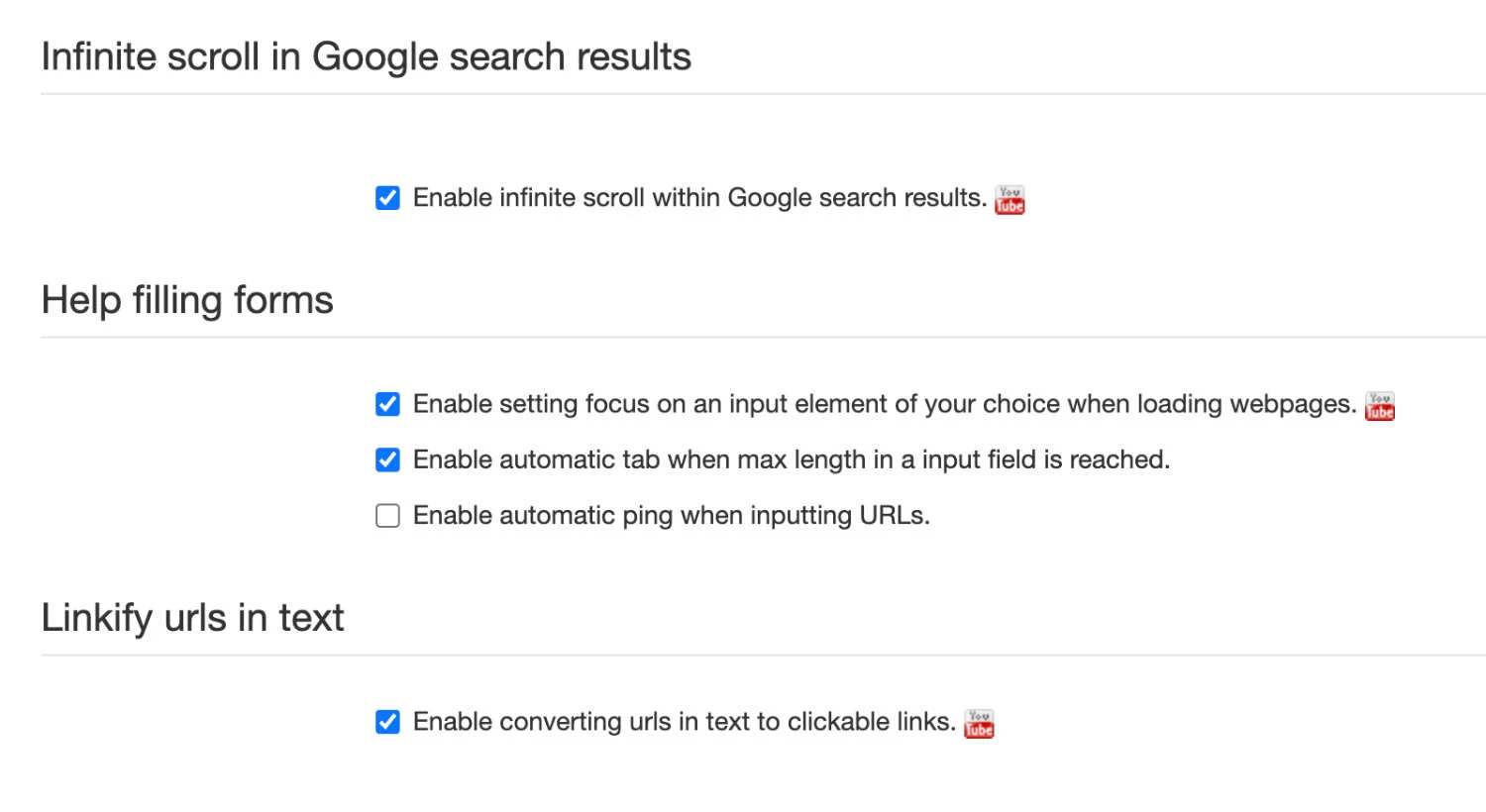
gInfinity added infinite scrolling to the Google search results. The store listing is no longer available.
That means:
While you scrolled, the extension automatically loaded more search results. Since the store listing has been removed, you shouldn't regard it as a current recommendation any more.
10.2 Google SERP Counter (archive)
Price: no longer available
Registration: not applicable
Available for: archive, removed from the Chrome Web Store
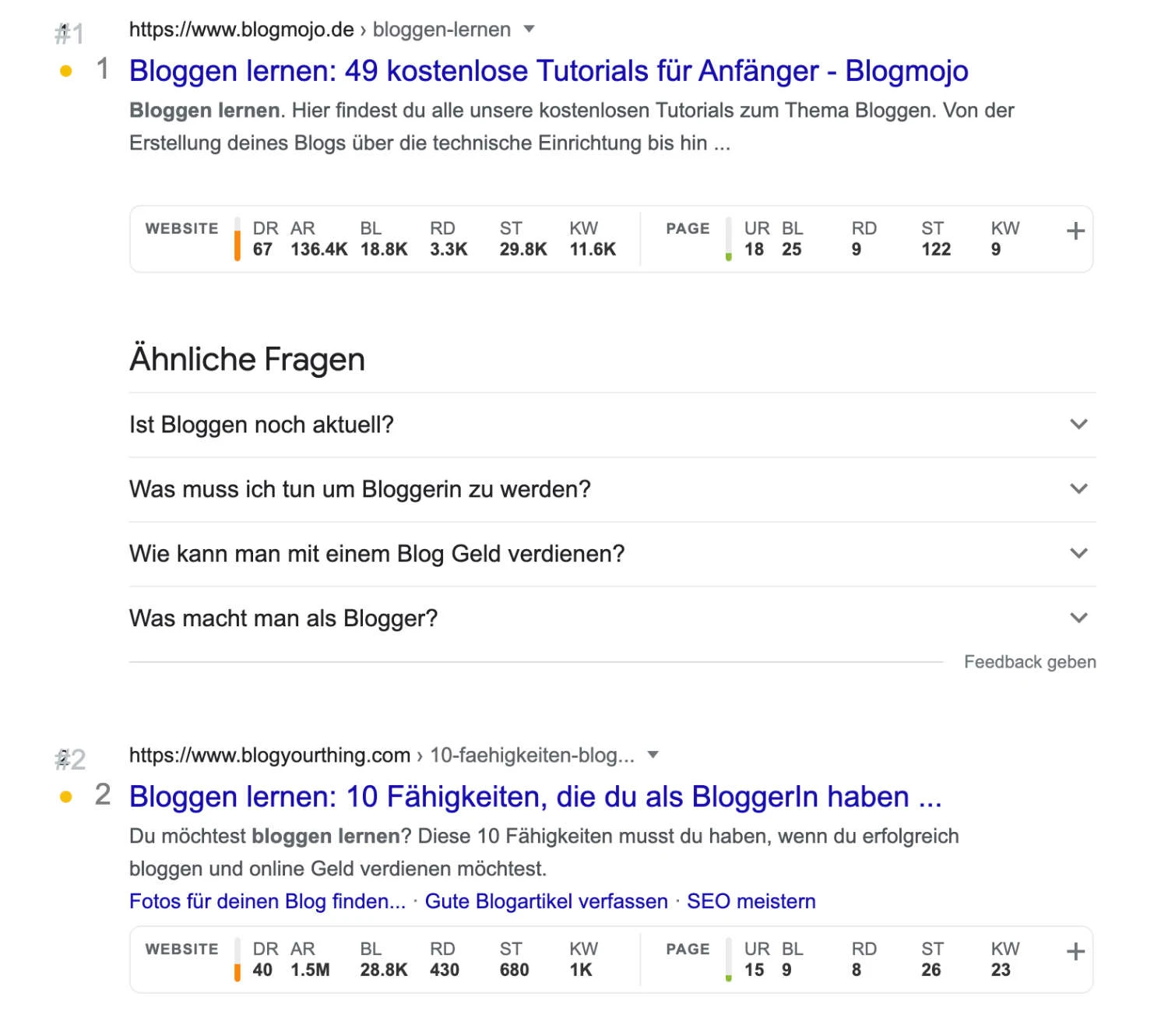
Google SERP Counter numbered organic search results. The store listing is no longer available.
The extension was especially handy on search results pages with many ads, videos or shopping results, but it is no longer available as a store listing today.
10.3 SEO SERP 2
Price: free
Registration: not required
Available for: Chrome
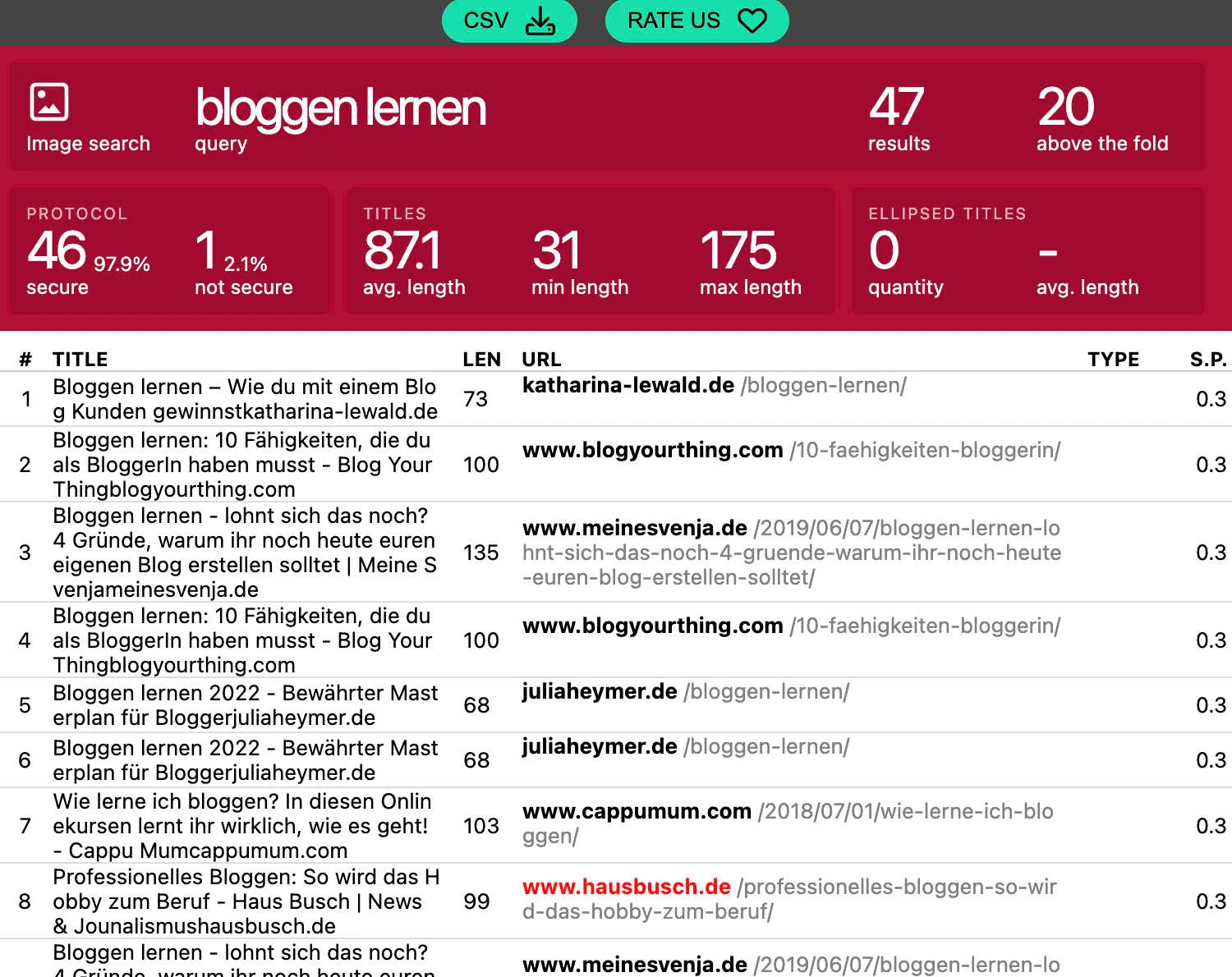
With SEO SERP 2 you analyze every search results page based on various metrics.
Among other things, the tool outputs the average title length of all SERPs or tells you how many results are served with or without HTTPS.
All the results the extension generates can be exported as a CSV report.
SEO SERP 2 works not only with web search but also with image and video search.
10.4 SERP Preview Tool
Price: free
Registration: not required
Available for: Chrome, Firefox, Safari, Opera, Edge
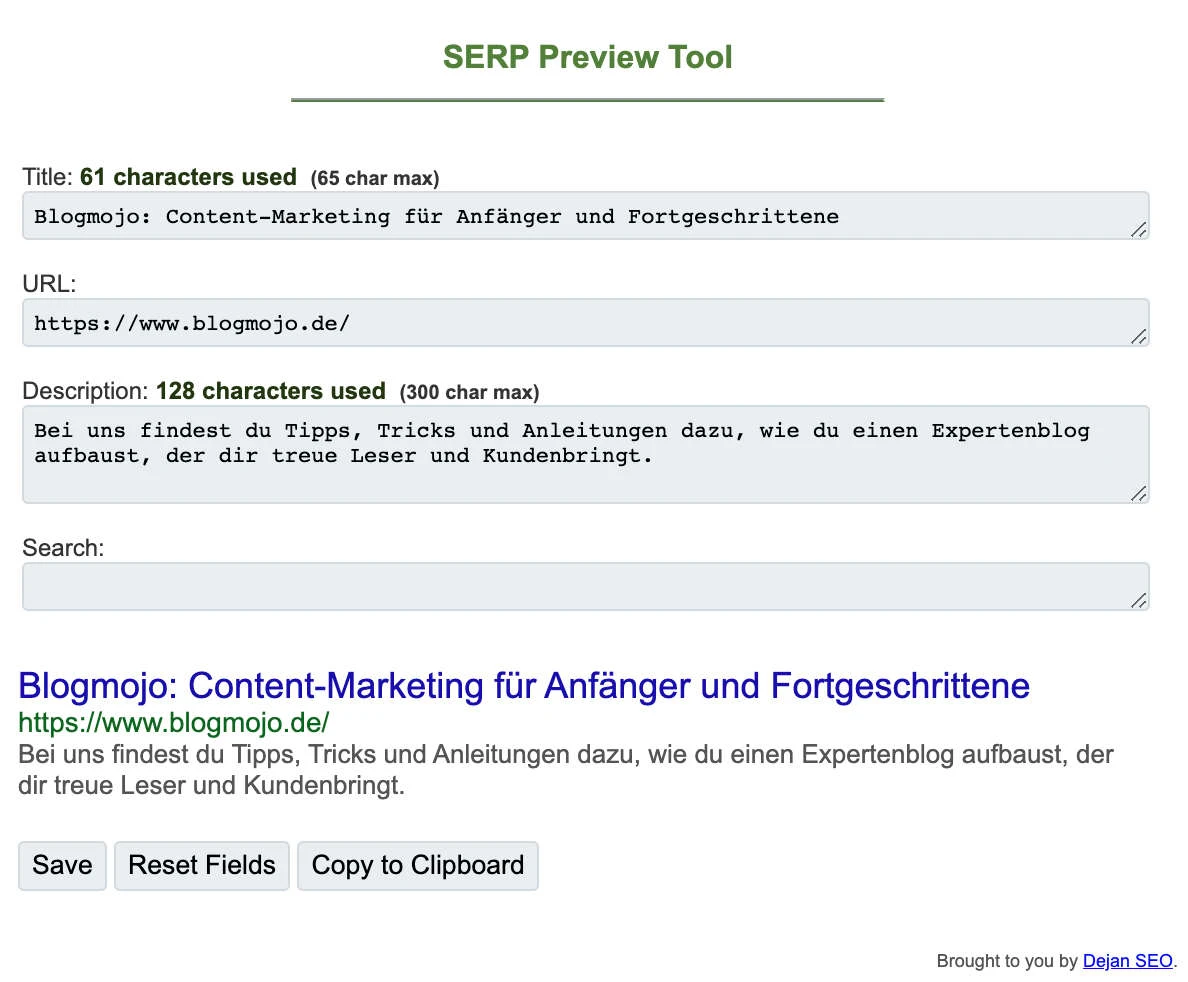
The SERP Preview Tool extension simulates a SERP entry based on your current meta data. You enter different variations directly in the tool's interface and they're picked up immediately in a live preview.
Ideal for testing different combinations!
If you like, you can also simulate different search queries, so that, for example, the bold print of a keyword is shown directly in the preview too.
10.5 SEO Minion
Price: included in the Keywords Everywhere Silver plan from $168 / year
Registration: requires a Keywords Everywhere account
Available for: Chrome, Firefox, Edge
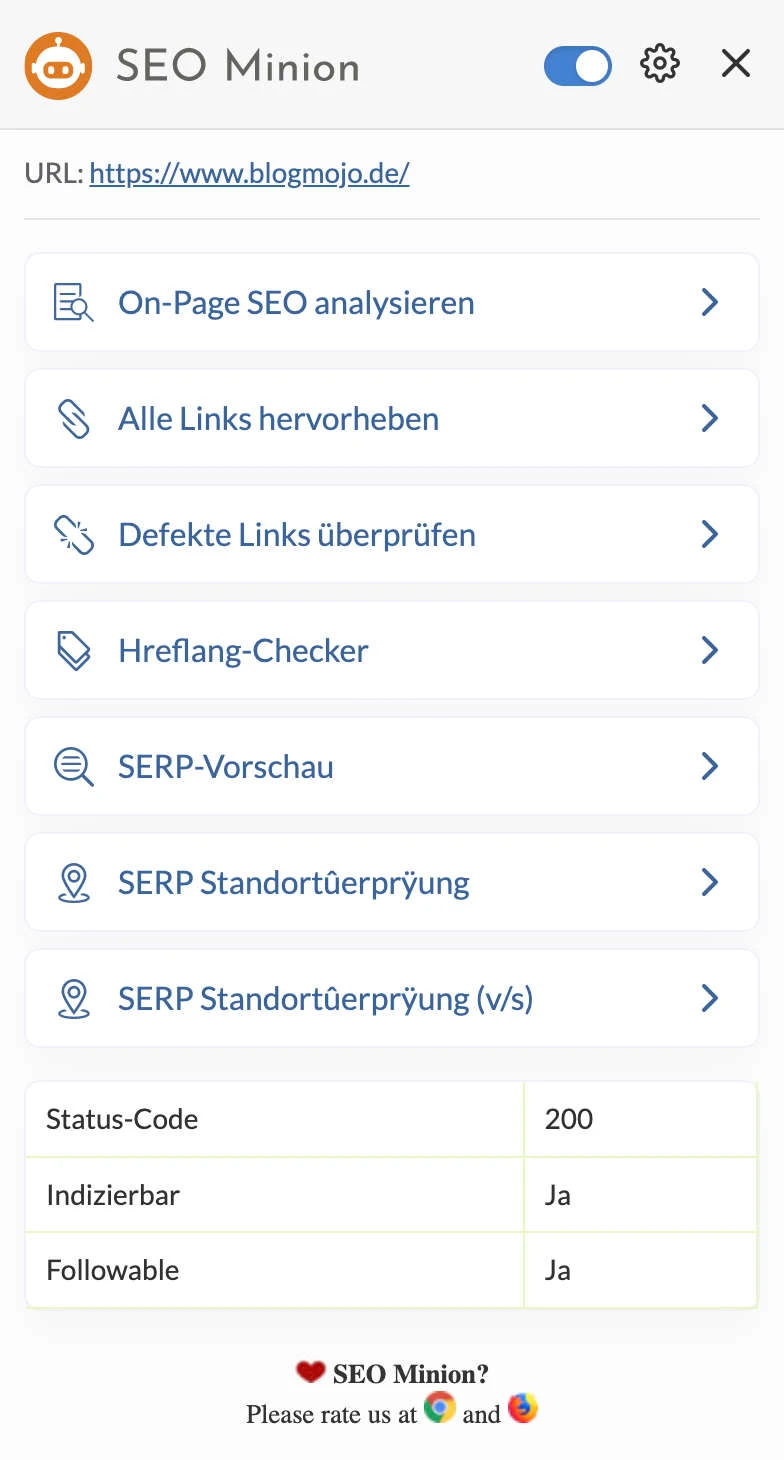
SEO Minion is a practical everyday helper for many tasks that come up in search engine optimization.
The tool analyzes the content of individual pages, for example, marks broken links or, if you like, shows all links in color. You'll also find a SERP preview function and a search query simulator in the extension.
Important:
SEO Minion hasn't been free since June 2023. You need at least the Silver plan of Keywords Everywhere, which currently costs $168 per year.
10.6 Linkclump
Price: free
Registration: not required
Available for: Chrome
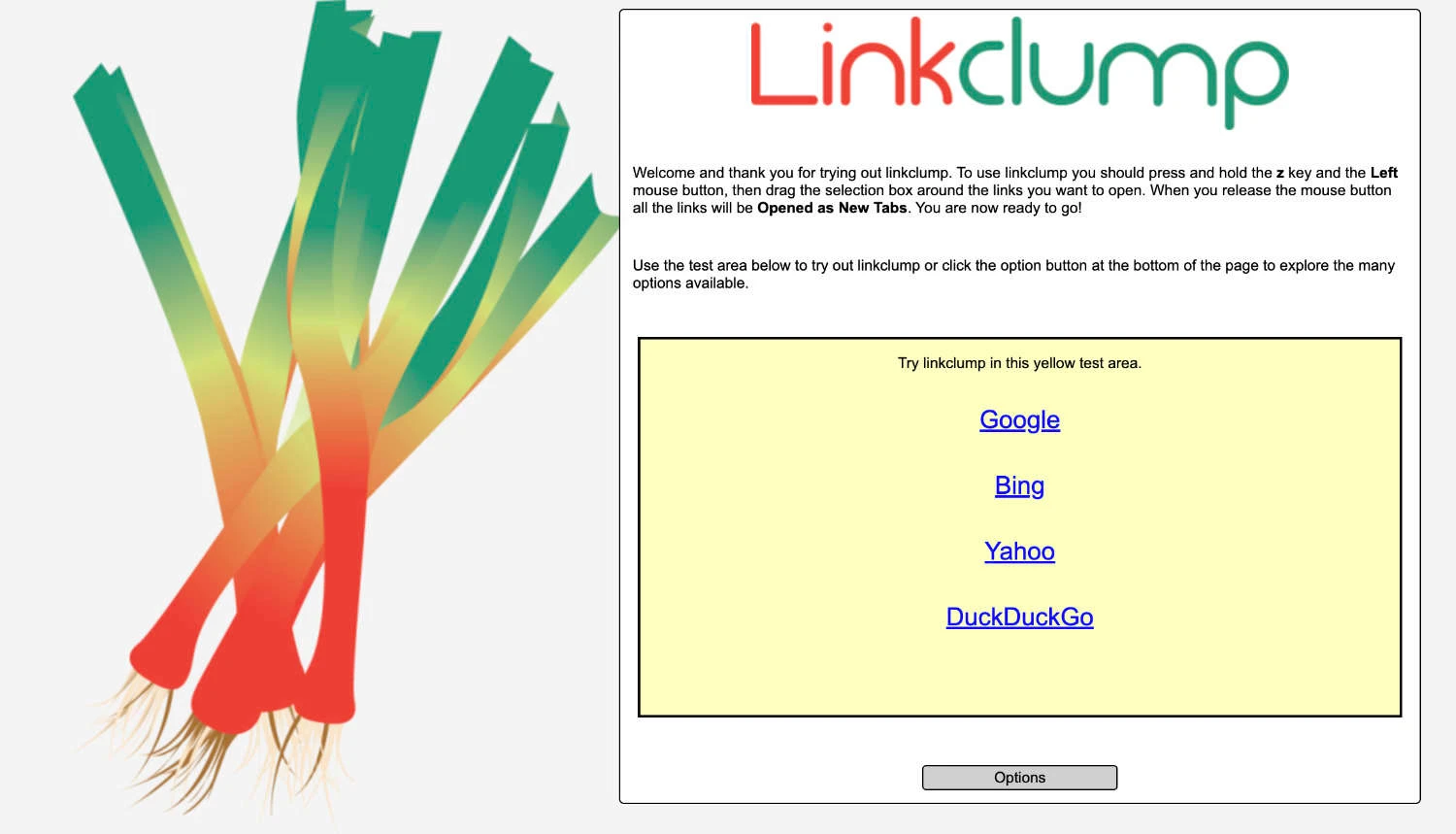
With Linkclump you can select several search results in Google search and then open them as new tabs or in new windows, copy them to the clipboard or save them as bookmarks
The extension also adds further great functions to the Chrome browser, such as an infinite scroll function when selecting links or a link filter.
11. Local SEO
11.1 GMBSpy
Price: free
Registration: not required
Available for: Chrome
GMBSpy is the ultimate spy tool for local SEO.
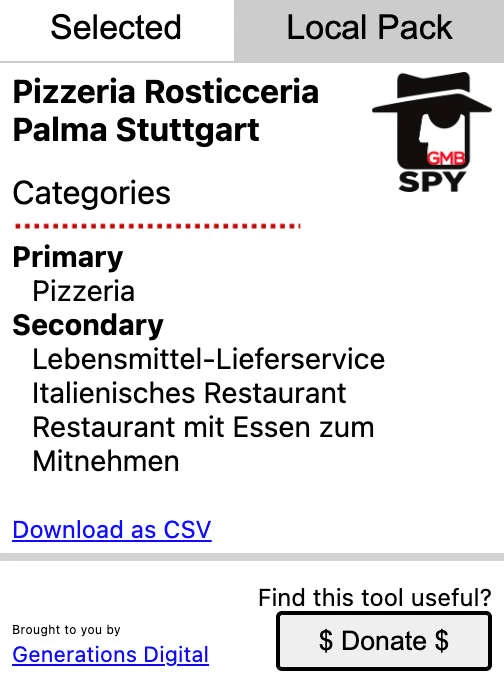
At the push of a button, all Google My Business categories for a SERP or Maps listing are displayed. It distinguishes between primary and secondary categories.
Simply select a listing you want to analyze and start the extension. All the important data is then loaded automatically and you can export it if needed.
FAQ
Here I've put together answers to common questions about Chrome extensions for SEO:
Why do some Chrome extensions no longer show the Alexa Rank?
The Alexa service was officially shut down on May 1, 2022. The extensions concerned therefore no longer receive any data.
Which Chrome extensions are an absolute must-have for SEO?
That generally depends on how you work and what your SEO work focuses on.
If you do a lot of link building, for example, you need different extensions than someone who mainly does content and keyword research.
The extensions I use most often at the moment include:
- SEO Minion
- SERPTrends
- Link Grabber
- Keywords Everywhere
- Keyword Surfer
- Ahrefs SEO Toolbar
Which of the extensions are also available for Firefox?
Several extensions are available for Firefox as well as Chrome. They include:
- Keywords Everywhere
- Ahrefs SEO Toolbar
- Detailed SEO Extension
- BuiltWith Technology Profiler
- Web Developer
- Majestic Backlink Analyzer
- Mangools SEO Extension
Always check the current availability in the add-on store of the respective browser.