Elementor is one of the most popular and most widely used page builders for WordPress and, according to WordPress.org, is active on over 10 million websites.
However, Elementor can only play to its strengths if you use a WordPress theme that works fully in harmony with the page builder.
In this article I've put together 7 great themes that are not only 100% compatible with Elementor but also often extend the page builder with useful extra features.
On top of that:
All the themes are either free or at least offer a free basic version.
- Elementor works with most themes, but specially optimized themes like GeneratePress or Astra offer better performance and perfect integration.
- A lean, fast theme is essential, because Elementor already adds a lot of code and heavy themes make loading times even worse.
- All the themes presented offer a free version. The Pro versions usually cost between roughly 70 and 150 dollars or euros per year, but you don't need them from the start.
What should a WordPress theme for Elementor offer?
Elementor itself is not a WordPress theme, just a plugin.
Even though Elementor includes a function called “Theme Builder”, that doesn't mean you can do without a theme entirely.
But: on the basis of a WordPress theme, you can use Elementor's Theme Builder to make extensive changes to your whole website.
Among other things, you can:
- Build a custom menu or header bar
- Design your own footer
- Create a custom blog page with all your posts
A simple, lean theme is therefore completely sufficient.
Since Elementor is fairly heavyweight and adds a lot of code to your website, it's even essential that your WordPress theme isn't overloaded and delivers good PageSpeed.
1. GeneratePress
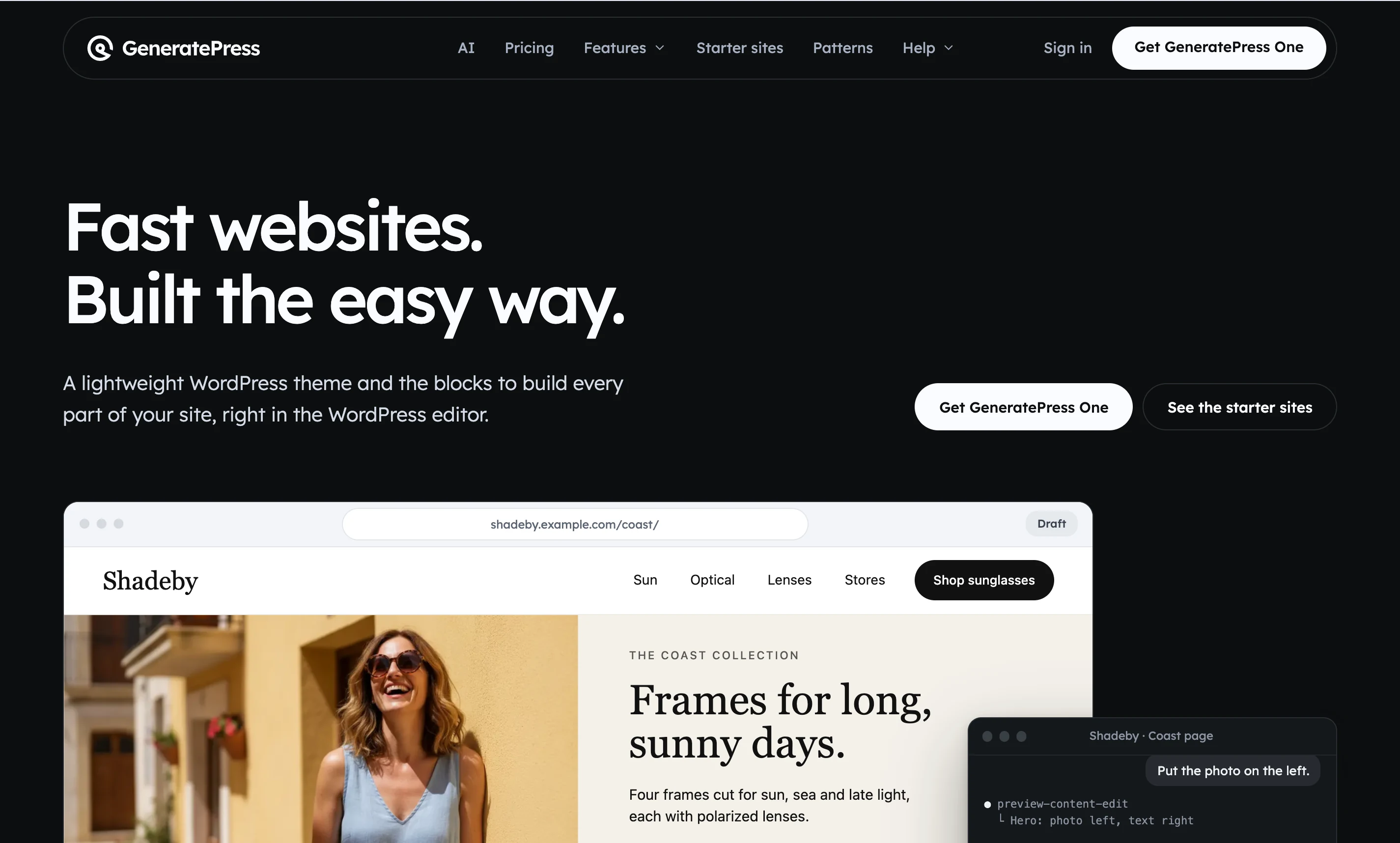
Reaching a rating of 4.9 stars with over 500,000 active installations says it all about this theme: GeneratePress is one of the best WordPress themes there is.
We also use GeneratePress on Blogmojo and Faminino.
The biggest advantage of this theme is its lean code, which adds little extra ballast to your website. That creates a good basis for fast loading times, but it still depends on your specific configuration.
Of course GeneratePress meets all the other quality standards too: it's responsive, accessible and available in both a free and a paid premium version.
Since GeneratePress has worked with the Gutenberg editor for many years, the two work together excellently. What's more, the GenerateBlocks plugin lets you add further blocks and templates to the editor.
What does GP Premium offer?
GeneratePress Premium greatly extends the features of the free version. Worth mentioning in particular are Elements and the template library, with which you can build complex websites in a structured way.
There are also features like an off-canvas menu, sticky navigation or a WooCommerce integration.
GP Premium now comes in the “GeneratePress One” package, which also includes GenerateBlocks Pro. The license for one website costs $99 per year, and $149 for up to 10 websites (source: GeneratePress pricing page).
- Very lean and fast theme
- Template library with great designs (for Elementor too)
- Works excellently with Gutenberg
- No problems with Elementor
- Elements adds to Elementor's range of features
- Outstanding support forum staffed by the developers
- We couldn't find any
2. Page Builder Framework
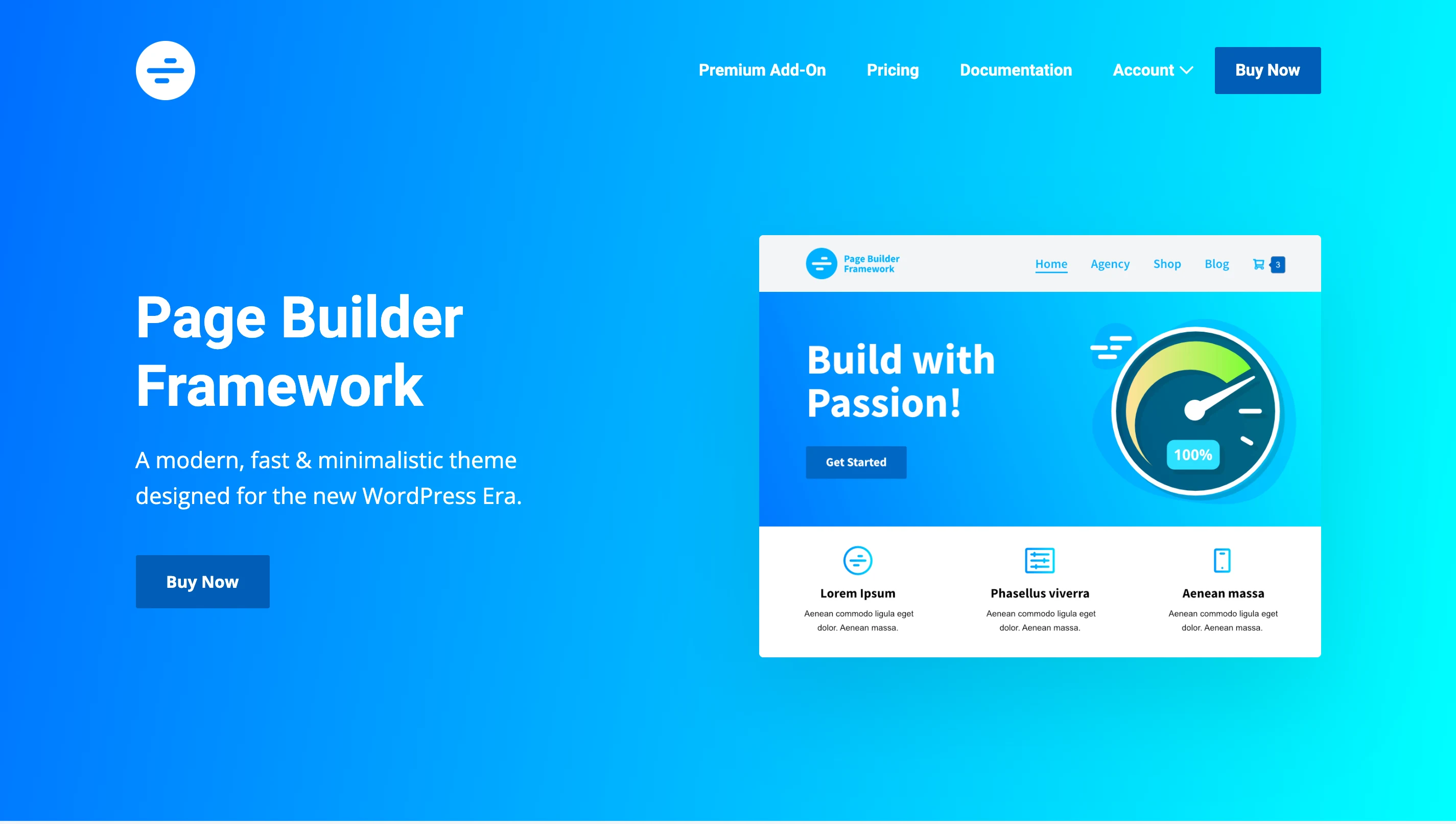
The name already gives it away: Page Builder Framework was developed with the intention of working perfectly with page builders like Elementor.
That makes it a solid choice whenever you're planning to use Elementor!
But that's not all: the customization options in the theme itself are really great, too. They make not only beginners but also developers happy, because hooks let you adapt the website to your own requirements however you like.
Page Builder Framework is also extremely lean and, thanks to its HTML5-based foundation, very SEO-friendly.
If you want to launch a multilingual website, the theme scores here as well, since it's compatible with the plugins WPML and Polylang.
Standard features like Gutenberg compatibility, mobile responsiveness and GDPR compliance are covered too.
What does the Pro version offer?
The Page Builder Framework Premium add-on, which currently costs $128 per year (source: pricing page), extends the theme with features like sticky navigation, advanced blog layouts or more menu settings.
It also unlocks the so-called Ultimate Dashboard Pro, which lets you manage several sites in one backend.
- Very simple and small theme
- Built specifically for page builders like Elementor
- Numerous customization options
- Excellent for beginners and developers
- WooCommerce integration
- Special backend for multisite management
- We couldn't find any
3. Astra

Astra is the most widely used WordPress theme of all and is perfectly compatible with Elementor in both its free and its paid version.
This theme, too, is incredibly lean and reaches top PageSpeed scores. The reason is very, very clean code that also does without things like jQuery by default, which really nobody needs anymore today.
The great thing about Astra is that it's not only excellently compatible with page builders like Elementor, but numerous other plugins like LearnDash or Yoast also work with the theme without problems.
I'd recommend Astra especially to beginners.
In the free version you can make numerous design adjustments via the Customizer and give your site its basic structure. This is where you decide, for example, whether you want to use a sidebar or how your blog posts should be structured.
What does the Pro version offer?
Astra Pro gives you further menu options as well as blog and page layouts that you can adapt individually to your needs.
Astra Pro + AI normally costs $149 per year or $449 as a lifetime license and covers up to 3 websites (source: Astra pricing page).
- Excellent page speed
- Lean, tidy code without jQuery
- Template library
- Numerous layout and menu options via the Customizer
- WooCommerce integration
- 100% compatible with Elementor
- Large community, very competent support
- Somewhat reduced range of features in the free version
4. Hello Elementor
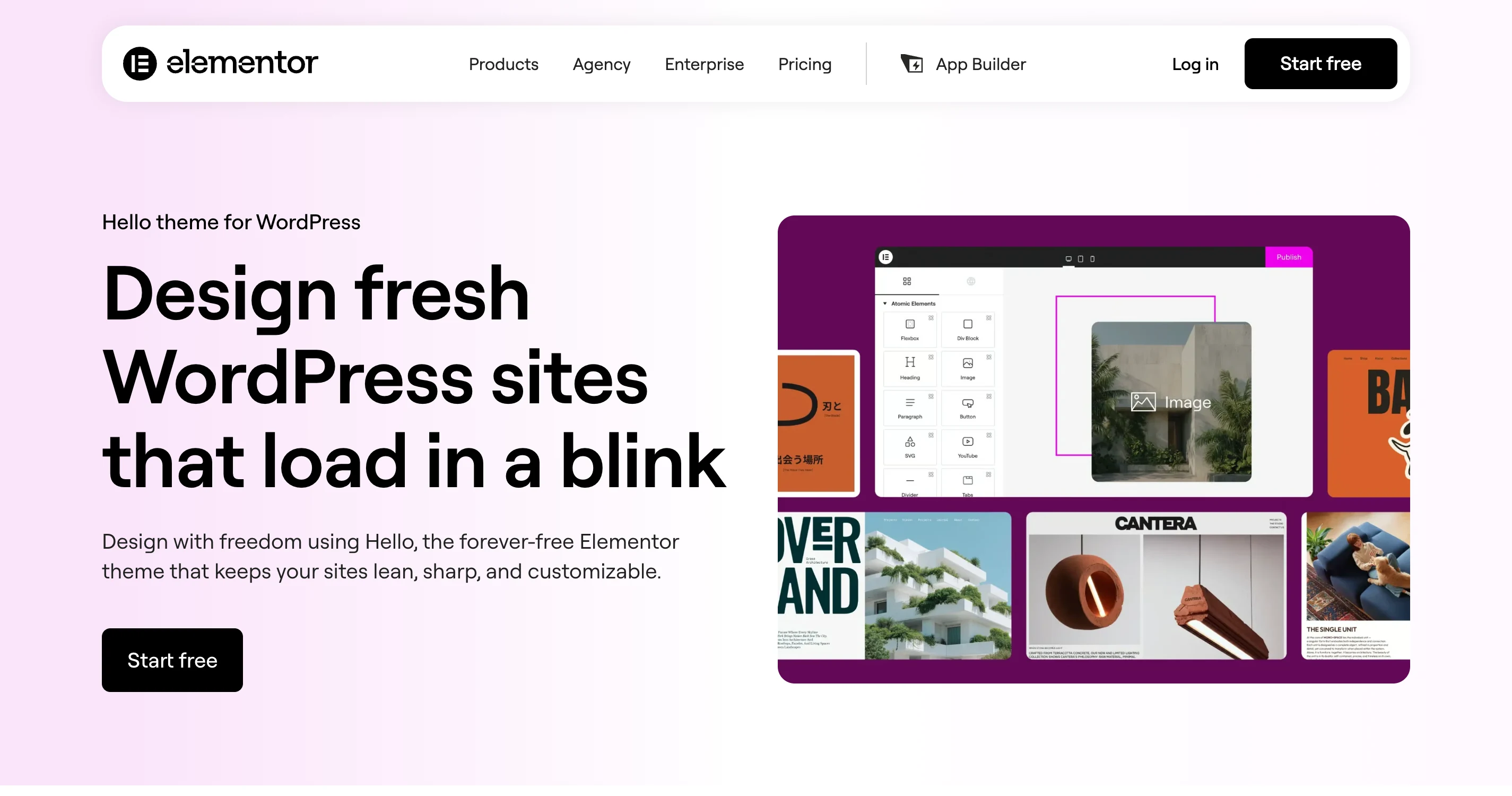
With Hello Elementor, the makers of Elementor give us a theme tailored to the requirements of the page builder that promises 100% compatibility.
You need to be aware that its range of features can't keep up with premium themes. In return, Hello Elementor knows exactly how Elementor “ticks” and so works ideally with the plugin at every interface.
Another plus is that if you have problems or questions, you only have to contact one point of contact.
That means: if you're a beginner, I would definitely advise you to go with Elementor combined with Hello Elementor.
The theme is free and user-friendly, fast and visually appealing.
Online shop owners can also fall back on a WooCommerce interface.
It's no coincidence that Hello Elementor is used on over a million websites and rated a good 4.2 stars in the WordPress theme library.
- Free and open source
- Built directly by the developers of Elementor
- Very lean, fast theme
- 100% compatibility with Elementor
- WooCommerce interface
- Beginner-friendly
- Greatly reduced range of features compared to premium themes
5. Neve
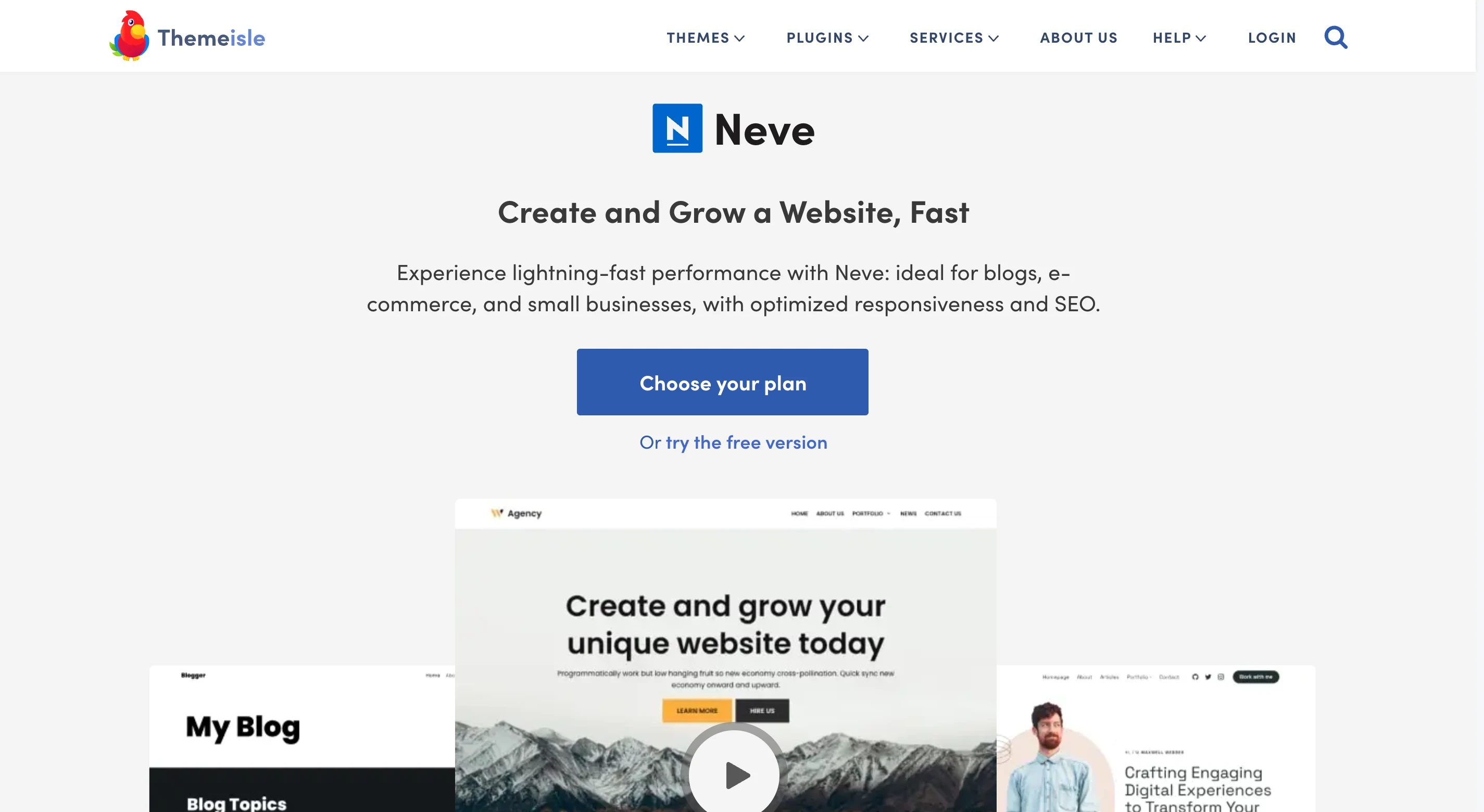
Neve is not only 100% compatible with Elementor but, in the Pro version, even extends the page builder's prebuilt blocks. The theme's makers also offer free Elementor support, which is a real unique selling point.
Neve has plenty more going for it.
Neve is incredibly fast and, thanks to its very tidy backend, incredibly user-friendly. That means you can design every area of your website individually without typing a single line of code.
A particular highlight is the “one-click rollback function” built into the theme, which lets you jump back to the previous version at the push of a button.
What does the Pro version offer?
With Neve Pro you add a large template library to the theme, which you can import easily and quickly right in the backend.
You also get more options for individually designing areas like the header, footer or menu. Neve Pro costs from €139 per year, and the templates are included in the Business plan for €299 per year (source: Themeisle pricing page).
The additional blocks for Elementor that Neve Pro adds to the page builder were already mentioned.
- Fast loading time, very tidy code
- Numerous templates that are easy to import
- One-click rollback function
- Elementor support from the theme's makers
- Extensive layout customization via the Customizer
- Its own blocks for Elementor
- Templates and WooCommerce booster only from the Business plan
6. OceanWP
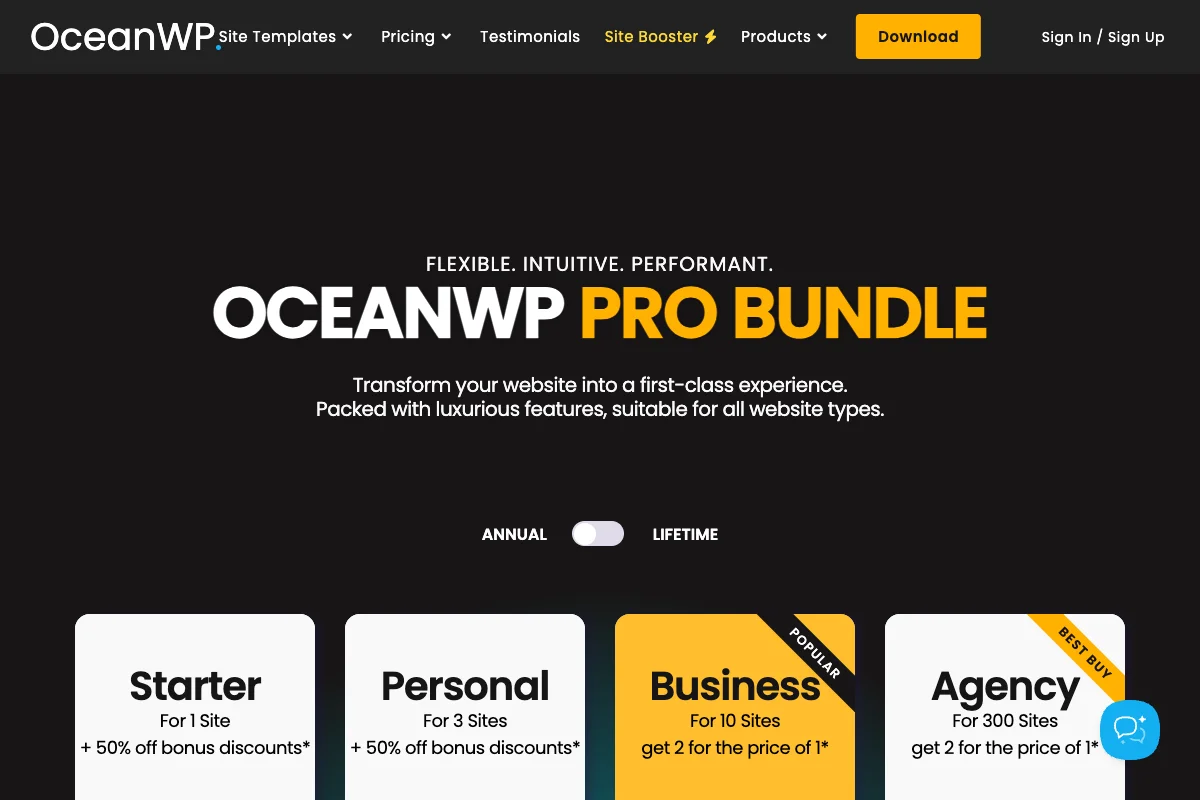
OceanWP offers numerous advantages especially for shop owners, so I can recommend this theme in particular if you want to sell products online.
The theme was developed specifically for use with WooCommerce. Combined with Elementor, OceanWP also plays out all its visual strengths.
Even the free version contains numerous templates that you can import with a mouse click and then adapt to your own ideas.
What does the Pro version offer?
With OceanWP I would definitely advise you to go for the premium version.
Not because the free version is bad, but because, first, the premium version comes with numerous Elementor templates.
Second, it adds many WooCommerce features that you definitely shouldn't do without. These include a sticky buy button or a quick view for products that shows the customer all the important product features right away.
You can find the current prices on OceanWP's pricing page.
- Fully compatible with Elementor
- Very extensive Pro version
- Ideal for using WooCommerce
- Pro version with premium templates and numerous extensions
- Very competent support
- Beginner-friendly
- None found so far
7. Hestia
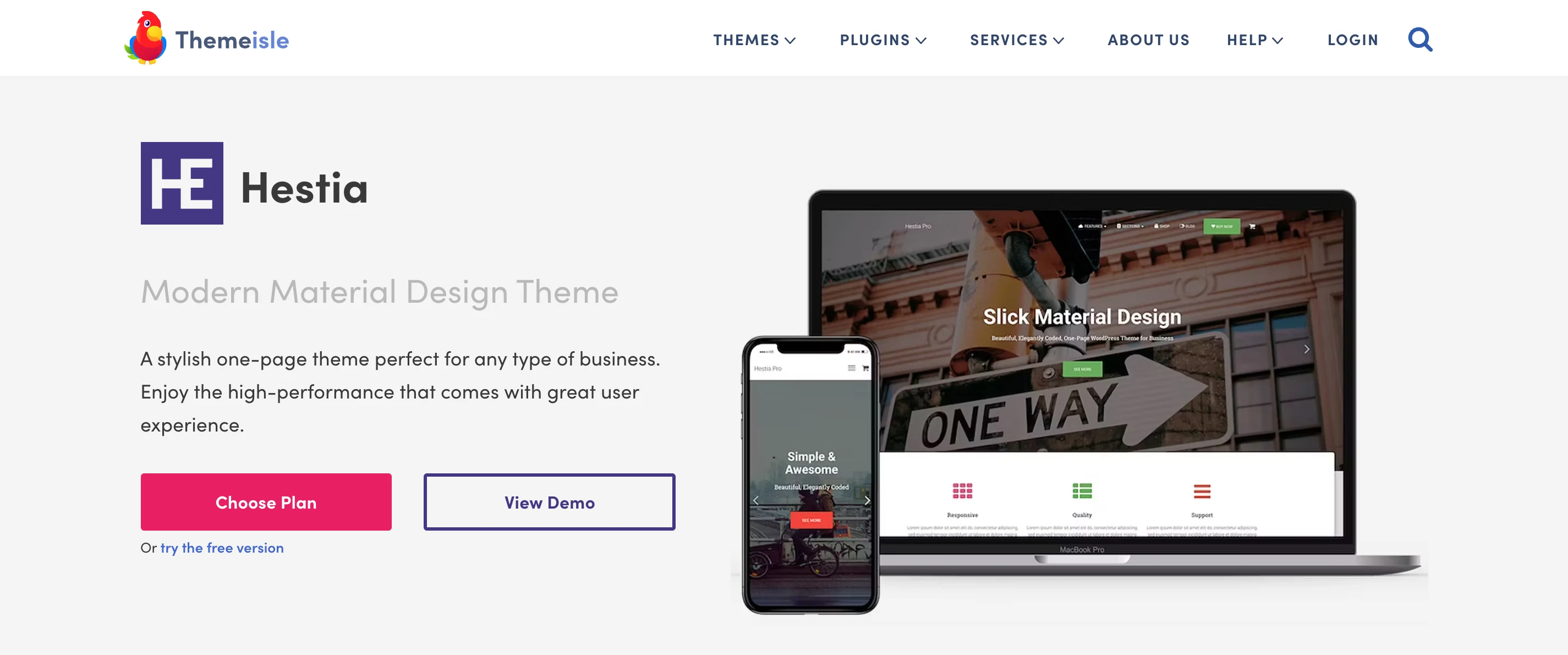
Hestia and Neve come from the same developers. Accordingly, you can see many parallels in quality and range of features.
The design approach differs between the two themes, though: while Hestia looks rather colorful, Neve is ideal for all minimalism fans.
The theme impresses with numerous individual settings in the Customizer that, combined with Elementor, make any project possible.
What does the Pro version offer?
Thanks to its large range of features, Hestia Pro is highly recommended for shop owners (it works perfectly with WooCommerce) as well as for bloggers.
Numerous templates are waiting for you here that you can integrate easily and quickly. The theme even has prebuilt blocks for individual sections that can be inserted directly into Elementor or the Gutenberg editor via shortcodes.
By the way: despite great layouts, Hestia achieves excellent page speed values.
Hestia's pricing page now redirects to the Neve Pro plans. These start at €139 per year.
- Fast loading times
- Great ready-made blog layouts
- Extensive settings in the Customizer
- Large library of ready-made templates
- WooCommerce integration
- 100% compatible with Elementor
- Only really extensive from the Pro version
FAQ
Here I've put together answers to common questions about Elementor themes:
Does Elementor work with every theme?
Yes, Elementor works with most themes. Still, you should test the theme and Elementor thoroughly for compatibility if the developers haven't explicitly stated that they work together smoothly. A staging environment is a good way to do that, for example.
Does Elementor make loading times worse?
Unfortunately, yes. Elementor consists of a wealth of features that add large amounts of code to your site.
That naturally shows in the loading time. There are plenty of ways to still get good results with Elementor, though. One important step is enabling Elementor Experiments such as Improved Asset Loading, Improved CSS Loading, Inline Font Icons or Optimized DOM Output.
How do I adapt my theme to Elementor?
Elementor has a so-called Theme Builder. With this tool you can customize almost every part of your theme, such as the header and footer or the design of blog posts.
All you have to do is create and activate custom designs in the Theme Builder. The display rules are very flexible and can be limited to individual pages, categories or even tags.
What happens to the theme if I deactivate Elementor?
All pages built with Elementor will no longer display correctly once you deactivate the plugin. So you should think carefully beforehand about whether you want to rely on Elementor permanently.