If you add e-commerce to WordPress, in 99% of cases the result is “WooCommerce”.
The WordPress plugin WooCommerce has established itself as the go-to selling solution in the WordPress ecosystem and is especially valued for its modular extensibility.
For WooCommerce to unfold its full potential, though, you should rely on the right theme from the start. Not every theme is suited to building an online shop.
In this article, we take a look at the 13 best WooCommerce themes right now and examine them more closely.
- The 13 best WooCommerce themes compared: from free solutions like Astra, OceanWP and Blocksy to premium themes like Divi and Shoptimizer with advanced conversion features.
- Key selection criteria: WooCommerce compatibility, performance, editability with page builders, responsive design and good support.
- Shoptimizer focuses on speed and conversion optimizations, Divi offers the largest feature range with a live builder and marketing tools. To get started, Astra, Neve or Blocksy in the free version are often enough.
What does a good WooCommerce theme need to offer?
First things first: there are thousands of different themes that are compatible with WooCommerce. So if you already run a website, you don't necessarily have to switch themes to make it compatible with WooCommerce.
If you're just starting out and planning an online shop, though, it can definitely make sense to make sure from the beginning that WooCommerce and your theme work together perfectly.
There are a few points you should pay extra attention to:
- WooCommerce compatibility: There really are themes that are only partly compatible with WooCommerce. So be sure to check whether your chosen theme and the e-commerce solution fit together.
- Layouts: After you install WooCommerce, the plugin automatically creates a few pages such as the cart, checkout or product pages. Make sure your theme displays these pages without errors. Since WooCommerce 8.3 (November 2023), new shops get the block versions of the cart and checkout by default. So check whether the theme works well with them.
- Performance: WooCommerce slows down your site's loading time. That's logical and not a problem at first. It becomes a problem, though, if the theme itself already supplies large amounts of data that have to be loaded. So look for lightweight, high-performance themes.
- Editability: So that you can customize your shop pages to your needs, the theme should be configurable accordingly or compatible with page builders such as Elementor.
- Responsive: Today, the majority of online transactions are made on mobile devices. Your theme should be responsive accordingly
- Support: Questions can come up now and then, especially when building online shops. For that reason, you should choose a theme that offers support (or at least has a broad community that helps with problems)
1. Astra

Astra comes in a free and a premium version and stands out mainly for its excellent loading time.
Even the free version gives you numerous WooCommerce features such as a sidebar and widget extensions. There's also a dropdown cart, a product grid and a product catalog.
With the Pro version, the feature range is expanded with things like infinite scrolling, very extensive product galleries or a quick view for customers.
One of Astra's highlights is the integrated drag-and-drop builder, which lets you create very high-quality websites without any programming knowledge.
The numerous templates and the endless WooCommerce settings are worth highlighting too. For example, you can adapt the cart to your needs however you like and thereby increase the completion rate.
Who is Astra the best solution for?
Astra offers an extreme breadth of features and comes with numerous ready-made shop templates for all kinds of niches.
That means any online shop can be built with Astra. Whether you want to sell plants or clothing, physical or digital products.
- Free version available
- Fast loading time
- 100% compatible with WooCommerce
- Very competent support
- Page builder integrated
- Numerous ready-made templates
- Many settings via the Customizer
- We couldn't find any
2. Neve
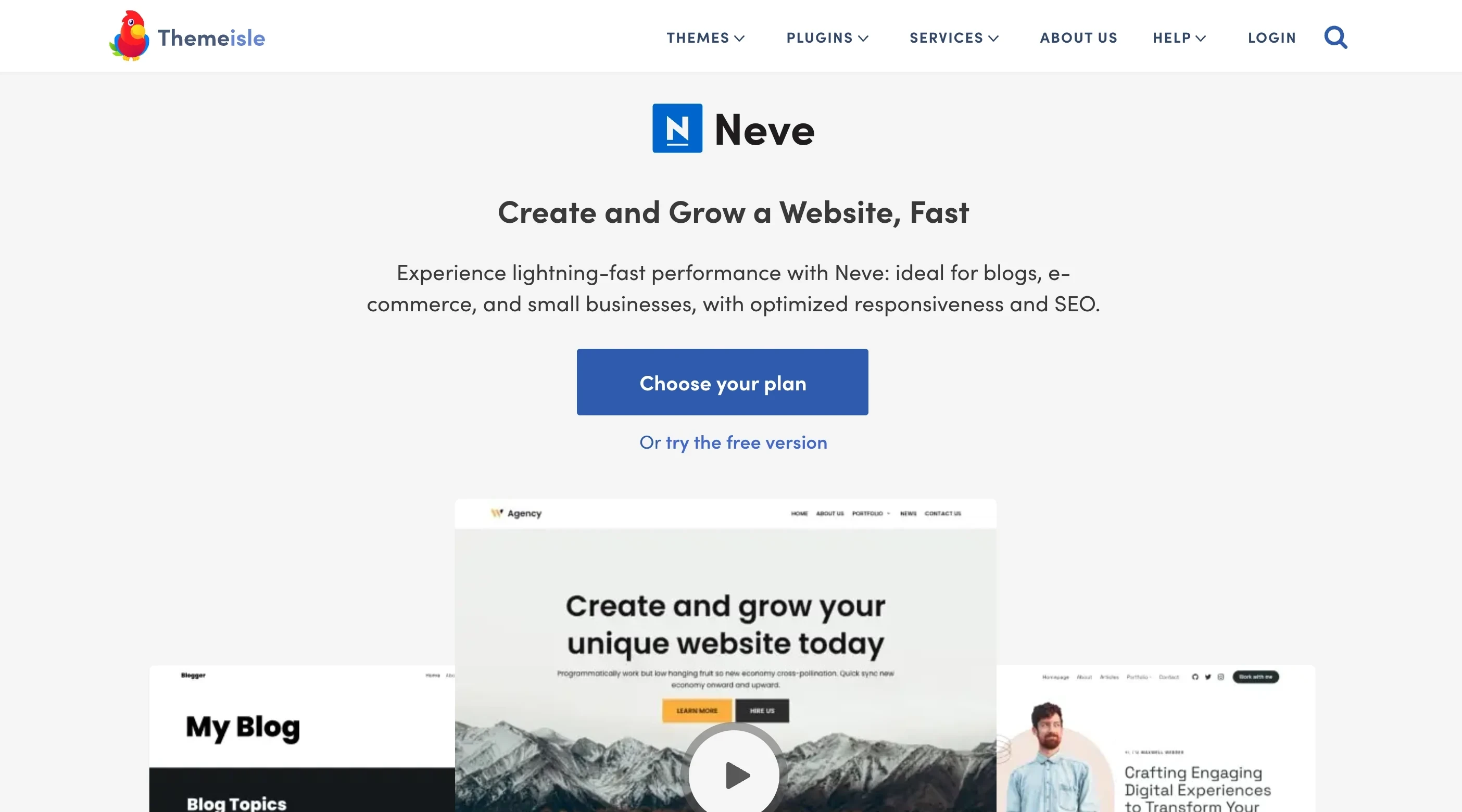
Neve impresses with a very wide range of uses, which qualifies this theme for many areas, including WooCommerce.
Even though the developers provide a free version, the Pro version is strongly recommended when building an online shop, because it adds numerous WooCommerce features.
These include:
- Quick view of products on hover
- Off-canvas filter for the shop
- Extensive cart settings
- Different checkout processes
- and much more
A big advantage is that all features and extensions can be controlled via the Customizer, which makes the theme very easy to use even for beginners.
To make building pages as simple and comfortable as possible, you get numerous prebuilt templates, both for Gutenberg and for page builders (Elementor, Thrive Architect, Divi, etc.)
Who is Neve the best solution for?
Neve convinces with incredible flexibility, which the templates already make clear: you'll find templates for digital products, from jewelry and beer to perfume or sports boats.
In short: with Neve, you can build both very minimalist projects and visually demanding shops.
- Free trial version available
- Easy control in the backend via the Customizer
- Lots of WooCommerce features
- Numerous templates already integrated
- Compatible with page builders such as Elementor, Divi, etc.
- Very competent support
- Good value for money
- Advanced WooCommerce features only from the Business plan (€299 per year)
3. OceanWP
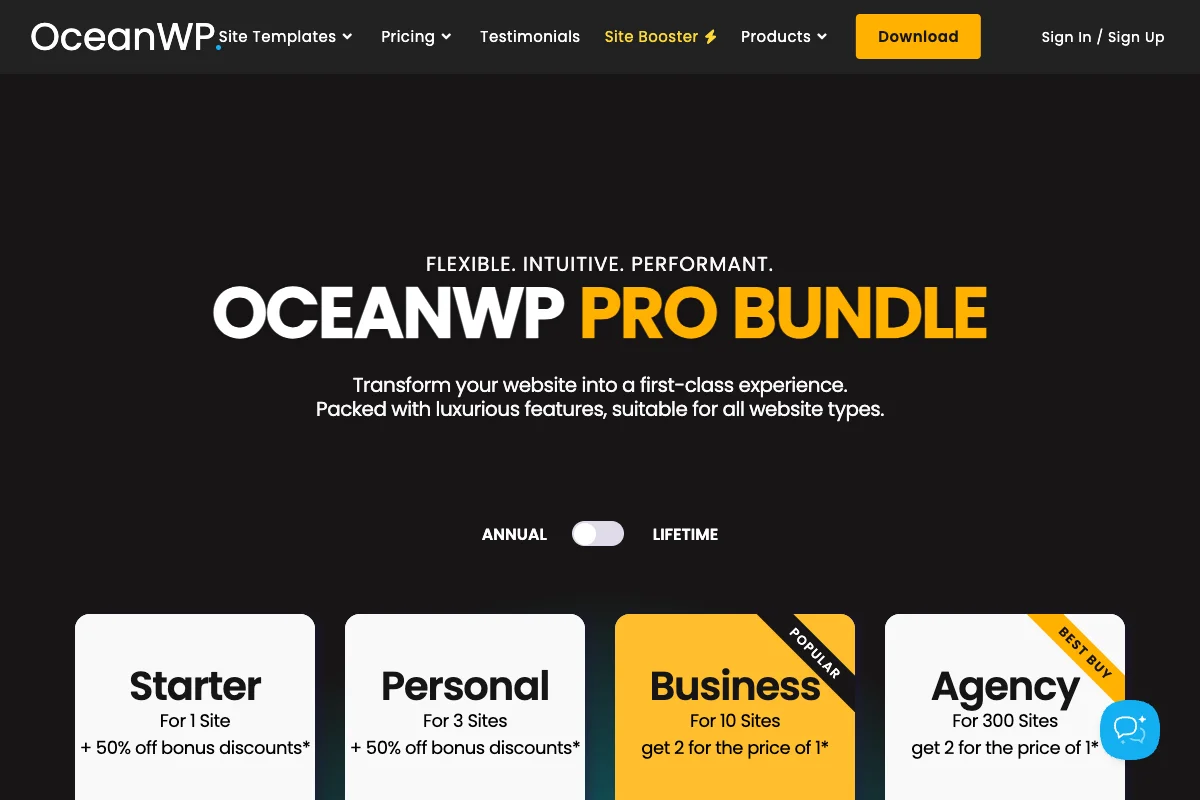
OceanWP comes in a free and a paid version, and OceanWP Free already includes numerous e-commerce templates that you can import quickly and easily. No other theme offers this unique selling point.
Of course, OceanWP is 100% compatible with WooCommerce, even though the theme wasn't developed specifically for it. The demo pages quickly make clear, though, that this is definitely not a disadvantage.
Quite the opposite: it gives OceanWP even more flexibility for different projects.
The great thing is that the premium version isn't strictly required for an online shop.
It's true that it adds further templates and extra features such as a cookie notice or a sticky header to the theme, but all WooCommerce features are already included in the free version.
Who is OceanWP the best solution for?
OceanWP gives you all the features you'd expect from a WooCommerce theme: fast loading times, a sophisticated design and a decent feature range.
OceanWP is also compatible with page builders such as Elementor.
That scope is definitely enough for simple online shops.
If you want an artistically ambitious shop with lots of visual highlights, though, the feature range will disappoint you a little.
- Free
- Numerous templates included
- Fast loading time
- Compatible with page builders such as Elementor
- Easy to use
- Very good support
- White labeling only with a premium plan
4. Storefront
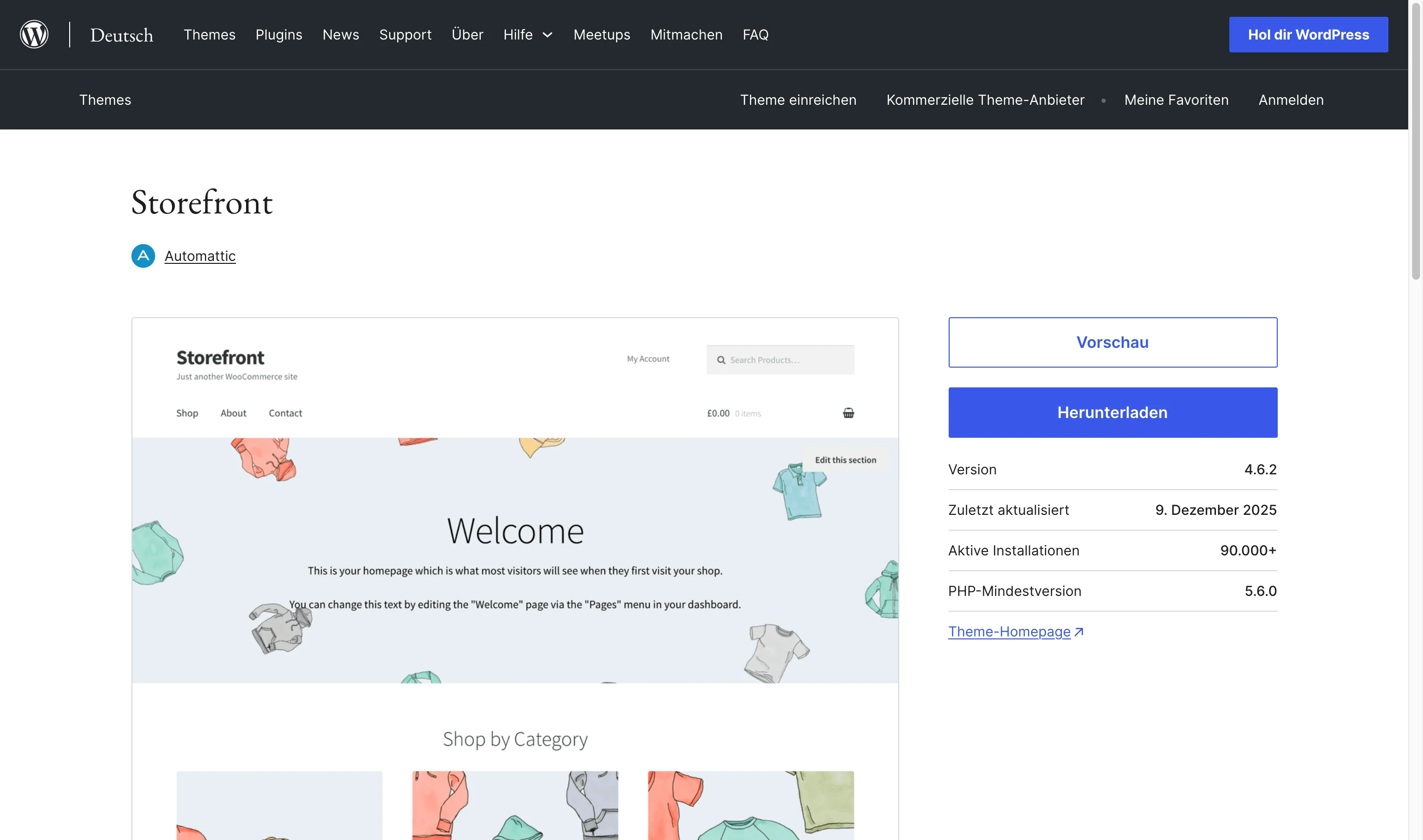
Storefront is the free theme built by the WooCommerce developers themselves.
The 90,000+ active installations with a rating of 4.5 stars make clear that Storefront is well received, which is mostly due to its close alignment with WooCommerce. Support for the theme and the selling solution also comes from a single source, which is certainly an advantage when problems come up.
The performance is really great too, because the theme is very light and clearly laid out.
The weak spot is clearly the low feature range, which definitely can't compete with other solutions. If you want to expand it, you need expensive add-ons that are unfortunately out of proportion to the feature range they offer.
Who is Storefront the best solution for?
Storefront is flexible to use and free, which makes the theme a great beginner solution.
You do need to be aware, though, that you should already have some experience with WordPress and basic HTML/CSS code. Storefront repeatedly requires you to enter code snippets if you want to get everything out of the theme.
- Free
- Flexible to use
- Developed by the WooCommerce developers
- Support from experienced specialists
- Flexibly extendable with add-ons
- Very good performance, low loading time
- Working with code snippets is occasionally necessary
- Low feature range in the free version
5. Divi
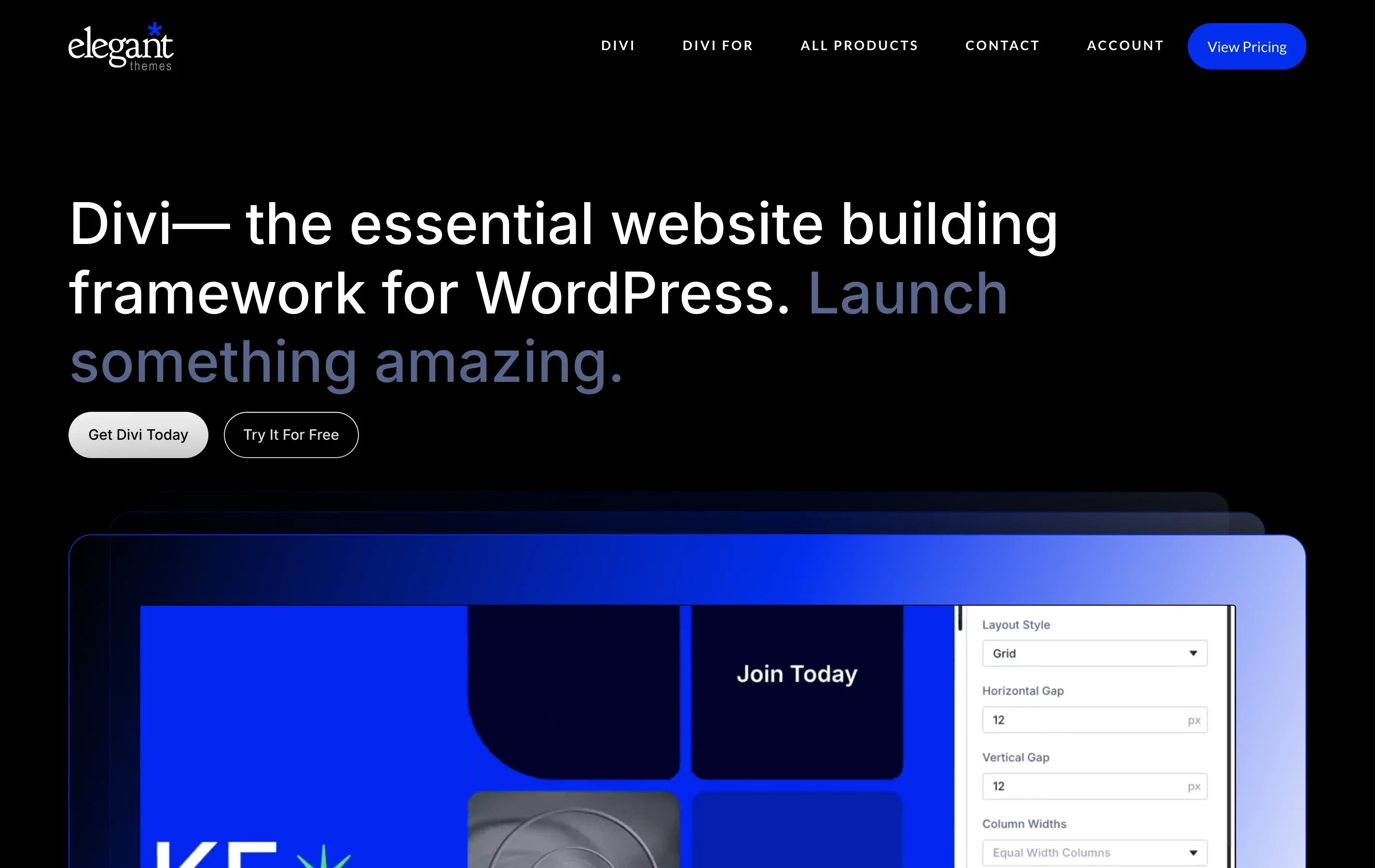
Divi is probably the most extensive WordPress theme currently available on the market. It isn't just a classic theme but an all-in-one solution including a page builder, drag-and-drop builder and marketing tools.
Even though Divi wasn't designed specifically for WooCommerce, it is of course compatible with the plugin: you create the classic shop layout conveniently with the Customizer and then make targeted changes in the drag-and-drop editor.
Divi is incredibly user-friendly and makes it very easy for you to build professional shops, even as a beginner.
Of course, hundreds of templates are integrated, which you can import quickly and easily.
Who is Divi the best solution for?
Divi is an extensive solution you can choose for building an online shop.
With the theme and its tools, you not only build an extensive shop but also collect your customers' email addresses.
Divi is suitable for every project in every niche and is especially interesting if you want to build a visually very appealing website.
I'd advise against it if you only plan to publish a minimalist shop with just a few products. Then Divi's gigantic feature range is definitely superfluous and maybe even distracting.
- Annual license or one-time payment (lifetime)
- All-in-one solution with a gigantic feature range
- One of the best WYSIWYG editors on the market
- Full-fledged page builder
- Very competent support, huge community
- Hundreds of templates already integrated
- Regular updates that expand the feature range
- Marketing tools already integrated
- Compatible with many third-party tools (AWeber, Mailchimp, etc.)
- The large feature range can also get in the way on smaller projects
- Not cheap
- Loading time could be better
6. Shoptimizer
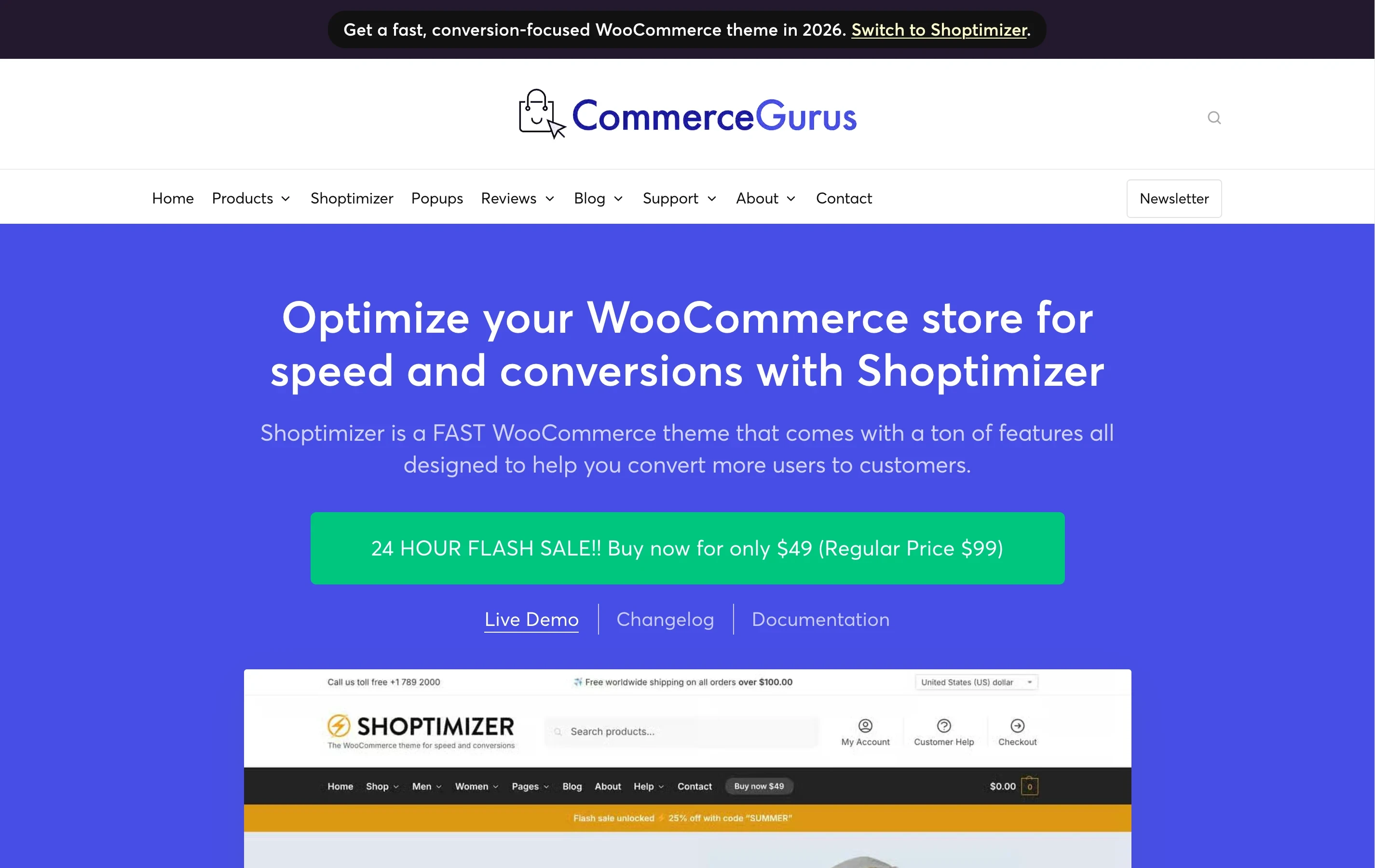
The developers (CommerceGurus) promise to have built the fastest WooCommerce theme on the market with Shoptimizer. And the theme really is very lean and fast.
The excellent results come from well-organized code and reduced CSS.
Good performance is by no means the only highlight of Shoptimizer.
Because the theme was developed specifically for WooCommerce, the two building blocks not only work together superbly, but Shoptimizer also delivers a wealth of extra features to increase your online shop's conversion rate.
These include:
- Optimized checkouts
- Additional product information
- Sticky bar with product details
- Trust-building elements (including icons and logos)
- Countdowns and flash sales
- and many more
These great features are complemented by compatibility with page builders such as Elementor, SEO features and an extensive mega menu.
Of course, templates are included as well, which you can import directly.
Who is Shoptimizer the best solution for?
Shoptimizer is one of the most extensive WooCommerce themes there is, offering a wealth of conversion-driving features.
For larger shops with a lot of visitors, these features can definitely be worth it to push revenue up significantly.
Of course, small shops can be built with this theme too, although Shoptimizer only really shows its class when you have a large product portfolio.
- Flawless value for money
- Developed specifically for WooCommerce
- Numerous features that increase conversion
- Compatible with page builders
- Excellent loading times (optimized code, reduced CSS)
- Good support
- Templates included
- Updates and support expire after the first year
7. Blocksy
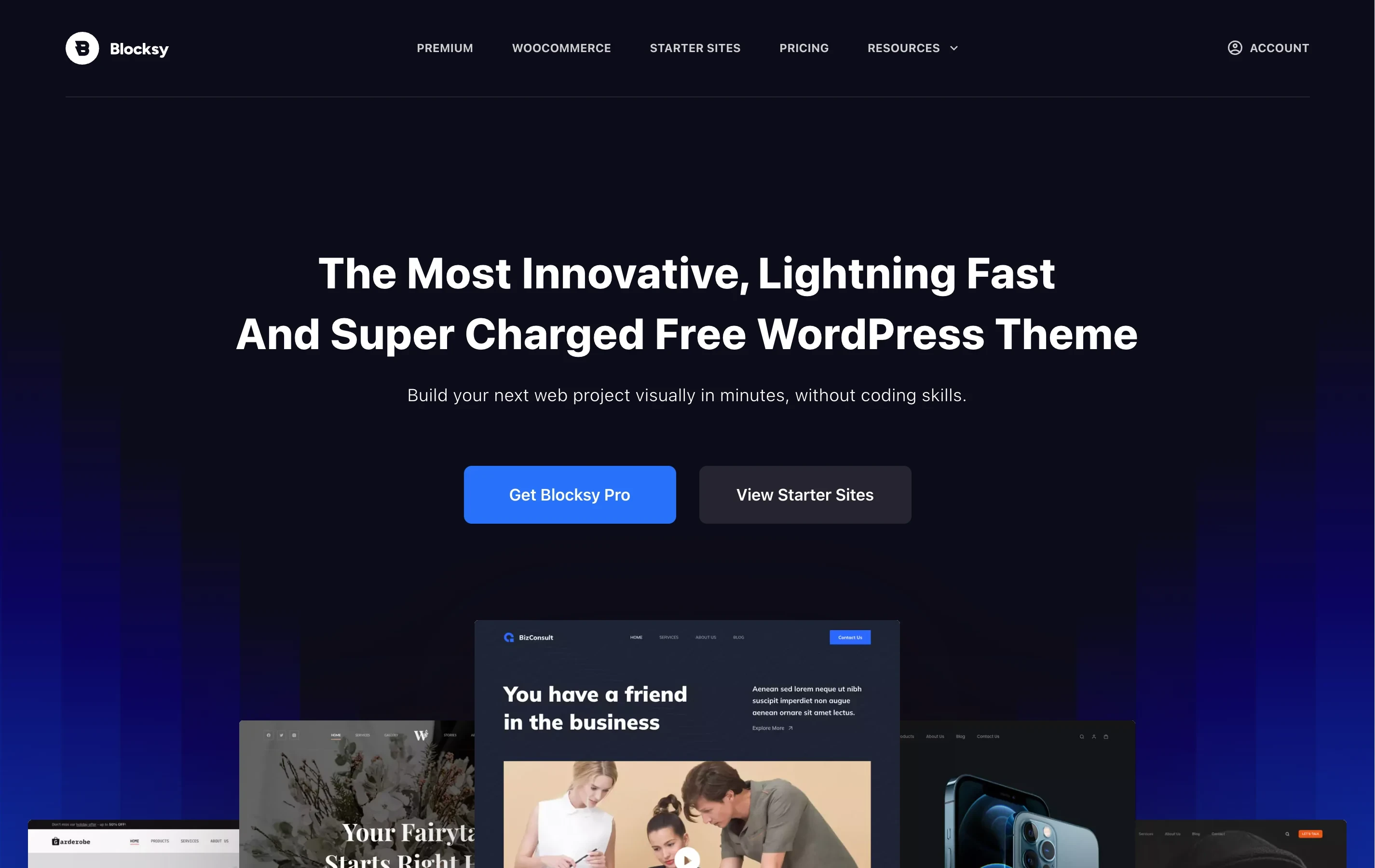
Blocksy has developed into one of the most popular free themes in recent years. More than 300,000 active installations speak for themselves.
Even the free version is interesting for online shops because it brings WooCommerce features. The premium version adds product filters, variation swatches, a wishlist, a quick view and extended reviews, among other things.
According to the manufacturer, the theme only loads the scripts and styles needed for active WooCommerce features. That keeps the site lean.
Who is Blocksy the best solution for?
Blocksy fits if you want to work with the block editor and still have a fast, flexible foundation for your shop.
The free version is enough to get started. Once you need filters, a wishlist or a quick view, the upgrade is worth it.
- Well-equipped free version
- Loads only the WooCommerce scripts it needs
- Product filters, wishlist, quick view and variation swatches in the premium version
- Built for the block editor
- Lifetime license available ($199)
- Over 300,000 active installations
- Many WooCommerce features only in the premium version
8. Hestia
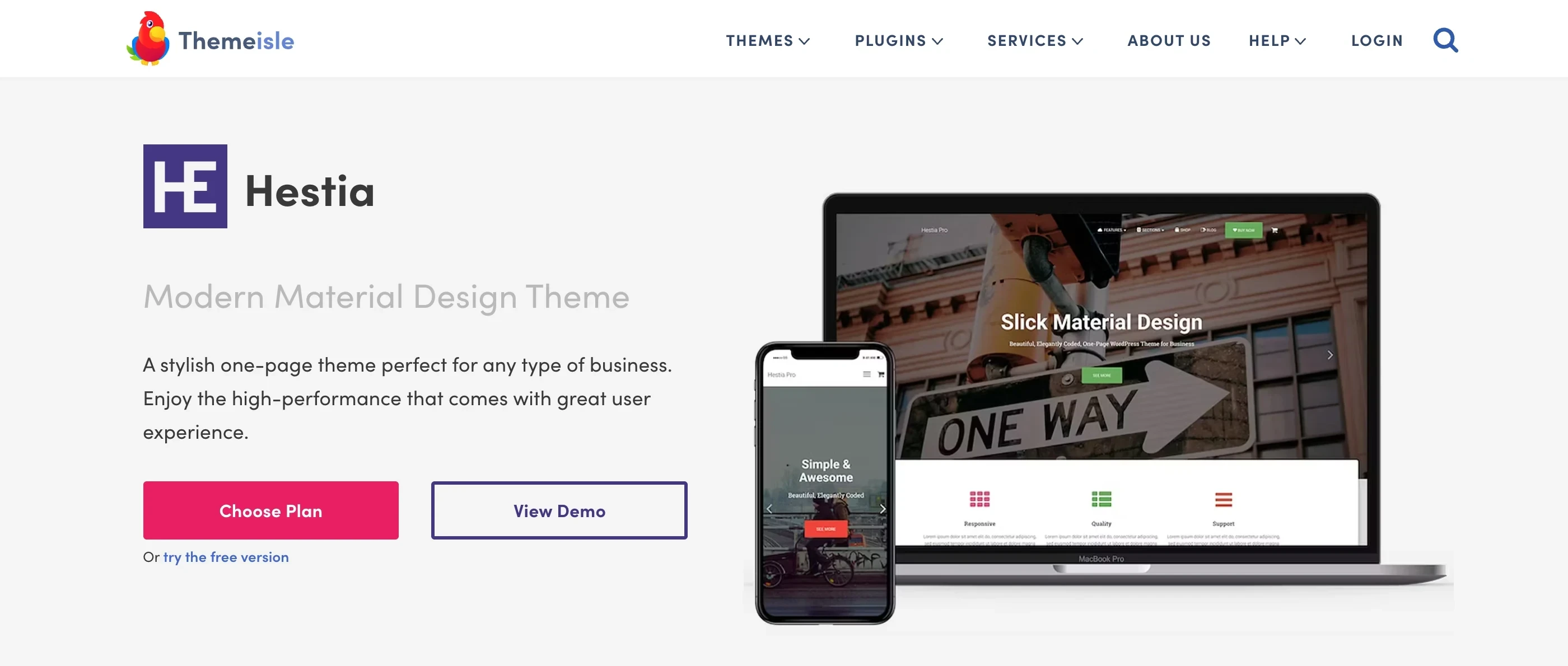
Hestia comes from the renowned Themeisle workshop and exists in a free and a premium version.
Hestia isn't a classic WooCommerce theme but rather a very extensive all-round solution that is perfectly prepared for use with WooCommerce, so that the theme and e-commerce work together superbly.
Even with the free version, you get a very extensive theme that allows many individual settings via the Customizer. Among other things, that includes numerous design adjustments for products, the cart or checkout, and the Pro version expands the options significantly again.
The biggest advantage of Hestia Pro is the ready-made e-commerce templates, which you can import and then customize.
Pro also adds a page builder, sliders, extended blogging features and a product portfolio.
Who is Hestia the best solution for?
Hestia is perfect if you want to combine an online shop with a blog.
Thanks to the good features in both areas, the theme manages the combination, so you can present your products superbly without giving up other features.
- Fair price
- Very good support
- Excellent performance
- Ready-made e-commerce templates
- Compatible with page builders such as Elementor
- Very mature blogging extras
- Page builder integrated
- Unfortunately only a few WooCommerce templates
9. Impreza
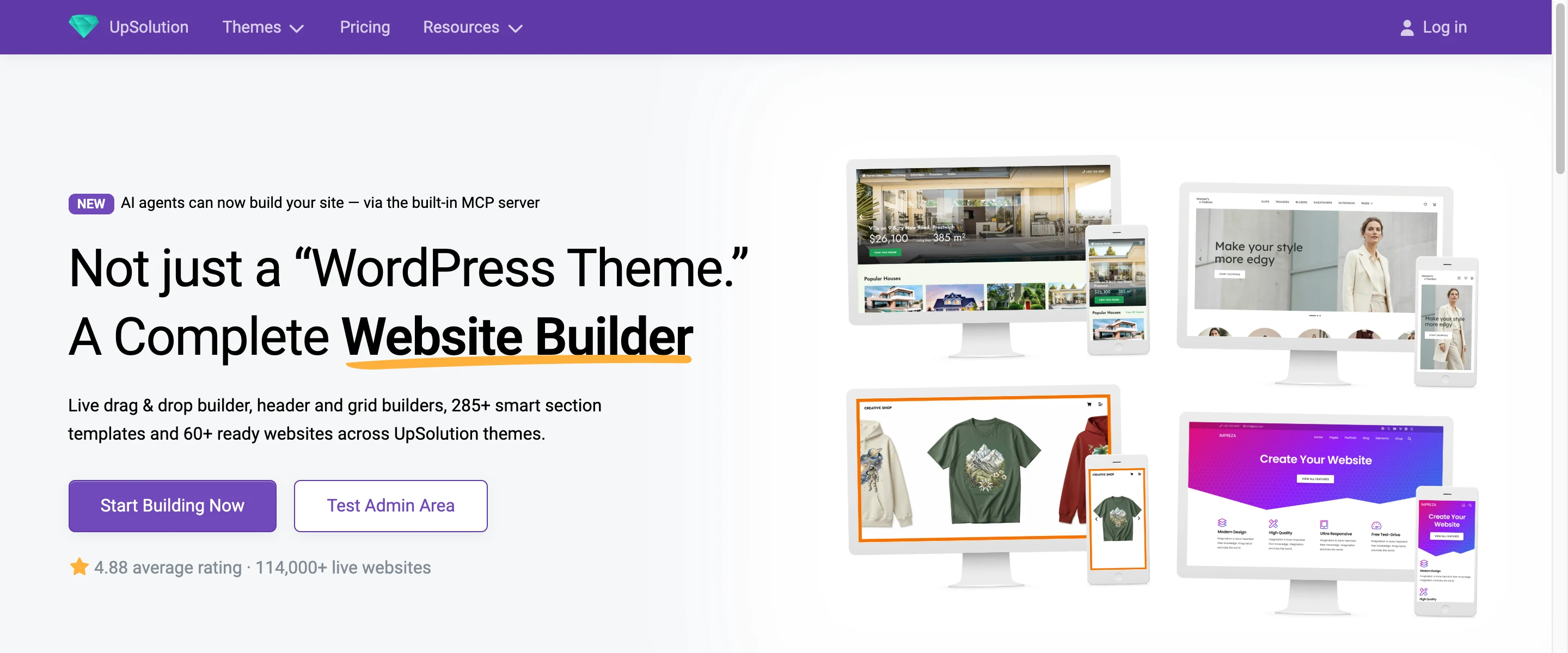
Impreza comes from the Envato Market and, thanks to its very large feature range, is superbly suited to both beginners and advanced users.
Since it isn't a theme created explicitly for WooCommerce, Impreza can be used very flexibly. Even so, the developers paid special attention to the online shop topic.
That means you get extensive WooCommerce features such as prebuilt shop templates, a grid builder or a product catalog.
The real highlight, though, is definitely the page builder, which lets you customize your product pages, cart or checkout very individually to your wishes. And that, mind you, via drag and drop.
Other great features such as popups or extended design settings are integrated as well.
Who is Impreza the best solution for?
With its feature range, Impreza isn't aimed only at shop owners, but it gives you extensive WooCommerce features that let you build really great e-commerce sites.
The intuitive page builder, combined with the numerous templates, lets you achieve professional results even as a beginner.
- One-time payment
- Excellent value for money
- Page builder
- Very beginner-friendly
- Extensive template library
- Product catalog and product grid
- Large community
- Support for only 6 months
10. Shopping Cart
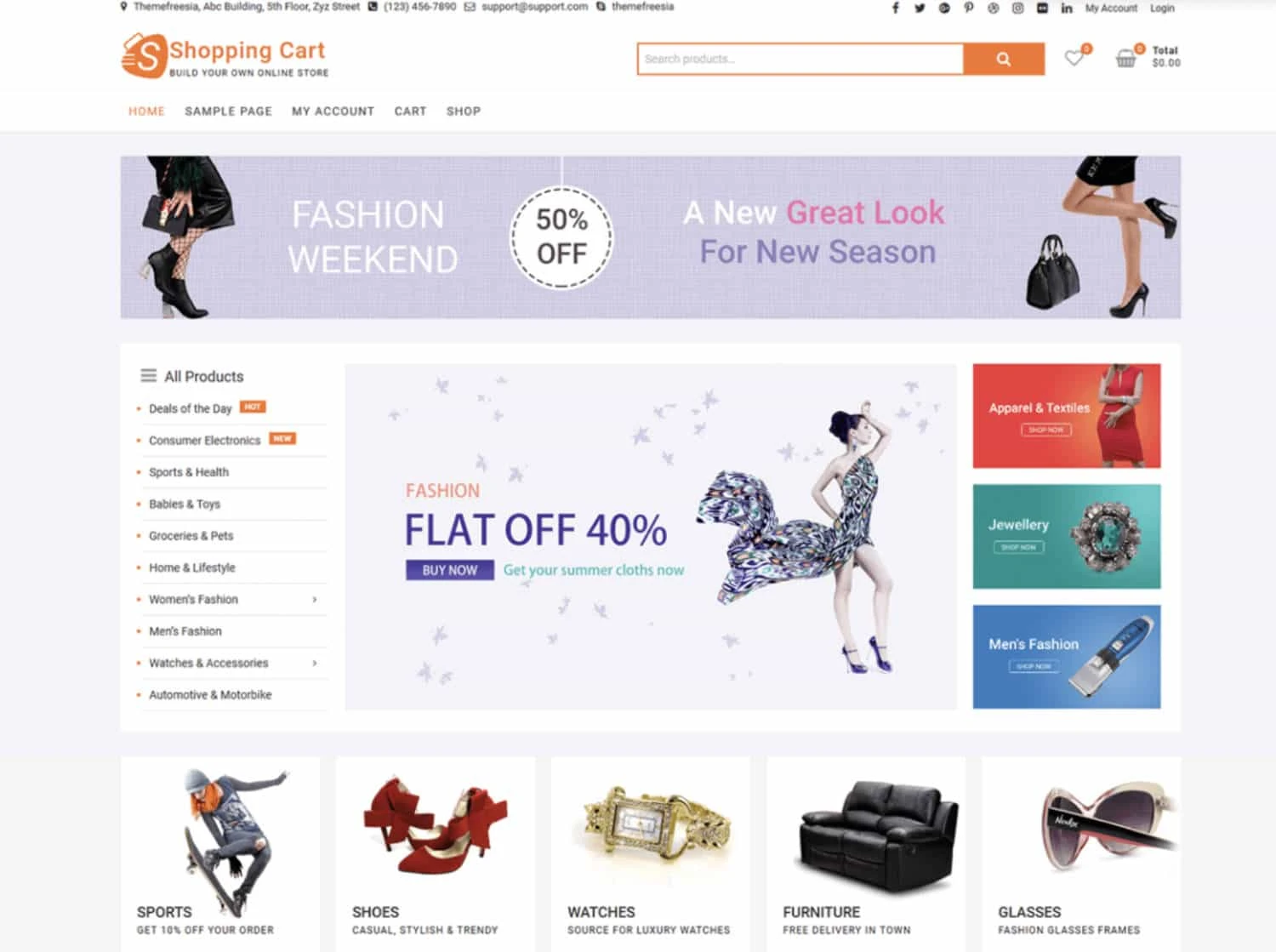
Shopping Cart is a rather small but free WooCommerce theme that you can download directly from the WordPress theme library. Shopping Cart comes with classic e-commerce features such as a product portfolio, mega menu or a product search.
The design is quite appealing (demo here) and the loading time leaves nothing to be desired.
Still, you shouldn't expect too much from this theme, because its feature range definitely can't compete with premium solutions.
What stands out very positively, on the other hand, is competent free support with its own ticket system, which isn't usual for free themes.
Who is Shopping Cart the best solution for?
Shopping Cart is definitely a beginner theme that is 100% compatible with WooCommerce but has clear shortcomings in its feature range.
Even so, it could well be suitable for smaller shops.
We can definitely recommend this theme if you want to take your first steps in e-commerce.
- Free
- Competent support with a ticket system
- 100% compatible with WooCommerce
- Beginner-friendly
- Decent loading time
- Very low feature range
- No Pro version and therefore not extendable
11. Botiga
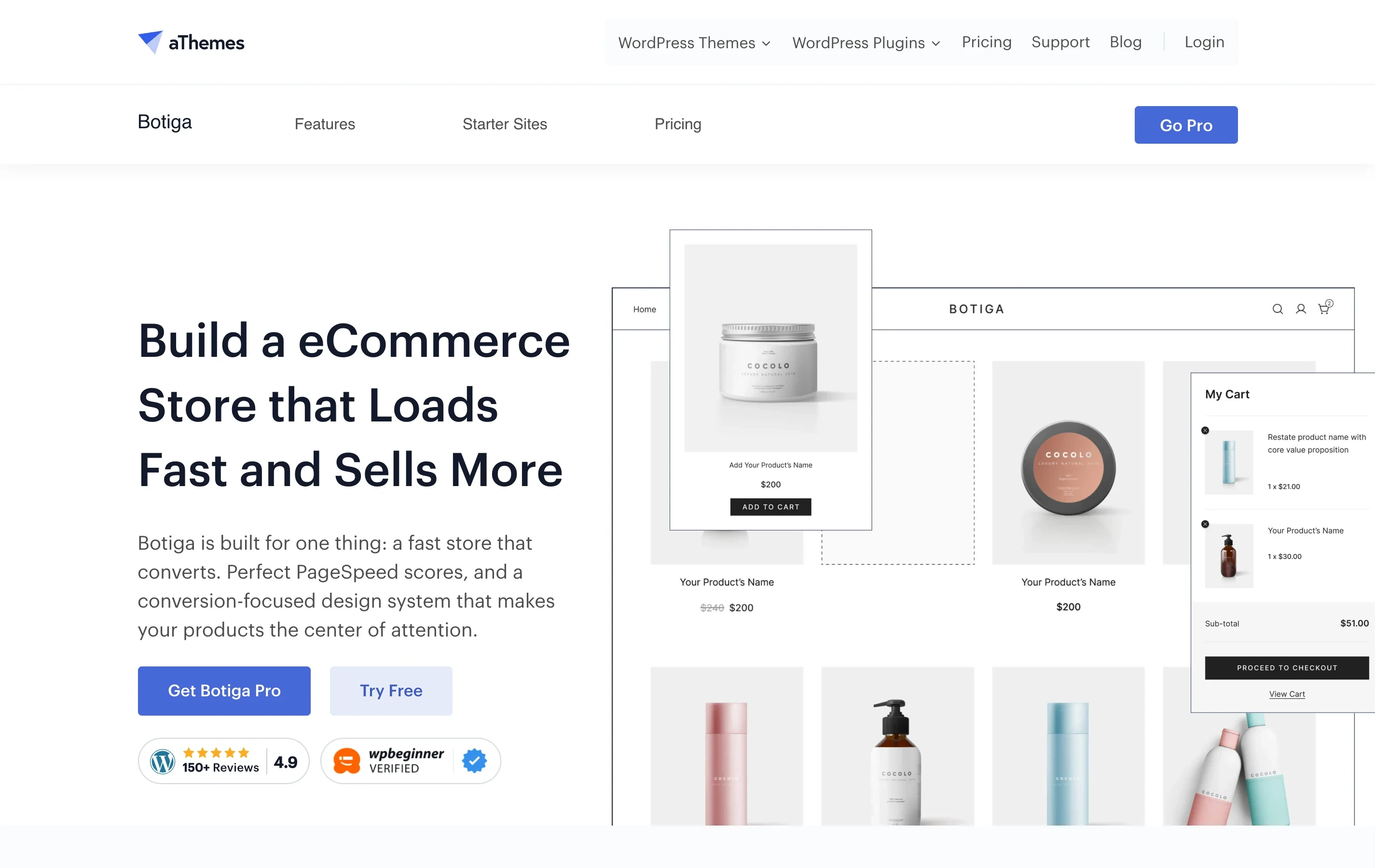
Botiga comes in a free and a premium version and relies on a very minimalist design: the theme is kept that way so it doesn't distract from the actual products.
Even the free version is suitable for professional shops, though the Pro version definitely impressed us more. In both versions, extensive design options await you for your WooCommerce store.
These include:
- Different product galleries
- Different cart designs
- Different checkout funnels
- Product filters with many configuration options
- Recommendations at the end of a product view
- An extended search
This already extensive range is expanded with even more features in the Pro version.
There are also prebuilt footers and headers and a really fast loading time, because the theme is built very lean.
Who is Botiga the best solution for?
Botiga is ideal if you want to showcase visually appealing products with a minimalist theme and show your items from different angles.
Botiga fits fashion and cosmetics perfectly.
- Well-equipped free version
- Minimalist design
- Extensive WooCommerce options
- Blog features included as well
- Good support
- Excellent loading time
- Very feminine design and therefore limited to one target group
12. Flatsome
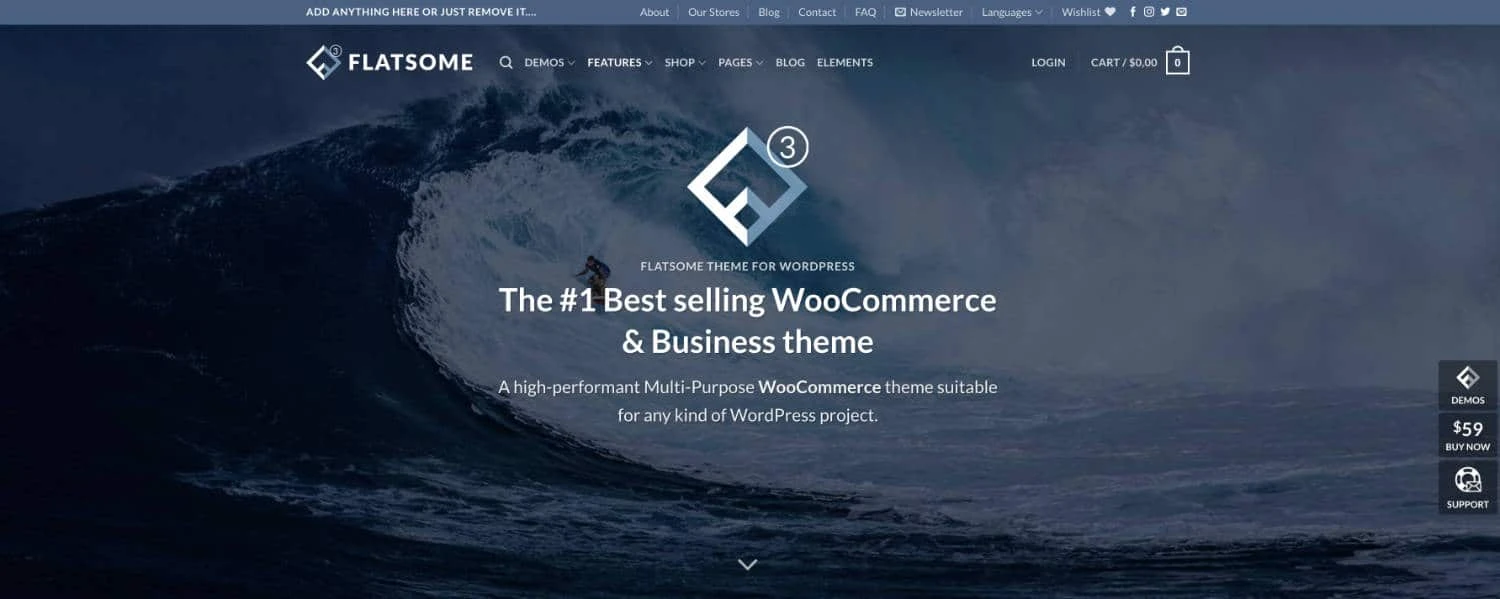
Flatsome is one of the most popular WooCommerce themes on the Envato Market, with more than 200,000 sales.
This popularity rests on a really good WYSIWYG editor, which lets you edit entire pages easily and quickly via drag and drop, as well as the numerous features for your WooCommerce shop. These include a quick view for products and an excellent live search, for example.
The theme also comes with 20 ready-made templates, which you can extend with over 100 content elements. That way, you build a complete online shop in no time, without having to enter a single line of code.
We also really like the theme's performance and fast loading time.
By the way: the theme has been around since 2013 and has been continuously developed and optimized ever since.
Who is Flatsome the best solution for?
Flatsome is a great theme for beginners and, thanks to the templates, the content blocks and the very good WYSIWYG editor, offers everything you need as a non-programmer to set up a modern online shop.
The numerous special WooCommerce features not only improve the usability of your site but also give it a professional look.
- Very fair price
- Innovative and easy-to-use WYSIWYG editor
- Templates already integrated
- Over 100 ready-made content blocks
- Excellent performance
- Numerous special WooCommerce features
- Good support
- Unfortunately only 20 templates
- Support for only 6 months
13. Rey
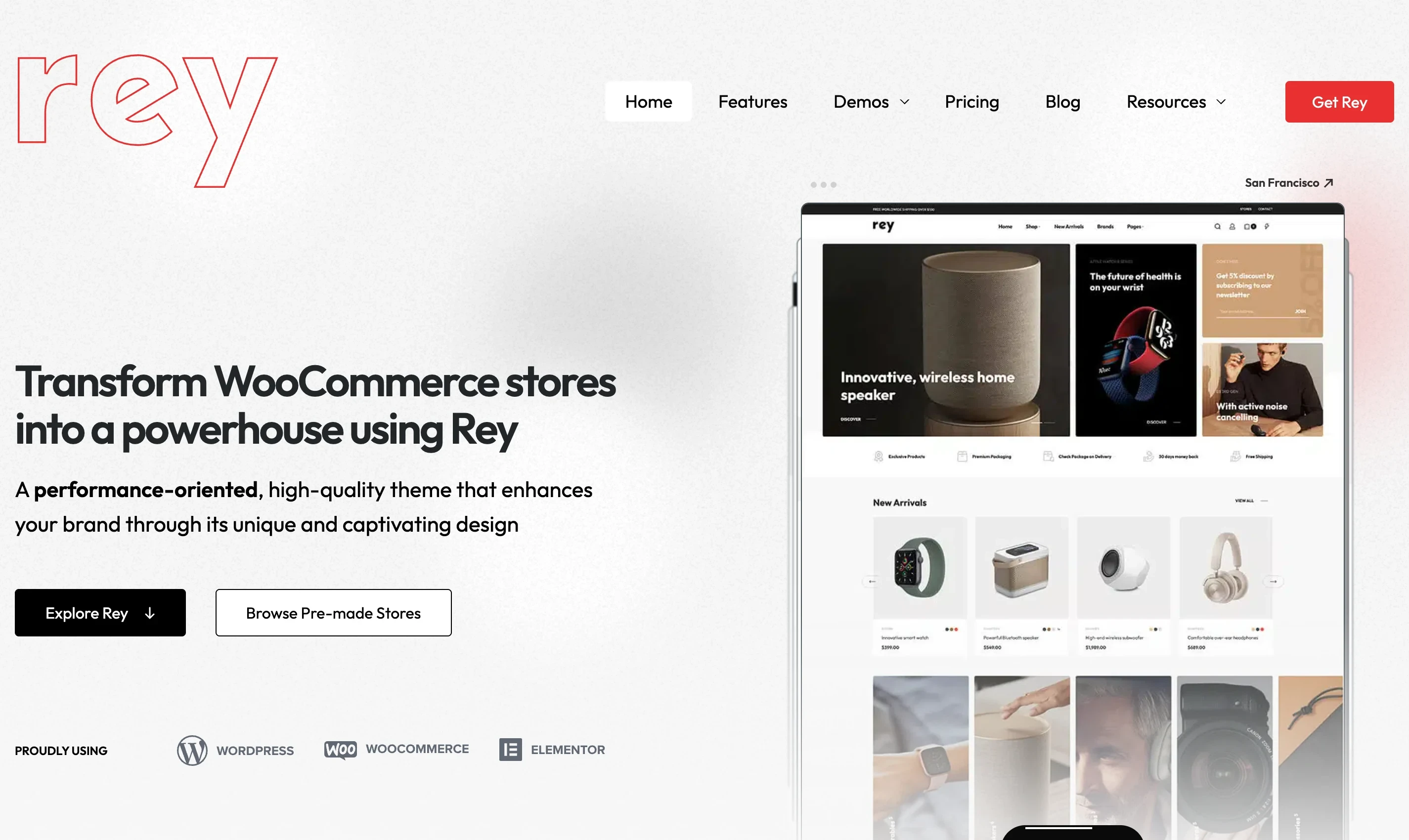
Rey is the most graphically elaborate theme on our list and offers you a whole range of special effects triggered on hover or scroll.
The theme comes with different layouts, image galleries and product pages. An extended search and filter function has also been built in, which will give your customers very good usability.
Rey relies on WooCommerce and Elementor as the page builder, so you need both plugins.
Of course, ready-made templates are already integrated in the theme, as you'd expect from a premium theme.
Who is Rey the best solution for?
Rey is visually sophisticated and gives you the perfect platform for extravagant and fashionably special products.
Thanks to the numerous effects and special fonts, you can create online shops with Rey that stand out strongly and so give your customers a unique shopping experience.
- Fair price
- Good support
- Very appealing visually
- All features included in one price
- Ready-made templates integrated
- Compatible with Elementor and other page builders
- Rather unsuitable outside the fashion world
- Requires WooCommerce and Elementor
Which theme fits which shop?
The choice depends on your budget and your shop. My rule of thumb:
- Small shop, small budget: Start with Astra, Neve or Blocksy in the free version. Storefront is suitable if you can live with a bit of code.
- Lots of creative freedom: Divi, Flatsome and Impreza come with a page builder and many templates.
- Fashion and lifestyle: Rey and Botiga put your products in the spotlight.
- Large catalogs and conversion: Shoptimizer brings many features for the checkout and product pages.
- Combining shop and blog: Hestia covers both well.
FAQ
Here I've put together answers to common questions about WooCommerce themes:
Can WooCommerce be used with any theme?
In principle, WooCommerce is compatible with most WordPress themes.
There are some themes, though, that offer additional configuration options or design adjustments for your product or shop pages. I introduce 13 of them in the article.
How can I improve the loading time of my WooCommerce theme?
First, good WordPress hosting is an important prerequisite for fast loading times. You should also avoid too many plugins and use a caching plugin such as WP Rocket. Compressing images and serving them in modern file formats is another important building block.
How can I customize the theme to optimize sales?
For conversion optimization, the rule of thumb is usually: avoid distraction and focus on one call to action per page (for shops, that's usually the buy button).
Too many graphic elements or effects can therefore backfire. Minimalist themes are the better recommendation.
Do I need a block theme for WooCommerce?
No, classic themes still work. Since WooCommerce 8.3 (November 2023), however, new shops get the block versions of the cart and checkout by default. If you use a block theme, you edit the associated templates directly in the editor.
So test the cart and checkout with your theme before you go live.
Are the WooCommerce themes compatible with Elementor?
Yes, Elementor is compatible with most of the WooCommerce themes presented here. To be safe, though, check the themes' websites again or, if necessary, contact the developers to be on the safe side.