The first impression matters.
Not just when you meet another person, but also with your website or blog.
And what's the first thing visitors see?
Right, the design!
That's why it should blow them away!
What decides this is which theme you use for your WordPress blog.
That's why I looked at loads of blogs and websites and spent days browsing theme libraries to find the best and most beautiful themes for your blog!
- The right theme decides the first impression of your blog. Choose a design that fits your topic and your audience.
- All-in-one themes like Avada or Divi offer maximum flexibility but are often heavyweights. Theme frameworks like GeneratePress are faster and leaner.
- When choosing a theme, pay attention to performance, regular updates, and good reviews, and ideally test the theme before using it on your live blog.
1. All-in-one themes
All-in-one themes are jacks of all trades:
They're very versatile and can be used for almost any kind of website, whether an online magazine, a blog, or a company website.
They usually include what is known as a page builder, which lets you design your website without knowing any HTML or CSS. That's why they're especially suitable for beginners.
However, the high flexibility and the large range of features also have downsides:
Because these themes already have everything imaginable on board and come with integrations for dozens of services or plugins (and in some cases even require installing various plugins), all-in-one themes are often heavyweights.
Through the many JavaScript and CSS files they load, they slow down not only your blog's load time but sometimes your WordPress admin area as well.
And that's even though you'll probably never use more than half of the features on offer.
Avada ($60)
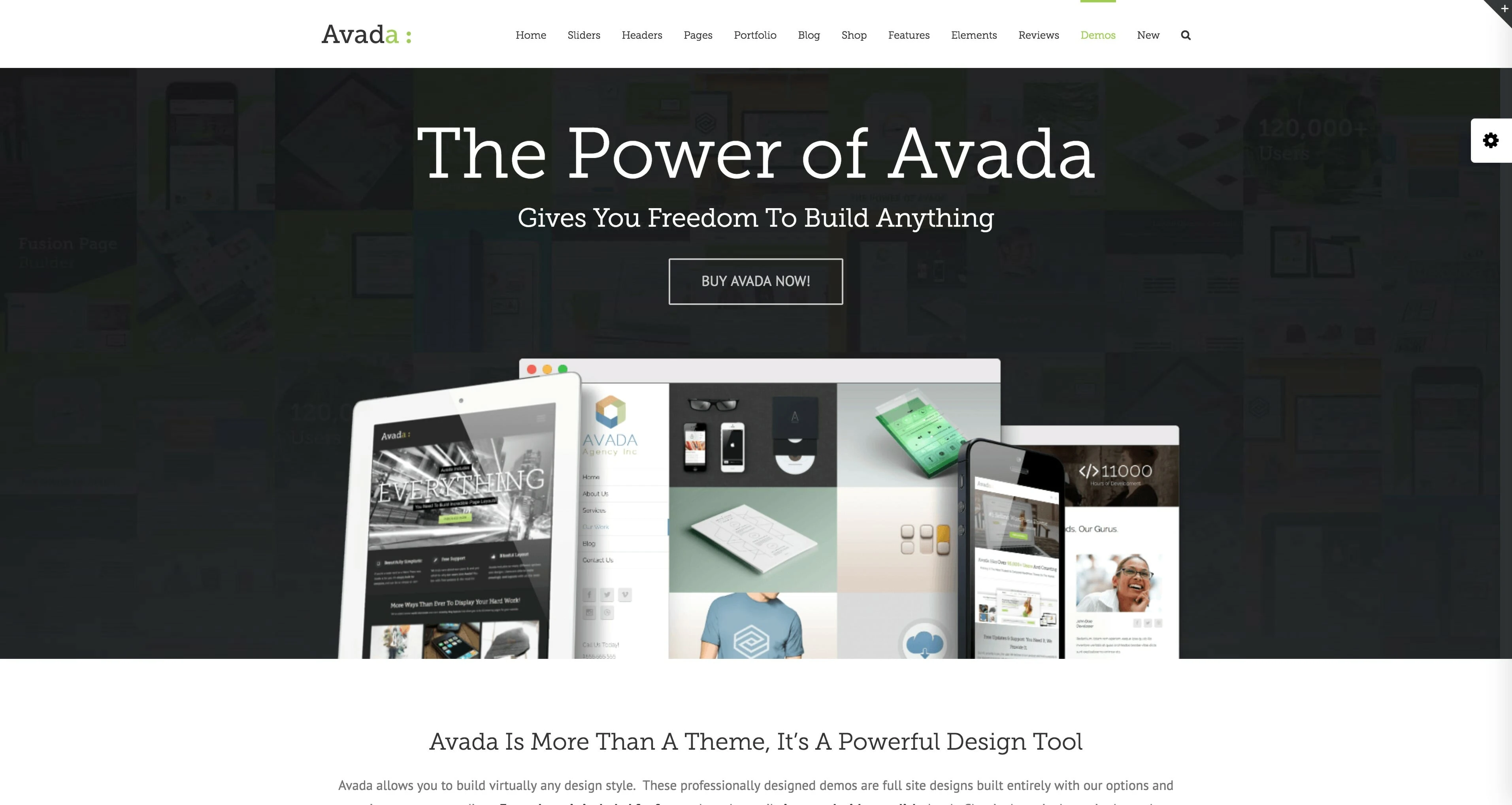
Avada is probably the best-selling premium theme in the world, with over 400,000 sales, and it has been continuously developed since 2012.
And rightly so, because Avada comes with its own homepage builder, offers plenty of design customization options, an active community, compatibility and integrations for many different plugins, and numerous demos for different website types and topic areas that you can install with one click.
What I personally like:
You can turn off many of the theme's features, such as the built-in sliders, Google Maps, or FontAwesome, if you don't need them.
View Avada on ThemeForest Demo
Divi ($249 or $89/year)
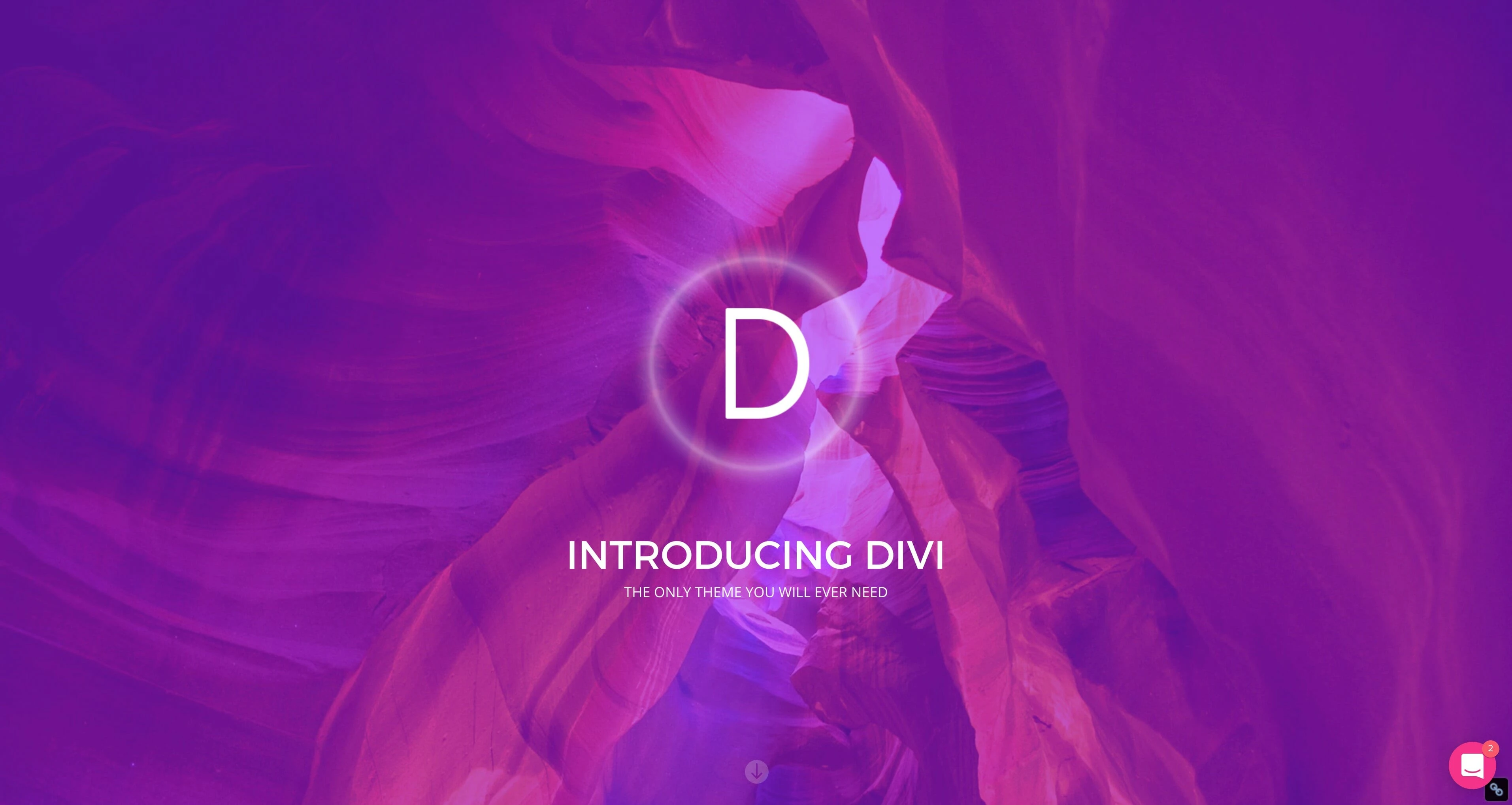
Divi is also a very popular all-in-one theme that is very versatile and comes with a page builder (Divi Builder) and many other features.
Unlike with Avada, you can edit with Divi Builder on the front end, so you can see changes to your blog in real time. You can use 46 different elements for individual page design. To get inspiration or a basic structure for your design, you can install more than 20 demo layouts.
OceanWP (free)
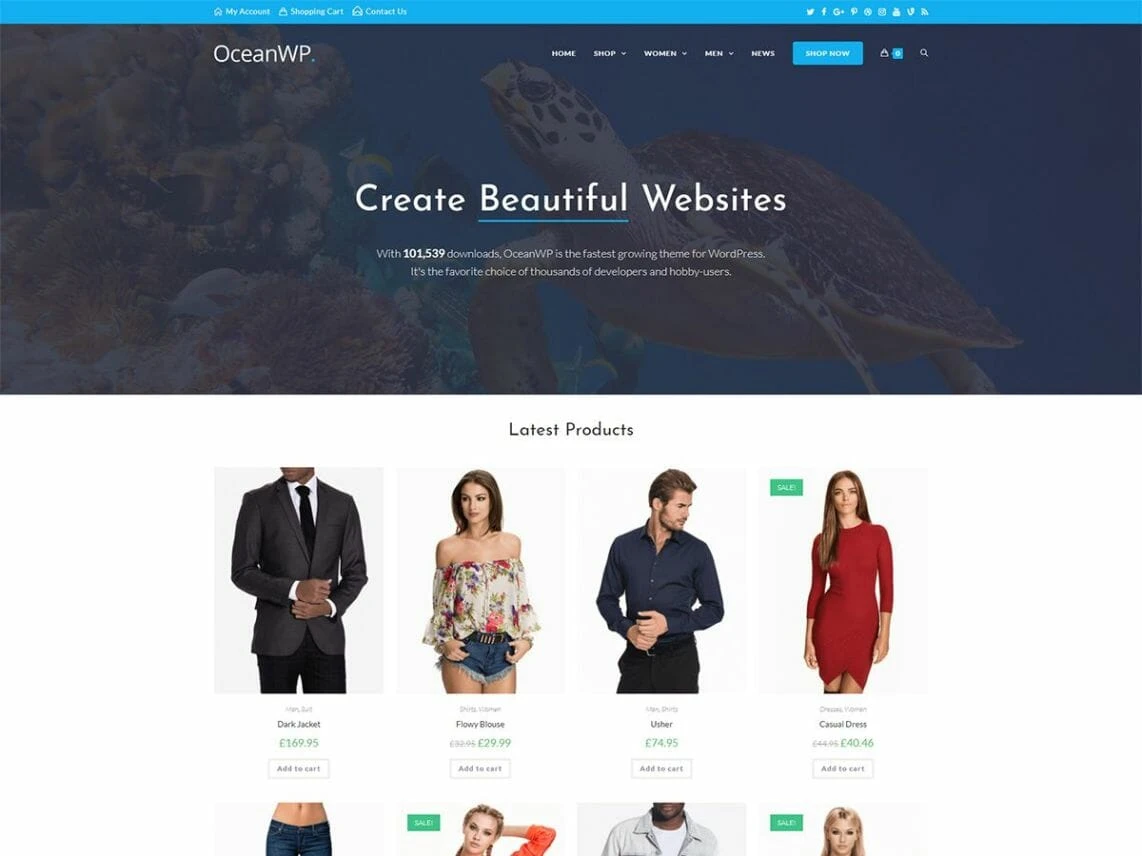
OceanWP is one of the few free all-in-one themes that are actually worth recommending. With 60,000+ active installations, it is one of the most widely used themes in the WordPress repository.
It is very versatile, compatible with various page builders (Visual Composer, Divi Builder, SiteOrigin), and compatible with WooCommerce. You can extend it with 18 free and paid extensions for features like an Instagram feed, a sticky header, or post sliders.
2. Theme frameworks
Theme frameworks are themes that are very flexible like all-in-one themes but only provide a basic structure. You usually have to add extra functions with plugins, custom CSS, and/or a child theme.
Their big advantage is that they aren't as bloated as Avada, Divi, and co., which lets you reach much better load times.
Genesis ($59.95)
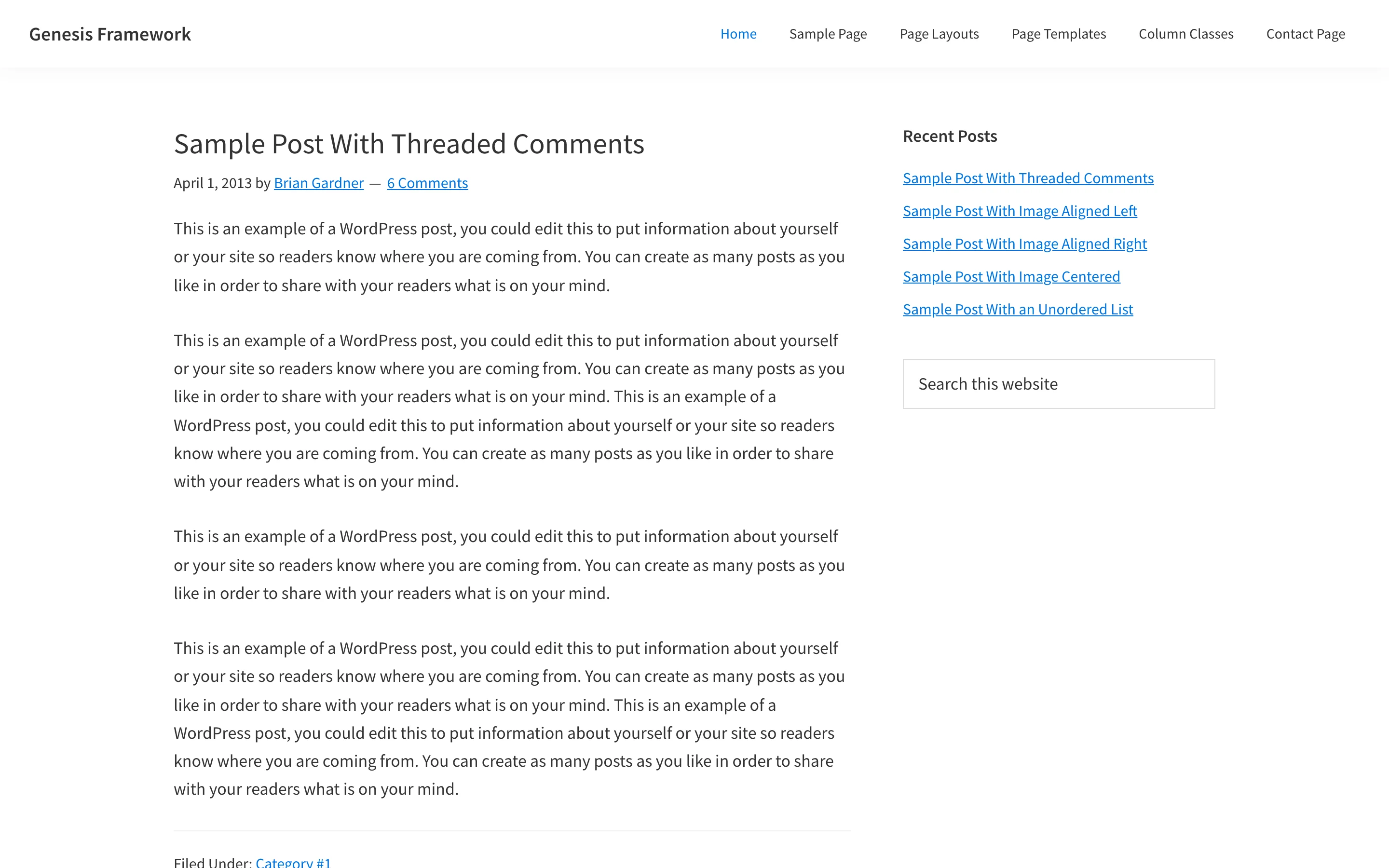
Genesis by StudioPress is probably the most popular and best-known theme framework for WordPress.
You can customize it in many ways through the WordPress Customizer (colors, page layout, widgets, header, footer, etc.). The default design is modern and minimalist. It is well coded and delivers fast load times.
What makes Genesis special is the large selection of child themes, which you can buy both on the StudioPress website and from other developers.
More info Demo
PS: Nice child themes for bloggers are, for example:
- Brunch Pro (ideal for food bloggers!)
- Foodie Pro (ideal for food bloggers!)
- Modern Studio Pro
GeneratePress (from $99/year)
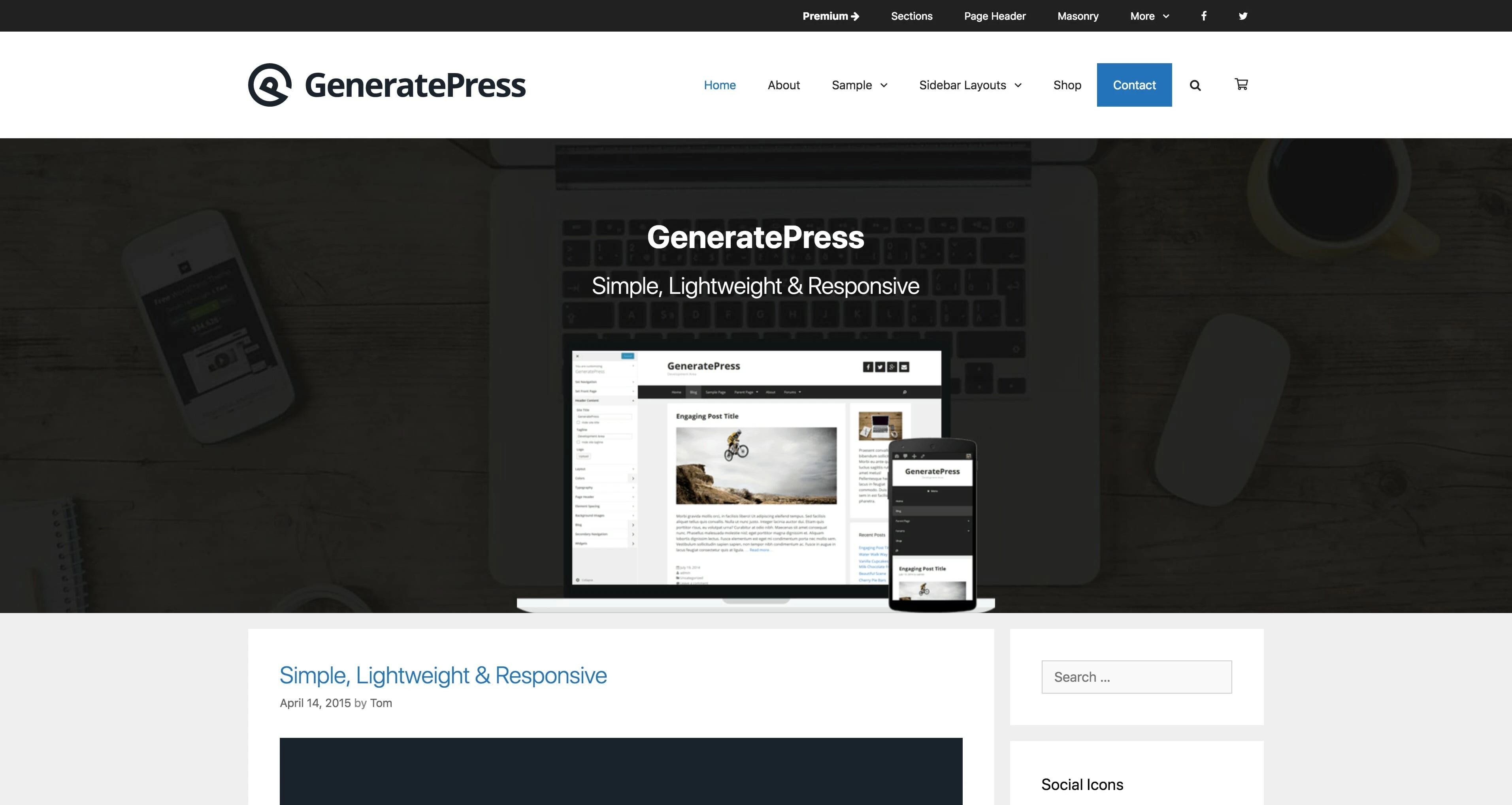
I'm a big fan of GeneratePress. Both Blogmojo and our family blog Faminino are built on it.
It did take quite a bit of customization work to make both websites look the way they do now.
In return, both websites load in well under a second and have a minimalist, tidy design without ballast.
Besides the great load time, I also like these things about GeneratePress:
- The Sections module, which amounts to a small page builder
- That I can really design every part of the design the way I want through the Customizer
- The Elements module, which lets me create my own hooks, layouts, and page headers (I use it, for example, for the large area below the menu where you can sign up for our newsletter)
- It's continuously developed and improved
- The support and the documentation are great
GP Premium is now only available in the “GeneratePress One” bundle, which also includes GenerateBlocks Pro. It costs $99 per year for one website, $149 for up to 10, and $199 for up to 100 websites (source: GeneratePress pricing page).
The annual subscription renews automatically. You can cancel it in your account at any time.
3. Classic blog themes
If you want your blog to be built like a classic blog, with the focus on the latest posts and on you as the author, these themes are for you. They suit many different topic areas, such as lifestyle, food, parenting, beauty, fitness, literature, fashion, or travel bloggers.
Weta (€18 per year)
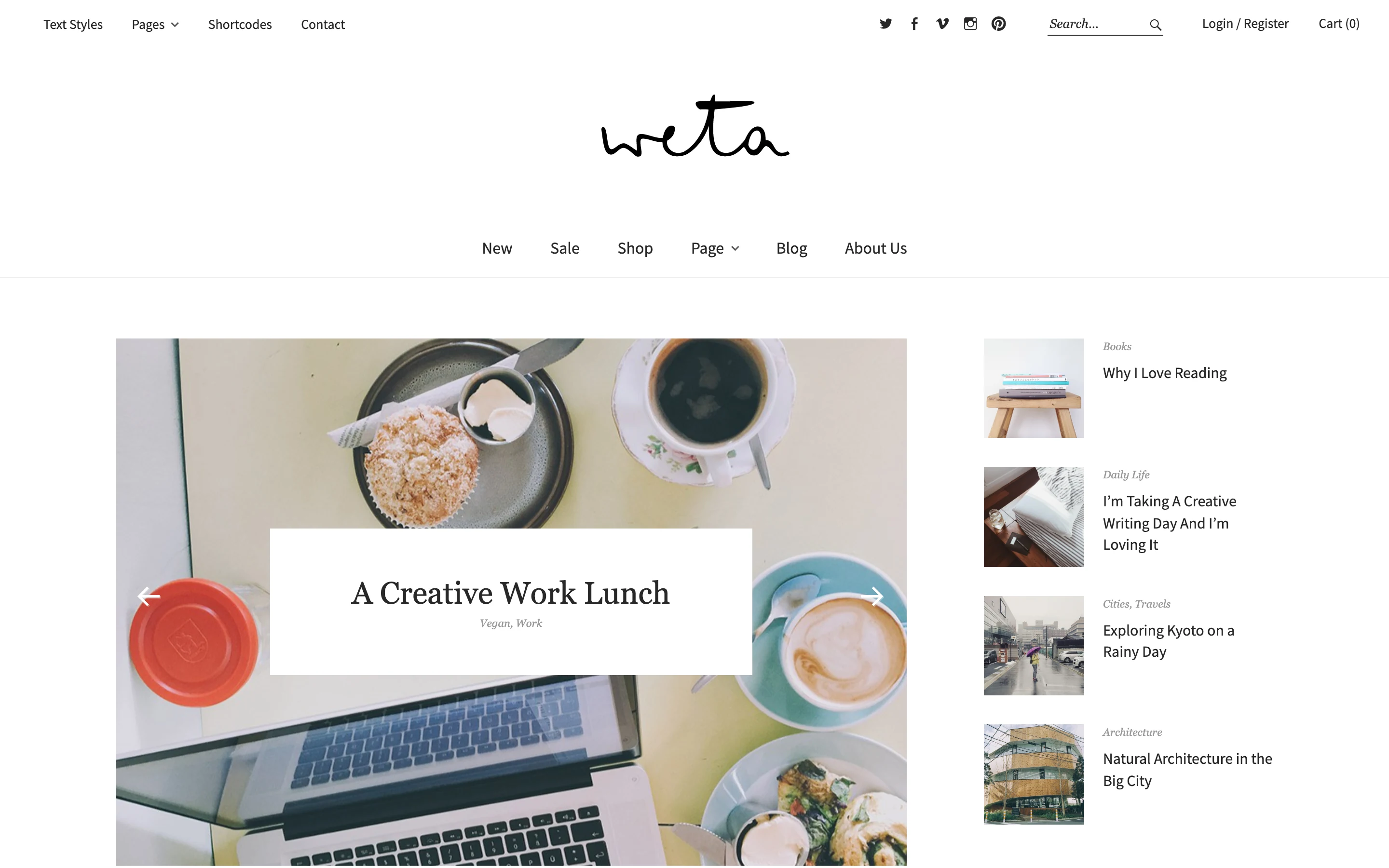
Weta and other themes from Elmastudio are also very popular among German bloggers. They stand out for their tidy, minimalist design, are cleanly coded (good load times!), and are cheap (€18 for a single theme and €48 for all themes per year).
Personally, I don't like the fonts and the basic design of some of the themes (for example, large white areas), but you can adjust that with CSS or the Customizer if needed.
More themes from Elmastudio that are very well suited for bloggers:
Caroline ($29)
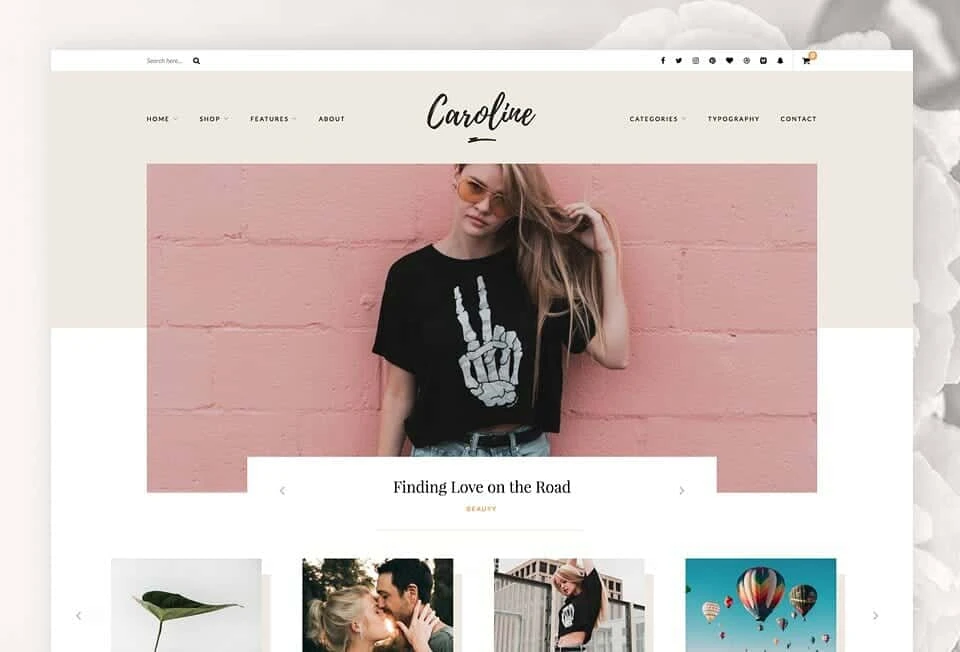
Caroline is a minimalist, lean blog theme for WordPress. You can conveniently adjust the colors, fonts, and layout through the WordPress Customizer.
Besides nice promo boxes and an Instagram feed integration in the footer, it offers integrations for the popular plugins WooCommerce (in case you want to add an online store), Contact Form 7, and Mailchimp for WP. At $29, it's very cheap for a premium theme.
Lets Blog ($49)
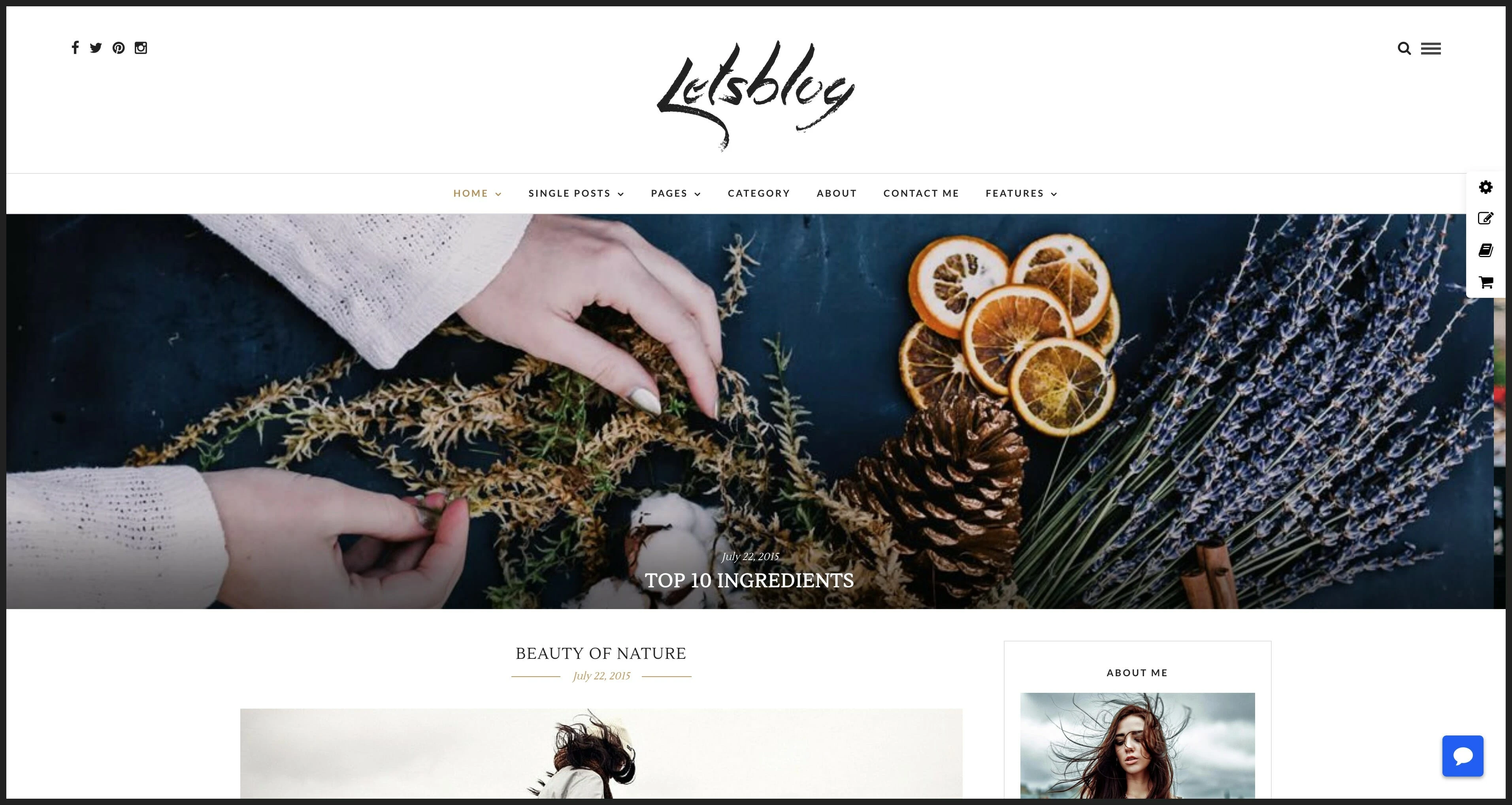
Lets Blog is an elegant, minimalist WordPress theme that you can adapt very well to your own needs thanks to numerous settings in the WordPress Customizer, 10 preinstalled blog layouts, and a demo importer.
It offers various functions and integrations, such as an Instagram feed, FontAwesome icons, a mega menu, shortcodes, and 500 different Google Fonts.
CheerUp ($32)
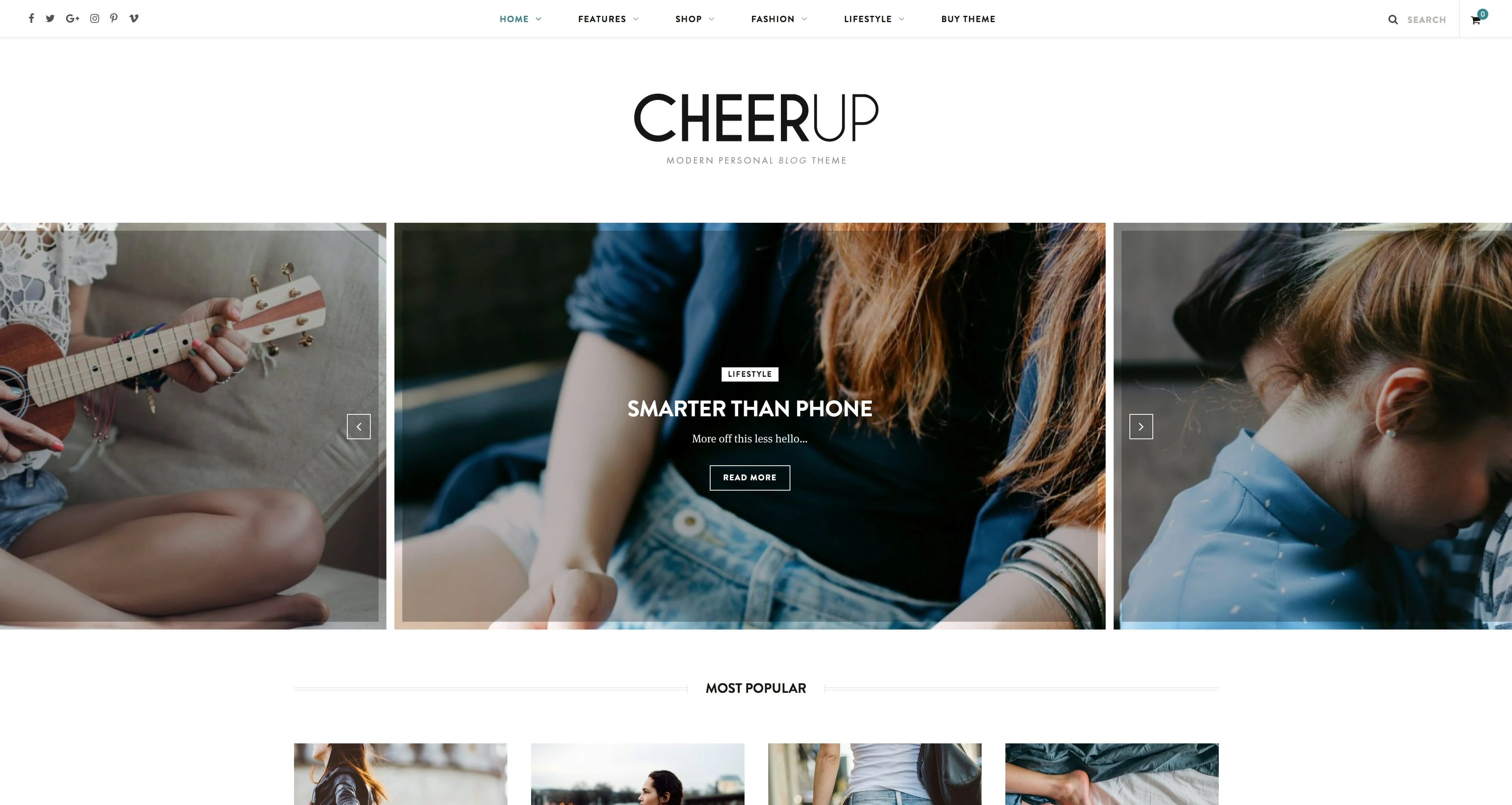
CheerUp is a magazine and blog theme that you can adapt very well to your own needs thanks to a large number of options in the WordPress Customizer, a built-in page builder (Visual Composer), and 11 ready-made demos.
What I especially like is that the developers care about fast load times and, for example, made sure the theme is compatible with common caching plugins and Autoptimize.
TheBlogger ($49)
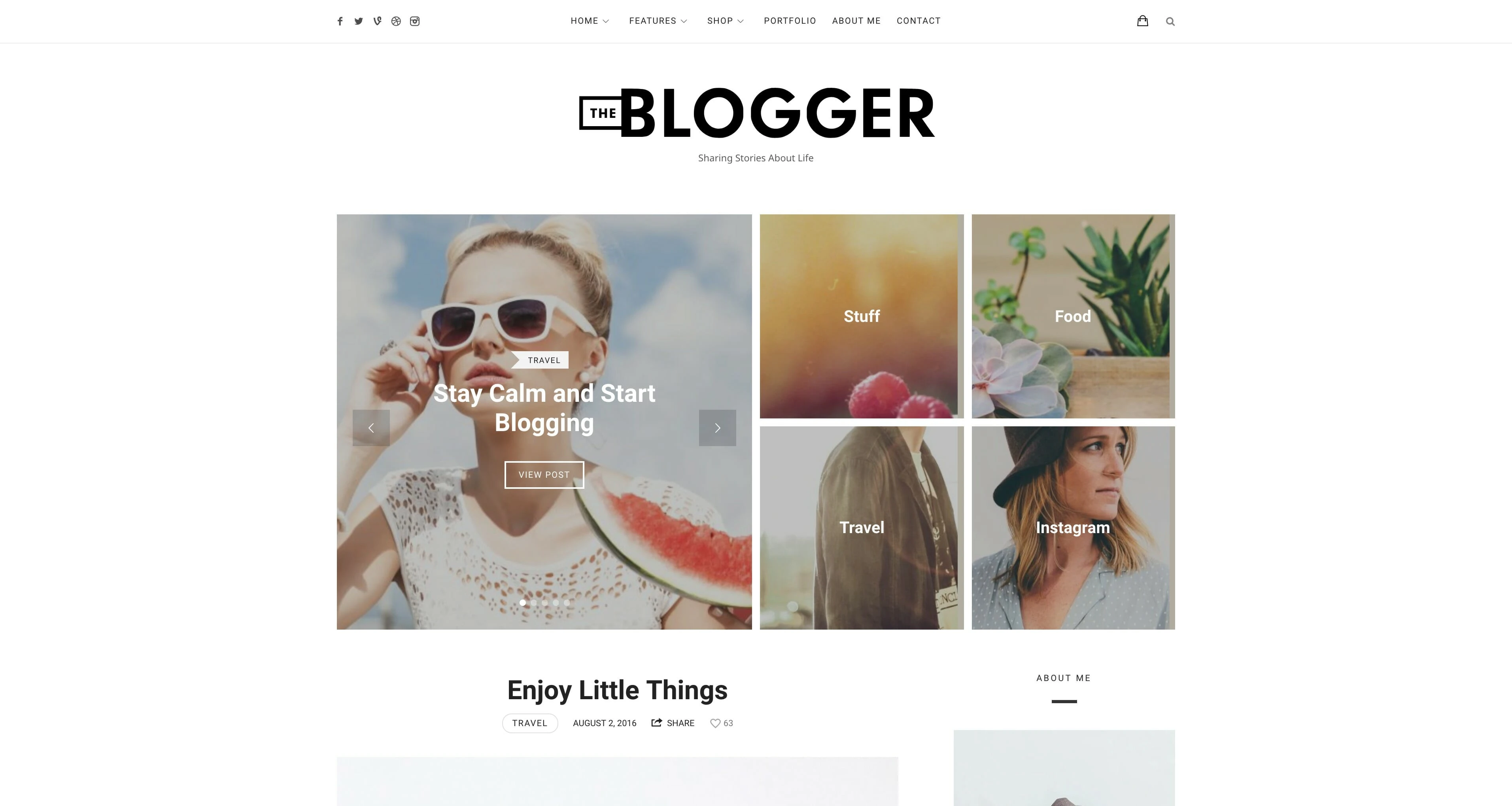
TheBlogger is a WordPress theme aimed specifically at bloggers. It convinces with its minimalist, elegant design, which is also very flexible (6 different header layouts, different designs for featured posts, and 11 preinstalled demos).
4. Magazine themes
Here I introduce a few themes that are better suited for blogazines, meaning blogs with a magazine character, guide blogs, or blogs covering many different topics. They offer many options for presenting your posts and categories clearly.
Hueman (freemium)
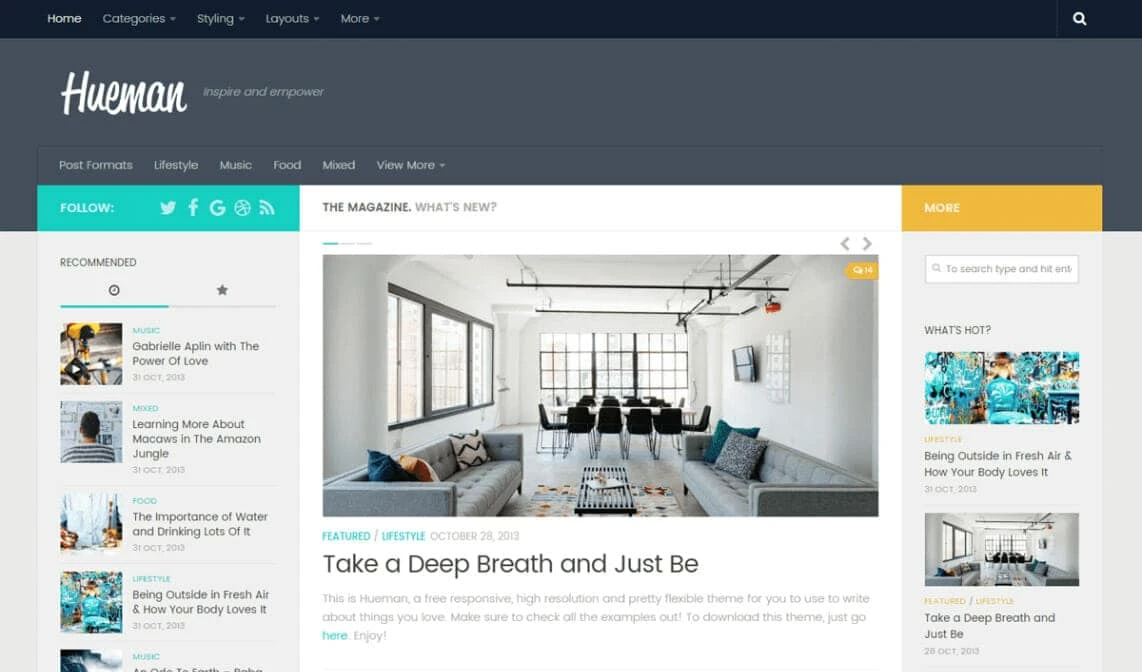
Hueman (formerly developed by AlxMedia, now by Press Customizr) is one of the most popular free WordPress themes and one of the best rated, with over 80,000 active installations.
I personally use it on 3 smaller blogs. I especially like the wide range of settings, the modern design, and the continuous development (it's updated regularly and gets new features).
Voice ($69)
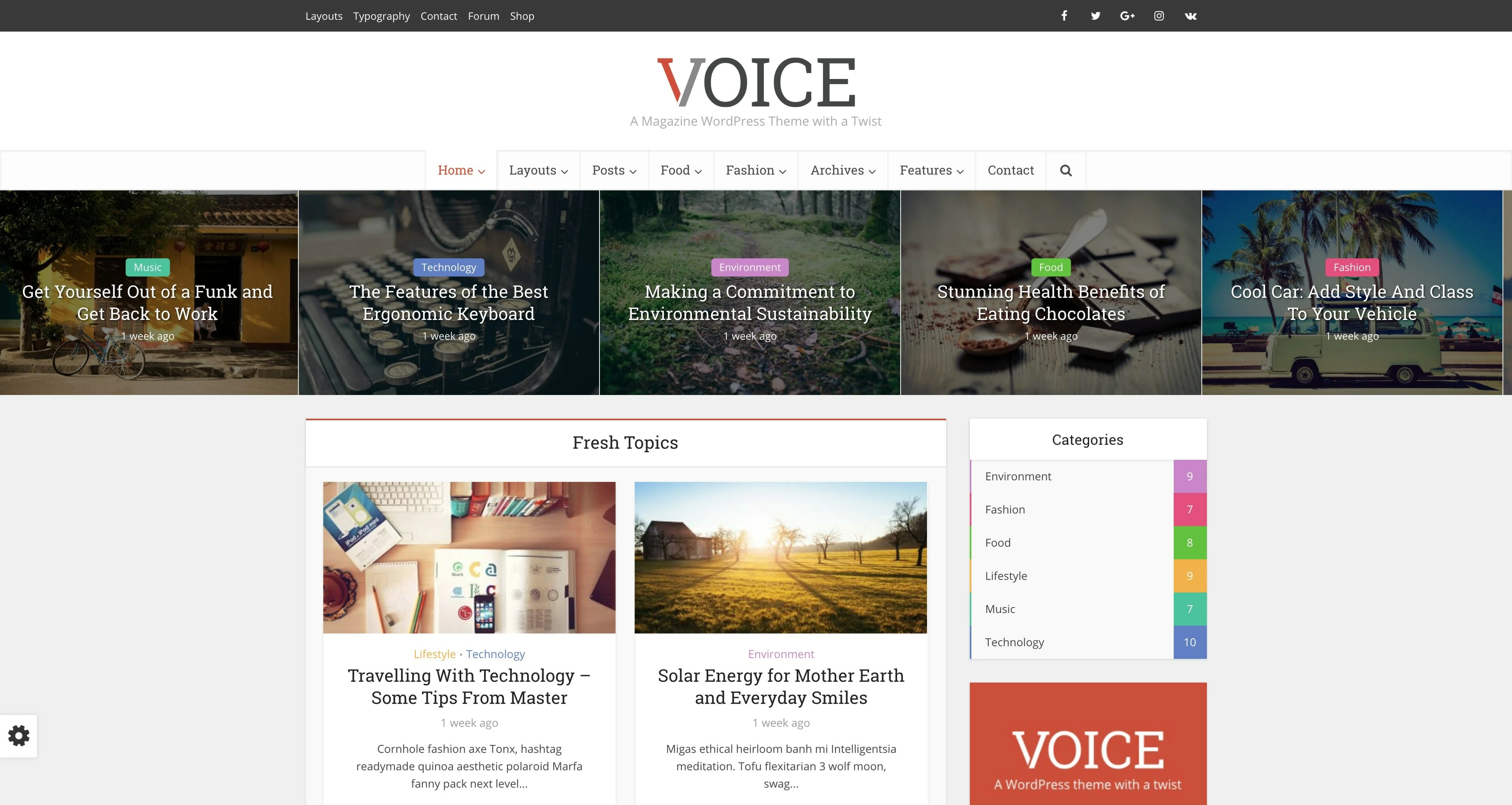
The folks at Meks make great themes and are among my favorite developers. I've been using Voice, for example, on many different blogs for years. It looks elegant and modern and offers many different post layouts that help you build nice, clear homepages and topic pages.
The theme options let you change a lot about the design without having to touch the code. With the bundled plugins (social icons, author profile, etc.), you can create great sidebars.
More nice themes from Meks for blogs or blogazines are, for example:
Newspaper ($59)
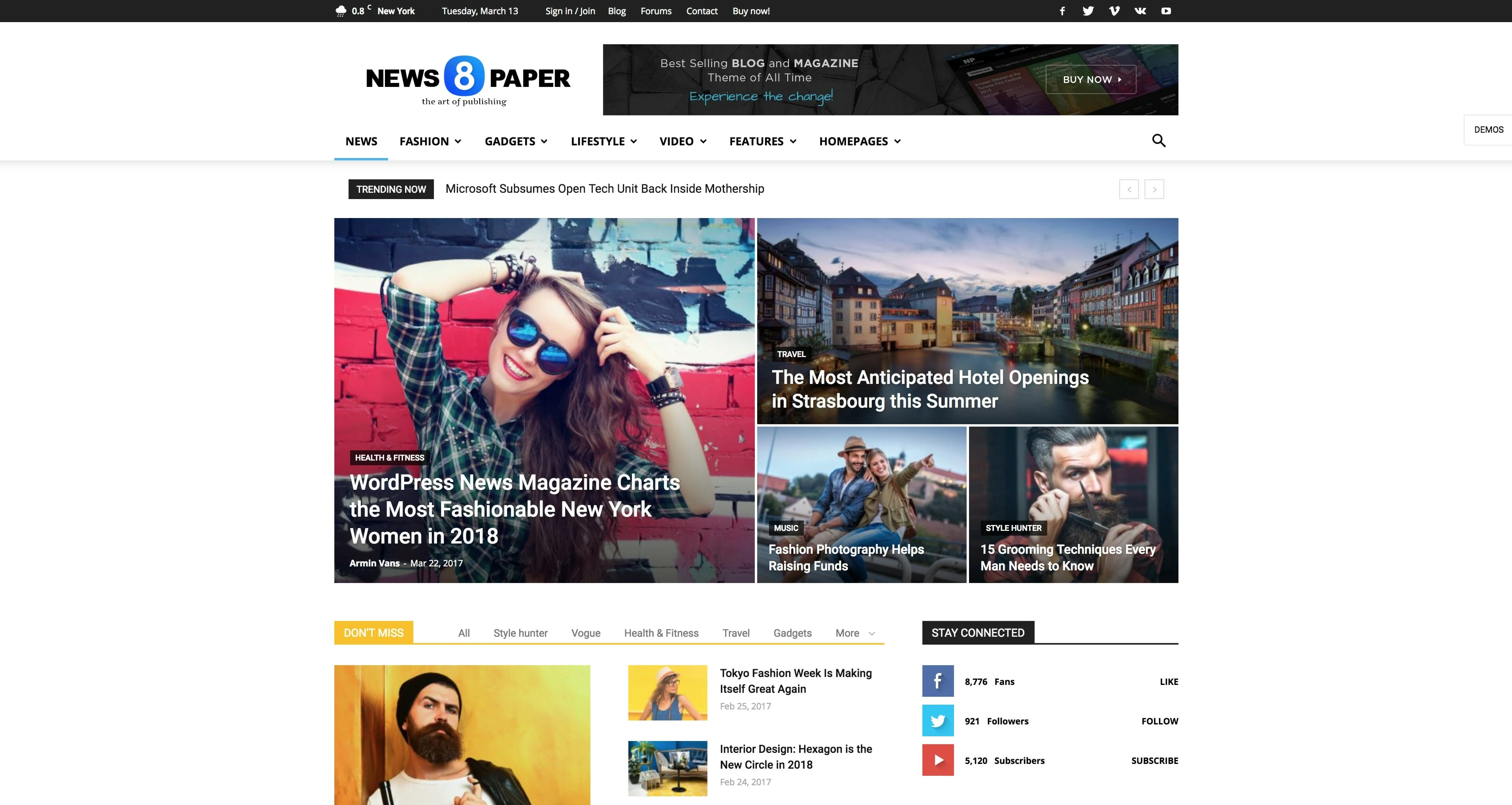
Newspaper is a theme that is very well suited for blogazines or online magazines. We've been using it on Faminino for about 2 years. With almost 60,000 sales, it is one of the most popular themes on ThemeForest.
It offers a great many settings and design options: a page builder for designing landing pages or category pages, different header layouts, the theme's own widgets, preinstalled demos, dozens of different post layouts, easy integration of ad banners, and much more.
Newspaper is especially interesting for blogs with several topic areas, because you can clearly set individual topics apart from each other with various design elements (colors, sliders, post blocks, etc.).
SimpleMag ($59)
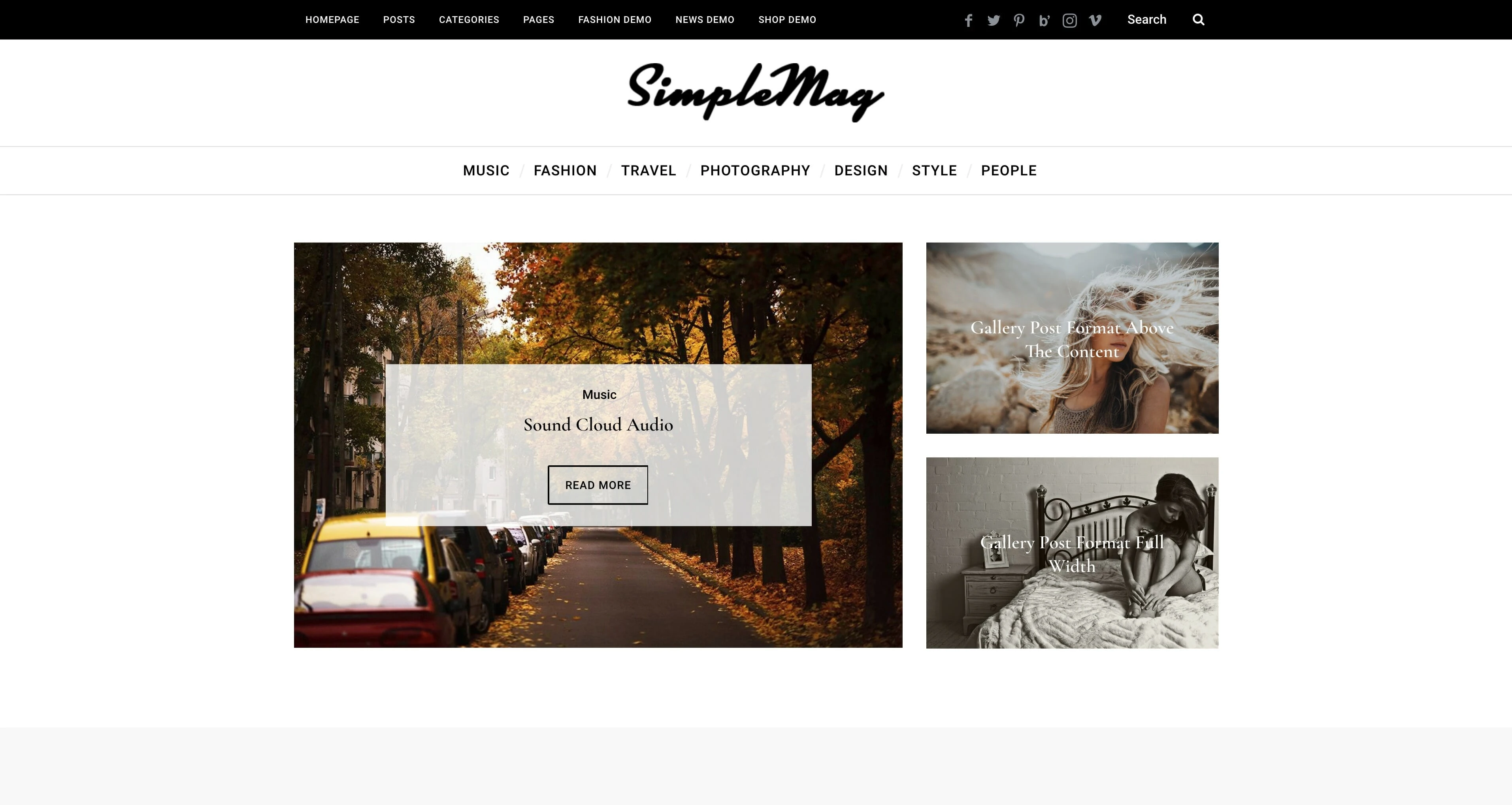
Like Newspaper, SimpleMag is a very versatile WordPress theme for blogazines that can be used for many different topic areas (fashion, DIY, travel, etc.).
It's a bit more minimalist than Newspaper and the better choice if you prefer a classic blog layout.
5. My favorite developers
When I'm looking for a new theme, I often don't look in the WordPress repository or on ThemeForest, but at my favorite developers.
They include:
- Solopine
- Elmastudio
- AlxMedia
- Anders Norén (all themes are free!)
- Meks
- StudioPress
- MH Themes (freemium themes)
6. Tips for finding a theme
How do you tell whether a theme is really good and fits your blog? What should you look for when searching for a theme?
So you don't get burned by a theme, I've put together a short checklist that lets you judge a theme's quality in advance:
Tip #1: Check that it's under continuous development
With themes as with plugins, it's important that they are continuously developed.
That doesn't just mean the themes regularly get new features. It also means they are adapted to the requirements of new WordPress or PHP versions, built-in third-party plugins or libraries are updated, and security holes and bugs are fixed.
The best way to check this is to look at the changelog (just google it or look on the developer's website). If the theme hasn't been updated for more than a year, I'd rather stay away from it.
Tip #2: Check the load time
It's super important that your blog loads fast. Not only to reduce the bounce rate and offer a better user experience, but also so that the Google and Facebook algorithms are well disposed toward you.
Before buying, I run the theme demo (or showcase websites) through tools like Pingdom or GTmetrix to see how fast it loads and how many CSS and JS scripts are loaded, and I also check in the browser how fast the perceived load time is.
Tip #3: How popular is the theme? How well is it rated?
If many people use a theme and also rate it well, it's more likely to be high quality. Makes sense, right?
You can look at things like the following:
- the number of active installations (in the WordPress repository)
- the number of sales (e.g. on ThemeForest)
- the number of likes (e.g. on Creative Market)
- the number of comments (e.g. on Creative Market or ThemeForest)
- the number and quality of reviews
- the number of fans, followers, and reviews of the theme developer
Tip #4: Try the theme first!
Ideally, of course, you try the theme out before switching. For that purpose I often set up a test installation so I can check in peace:
- what the theme would look like on my blog,
- how much I need to adjust,
- whether everything works properly,
- whether I can set everything up the way I want it,
- and whether the theme is compatible with my WordPress version, my server, and my plugins.
Unfortunately, that's not possible on many theme marketplaces, such as ThemeForest. You often only get the theme files after buying, and if you don't like it, you can't claim a money-back guarantee either.
Some developers, such as Meks, do offer the option to create a time-limited demo installation so you can try the theme out (not with your own setup, but at least!).
7. FAQ
Here I've put together the answers to the most common questions about WordPress themes:
Which WordPress theme is best for beginners?
For beginners starting their own small or larger blog, I recommend a classic blog theme like Rosemary, since it's very popular among German bloggers. It's minimalist and tidy, and it works great for fashion or lifestyle bloggers.
Among other things, it offers an Instagram feed in the footer, 5 different blog layouts, and several widgets of its own.
What should I look for when choosing a theme?
Most themes make a good first impression on the surface. But that good impression often comes from the images. Since you want to use your own images, the images in the theme shouldn't matter. So you don't get burned by a theme, I've put together a short checklist that lets you judge a theme's quality in advance:
- Check that it's under continuous development
- Check the load time
- How popular is the theme? How well is it rated?
- Try the theme out first!
Which WordPress theme is the best?
There is no such thing as THE best WordPress theme.
In this blog article I introduce 14 different WordPress themes that don't all compete directly with each other, because besides all-in-one themes I also present theme frameworks, classic blog themes, and magazine themes. So there are different answers to the question of the best theme for every use case.
Are there free WordPress themes?
Yes, there are good free WordPress themes, such as OceanWP. Besides a wide selection of free WordPress themes, there are also some freemium providers and, of course, various premium themes that cost a one-time or yearly fee.