
Many bloggers, website owners and online entrepreneurs don't focus enough on their own newsletter.
But why, actually? Newsletters are a powerful marketing tool for staying on your readers' minds again and again and building a loyal community.
Often the fear of the technical and legal pitfalls is too big, even though on closer inspection they don't have to be real pitfalls.
Yes, good newsletter tools cost some money.
But many providers also offer free plans that, despite fewer features and contact or sending limits, can often be enough for the first year or two.
With free newsletter software you can gather first experience and gradually test how your newsletters land with your community.
In this article I've put together the 8 best free tools and plans:
- CleverReach offers strong free plans with 250 recipients and 1,000 emails, Brevo with 300 emails per day, and MailerLite with 250 subscribers and 2,500 emails per month.
- Free plans have limits: fewer contacts and sends, restricted support, and missing premium features (split tests, scoring, advanced automations).
- To use a tool in a legally safe way, you need, among other things, a suitable legal basis, a data processing agreement, an unsubscribe link and a verifiable signup process. A server location in the EU makes the review easier but is not a guarantee on its own.
1. What makes a good newsletter tool?
Before I introduce the best tools, here's a short overview of the features and properties a good newsletter tool should have:
- Responsive emails: Did you know that most newsletter subscribers now read their emails on a smartphone? So it's a must to create newsletters that are equally readable on smartphone, tablet and PC.
- Autoresponders: It makes sense to welcome new subscribers with a welcome campaign (about 3 to 5 emails). An autoresponder should be able to send it automatically after signup.
- Bounces: If an email is sent to an address that no longer exists, your newsletter tool should definitely generate a so-called “bounce” and set the contact to inactive.
- Data protection: Good tools offer a data processing agreement, unsubscribe links, documentable consent and customizable signup forms. Double opt-in is the usual way to prove consent. A server location in the EU makes the review easier but is not a general requirement.
- Newsletter templates: So you don't have to start from scratch with every email, the tool you choose should provide some templates for you.
2. What are the disadvantages of a free newsletter?
With free newsletter tools or plans, you always have to make compromises on features and service.
You should be clear about that from the start.
These are the restrictions to expect with free plans:
- The number of contacts or emails per month is limited, so you can only manage smaller email lists with them.
- Free plans usually offer only limited support or none at all, which can be a problem especially for beginners.
- Extra features are often not available at all (such as creating landing pages or websites).
- Advanced newsletter features are usually missing. These include, for example, split tests, contact scoring, certain statistics or automations.
- The selection of newsletter templates is often smaller.
3. The best free tools & plans
Below, we take a closer look at the best-known free newsletter tools and plans and show their weaknesses and strengths:
3.1 CleverReach (Lite)
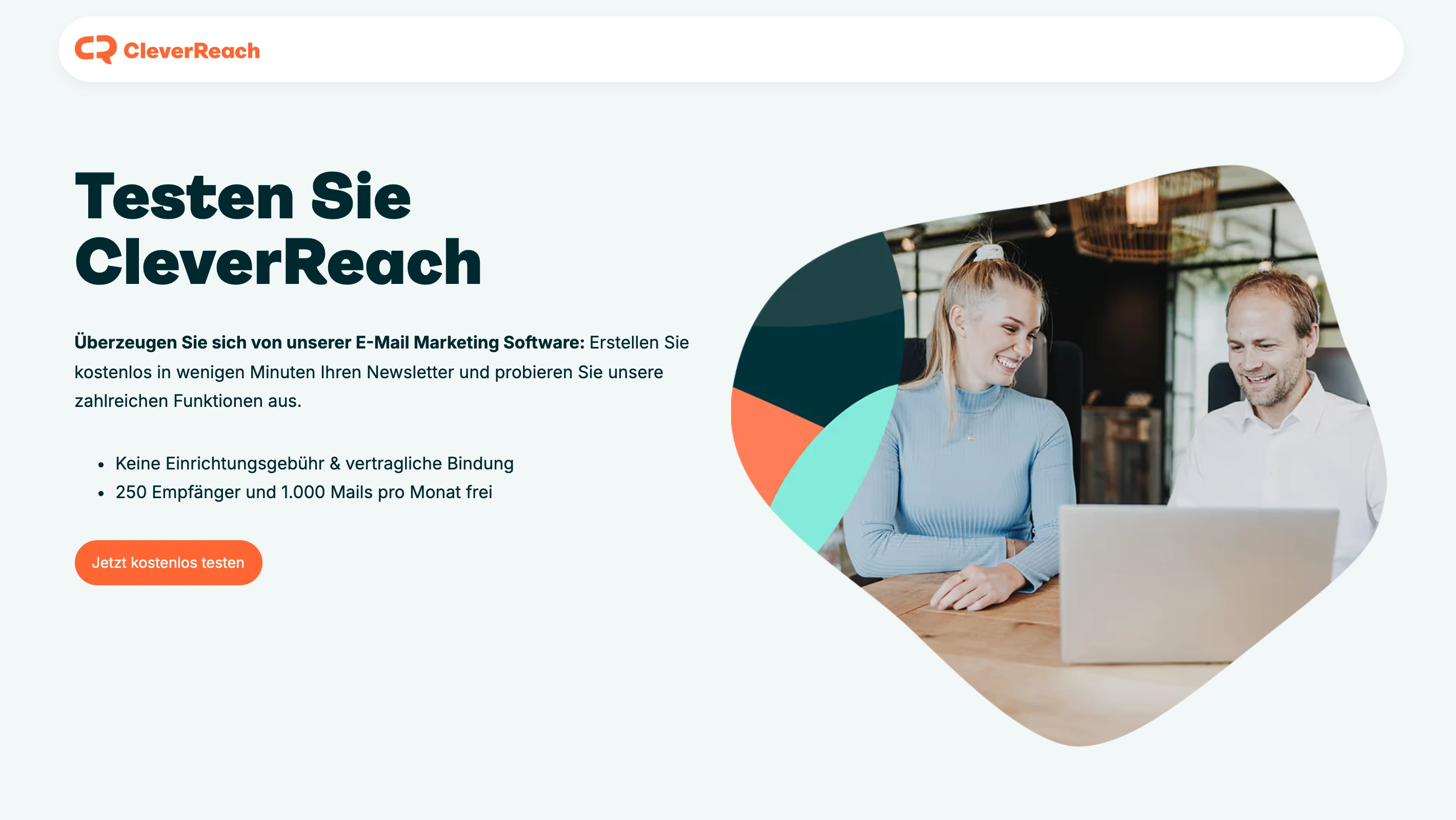
The free Lite plan from CleverReach is particularly recommended for beginners and, in our opinion, the best German alternative to Mailchimp.
The newsletter tool is easy to use, offers good delivery rates and has a very good email editor with drag-and-drop.
CleverReach is also a German provider with its servers inside the EU. That way you avoid the extra effort and legal risks that can arise, for example, when using US providers through international data transfers.
Support and documentation are also available entirely in German, which isn't the case with all newsletter providers.
The Lite plan includes 250 recipients and 1,000 emails per month. It's free permanently and not just a trial version.
What do the paid plans offer?
The paid plans (from €15 per month) from CleverReach unlock premium features such as A/B testing, advanced statistics, scheduled sending, more storage for images, unlimited automations, recipient lists and signup forms, as well as the option to remove the CleverReach branding.
- Lots of features in the free plan
- Good drag-and-drop editor
- 120+ templates
- Easy-to-use, clearly laid out interface
- E-commerce and statistics tools included
- Competent German-language support
- Extensive guides for beginners, entirely in German
- German provider with servers inside the EU
- Tagging only possible to a limited extent
3.2 Brevo (Free)
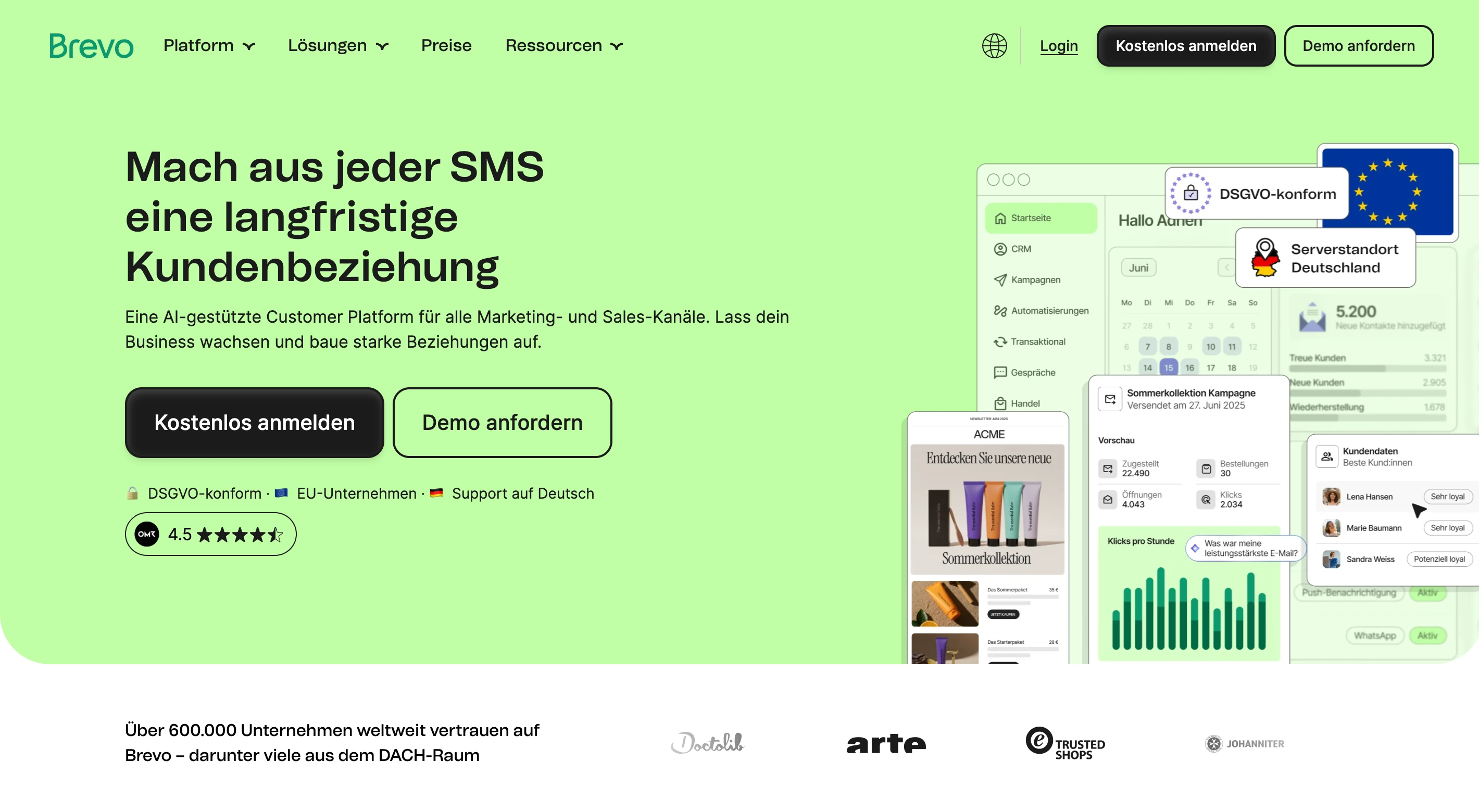
Brevo (formerly Sendinblue) has, alongside CleverReach, one of the best free plans on the market.
The free plan includes email marketing, contact management and basic automation features. Brevo states a storage limit of up to 100,000 contacts.
Of course, features like a good email builder, an autoresponder and analytics are included too.
You even get first targeting features for your subscribers in the free plan.
Here too, though, the sending limit is capped at 300 emails per day, which is unfortunately reached quickly.
What do the paid plans offer?
The premium plans from Brevo are tiered into Starter, Standard and Professional and initially unlock different features, such as A/B testing or advanced reports.
The sending limit is also raised with paid plans, and the actual monthly cost depends on the number of emails sent per month.
On the Starter plan, 5,000 emails per month cost you $9 with monthly payment. With annual payment, Brevo lists $8.08 per month.
- Up to 100,000 stored contacts in the free plan
- Extensive features
- Intuitive email builder
- Targeting feature already in the Starter plan
- Autoresponders and analytics
- Affordable premium plans
- Sending limit in the free plan is reached quickly
- Pricing structure of the premium plans is a bit confusing
3.3 GetResponse (Free)
GetResponse is a kind of all-in-one solution that combines many useful features in one product.
That means that even though GetResponse is primarily an email marketing tool, you also get a website builder and a landing page editor for free on top. And that's already in the free plan.
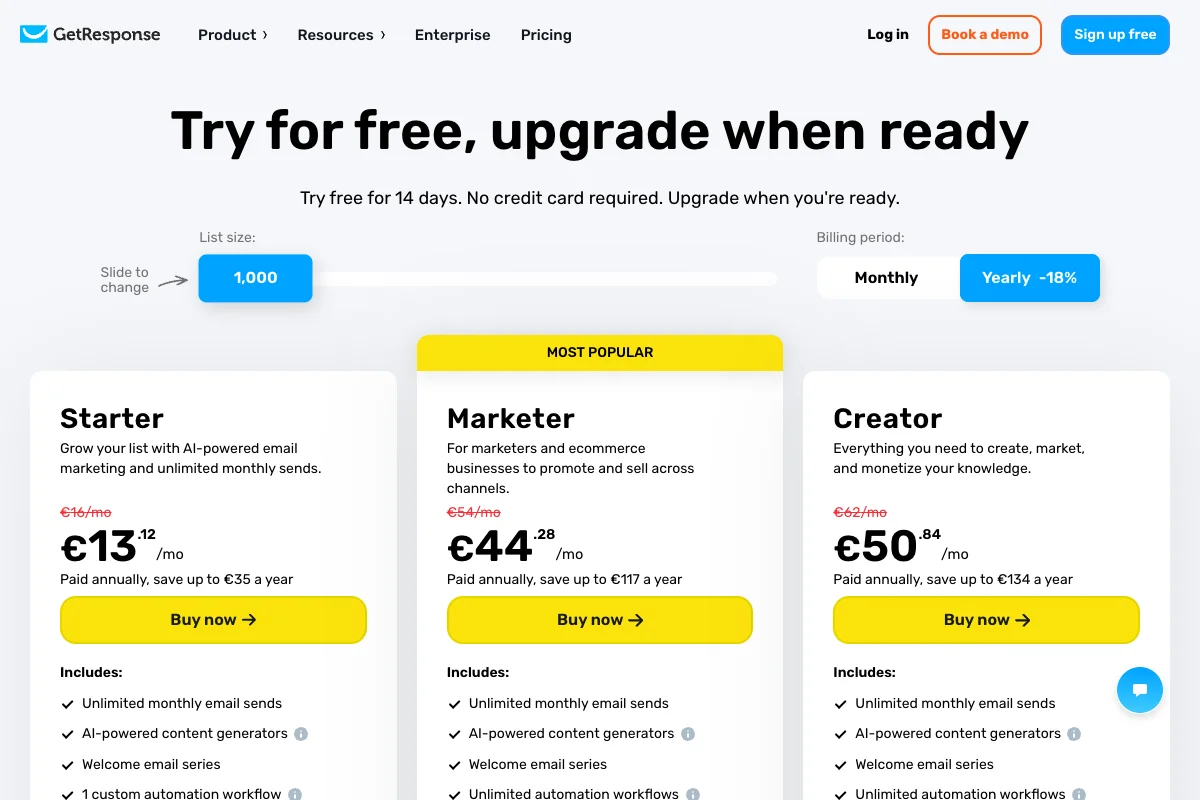
The free account is a premium trial for the first 14 days. The sending limit is permanently 2,500 messages per month. Afterwards you can keep using the restricted free account.
During the trial you can try out premium features. After the 14 days, the restrictions weigh more heavily on automations, webinars, landing pages and support, among other things.
What do the paid plans offer?
GetResponse comes with the three standard plans Starter, Marketer and Creator. The price rises with the feature set and the number of contacts.
If you want to do serious email marketing, you need at least the Marketer plan for unlimited automation workflows. Starter includes only one individual workflow.
- 2,500 messages per month in the free plan
- Website and landing page builder
- Premium plan prices depend on the number of your contacts
- Extensive automation features in the Pro plans
- E-commerce tools integrated
- Excellent team management
- Free plan is heavily restricted in features
- Delivery rates could be better
3.4 MailerLite (Free)
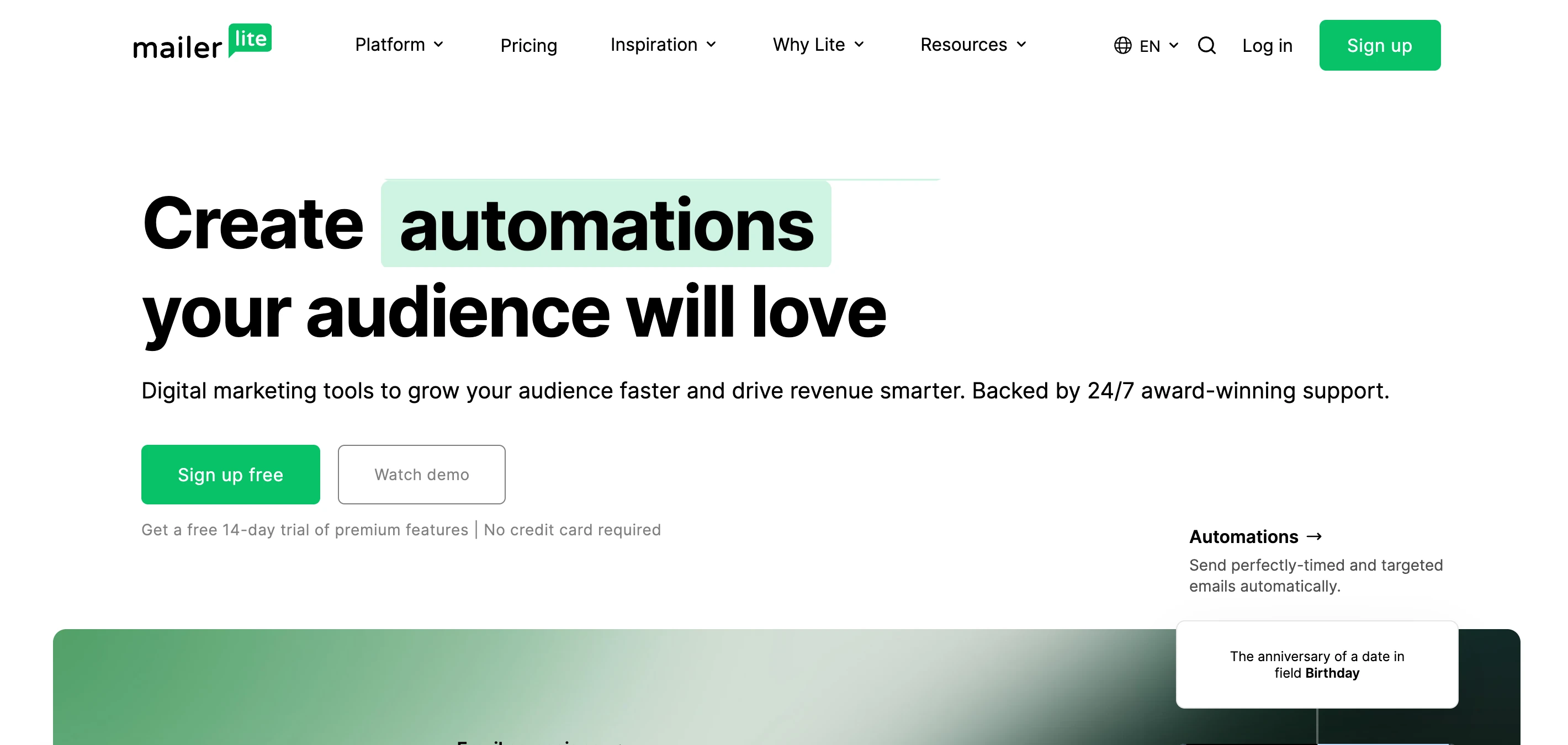
MailerLite is a beginner-friendly newsletter tool with a very good newsletter editor:
You can design emails with different blocks using drag-and-drop, and they look very sleek out of the box.
Extra features like a landing page or creating a website are also included in the free plan.
It's too bad that the new version of MailerLite is currently only available in English, but hopefully that will change soon.
What do the paid plans offer?
The “Comfort” and “Power” plans from MailerLite offer not only higher contact limits but also a larger feature set.
There are more settings for landing pages, websites and automations, more seats for team members and extended support.
You can also turn off the MailerLite branding in emails, edit emails as HTML and get access to additional newsletter templates.
Comfort starts at $12 per month, Power at $25 per month. The actual costs depend on the number of active subscribers and the sending volume.
- Fair prices
- Free plan with very extensive features
- No sending limit for contacts
- Very beginner-friendly backend
- High-quality email templates
- Comprehensive split testing for landing pages, emails and pop-ups
- Landing page builder
- Website builder, even with a blog function
- Extensive statistics
- No spam check in the editor
- No preview of the newsletter in the editor
- New version only available in English
3.5 MailPoet (WordPress plugin)
MailPoet is a WordPress plugin for newsletters that you manage directly in the CMS backend.
That makes it very convenient not only for beginners. Pros also save themselves the time of learning a new environment.
With regard to data protection, that's a big plus too!
Another big advantage is that you can create both the newsletters and email campaigns in the plugin and embed signup forms directly on your website.
There's even a WooCommerce integration with very extensive features and notification options.
Unfortunately, in the free version emails can't yet be sent through a server of your own and are sent directly through WordPress. With larger volumes, that can cause deliverability problems.
What do the paid plans offer?
Once you have a larger list, you can't get around a premium plan from MailPoet. If only because the MailPoet branding is removed only with the premium plans.
You can also customize the mail servers: use either your own or the MailPoet Sending Service, which also copes with larger sending volumes and guarantees high delivery rates.
The feature set also grows step by step, for example with tagging features, analytics or various automation options.
- WordPress plugin, controlled directly from the WordPress admin area
- Contact forms are also created in the plugin
- WooCommerce integration
- Very GDPR-friendly
- Premium plan with extensive features
- No dedicated mail server in the free plan
- Branding can't be removed
3.6 rapidmail (pay per send)
Unlike many other newsletter tools, with the German provider rapidmail you don't have to take out a subscription. You can also pay once.
Sending to a maximum of 10 recipients is always free. That's a bit meager, but the first mailing to up to 2,000 recipients is free too.
Yes, that makes rapidmail only partly a free tool, but it qualifies for this list because it's flexible and doesn't cause any monthly fixed costs.
The tool itself has a modern, tidy interface. The newsletter editor impresses with easy drag-and-drop operation.
The selection of newsletter templates is very large: you can choose from over 250 nicely designed templates on various topics.
For some time now, rapidmail has also offered autoresponders, which I really like. However, you can't build such sophisticated automation chains with them:
Only welcome mailings, transactional emails, annual event mailings (e.g. birthday greetings) and one-time event mailings are possible. On the plus side, rapidmail impresses with a good split-test feature.
So if you mainly want to send individual newsletters and only reach out to your subscribers sporadically, rapidmail can be a good option.
- Modern, clearly laid out interface
- More than 250 free newsletter templates
- Good newsletter editor with drag and drop
- No subscription needed
- Use thousands of professional photos for free
- Server location Germany
- One-time send to 2,000 recipients free
- Sending to 10 recipients always free
- Autoresponder feature isn't as good as with CleverReach or Mailchimp
- Not an all-in-one platform (you can't create landing pages or websites, for example)
- Some features are only unlocked with the monthly subscriptions
3.7 Mailjet (Free)
Mailjet comes with a good free plan that allows up to 1,000 contacts and sending 6,000 emails per month. A maximum of 200 emails per day is allowed.
There's also an easy-to-use template builder, basic statistics and an autoresponder.
The heart of Mailjet, however, is its APIs for developers. That's also exactly the unique selling point the service defines itself by: marketers and developers working together in a single tool.
All in all, Mailjet is only suitable for a free newsletter if you only want to send newsletters, and nothing else.
What do the paid plans offer?
The premium plans from Mailjet remove the branding and also unlock features like user segmentation, advanced statistics or A/B tests.
The price depends on the number of emails sent per month.
- Unlimited number of contacts in the free plan
- Generous sending limits
- Good email editor
- APIs, SMTP relay and webhooks
- Servers in the EU
- Branding in the free plan
- Only basic statistics
- Limited automation options
- No tagging possible
- No extra features like landing pages, website builder, live chat, etc.
3.8 Mailchimp (Free)
Mailchimp is probably the best-known email marketing provider on the market, which guarantees compatibility with most WordPress plugins and tools.
That's partly because you can manage up to 250 contacts in the free plan, and the tool's backend is also very beginner-friendly.
You get a drag-and-drop email builder, very simple list management and very clear statistics for your newsletters. Simple automation options are available too.
One big drawback, however, is data protection:
Mailchimp's server location is in the USA, which makes it difficult to impossible to use the tool in a GDPR-compliant way. That's why we currently advise against using it.
In addition, support, the interface and the documentation are only available in English, which isn't ideal for German users.
By the way, you'll find German-language alternatives to Mailchimp with server locations in the EU in this comparison: Mailchimp alternatives: 4 German tools that are at least as good.
What do the paid plans offer?
Mailchimp comes with three paid plans that step by step enable more features, such as advanced segmentation or automation.
The actual price of the plan ultimately depends on the number of your contacts.
- Up to 250 contacts in the free version
- Very clearly laid out backend
- Design emails with drag and drop
- Compatible with almost all WordPress plugins
- Landing page builder incl. templates
- Nice statistics
- Good delivery rates
- Server location in the USA and therefore legal uncertainty when using it
4. Conclusion
Choosing the right email marketing tool can quickly overwhelm inexperienced users in particular.
Switching providers is relatively simple thanks to import and export functions. Still, to save you time and nerves, we'd like to help you choose the right tool with this final overview:
- Complete beginners: If email marketing is truly unknown territory for you, then CleverReach is a good choice. With numerous tutorials and intuitive operation, it's well suited for beginners.
- The WordPress all-in-one solution: MailPoet is a great solution for WordPress users, because all features are right in the WordPress backend.
- Several team members: If several people work on your email marketing, you should take a closer look at Mailjet.
- Compatibility: If you work with a large number of tools, then Mailchimp can be the right provider, since it's compatible with most third-party tools.
5. FAQ
Here I've put together the answers to the most common questions about sending newsletters:
Is there free newsletter software that is open source?
Yes, there are open-source projects such as OpenEMM or Mautic.
Beginners are still better off with a free plan from a cloud provider, though, because open-source software is usually harder to use and configure, and you have to install it yourself on a suitable server.
Do I need my own mail server to send a newsletter?
If you use a cloud solution, you don't need your own mail server.
It's different if you rely on plugins like MailPoet. Here, a mail server of your own definitely makes sense.
Can I also send newsletters through my regular email program?
Yes, but I don't recommend it:
First, you have to ensure a double opt-in process, which professional tools offer fully automated.
Second, many providers have contact and sending limits, which makes sending lots of emails to a large email list complicated.
Third, with a regular email program your emails can easily end up in your subscribers' spam folders.
How do I keep my newsletters out of the spam folder?
The spam filters of established email providers react to certain terms and words in the content or subject line, for example terms like “free”, “prize draw” or “get rich”.
The history of the sender address also plays an important role. So be sure to avoid mass mailings and overly aggressive marketing emails.
What do I need to keep in mind legally with my newsletter?
Make sure you use a GDPR-compliant signup form, that double opt-in is enabled for new contacts, and that your emails include a legal notice (in Germany, the Impressum) and a way to unsubscribe.
The data you collect also has to be stored securely.
If you use a third-party tool, a data processing agreement should also be in place, and the provider's servers should be located within the EU.
Is there a free newsletter tool that allows tagging?
Yes, CleverReach already has a tagging feature in its free Lite plan.