Well-built, optimized landing pages are indispensable if you want to make money with your products or services.
In this post I explain step by step what a landing page is, which landing page types there are and how you can create a landing page.
I'll also introduce 9 tools and pieces of software that get you to your goal quickly and without technical headaches.
At the end of this guide you'll also find an extensive list of building blocks that belong on every landing page if you want the highest possible conversion rates.
- A landing page pursues one specific goal without distraction: opt-in pages collect email addresses, sales pages sell products, and both leave out distracting menus.
- Three proven ways to create one: WordPress plugins such as Elementor or Divi (the most flexible solution), standalone landing page software such as LeadPages or Unbounce (the all-round package), or newsletter tools such as Brevo and ActiveCampaign (ideal for lead generation).
- The perfect landing page structure: a convincing headline, hero shot, benefit communication, trust-building elements, testimonials, several calls to action and an FAQ. Every element moves visitors one step closer to the conversion.
1. What is a landing page?
A landing page is a special subpage of a website.
Every landing page pursues one specific goal and is optimized for exactly that goal. That means, for example, that landing pages usually leave out distracting elements such as a menu so they don't put the desired result at risk.
The goal itself can be very different. Most landing pages, however, serve one of the following two purposes:
- Opt-in page: A classic landing page that is often found at the start of a customer journey is the opt-in page. Here, you usually ask for the prospect's email address or contact details in exchange for a free product (ebook, webinar, whitepaper, case study, etc.).
- Sales page: This landing page has the job of selling a product or service, so it has to do quite a bit of convincing. For that to work, the right structure is crucial (more on that later).
2. How can I create a landing page?
The three best ways to create a landing page are:
- With a WordPress plugin or theme (best if you have a WordPress website anyway, and the most flexible solution)
- With landing page software (easier than with WordPress)
- With (your) newsletter tool (a good alternative if the goal of your landing page is lead generation)
Regardless of the tool, every landing page goes through five steps:
- Set the goal: Do you want to collect email addresses or sell something?
- Choose a tool: WordPress, landing page software or a newsletter tool.
- Build the page: headline, benefit, trust elements and call to action (you'll find the building blocks in section 7).
- Write the copy: one benefit per section, one goal per page.
- Publish, measure and improve.
You can do it for free with the Gutenberg editor in WordPress or the free plan of a newsletter tool.
There's also the option of creating landing pages with a website builder or programming them yourself in HTML. I'd rather advise against both. The first is too inflexible and the second takes too long.
I'll introduce the landing page tools that are out there in the following three sections:
3. Creating landing pages with WordPress
If you run a WordPress website, it makes the most sense to create landing pages with WordPress as well. For that you can use one of the following three page builders:
3.1 Elementor
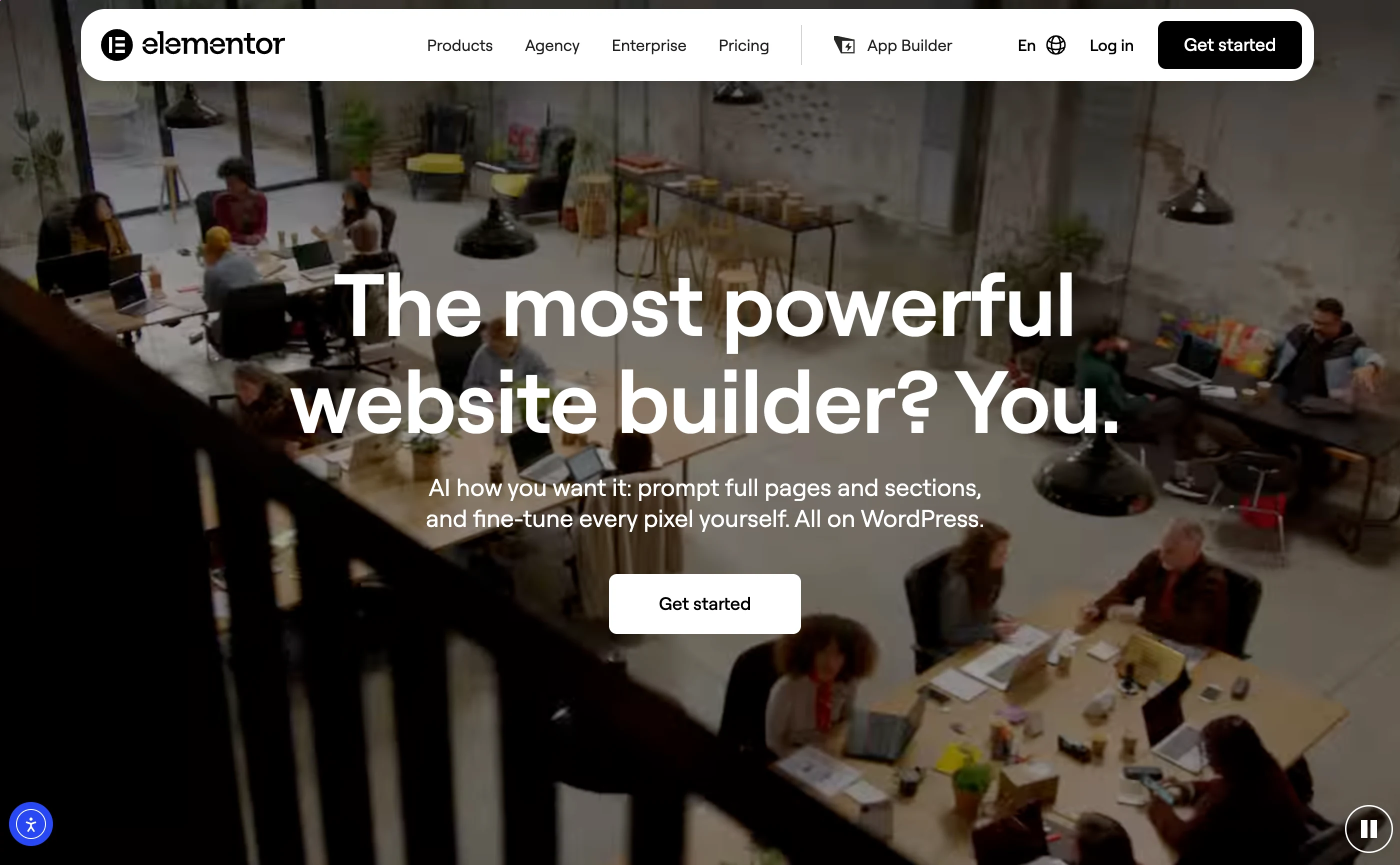
Elementor is the best-known and most widely used page builder for WordPress.
It offers an innovative drag-and-drop builder, 50+ widgets, a theme builder and good support.
For landing pages, Elementor has its own feature:
In a separate area of the Elementor backend, you can create as many landing pages as you like.
You choose from numerous templates or build your page on your own.
A particular highlight of Elementor is that with just a few mouse clicks you can add a custom menu for the landing page. Anchor links are set on the page to improve usability for your visitors. It also noticeably increases conversion, because users aren't distracted by the “disruptive” main menu.
- Free version available
- Gigantic feature set
- Innovative drag-and-drop builder
- Fair price
- Numerous templates
- Well-thought-out navigation feature
- Outstanding support
- Constant development
- Huge community
- The landing page feature can't be bought separately
- Support in English only
- Can slow down your website and sometimes requires optimization measures
3.2 Divi
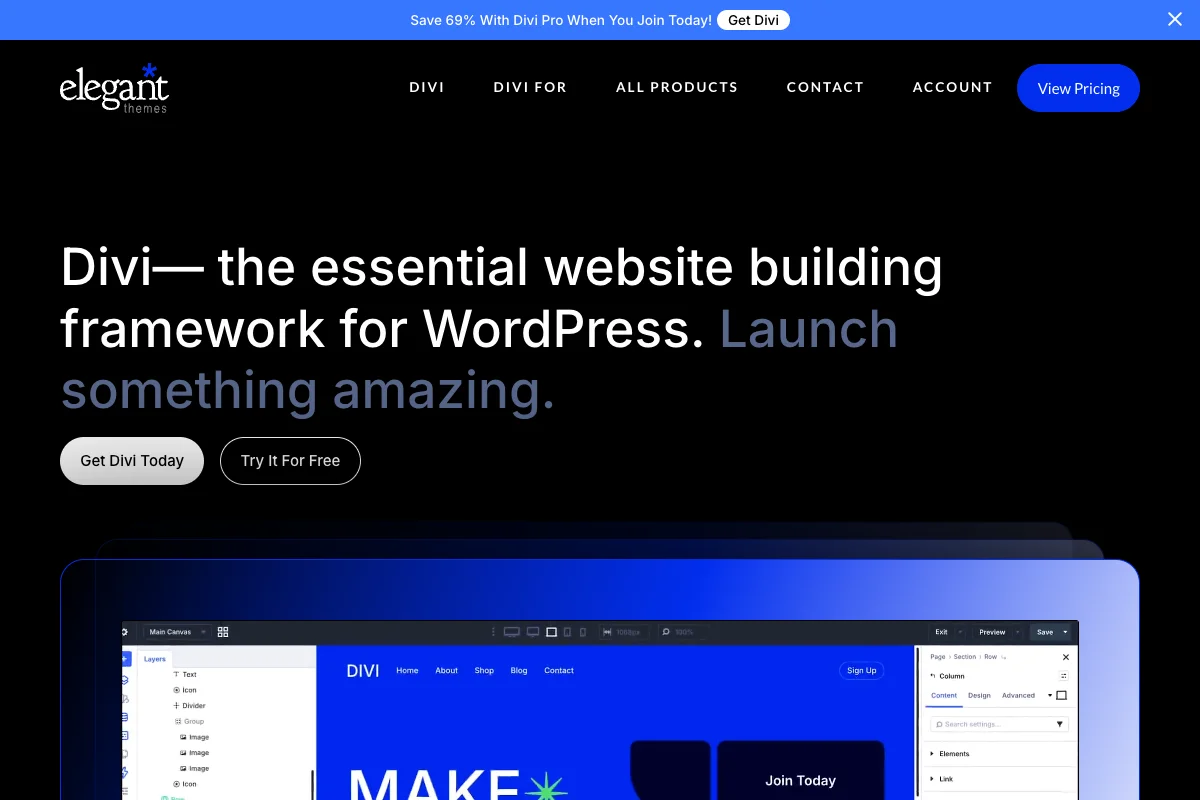
Divi is, along with Elementor, one of the most popular editors and page builders for WordPress and comes with a wealth of features.
A big advantage is that you don't need another WordPress theme, because one is already built into Divi.
The centerpiece is the “Live Builder”, a drag-and-drop builder that leaves hardly anything to be desired in terms of features and customization options. Even if you're a beginner with no programming skills, you can create professional-looking landing pages with it.
To help you along, Divi gives you over 2,000 ready-made layouts that you can conveniently adapt to your wishes.
On top of that comes “Bloom”, a plugin for opt-in forms that you use to collect email addresses on your landing pages.
- Large feature set
- Fair price
- Great drag-and-drop builder
- Opt-in plugin Bloom available
- Theme already included
- Over 2,000 layouts
- One-time payment possible ($249)
- Sometimes slow loading times (a general problem of many page builders)
- The live builder stutters a bit on long landing pages
- Support in English only
- No free version
3.3 Gutenberg editor and add-ons
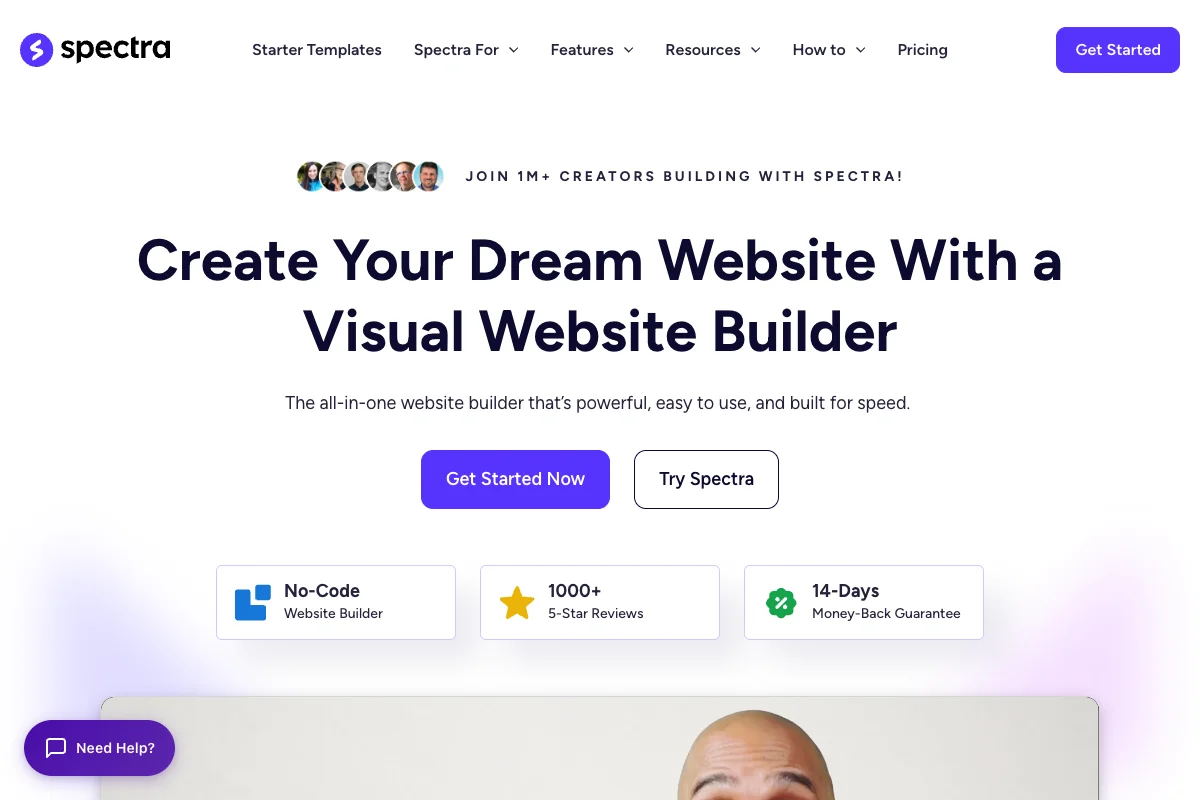
The Gutenberg editor built into WordPress lets you create landing pages as well.
The big advantage of this solution is that you don't have to install extensive page builders, which usually make the load time of the website noticeably worse.
You can also increase the number of blocks considerably with Gutenberg add-ons such as Spectra (formerly Ultimate Addons for Gutenberg).
These add-ons are installed like ordinary plugins and automatically add new blocks in the backend. They often also offer ready-made sections or even entire page templates.
So I'd advise you to test the Gutenberg editor first. If it doesn't meet your requirements even in combination with add-ons, a second look at Elementor or Divi may be worthwhile.
For Blogmojo, I use the Gutenberg editor in combination with GenerateBlocks Pro.
I also built the landing page for my SEO course with it, which you'll find several screenshots of further down.
- The Gutenberg editor is free
- Extendable through numerous add-ons (many of them free as well, like Ultimate Blocks)
- Very good performance
- Innovative concept of use
- Rapid development (currently)
- No additional plugins required, since it's built right into WordPress
- Block settings are often limited
- Smaller selection of templates and ready-made design elements than with Divi or Elementor (even with add-ons)
- Operation is sometimes a bit clunky
- Not a classic drag-and-drop builder
- CSS adjustments may be necessary
4. Standalone landing page software
If you don't have a website of your own yet and are, for example, only active on social media so far, you don't necessarily have to create one to be able to create a landing page.
You can simply use standalone landing page software. The biggest advantage of such software is that it usually offers many interfaces to CRM and newsletter tools as well as numerous options for conversion optimization (such as pop-ups or alert bars).
The biggest downside:
Most providers charge a good amount for their “all-inclusive package”.
4.1 LeadPages
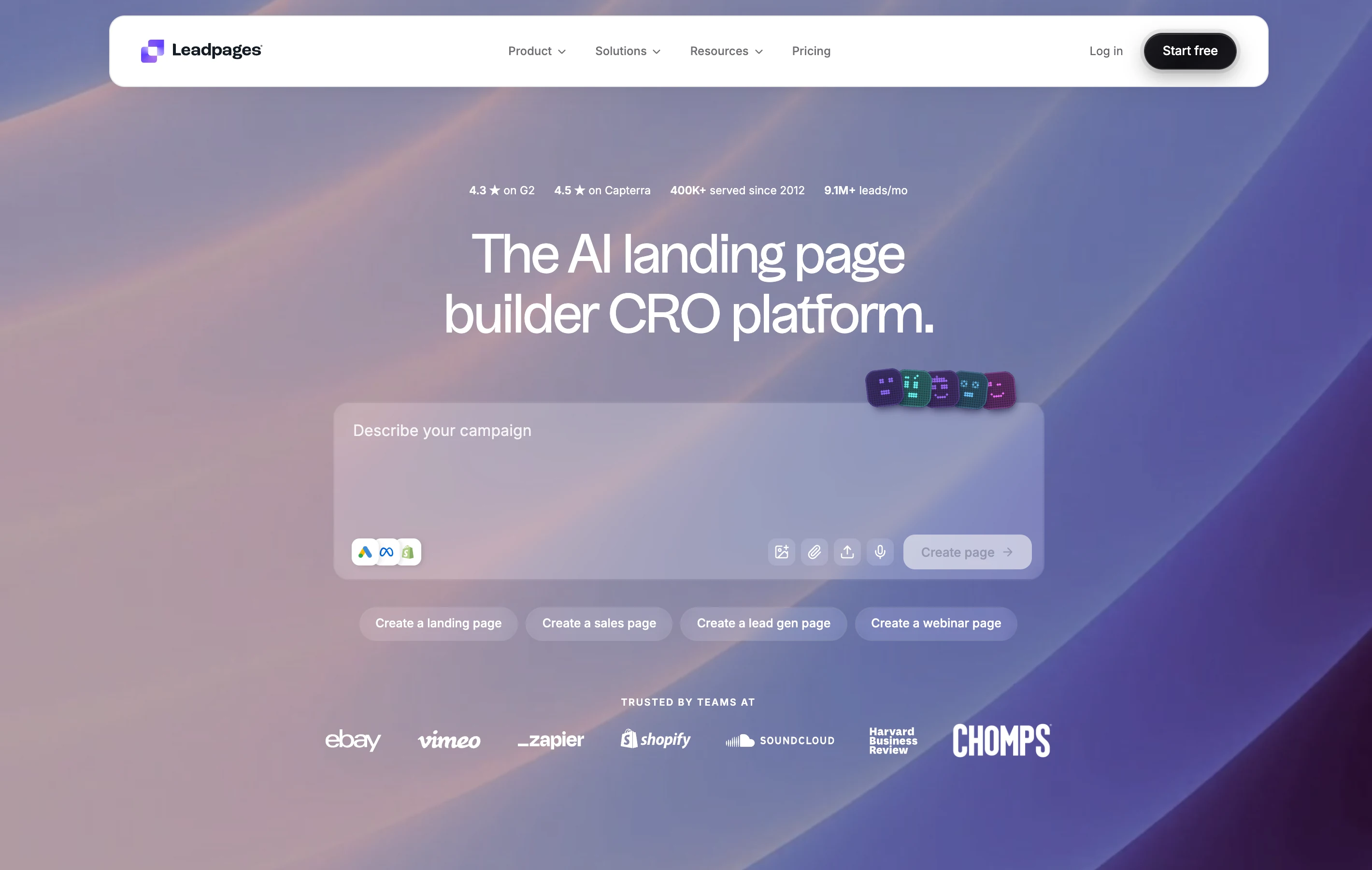
LeadPages offers you 25 pages, your own domain with SSL and hosting even in the cheapest plan (Pro).
You don't need programming skills to create pages, because you get an easy-to-use site builder. There are also many templates that you only have to fill with your own content.
If you want to create an opt-in page, a lead magnet can be hosted conveniently through LeadPages and delivered automatically on sign-up. The tool also offers integrations with many popular marketing tools such as Mailchimp, ActiveCampaign or GetResponse.
I especially like the conversion optimization aids such as pop-ups or a sticky bar, which you can use to display special offers or notices.
An extensive analytics tool is already built into the backend, but implementing Google Analytics would be just as easy.
- Good page builder
- Various integrations with third-party providers
- Hosting and domain included
- Conversion optimization tools such as pop-ups
- Analytics built in
- You can build entire websites too
- Not cheap
- Support in English only
4.2 Unbounce
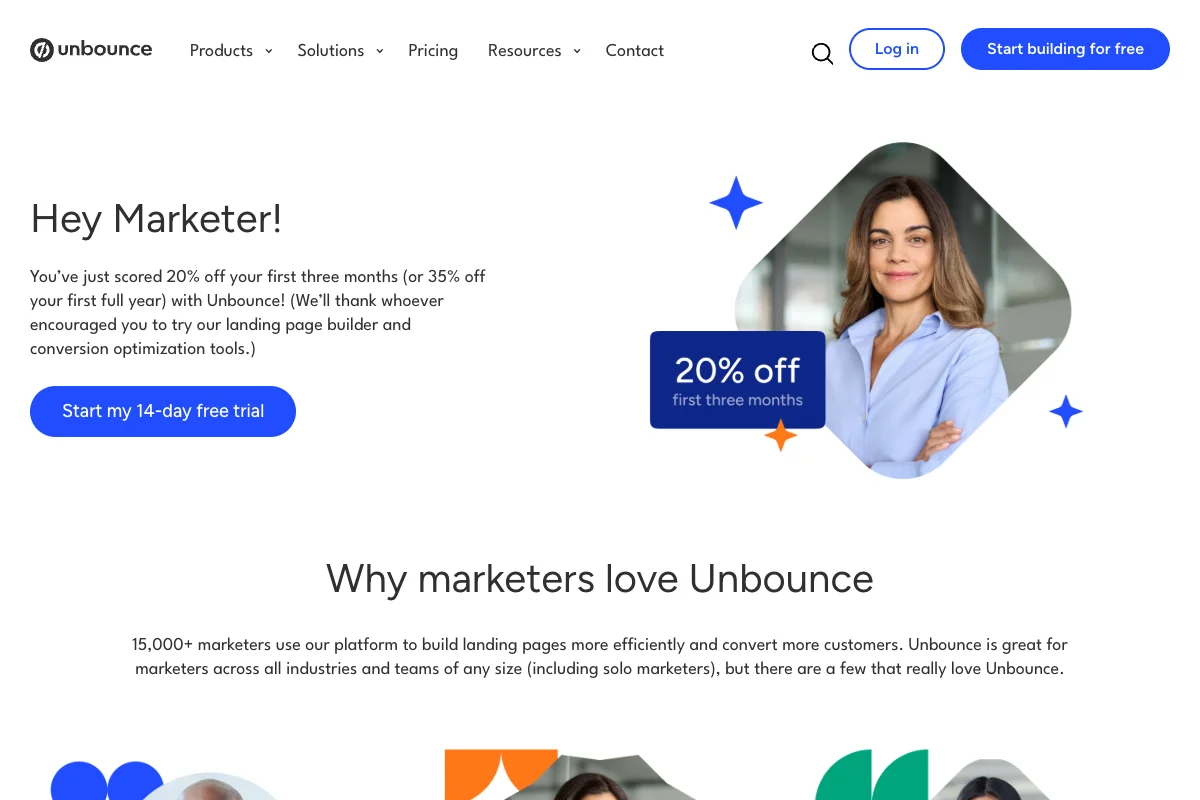
Unbounce is the professional solution on our list. It is undeniably one of the more expensive landing page tools, but it also offers one of the most extensive toolsets.
The plans differ in feature set and limits. The inexpensive Starter plan is suitable for your first landing pages.
The three big unique selling points of Unbounce are:
- Smart Builder: This is a drag-and-drop builder that lets you create landing pages without programming skills.
- Smart Copy: Don't feel like writing the copy for your landing page yourself? Thanks to Smart Copy, an artificial intelligence specialized in creating conversion-optimized content does it for you.
- Smart Traffic: This intelligent split testing tool automatically identifies the best-performing content and so helps you steadily increase the number of conversions.
These three features are complemented by numerous other functions such as a template library, pop-ups and banners.
Interfaces to numerous third-party tools such as Mailchimp, GetResponse or WordPress are also already built into the software.
- Very extensive features
- Smart Copy helps you write your texts
- Very good split testing tool
- Connection to many third-party tools
- Drag-and-drop builder
- Free trial possible
- Somewhat confusing for beginners
- Very high price
4.3 ClickFunnels
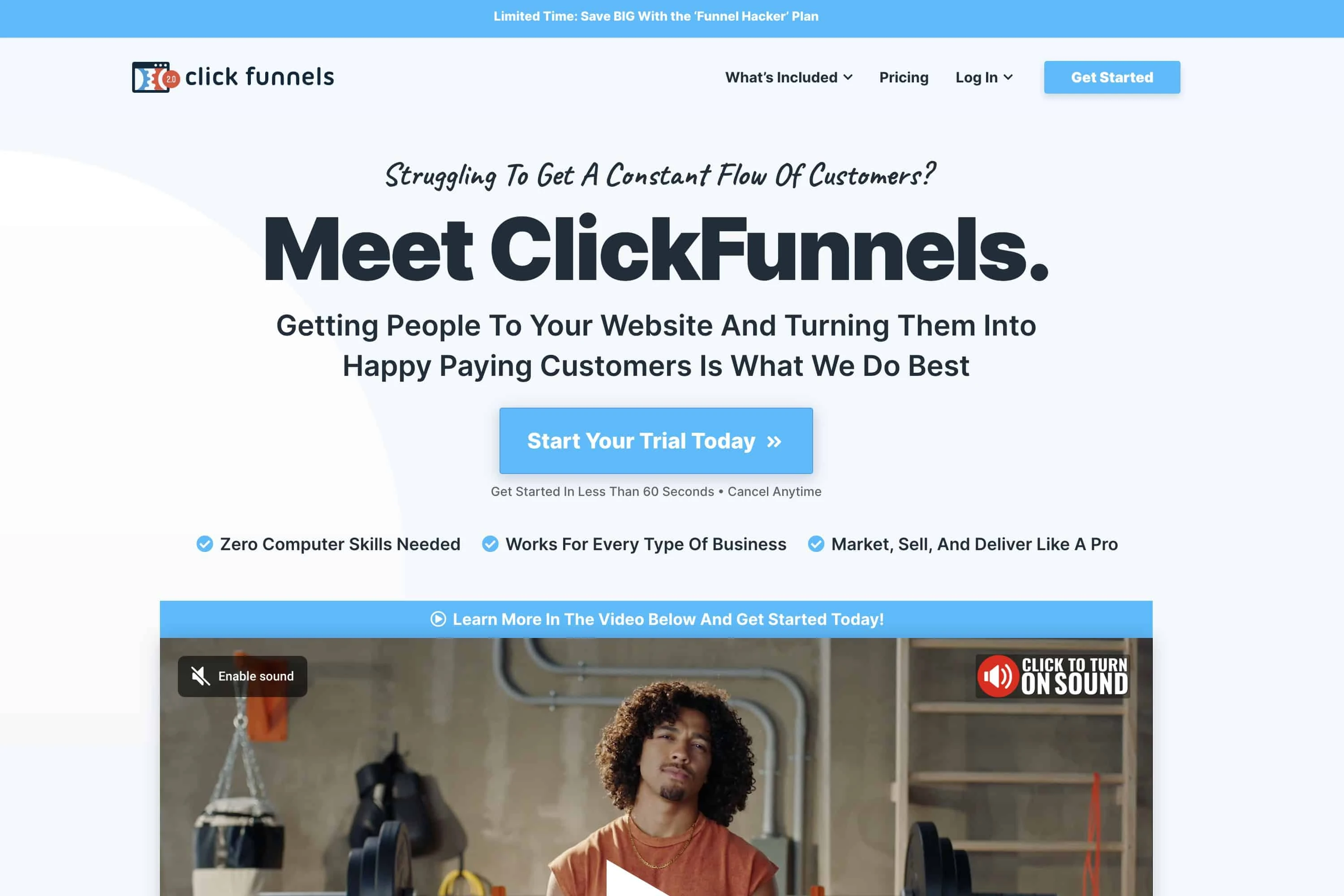
ClickFunnels is one of the most popular and best-known tools in online marketing.
And with good reason:
With ClickFunnels you don't just get a landing page builder, but a complete solution for your entire sales process.
That means you can build not just a landing page with the tool, but an entire funnel. It starts with the opt-in page, continues with the follow-up email campaign and ends with the final sales page that closes the sale.
All of these steps are organized and managed through a single dashboard, which also makes ClickFunnels a good tool for beginners.
All landing pages and emails are created with a drag-and-drop editor, supported by numerous ready-made templates.
The smallest plan (Launch) includes unlimited funnels and up to five custom domains.
- Everything in one piece of software
- Drag-and-drop editor
- Payment processing built in
- Email marketing built in
- Free trial period
- Introduction for beginners
- Only available in English
- Very high price
5. Creating landing pages with newsletter tools
Do you just want to build an email list?
Then it's certainly worth considering a newsletter tool that has a landing page feature built in.
The advantage here is not only that you can save yourself a second and possibly expensive piece of software, but also that you use a perfectly matched solution.
5.1 Brevo
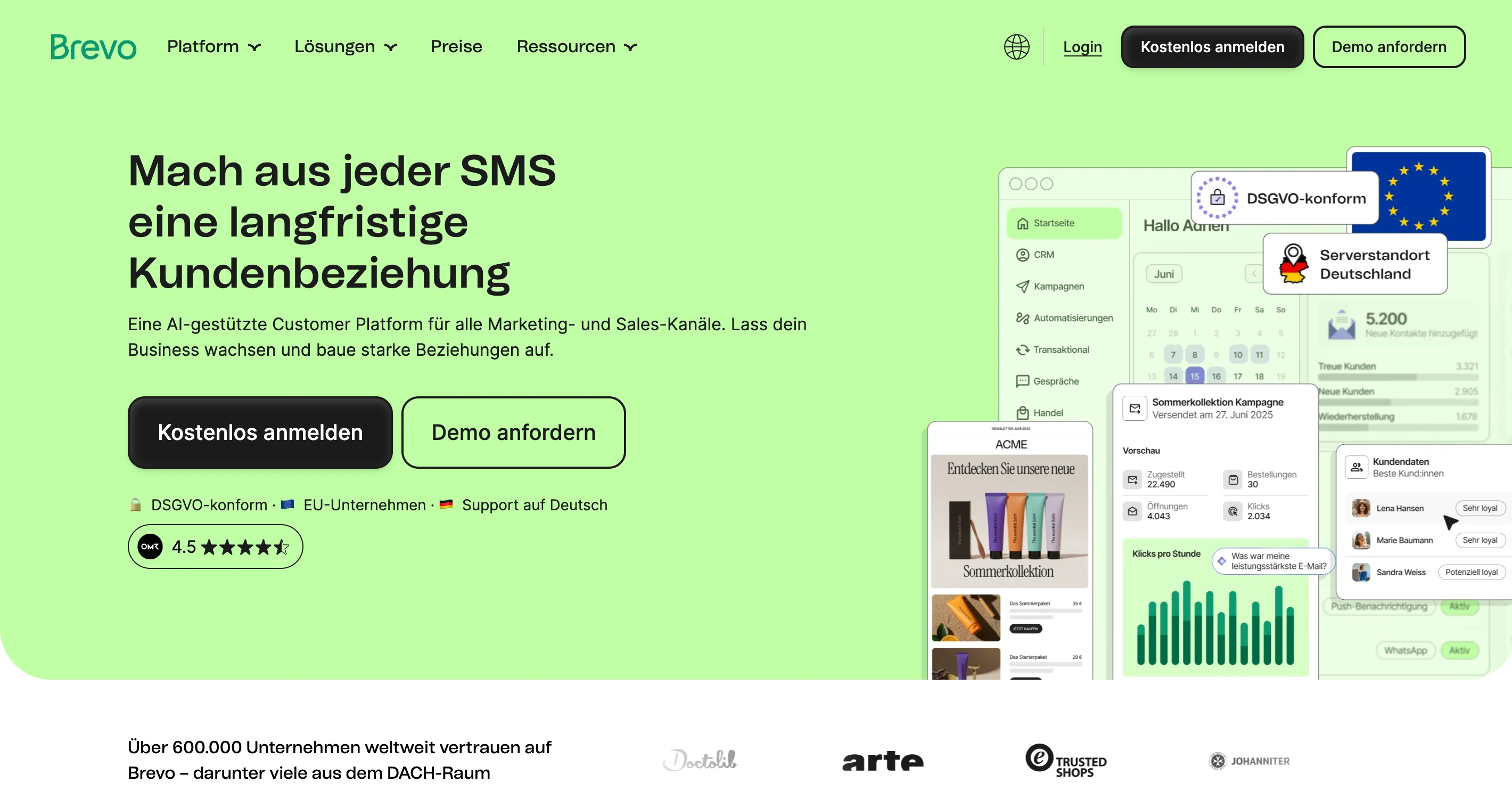
The French newsletter tool Brevo offers landing page software. According to Brevo, the landing page generator is available in a paid plan from €15 per month.
Brevo's free plan allows up to 300 emails per day. That's why Brevo is especially interesting if you want to bundle newsletter and landing page in one tool.
Landing pages can be created with drag-and-drop and, besides collecting email addresses, can also be used for other purposes such as webinar sign-ups or selling goods. Brevo also gives you the option of building additional pages (e.g., a thank-you page) into the process.
In the last step, you can connect the page to your own domain, which unfortunately isn't included.
All in all, Brevo is a very good solution for beginners. Not least because Brevo has its own office in Germany and offers support in German.
- Free plan with up to 300 emails per day
- Easy-to-use drag-and-drop builder
- Different page types possible
- Additional pages (thank-you page) possible
- Ready-made templates
- Your own domain can be used
- Support in German
- For customers in Germany, a German GmbH is responsible
- Server location in the EU
- No domain included
- Design not ideal
5.2 ActiveCampaign
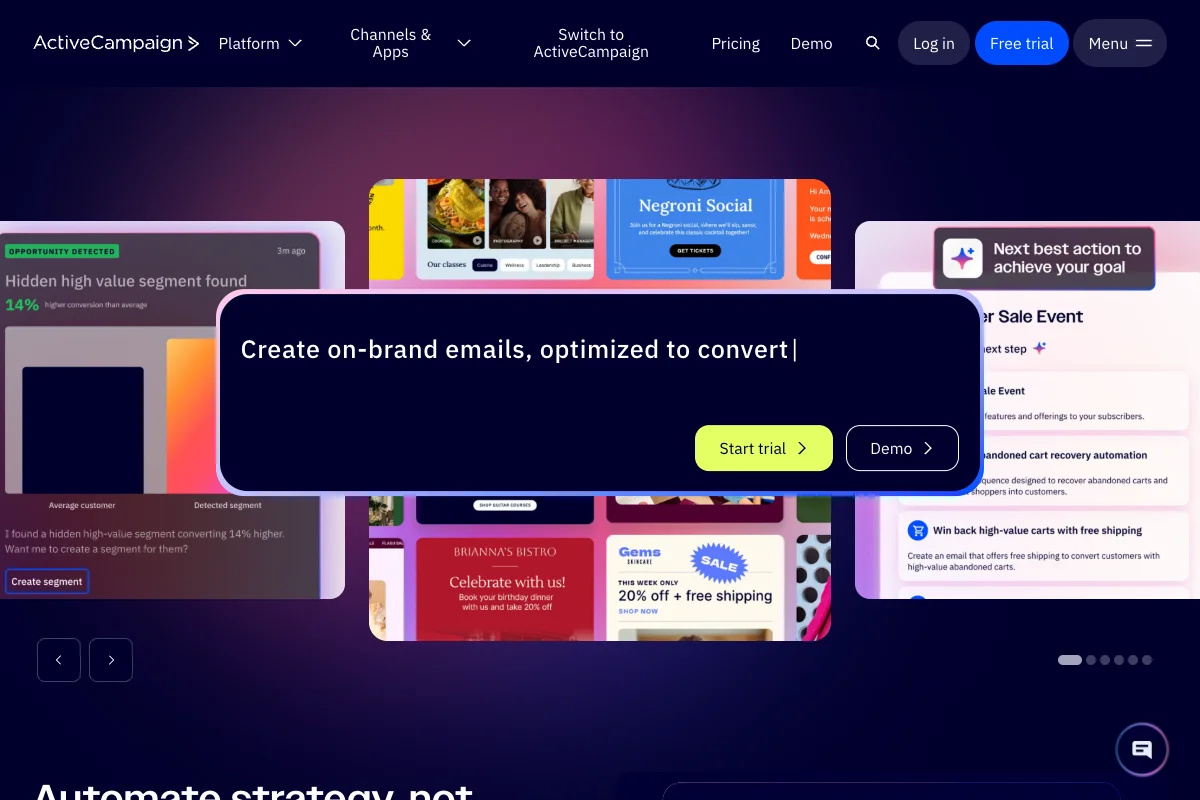
ActiveCampaign is known for its outstanding email marketing software. With the tool, you can create landing pages too.
From the Plus plan on, you get access to the drag-and-drop editor, which has numerous ready-made blocks you can use to build pages the way you want.
Sales pages are naturally no problem either.
Thanks to 50+ ready-made templates, you're not forced to create all the content yourself. You can quickly and easily add your own content to templates that are already optimized.
We especially like the built-in chat function for page visitors: through a chat icon, messages can be sent directly to you. That not only looks professional, it also builds trust.
Unfortunately, no domain is included in the package.
- Very clear for beginners
- Drag-and-drop editor
- 50+ templates
- Available in German
- 14-day trial period
- No domain included
5.3 Mailchimp
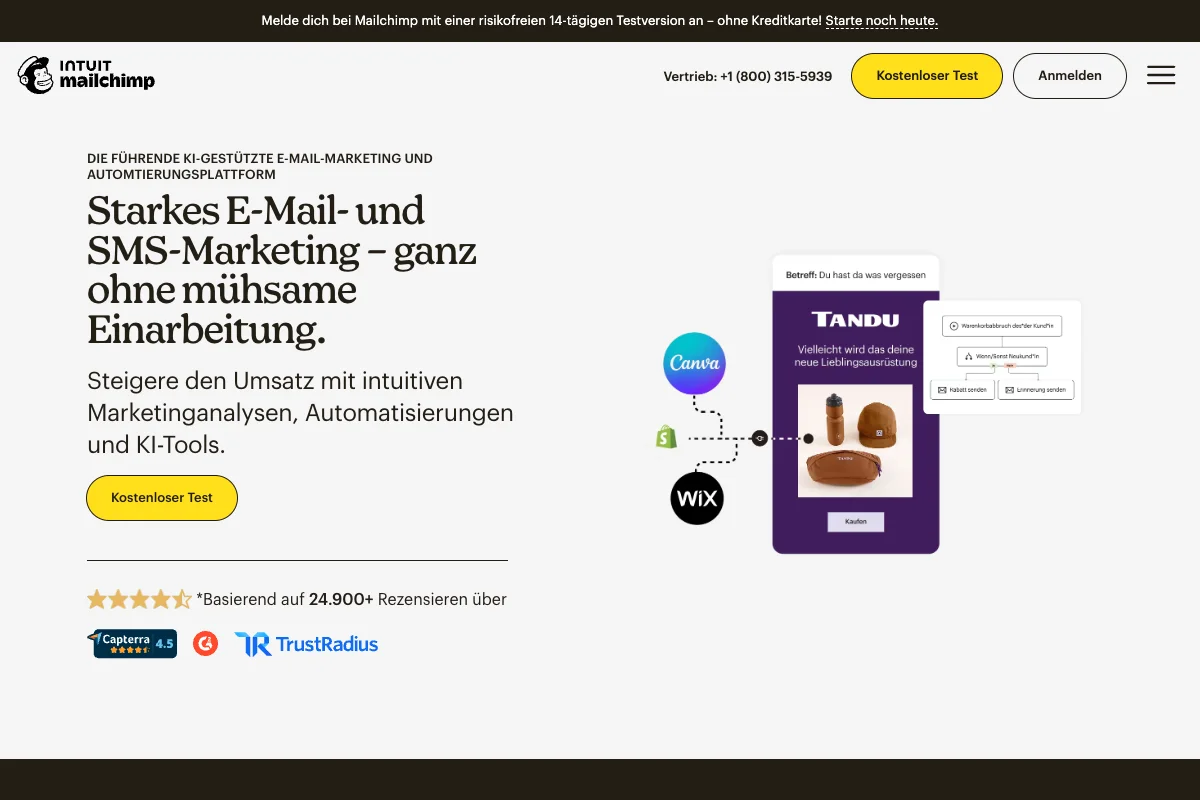
The landing page builder from Mailchimp isn't among the best on the market.
Even though you get an easy-to-use drag-and-drop editor, the pages definitely leave room for improvement when it comes to design.
But in return, Mailchimp's free plan with up to 250 contacts in your email list costs nothing.
There are also additional functions such as statistics on page visitors and the conversion rates of the individual forms. That way you can quickly and easily find out which pages work best.
For the domain of your page, which you can book directly in the Mailchimp backend, you pay between $10 and $20 per year (depending on the domain you want).
If you choose the Essentials plan, you get a “Journey Builder” on top, which you can use to plan complete funnels directly in Mailchimp.
- Free plan for up to 250 contacts
- Very easy to use
- Statistics built in
- Unlimited number of pages
- Connect your domain directly in the backend
- Additional products in premium plans
- Clear compromises in design
- Domain not included, not even in premium plans
6. Which landing page types are there?
Not every landing page is the same.
There are 8 different types, which all pursue different goals and should be structured differently accordingly.
6.1 Sales page
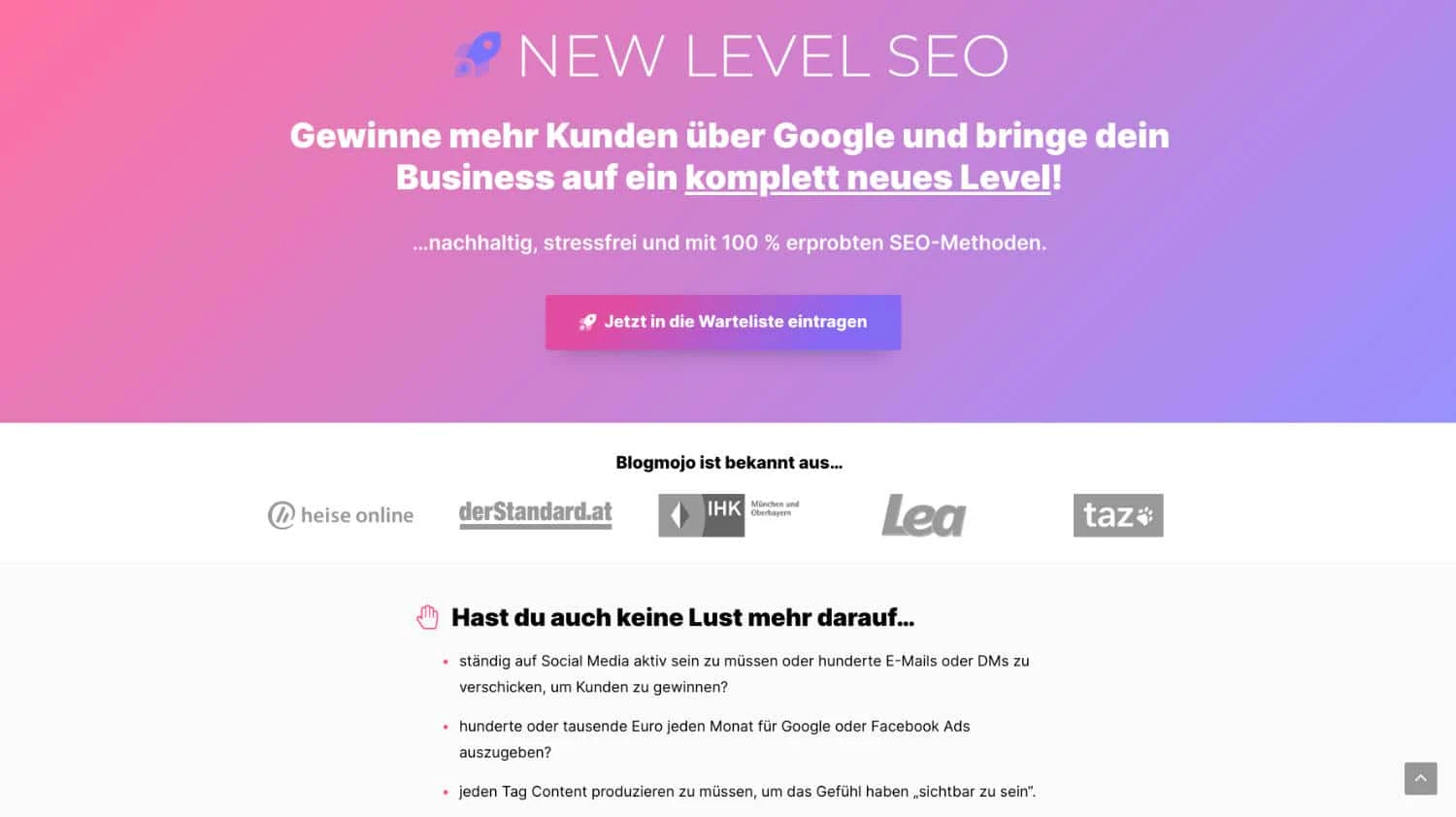
The sales page has only one goal: to sell a product or service.
That fact makes the sales page not only the most frequently used landing page, but also the most difficult. This page type has to convince the visitor of an offer so thoroughly that, ideally, they don't leave before they've made a purchase.
Disruptive elements such as a menu, or any kind of distraction, therefore don't belong on these pages.
6.2 Squeeze page
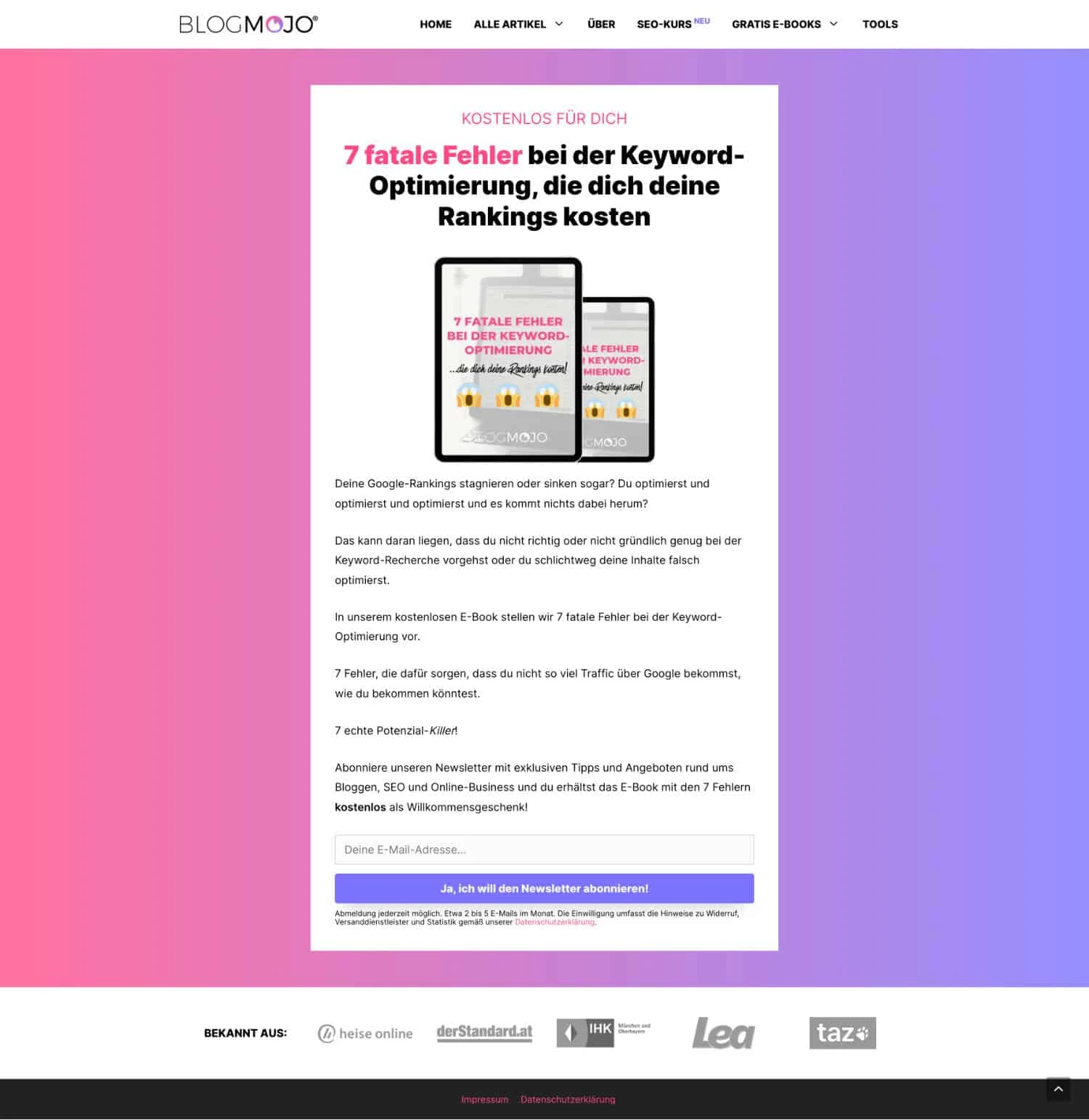
The job of a squeeze page is to collect a visitor's email address.
It's usually kept short and promotes a lead magnet, meaning a free product (ebook, webinar recording, case study, etc.) that is offered in exchange for the email address.
Alternatively, you could provide exclusive information or especially valuable tips on a squeeze page that stay locked until the visitor signs up for the newsletter.
6.3 Opt-in page / lead generation
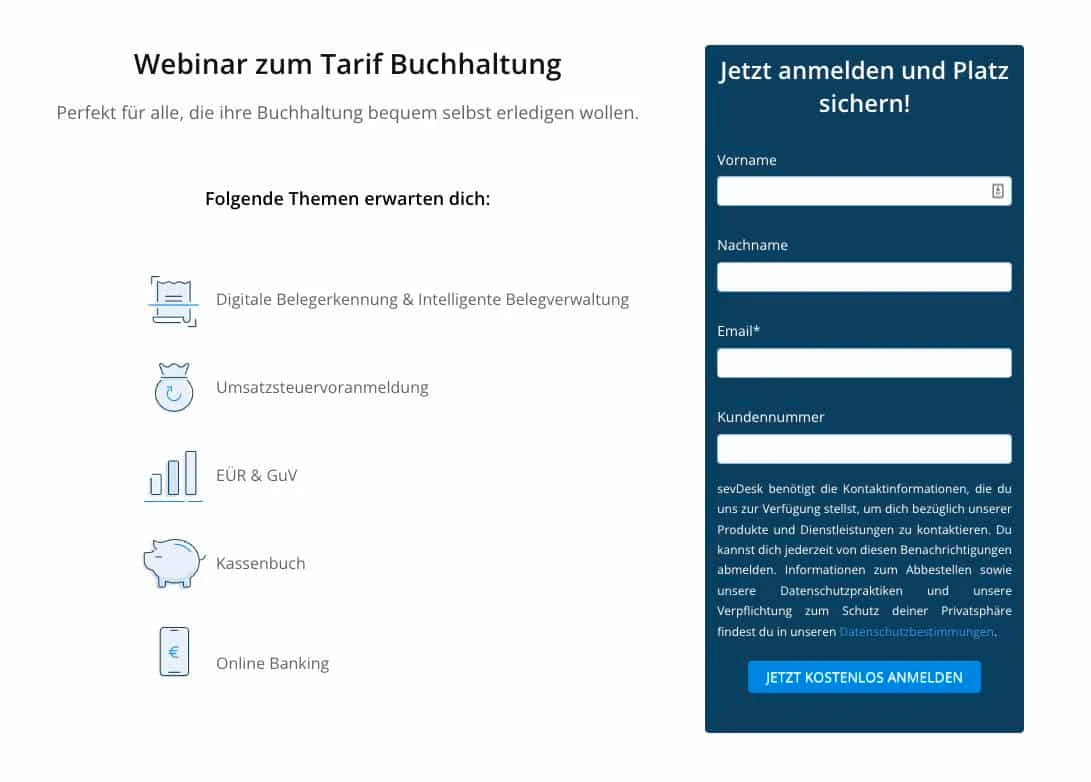
While the squeeze page aims at getting email addresses, the term “opt-in page” covers all pages that aim at a sign-up or the contact details of potential customers.
That can be signing up for a webinar, tool, initial consultation or individual offer.
6.4 Splash page
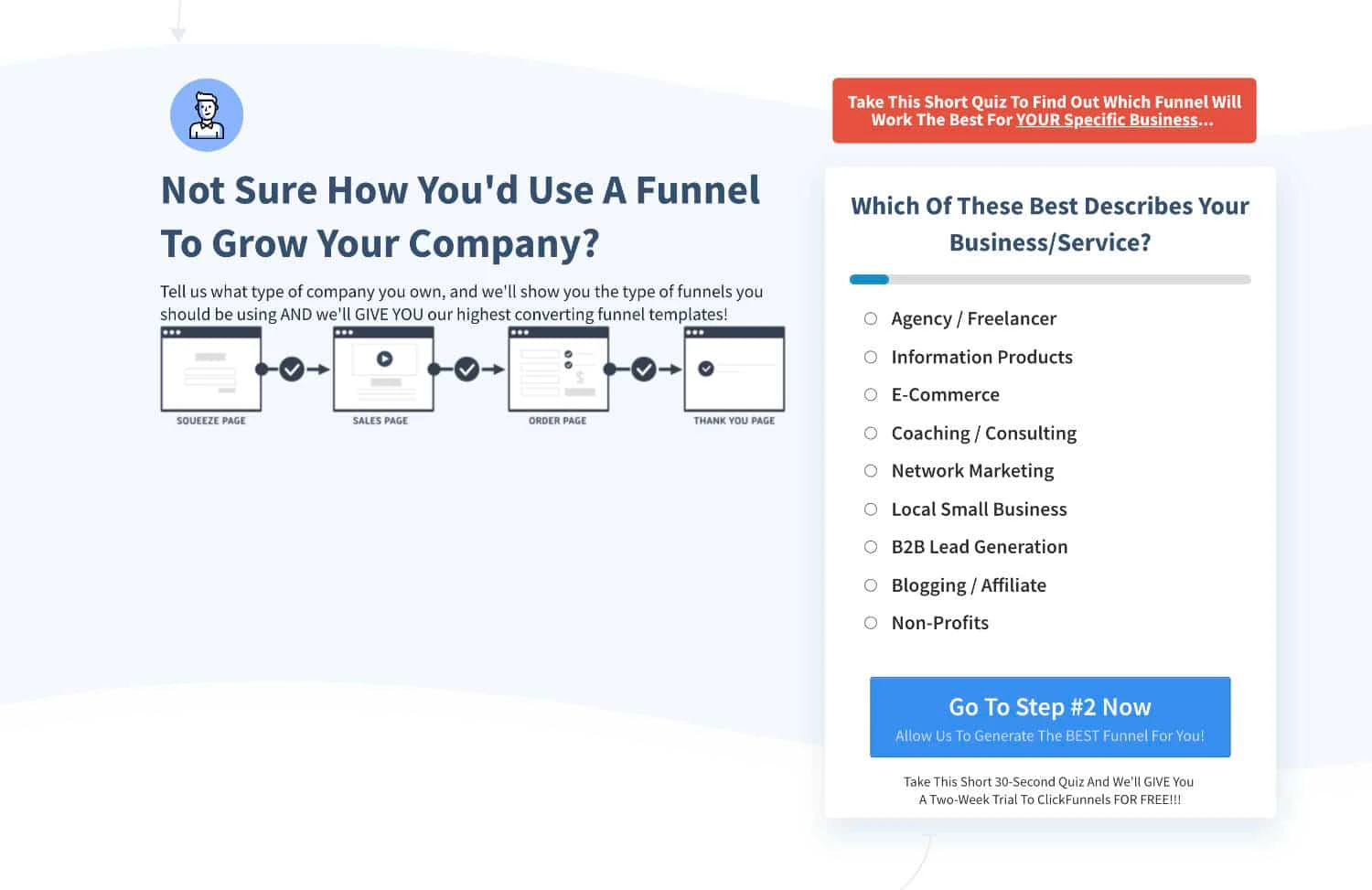
The splash page has the job of getting the user to take a certain action. Among other things, that can be clicking on a social media profile, booking a free trial period or simply visiting the latest blog post.
So instead of redirecting the user directly, they are actively asked to carry out the action themselves.
This approach comes across as much less pushy and leaves the choice to the user.
6.5 Thank-you page
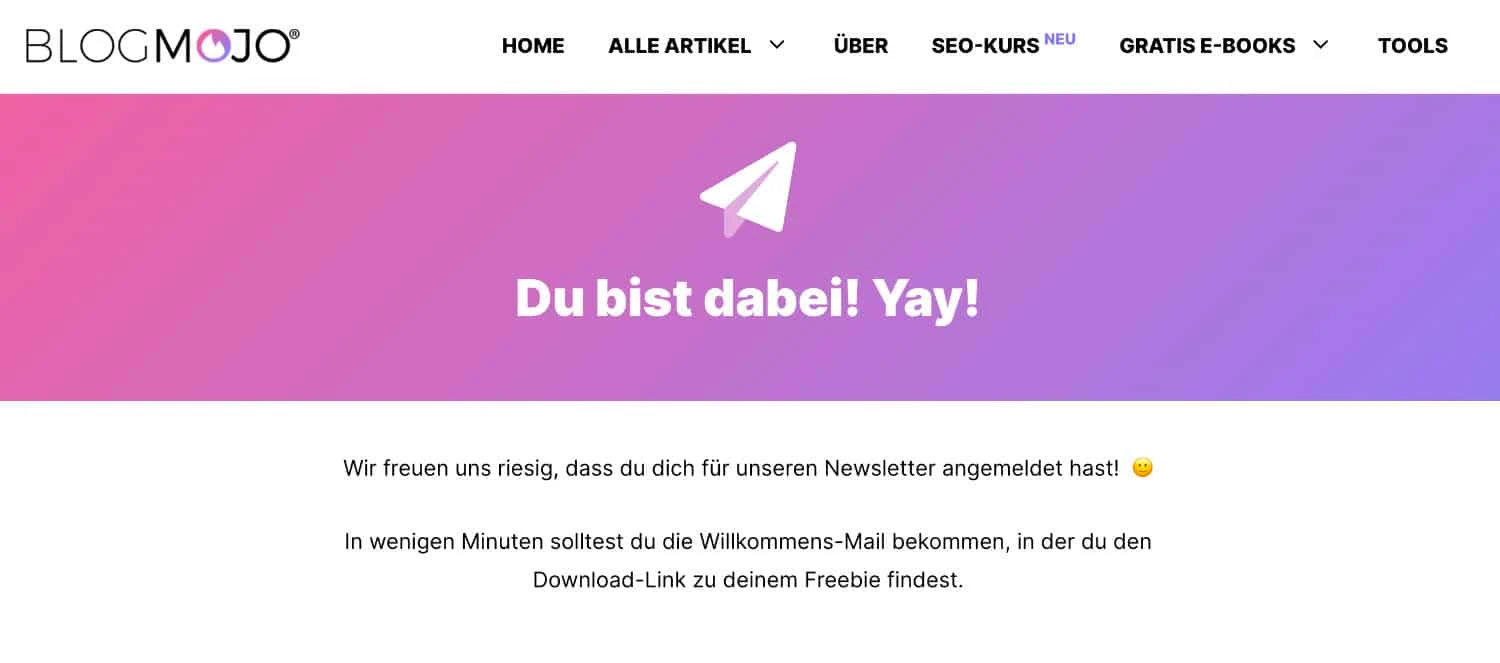
The thank-you page appears whenever your visitor has successfully carried out a desired action. That can be signing up for your email newsletter or buying a product.
A good thank-you page doesn't just say “thank you”, though. It gives the visitor a roadmap of which actions they could or should take next.
6.6 Unsubscribe pages
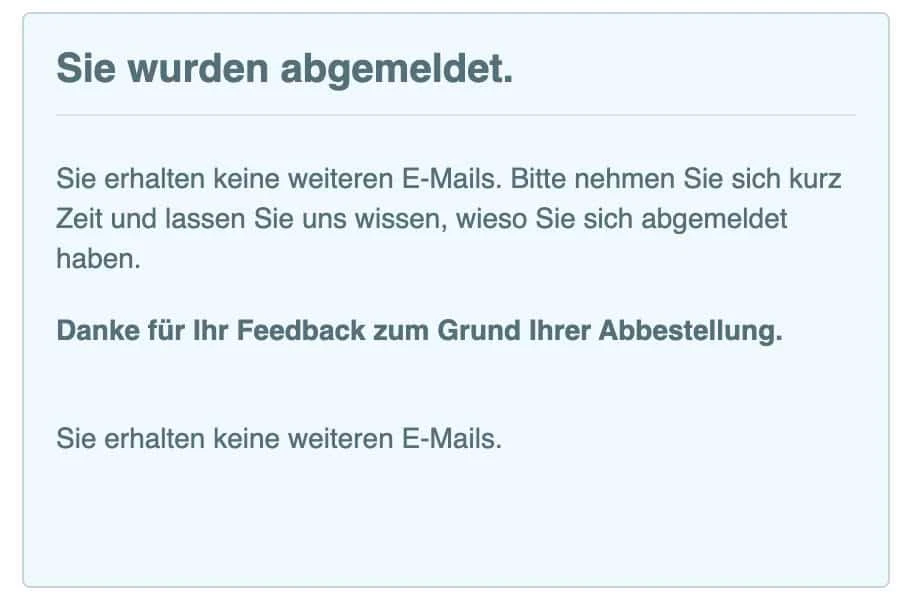
The unsubscribe page appears whenever a user cancels a product, such as software or a members' area, or unsubscribes from an email list.
This certainly isn't the most important landing page. Still, you shouldn't neglect it completely.
You could, for example, consider adding relevant links to other areas of your website or, even better, offering your users incentives not to cancel after all. For example, you can offer them a discount code or free use of your product for three months.
6.7 Click-through page
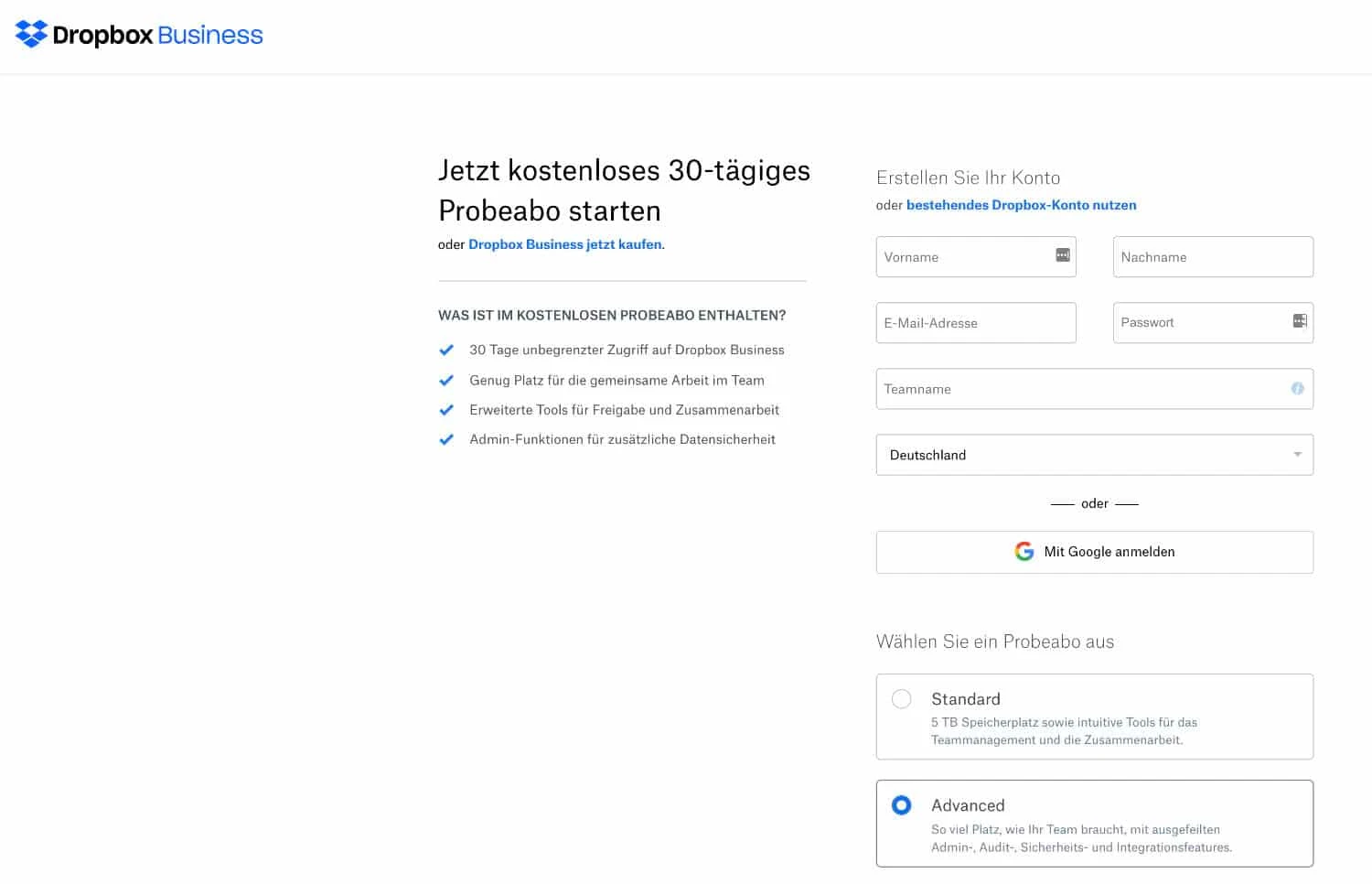
The click-through page is used whenever you want to prepare users for entering payment details.
With an intermediate page before the actual form, you could ask the customer to enter their personal data first and only ask for the credit card information in a second step.
This page type is often used when free trial periods are part of a service. The user first confirms the trial subscription by entering their personal details. In a further step, the account information is collected, which is used automatically after the trial period ends.
6.8 Other landing page types
You've now met the 7 most common landing page types.
In addition, we'd like to introduce a few more kinds that serve only to inform users:
- 404 page: A 404 page appears whenever the user opens a subpage of your website that no longer exists.
- Coming soon: If you want to point to content that will be available soon, a coming soon page is the ideal solution.
- About us: The about us page is meant to show the visitor the team behind a website, which helps build trust.
7. How is a landing page structured?
For a landing page to “work”, meaning your visitor carries out, if possible, exactly the action you focused the page on, you should follow a certain landing page structure.
The individual landing page types sometimes differ considerably from each other.
A squeeze page, for example, is nowhere near as detailed and long as a sales page.
That means you shouldn't automatically choose all the building blocks we give you in this chapter.
What's important to understand is that every target group reacts differently. So there is no universal “landing page roadmap” that always works. You can only develop a successful landing page if you regularly test different versions against each other and find out what appeals to your target group the most.
7.1 Headline

The headline is the first point of contact between your visitors and the landing page and one of the most important elements for a successful landing page structure.
Its job is to catch the visitor's attention and get them to keep reading.
If you don't convince the user with your headline, the likelihood is very high that they'll click their browser's back button right away, before they've even taken a closer look at your offer.
It's therefore important that you tease a problem of your target group as precisely as possible and, at the same time, promise to solve that problem.
7.2 Subheadline

Since the headline should be as short as possible, it always makes sense to use a subheadline to explain the promise you made before in a bit more detail.
Here you can take away the visitor's first doubts or describe your service or product in more detail with numbers and facts.
Here too, make sure to stick to short, concise sentences.
7.3 Hero shot
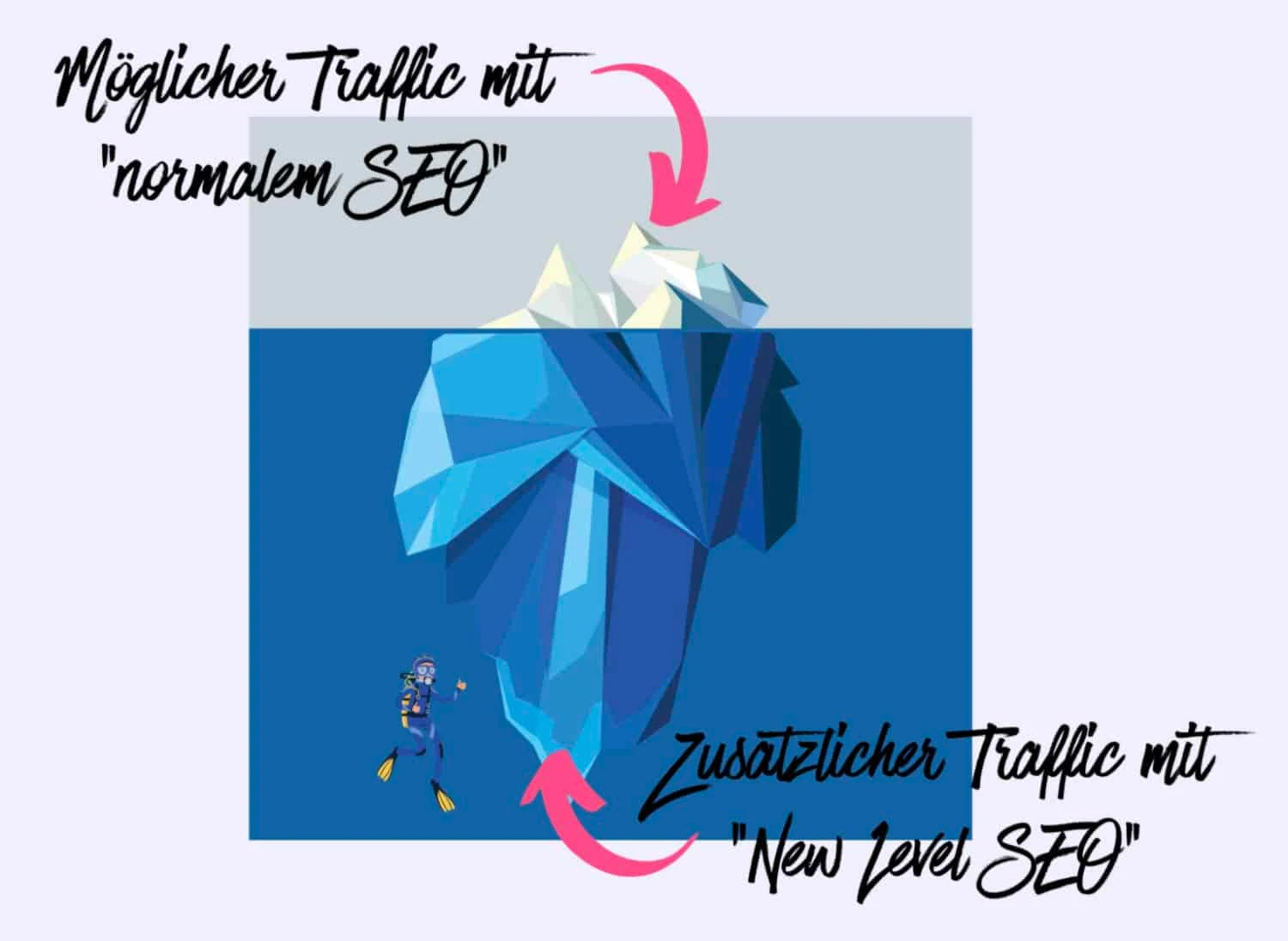
A picture says more than a thousand words. That is exactly the philosophy the hero shot follows: it showcases your service or product and shows visually what your users can expect.
It can be placed right next to the headline and subheadline or within the course of the introduction.
7.4 Benefit communication
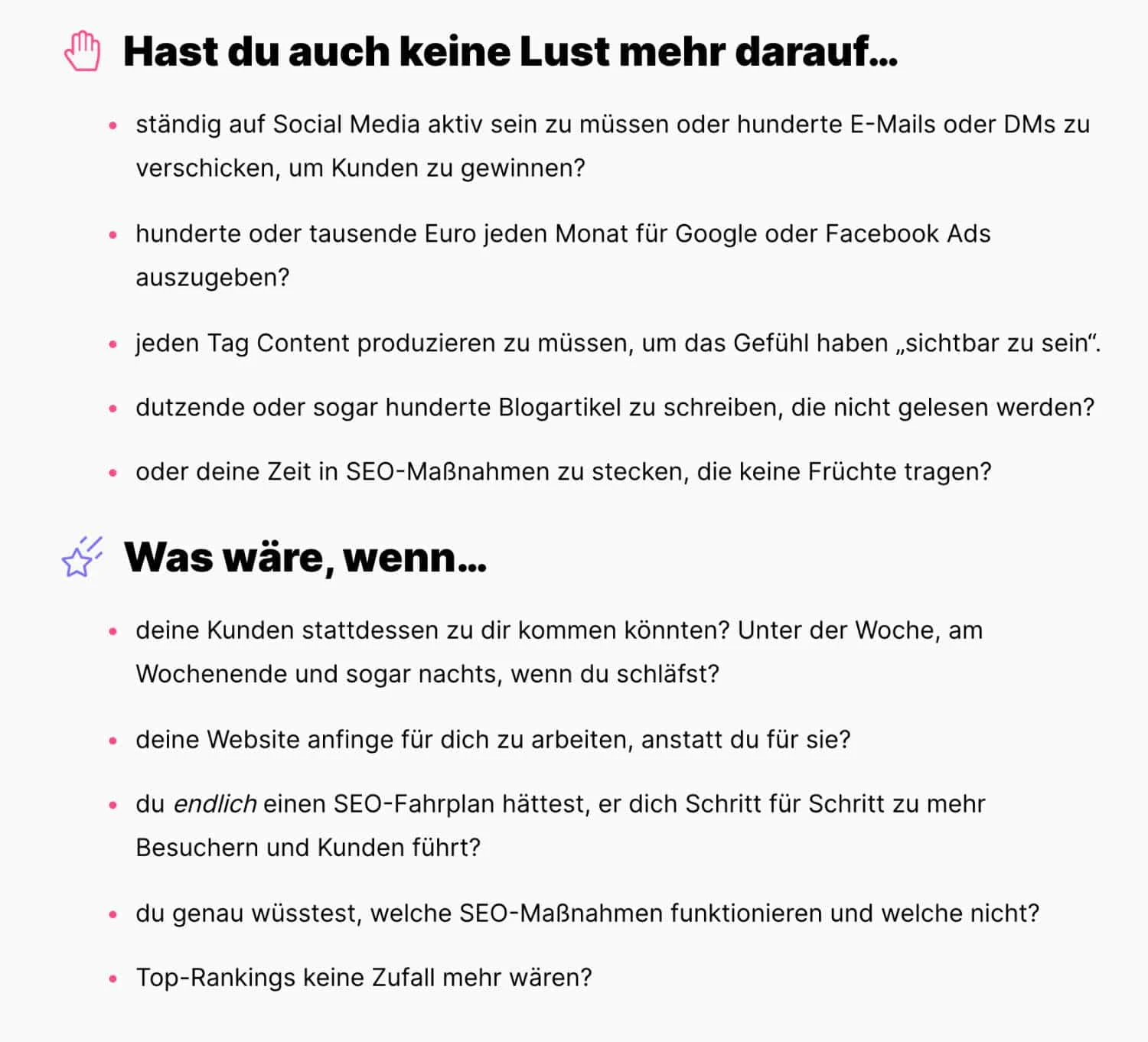
Benefit communication is a central element of the landing page. On the one hand, it should be repeated in all elements. On the other hand, you should use a dedicated area for how the visitor can improve their life through your service or product.
That means you follow the scheme “Away from X, toward Y.”, for example “Away from being overweight, toward a comfortable weight.”.
The better you know your target group, the more specifically you can phrase this benefit communication, which is guaranteed to increase conversion.
7.5 Trust-building elements
Trust-building elements can look different and all serve their purpose, as long as they position you as an expert in a field or put your service in a better light.
These could be customer successes or your own successes:
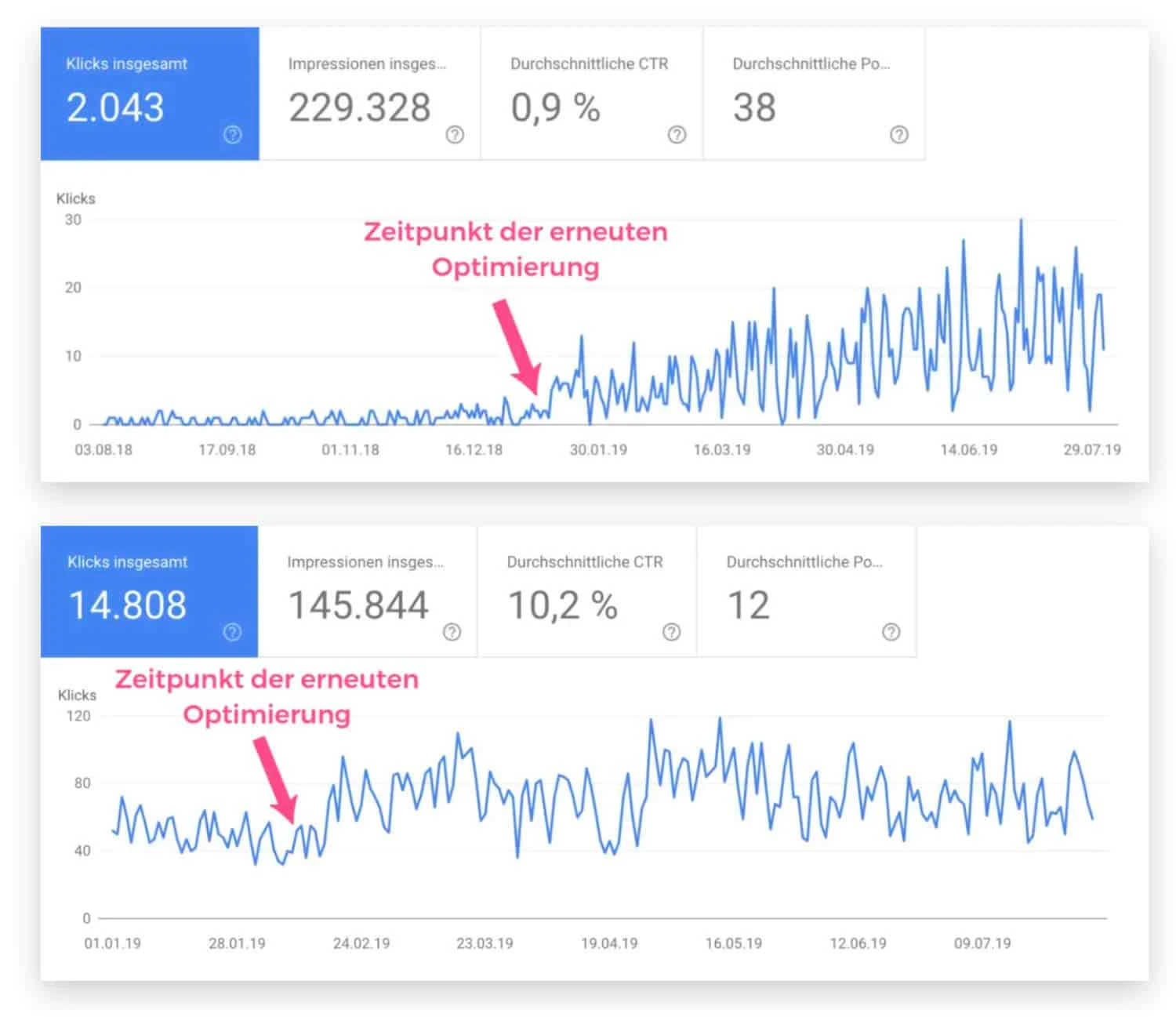
...or brands that recommend you.

7.6 Reviews and testimonials
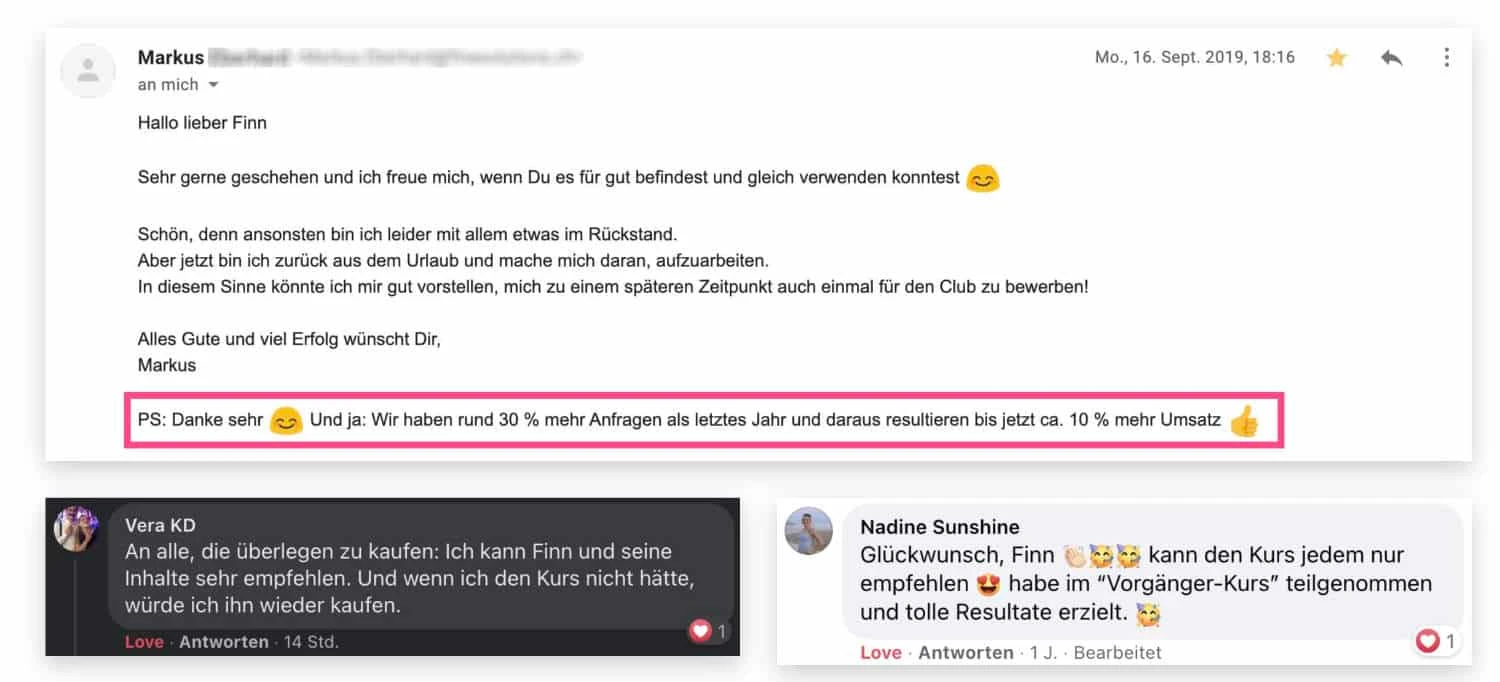
Testimonials are a special form of trust-building elements that are guaranteed to increase your conversion rate.
In this section you can let customers have their say who have already used your product or service and were very satisfied with it.
Don't be afraid to ask for these testimonials. Satisfied customers you were actually able to help are much more willing to give one than you might think.
7.7 Contents: What you get...
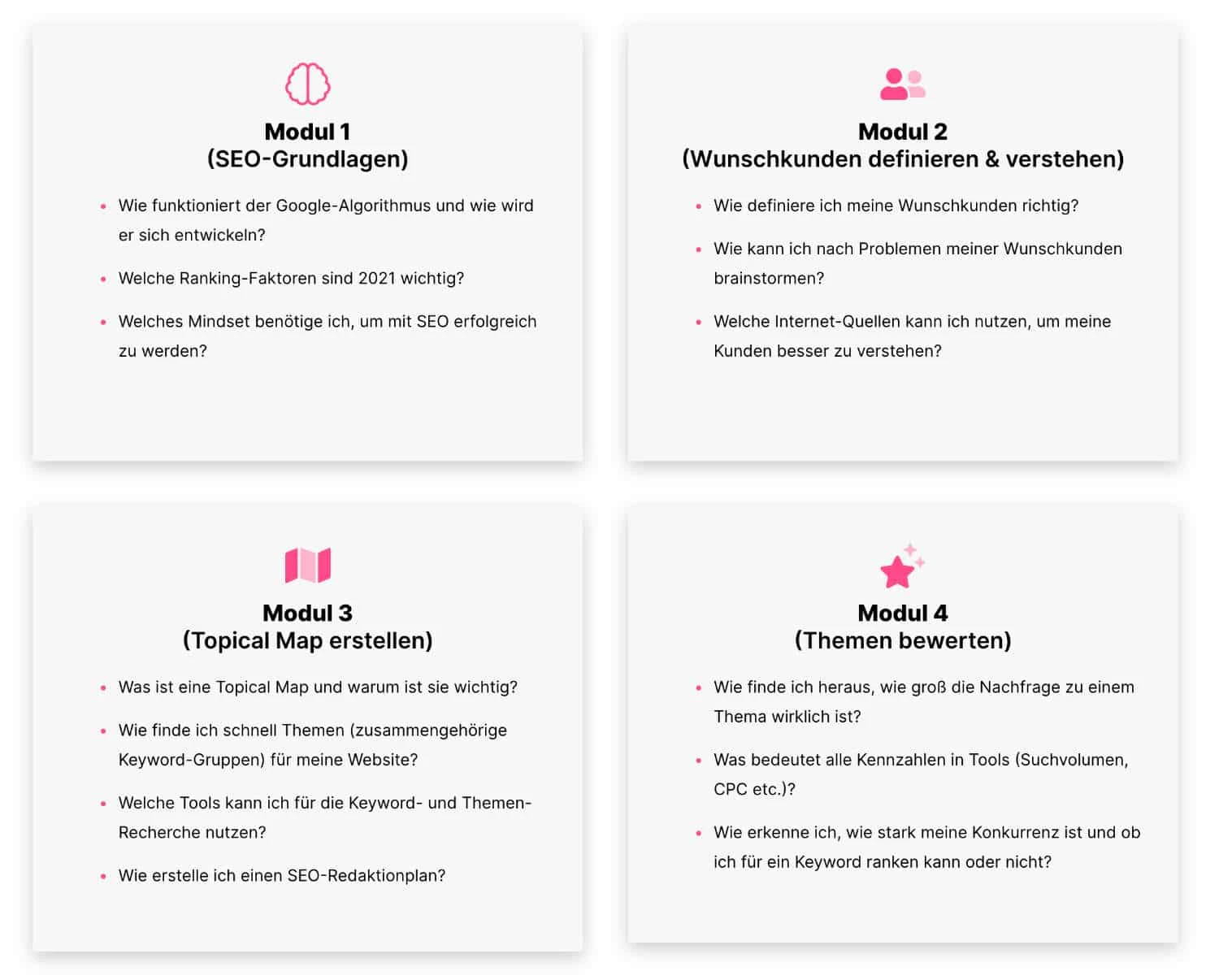
Of course, you shouldn't fail to describe your product or service in more detail too.
Show your customers what to expect and what they get when they make a purchase.
This section usually comes shortly before the actual call to action and serves only as a final orientation.
In keeping with the motto:
If you want to sell a power drill, don't sell the 1,600-watt drill made of high-quality materials, sell the hole in the wall.
7.8 Call to action (CTA)
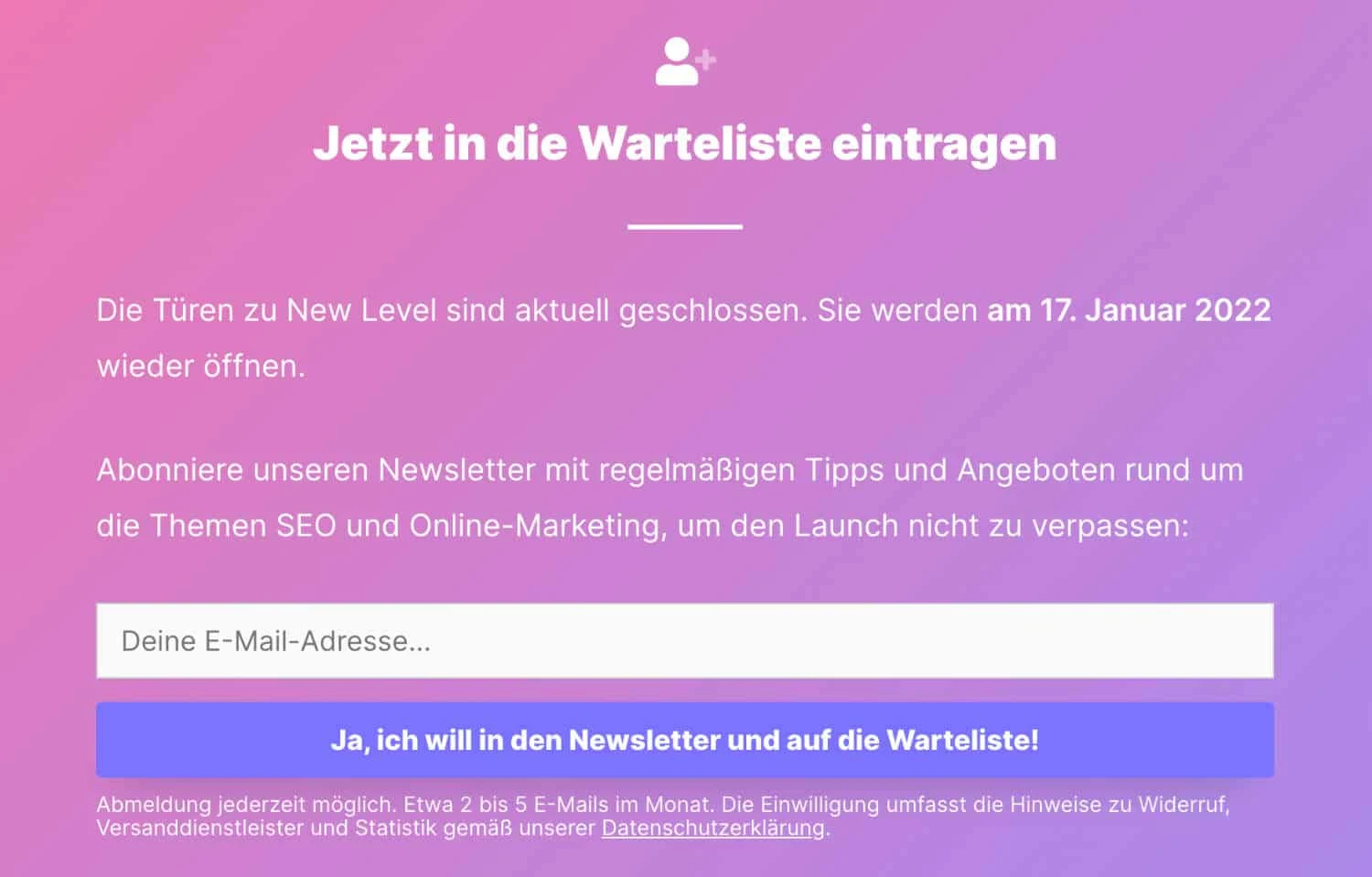
A call to action (CTA) is one of the last elements of a landing page and should only be placed once the visitor is “ready” to carry out the desired action.
That means you should first do the convincing through the other elements described before you place a call to action button. Otherwise, visitors might be put off and leave the page quickly.
Since every visitor is different, you should place several calls to action at different points on the landing page.
The reason is simple:
Depending on the visitor, the final purchase impulse can be triggered by very different elements. One will take an emotional testimonial as the reason, another may be convinced by a trust-building element.
7.9 Guarantees
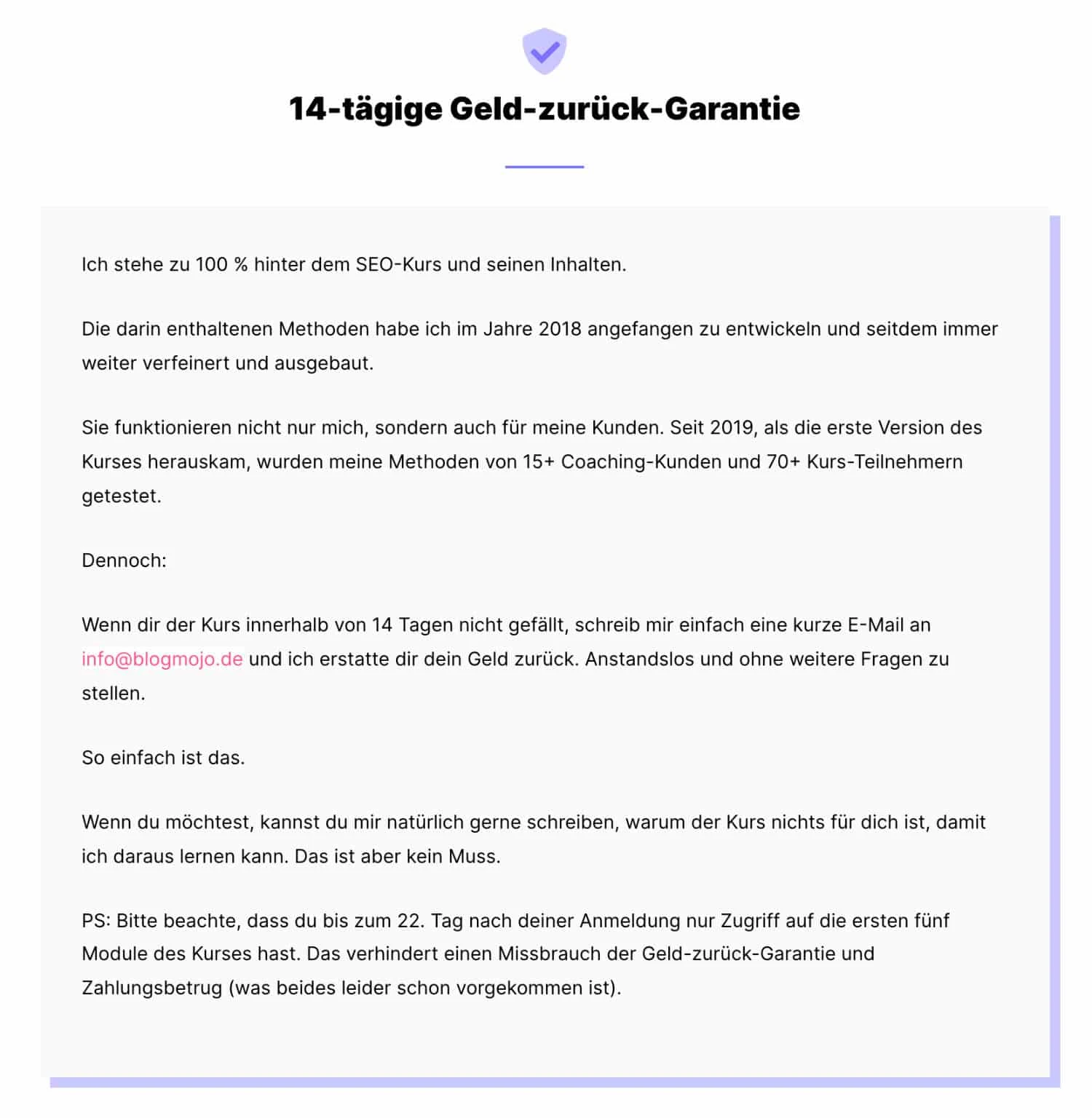
Guarantees do a great job of convincing hesitant visitors and should therefore never be missing.
They let the visitor try your product or service without commitment first.
Since German law requires you to offer a 14-day right of withdrawal for online purchases anyway, offering a guarantee is no big hurdle.
Of course, guarantees don't make sense for every product or service, which applies, for example, to custom-made products.
7.10 FAQ
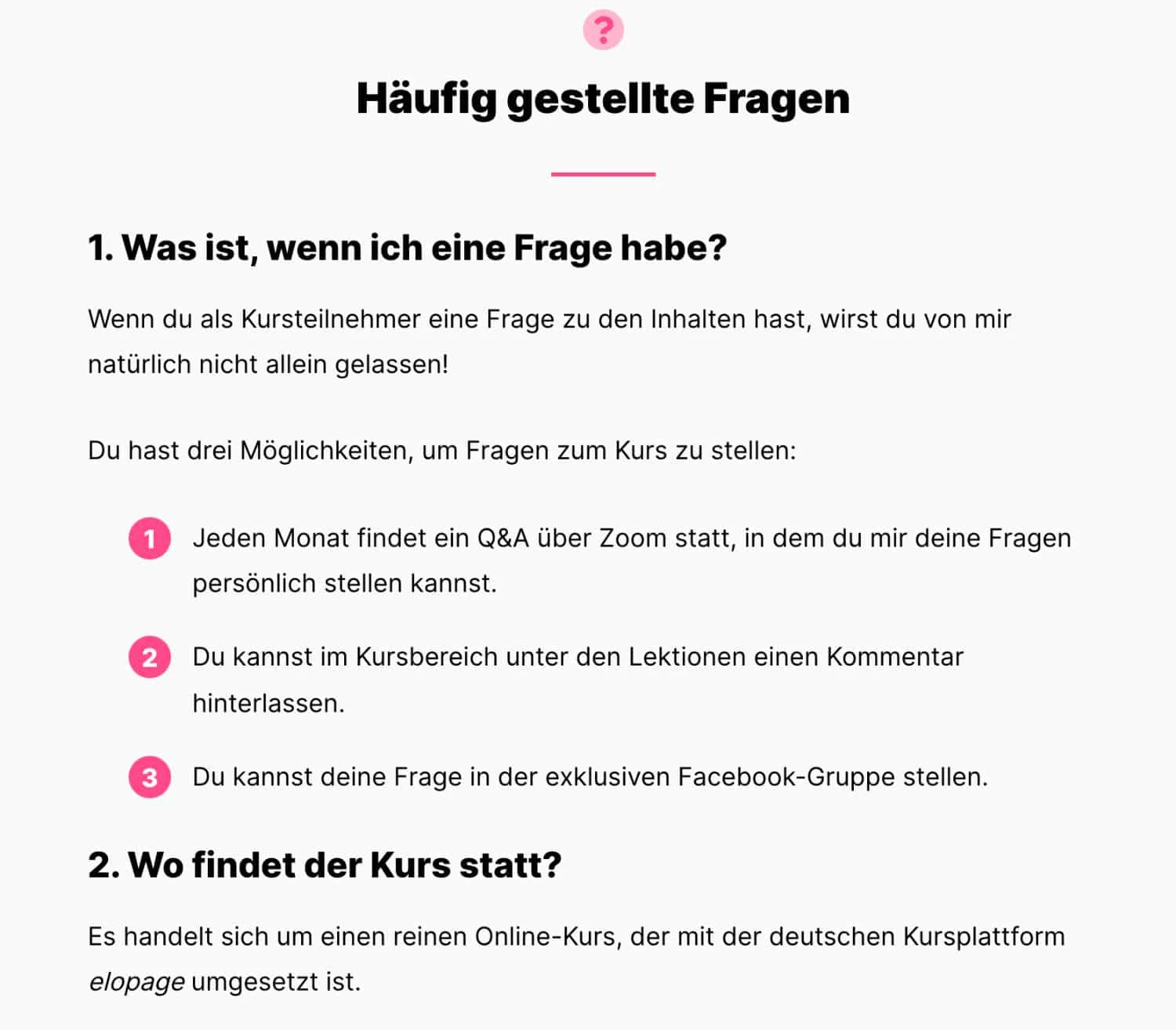
With an FAQ section at the end of the landing page, you can clear up visitors' potential questions in advance.
That can increase the conversion rate and also reduce your support workload.
FAQ
Here I've put together the answers to the most common questions about creating a landing page:
Where can I find landing page examples?
In my collection of landing page examples, I've gathered more than 15 landing pages from German and international experts and companies.
You can use this collection as inspiration for creating your own landing pages.
Is there a tool that can help me with landing page copy?
Yes, to get ideas or even first drafts for the headline, the subheadline or the sales copy of your landing page, you can use an AI text generator.
How long should a landing page be?
The length of a landing page depends decisively on the price and complexity of your product or service:
The higher the price, the longer the landing page should be, because you have to do more convincing.
A complex product also needs a longer landing page so you can explain its benefit completely.
What is the difference between a homepage and a landing page?
The homepage is the start page of a website. Its goal is to give visitors an overview of the structure of the website, the website owner or the products or services offered.
A landing page serves to collect visitors' contact details or to sell them something.
A homepage can also fulfill the purpose of a landing page, though, and, for example, contain an opt-in form that you can use to sign up for a newsletter.