
Page builders have shaped web development enormously in recent years.
Today, creating high-quality websites is no longer reserved for well-trained programmers.
Thanks to Elementor, Divi and others, even as an inexperienced beginner you can build websites that leave nothing to be desired in design and usability.
In this article, I take a closer look at 16 of the most popular page builders for WordPress and show you the pros and cons of all the plugins and systems.
- Page builders are WordPress plugins with drag-and-drop editors that let even beginners create professional websites without programming skills.
- Recommendations: Gutenberg (free, WordPress standard), Elementor (most mature editor, free version), Divi (all-in-one solution with a theme).
- What matters when choosing: live editor, prebuilt templates, clean code for good load times and integrations for marketing tools.
What is a page builder?
A few years ago, visually appealing WordPress websites could only be designed by professionals using HTML, CSS and self-programmed solutions. Today, that is increasingly possible for beginners, too.
The reason is so-called page builders.
These are WordPress plugins that extend the WordPress editor with numerous features or replace it with an editor of their own.
That usually includes a drag-and-drop editor that lets you add prebuilt content and design elements to your page without typing a single line of code.
To put it provocatively, you could claim: if you can operate a keyboard and a mouse, you can build a modern, functional website with a page builder that is barely distinguishable from pages programmed by professionals.
The biggest advantage of a page builder is certainly the live view. Every change you make to the page is displayed right away. That's why these editors are often abbreviated as WYSIWYG (“What you see is what you get.”).
In addition to a very modern editor, most page builders also come with a large repertoire of templates that you can import with a mouse click and adapt to your content.
In general, there are three types of page builders:
- Gutenberg: The Gutenberg editor is the WordPress standard editor and comes with every installation. Even though it is already heading toward a modern WYSIWYG editor, it doesn't yet reach the quality of Elementor and others.
- In-theme builders: Some WordPress themes, such as Avada, come with their own page builder that only works in combination with that theme and can't be used on its own.
- Page builder plugins: Most page builders are provided as a plugin that works with any theme.
What does a good page builder need to offer?
Page builders let you create very high-quality, individual pages in no time. For that to really work well, though, a page builder should have a few quality features:
- Drag-and-drop editor: A live builder including prebuilt blocks and designs is the heart of a good page builder. The better this feature is developed, the easier it will be for you to create a page.
- Templates: Templates for page sections or entire pages save an enormous amount of work time. The more templates, the better!
- Integrations: A good page builder should offer integrations for third-party tools, such as email marketing solutions like MailChimp or AWeber.
- Custom templates: There will be content elements you want to use again and again on different pages. A newsletter opt-in box is one example. The page builder should let you create such custom templates.
- Clean code: The biggest weakness of page builders is the increased load time that comes with them. CSS and HTML should be as clean and minimalistic as possible to keep the load time as low as possible.
The popular page builders compared
Below, we've collected a total of 16 page builders that we can recommend with a clear conscience.
As part of our test, we also collected pros and cons that should help you identify the right tool for your requirements:
1. Gutenberg (and add-ons)
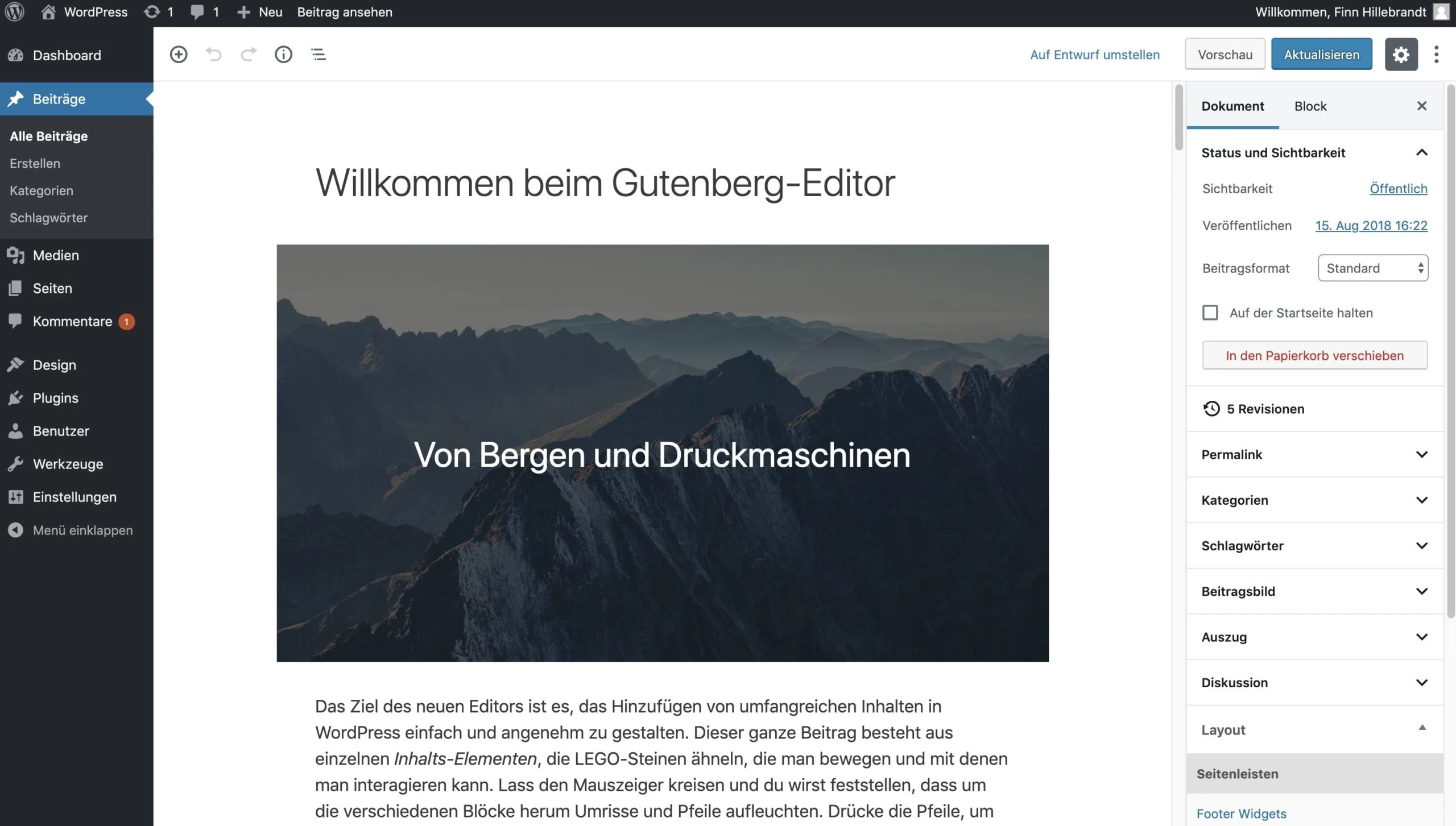
The Gutenberg editor was introduced with WordPress 5.0 and is the CMS's answer to modern page builders like Elementor or Divi.
The editor built into the CMS lets you add content blocks to a page via drag-and-drop and edit them in a kind of live view, which is nowhere near as mature as in Elementor, for example.
Unfortunately, you won't find prebuilt templates here.
But: there are numerous add-ons in the form of third-party plugins (paid and free) that extend the standard Gutenberg editor with blocks and templates.
On top of that, Gutenberg is completely free, and the fact that it is integrated directly into WordPress means there will be no compatibility problems.
The load times of pages built with Gutenberg are also really excellent.
Which add-ons are recommended?
Blogmojo is an example of what “Gutenberg websites” can look like.
We use only the Gutenberg editor in combination with the GeneratePress theme and the Gutenberg add-on GenerateBlocks.
We can recommend this setup wholeheartedly, because it offers a wide range of features and is still very beginner-friendly.
You'll find more high-quality add-ons in this article.
- Free
- WordPress standard editor, so no compatibility problems
- Very beginner-friendly
- Continuously developed
- Extensible at will through add-ons
- Very good load times
- Live preview not mature enough yet
- Feature set doesn't yet match professional tools like Elementor
2. Elementor
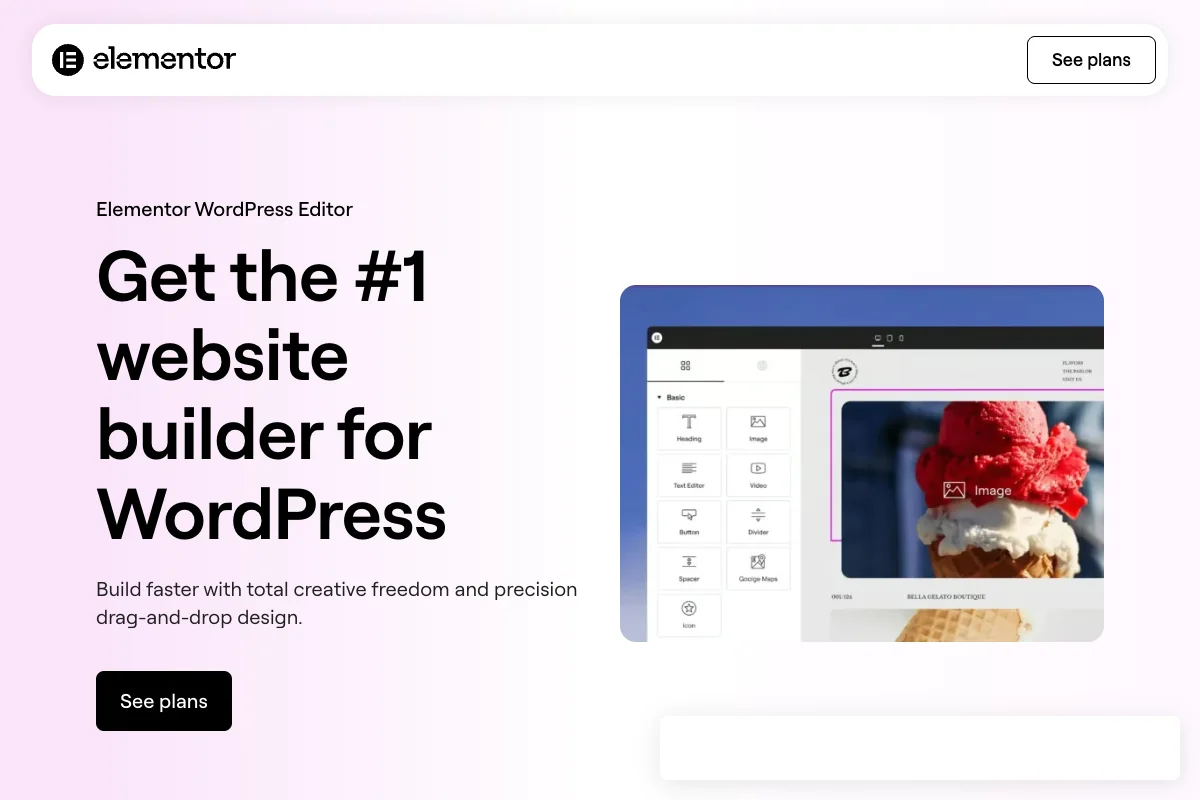
Elementor is the page builder par excellence, and you can download a free version straight from the WordPress plugin directory.
Alongside Divi, the tool offers you the most mature and easiest-to-use WYSIWYG editor and really makes it child's play to create extremely high-quality pages.
With Elementor, you can really edit all content, so both pages and posts as well as category pages or custom content. You can also configure individual designs for different page types. For example, category A gets design A and category B gets design B.
In the free version, you can choose from 30 elements such as buttons, headings or animations, as well as 60+ prebuilt layouts.
Thanks to Elementor's enormous popularity, many developers have meanwhile started offering add-ons that add extra features, elements and templates to the backend.
The connection to third-party tools is also really extensive.
What does the Pro version offer?
In the Pro version, Elementor is extended by 26 elements and more templates.
There is also a visual form generator and one of the best pop-up builders on the market.
- Free version available
- Very modern WYSIWYG editor
- Wide selection of different elements
- Excellent pop-up builder
- High-quality templates preinstalled
- Visual form generator
- Extensible through add-ons
- Load time gets worse
3. Divi
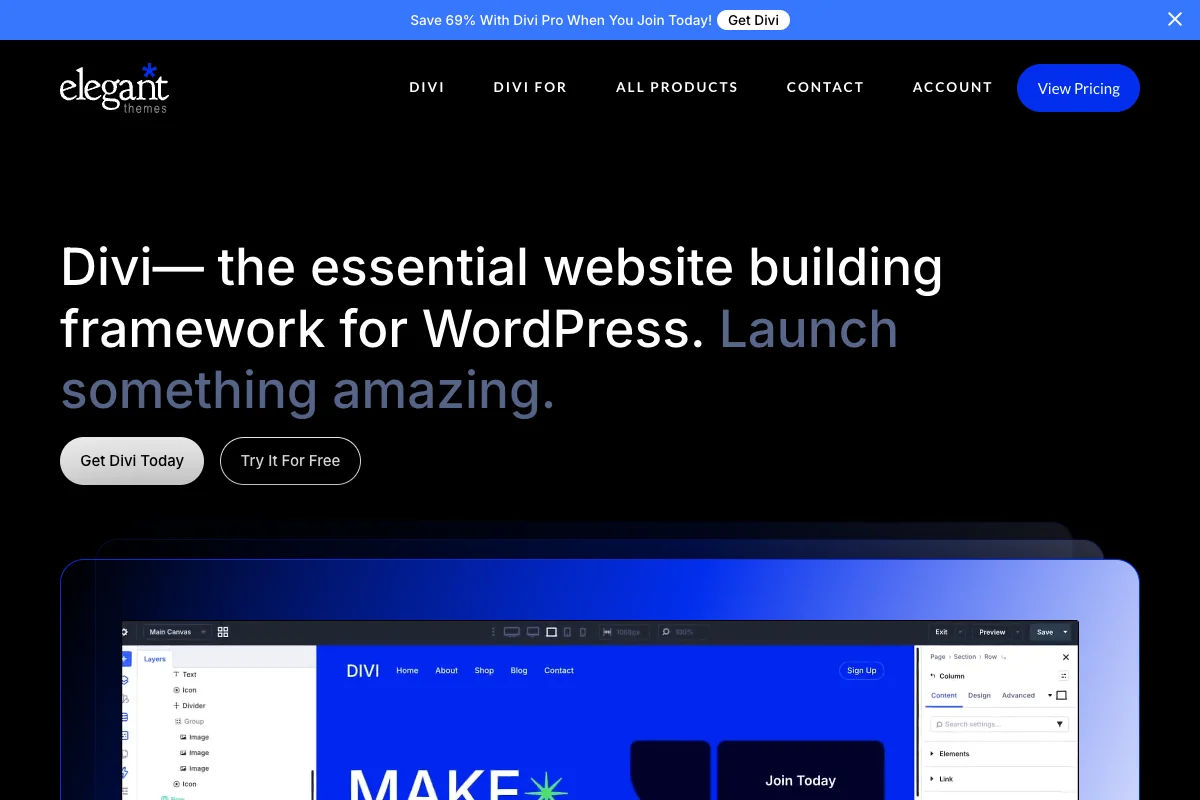
Divi comes with two themes (Standard and Magazine) and one of the most advanced live editors on the market.
In our eyes, that makes Divi the best solution for beginners.
The builder also really holds its own when it comes to templates. 800 prebuilt layouts, 110+ fully worked-out website packages and 40+ design elements are waiting for you.
With Divi, you can therefore create a high-quality website within a few hours that really leaves nothing to be desired.
That's not all. The package also includes the marketing plugins Monarch and Bloom, which make professional email and social media marketing possible.
Unfortunately, this large range of features comes somewhat at the expense of load time, which is due in part to Divi's very large CSS file.
We also find it a pity that there is no stripped-down free version like with Elementor.
- Fair value for money, including a lifetime version
- Excellent drag-and-drop builder
- Gigantic template collection
- Numerous third-party add-ons available
- Monarch and Bloom plugins already included
- Very competent support, large community
- Worse load time caused by a large CSS file
4. Oxygen Builder
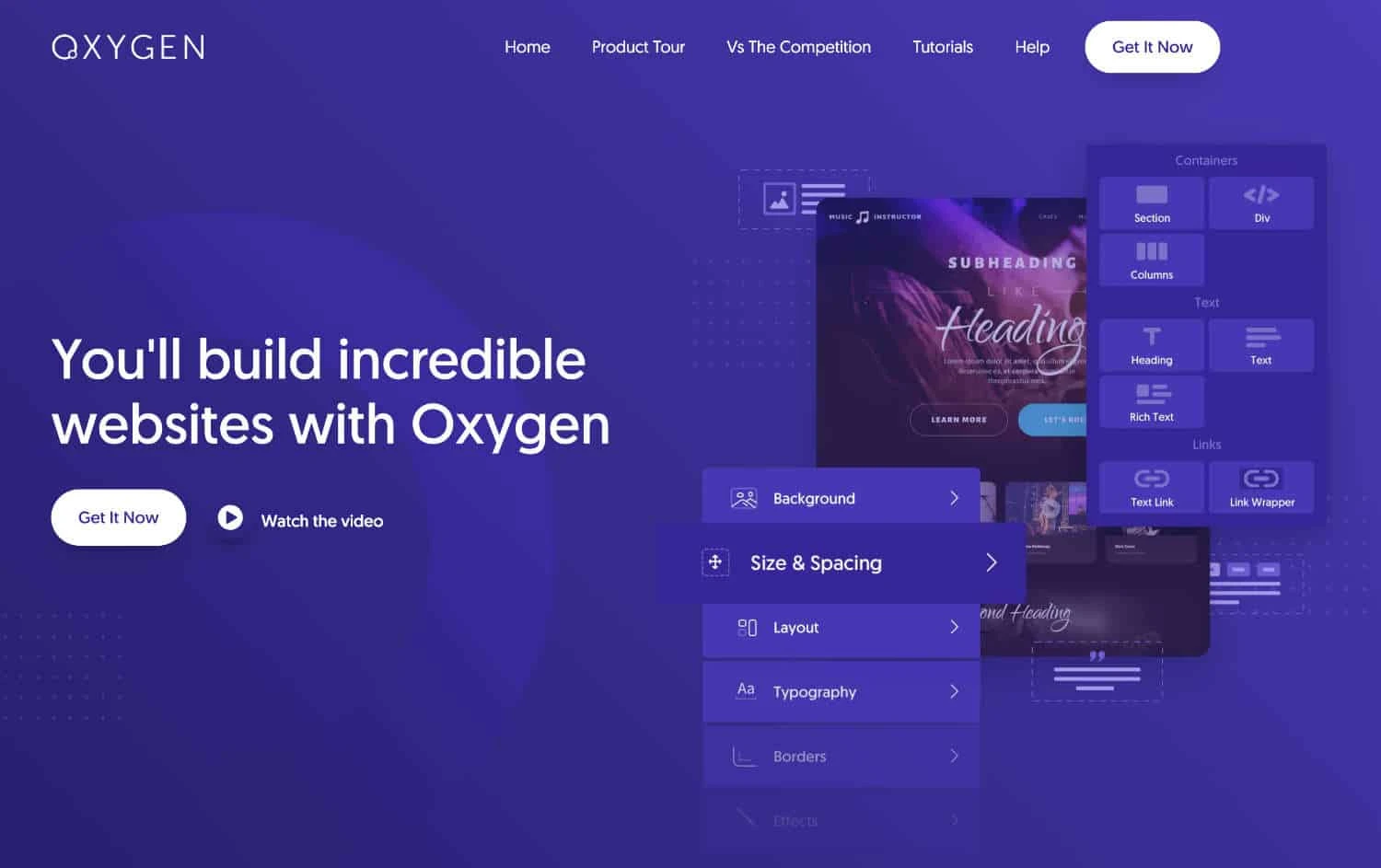
In its basic way of working, the Oxygen Builder is comparable to tools like Elementor or Divi.
That means it delivers a very smooth, well-implemented drag-and-drop editor and an extensive template database for entire page designs, but also for individual blocks. The builder is also well implemented for creating custom footers and headers, as well as menus or sidebars.
The organization of the tools is unique here. They are divided into the areas visualization, WooCommerce and performance, which makes working with the tool even easier.
We also particularly like that Oxygen manages the balancing act between a beginner solution and a programmer's tool very well. That means programming skills are by no means a must to create really excellent pages with Oxygen. Professionals, however, will be very happy about the numerous pro features that let them achieve even more individual results.
The price structure, on the other hand, has to be rated negatively, because the Basic plan offers neither WooCommerce support nor Gutenberg compatibility.
We're also not entirely happy about the fact that Oxygen works with shortcodes. If the page builder is deactivated, pages created with it can no longer be displayed.
- Very easy-to-use drag-and-drop editor
- Numerous simplifications such as global color management
- High-quality developer features such as PHP or JavaScript support
- Extensive template database
- Very competent support
- Basic plan offers no WooCommerce or Gutenberg compatibility
5. Avada
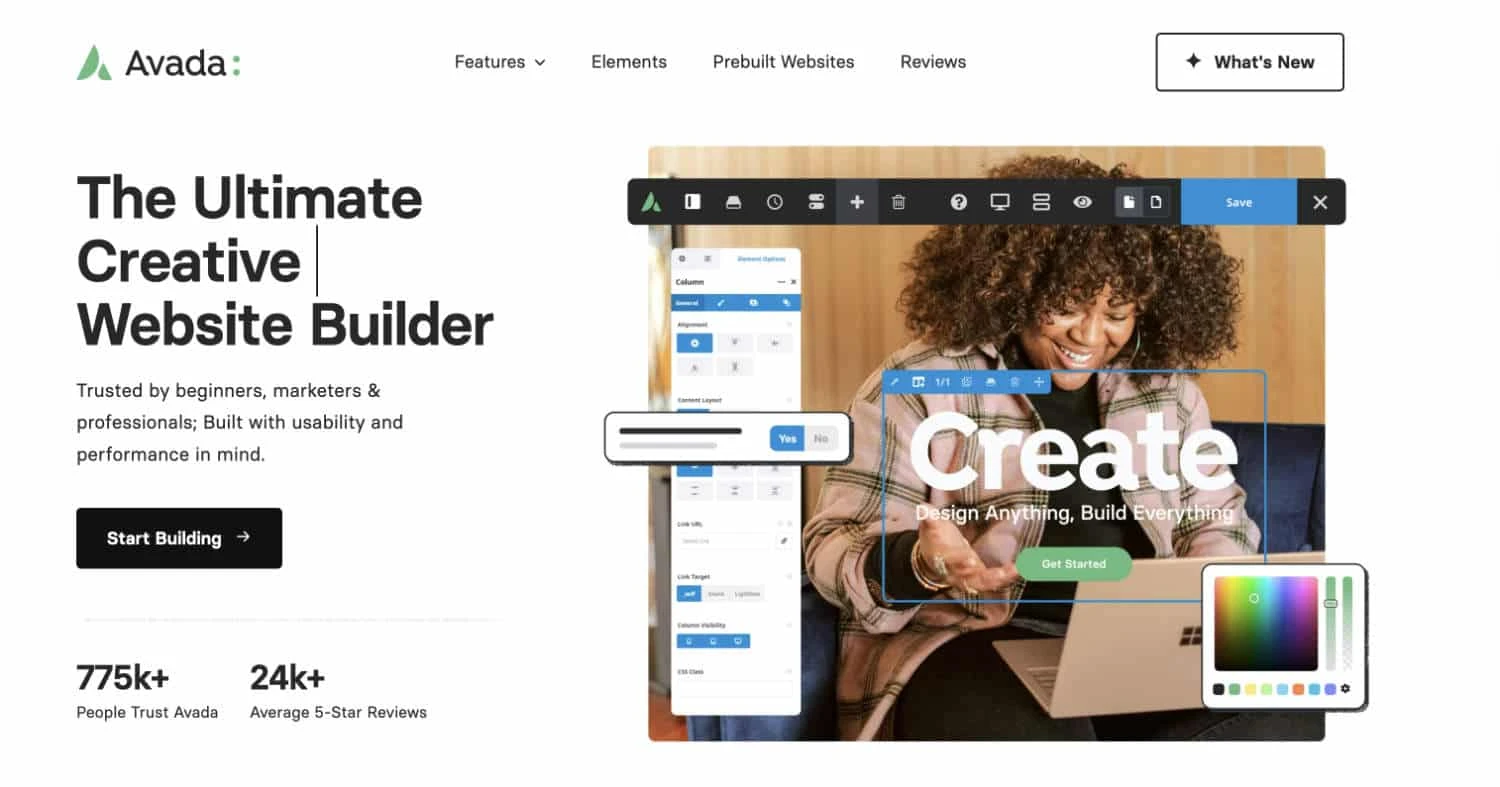
Avada is not a classic page builder in the strict sense. It is more of a complete solution that is strongly reminiscent of Divi.
That means: Avada consists of a theme equipped with its own drag-and-drop editor called Visual Builder.
And this Visual Builder really holds its own.
When you use it, it quickly becomes clear that this is a modern application programmed lovingly down to the smallest detail. You'll find intelligently arranged buttons, 90+ design elements and 82 ready-made websites.
In combination with Avada's other features, namely the header and footer builder as well as a very good form builder, even beginners can create really high-quality pages.
This large range of features definitely makes Avada one of our favorite themes. Especially considering that you only have to make a one-time payment of $69 to get all the features!
- Excellent value for money
- Very beginner-friendly
- Live builder integrated in the theme (no compatibility problems)
- Global styles and custom templates
- 90+ elements and 82 prebuilt pages
- Also suitable for developers
- Very large community
- Regular further development
- You have to buy a new license for every website
- Support for only 6 months
- Limited options for load time optimization (the built-in theme options don't get the most out of it)
6. Beaver Builder
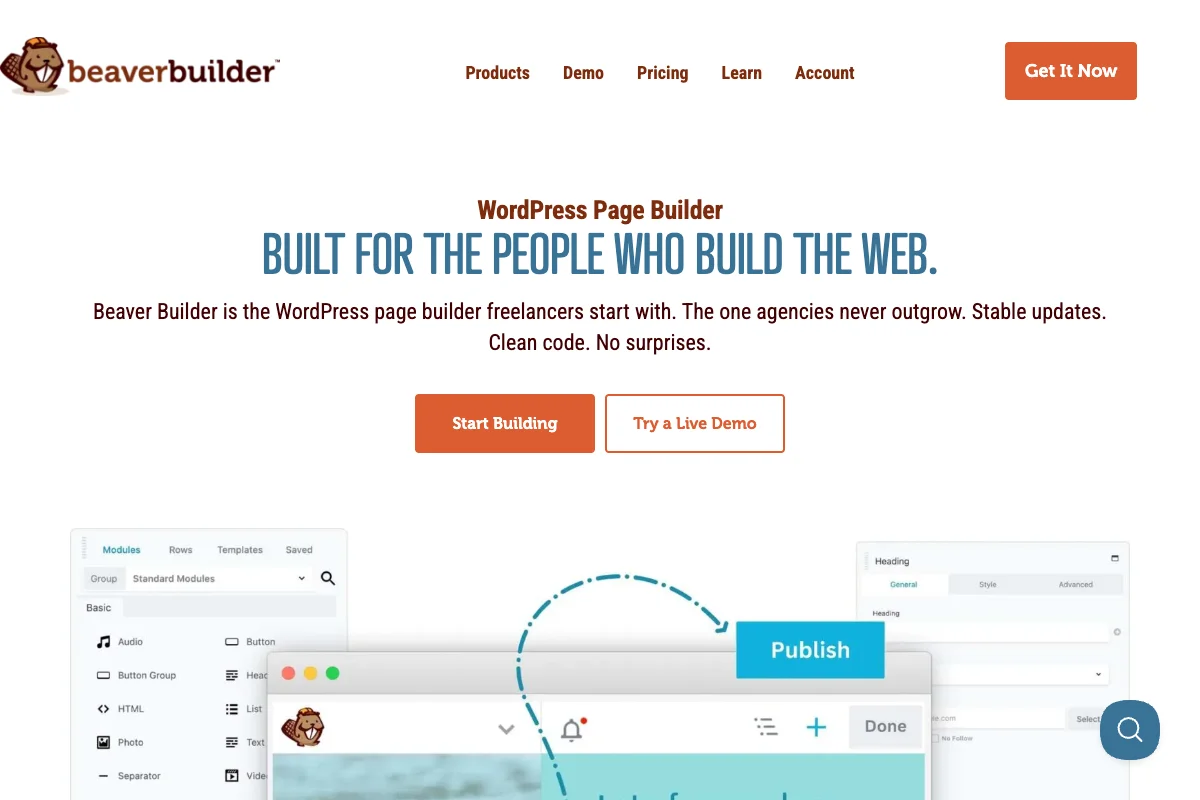
The Beaver Builder is an excellent drag-and-drop editor that beginners in particular value highly because of its simple operation.
The page builder can be downloaded in a free version straight from the WordPress plugin library.
Here you already get the live and frontend editor in its basic form, design templates and even the option to activate an editor mode for clients, which agencies in particular appreciate.
The biggest advantage of the Beaver Builder over other page builders, however, is the fact that it doesn't generate shortcodes when you create pages, but builds complete layouts with HTML and CSS. That way, the page designs you created are preserved even after you deactivate the tool.
What does the Pro version offer?
The Beaver Builder comes in several premium variations, and users who aren't agencies will usually be perfectly happy with the Standard plan. It unlocks the page builder, gives access to templates and includes one year of free support.
The Pro plan, which already costs you $199 per year, comes with the Beaver Builder theme and lets you use the builder on multiple websites.
- Free version
- Easy-to-use drag-and-drop editor
- Beautiful templates
- Comes with its own theme
- Doesn't work with shortcodes (can be disabled)
- Good performance
- Few design elements
- Full access to the page builder only in the Pro version
7. WP Bakery
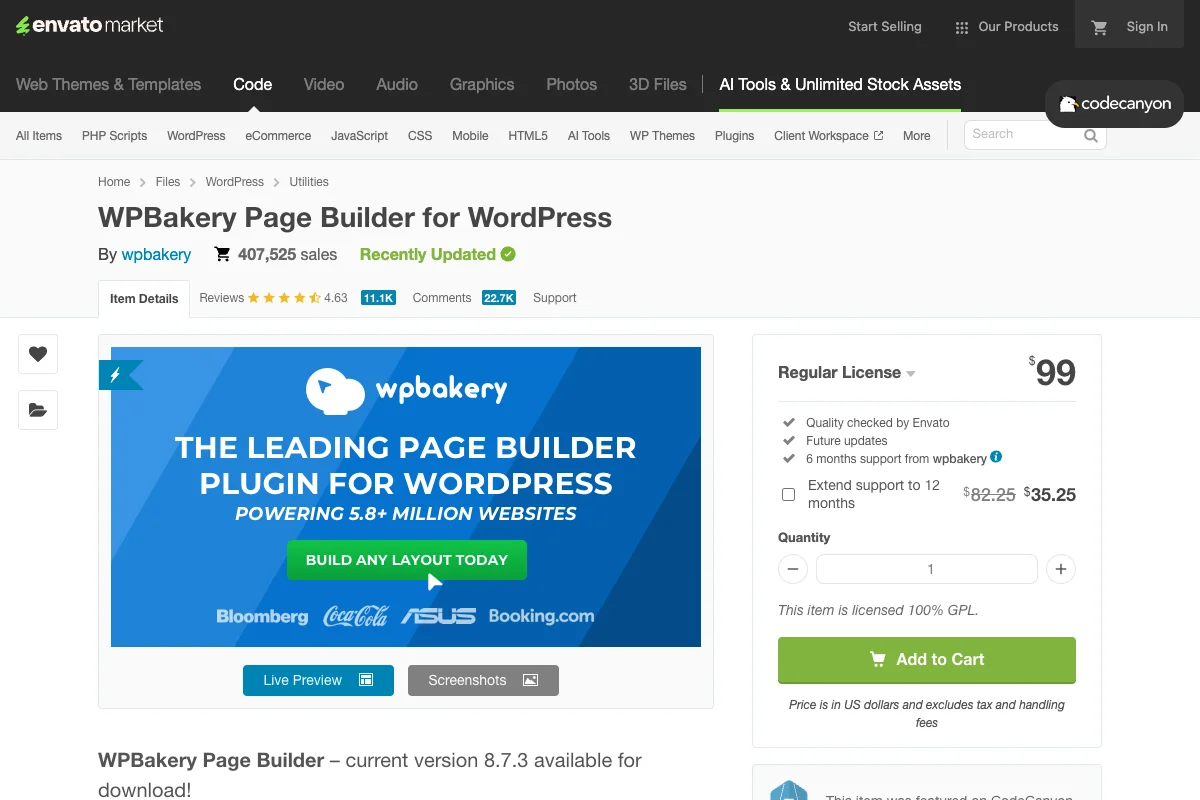
WPBakery has been one of the most popular page builders for WordPress for many years.
And for good reason!
The plugin is one of the first of its kind (formerly Visual Composer) and gives you numerous building blocks such as charts, icons or highlight boxes.
Even though the backend has admittedly aged a bit, we still find the page builder very user-friendly. The lack of autosave is the only big downside. For beginners in particular, though, the minimalistic presentation is absolutely an advantage.
When it comes to compatibility, WPBakery leaves nothing to be desired and can be used with any theme. Unfortunately, though, this page builder also works with shortcodes, so it can't be deactivated.
WPBakery Pro is available for a low $45 per year. It gives you access to a well-stocked template gallery and also includes one year of free support.
- Free version available
- Compatible with almost any theme
- 50+ different content elements
- Good drag-and-drop editor
- Extensive template database
- Very clear backend
- According to its own claims, compatible with 250+ plugins
- No autosave in the editor
- Somewhat dated interface
8. SeedProd
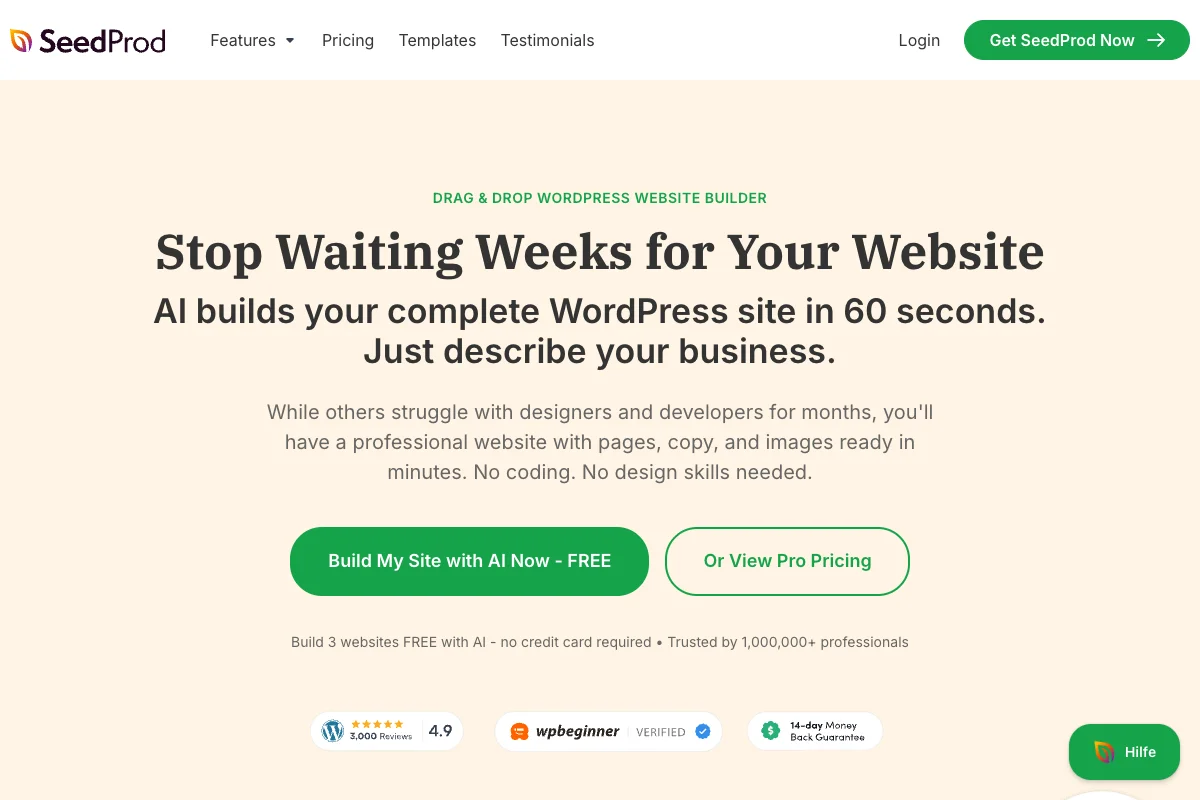
SeedProd is the ideal page builder for you if you want to create landing pages.
The plugin gives you an extensive template database with patterns for well-converting, tested sales pages, webinar pages or opt-in pages of all kinds. That makes it child's play to generate leads and sales.
In combination with the option to integrate numerous third-party marketing tools, SeedProd becomes a really great tool for monetizing your visitors.
We also very much like the clearly designed backend, where beginners will find their way around right away. That applies in particular to the live builder, which, with its numerous content blocks, lets you create completely custom pages or adapt the templates to your ideas in no time.
You should be aware, though, that SeedProd is not suited to creating complete websites. It simply lacks too many features for that. So the tool is really to be understood as a landing page builder.
The Basic plan starts at $39.50 per year, which is really fine considering the features on offer.
- Inexpensive
- Many different content blocks
- High-quality, tested templates integrated in the page builder
- Clear, beginner-friendly live builder
- Integration of numerous third-party tools possible
- Limited to landing pages
9. SiteOrigin
The SiteOrigin Page Builder is certainly not the best of its kind, but the plugin is completely free and can be downloaded straight from the WordPress plugin directory.
The tool gives you a drag-and-drop editor that makes it possible to create appealing pages without code. It is compatible with most themes and third-party plugins.
In terms of value for money, the SiteOrigin Builder is therefore definitely competitive with premium products. Especially because, if needed, you can extend the page builder for $29 with various add-ons such as contact forms, a call-to-action database or animations.
In short: for beginners on a smaller budget, the SiteOrigin Page Builder is definitely worth a closer look.
- Free
- Ideal for beginners and first steps
- Compatible with most themes and plugins
- Easy-to-use live editor
- Clear backend
- Extensible for a one-time price if needed
- History browser with restore option
- Not a complete website builder
- Feature set can't compete with a premium tool
10. Brizy

Brizy is a still very young page builder that impressed us mainly with its intuitive, smooth operation. All changes are made directly on the object and follow a very logical flow. That makes Brizy a great tool for inexperienced users.
The collection of prebuilt templates and pages is also impressive. Suitable templates are provided for every area, so you're guaranteed to find a fitting layout for your project that you can use right away.
A real highlight that no other page builder offers is the Global Blocks. These are templates you create yourself that you can transfer to other websites.
We also rate very positively that Brizy doesn't work with shortcodes, so created designs are preserved even after the plugin is deactivated.
What does the Pro version offer?
Even though the free version of Brizy is usable, the tool only becomes a real Swiss Army knife in its premium edition.
With Brizy Pro, you get a complete site builder that lets you customize not only posts and pages but also menus, footers or headers and have them displayed under flexible conditions. There are also features like extensive role management.
Brizy is available as a plugin and as a cloud tool.
- Free version available
- Works without shortcodes, and can be disabled
- 150+ content blocks
- 400+ built-in templates
- Site builder integrated
- Very innovative live builder
- Global blocks can be used across pages
- Load time could be better
11. Visual Composer
Visual Composer comes from the same developer workshop as the WPBakery Page Builder presented earlier.
In recent years, the tool has evolved from an acceptable drag-and-drop builder into a complete site builder with which you can edit not only pages or posts but also headers and footers.
The user interface also makes it clear that Visual Composer has been modernized in recent years. All menus and settings can be used floating or as a docked bar and adapt intelligently to the selected blocks. That makes fast and very comfortable work possible.
The 100 available content elements and 100+ templates are also great. The only downside: they are not integrated directly into the page builder but have to be downloaded individually.
The Visual Composer Site Builder is available from $59 per year, and your loyalty is rewarded with a 40% discount as early as the second year.
- Completely overhauled and modernized
- Very good drag-and-drop editor
- 100+ content elements
- 100+ templates
- Supports JavaScript editing
- Site builder and live builder
- The restore function doesn't always work correctly
- Templates and content elements have to be downloaded individually
12. Themify Builder
Another free page builder that we definitely don't want to withhold from you is the Themify Builder.
The tool includes 40+ prebuilt templates that you can simply import and then adapt to your ideas. Various column or grid layouts are available here.
You can also insert individual prebuilt sections or create your own and use them as global styles.
The Themify Builder is therefore a really good solution for beginners who don't want to spend money on a page builder but still want to be able to do without HTML or CSS entirely.
What does the Pro version offer?
You can get the Themify Page Builder for free, in combination with the Themify theme for $59, or as a standalone Pro version for $69.
The Pro version adds a few useful features to the page builder, the site builder function being the main one to mention.
That means: with Themify Pro, you can edit not only pages and posts but also footers and headers.
- Free version available
- 40+ prebuilt templates
- Animation effects for your content
- Creation of custom blocks possible
- Flexible Pro versions and upgrades
- Great row and grid layouts
- Free version without site builder
13. Thrive Architect
Thrive Architect was long considered one of the best beginner solutions for website creation and online marketing.
The drag-and-drop editor is extremely user-friendly, and even beginners can operate it confidently and quickly after a very short learning period.
You're supported not only by sliders but also by dynamic content that adapts to your element selection. The global settings for fonts and color combinations are also very user-friendly.
The heart of Thrive Architect, however, is the gigantic collection of landing page templates, in numbers a proud 278 of them.
Viewed in isolation, Thrive Architect is a very good page builder. In combination with the other tools of the so-called Thrive Suite, it grows into an all-in-one solution for online marketing. Thrive Leads (an opt-in plugin for building a newsletter) and Thrive Optimize (A/B tests) deserve particular mention here.
For this reason, if you decide on Thrive Architect, we would strongly advise you to get the complete suite.
- Very simple drag-and-drop editor
- Many different content blocks
- Global adjustments possible
- Gigantic template database
- Fitting in-house tools to extend the features
- Compatible with many third-party marketing tools
- Very competent support
- Support only in English
14. MotoPress Content Editor
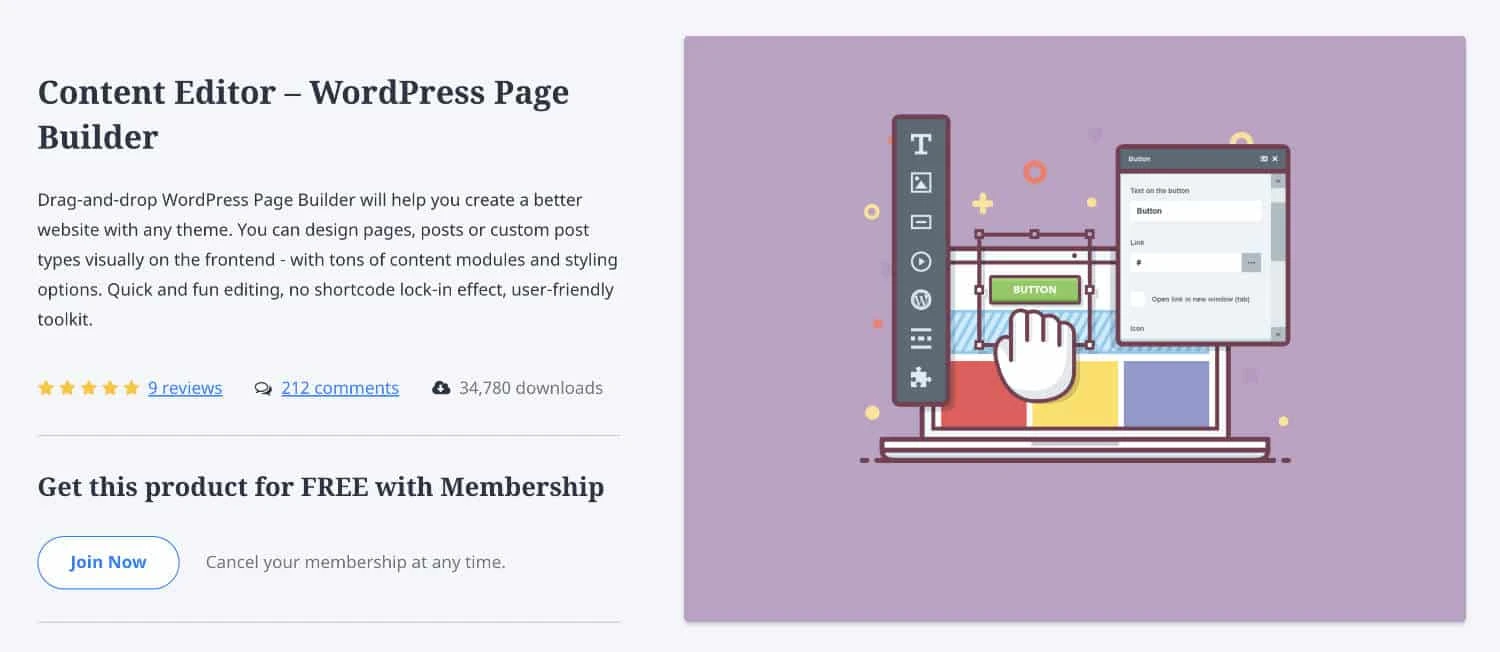
The MotoPress Content Editor merges with the WordPress editor and gives you a clearly designed drag-and-drop editor.
This page builder is ideal if you want to build multilingual pages, because integration of the WPML plugin is already implemented. WooCommerce support is also included.
As befits a good live builder, the MotoPress Content Editor also has a few prebuilt templates integrated that you can import easily and quickly. Their number, however, is clearly reduced compared to other page builders.
Agencies will greatly appreciate the white-labeling function. Compatibility with multisite is also a great feature for everyone who already has a portfolio of sites.
What does the Pro version offer?
The Pro version unlocks additional content blocks. Among them are an image hotspot, an extended contact form or pricing tables.
You can also look forward to premium support from the developers.
- Free version available
- Easy-to-use live editor
- Prebuilt templates
- Variable add-ons
- Compatible with WPML and WooCommerce
- Good support
- Unfortunately only a few templates included
15. Page Builder Sandwich
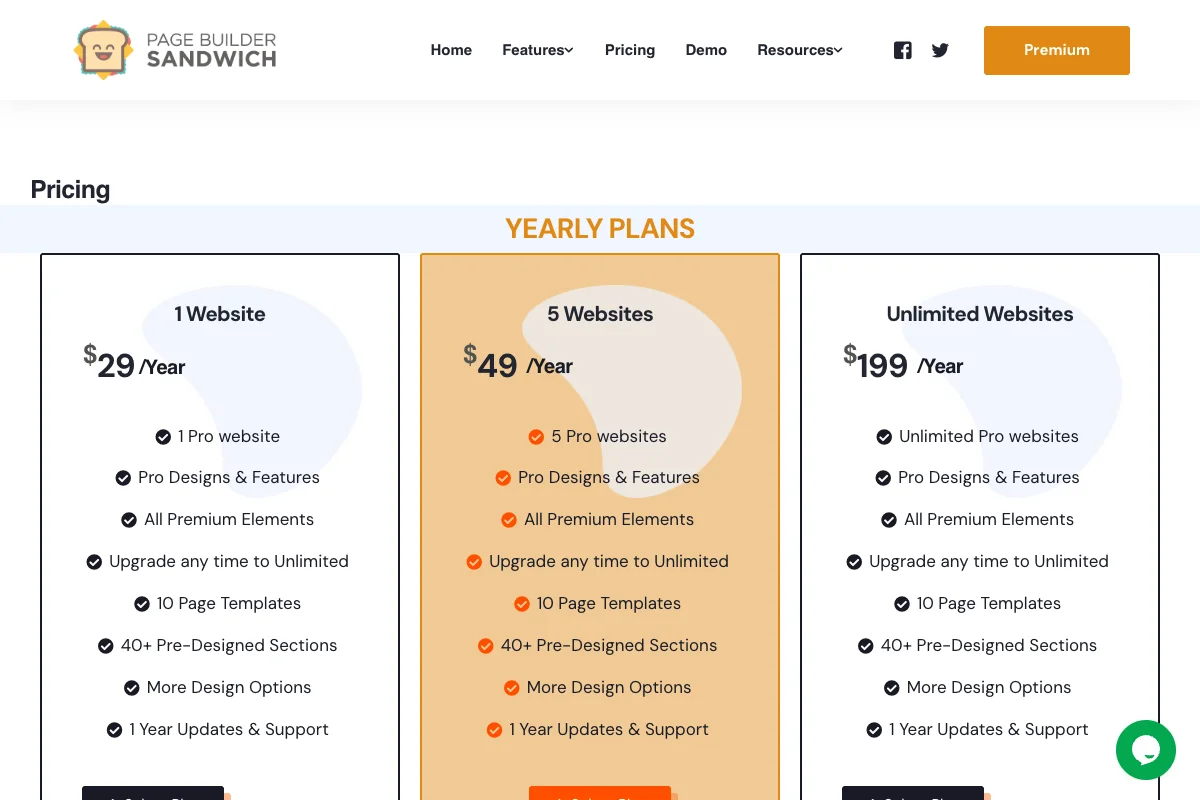
Page Builder Sandwich is one of the newer live editors on the market and is available in a well-equipped free version.
You get a really good drag-and-drop editor that can hold its own as open-source software. Numerous templates are also integrated that you can import and adapt.
You can even choose between backend and frontend editing.
All these features make Page Builder Sandwich a great solution for beginners who have just started with their first website and don't want to spend large sums on a page builder yet.
What does the Pro version offer?
With Page Builder Sandwich Pro, the number of page templates and elements is raised enormously. There are also additional design features that make your page look even more professional. Among them are animation effects for blocks and individual elements.
- Very well-equipped free version
- Backend and frontend editing
- Great templates already in the free version
- Compatible with most plugins
- Integration of third-party plugins possible
- Very beginner-friendly
- Still a very young plugin with room for optimization
16. Genesis Pro
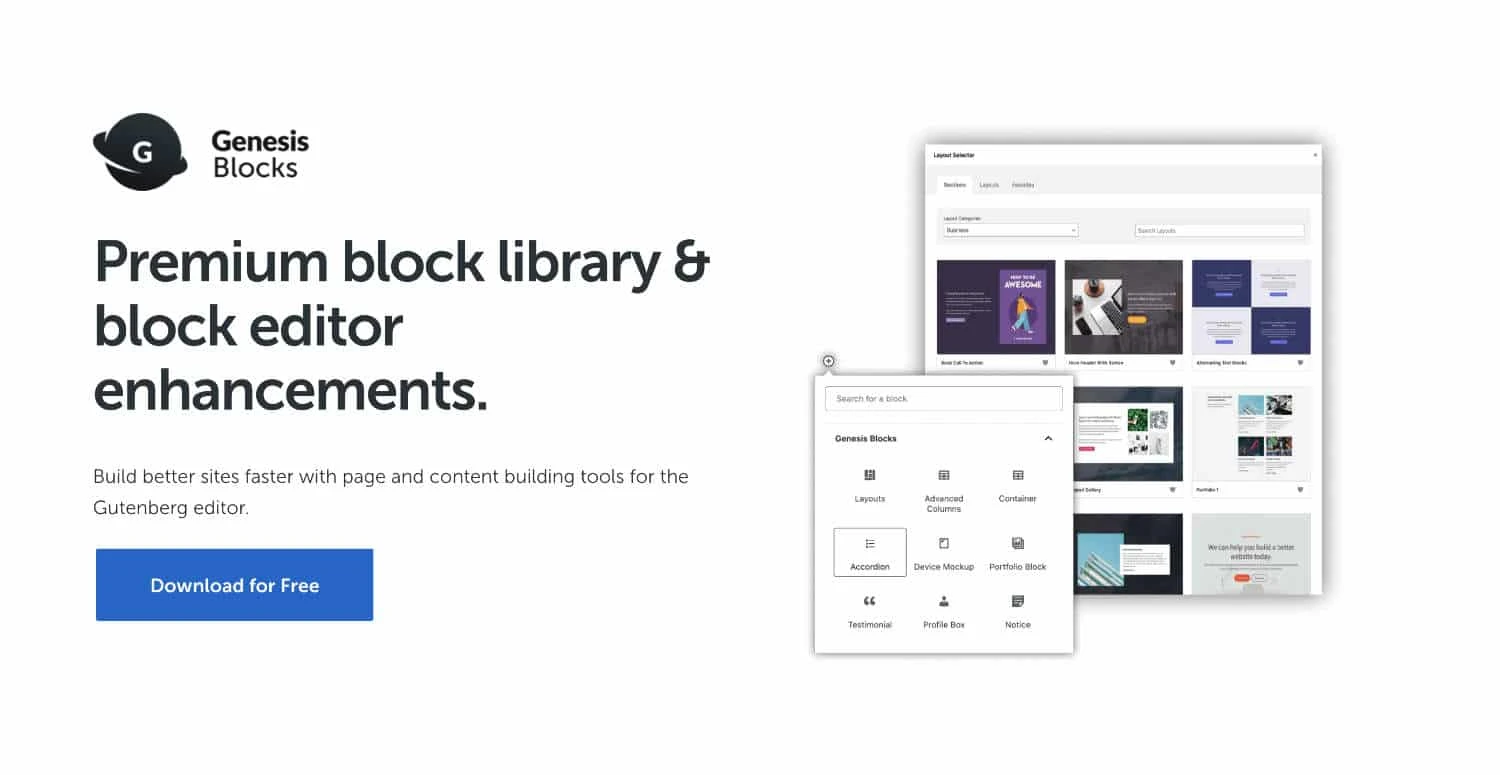
Genesis Pro was developed by StudioPress. The company is known above all for its high-quality themes.
With this page builder, the programmers have created a tool that supports you in building the page itself. Beginners in particular will benefit from its very intuitive and simple operation.
What awaits you is a very well-thought-out extension of the Gutenberg editor that adds numerous blocks and even complete page layouts to WordPress's own page builder. That way, you don't have to get used to operating an external tool, but can start right away in the familiar editor.
You can also create individual elements and set them up as reusable templates.
Unfortunately, Genesis Pro has one decisive downside: the page builder in its Pro version can only be purchased as part of the Genesis Framework, which costs you a hefty $360 per year. Here, though, you get access to all themes, libraries and the very good Genesis support.
- Editing directly in Gutenberg
- Numerous templates and prebuilt blocks
- Very simple to use
- Hardly any impact on load time
- Very good support
- Not a classic drag-and-drop builder
- Only available together with the Genesis Framework
Conclusion
We've introduced you to 16 of what we think are the best page builders and are sure we've found a suitable solution for every project and every budget.
To give you a final overview of when which page builder can be the right choice, here is a summary once more:
- Free page builders: For beginners who don't have a large software budget yet, we recommend Elementor, which offers a good free version.
- The Swiss Army knife: With Divi, you're guaranteed to make no mistake if you're looking for an all-in-one solution. The tool delivers theme, live editor and marketing plugins.
- For online marketing: If you specifically aim to win newsletter subscribers and want to hold webinars and online courses, Thrive Architect in combination with the Thrive Suite is the ideal solution.
- For developers: The Oxygen Builder offers developers great possibilities and a high degree of customizability.
FAQ
Here I've put together the answers to the most common questions about WordPress page builders:
Do I need a theme for every page builder?
No. Many page builders, Divi for example, come with their own theme.
Which themes work best with page builders?
In principle, you can use any theme with a page builder.
We would recommend, though, that you choose a theme that is very minimalistic and stands out above all for fast load times and clean code.
Can I switch from one page builder to another?
No, as a rule that doesn't work. Especially not if the page builders use their own shortcodes.
Which free page builders are worth recommending?
Page Builder Sandwich and the free version of Elementor are a very good fit if you don't want to or can't spend money on a page builder for now.
Which page builders offer lifetime versions?
There is a lifetime version for Divi, Oxygen and Avada.
Do I really need a page builder for WordPress?
You don't strictly need a page builder, because with Gutenberg WordPress already comes with a block editor that keeps getting better and is also very beginner-friendly.
Can you use Gutenberg together with a page builder?
Yes, that's no problem. On one website you can create pages with Gutenberg or with a page builder without any trouble.
What doesn't work is building some sections of a single subpage with Gutenberg and others with a page builder.
Tools like Elementor or Divi do have a Gutenberg block, though, so you can create content with the respective page builder and then insert it into Gutenberg via a block.
What is the difference between a page builder and a theme builder?
With a page builder, you can customize the content of a single page or a single post.
With a theme builder, you customize things like the menu bar, header or footer.





