First impressions matter.
Not only when you meet another person, but also with your website or blog.
And what's the first thing visitors see?
Right, the design.
So it should knock their socks off!
What decides that is the theme you use for your WordPress website. The theme doesn't just give it its look, it also largely determines how the site is built.
That's why I looked at plenty of blogs and websites and spent days browsing theme libraries to put together the best and most beautiful WordPress themes for you.
- Go for lean themes like GeneratePress, Astra or Kadence to get fast load times and flexible layouts.
- The Pro versions give you site libraries, WooCommerce modules and extended builder features for demanding projects.
- Customize themes with child themes or global design tools instead of installing lots of additional plugins.
1. GeneratePress
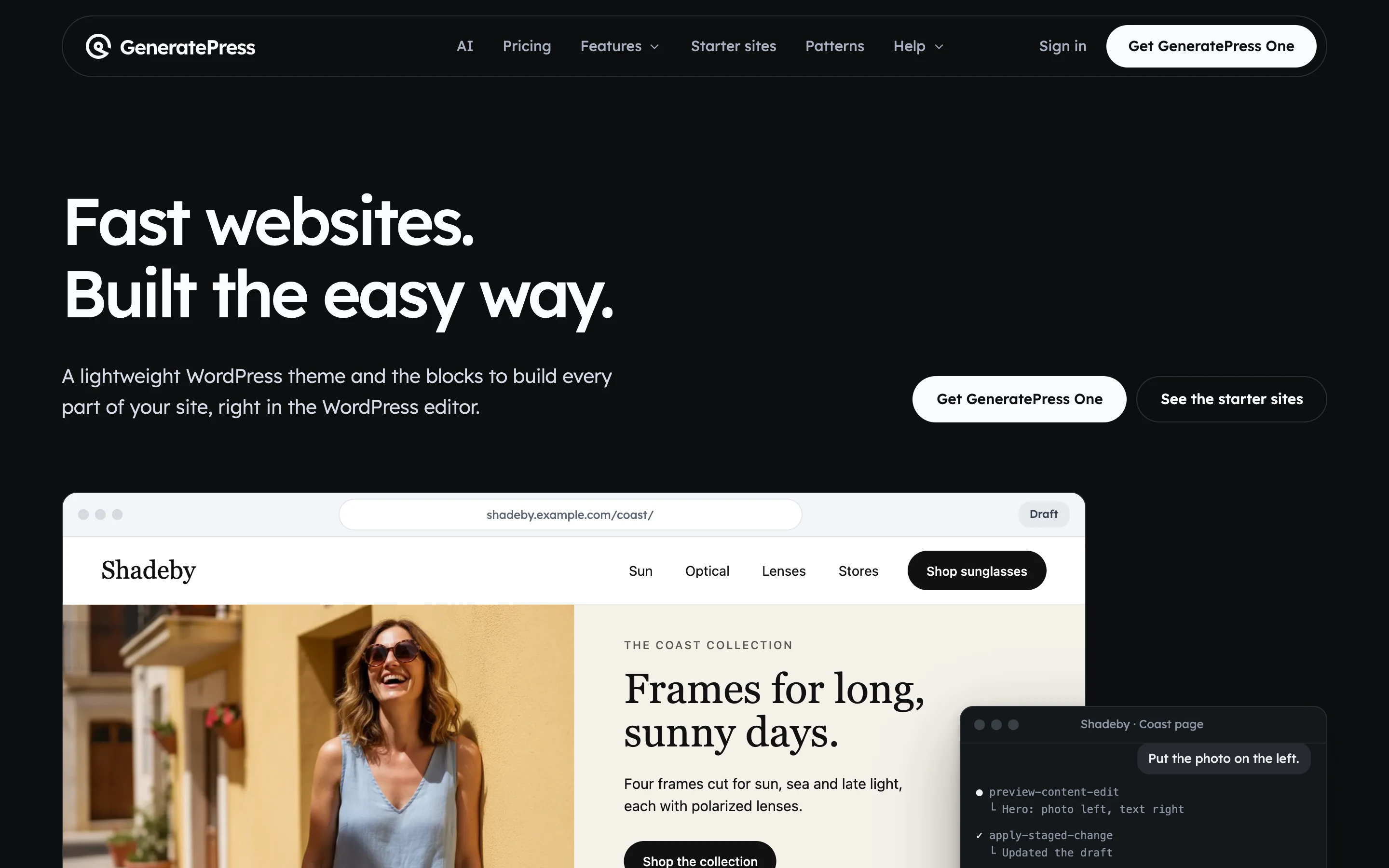
GeneratePress is currently the best WordPress theme. We've been using it for Blogmojo, Faminino and various smaller web projects since 2016.
It's lean, clear, reliable and cleanly coded. All of that adds up to outstanding performance that's hard to beat.
The free version has a limited range of features, but it still offers plenty of customization options.
You can also use GeneratePress without any problems with almost any page builder, such as Elementor, Beaver Builder or the Gutenberg editor.
What does GeneratePress Premium offer?
With GeneratePress Premium you get, for example, the Site Library, a database of ready-made website designs.
But that's not all. You also get:
- An extended menu function
- Extended blog features
- Numerous extended design settings (colors, spacing, background images, etc.)
- Useful extras, such as importing and exporting theme options
By far the highlight, though, is the powerful “Elements” feature. It lets you display Gutenberg blocks, code or page builder elements anywhere you want on your website.
These days you get Premium in the “GeneratePress One” bundle: $99 per year for one website, $149 for up to 10 and $199 for up to 100 websites. It also includes GenerateBlocks Pro and is especially interesting if you run several websites (source: GeneratePress pricing page).
2. Astra
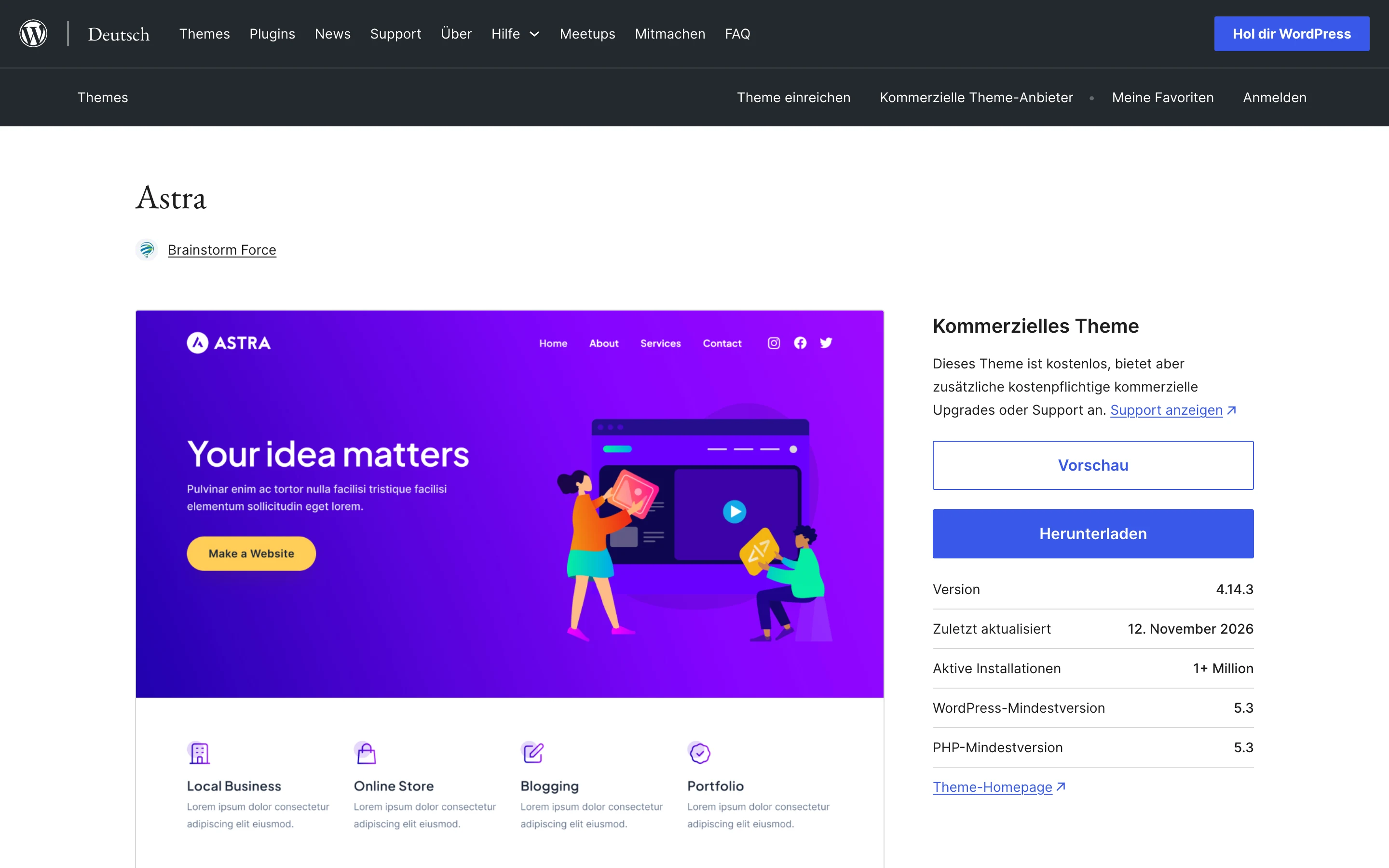
A theme that earns 4.9 out of 5 stars with over a million active installations has to be really good, no question.
And Astra definitely is!
Many Elementor users even see the theme as the best companion to the popular page builder, because Astra works best in combination with Elementor's drag-and-drop editor.
Astra's code is very simple, and the theme is minimal in size at just 50 KB on the frontend. So fast load times and excellent Core Web Vitals scores are a given with Astra.
No wonder Astra is usually found in the top 5 of the WordPress repository's rankings.
What does the Pro version offer?
With the purchase of the Pro version you get access to further features that you can install individually as you like. That way only the Pro features you actually need are added to your site, so load time doesn't suffer.
Pro features include:
- Sticky header
- Blog layouts
- Page headers
- Hero sections
- Extended menu function
3. Kadence
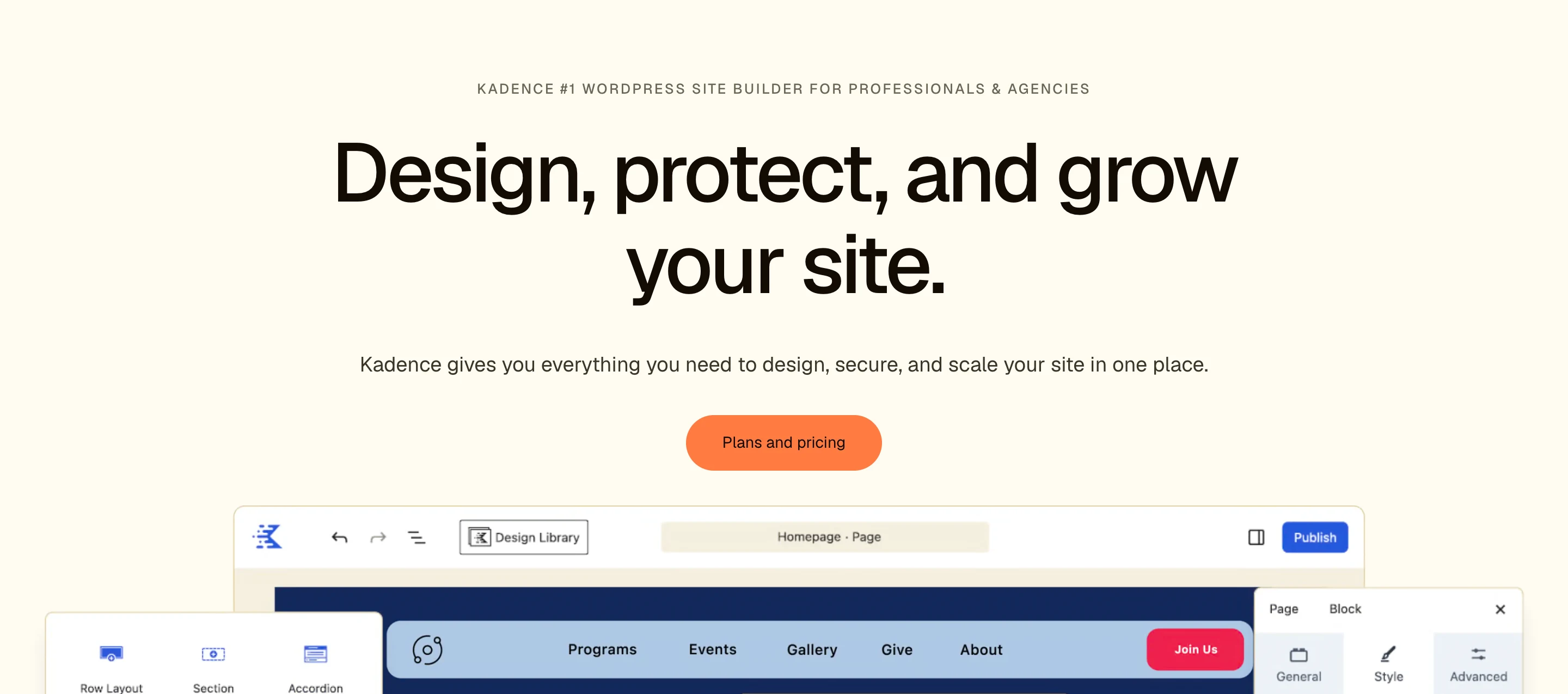
Kadence is an excellent WordPress theme that we especially recommend in combination with Kadence Blocks. That's the theme's own page builder, compatible with Gutenberg, which lets you create very professional pages in no time.
With it you build headings, countdowns, tabs, info boxes and many other kinds of content directly in the block editor.
Despite its large range of features, the theme is easy to use and loads very fast.
What does the Pro version offer?
If you go for the Pro version of the theme, you can look forward to header add-ons, an extended menu function, hooks and WooCommerce extensions.
We'd strongly advise you to use Kadence together with Kadence Blocks, because the theme only really shows its full capabilities with this extension.
A lot has changed with pricing: Kadence now belongs to Liquid Web, and the premium version is sold there in a bundle with LearnDash, Give and The Events Calendar. It costs $350 per year for one website and $599 per year for up to 10 websites (source: Liquid Web pricing page). The free version, including the free Kadence Blocks, is plenty to get started, though.
4. OceanWP
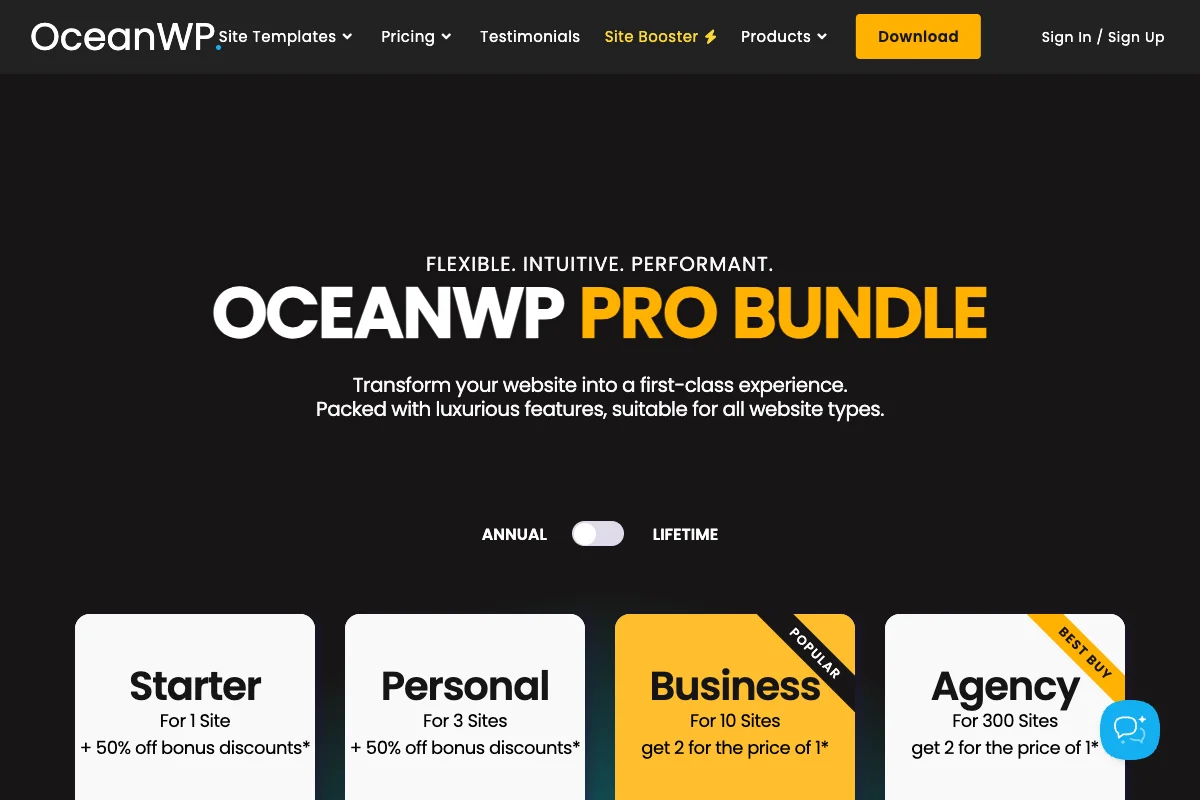
OceanWP is, together with Astra, GeneratePress and Kadence, one of my personal favorite themes and definitely one of the best WordPress themes right now.
It's fast, responsive, offers schema markup and OpenGraph tags, is compatible with WooCommerce and suitable for all common page builders.
Besides the free version, which already offers a wide range of features, you can also buy a Pro version that adds numerous extras to the theme.
What does the Pro version offer?
With the Pro version there are quite a lot of further features, such as a sticky header or footer, a post slider or a responsive side panel.
You also get numerous sharing features for posts or WooCommerce products.
5. Blocksy
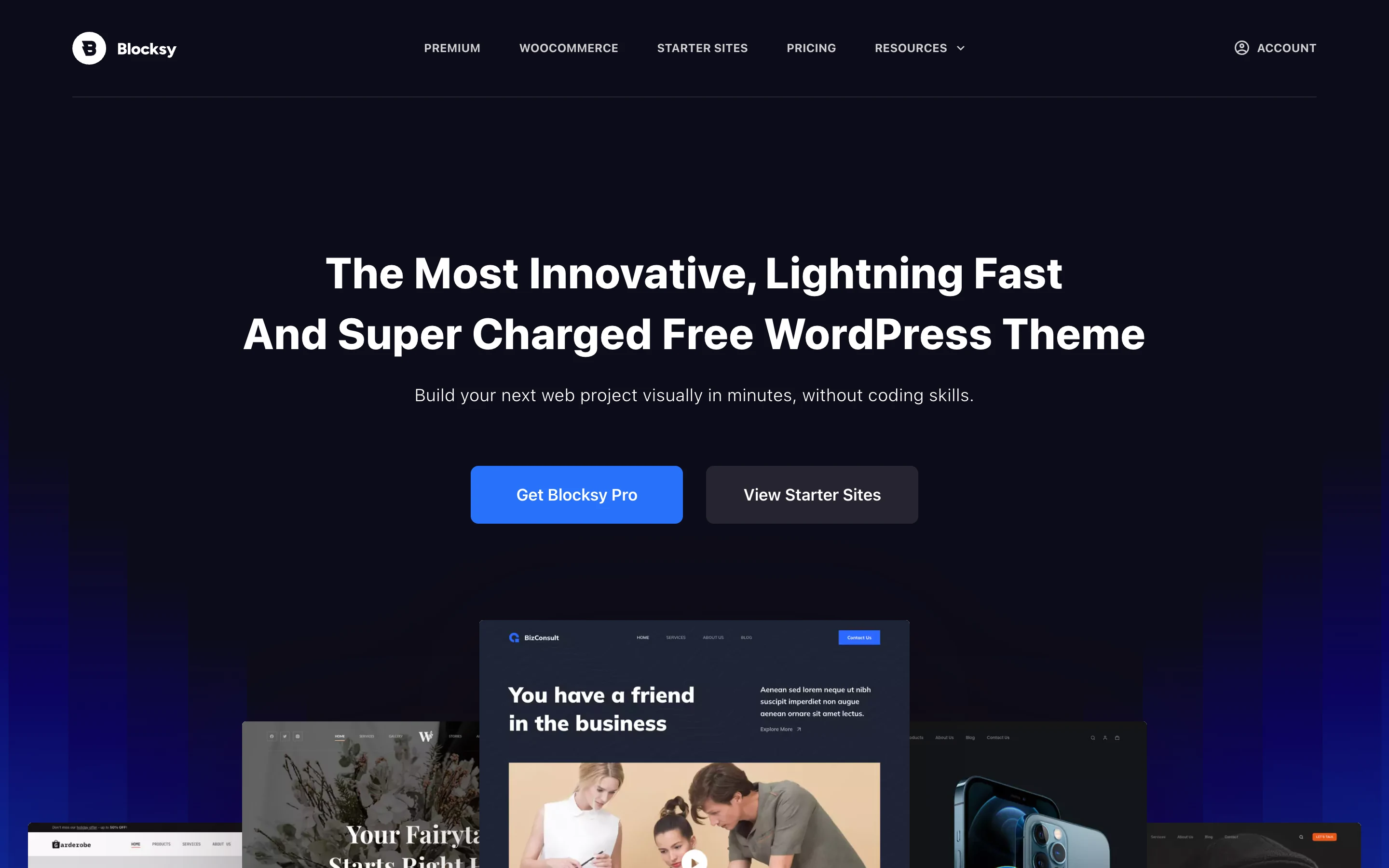
Blocksy is a very lean theme that gives your website an excellent foundation.
The developers clearly focus on performance, and regular updates make the theme a little faster still.
Unfortunately, the range of block-builder features suffers somewhat as a result: Without a third-party plugin you won't manage to create visually demanding pages.
The selection of compatible solutions is large, though.
Examples are Stackable or Qubely. Of course you can also use page builders like Elementor.
What does the Pro version offer?
With Blocksy Pro you get an extensive theme builder that makes it possible to create individual headers, footers or sidebars for every single page.
I also particularly like the extended menu function, which lets you configure really great mega menus with lots of extras like images, icons or maps.
The range of features is rounded off by the option to store Google Fonts locally and a very competent support team.
6. Divi
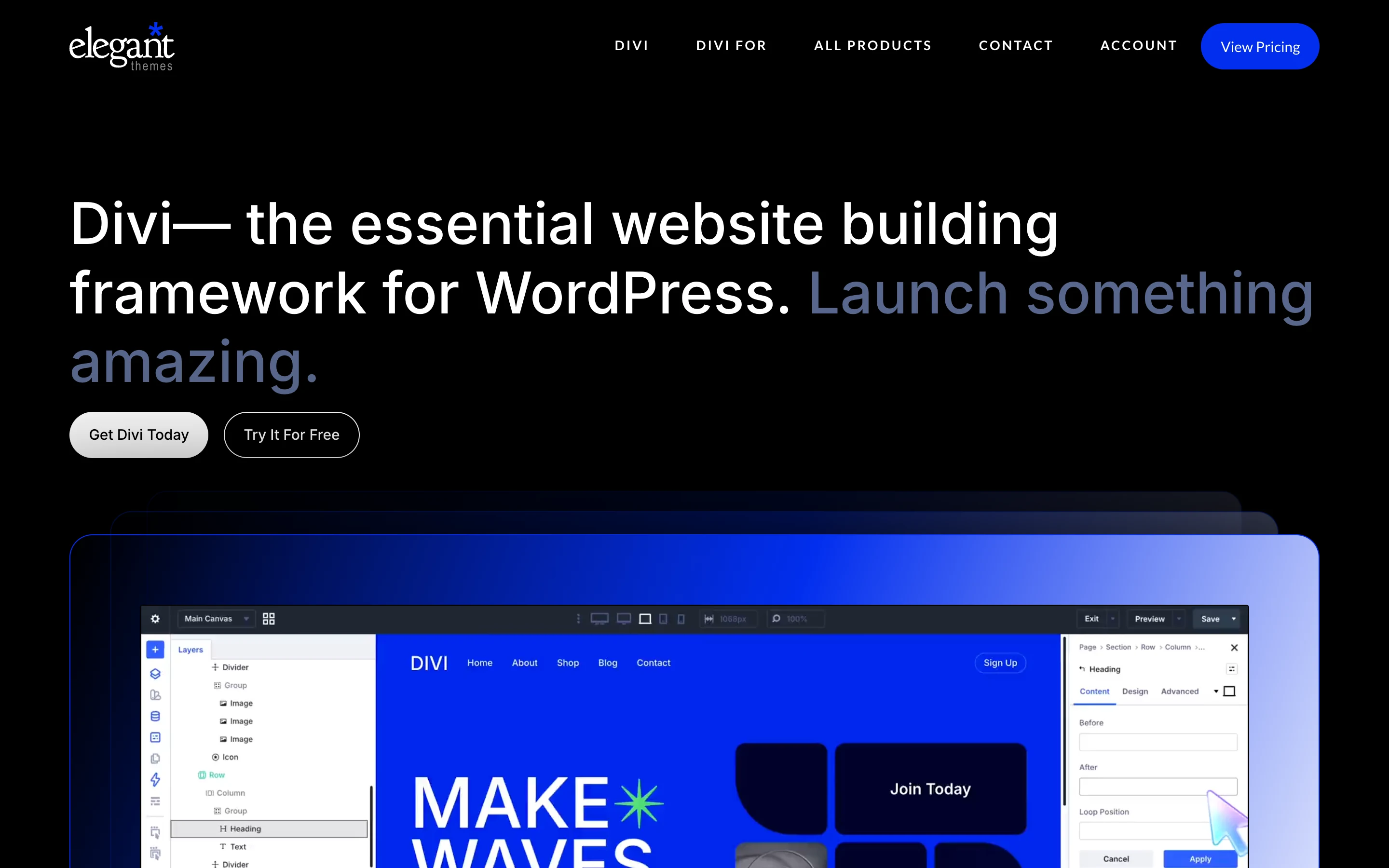
Divi is one of the most popular premium themes worldwide. With Divi 5, Elegant Themes rebuilt the builder from the ground up, with a focus on speed and more flexible design systems.
And not without reason:
It stands out for a high degree of flexibility and extensibility and offers lots of design templates for just about every conceivable use. Among other things, it offers:
- 200+ ready-made website elements (e.g. sliders, testimonials and contact forms)
- A visual page builder
- 2,000+ ready-made website layouts for various industries and uses
- Numerous design options to customize really everything (borders, text shadows, background images, filters, transformations, margins, fonts, etc.)
- Plus hundreds of modules, layouts and themes
What else you need to know:
Divi is available as a theme and as a plugin, the Divi Builder. The Divi Builder is already included in the theme. You can also use the Divi Builder together with other themes, such as GeneratePress or the Page Builder Framework.
7. Avada
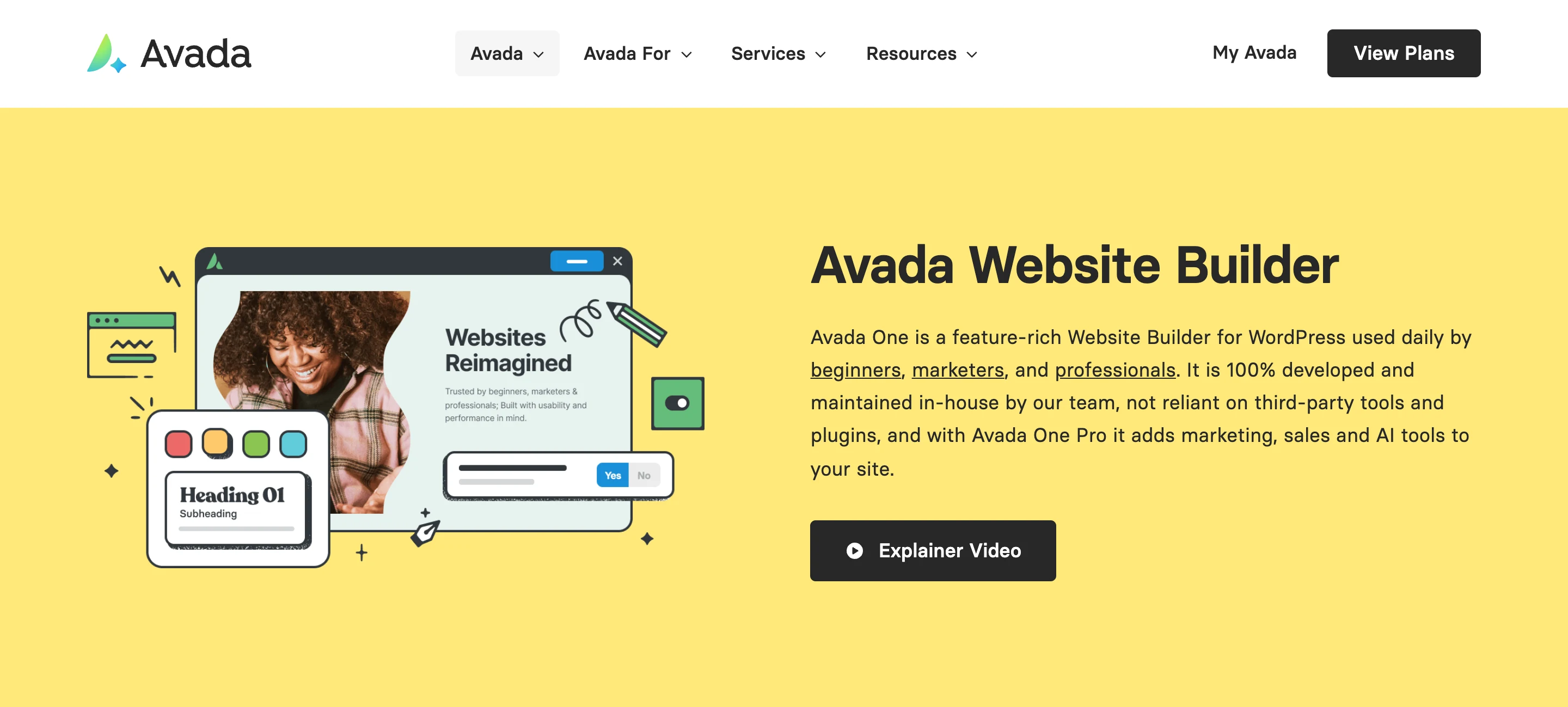
Avada is one of the most widely used premium themes and, according to the vendor, is used by over a million people. For a long time it was the best-selling theme on ThemeForest.
And not without reason:
First, it's very flexible and lets you design your website entirely by drag and drop (there are now over 120 design elements, such as toggles, sliders or info boxes).
Second, unlike some other themes and page builders, Avada offers a gigantic selection of templates: 113 ready-made websites and over 600 Studio blocks.
Last but not least, you can choose between two models. Avada One is a subscription from $49 per year for one website (Essential) or from $99 per year with additional marketing, sales and AI tools (Pro). If you prefer to pay once, you can still buy Avada Classic on ThemeForest, but you need a separate license for every website (source: Avada pricing page).
8. Neve
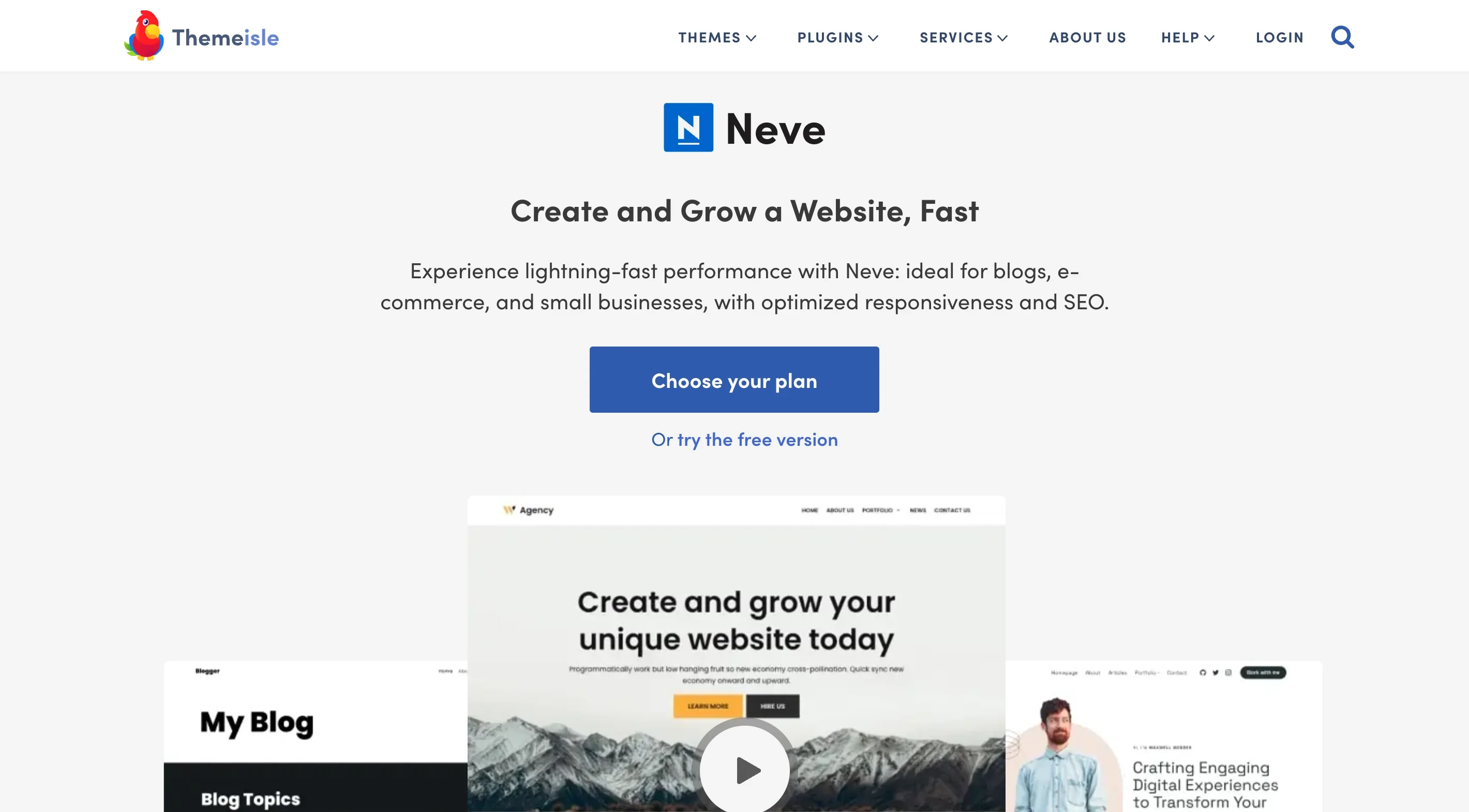
Neve is all about minimalism. The theme comes with a very lean design and its own AMP version, which ensures excellent load times on all devices.
I also particularly like the theme's tidy code.
Even the free version of Neve gives you numerous features such as custom headers, a layout builder and a global color palette.
Of course it's also compatible with popular page builders like Elementor or Thrive Architect.
What does the Pro version offer?
With the Pro version, which you can buy from €139 per year, Neve's range of features is expanded considerably. The plan covers an unlimited number of websites.
You get:
- Over 110 ready-made templates that you can install at the push of a button (in the Business plan for €299 per year)
- Various blog layouts such as grid or list
- A professional header and footer builder
- Various Elementor extensions such as Progress Circle or Content Protection
- Individually configurable page layouts
- Numerous WooCommerce extensions
9. Page Builder Framework (insider tip!)
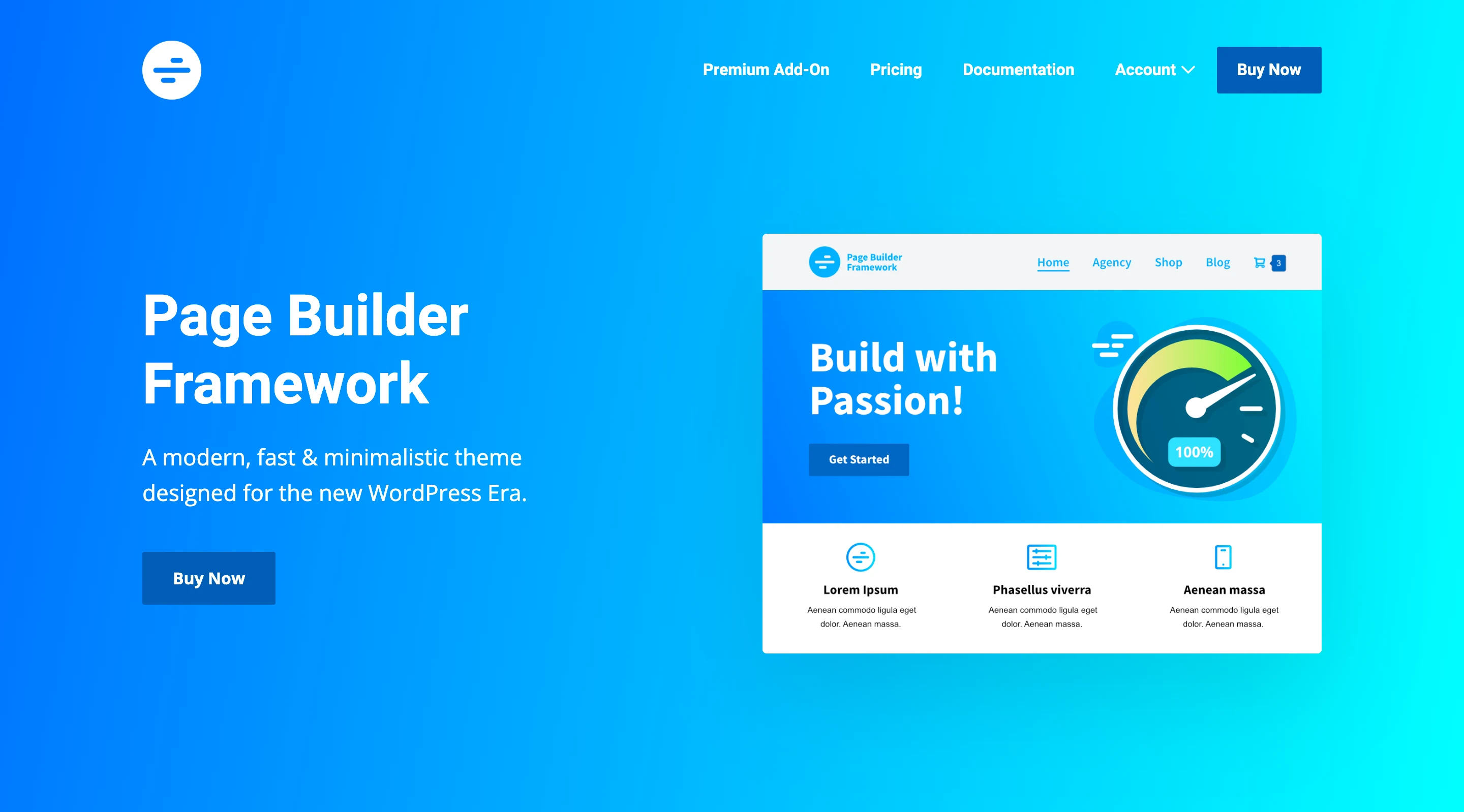
With a current rating of 4.9 out of 5 stars from 131 reviews on WordPress.org, the Page Builder Framework is extremely well rated and (still) a real insider tip.
And those many positive reviews are well founded:
For one, the Page Builder Framework is very lean and fast, with a total size of 50 KB on the frontend.
For another, it was developed specifically to work well with page builders like Elementor or Beaver Builder and makes a very good “base theme”.
On top of that:
Even without an external page builder, the theme can already be customized extensively through the Customizer and works wonderfully with Gutenberg, the standard WordPress editor.
What does the Pro version offer?
For $128 per year, the Premium add-on gets you a large range of extensions, plus very professional support that helps you with problems and even supplies CSS code on request.
The extended range of features of the Pro version includes:
- Transparent header
- Extended WooCommerce features
- Mega menu
- Extended blog layout
- Custom sections
10. Sydney (insider tip!)
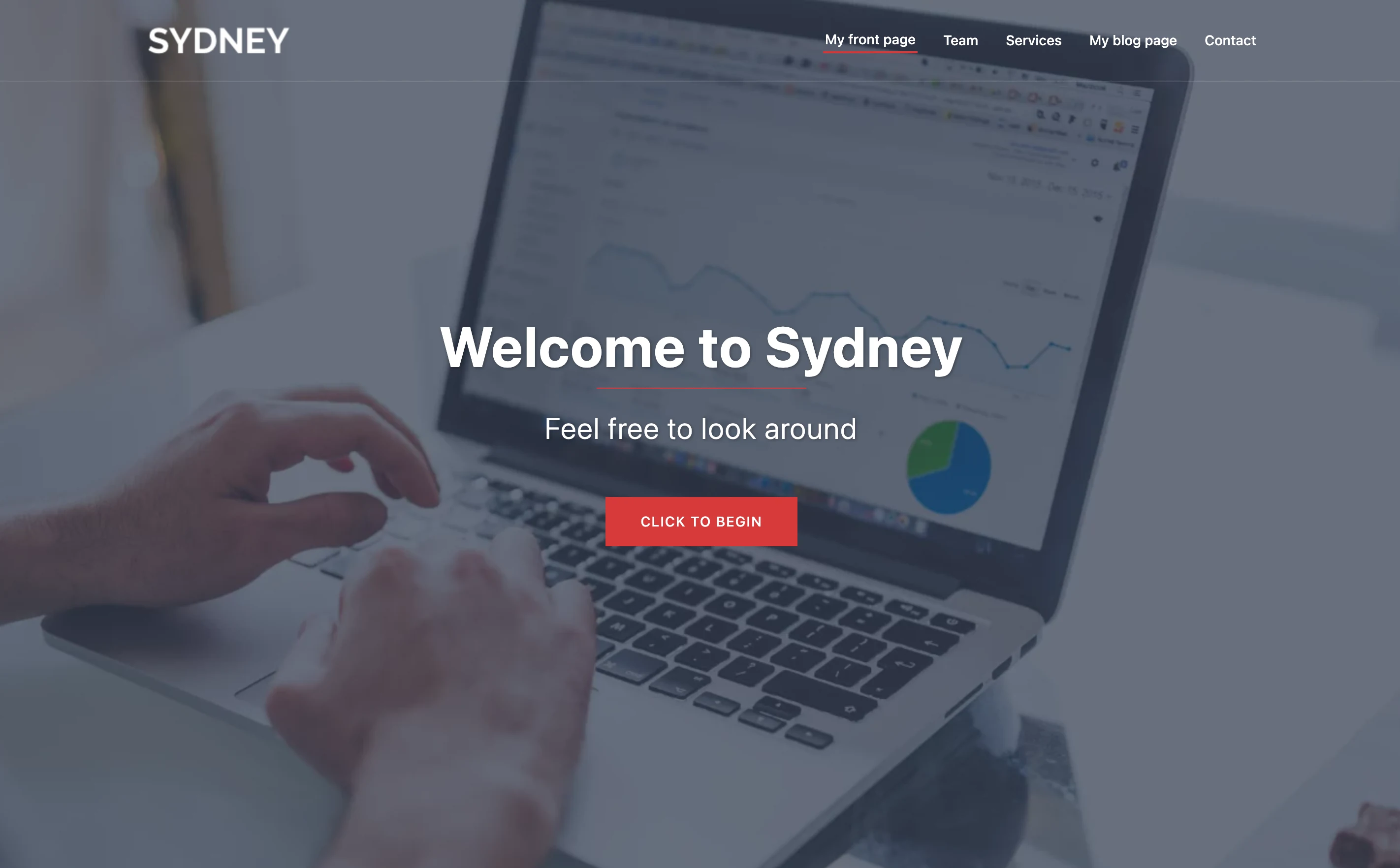
Sydney by aThemes is a versatile theme for business websites, freelancers and portfolios.
With over 80,000 active installations and a rating of 4.9 stars, it has a solid user base and is updated regularly. Block patterns for the Gutenberg editor are already on board, and you set up the rest through the Customizer.
What does the Pro version offer?
Sydney Pro comes with over 25 starter websites as well as extended options for header, footer and blog. The license for one website regularly costs $79 per year, and $149 for 10 websites (source: aThemes pricing page).
11. Genesis Framework
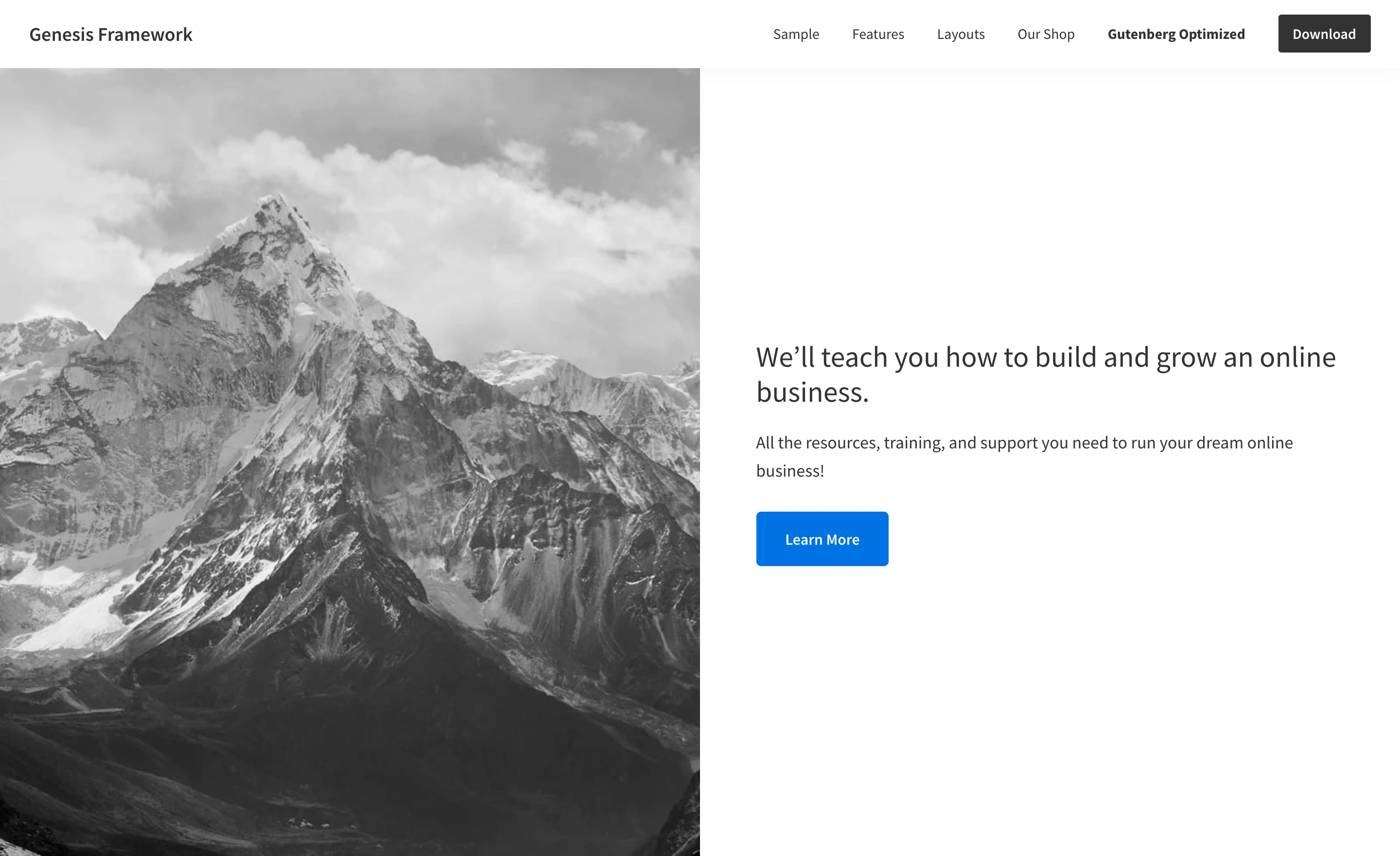
The Genesis Framework is one of the most popular and best-known theme frameworks for WordPress.
It can be customized very flexibly through the WordPress Customizer (colors, page layout, widgets, header, footer, etc.). The default design is modern and minimalist. It's well coded and ensures fast load times.
What's special about Genesis is the large selection of different child themes, which you can buy both on the StudioPress website and from other developers.
With Genesis Blocks there's also an add-on for the Gutenberg editor that brings blocks, sections and ready-made page layouts. Genesis now belongs to WP Engine and is available there in the “Genesis Pro” bundle. The framework itself keeps running without Genesis Pro, though.
12. Shapeshift, Ommi, Bookwise & Kwik
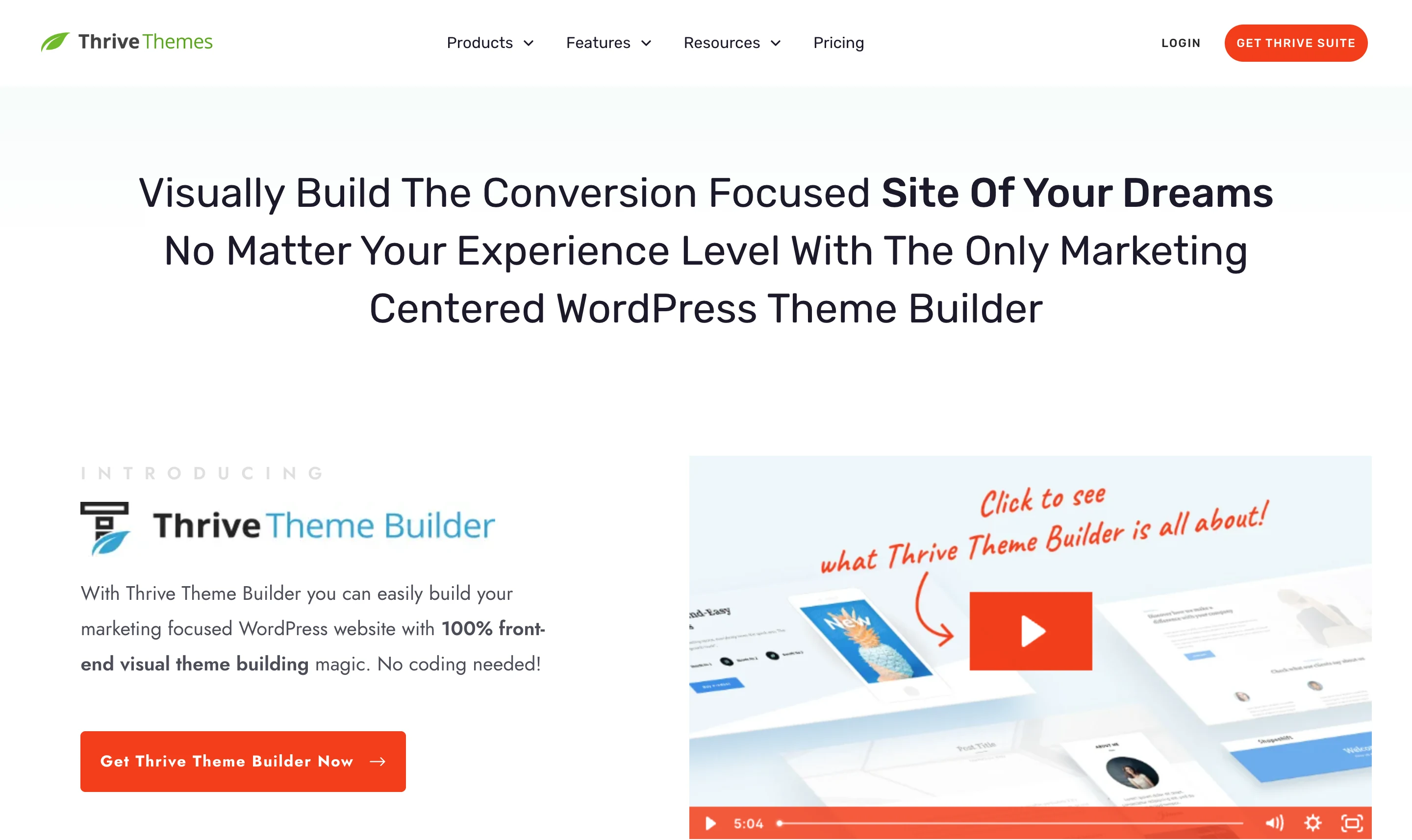
Shapeshift, Ommi, Bookwise & Kwik are the four themes that the Thrive Theme Builder comes with.
The Theme Builder is one of the best page builders for building landing pages. It brings not only hundreds of design elements and templates, but is also responsive, compatible with WooCommerce, and offers global color palettes and various design options for the header.
One of the Thrive Theme Builder's specialty is lead generation. It brings not only numerous forms for winning newsletter subscribers and potential customers, but also integrations for numerous newsletter and CRM tools, such as ActiveCampaign, MailerLite, Mailchimp, AWeber, Klick-Tipp and many more.
One more tip for buying:
It makes more sense to buy the whole Thrive Suite than the Thrive Theme Builder as a standalone version. That's because the Thrive Suite offers numerous other useful tools for generating more leads and sales, such as:
- Thrive Leads (an extensive pop-up builder)
- Thrive Optimize (a tool for running split tests with landing pages)
- Thrive Quiz Builder (a plugin for creating quizzes and surveys and filtering out leads)
The Thrive Suite costs $599 per year and can be installed on up to 5 websites. Alternatively, it's available quarterly for $149 (source: Thrive pricing page).
13. Enfold
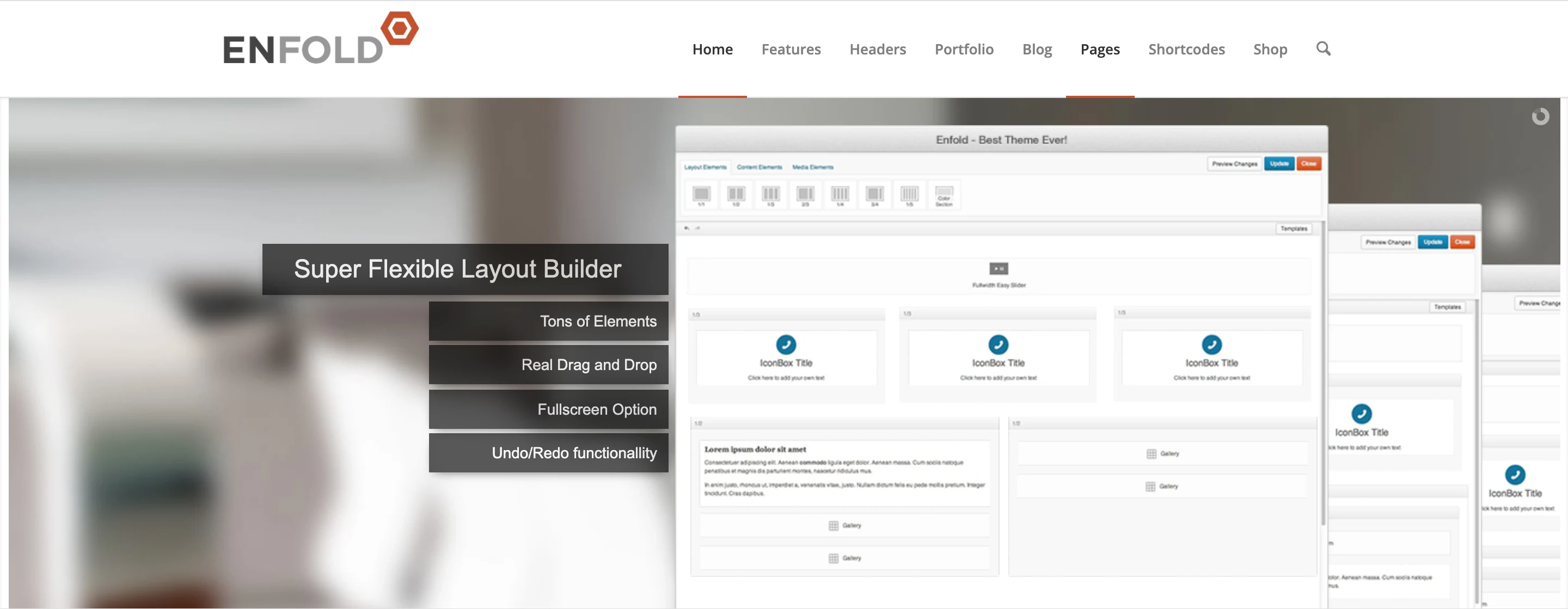
Enfold is, with about 250,000 sales, one of the best-selling WordPress themes on ThemeForest.
This all-in-one theme stands out for its high degree of flexibility, an easy-to-use page builder and a large selection of ready-made templates for every conceivable use.
That's why I was happy to use it for web design clients.
14. Twenty Twenty-Five
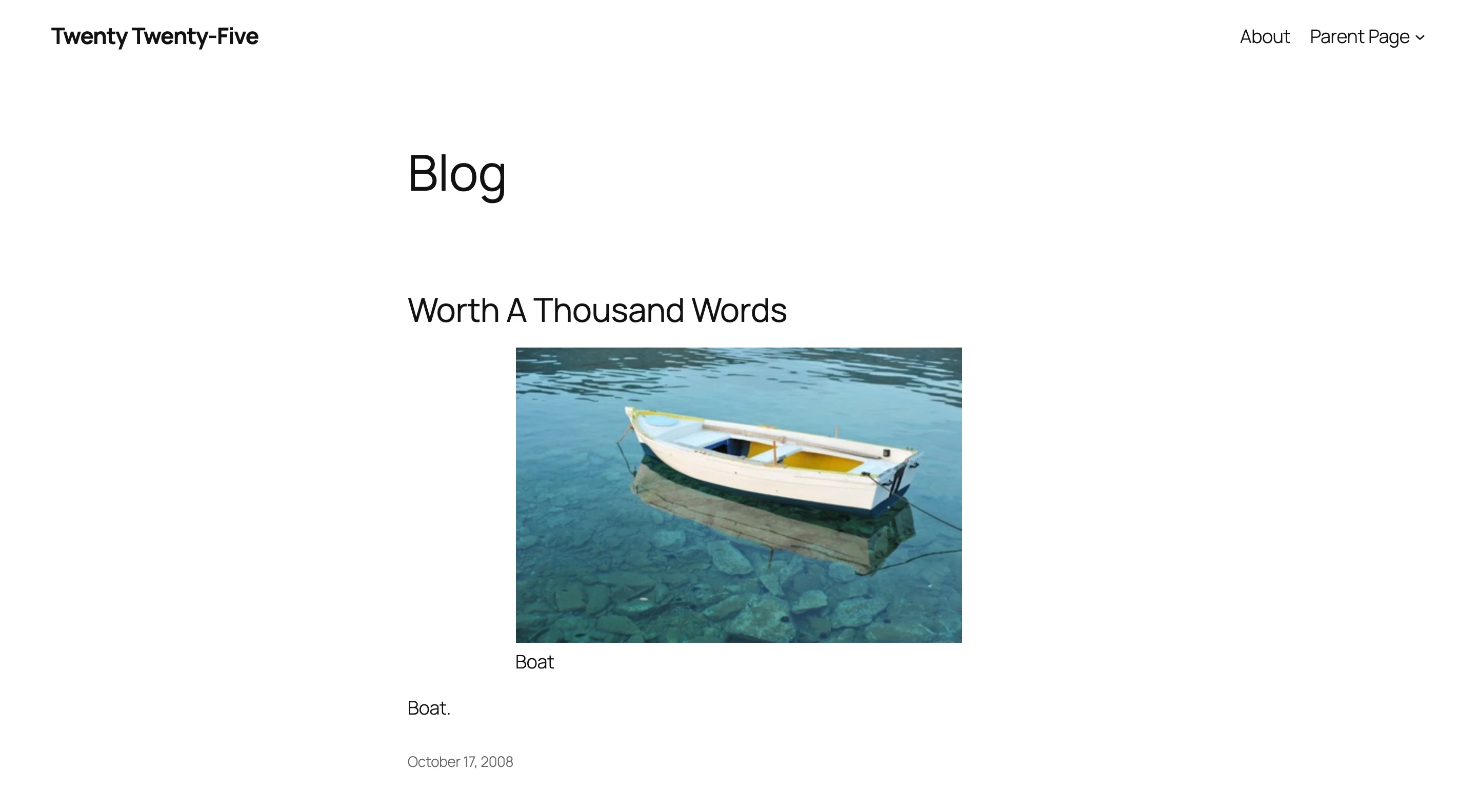
The Twenty Twenty-Five theme is the current default WordPress theme and is used on over a million websites.
It's a block theme: You edit header, footer and templates directly in the WordPress site editor, without the Customizer and without an additional plugin. With block patterns and style variations you change colors and fonts in a few clicks.
For simple blogs and smaller projects that's plenty. Still, we'd recommend this theme mainly if you're taking your first steps with WordPress and the site editor, since its range of features is limited compared to other themes.
15. Hestia
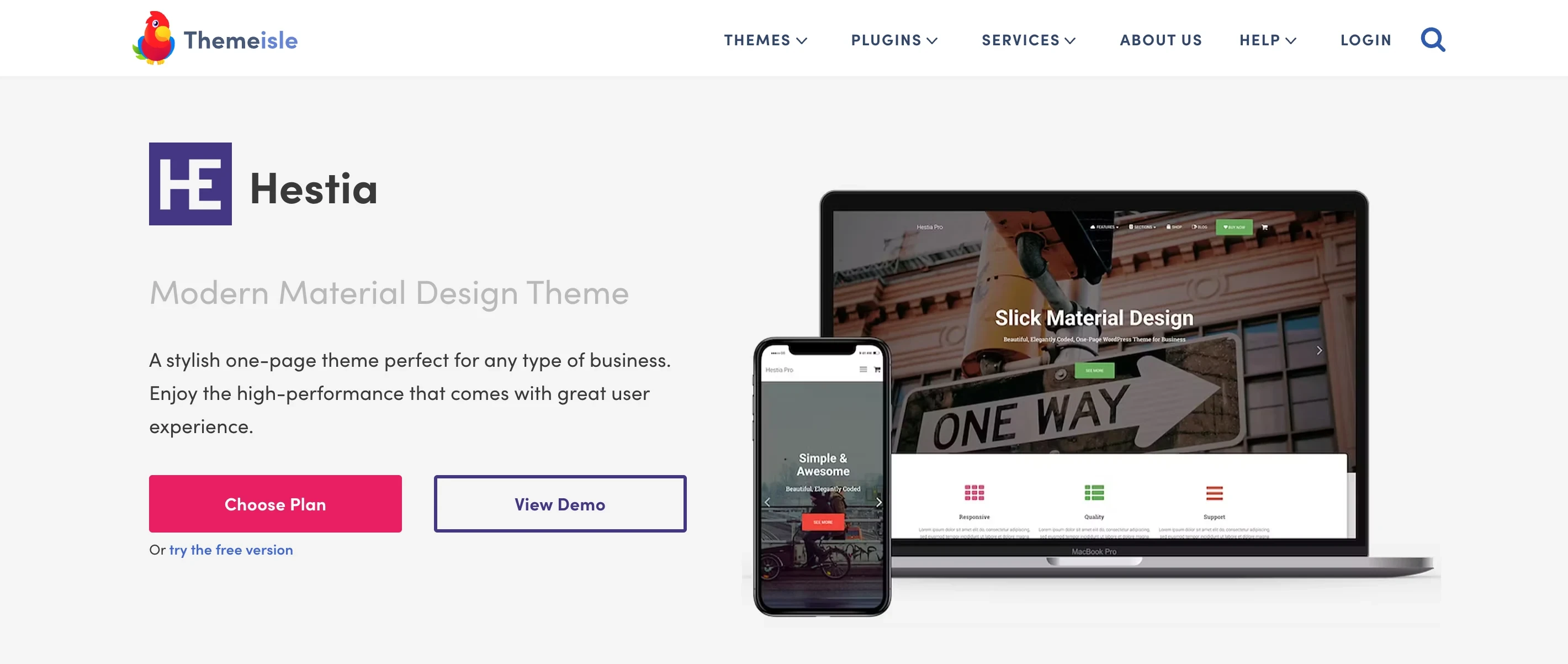
View the Hestia theme. After Neve, it's the second theme from Themeisle to make it onto this list.
While Neve looks rather minimalist, Hestia is colorful and offers you numerous configuration options through the Customizer.
Alternatively, you can of course also use page builders like Elementor to build your pages.
What does the Pro version offer?
With the Hestia Pro version Hestia gets a great WooCommerce shop feature as well as many other small upgrades. These include, for example, numerous templates that you can import right away, or an extended menu function.
Hestia's pricing page now redirects to the Neve Pro plans. They start at €139 per year.
What should I look for when choosing a WordPress theme?
There is no single best WordPress theme.
How good or bad a theme is depends crucially on what you plan to do. Do you want to start a blog, a visually elaborate company website or a WordPress website with an online store?
Regardless of the project, you should still pay attention to the following points when choosing your theme:
- Lean and fast: The less JavaScript and CSS your theme loads, the faster your website loads. The theme you choose should do without unnecessary extras and offer tidy code. The easiest way is to test the theme demo with PageSpeed Insights or GTmetrix.
- Compatibility: WordPress themes should be 100% compatible with page builders like Elementor or Beaver Builder.
- Customizability: Your theme should be flexible to design and, for example, let you set individual headers, footers or sidebars.
- Support: Behind every good theme there's also a competent support team that answers your questions right away. A good example is the GeneratePress support forum.
- Ongoing development: With themes it's important that they're regularly extended with new features and adapted to the requirements of new WordPress or PHP versions. In addition, integrated third-party plugins or libraries should be updated, and security vulnerabilities and bugs fixed.
- Popularity: If many people use a theme and rate it well, it's more likely to be of high quality. You can look, for example, at the number of active installations (in the WordPress repository) or the number of sales (e.g. on ThemeForest).
- Try the theme beforehand: Ideally, you try the theme out before switching. For that purpose I often set up a test installation or a staging environment, so I can check in peace how the theme would look on my blog, how much I have to adjust and whether everything still works properly.
FAQ
Here I've put together answers to common questions about WordPress themes:
How can I install a WordPress theme?
The easiest way to install a WordPress theme is through the admin area of your WordPress installation. The built-in theme directory has thousands of free themes that you can install quickly and easily.
There are three more ways to install a WordPress theme, though. You'll find them here: Installing a WordPress theme: 4 methods at a glance.
What is the best WordPress theme for bloggers?
That depends on the kind of blog you want to create. For a personal blog, the default WordPress themes, such as Twenty Twenty-Five, are often enough.
For a professional blog or corporate blog, I'd recommend a flexible theme like Astra, GeneratePress or Kadence.
You'll find more themes that work well for a blog in my article on the best blog themes.
What is the difference between a page builder and a theme?
A theme is the foundation of a website. It determines how your menu, your blog and your articles look. WordPress needs a theme installed in order to work.
A page builder is an extension that lets you add content to your site and change its design. As the name suggests, you use it to create individual pages on your website and adapt them to your wishes.
Besides page builders that work in the Gutenberg editor, for example GenerateBlocks or Kadence Blocks, there are very popular WYSIWYG builders (what you see is what you get). They let you add content to your page by drag and drop and show you the result immediately in a live preview. Elementor and Divi are especially popular here.
Which are the best free WordPress themes?
The best free WordPress themes right now include:
- GeneratePress
- OceanWP
- Blocksy
- Astra
- Kadence
I've put together more free themes, and themes with good free base versions (so-called freemium themes), in my article on free WordPress themes.