
The theme is the heart and soul of a WordPress website. It doesn't just give the site its look, it also largely determines how the pages are structured.
So you should never leave the choice of your theme to chance!
The problem:
The official theme directory on WordPress.org alone has around 8,900 free WordPress themes.
That doesn't make the search exactly easy.
To help you find the right theme for your website or blog faster, we've put together the 10 best and most popular free WordPress themes in this post and taken a closer look at them. For each one, I checked whether it is still maintained, how many websites use it and what the pro version currently costs.
The number of themes and the active installations come from the theme directory on WordPress.org .
- The best free WordPress themes, such as GeneratePress, OceanWP and Astra, offer professional features and fast load times and are compatible with page builders.
- Free themes are often enough for beginners and small projects. Pro versions only pay off once you need advanced features like a header builder or template libraries.
- When choosing a theme, look for lean code (under 100 KB), good reviews, active development and compatibility with Gutenberg or your preferred page builder.
Which free theme suits you?
If you don't want to read all ten themes, this rule of thumb helps:
- Blog or content website focused on speed: GeneratePress, Blocksy or Page Builder Framework
- Lots of ready-made designs to import: Astra, OceanWP or Neve
- Building pages with Gutenberg blocks: Kadence (with Kadence Blocks) or GeneratePress (with GenerateBlocks)
- Company website or freelancer presence: Sydney or Astra
- Starting completely without extra plugins: Twenty Twenty-Five
All ten themes are currently maintained. According to WordPress.org, the last update came in December 2025 for GeneratePress and between May and November 2026 for all the others.
1. GeneratePress
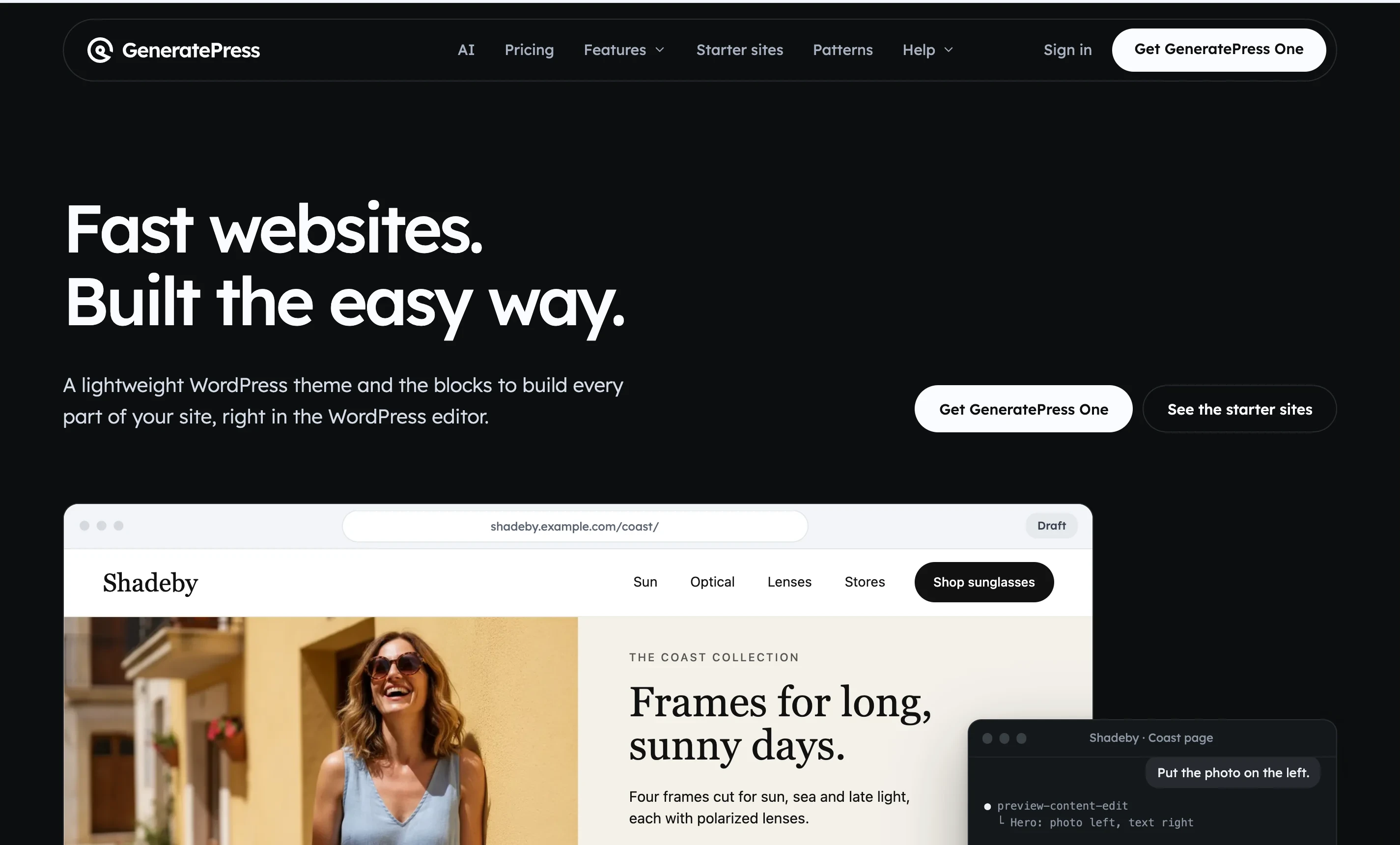
GeneratePress is our absolute favorite theme. We've been using it since 2016 for Blogmojo, Faminino and various smaller web projects.
The theme is lean, clear, reliable and cleanly coded. All of that adds up to performance that is hard to beat.
The free version's feature set is limited, but it still offers plenty of customization options.
You can also use GeneratePress with almost any page builder without any trouble, such as Elementor, Beaver Builder or the Gutenberg editor.
Who is GeneratePress for?
GeneratePress is an ideal theme for beginners and professionals alike.
Beginners benefit from its simple handling and the great GeneratePress support forum, where staff answer your questions quickly and professionally.
For professionals, GeneratePress offers various developer features and extensive customization options, which makes it suitable for large or complex projects too.
For that, though, we would definitely recommend GeneratePress Premium:
What does GeneratePress Premium offer?
GeneratePress Premium offers the following additional features and settings:
- An extended menu function (including the option to add a second menu)
- Extended blog features
- More design settings (colors, spacing, background images, etc.)
- Useful extras such as import and export of theme options or copyright customization in the footer
- Infinite scroll and sticky navigation
One highlight is the powerful “Elements” function. It lets you place Gutenberg blocks, code or page builder elements anywhere on your website.
Another highlight is the Site Library, a database of ready-made website designs that saves you a lot of work when designing your website.
Recently, GeneratePress has been selling its premium package only as “GeneratePress One”. It includes GP Premium, GenerateBlocks Pro and other tools. The license for one website costs $99 per year, for up to 10 websites $149 and for up to 100 websites $199. A lifetime license for 100 websites is available for a one-time $596 (source: GeneratePress pricing page).
2. OceanWP
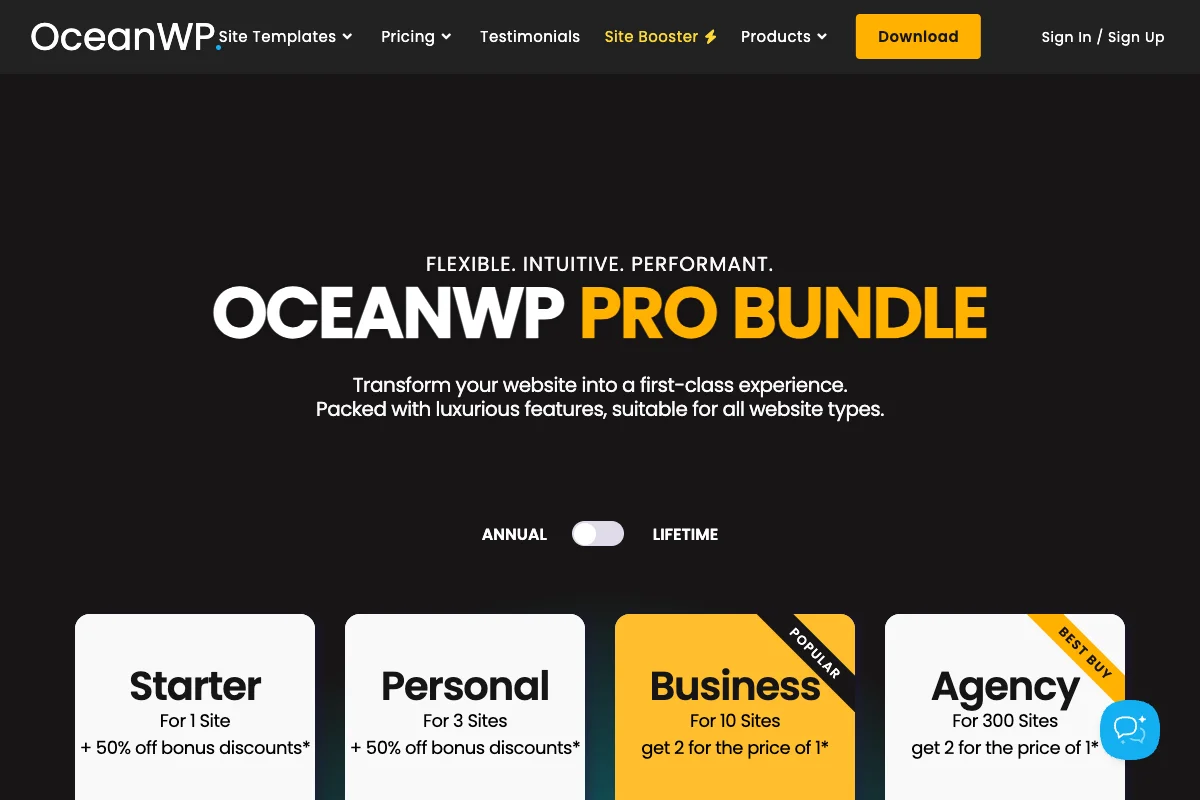
OceanWP is an all-around successful theme, and there isn't much negative to report about it.
OceanWP is very fast, compatible with WooCommerce and can be combined with all the common page builders.
No wonder it has an average rating of 4.9 out of 5 stars on WordPress.org, from more than 5,700 reviews.
Besides the free version, which already offers many features, you can also buy a pro version that adds numerous extras to the theme.
Who is OceanWP for?
The free version already comes with a large feature set.
For example, with the “Ocean Extra” plugin you can access a large database of ready-made designs that install easily at the push of a button.
A setup wizard walks you through the installation process step by step.
In short: OceanWP is excellent for beginners.
Thanks to the numerous extensions, though, you can also build very large websites with this fast theme, so OceanWP can grow with your project.
What does the pro version offer?
The pro version is worth it if you want to adapt your website even more closely to your own needs.
That's because, in addition to the free extensions, you can use further extensions, including:
- Sticky header and footer
- Hooks for templates and code
- Site Panel
- Elementor widgets
- Instagram feed
- and more
You also get access to more website templates for various purposes, which can shorten the design process enormously.
You can find the current prices for OceanWP Pro and the lifetime licenses on OceanWP's pricing page.
3. Astra
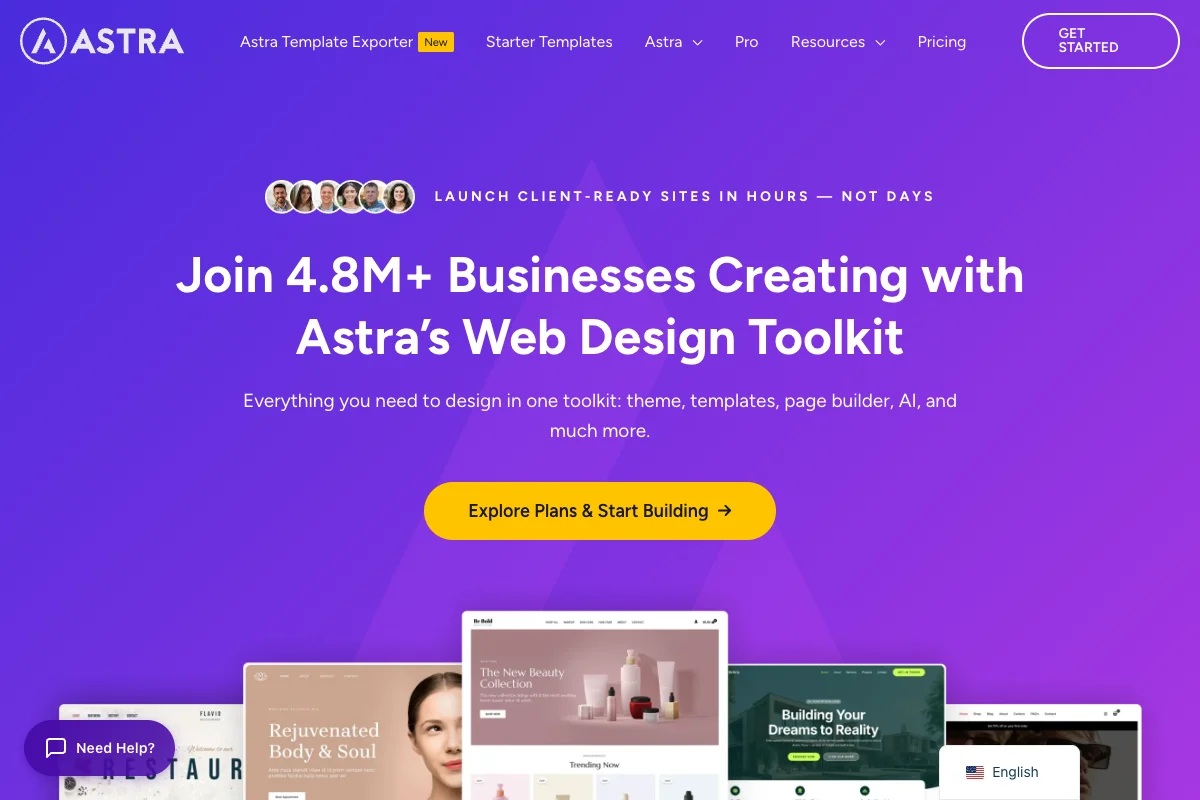
Astra is one of the most popular free WordPress themes of all, with over a million active installations and an average rating of 4.9 stars from over 6,500 reviews.
And not without reason:
It's flexible, offers many design and settings options and is very lightweight at the same time.
The theme is just 50 KB on the frontend, which makes it an ideal foundation for fast load times and good Core Web Vitals.
Astra unfolds its full potential especially in combination with Elementor.
Who is Astra for?
With Astra, your imagination is the only limit.
Besides company websites, you can also build blogs and, thanks to the great WooCommerce tools (in Astra Pro), extensive online shops.
Despite the large feature set, the theme is beginner-friendly.
What does the pro version offer?
With Astra Pro you get access to many more features, such as:
- Sticky header
- Blog layouts
- Page header
- Hero sections
- Extended menu functions
You can switch the features on or off individually. That ensures load time isn't hurt by unnecessarily loaded CSS or JavaScript.
Astra Pro + AI regularly costs $149 per year or $449 as a lifetime license. The Essential Toolkit + AI with additional tools regularly costs $299 per year or $899 as a lifetime license. The Business Toolkit + AI for agencies regularly costs $429 per year or $1,299 as a lifetime license (source: Astra pricing page).
4. Blocksy
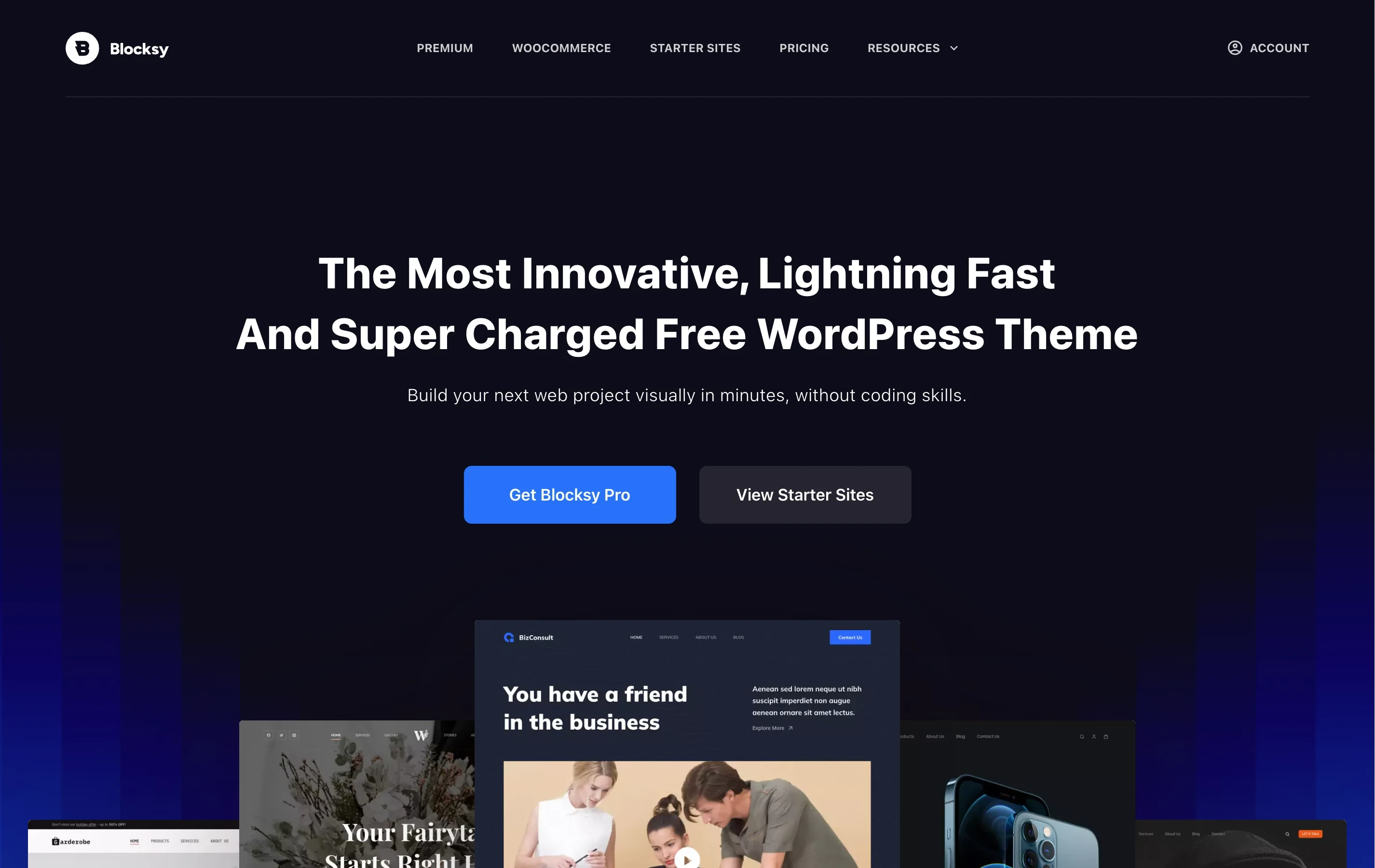
Blocksy is a very lean theme that gives your website an excellent foundation.
The developers clearly focus on performance, and updates regularly make the theme even faster.
The feature set suffers a little for it when it comes to block builders, though: without a third-party plugin, you won't build visually demanding pages with Blocksy alone.
The choice of compatible solutions is large, however: Stackable, Quebely or Elementor work flawlessly.
Who is Blocksy for?
Blocksy is lean, fast and deliberately skips the frills.
You can make basic changes to the look in the Customizer, but you'll have to do without an extensive block editor.
We recommend Blocksy if your focus is clearly on writing and a blog and you want to impress your visitors with fast load times.
You can't create visually very demanding landing pages with Blocksy alone, however.
What does the pro version offer?
With Blocksy Pro you get an extensive theme builder that lets you create custom headers, footers or sidebars for every single page.
We particularly like the extended menu function, which lets you configure mega menus with images, icons or maps.
The feature set is rounded off by the option to store Google Fonts locally, plus very competent support.
5. Kadence
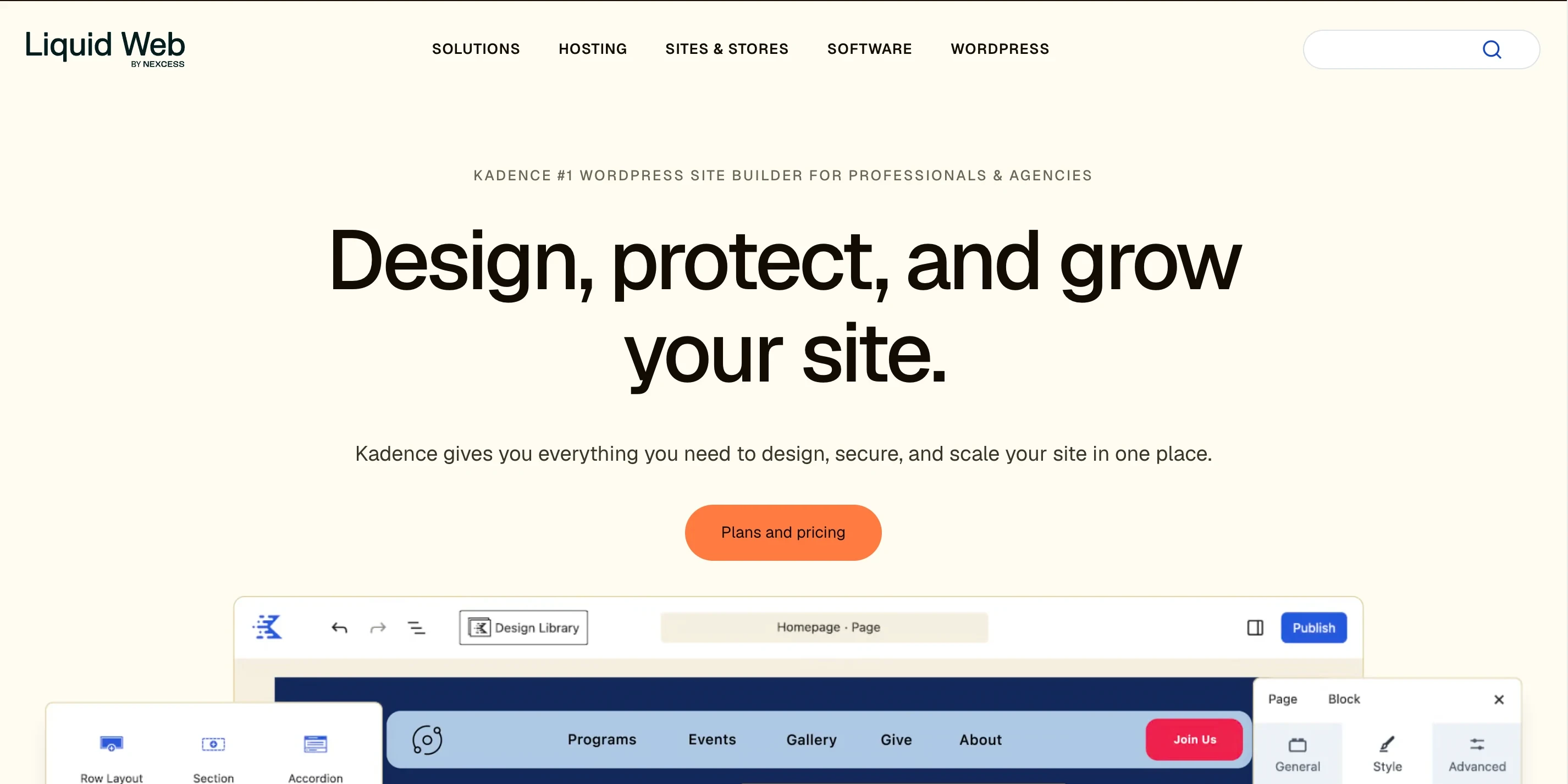
Kadence has caught up with GeneratePress at over 500,000 active installations, and only Astra, with over 1 million, is still ahead.
Kadence is an excellent theme that we can especially recommend in combination with Kadence Blocks.
This is the theme's own page builder, compatible with Gutenberg, which lets you create very professional pages in no time.
With it, you build headings, countdowns, tabs, info boxes and many other kinds of content directly in the block editor.
Despite its large feature set, the theme is easy to use and incredibly fast.
Who is Kadence for?
With Kadence you can implement any project, from your own blog to a professional company website.
Thanks to Kadence Blocks, you build all kinds of websites with professional layouts in no time.
What does the pro version offer?
If you go for Kadence Pro, you get header add-ons, an extended menu function, hooks and WooCommerce extensions.
We recommend the bundle of the Kadence theme and Kadence Blocks, because that's the only way the theme shows everything it can do.
A lot has changed with the prices: Kadence now belongs to Liquid Web. There, the premium version comes in a bundle with LearnDash, Give and The Events Calendar. That costs $350 per year for one website and $599 per year for up to 10 websites (source: Liquid Web pricing page). To get started, though, the free version together with the free Kadence Blocks is perfectly sufficient.
Of course, competent support helps you with your problems.
6. Neve
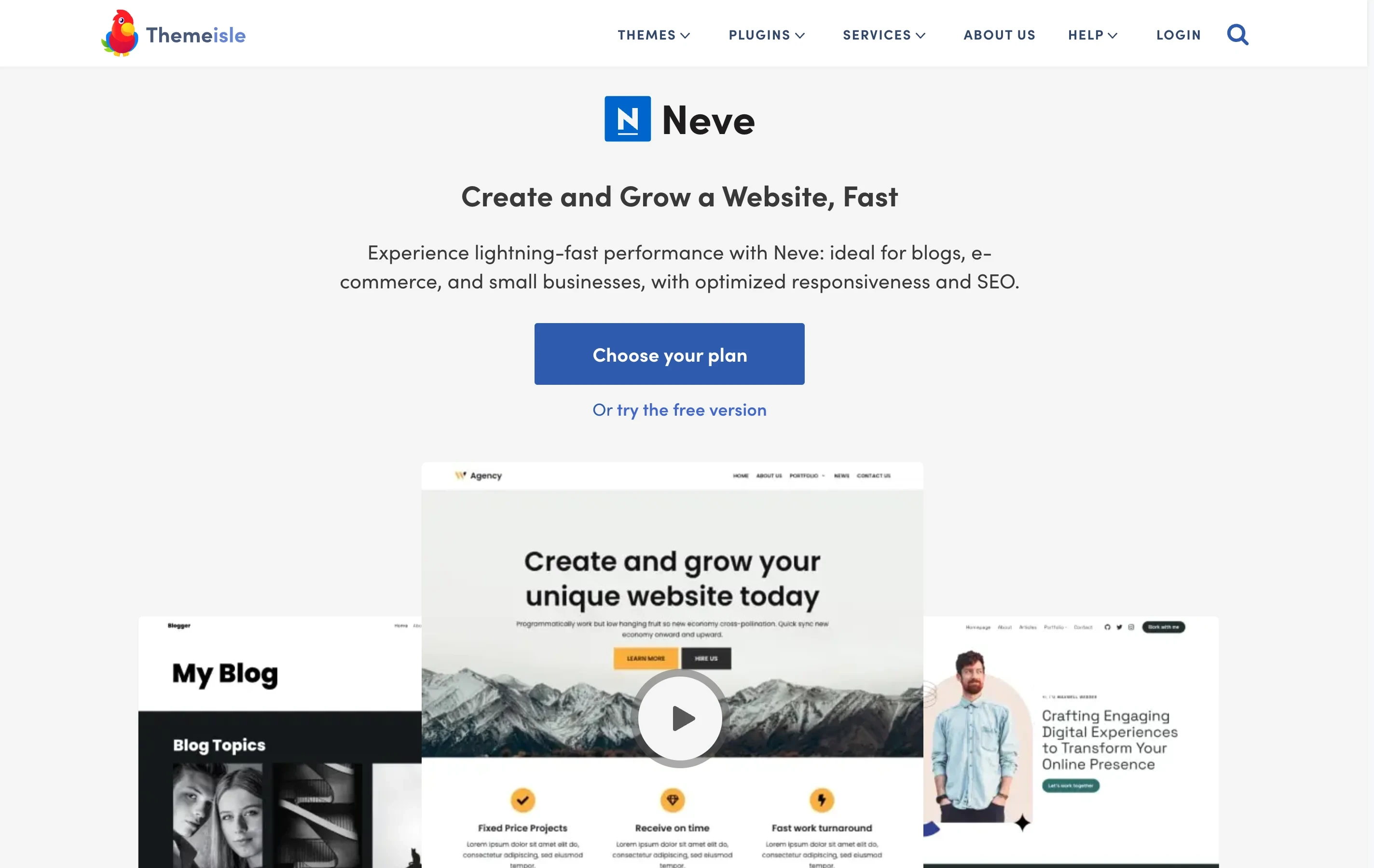
Neve is all about minimalism. The theme comes with a lean design and an in-house AMP version, which makes for excellent load times.
We particularly like the tidy code.
Even the free version gives you numerous features such as custom headers, a layout builder or a global color palette.
Of course, it is also compatible with popular page builders like Elementor or Thrive Architect.
Who is Neve for?
A short learning curve and a focus on a few important features make Neve an ideal beginner theme.
If you prefer minimalist page designs, you'll love Neve.
What does the pro version offer?
With Neve Pro, which you can get from €139 per year, the feature set is expanded considerably. The plan covers an unlimited number of websites.
You get:
- Over 110 ready-made templates you can install at the push of a button (in the Business plan for €299 per year)
- Various blog layouts such as grid or list
- A professional header and footer builder
- Various Elementor extensions such as Typed Headline, Progress Circle or Content Protection
- Individually configurable page layouts
- Numerous WooCommerce extensions
7. Page Builder Framework
Since we're collecting the 10 best WordPress themes here, it's no surprise that many of them get excellent ratings.
The Page Builder Framework has an average of 4.9 out of 5 stars from 131 reviews.
For a theme of this size, that's an exceptionally good result.
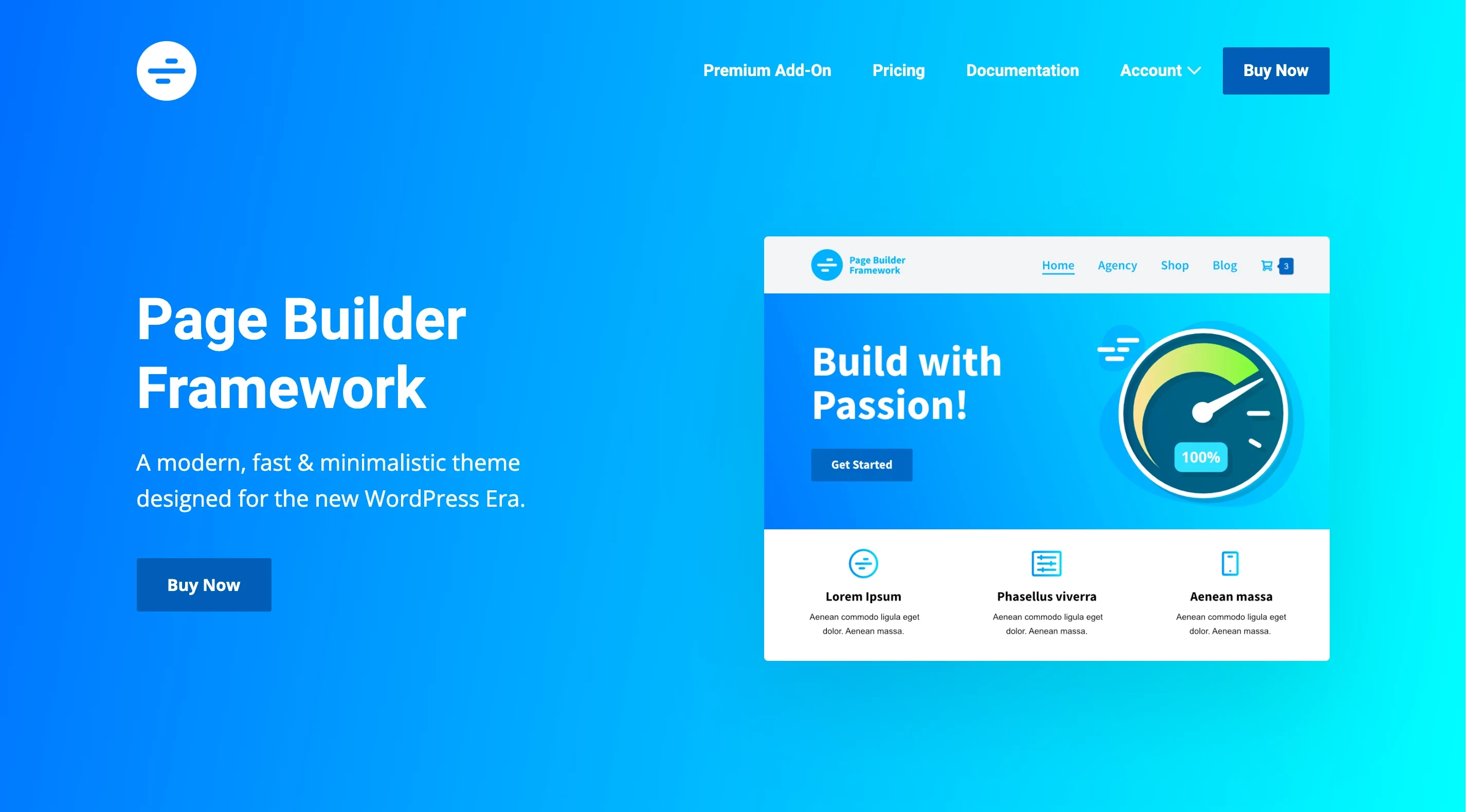
It's no wonder, because Page Builder Framework is just 50 KB, which makes it incredibly small and fast.
It was also developed specifically to work well with page builders like Elementor or Beaver Builder.
But even without an external page builder, the theme can already be customized extensively via the Customizer.
Who is Page Builder Framework for?
With or without a page builder: this theme offers many customization options with very fast load times.
If you already use Elementor and are looking for a matching theme, Page Builder Framework is a definite recommendation.
What does the pro version offer?
For $128 per year, the premium add-on offers numerous extensions and professional support that will even give you CSS code when you run into problems.
The extended feature set includes:
- Transparent header
- Extended WooCommerce features
- Mega menus
- Extended blog layout
- Custom sections
8. Sydney
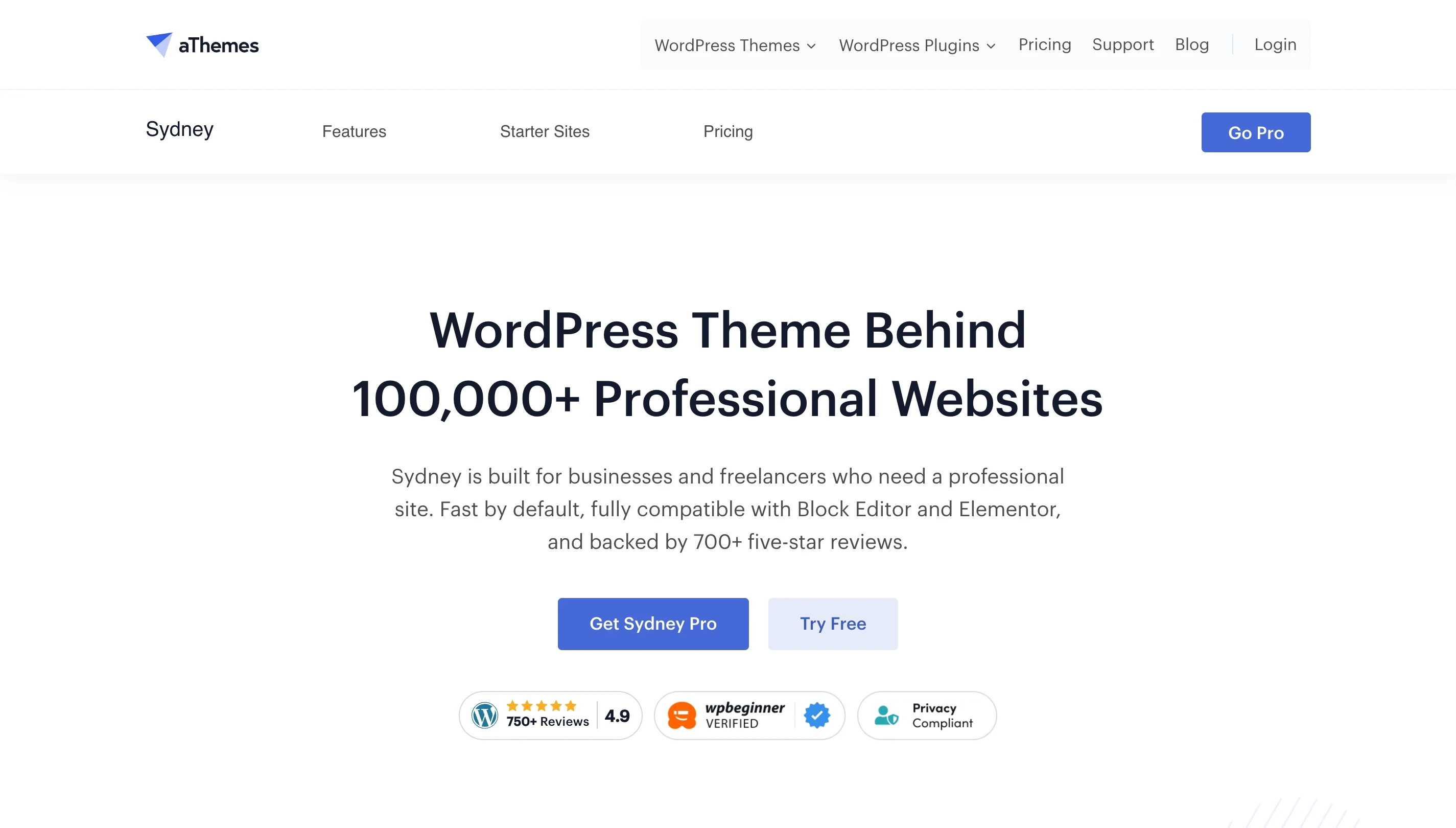
Sydney comes from aThemes and is aimed at companies, freelancers and portfolios.
Sydney gets regular updates (most recently in November 2026), comes with block patterns for the Gutenberg editor and can be customized extensively via the Customizer.
That's interesting for small businesses and service providers, because you get a clean online business card with little effort.
Who is Sydney for?
Sydney suits company websites, self-employed people and portfolio sites.
For a pure blog, there are leaner alternatives such as GeneratePress or Blocksy.
What does the pro version offer?
Sydney Pro comes with over 25 starter websites and extended options for header, footer and blog. The license for one website regularly costs $79 per year, for 10 websites $149 (source: aThemes pricing page). At the time of our review, there was a 20% discount.
9. Twenty Twenty-Five
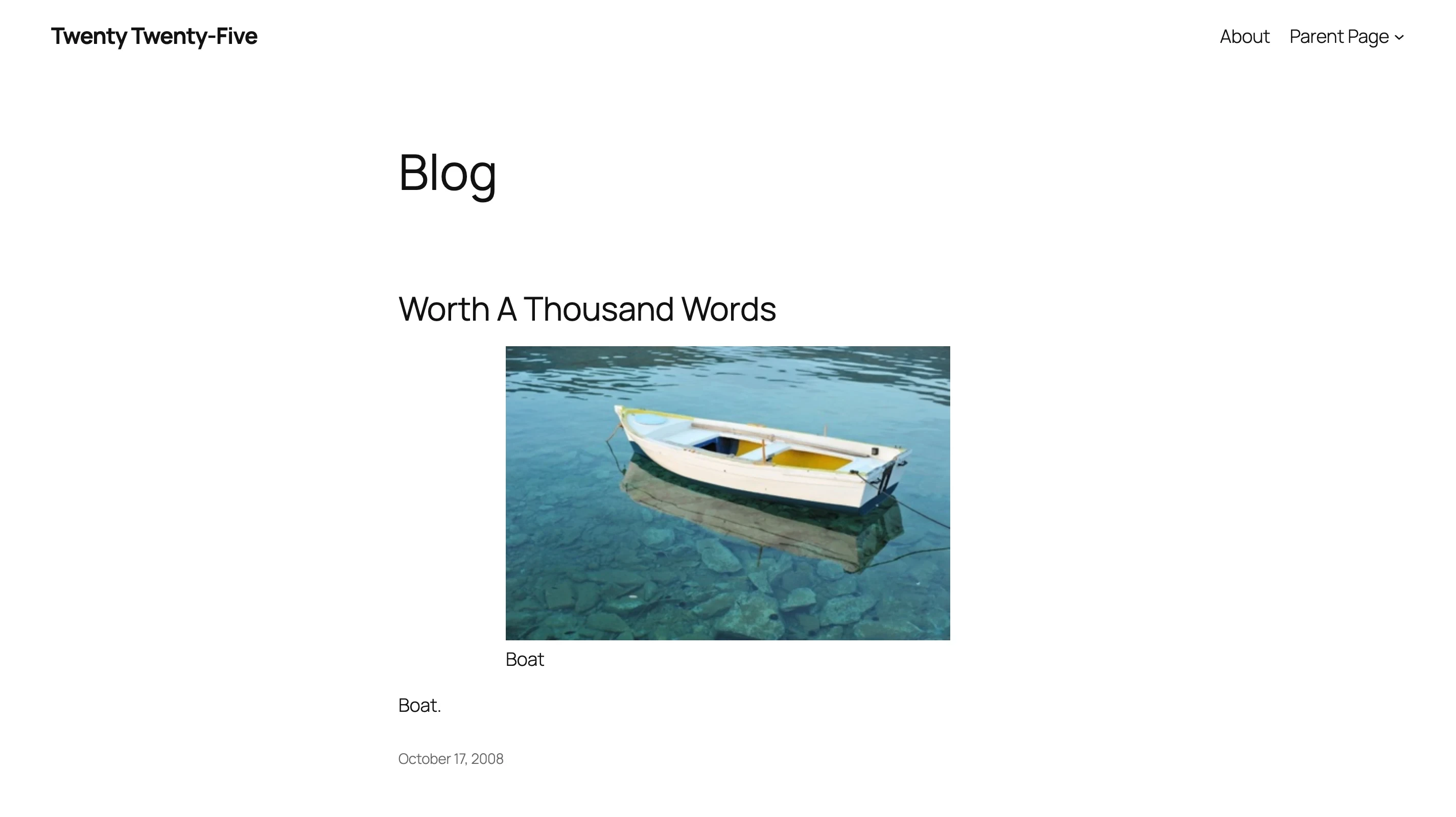
The Twenty Twenty-Five theme is the current default theme of WordPress, built on the block editor.
It is a block theme: you edit header, footer and all templates directly in the WordPress Site Editor, without the Customizer and without an additional plugin.
With block patterns and style variations, you change colors and fonts in a few clicks.
Who is Twenty Twenty-Five for?
The theme suits simple blogs, small portfolios and anyone who wants to get to know the Site Editor.
If you need ready-made designs to import or a header builder, you're better served with Astra, Kadence or OceanWP.
What does the pro version offer?
There is no pro version available for Twenty Twenty-Five.
10. Hestia
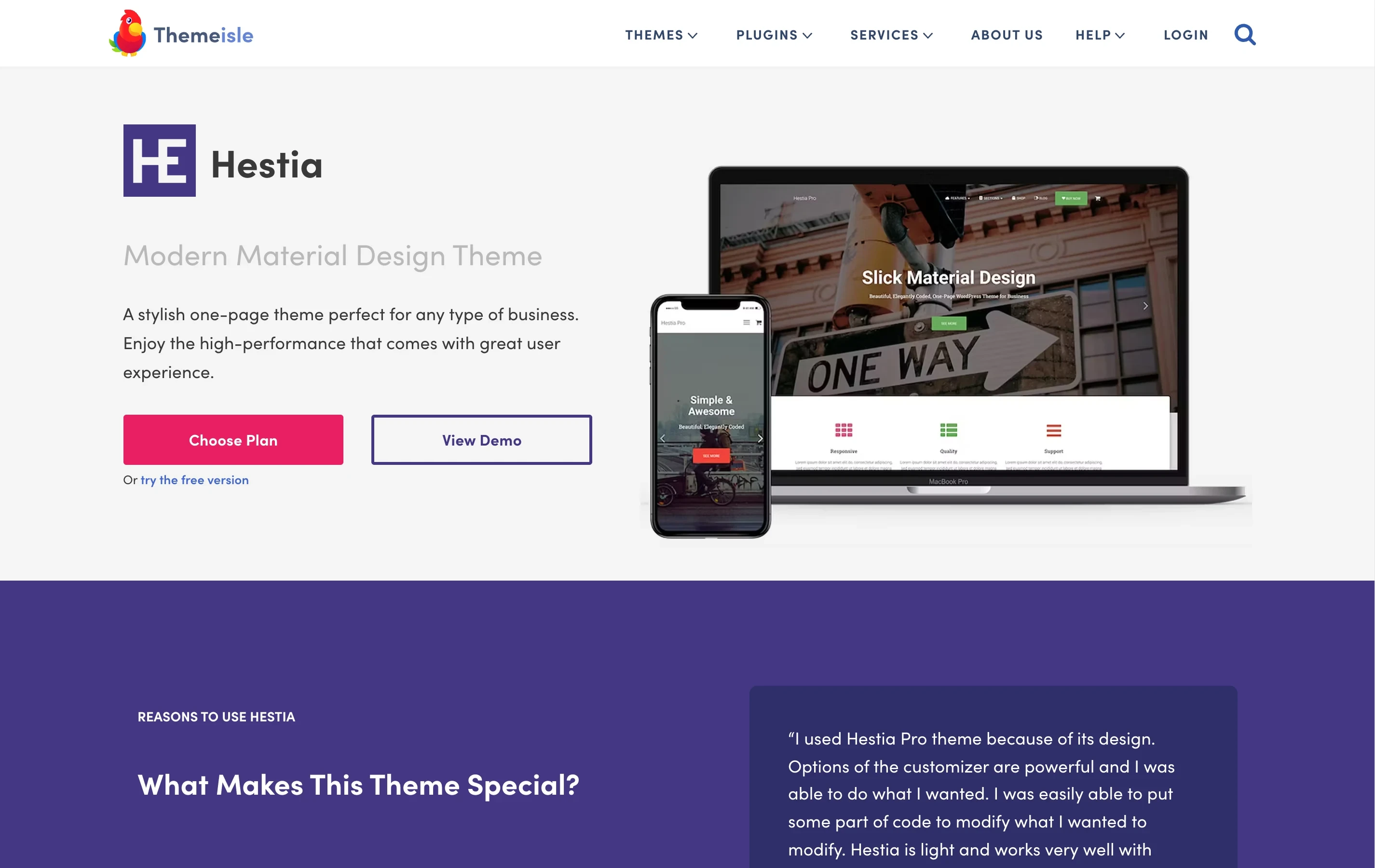
Hestia is, besides Neve, the second theme from Themeisle to make it onto this list.
While Neve feels rather minimalist, Hestia is colorful and offers numerous configuration options via the Customizer.
Alternatively, you can of course also use page builders like Elementor to build your pages.
Who is Hestia for?
Hestia is excellent for beautiful one-page websites that impress with sliders, maps or images.
The theme is also an option for blogs.
A unique selling point is the translation function built right into the theme, with which you can quickly and easily build multilingual sites.
What does the pro version offer?
Hestia Pro additionally offers an extended shop design for WooCommerce, numerous importable templates and an extended menu function.
Themeisle now redirects Hestia's pricing page to the Neve Pro plans. Those start at €139 per year.
FAQ
Here I've put together the answers to the most common questions about free WordPress themes:
How can I install a WordPress theme?
You add a theme to your website directly in the backend of your WordPress installation.
The built-in theme directory has hundreds of free themes you can install with a few clicks:
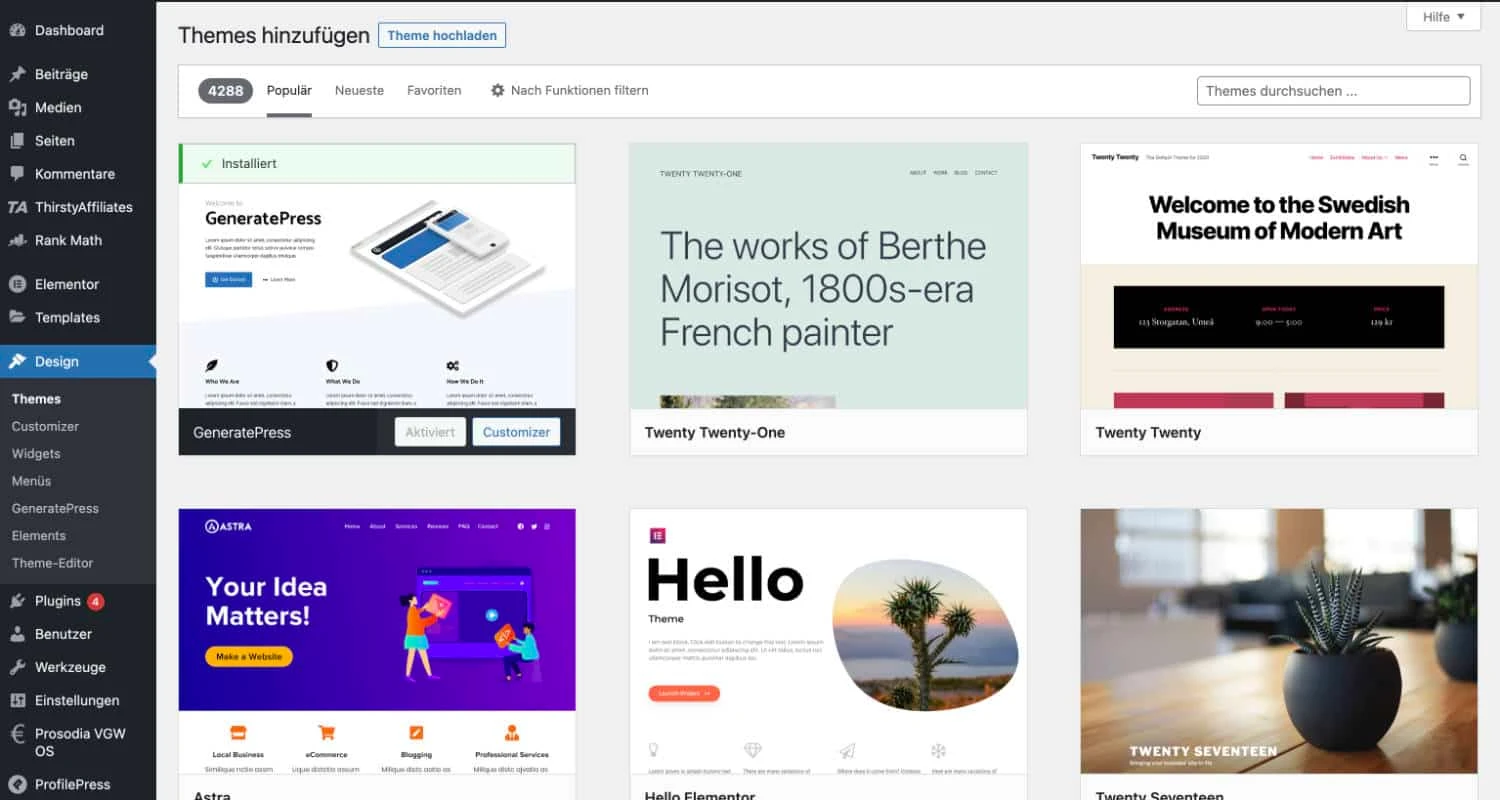
For premium themes or pro versions, you upload the ZIP file using the “Upload Theme” button.
You'll find a step-by-step guide here: Installing a WordPress theme.
What should I look for when choosing a WordPress theme?
There is no one perfect theme. It all depends on your project. These criteria always matter:
- Lean and fast: The smaller the theme, the better the Core Web Vitals.
- Compatibility: A theme should work well with Gutenberg and the common page builders.
- Customizability: Header, footer and layout builders save you a lot of time.
- Support: Active developers and a helpful support team are worth their weight in gold.
What is the difference between a page builder and a theme?
The theme forms the foundation of your website and determines layout, typography and global elements.
A page builder is an extension for creating individual pages via drag and drop or Gutenberg blocks. Popular examples are GenerateBlocks, Kadence Blocks or Elementor.
The best approach is to combine a lean theme with a page builder of your choice.
What is the difference between block themes and classic themes?
With a classic theme like Astra, GeneratePress or Neve, you set up header, footer and colors in the Customizer.
A block theme like Twenty Twenty-Five works differently: you edit every area of the website in the Site Editor using blocks, without the Customizer.
For beginners, a classic theme with ready-made templates is usually more convenient. Block themes are a good choice if you want to load as little extra code as possible and solve everything directly in the WordPress editor.
Where can I find more free WordPress themes?
In the official WordPress theme directory on wordpress.org, around 8,900 free themes are waiting for you.





