WordPress plugins can help you make your website faster and more secure, earn more money, increase your visitor numbers or save a lot of time.
The problem?
There are thousands upon thousands of plugins out there. The WordPress directory alone holds around 60,000 extensions!
Many of them are good. But there are also plenty you don't need at all, and that do your website more harm than good.
So you can separate the wheat from the chaff, I put together this list of my best WordPress plugins.
I've tested all of these plugins thoroughly, found them good, and I've used most of them for several years on my own websites.
- Keep your plugin list lean and rely on a few high-quality tools for SEO, performance and security.
- Plan for must-have areas like privacy (Real Cookie Banner, OMGF Pro) and backups (UpdraftPlus) from the start.
- Only use specialist plugins if they measurably speed up your workflow or bring additional reach, such as WP Staging, LinkWhisper or novashare.
The fewer plugins, the better!
Before I get into the details, I want to warn you. What holds for many other things holds for WordPress plugins too:
The fewer, the better!
Too many plugins can slow down your website or make it more vulnerable to hackers, even with popular and highly rated extensions.
So only install the plugins you really need.
1. SEO
There are some great plugins that can help your website get found better on Google. Here I introduce some of the best.
You'll find more SEO plugins in this article: WordPress SEO plugins
1.1. RankMath

Rank Math is the new standard plugin for SEO and replaces the long-time market leader Yoast SEO.
For a simple reason:
The basic version has the same range of features as Yoast SEO Premium (yes, Premium!), but is completely free.
It also performs better and is developed faster.
These are the most important features of Rank Math:
- Adding meta titles and descriptions
- Indexing settings for individual posts and post types
- Creating XML sitemaps
- Keyword analysis with a scoring system
- 404 monitor
- Redirect manager
It also comes with some useful extras, such as breadcrumbs, adding schema data, verification for Google Search Console and the ability to enter an unlimited number of focus keywords (with a code addition in the functions.php).
What more could you want?
1.2 Lucky WP Table of Contents
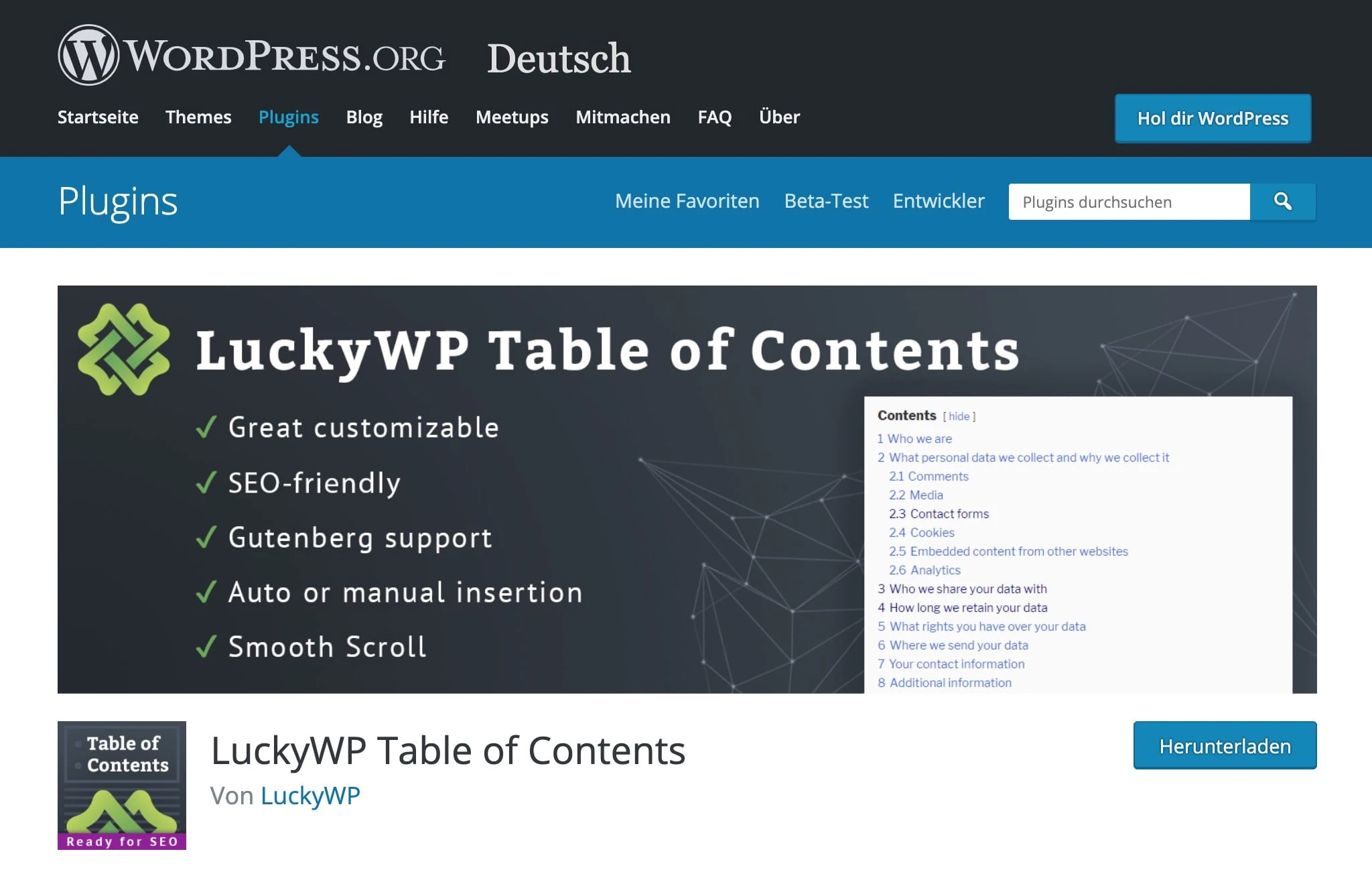
LuckyWP Table of Contents is one of the best WordPress plugins for blogs, online magazines and all other websites that publish longer texts.
It lets you display a table of contents in posts or on pages, automatically or via shortcode (similar to Wikipedia).
I use it here on the blog too (see the table of contents further up).
Tables of contents make it easier for your readers to jump quickly to the content they're really interested in. They also sometimes show up as jump links in the meta description in the Google search results, which gets your blog articles more clicks.
It also has the following advantages over other table of contents plugins, such as Easy Table of Contents:
- It's lightweight and barely affects load time
- You can add it via shortcode, Gutenberg block and widget
- It's updated regularly
1.3 Broken Link Checker
Links that lead nowhere are bad for visitors and bad for Google.
That's why every few months I run the Broken Link Checker on my blogs to make sure all outgoing and internal links still point to the websites they're supposed to.
What's great about the plugin:
Unlike external SEO tools such as Screaming Frog or Sitebulb, you can replace or delete the links right inside WordPress.
1.4 Redirection

Redirection is a great plugin for creating redirects in WordPress quickly and easily.
That's handy if you don't trust yourself to edit the .htaccess on your server or don't have access to it.
Redirection also logs 404 errors and so helps you find old or broken internal links (and create redirects for them right away).
1.5 LinkWhisper
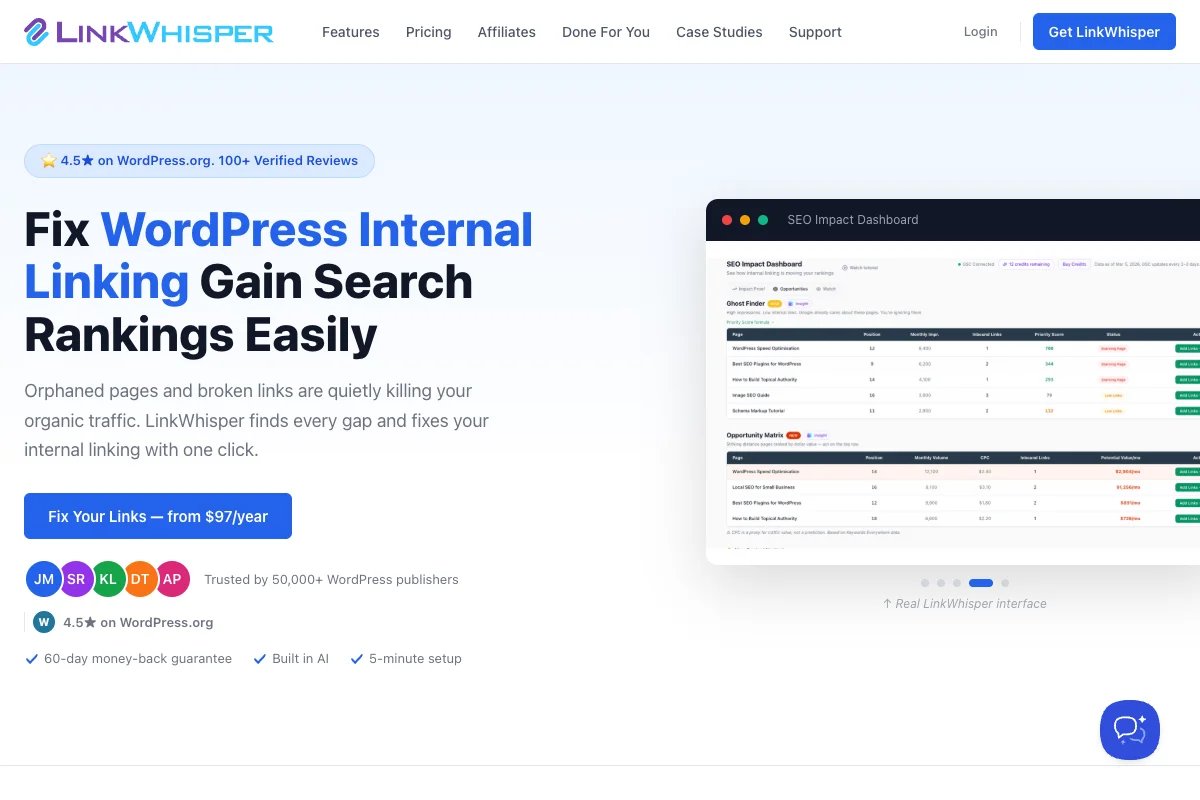
Internal linking is extremely important for a good Google ranking.
The plugin LinkWhisper makes internal linking on your WordPress website much easier!
It scans all posts in WordPress and generates a list of all internal and outgoing links. That way you can quickly see which posts aren't well linked internally yet. It also finds broken links and shows 404 errors.
I've been using it on my blogs since 2019 and wouldn't want to be without it.
2. Privacy & security
Since the GDPR took effect in May 2018, privacy has become much more important for WordPress websites. Here you'll find some great plugins that can help you make your WordPress website more secure and privacy-compliant.
You'll find an even bigger list in this article: WordPress privacy plugins
2.1 Real Cookie Banner
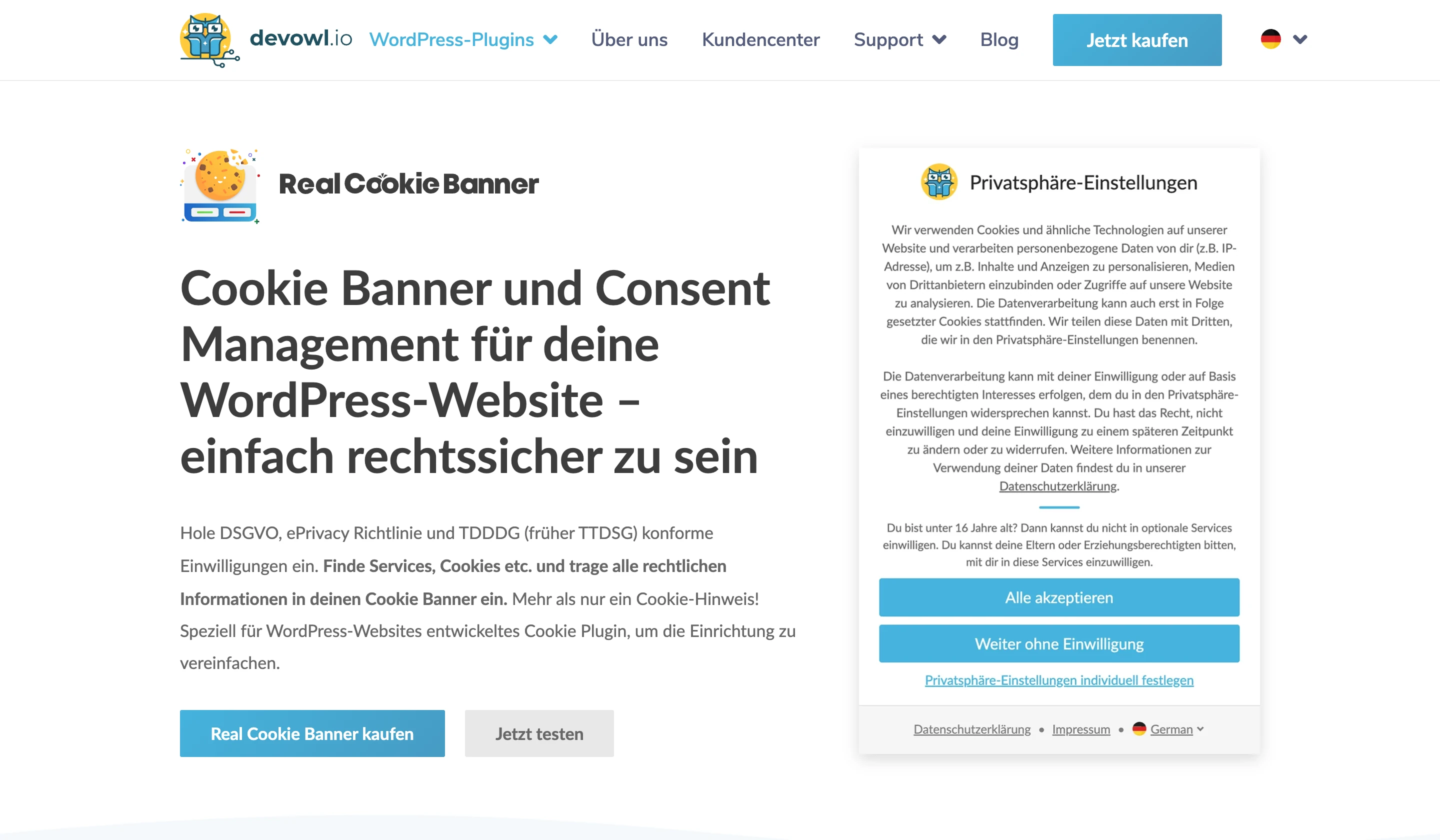
Real Cookie Banner is currently the best cookie plugin for WordPress.
In my comparison of cookie plugins, Real Cookie Banner was the easiest to set up. That's why it remains my test winner.
Borlabs Cookie 3.4 has caught up with its assistant and scanner. If you use many services and want more settings, it's a strong alternative.
2.2 OMGF Pro

If you load Google Fonts the default way, that is, via Google's servers, data such as your visitors' IP address or browser may be transmitted to Google.
Under the GDPR, that can be a legal risk. Since a ruling of the Munich Regional Court (LG München) from January 2022, the use of Google Fonts has also been actively and massively met with cease-and-desist letters (Abmahnungen).
By far the simplest and fastest way to host Google Fonts locally is the small but brilliant WordPress plugin OMGF Pro.
It not only finds all Google Fonts on your website and loads them from your own server, it also removes all instances that are loaded from Google servers.
You can of course also host Google Fonts locally without OMGF Pro. I show you how, step by step, in this guide: Host Google Fonts locally
2.3 Updraft Plus
UpdraftPlus is a backup plugin that wins people over with its easy operation and reliability.
With over 3 million downloads, it is the most downloaded backup plugin of all.
The premium version offers more storage locations (such as Microsoft OneDrive, Amazon S3, Google Drive), incremental backups, database encryption and much more.
2.4 Antispam Bee

Anti-Spam Bee is one of the best plugins for fighting comment spam.
I've been using it on many of my WordPress websites for years and can recommend it without reservation. It reduces comment spam drastically and can also delete it automatically.
Unlike the widespread plugin Akismet and many other antispam plugins, Antispam Bee is very privacy-friendly.
The filters Antispam Bee uses either process no personal data at all or anonymize it.
3. Performance
These performance plugins help you improve the load time and Core Web Vitals of your WordPress website:
3.1 WP Rocket

WP-Rocket is one of the best all-in-one plugins for load time optimization.
It offers not only a very good page caching function (with preloading) but also various other features for which you'd normally have to install more plugins:
- Minifying CSS and JS
- Generating critical CSS (my favorite feature!)
- Delaying JavaScript execution
- Disabling embeds
- Combining and preloading Google Fonts
- Lazy loading for images, videos and iframes
- Database cleanup
- Adding missing width and height attributes to images (leads to fewer layout shifts during loading and improves CLS).
It also comes completely in German, has an active Facebook community and is very well documented (the documentation is also available in German).
WP Rocket is one of the reasons I reach PageSpeed scores of 96 to 100 on all pages of Blogmojo (mobile and on desktop):
It also helped me a great deal in optimizing my Core Web Vitals and reaching the required thresholds for FID, CLS and LCP.
3.2 perfmatters
Too many unnecessary JavaScript and CSS files can badly affect your load time.
The problem:
Some plugins and themes are poorly coded and load their CSS and JavaScript on your entire website.
And not just on the pages where they're actually used (as it should be).
A prominent example is Contact Form 7, which is usually only embedded on the contact page. But the contact form plugin is also loaded on all other pages, posts, category pages etc.
The small but brilliant plugin perfmatters helps:
With the built-in Script Manager, you can turn loaded JS and CSS on or off globally, for a specific post type or for a specific URL.
That way you can make sure Contact Form 7 is really only loaded on the contact page:
perfmatters also offers various settings for removing superfluous features or unnecessary scripts from WordPress. For example, you can disable the emoji script, the embed function and XML-RPC.
In case you're wondering:
perfmatters works very well in combination with other optimization and caching plugins such as WP Rocket, Cache Enabler or Autoptimize!
3.3 Clearfy
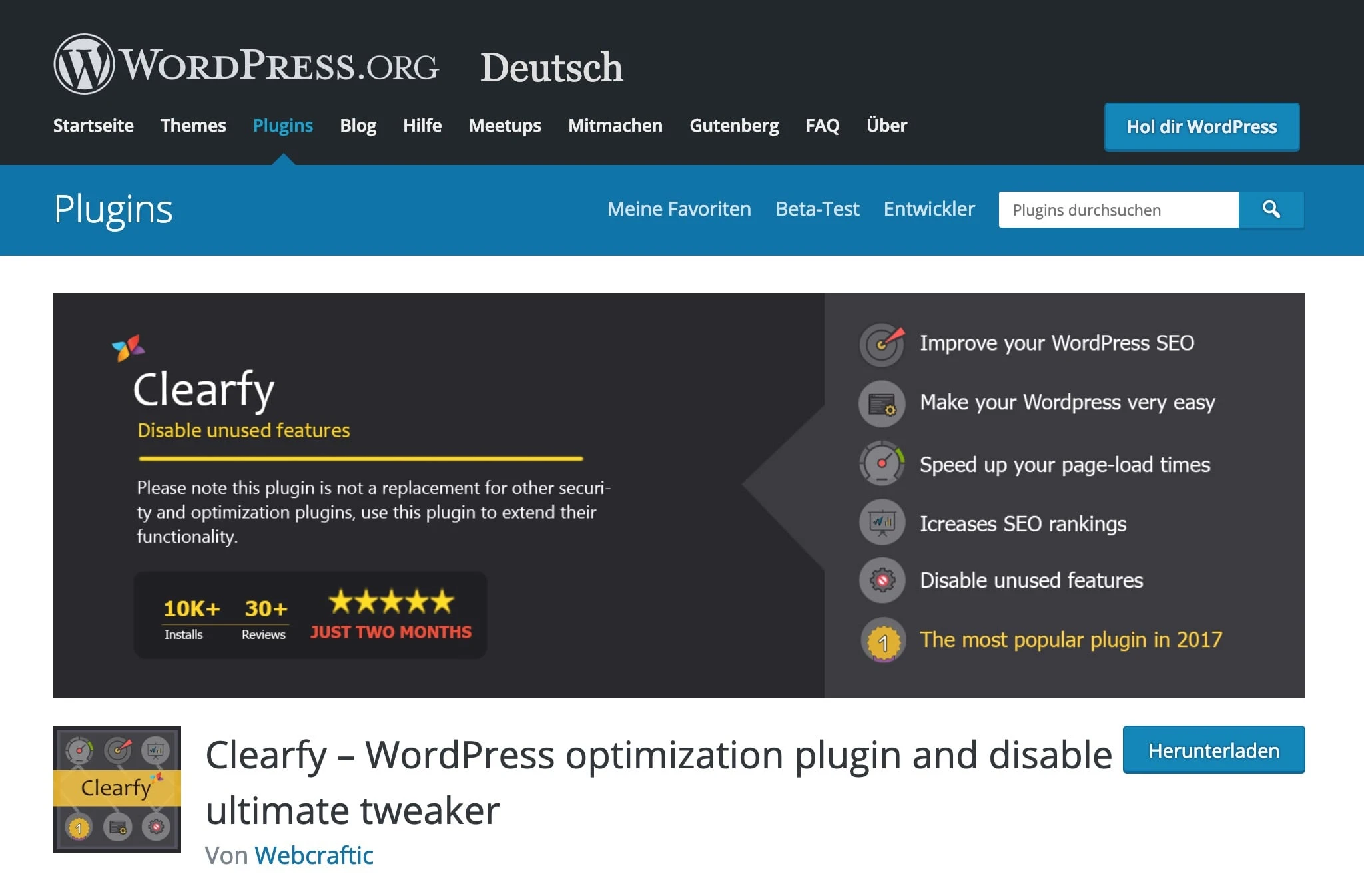
Clearfy is a useful plugin for everyone who wants to free WordPress of all ballast.
It lets you disable various features, such as Google Fonts, Google Maps, embeds, the emoji script, Gravatars or the comment function.
It also offers some features that make administration easier, tidy up the dashboard and make WordPress more secure.
3.4 Autoptimize

You can't or don't want to afford WP Rocket?
No problem!
With Autoptimize in combination with a caching plugin such as Cache Enabler, you can also reach good load times.
This handy plugin offers many useful optimization features such as:
- Compressing CSS and JS files
- Removing the emoji script
- Combining, deferred loading or complete removal of Google Fonts
- Lazy loading
3.5 EWWW Image Optimizer

A common reason for long load times on WordPress blogs is uncompressed images.
The EWWW Image Optimizer helps: it optimizes every uploaded image automatically and without loss of quality.
The optimization takes place on your own server, so there's nothing to consider from a privacy standpoint and you don't have to sign up for a cloud subscription.
Unlike many other optimization plugins, it can optimize not only newly uploaded images but also all existing images in your media library.
Another useful feature that can save many KB when loading your website:
EWWW Image Optimizer can convert JPG and PNG files to the modern and very space-saving WebP file format, which can make images up to 50% smaller again.
3.6 Cache Enabler
Page caching is one of the most important, if not the most important, measures for optimizing the load time of a WordPress website.
And Cache Enabler is by far the most beginner-friendly caching plugin, because it usually doesn't need to be configured:
Just install it, activate it and you're done!
3.7 Regenerate Thumbnails

When you make changes to your theme or install a new theme, the image sizes generated by WordPress may no longer fit.
They may end up stretched or larger than they need to be.
The useful plugin Regenerate Thumbnails helps, because it creates all the image sizes generated by WordPress again.
3.8 WP-Sweep

Over time, a lot of junk piles up in the WordPress database and eventually swells it to an unpleasant size.
With WP-Sweep you can easily and quickly delete this junk, such as revisions, spam comments, deleted posts or transient options, from the database.
3.9 Lazy Load for Comments (secret tip)

Comments are often underestimated ballast for your load time.
Especially if you have blog articles with 100, 200 or more comments and you want to display the commenters' Gravatar images.
The plugin Lazy Load for Comments helps: it only loads comments once a visitor is actually interested in them.
In the plugin options you can choose between two ways of displaying them. Comments are loaded either by scrolling or by clicking:
Simple but effective.
4. Useful tools
Here you'll find a selection of great plugins that let you get time-consuming tasks done faster or add useful features to WordPress:
4.1 WP Staging
WP Staging is definitely one of the plugins that shouldn't be missing from any WordPress installation!
It lets you create an exact copy of your website as a test environment in just a few clicks.
The test environment is completely decoupled from your live website. That means you can test changes to WordPress, such as plugin updates, code changes or a complete redesign, risk-free.
Pretty cool, right?
The backend of the staging environment looks exactly like that of your live website (it just has an orange top bar so you can tell them apart):
There are two versions of WP Staging:
The free basic version and WP Staging Pro.
I use the Pro version myself because, besides advanced settings, it lets you transfer changes from the test environment straight to the live website. That's especially useful if you want to make extensive changes, such as a complete redesign.
For smaller changes, the free version is definitely enough.
Do you want to learn more about the plugin, its advantages and how it works? Then take a look at my ultimate guide to WordPress staging. I introduce it in detail there.
4.2 Better Search Replace

With Better Search Replace you can search your WordPress database for certain words or strings and, if needed, replace all instances.
That has already saved me days or even weeks of work!
It's useful, for example, when you change your domain, switch WordPress from HTTP to HTTPS, change a single permalink or your entire permalink structure, or rename shortcodes and CSS classes.
4.3 WP Add Custom CSS
WP Add Custom CSS lets you add your own CSS rules to your blog easily and quickly and so adjust the design of your theme.
What I like best about it:
You can add CSS not only for the whole website but also for each post individually.
4.4 Yoast Duplicate Post (secret tip)
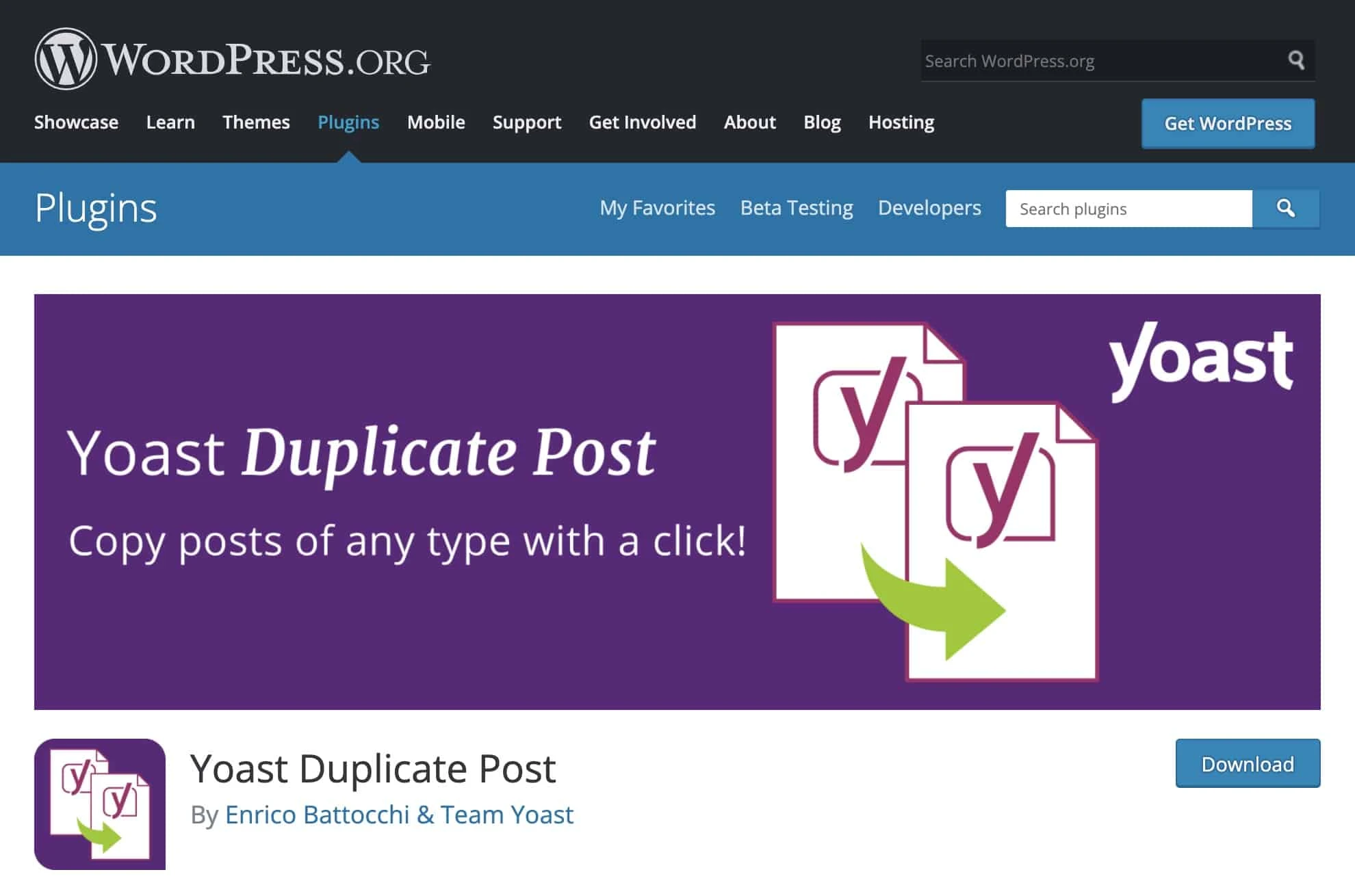
Do you want to write a post or design a page that should be built exactly like another one?
No problem!
With Yoast Duplicate Post you can create a copy of a post or page with one click.
The post's settings (e.g. categories, tags, meta title and description, content of page builders etc.) are carried over.
That means you save yourself from copying all the content or specific post settings by hand!
Since version 4.0, the plugin offers another special feature with the “Rewrite & Republish” function, which you may not know yet, even if you already know the plugin:
The plugin then creates a copy of a post as a draft. The special thing is that when you publish the draft, it replaces the original post. That makes revising an existing blog article much easier!
4.5 Enable Media Replace
There's one thing, though, that I find really annoying about the WordPress media library:
If you want to replace an existing image in the media library, you first have to delete it. Because if you upload an image with the same file name again, the existing file stays and a new one is created (with a number as a suffix, so image-2.jpg).
But with Enable Media Replace, that's a thing of the past!
The popular plugin extends the media library and individual media items with the QuickEdit link Replace file. With it, you can easily and quickly swap an image, a video or another file for a new one:
For me it's an absolute must-have, since I have to replace existing images in my tutorials quite often!
4.6 MainWP
With MainWP you can manage several WordPress websites at the same time.
From a central dashboard, which you ideally run on a WordPress website of its own, you can, for example, run updates for plugins and themes, create posts, fix security problems or create backups.
I've been using MainWP since 2014 to monitor my 30+ WordPress websites and keep them up to date.
5. Affiliate marketing
Here you'll find the best plugins for increasing your affiliate income:
5.1 Affiliate Coupons (secret tip)

With Affiliate Coupons you can embed stylish coupon boxes into your WordPress website via shortcode.
The Pro version offers numerous useful extras, such as click-to-reveal, more coupon designs, templates and widgets, as well as statistics on how often coupons were viewed, copied and clicked.
5.2 ThirstyAffiliates

ThirstyAffiliates is a comprehensive management plugin for affiliate links.
I've been using it on Blogmojo for some time now and am very happy with it (I created most of the links in this article with the plugin).
The Pro version offers many useful extras, such as advanced statistics, automatic insertion of affiliate links, an export and import function, events for Google Analytics and a link health checker.
5.3 AAWP

AAWP is one of the best WordPress plugins for Amazon affiliates and is especially recommended for beginners.
It offers stylish product boxes, widgets and lists that are embedded via shortcode and whose design can be adjusted flexibly.
The product data used there, such as prices, product images and customer reviews, is updated automatically via the Amazon PA API.
6. Social media & lead generation
Here you'll find plugins that help you make your blog articles better known through social networks or integrate newsletter tools into your website:
6.1 novashare (secret tip)

novashare is my best plugin discovery of 2021. I've also been using it here on Blogmojo since early 2022.
It offers stylish share buttons with a share count that you can embed flexibly in your blog and adapt to your design.
The clever part:
Unlike most other sharing plugins, novashare has only a minimal impact on load time and Core Web Vitals.
The JavaScript file it uses, novashare.min.js, is just 802 bytes. Overall it comes to a file size of about 5 KB, which makes it extremely lightweight.
6.2 MailOptin

MailOptin is a very good opt-in plugin that I unfortunately only discovered recently.
It offers a visual editor, many advanced features and integrations with most well-known newsletter services and CRMs, e.g. ActiveCampaign, MailChimp, Brevo or ConvertKit.
It's not quite as flexible as Thrive Leads, but it's much leaner and doesn't block the rendering of the page (as a load time freak, I also like that you can switch off all the CSS the plugin generates via functions.php).
7. Gutenberg plugins
Here you'll find the best WordPress plugins for extending the Gutenberg editor.
I've put together more add-ons and block collections for you in this article: WordPress Gutenberg plugins
7.1 GenerateBlocks

GenerateBlocks was the decisive reason for me to switch from Elementor to Gutenberg.
This brilliant plugin, which comes from the makers of GeneratePress, extends the Gutenberg editor by just six blocks (Container, Headline, Grid, Buttons, Image, Query Loop).
But they pack a punch!
With them you can create great landing pages or massively upgrade the content design of blog articles (by the way, I also created the landing page of my SEO course with GenerateBlocks).
And you can do that without any major negative effect on load time and Core Web Vitals, as is the case with most other page builders.
7.2 Ultimate Blocks
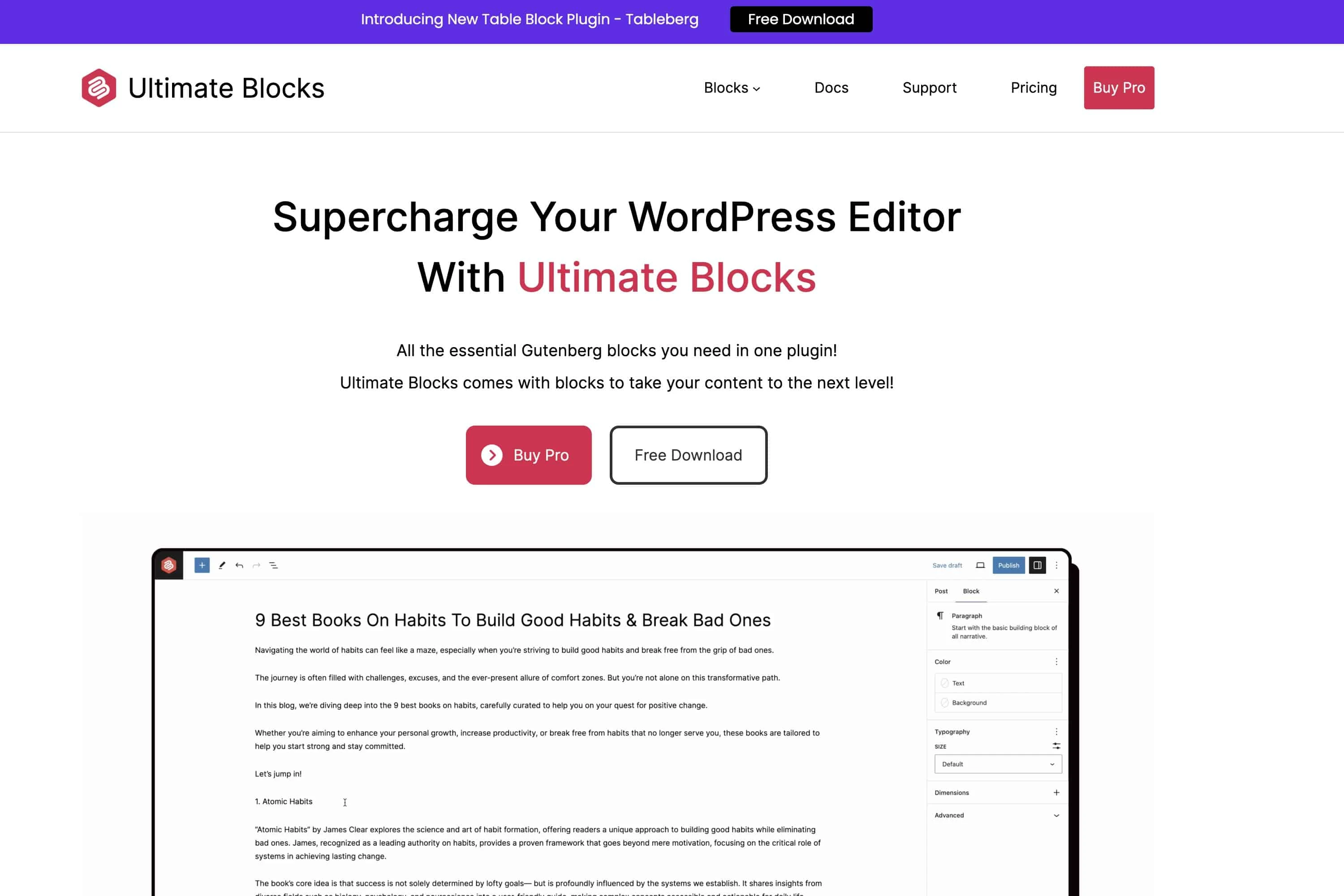
Ultimate Blocks is an extensive block collection for the Gutenberg editor.
It's great for adding some interactive or animated elements for landing pages or blog articles to GenerateBlocks.
For example, it offers blocks you can use to build a table of contents, tabs, toggles, a countdown timer or a progress bar, which isn't possible with GenerateBlocks.
The highlight:
Ultimate Blocks is completely free.
7.3 Advanced Editor Tools (formerly Tiny MCE Advanced)
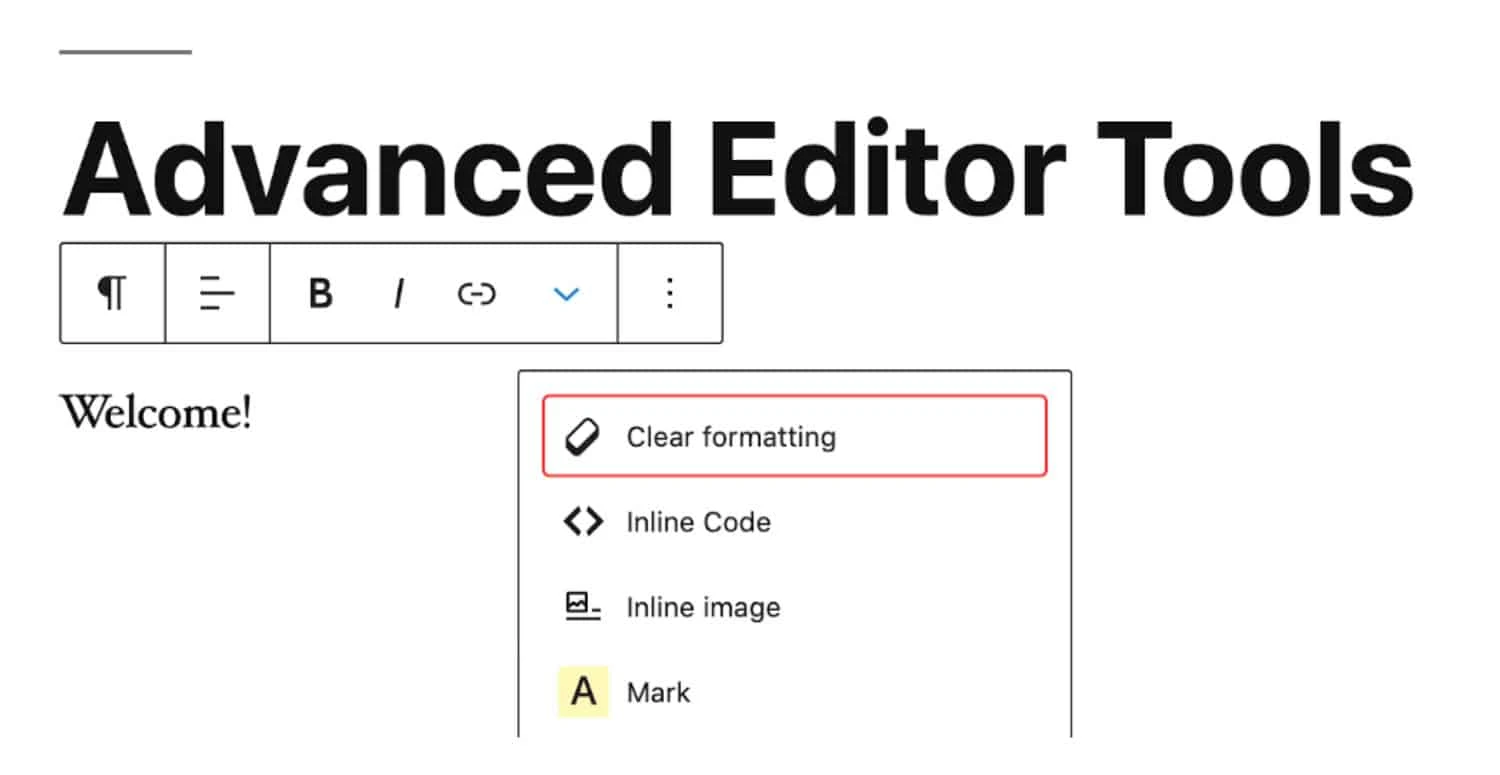
With 2 million active installations, Advanced Editor Tools is one of the most widely used WordPress plugins of all.
It turns the WordPress editor into a kind of hybrid of the classic editor and Gutenberg.
That means: With the plugin you can switch between Gutenberg blocks and the classic editor at any time with a mouse click. That way you get the benefits of both editors.
You're free to write an entire post in the classic editor, or to combine classic posts with Gutenberg.
Of course, it includes all the tools of the classic editor that you may have missed in Gutenberg.
8. FAQ
Here you'll find answers to frequently asked questions about WordPress plugins:
How can I install a plugin?
You have three options: (1) Upload the ZIP file in the WordPress backend under “Plugins > Add New Plugin > Upload Plugin”, (2) transfer the unpacked plugin files to wp-content/plugins via FTP or (3) install plugins directly from the WordPress repository. You'll find an illustrated step-by-step guide in my article How to install a WordPress plugin.
What is the maximum number of plugins I should install?
How do I avoid security risks from plugins?
How do I find out whether a plugin is GDPR-compliant?
In my article “1,270+ WordPress plugins in the big GDPR and cookie check” I document which plugins process personal data and which don't. There you'll find recommendations that are quick to assess.