
A contact form on your website gives your visitors an easy way to interact with you.
That said:
Contact forms don't just come with legal pitfalls. There are also several usability points you should definitely keep in mind, e.g. whether the contact form hurts your loading time or is easy to set up.
In this article, I'll introduce you to 15 currently available contact form plugins for WordPress. Four more entries stay in as an archive, because their directory listings are closed.
- Fluent Forms is currently active on more than 800,000 websites. The Pro plan for one website costs $79 per year.
- For simple contact forms, Contact Form 7 is still a free solution. Simple Basic Contact Form, on the other hand, has been closed since May 2026 because of a security issue.
- Gravity Forms still costs $59 per year for one website. There is no free version, but there is a working online demo.
What does a good contact form plugin need to offer?
The requirements for a good contact form plugin are probably higher than you think.
Beginners in particular hardly deal with topics like data protection, spam or usability in this context, if at all.
Before I introduce individual plugins, here are a few quality features a good contact form plugin should have:
- Custom fields: You should be able to adapt the form to your needs however you like.
- Logic fields: Ideal are logic fields that only appear once a user performs a certain action. For example, the “Phone number” field only appears if the user has previously shown interest in being contacted.
- Upload option: You should be able to offer your visitors a way to upload files and send them to you.
- Spam protection: A form plugin should offer several layers of security to protect you from spam.
- Responsive: Of course, the contact form should adapt to different devices.
- Integrations: A contact form plugin should offer interfaces that automatically pass the entered data on to other tools and services, such as CRM or newsletter tools.
The best contact form plugins
The first 15 entries are currently available. The four archived plugins are clearly marked and are not recommendations for new projects.
1. Fluent Forms
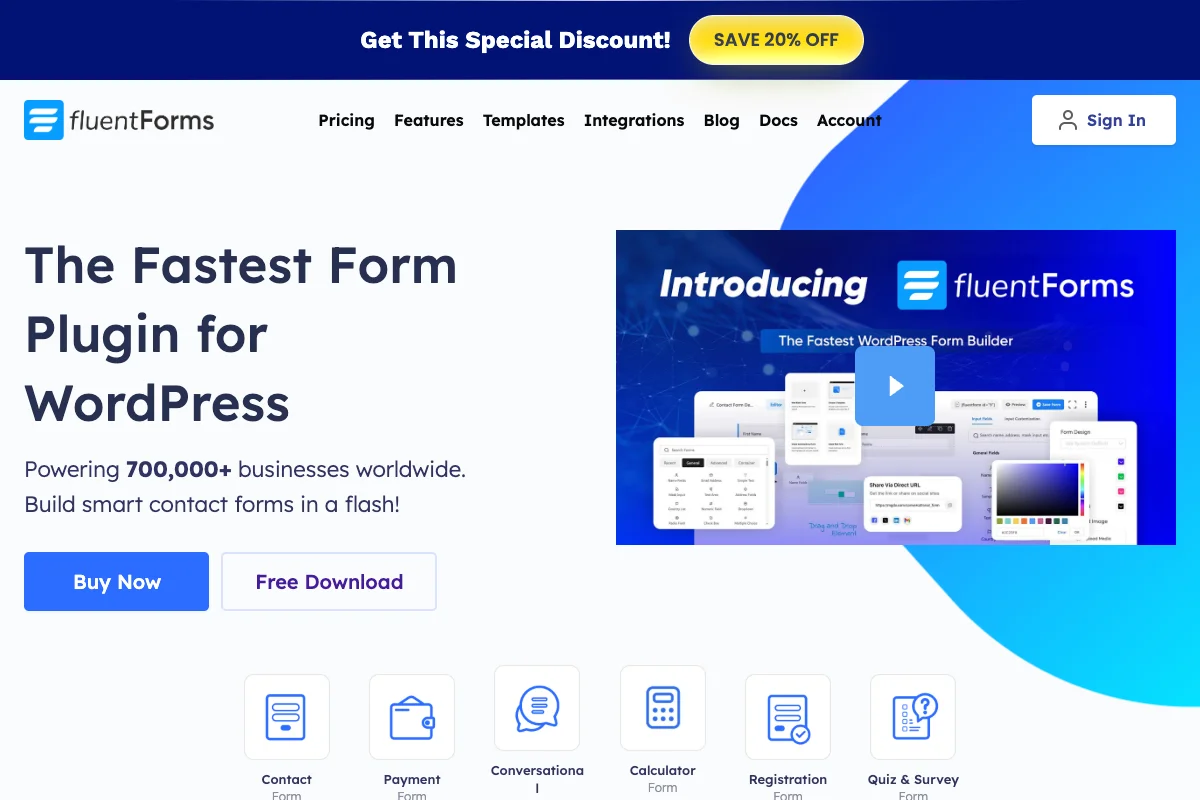
Fluent Forms is one of the most extensive (and best) form plugins for WordPress, and you can download a free version directly from the WordPress plugin directory.
What awaits you after that is a very easy-to-use drag-and-drop form builder in which even beginners will find their way around right away.
Besides numerous visual settings (e.g. multiple columns, different colors, etc.), even the free version has logic fields, spam protection and numerous settings for what happens after the form is submitted.
You can even create custom emails that a user receives in their inbox right after submitting the contact form.
Special highlights are the notification and statistics features. You get a notification right after a form is submitted, and you also get detailed statistics on how people interact with your form.
What does the Pro version offer?
With the Pro version, you can give your users an upload option and a payment option.
There is also the innovative form builder “Form Styler” in combination with 66+ prebuilt forms that you can import right away.
On top of that, Fluent Forms Pro can be connected to numerous external services like Trello, PayPal or CleverReach.
The Pro plan for one website currently costs $79 per year. A lifetime license for one website costs $349.
- Free version available
- Gigantic range of features
- Very good spam protection
- Drag-and-drop builder
- 66+ prebuilt designs
- Notifications via SMS
- Extensive statistics
- Third-party software can be integrated
- We couldn't find any
2. Piotnet Forms
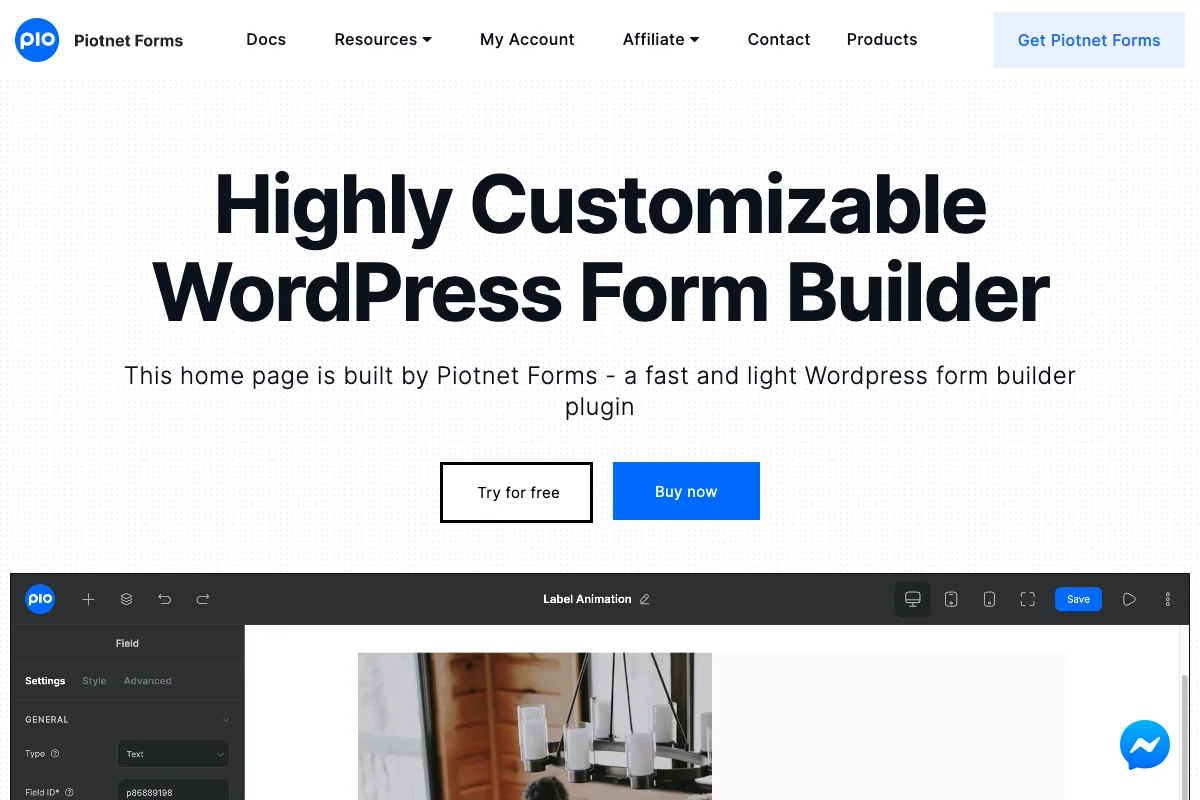
In its free version, Piotnet Forms is a small but fine form plugin that adds just 7 KB of JavaScript and 5 KB of CSS to your page, an absolute top value.
Another highlight is the very easy-to-use drag-and-drop editor, which lets you build really great forms without any code and adapt the design however you like.
There's even an import and export function, so forms can be inserted on different websites without any problem.
What does the Pro version offer?
With Piotnet Forms Pro, the range of features becomes gigantic: Among other things, you get logic fields, booking forms and built-in payment options. Usability improvements like a Google Maps autocomplete function are included as well.
Since there are also connections to third-party tools like Mailchimp or ActiveCampaign, you can even create newsletter forms with Piotnet Forms.
- Free version
- Lifetime license for any number of websites at a fair price
- Very good drag-and-drop editor
- Live preview of design changes
- Many extra features in the Pro version (logic fields, payment options, etc.)
- Third-party integrations (e.g. Mailchimp)
- Spam protection
- Free version is very stripped down
3. WPForms
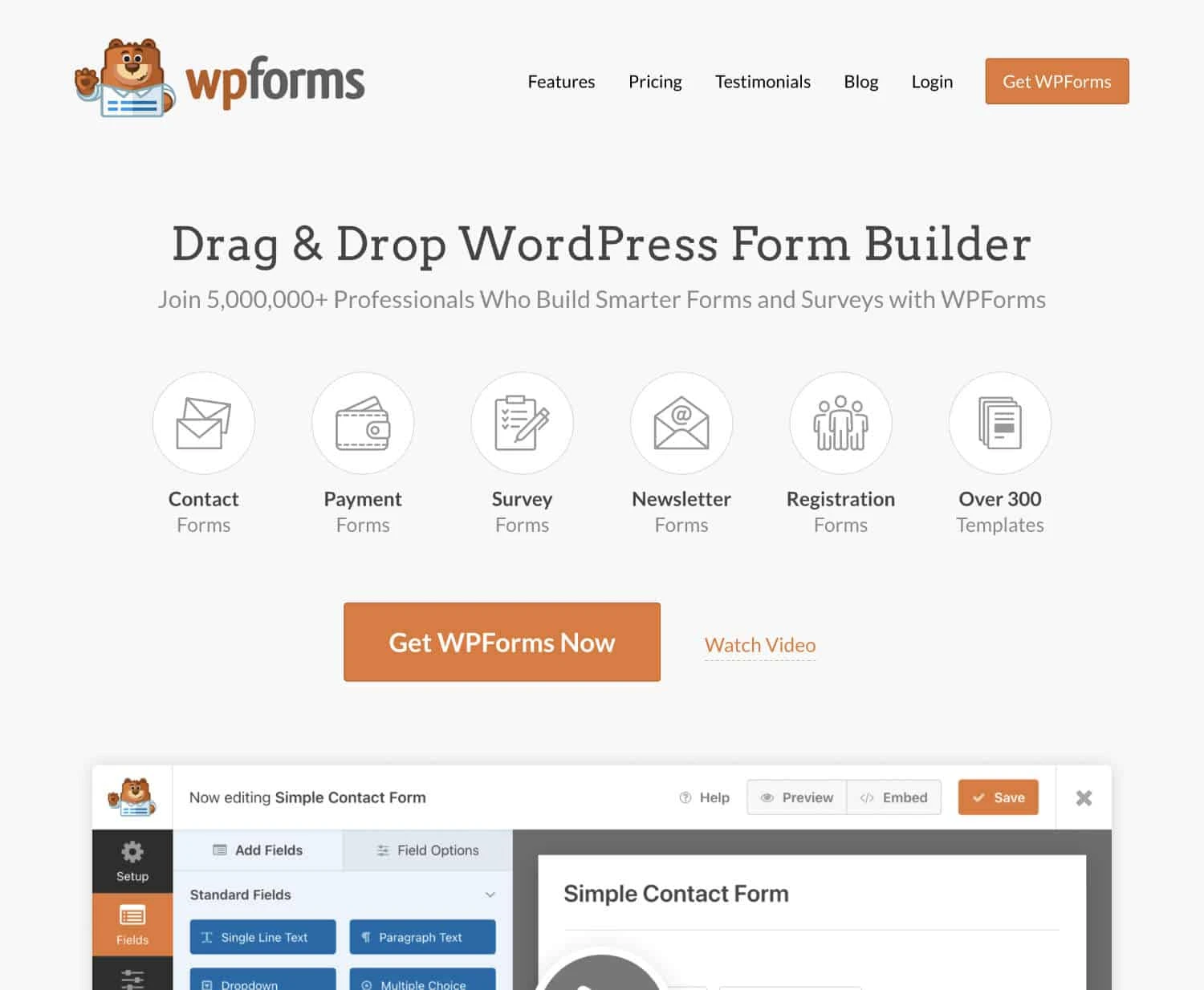
WPForms is one of the best-known and most widely used form plugins (an impressive 5+ million active installations).
Its great popularity can mainly be explained by the very good and extensive form builder, which lets you create extensive multi-column forms via drag-and-drop without having to understand HTML or CSS.
You also get numerous prebuilt templates that you can import right away.
What does the Pro version offer?
WPForms Pro starts with the Basic version at $99 per year and ends with Elite at $599 per year. In the first year, an introductory price applies, from $49.50 (Basic) to $299.50 (Elite), after which you pay the regular price.
The low-cost entry version will be enough for most site owners. It has logic fields, advanced fields, multi-step forms and very good spam protection. Your users can also upload files.
If you want a connection to third parties, you need the Plus version ($199 per year, $99.50 in the first year), and payment providers become available with the Pro version ($399 per year, $199.50 in the first year).
- Free version
- Drag-and-drop editor
- Extensive template library
- Very good spam protection
- Third-party integrations
- Payment options
- Multi-step forms
- Great and competent support
- Pricing model of the Pro versions is incredibly complex
4. Gravity Forms

Gravity Forms has all the features you'd expect from an extensive form plugin, above all a great drag-and-drop editor that is ideal for beginners who have never dealt with CSS or HTML.
You're incredibly flexible with the design of your forms: Create forms in multiple columns or even across multiple pages. That lets you build extensive tools and forms that not only offer a high level of usability but also make a very professional impression on the user.
Of course, integration of third-party tools is covered too.
We also particularly like the e-commerce features, such as automatic discount creation for shops or a payment option directly in the form.
Gravity Forms offers privacy options and several spam protection integrations. Whether your form is GDPR-compliant still depends on your configuration, the services you embed and your privacy notices.
- Great value for money
- Very good drag-and-drop builder
- Forms in multiple columns and across multiple pages
- Import and export function
- Third-party tools can be integrated
- Extensive e-commerce features
- Very competent support
- No free version available
5. Contact Form 7

Contact Form 7 has an impressive 10+ million active installations and is therefore one of the most widely used form plugins worldwide.
Now comes the catch: Being widely used doesn't automatically mean Contact Form 7 is also the best plugin in this field.
Quite the opposite.
Contact Form 7 seems to have aged a bit.
The big advantage is that it's a free plugin that you can adapt to your needs however you like with many add-ons. Compatibility with most themes and plugins is a plus as well.
Usability is less convincing: Contact Form 7 has no drag-and-drop builder, so you have to work with code to adapt the design and functionality of the form.
The range of features itself can't compete with modern solutions either.
- Free
- Extendable with add-ons
- Very small plugin
- Compatible with most plugins and themes
- Plenty of tutorials online
- Rather limited range of features
- No drag-and-drop builder (coding required)
6. Ninja Forms
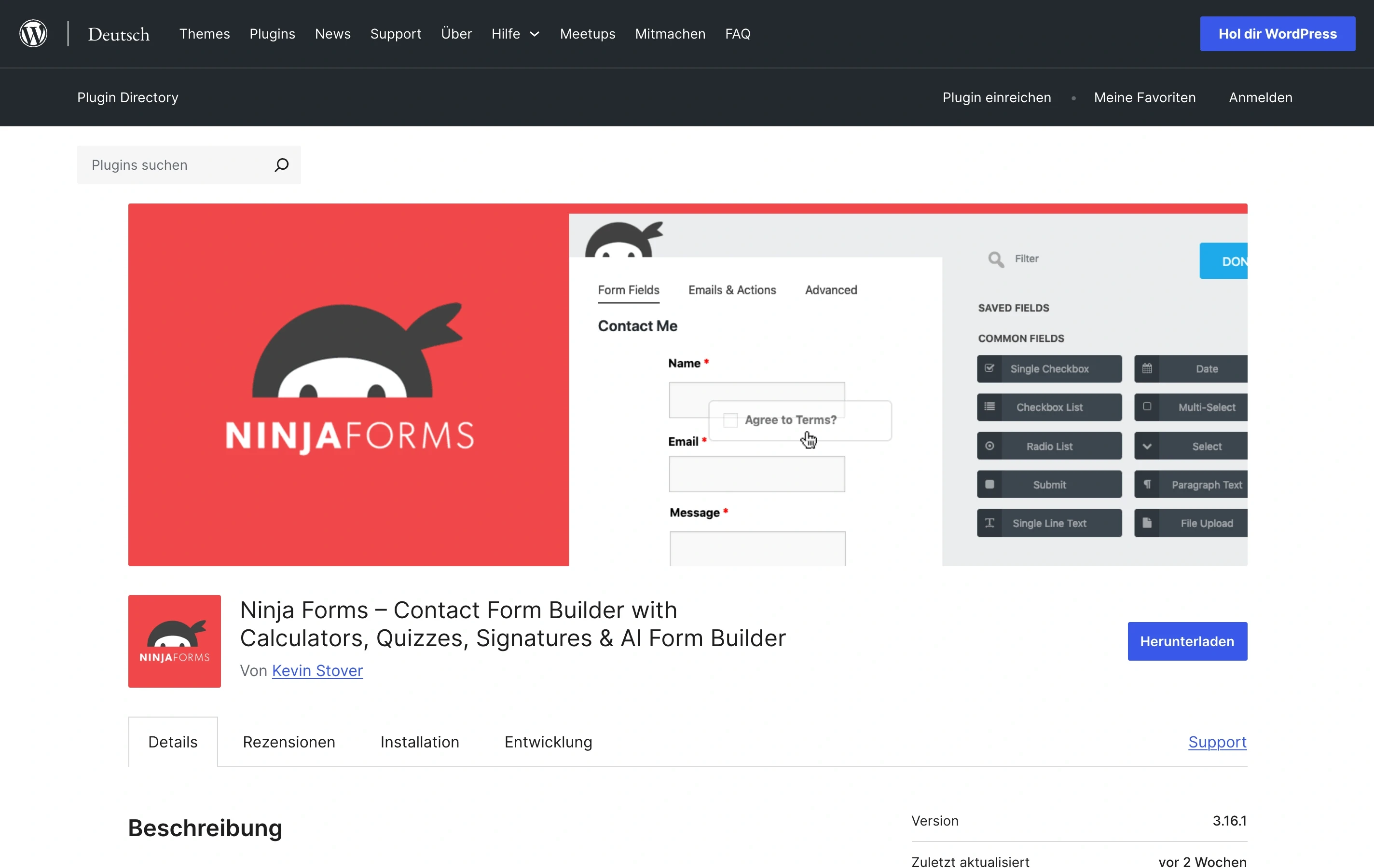
Ninja Forms is a very beginner-friendly plugin that already includes a lot of features in its free version, and it rightly earns an excellent rating of 4.4 stars in the WordPress plugin directory.
First of all, you get a good drag-and-drop editor with 27+ built-in field types. The design of the forms can be adapted however you like, without having to understand CSS or HTML. That makes Ninja Forms highly recommended, primarily for beginners.
Of course, the forms adapt to the device the user is on. The forms also match the WordPress theme you use perfectly.
In addition, Ninja Forms lets you translate into 16+ languages and offers very good spam protection.
What does the Pro version offer?
With Ninja Forms Pro, you get extensive statistics on your users' behavior, even more layout and styling settings, and logic fields that make complex forms possible too.
We find the upload option for your users and an Excel export of the entered data very valuable, which is a really great feature especially for surveys.
In addition, integrations for third parties like PayPal, CleverReach, MailChimp or Active Campaign become possible.
- Free version available
- Drag-and-drop builder
- 27+ prebuilt fields
- Responsive
- Translation into 16+ languages possible
- Comprehensive spam protection
- Third-party and payment provider integrations only in the Pro version
7. Formidable Forms
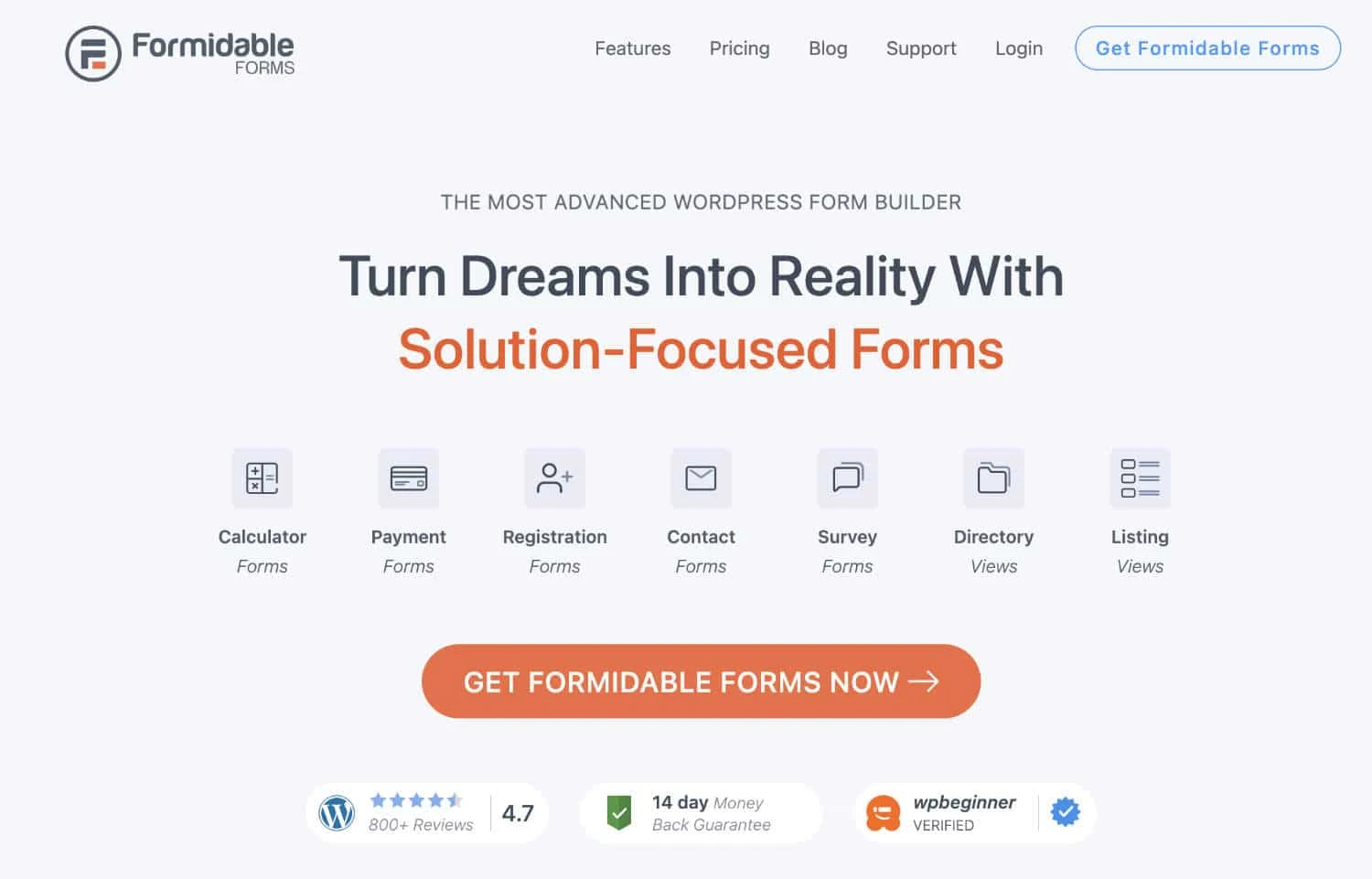
Formidable Forms offers you an extensive drag-and-drop editor that makes creating forms easy. Unique here is the extended Styler mode, which lets you make comprehensive changes to the design as well.
Numerous templates that you can import right away are included too.
What does the Pro version offer?
The free version of Formidable Forms is already well equipped, but with the Pro version the plugin reaches a whole other class.
You get seemingly endless possibilities for creating forms for all kinds of requirements. That ranges from a simple opt-in (which you can also pass on to services like MailChimp thanks to the API) to a complex mortgage calculator.
WooCommerce integration, multi-step forms and statistics on user behavior are built in as well.
The one drawback: To unlock really all features, you need the Elite version, which costs you a hefty $599 per year. In return, you get a range of features that hardly any other plugin of this kind offers.
- Free version available
- Several plans in the Pro version
- Drag-and-drop editor
- Up to 150+ built-in templates
- API for third parties
- Complex forms possible
- WooCommerce integration
- Complex structure of the Pro plans
8. Very Simple Contact Form

With Very Simple Contact Form, the name says it all. The plugin gives you a minimalist contact form with very minimal features, but it serves its purpose excellently. That's why it also has 4.8 out of 5 stars in the WordPress plugin database.
Using a shortcode, you place a contact form that you configured beforehand in the backend anywhere on your page.
The settings for design and input fields are barely there. That has the downside that you can't create large forms, but the plugin is extremely small and will hardly affect your loading time.
Ease of use is really simple as well and suitable for beginners.
We would recommend Very Simple Contact Form if you want to create a very minimalist form that really only serves as a brief first contact between you and your users.
- Free
- Very small and performant plugin
- Beginner-friendly thanks to few configuration options
- Responsive
- Adapts to your theme
- Heavily reduced range of features
- No support
9. HTML Forms

HTML Forms comes from the very well-known developer shop “ibericode”. The plugin lets you create extensive HTML forms that you can insert anywhere on your website.
The makers of the plugin deliberately left out a drag-and-drop editor so as not to limit your options in any way.
That means: With HTML Forms, you can really implement ALL projects, but you have to know HTML.
As a rule, that makes the plugin really usable only for experienced users. There are definitely better solutions for beginners.
But if you're specifically looking for a performant plugin without much frills, you'll definitely be happy with HTML Forms. It's not for nothing that the plugin reaches 4.9 out of 5 stars in the WordPress plugin directory with 57 ratings.
- Free
- Excellent performance
- No limits from plugin features
- Support available (rather unusual for free plugins)
- Easy to use if you understand HTML
- Good HTML skills required
- No live preview
10. Gutenberg Forms (closed)
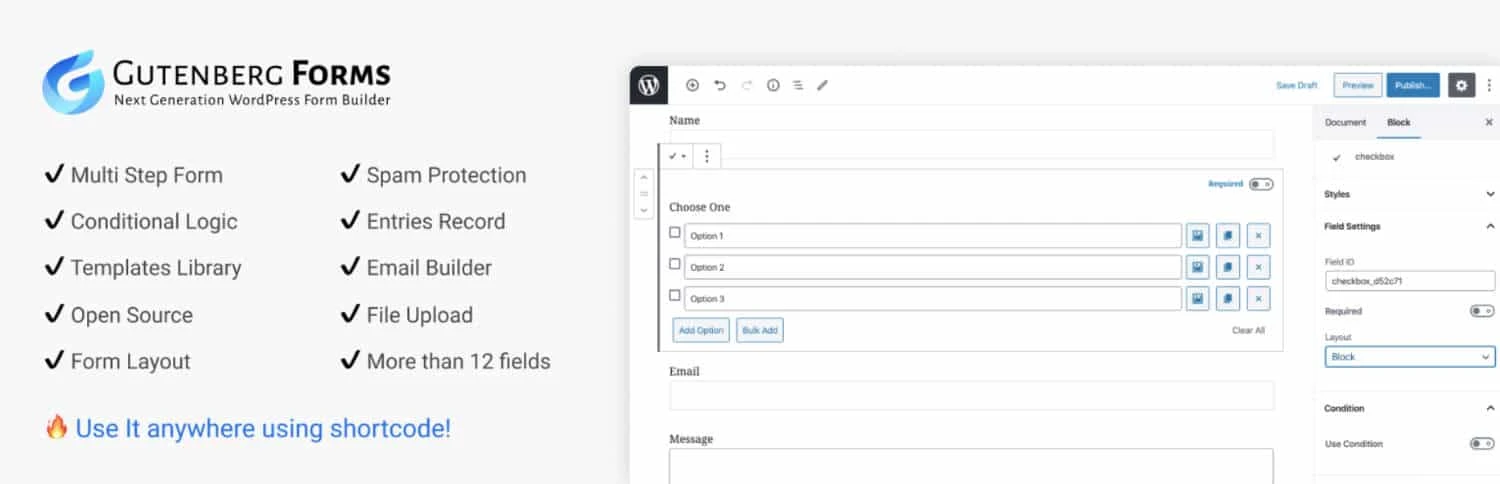
Gutenberg Forms made it possible to create contact forms directly in the block editor. The following details only serve as an archive for existing installations.
For a free plugin, the range of features is quite decent: You can create multi-line forms that can even contain logic fields. You can also generate various calculators that you can offer your visitors.
There is also spam protection and the option to set up notifications as soon as a user submits the contact form. An import and export function is built into the plugin too.
Special highlights are the template database and free add-ons for MailPoet and MailChimp. That also lets you create newsletter opt-in forms with Gutenberg Forms.
- Free
- Logic and calculation fields possible
- Free add-ons for MailChimp and MailPoet
- Spam protection
- Templates included
- Import and export function
- Operated directly in the Gutenberg editor
- Still some bugs (but regular updates)
11. HappyForms

HappyForms lets you create extensive forms in seconds with a very easy-to-use drag-and-drop builder, without typing a single line of code.
You work in the familiar Customizer or directly in the Gutenberg editor.
You get 50 built-in elements and numerous design options, such as multi-column forms.
The plugin also offers one-click spam protection and the option to customize confirmation messages after submission in both content and look.
What does the Pro version offer?
The Pro version mostly unlocks extended form features. For example, your users can upload files and send them to you. There are also multi-step forms with progress bars, which stand out for very good usability.
The visual customization options grow as well. For example, you can have a form inherit the design of your theme with a click of the mouse, which saves a lot of work time.
- Free version available
- Simple operation via the Customizer / Gutenberg editor
- 50 built-in elements
- Many settings for content and design
- Surveys possible
- Various spam protection options
- The form builder could be better
- No complex forms possible
12. Everest Forms
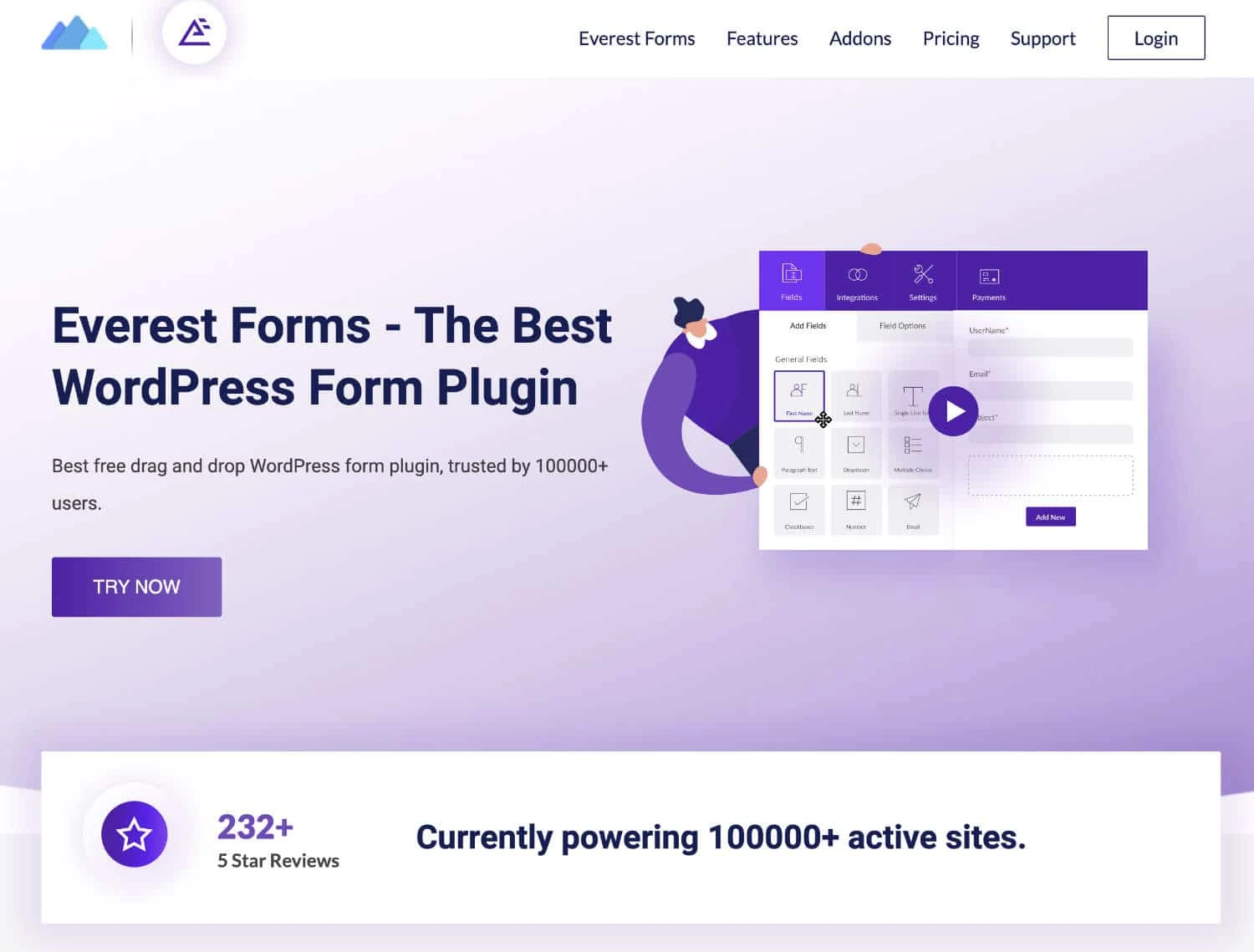
The makers of the plugin describe Everest Forms as “the easiest way to create contact forms in WordPress”.
They really don't promise too much.
Everest Forms gives you one of the best drag-and-drop editors of all the plugins in our test. Not only the content elements but also the design options are really gigantic, so you can adapt forms perfectly to your ideas down to the smallest detail.
All of it, of course, in a designer with live preview.
If you need to be quick, numerous templates are already built into the backend, which you can insert and edit with a click of the mouse.
A special highlight is the storage of entries in the backend, which you can also export as CSV relatively easily. A feature that is really great especially for surveys.
What does the Pro version offer?
With Everest Forms Premium, multi-step forms are possible. Front-end posts are also unlocked, which allow your users to submit posts directly through a form without having to log in to the WordPress backend. That improves usability considerably, especially for users who aren't familiar with WordPress.
There are also integration options for third parties, such as MailChimp or Active Campaign. An upload option for your visitors is unlocked as well.
- Free version available
- Premium version with very good value for money
- One of the best drag-and-drop editors
- Extensive design customization
- Third-party integrations
- Spam protection
- Multi-step forms
- Front-end editor for blog posts
- We couldn't find any
13. Forminator
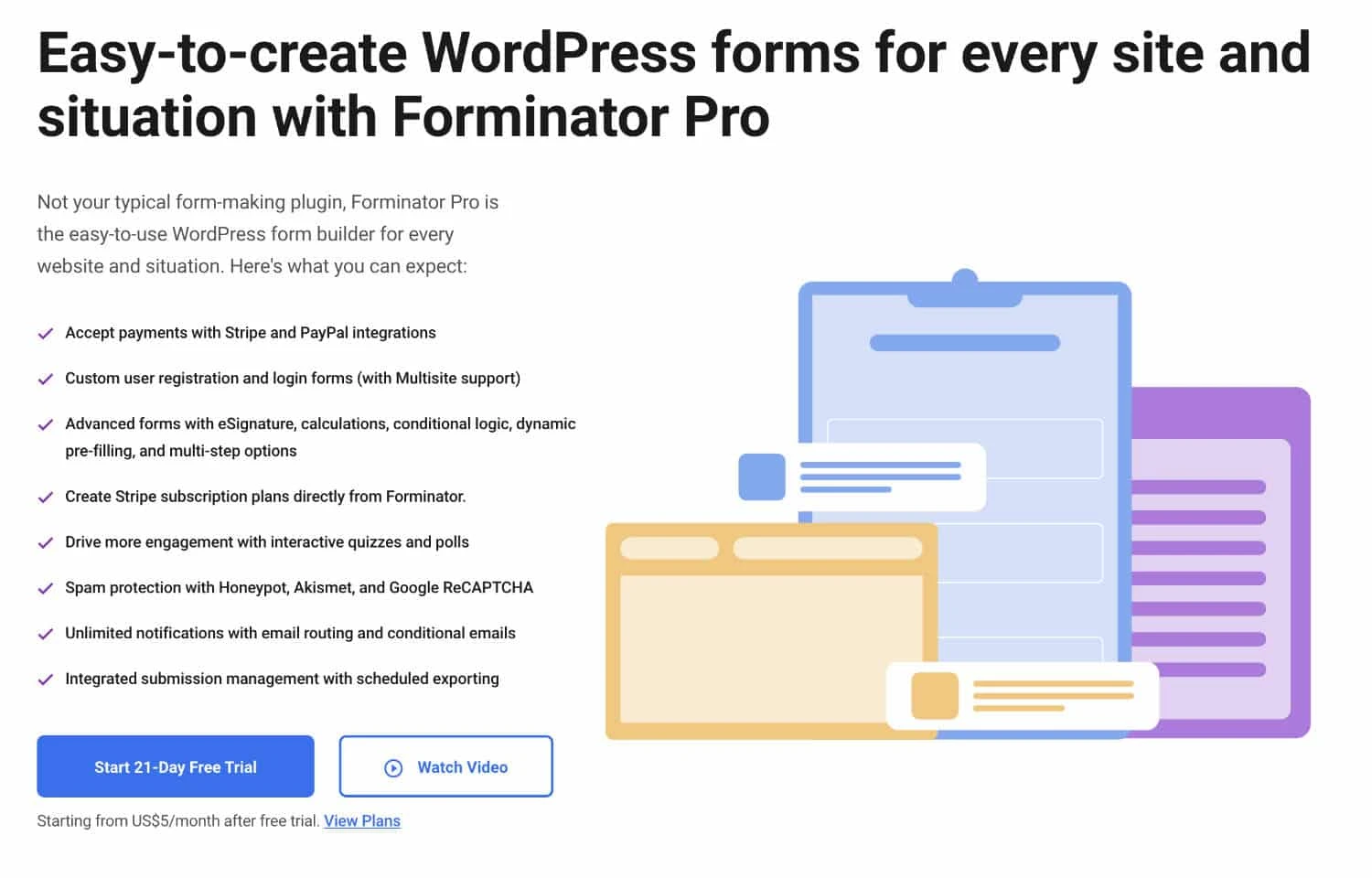
Forminator reaches an impressive 4.8 out of 5 stars in the WordPress plugin directory with 2,000+ ratings.
That rating doesn't surprise us, because the plugin really makes complex forms for all kinds of purposes child's play, even for beginners.
With an easy-to-use live editor, you create contact forms, surveys and even sales forms for products (thanks to the connection to Zapier or PayPal, you can also sell directly here) and adapt them to your visual ideas however you like.
All of that, mind you, without having to use HTML or CSS.
Even complex calculators or multi-step quizzes are no problem with Forminator.
There is also good spam protection and a connection to many third parties like MailChimp, Trello or Google Sheets.
What does the Pro version offer?
The free version already includes forms, surveys, quizzes, conditional logic and PayPal and Stripe payments. Forminator Pro adds, among other things, add-ons for PDF creation, geolocation and Stripe subscriptions.
Forminator is actively maintained. According to WordPress.org, version 1.58.6 is active on more than 600,000 websites.
- Very extensive free version
- Various form types (survey, quiz, contact, etc.)
- Very good editor with live preview
- Competent support
- Clear and tidy backend
- Pro version in multi-tier plans
14. Form Maker (by 10Web)

Form Maker is already very well equipped in its free version and should be completely sufficient for most projects.
Of course, as befits a good solution, the plugin comes with a drag-and-drop editor. You have 43+ different field types at your disposal here. Prebuilt templates are at hand as well.
Even logic fields are already included in the free version of Form Maker.
Very good spam protection and multi-step forms are also available here for free.
What does the Pro version offer?
With the Pro version, you can adapt your forms to your wishes even better. For example, there is an upload option for your users. Form Maker Pro also comes with a simple guest post function.
The centerpiece is numerous integration options for third parties like Google Drive, MailChimp or Stripe.
You can also create calculators and integrate payment options directly into the forms.
- Free version available
- Very good drag-and-drop editor
- Templates
- Payment function
- File upload and guest posts possible
- Third-party integrations
- Spam protection
- Structure of the Pro plans is a bit confusing
15. Caldera Forms (closed)
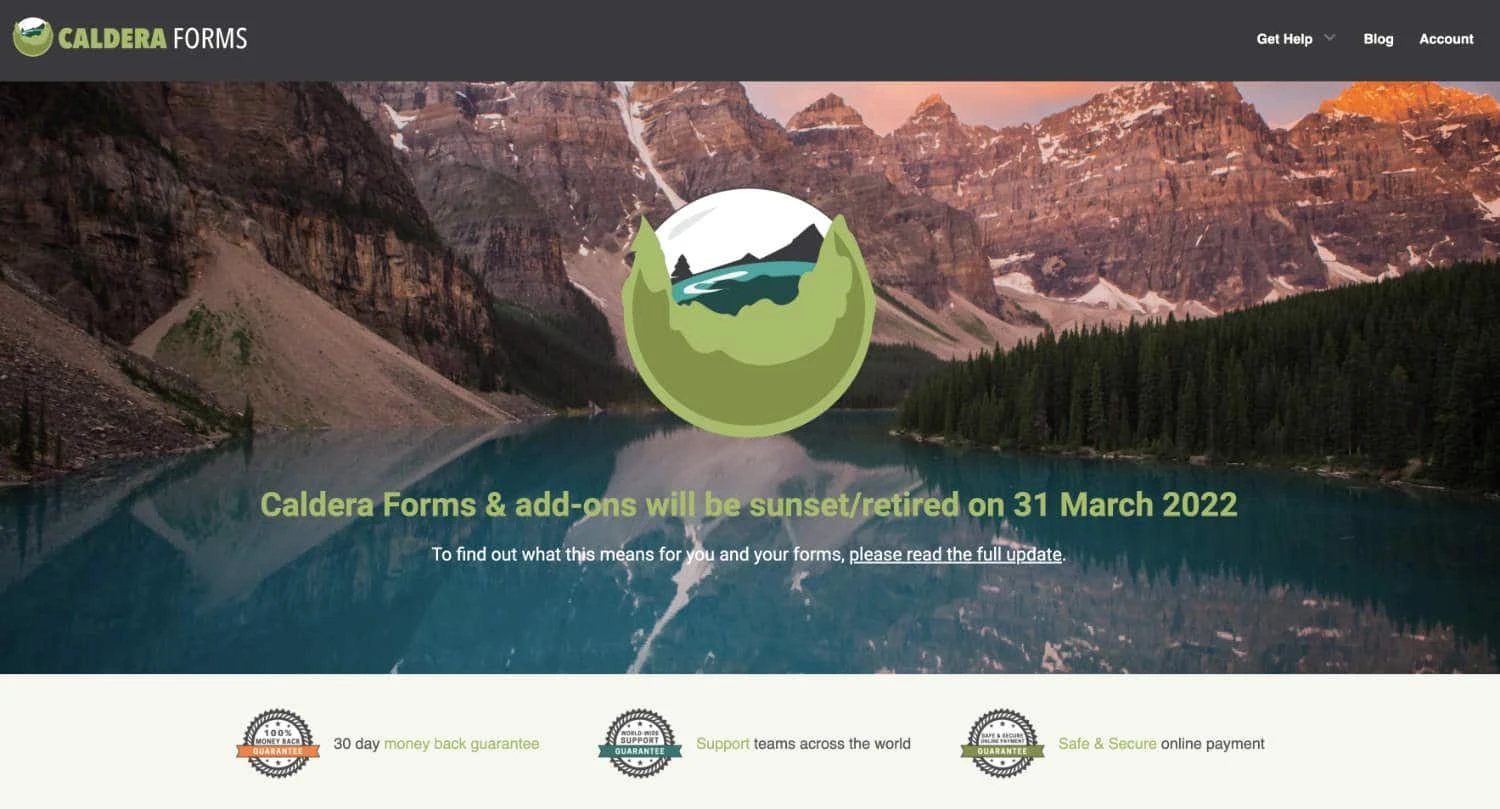
Caldera Forms came with a drag-and-drop builder including a live preview. The following details only serve as an archive.
The design possibilities are diverse: Besides forms made up of several columns, there are even multi-step forms. All of it with conditional logic.
The notification function is another highlight. Using various parameters, you can define in which cases you want to be notified directly when a contact form is submitted. So if a visitor has requested urgent advice or a quote, for example, you could configure Caldera Forms so that you're informed right away.
For a free plugin, those are extensive features!
What does the Pro version offer?
Caldera Pro stands out mainly through the option to integrate third-party tools like ActiveCampaign or Mailchimp.
There is also a connection to PayPal or Stripe, so you can receive payments directly from your forms.
- Well-equipped free version
- Easy-to-use drag-and-drop editor
- Multi-step forms
- Excellent and individually configurable notification function
- Marketing tools such as Mailchimp can be integrated
- Payment options via PayPal or Stripe
- Integrations unfortunately only in the Pro version
16. FormCraft
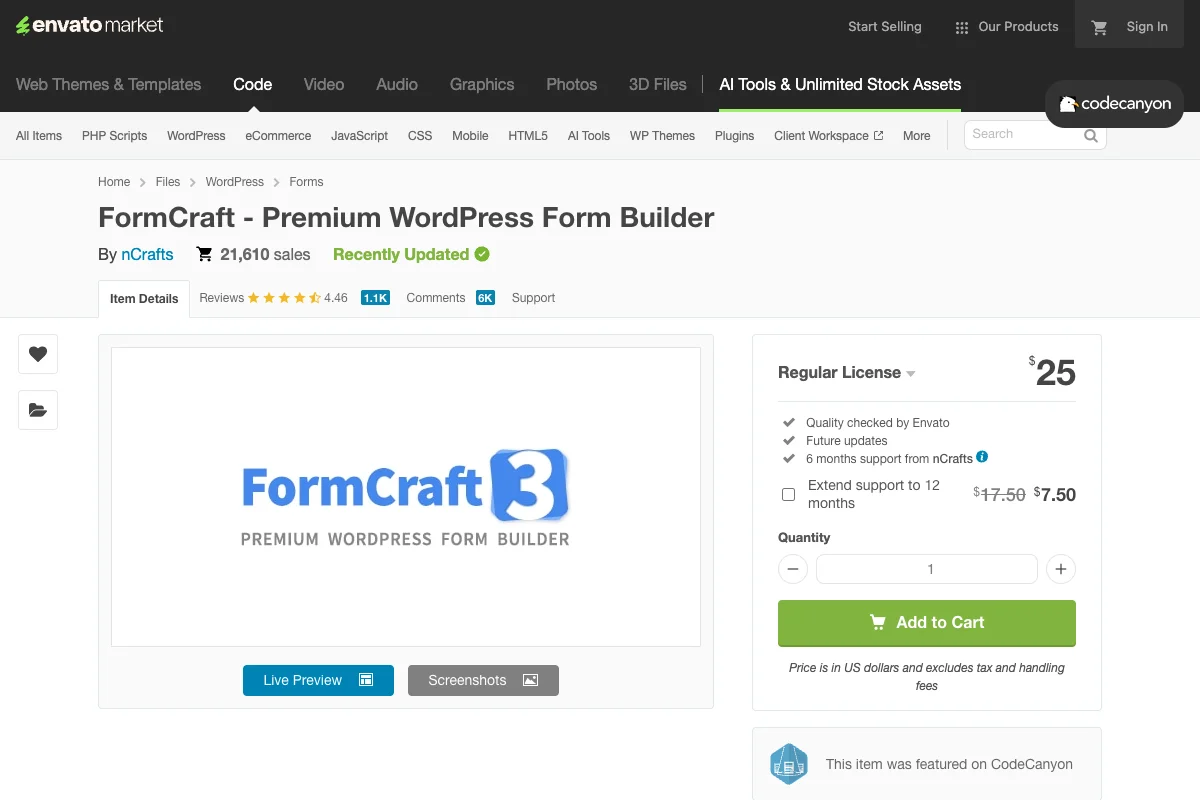
FormCraft is the ideal contact form plugin for you if you care a lot about how your forms look.
With an easy-to-use live builder, you create nice-looking forms that you can dress up further with animations and click effects.
Now for the catch...
The developers of FormCraft deliberately left out many features that seem a matter of course in other plugins.
A shame, because that makes the plugin almost unusable in its free version and offers hardly any advantages over truly minimalist competitors like Contact Form 7.
Only the 11 prebuilt designs that you can import directly are the reason we included FormCraft in this list and can recommend taking a closer look at the plugin.
What does the Pro version offer?
The nice thing about FormCraft is that there are no expensive subscription payments. Everything is billed through a lifetime license. Costs for further add-ons (e.g. integration of third-party tools like Mailchimp) may come on top.
FormCraft Pro unlocks numerous new features like conditional logic, mathematical formulas and even access to an online template collection.
There are also nice visual upgrades like a progress bar for multi-step forms.
Still, even the Pro version is clearly stripped down in its range of features compared to other options.
- Free version available
- Simple live editor
- Animations and effects
- Easy to use, especially for beginners
- 11 built-in templates
- Statistics and analysis for the forms
- Rather thin features even in the Pro version
- Only available in English
17. Flo Forms (closed due to a security issue)

Flo Forms was a free form builder. The following details only serve as an archive.
Besides a drag-and-drop editor, you get conditional logic, several layouts and an extensive notification function.
We also really like that all entries are saved directly in the WordPress backend. That way, you're guaranteed not to miss a request and always keep track. Of course, an export function is included here as well.
All forms adapt to different devices perfectly and without errors.
- Free
- Drag-and-drop editor that is very easy to use
- Conditional logic
- Various layouts included
- Notification function
- Unfortunately no Pro version with extended features
18. weForms
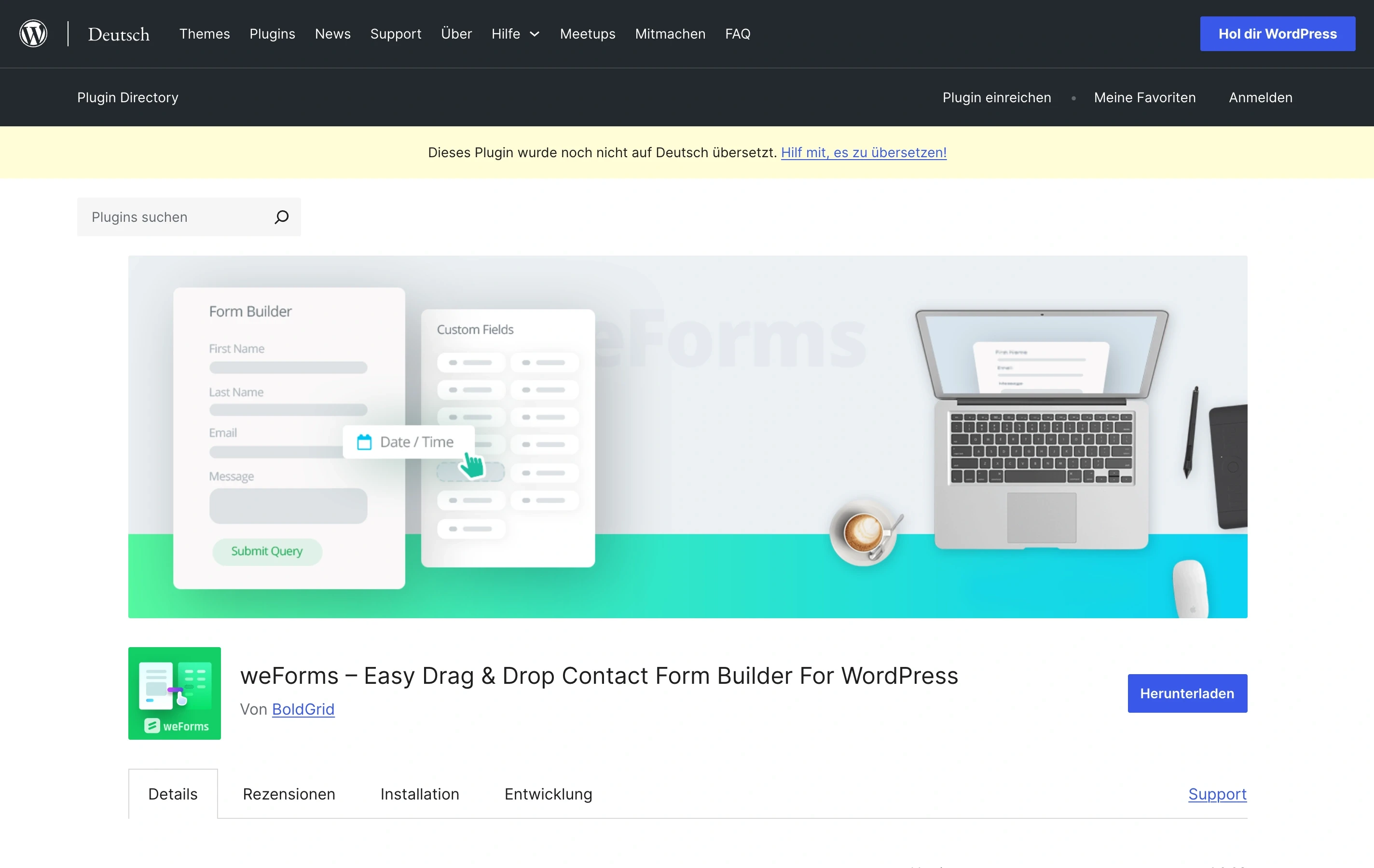
The plugin weForms is one of the newer options on the market and leaves nothing to be desired: You get an extensive drag-and-drop editor including live preview, which is one of the fastest of all the plugins we tested.
weForms is also equipped with great features that hardly any other plugin offers, such as a workflow function for forms, which is especially suitable for surveys on current topics.
Of course, classic standard features like high-quality spam protection, a notification function and various column layouts are not missing either.
We also liked the configuration options for what is displayed after a form is submitted. Besides creating custom notifications, you can also redirect your visitors to specific pages.
What does the Pro version offer?
The Pro version massively upgrades weForms. You get conditional logic fields, can create multi-step forms or let your visitors upload files in the form and send them to you.
The notification function is extended with an SMS service. There is also geolocation for users.
With weForms Pro, integration options for marketing tools like MailChimp or Aweber are unlocked as well. A payment function via PayPal or Stripe is possible too.
- Free version available
- Very fast drag-and-drop builder
- Workflow function for forms
- Good spam protection
- Notifications via SMS
- Geolocation
- Several Pro plans cause some confusion
19. Simple Basic Contact Form (closed)

Simple Basic Contact Form was a minimalist alternative to Contact Form 7. The following details only serve as an archive.
That means: The plugin is excellent if you're looking for a simple solution to create contact forms for your website and don't expect any additional features.
Contact forms are created in the backend and then placed anywhere on your page using a shortcode.
All forms are responsive and come with a notification function and spam protection.
Unfortunately, you can't expect any further extra features.
In return, the plugin doesn't bloat your WordPress installation and will hardly affect your website's loading time, if at all.
- Free
- Simple to use
- Doesn't affect your website's loading time
- Beginners won't have any problems
- Very thin range of features
- No drag-and-drop editor
- No third-party integrations
Conclusion
Of the 19 plugins examined, 15 are currently available. Four entries are closed and are out of the question for new projects.
This list has grown so extensive because “the one ideal plugin” simply doesn't exist. Instead, you should first define your own requirements to find the best solution.
As a little help, here is a short summary to wrap up:
- The simple contact form: If you only need a simple contact form, Contact Form 7 is still available. Simple Basic Contact Form is currently closed.
- Form with calculation function: FormCraft Pro includes numerous mathematical formulas you can use to create calculators and estimators for your visitors.
- Multi-step form: Multi-step forms can be created excellently with Gravity Forms. Especially in combination with the easy-to-use drag-and-drop editor.
- The Swiss Army knife: Fluent Forms is one of the most extensive form plugins we could find in our test. Its range of features leaves nothing to be desired.
What do you need to consider about data protection with contact forms?
Few people certainly have the topic of data protection on their radar in connection with contact forms. Or have you ever asked yourself which legal traps lurk when you add a way to contact you on your website?
The good news is: If you take a few points into account, you're on the legally safe side.
Even though this isn't meant to be legal advice, we recommend paying close attention to the following areas:
- As little data as possible: It's always advisable to think about which user data you need at all. Mark only those fields as required that are really essential for your purposes.
- Purpose limitation: Under the GDPR, personal data is subject to purpose limitation and may only be used for the purpose it was collected for.
- Encryption: Art. 5 GDPR requires the integrity and confidentiality of personal data. So a contact form must be transmitted in encrypted form. Make sure your website has a valid SSL certificate.
FAQ
Here I've put together the answers to the most common questions about WordPress contact forms and form plugins:
Can I create a contact form without a plugin?
Yes, that works. However, you absolutely need more extensive knowledge of HTML and CSS. That's why a plugin is the better choice, especially for beginners.
Which contact form plugins offer Gutenberg blocks?
Fluent Forms, WPForms, Forminator and other maintained form plugins offer their own blocks for the WordPress editor. Gutenberg Forms is closed and shouldn't be installed again.
Which plugins affect my loading time the least?
As a general rule, the less code a plugin adds to your website, the smaller its effect on loading time.
HTML Forms and Fluent Forms load comparatively little additional code. Still, measure the actual effect on your own website, because your theme, the size of the form, spam protection and third-party integrations influence the result a lot.
Which contact form plugins are suitable for lead generation?
All plugins that connect to marketing tools like MailChimp or AWeber are also suitable for lead generation. That includes Fluent Forms, for example, which we also use here on the blog.
What can I do if the emails from my contact form don't reach me?
First, check whether you've entered the correct email address in the WordPress backend. By far, that's the most common mistake.
A plugin that sends emails through your SMTP server instead of PHP mail(), like WP Mail SMTP or SMTP Mailer, often solves the problem of emails not arriving as well.
Which free contact form is the best?
Fluent Forms impressed us the most of all the free options in our test, because its range of features and ease of use are really outstanding.
What can I do about contact form spam?
Most plugins have built-in spam solutions, e.g. Cloudflare Turnstile, Google reCAPTCHA or honeypots. Alternatively, many contact form plugins can also connect to services like Akismet.





