
There are around 1,000 SEO plugins in the WordPress repository alone.
On top of that come hundreds of premium plugins that promise better rankings.
But which of them are really worth recommending? Which tools do you actually need, and which can you safely skip?
To answer these questions, I've put together 20 plugins that are either recommendable or especially interesting.
Plugins that can help you enormously with the on-page optimization of your WordPress website and take a lot of work off your plate.
I've tried many of the plugins myself and used some of them for years. For this update, I checked current prices, installation numbers and directory status again.
Among them are also a few real insider tips!
In case you're wondering:
Yoast SEO is no longer one of my personal recommendations.
I explain why I prefer Rank Math in the first section.
- Rank Math offers many features for free and is my preferred alternative to Yoast SEO. Additional features come with Rank Math PRO.
- WP Rocket bundles page caching and other performance features in one plugin. The license for one website currently costs €49 per year.
- Link Whisper supports you with internal links and currently costs $97 per year for one WordPress website.
1. General SEO plugins
Before you install specialized plugins for fine-tuning, you should install a general SEO plugin.
A general plugin adds the most important SEO features to WordPress, such as:
- Setting the meta title and description
- Creating a sitemap
- Setting robots meta tags (noindex, nofollow, etc.) for individual posts, post types and taxonomies in WordPress (in other words: you want to be able to control which pages end up in the Google index and which don't)
1.1 Rank Math
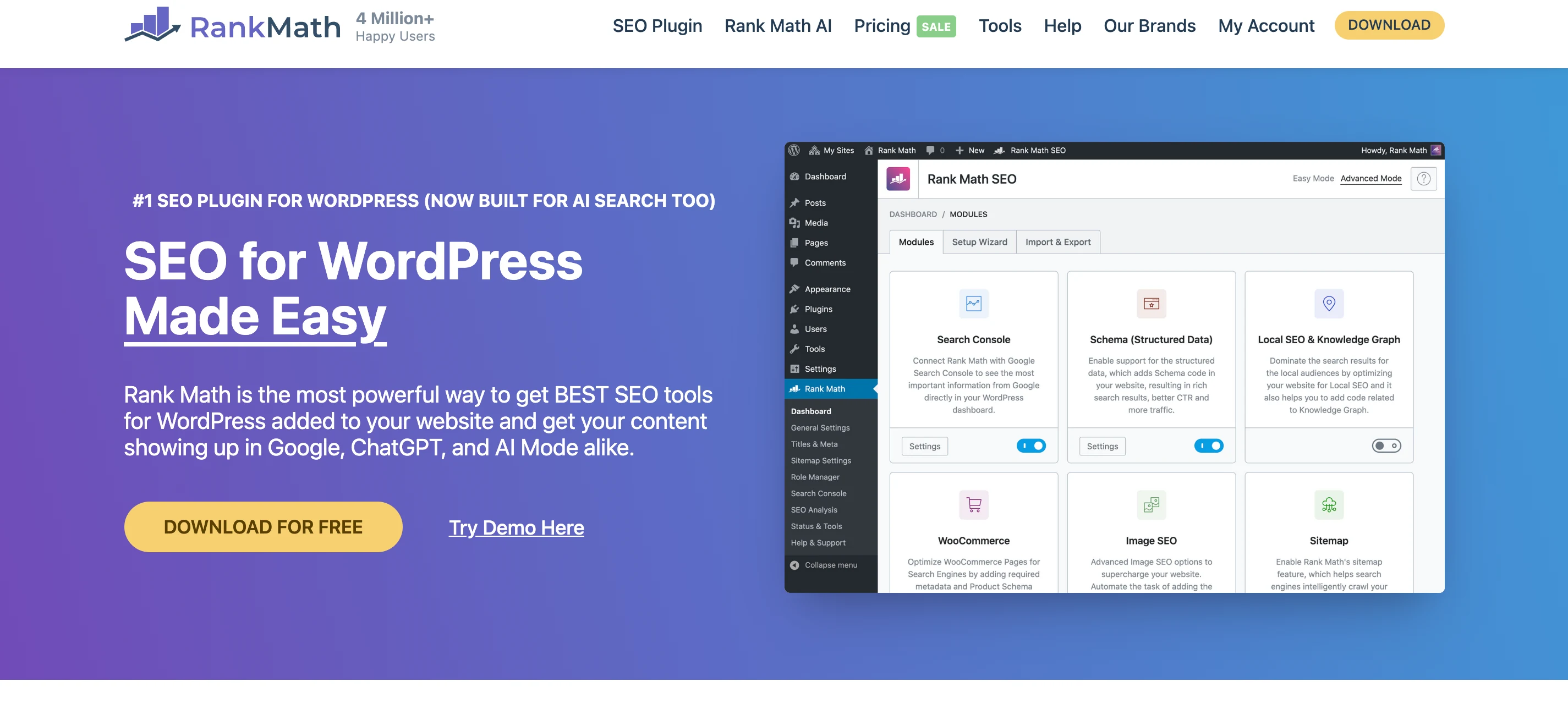
Yoast SEO was the undisputed market leader among SEO plugins for a long time.
With more than 10 million active installations, Yoast SEO is still very widespread and actively maintained. I still prefer Rank Math for my own websites, because I like its interface and the modular feature selection better.
My earlier criticism of Yoast was about performance, many premium prompts and older bugs, among other things. Some of those points are no longer current today. So you should compare both plugins based on their current features instead of relying on years-old controversies.
- Rank Math: 4+ million active installations, modular features and a comprehensive free version
- Yoast SEO: 10+ million active installations, a long product history and extensive documentation
- Both: regular updates, XML sitemaps, schema output, social media metadata and content analysis
My choice is Rank Math.
The plugin was released in 2018 and already offers many important features for free. Rank Math PRO adds extended tracking, further schema features and additional integrations, among other things.
Even the free version offers modules for local SEO, schema markup and a connection to Google Search Console, among other things.
Rank Math also offers more settings for advanced users:
For example, you can set the meta tags for controlling the maximum text length, preview video length and preview image size, which were introduced in September 2019.
Or you can set whether empty categories and tags are automatically set to noindex or not.
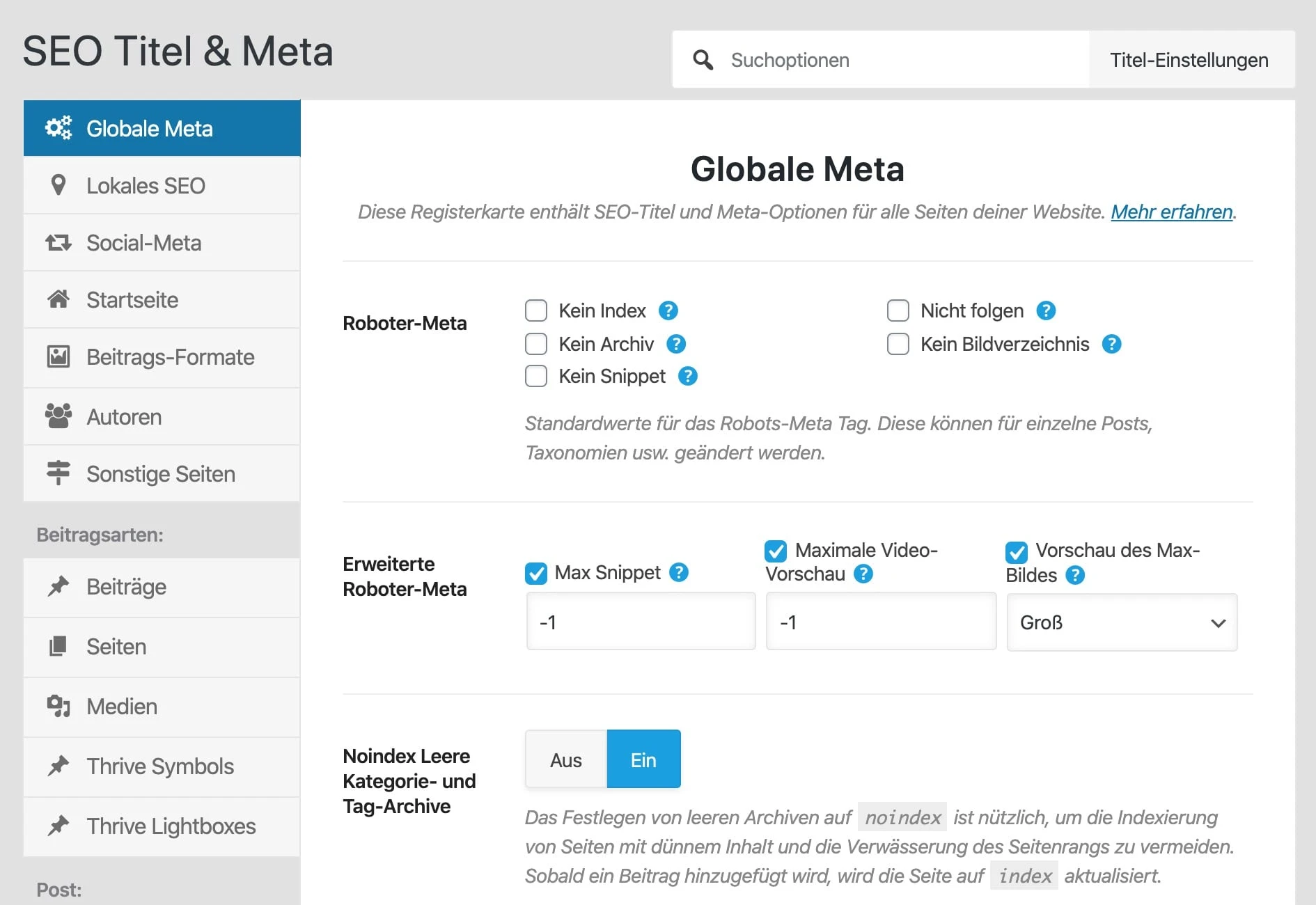
What I also find great about Rank Math:
It's possible (by adding a small filter) to specify more than 5 focus keywords, which was the final reason I turned my back on Yoast:
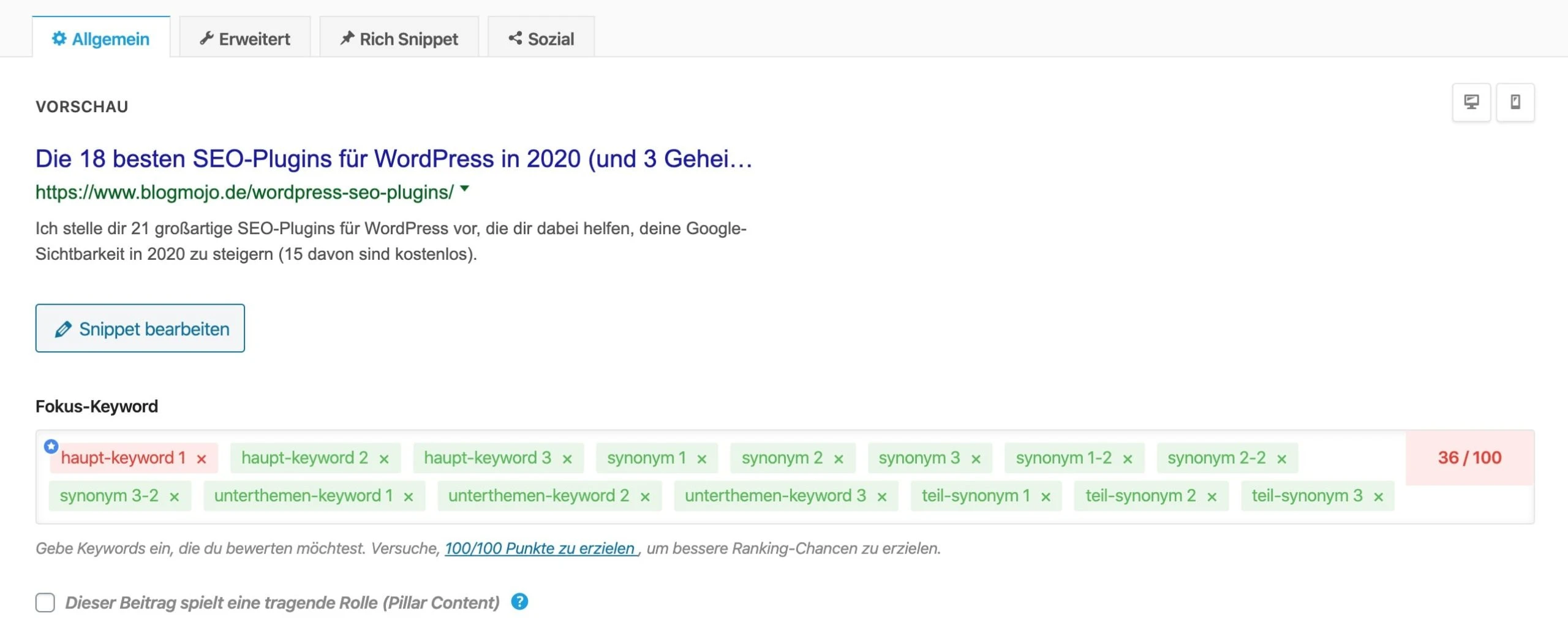
1.2 AIOSEO
AIOSEO dates back to 2007 and, according to the WordPress directory, is active on more than 3 million websites. That makes it one of the most established alternatives to Yoast SEO and Rank Math.
The free Lite version covers the SEO basics. That includes meta titles and descriptions, XML sitemaps, schema markup and a content analysis. AIOSEO Pro adds, among other things, a redirect manager, the Link Assistant for internal links and a keyword rank tracker.
The built-in importer is handy. It takes over SEO titles, meta descriptions and settings from Yoast SEO, Rank Math or SEOPress. So you don't have to re-enter all your metadata by hand when you switch.
Rank Math remains my first choice. If you can't warm to its interface or the way it splits up its features and would rather have a classic all-in-one SEO plugin, AIOSEO is the alternative I'd look at first.
2. Load time optimization
Website load time has been a ranking factor since 2010.
In recent years, however, it has become more important. The share of users browsing on (mostly slower) mobile devices has kept growing and overtook the share of desktop users a long time ago.
Below, I introduce 6 plugins for load time optimization that pack a punch:
2.1 WP Rocket
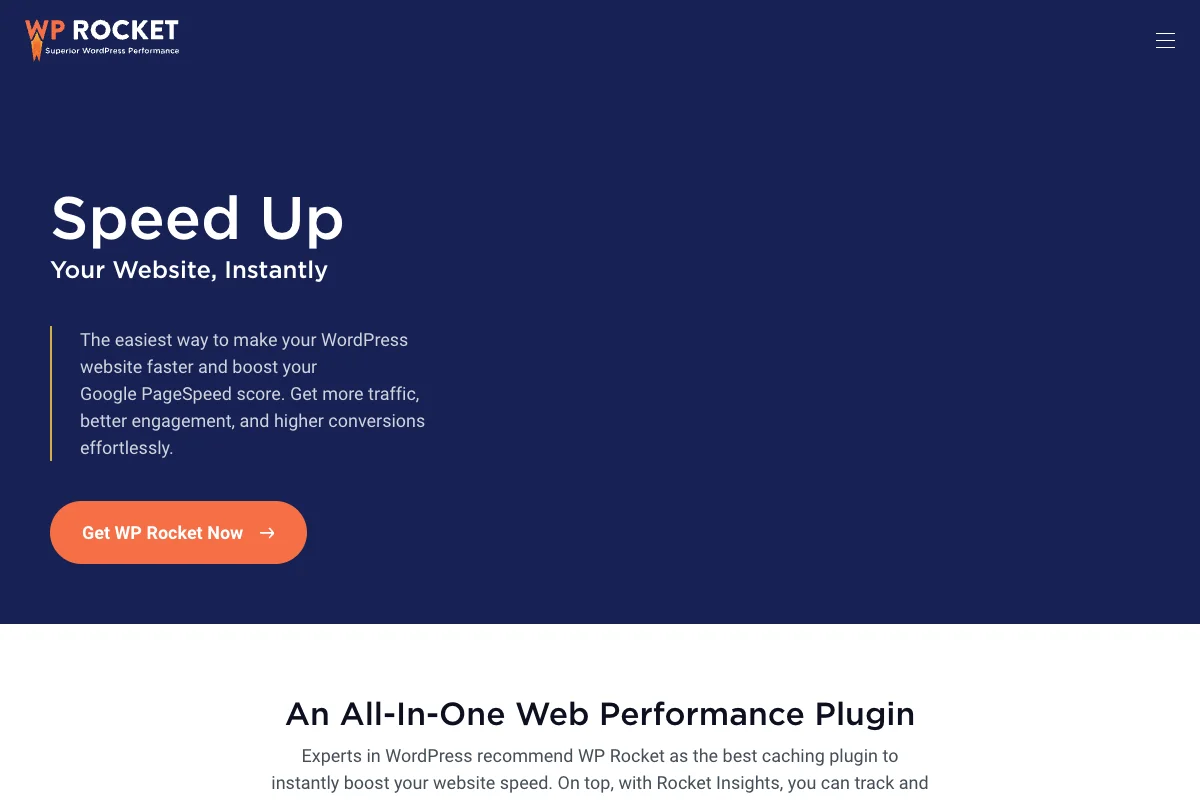
WP Rocket is my preferred all-in-one solution for optimizing load time and the Core Web Vitals.
I've tested various other optimization plugins (such as NitroPack or FlyingPress), but I get the best results with WP Rocket.
It offers not only an excellent page caching feature (with preloading), but also many other features to improve the performance of your WordPress website:
- Page caching and cache preloading
- Minifying CSS and reducing unused CSS
- Loading JavaScript delayed or deferred
- Disabling emojis and embeds
- Controlling the WordPress Heartbeat API
- Lazy loading for images, videos and iframes
- Database cleanup
It's also available entirely in German, has an active Facebook community and is very well documented (the documentation is also available in German).
With WP Rocket, I get PageSpeed scores of 95 to 100 for most of my blog articles and pages on Blogmojo.
That's true on mobile too, not just on desktop:
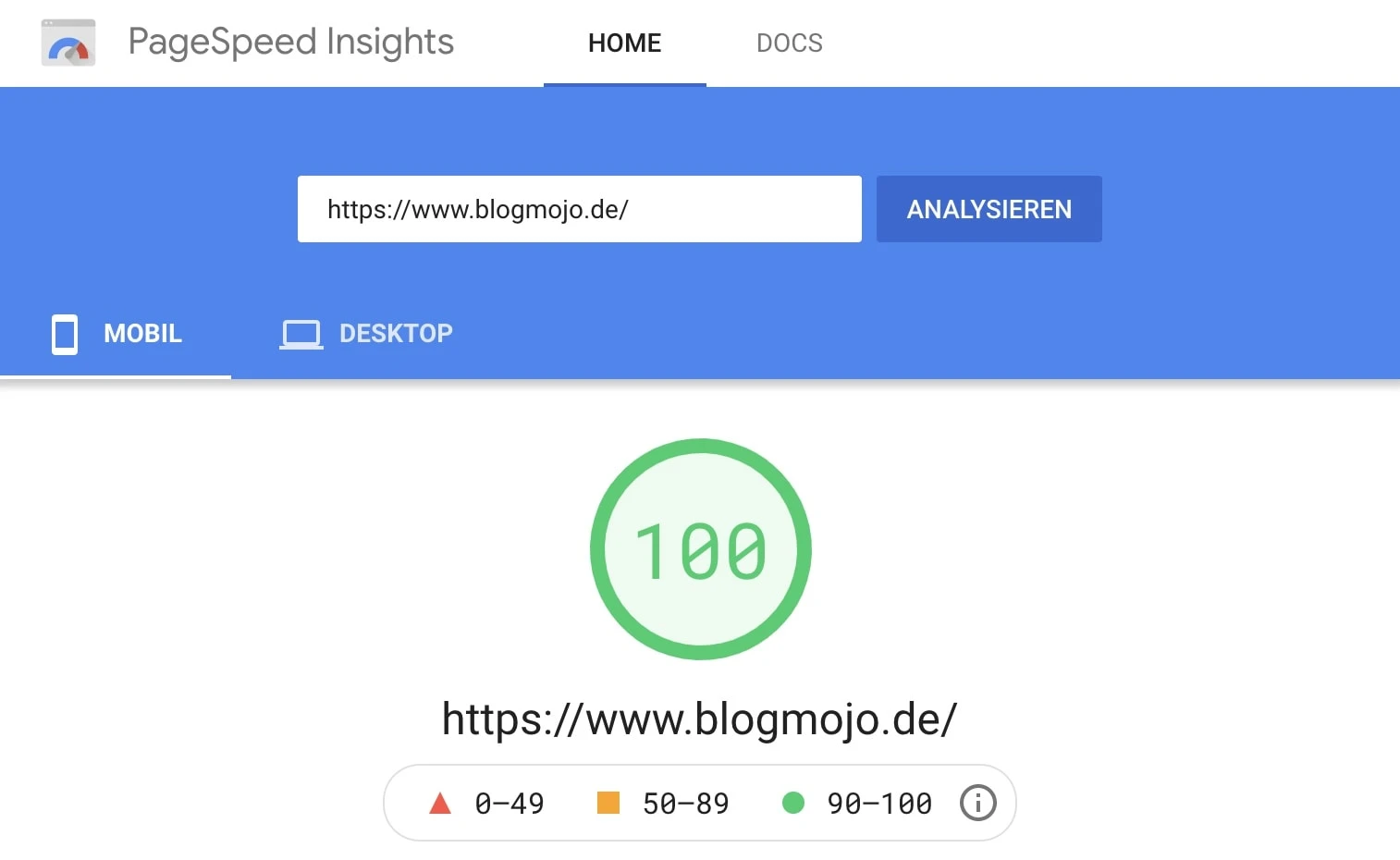
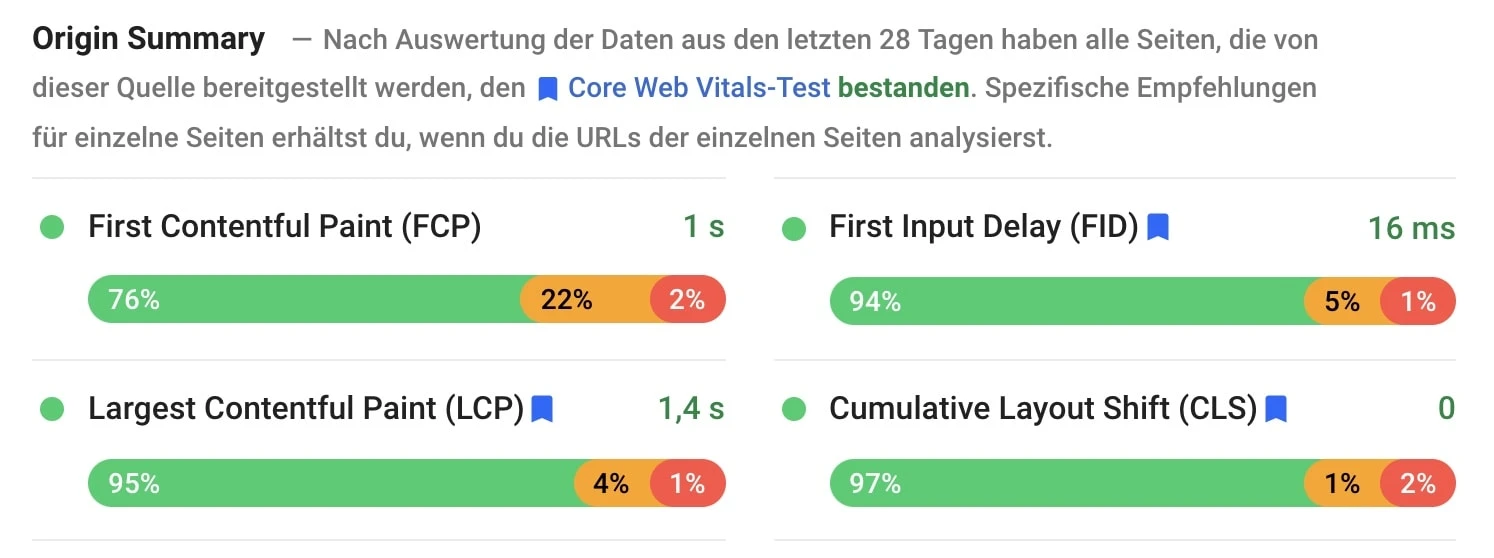
My pages also achieved good Core Web Vitals values in that test back then. Today, Google measures LCP, INP and CLS. The screenshot documents an earlier point in time and is no guarantee for other websites:
Of course, WP Rocket isn't a must.
You can achieve many of the features with a combination of your own entries in the .htaccess file (for gzip, browser caching, etc.) and free plugins, such as Autoptimize and Cache Enabler.
But if you want to spare yourself the fiddling and would rather install just one plugin instead of three, four or five, WP Rocket is the right choice for you.
2.2 EWWW Image Optimizer
Unoptimized images can have a big impact on the load time of your own website.
That's good for neither visitors nor rankings!
EWWW Image Optimizer solves this by automatically compressing all PNG and JPG files you upload to WordPress (which can sometimes reduce their size by 40 or 50 percent).
In addition, you can use the EWWW Image Optimizer to bulk-optimize all the images you've uploaded in the past. Even images that aren't in the WordPress uploads directory, such as images built into the theme or stored in your own image directories!
2.3 Autoptimize

Autoptimize is one of the best free plugins for reducing the size and the number of requests of your website.
To do this, Autoptimize combines the CSS and JavaScript files loaded by the theme, by plugins or by WordPress itself into fewer files. It also makes them smaller by removing unnecessary spaces and comments from the files.
Especially with bloated themes with a large range of features (e.g. Avada, Enfold or other themes from ThemeForest), you can reduce the load time significantly.
In the past, the plugin didn't run quite so smoothly and often wrecked my design. By now, however, Autoptimize is compatible with most themes and plugins!
If using Autoptimize still leads to display errors, you can usually fix this by experimenting with the settings.
For example, you can exclude certain CSS files from minification and combining or, if necessary, turn off the minification or combining of either CSS or JavaScript files entirely.
2.4 Regenerate Thumbnails

Regenerate Thumbnails is one of the standard plugins I have installed on every one of my WordPress websites.
By default, WordPress saves images in several sizes.
You can set the sizes under Settings > Media, where you can also create your own custom image sizes (e.g. 800 × 450 pixels for featured images).
The problem: if you change an image size afterwards but have already uploaded the images, you have to replace them with a new version, which is a lot of work with many images.
Regenerate Thumbnails creates new versions of all the images in your media library with the new image sizes. It works automatically at the push of a button.
Especially after theme changes, relaunches or a design overhaul, the plugin is indispensable.
2.5 Cache Enabler
Cache Enabler is a simple but very good caching plugin.
It saves your pages as static HTML files and serves them to visitors without PHP having to run and database queries having to be made every time.
That lets you improve the load time of your website, especially on less powerful shared hosting plans.
Cache Enabler is free, very lean, can be set up in under two minutes and is compatible with most other plugins.
2.6 Insider tip: perfmatters
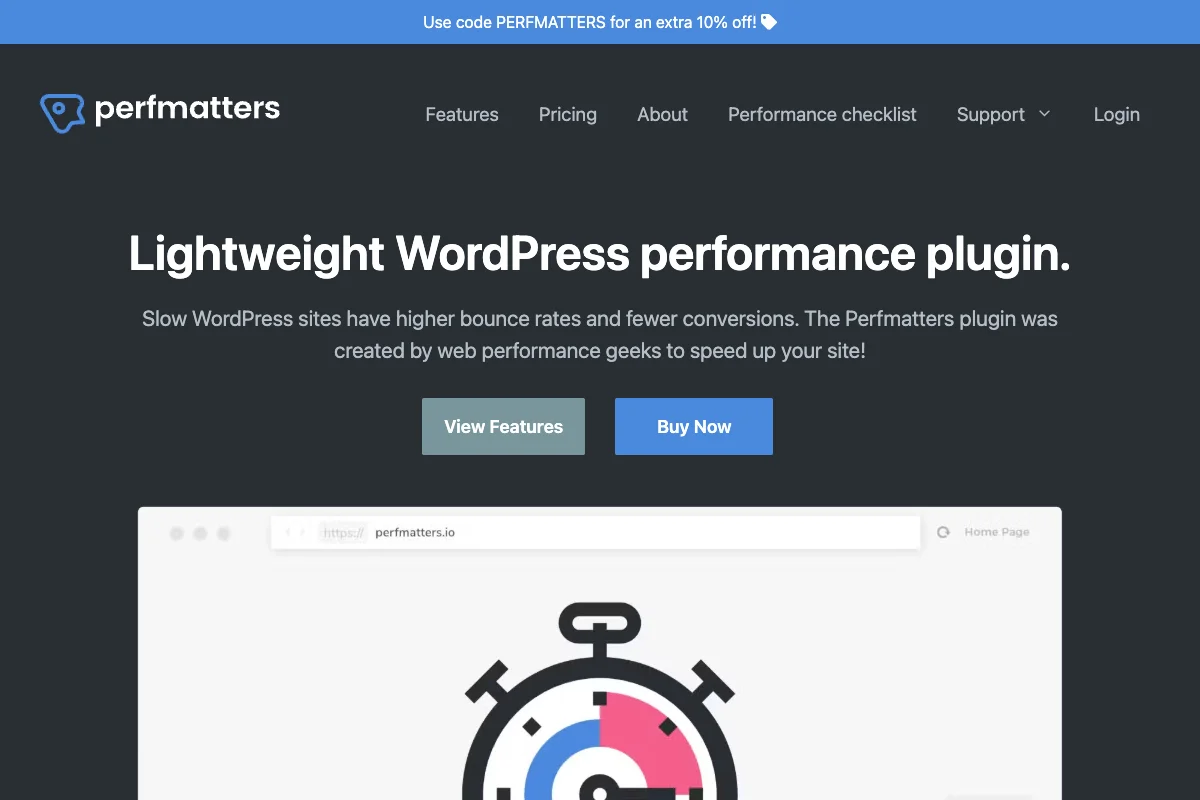
perfmatters is a performance plugin that was originally developed by Brian Jackson (the former CMO of Kinsta) and his brother Keely.
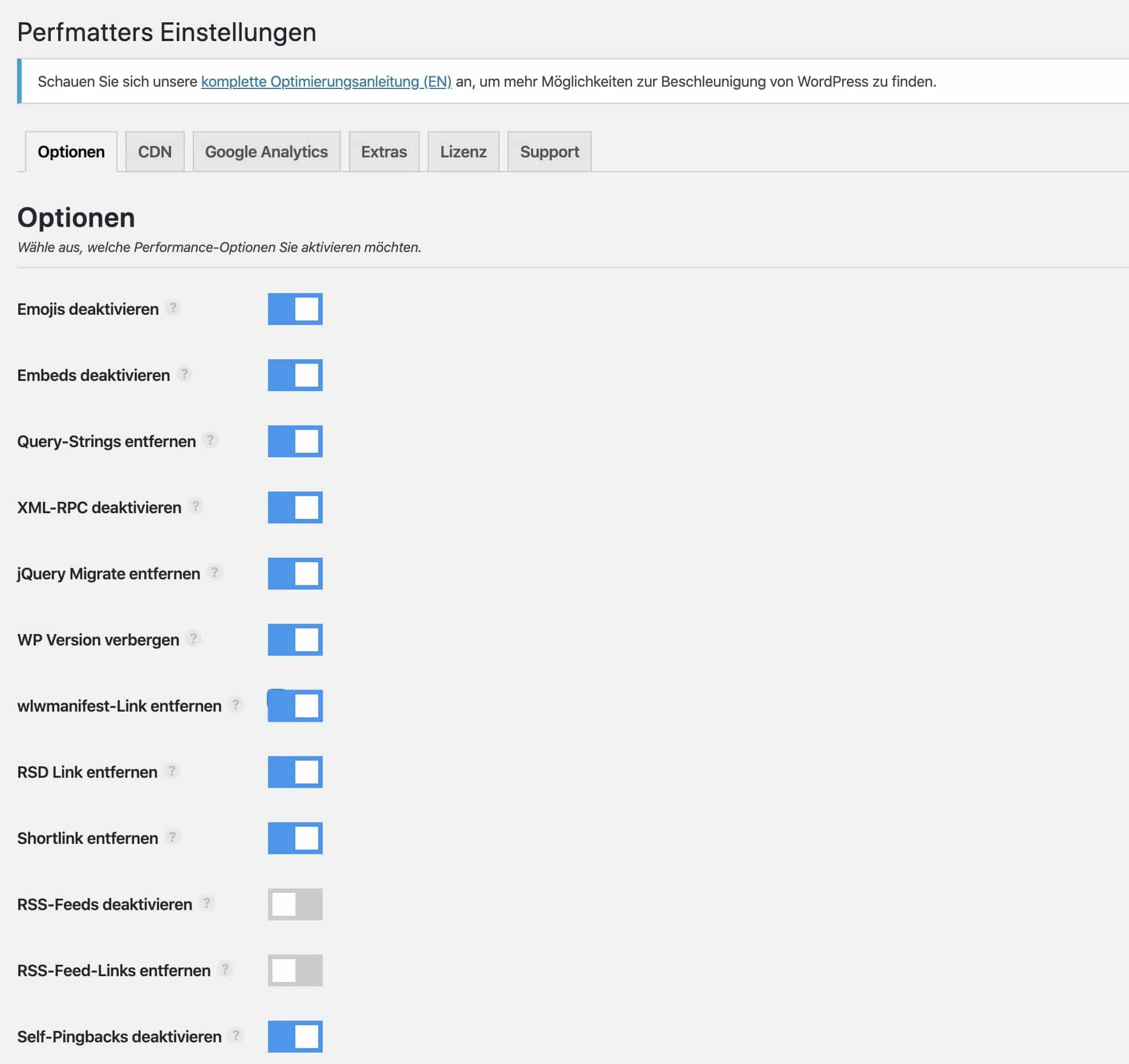
The plugin disables unnecessary features of WordPress, themes and plugins, which can improve load times drastically.
Among other things, you can disable the following:
- Emojis
- Dashicons
- Google Maps
- Google Fonts
- Heartbeat API
- XML-RPC
- REST API
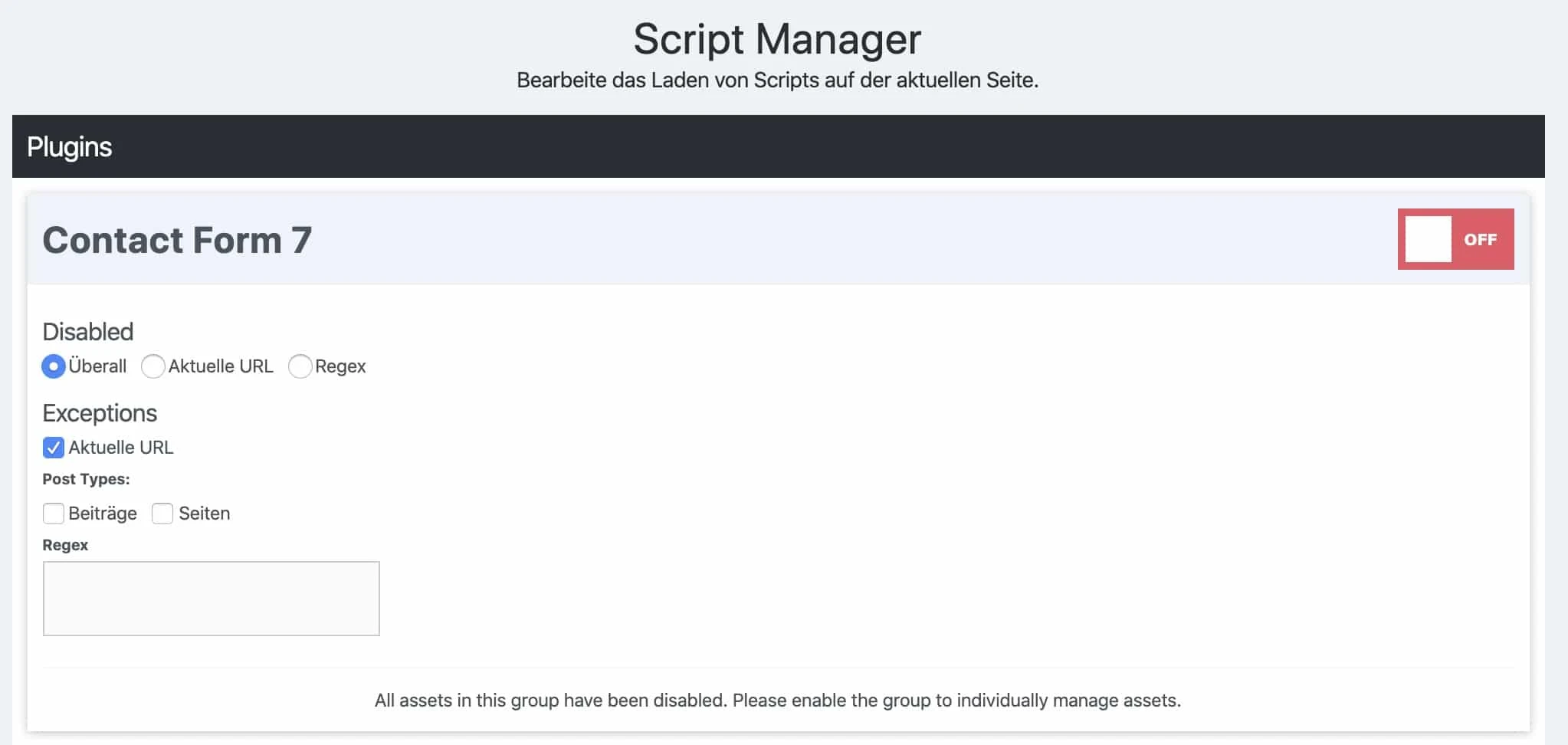
You can also use perfmatters to disable scripts and styles on a single page or post.
This is especially handy for plugins that load scripts across the whole website even though you only need them on one page. Contact form plugins are an example.
With the script manager feature, you can control exactly which scripts should load on which pages.
perfmatters also offers numerous other features, e.g. DNS prefetching, lazy loading, preloading, local Google Fonts and much more.
3. Internal linking and outgoing links
Good on-page optimization includes checking outgoing links on the one hand and setting internal links on the other.
The following plugins can help you with this and take a lot of work off your plate:
3.1 Insider tip: LinkWhisper
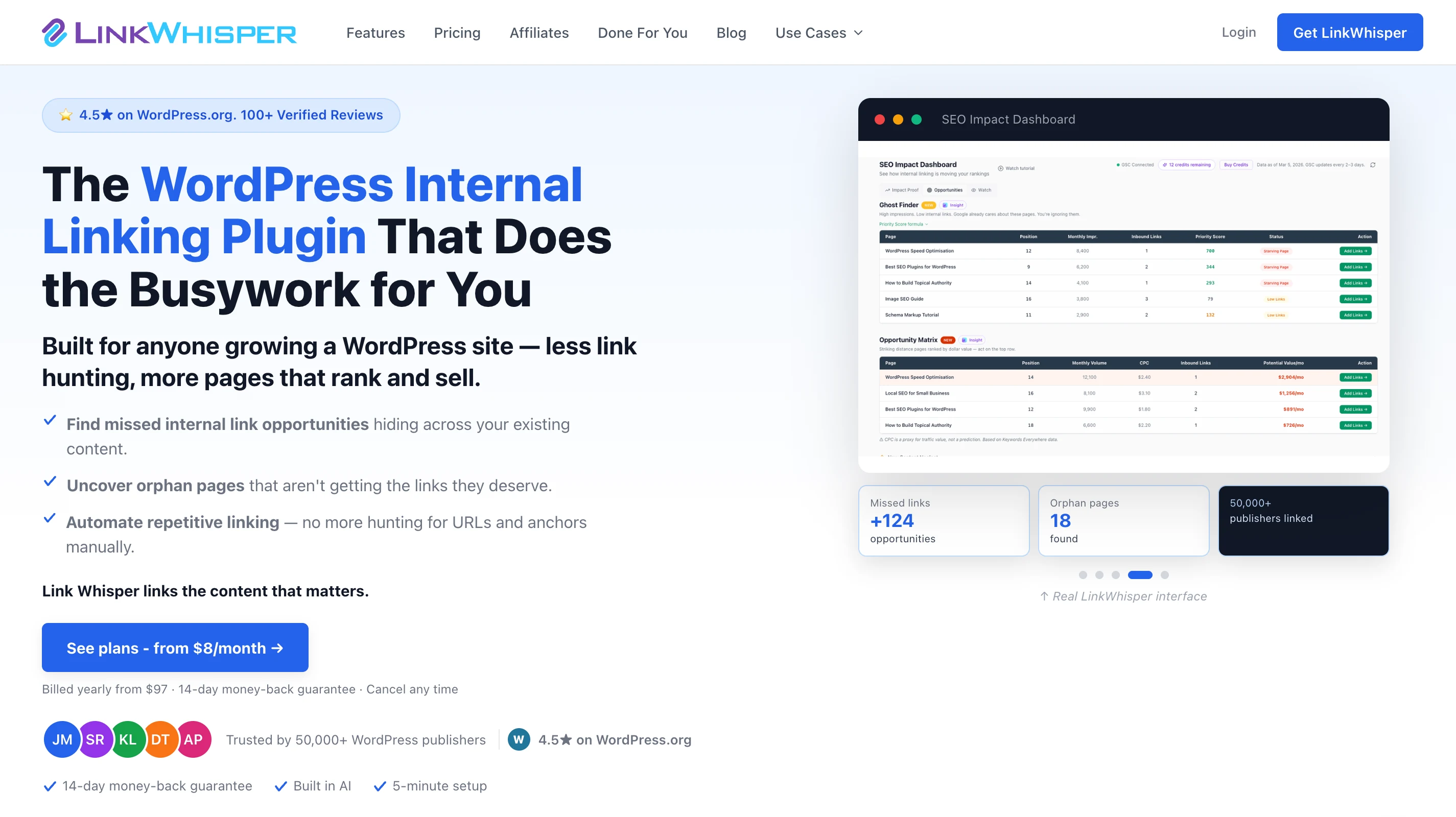
LinkWhisper is my favorite tool for finding, creating and managing internal links.
The plugin automatically analyzes your content, suggests suitable internal links and even shows you which pages receive too few internal links.
That way, you can improve your internal link structure in just a few clicks.
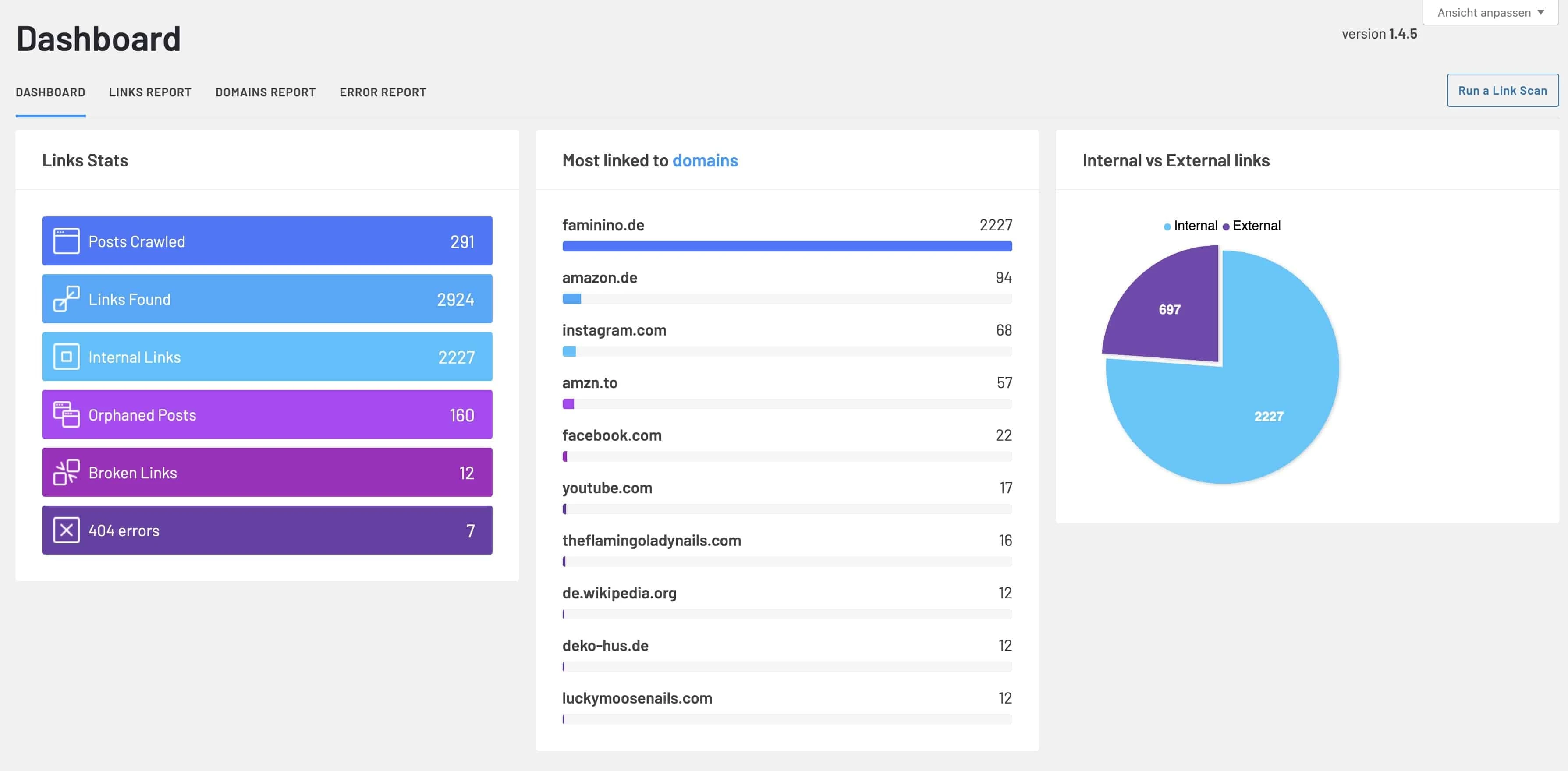
It's especially helpful that you can filter by topics or keywords and so find suitable link targets in a targeted way.
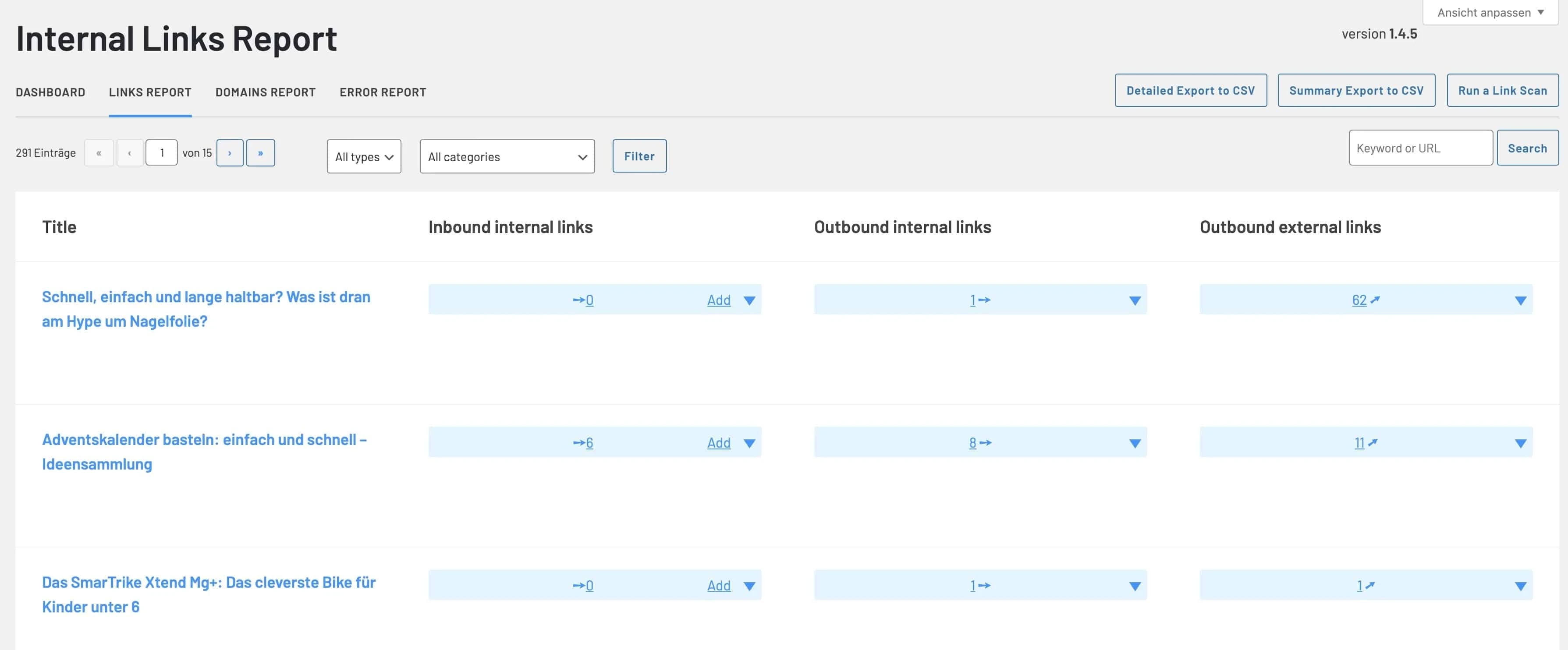
With one click, you can add, adjust or discard suggested links.
3.2 Broken Link Checker
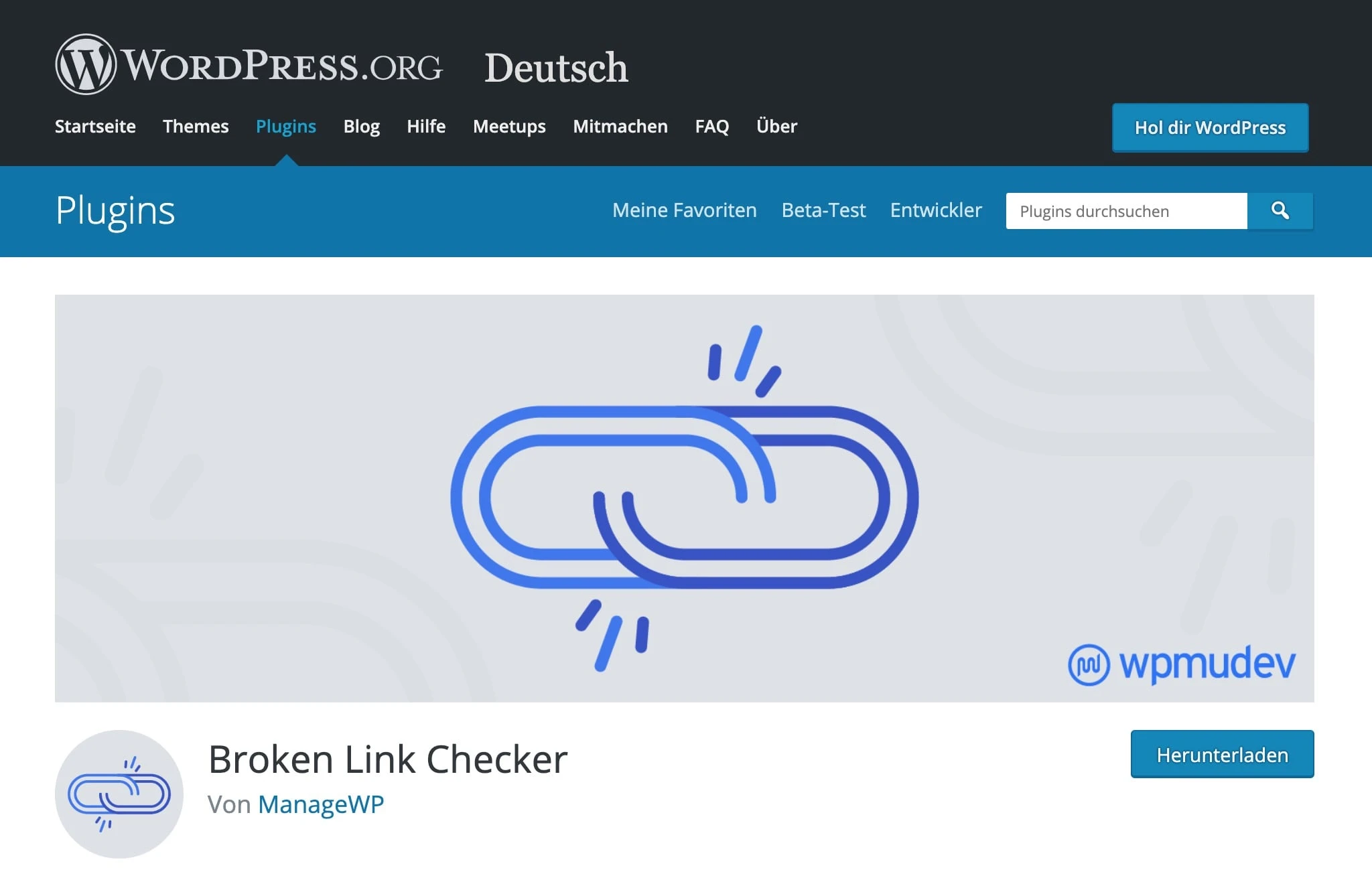
The Broken Link Checker automatically searches your website for broken links.
The plugin has one big advantage over external broken link checkers and site audit tools such as Screaming Frog:
You can not only locate broken links, but also fix them right away.
3.3 Contextual Related Posts
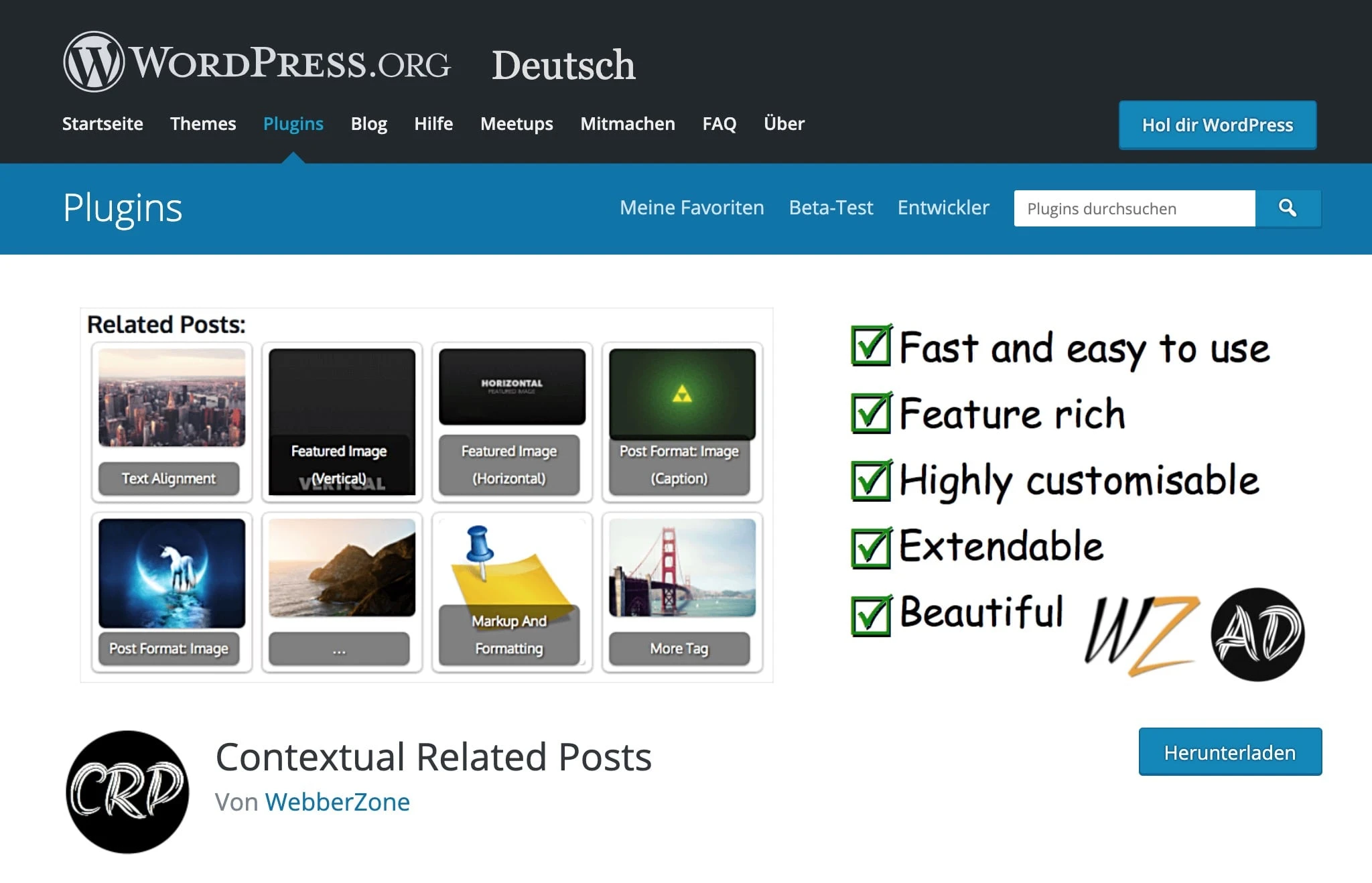
Contextual Related Posts automatically displays topically relevant posts below your articles.
That increases time on site and reduces the bounce rate.
You can create your own templates to control how the linked posts look, and influence relevance based on categories, tags and keywords.
3.4 Breadcrumb NavXT
Breadcrumb NavXT is my favorite when it comes to breadcrumb navigation.
Breadcrumbs improve usability and make sure your pages and posts are linked internally more often with suitable anchor text.
3.5 Redirection

Redirection is a classic when it comes to redirects.
It not only lets you add redirects conveniently from the WordPress admin area, but also logs all 404 errors on your website.
4. Indexing
Here you'll find all the plugins that help with the indexing of your WordPress website:
4.1 Insider tip: Instant Indexing for Google
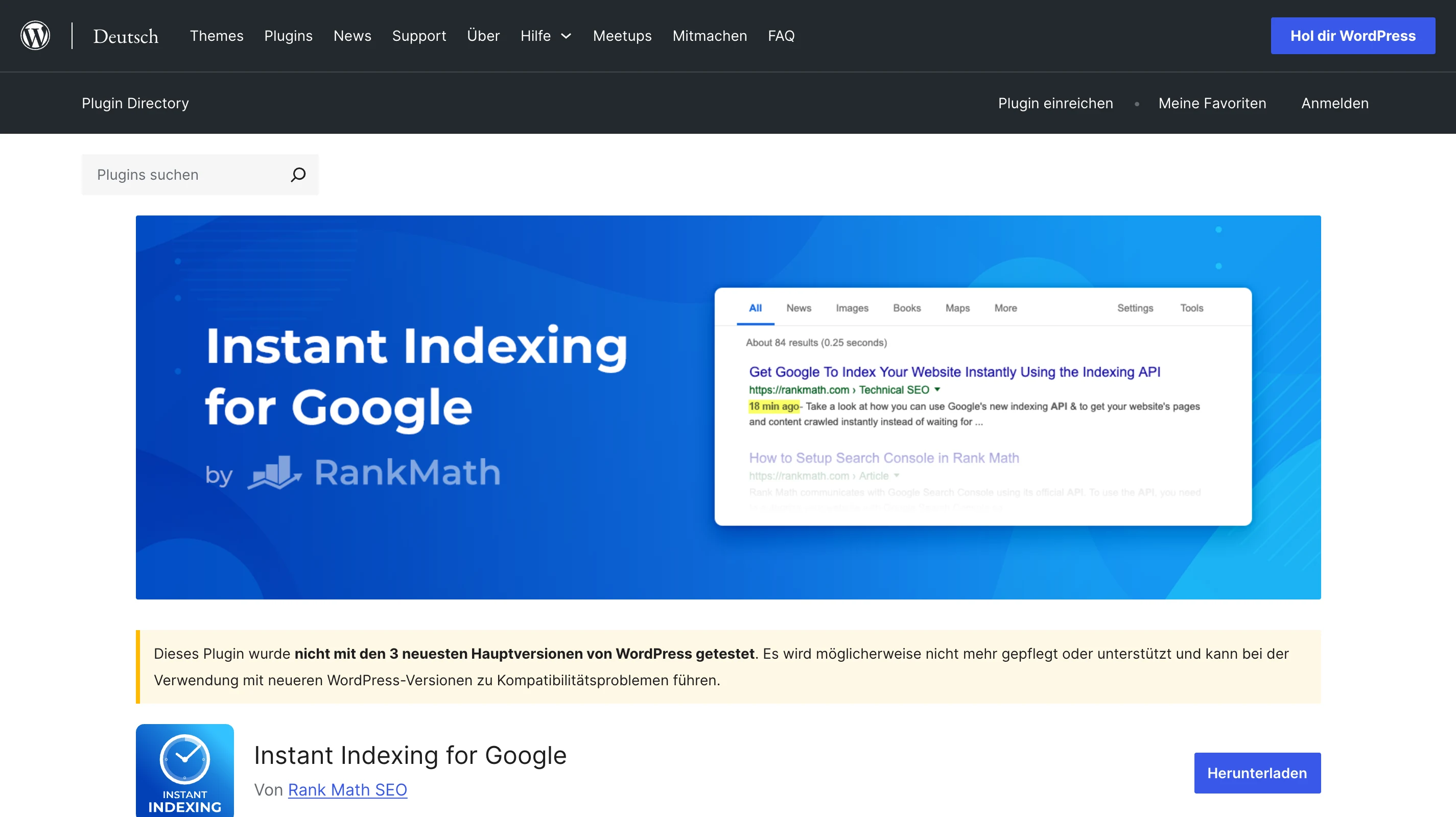
The plugin Instant Indexing for Google by Rank Math submits URLs to the Google Indexing API.
A successful submission doesn't mean Google indexes the URL. According to Google, the API is intended for pages with JobPosting or BroadcastEvent in a VideoObject.
4.2 XML Sitemap & Google News

XML Sitemap & Google News creates two useful sitemaps for your website:
- A classic XML sitemap for Google
- A separate sitemap for Google News, which can help Google find current news articles
5. Keyword research and monitoring
The following plugins let you do keyword research and/or keyword monitoring right inside WordPress:
5.1 bananacontent
bananacontent is a keyword research and editorial tool that runs as a plugin directly in the WordPress back end.
You get keyword ideas, search volume and competition data, and you can write articles directly in WordPress.
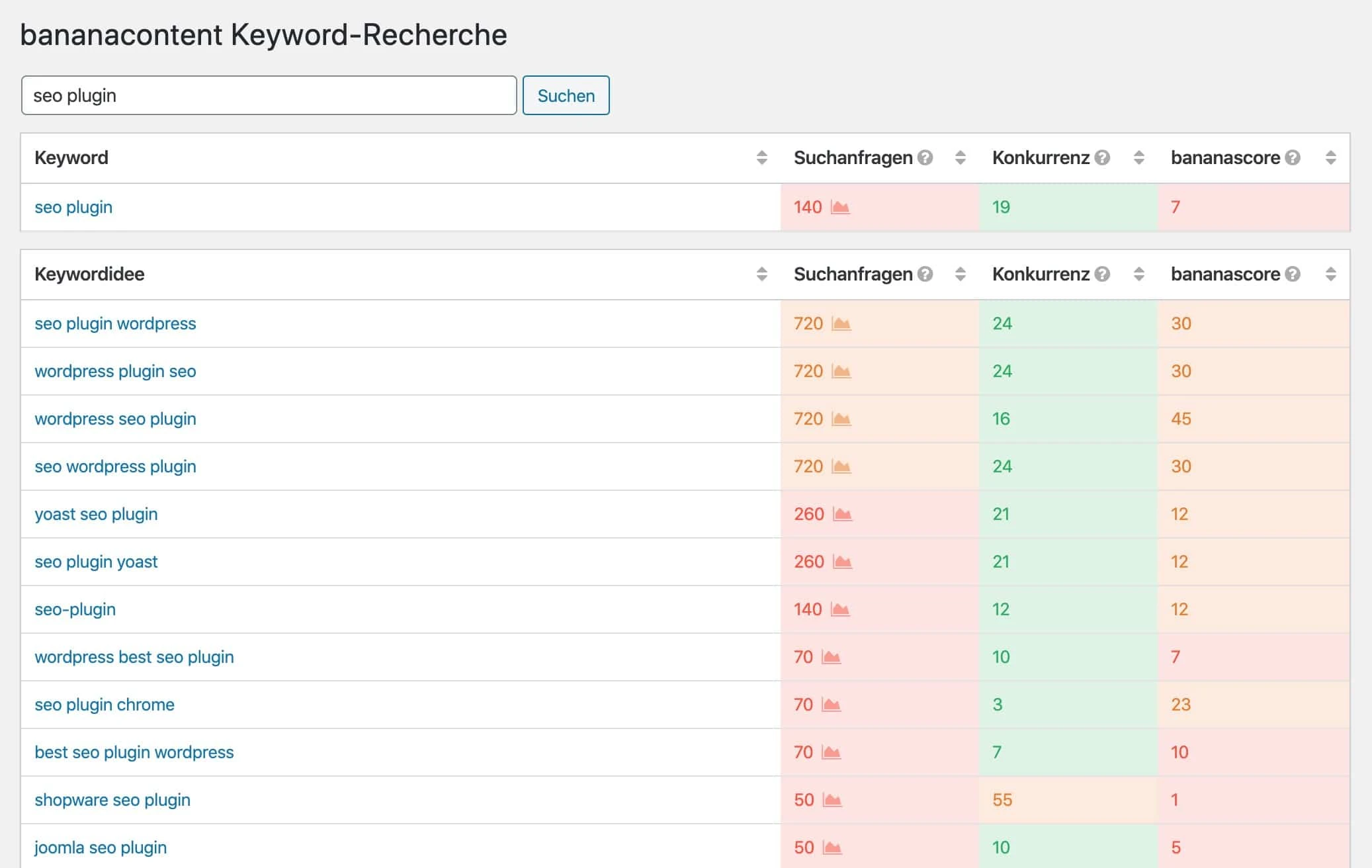
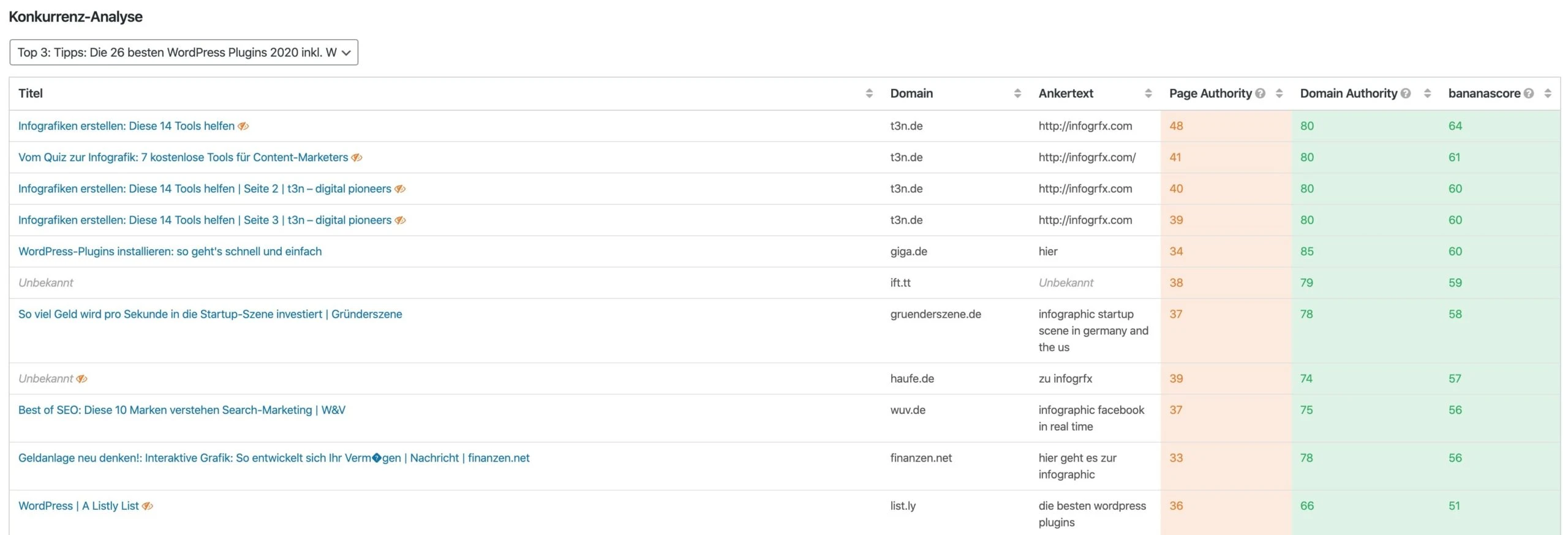
An integrated competitor analysis shows you how strong other pages are for a keyword.
The Starter plan currently costs €29 per month. The provider offers a 30-day trial that ends automatically.
5.2 Rankie
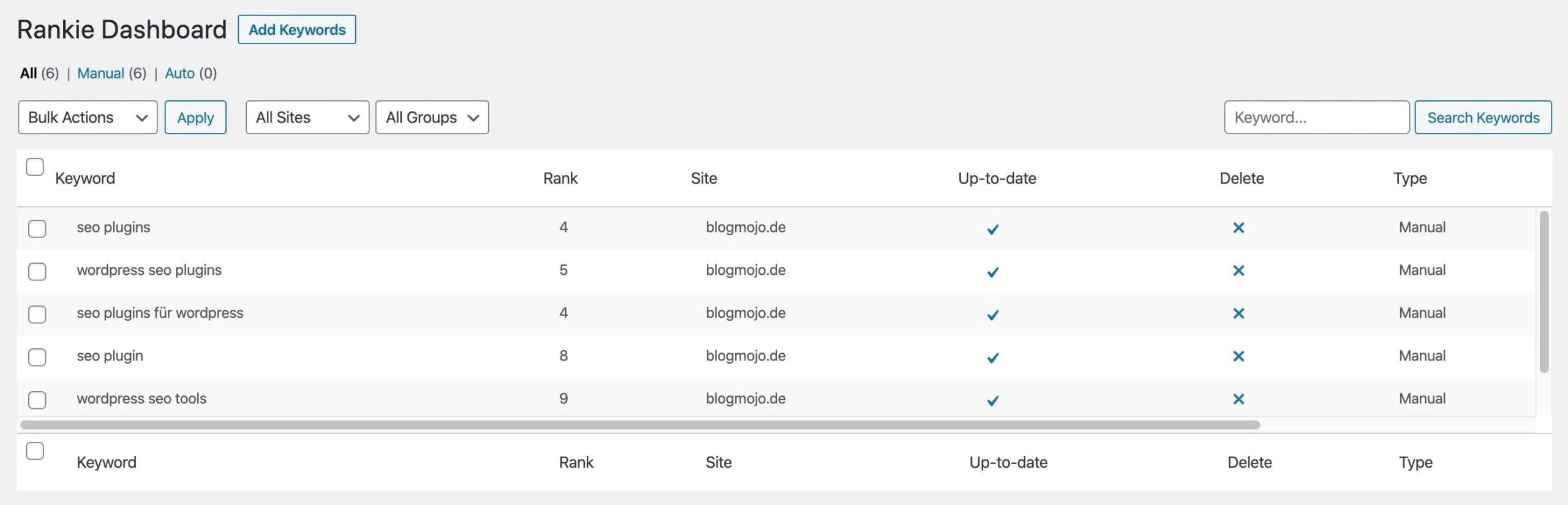
Rankie is a rank tracking plugin that lets you monitor keyword rankings inside WordPress.
It shows historical data and rankings. Since the newer versions, it additionally needs paid access to the Bright Data SERP API for its queries. The plugin price of currently $27 doesn't cover these ongoing API costs.
6. Rich snippets and structured data
Here you'll find plugins that help you implement structured data and rich snippets:
6.1 LuckyWP Table of Contents
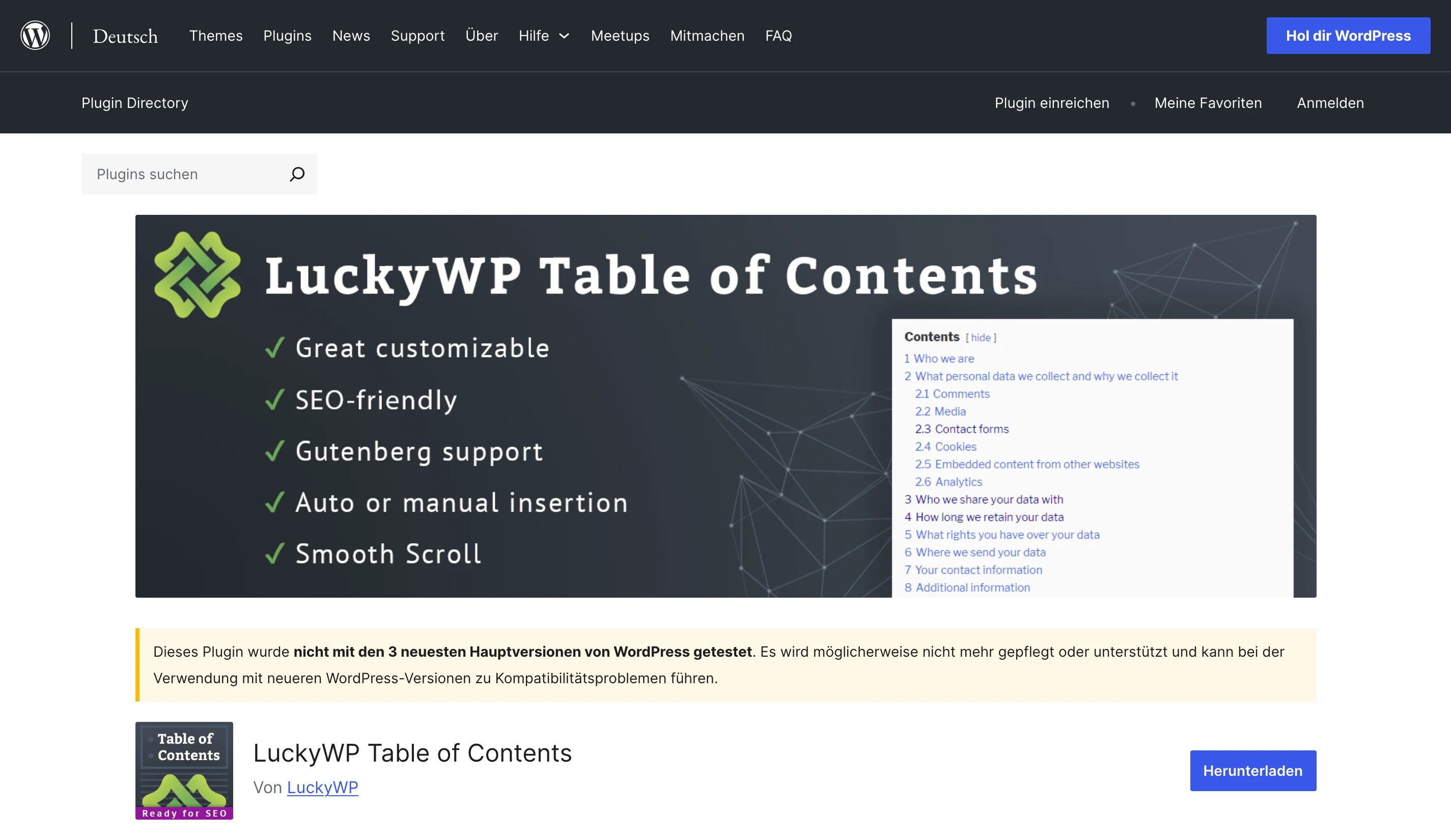
LuckyWP Table of Contents automatically inserts tables of contents into your posts.
The tables of contents improve navigation and create jump links. Google can use such anchor links in search results, but a special display isn't guaranteed.
6.2 WP Recipe Maker
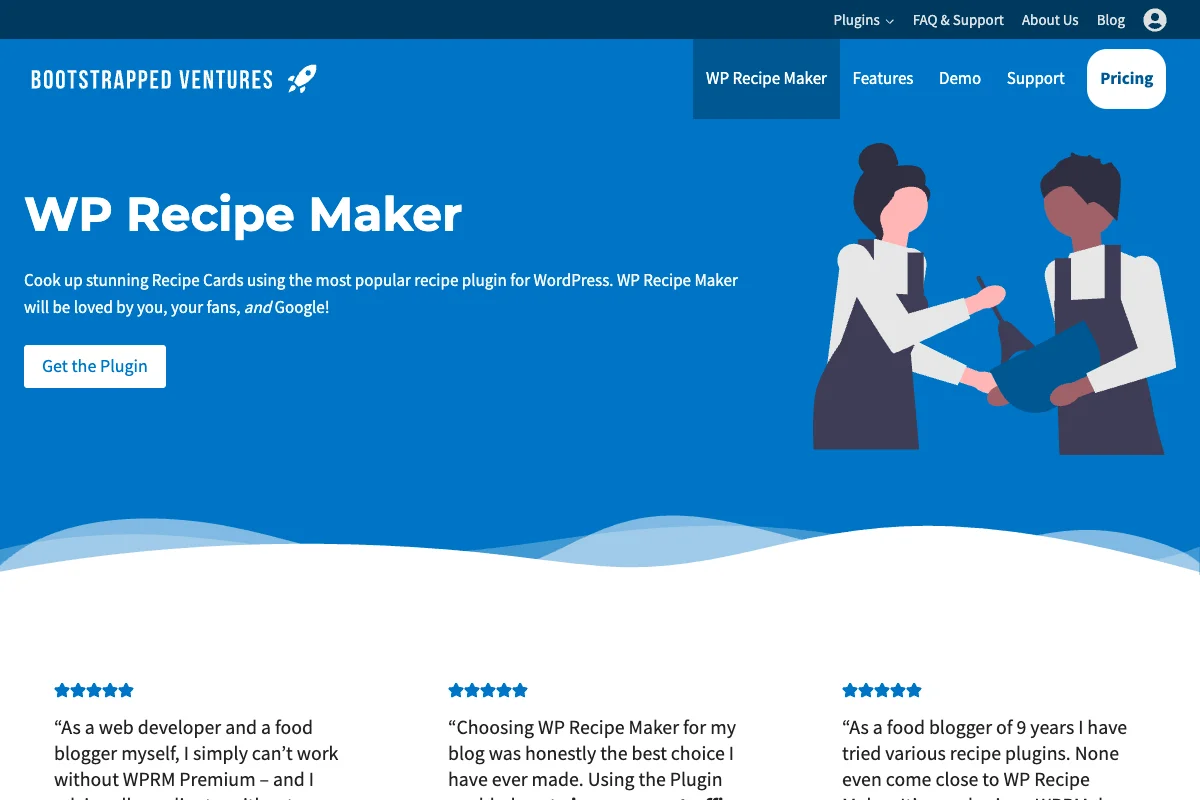
WP Recipe Maker is the best plugin for equipping recipes with structured data.
It automatically generates recipe schema markup and thereby creates a technical prerequisite for recipe displays in Google. Whether a rich result appears is up to Google.

6.3 Schema Pro
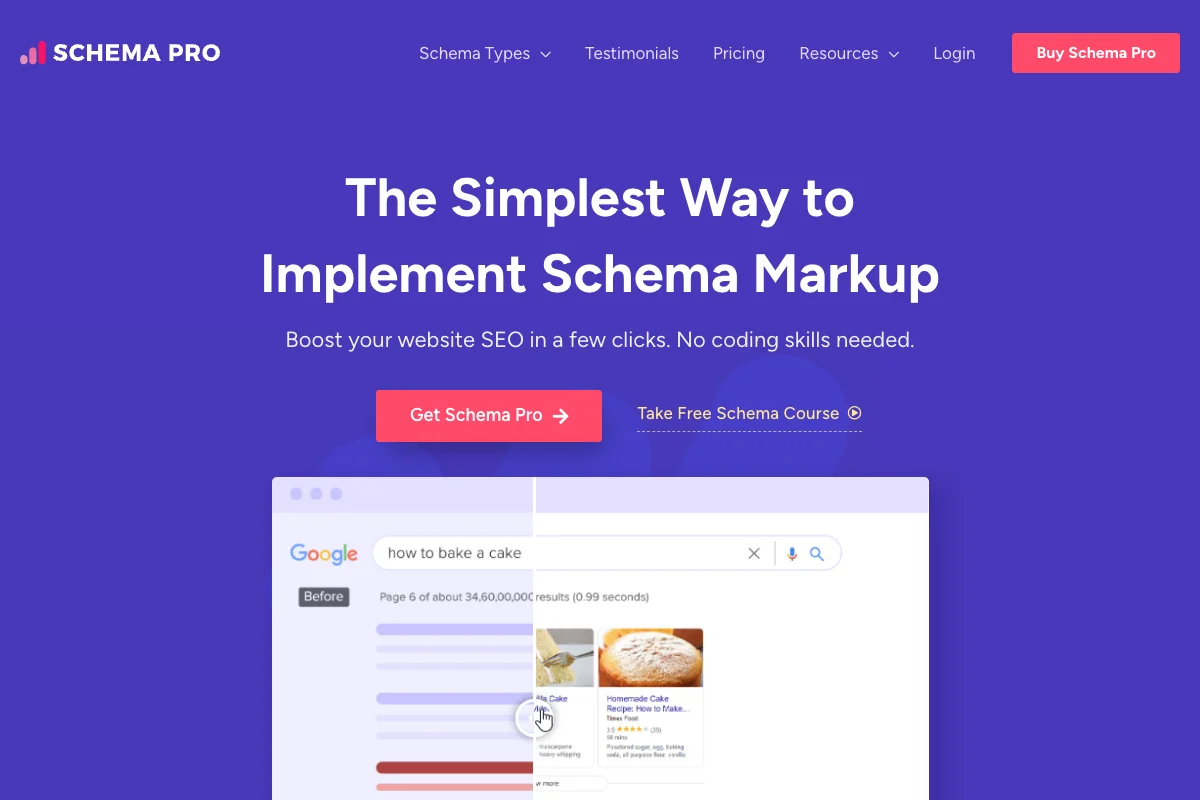
Schema Pro is a premium solution for setting up structured data for different content types.
You can use it to mark up reviews, events, FAQs, products or how-to guides, among other things.
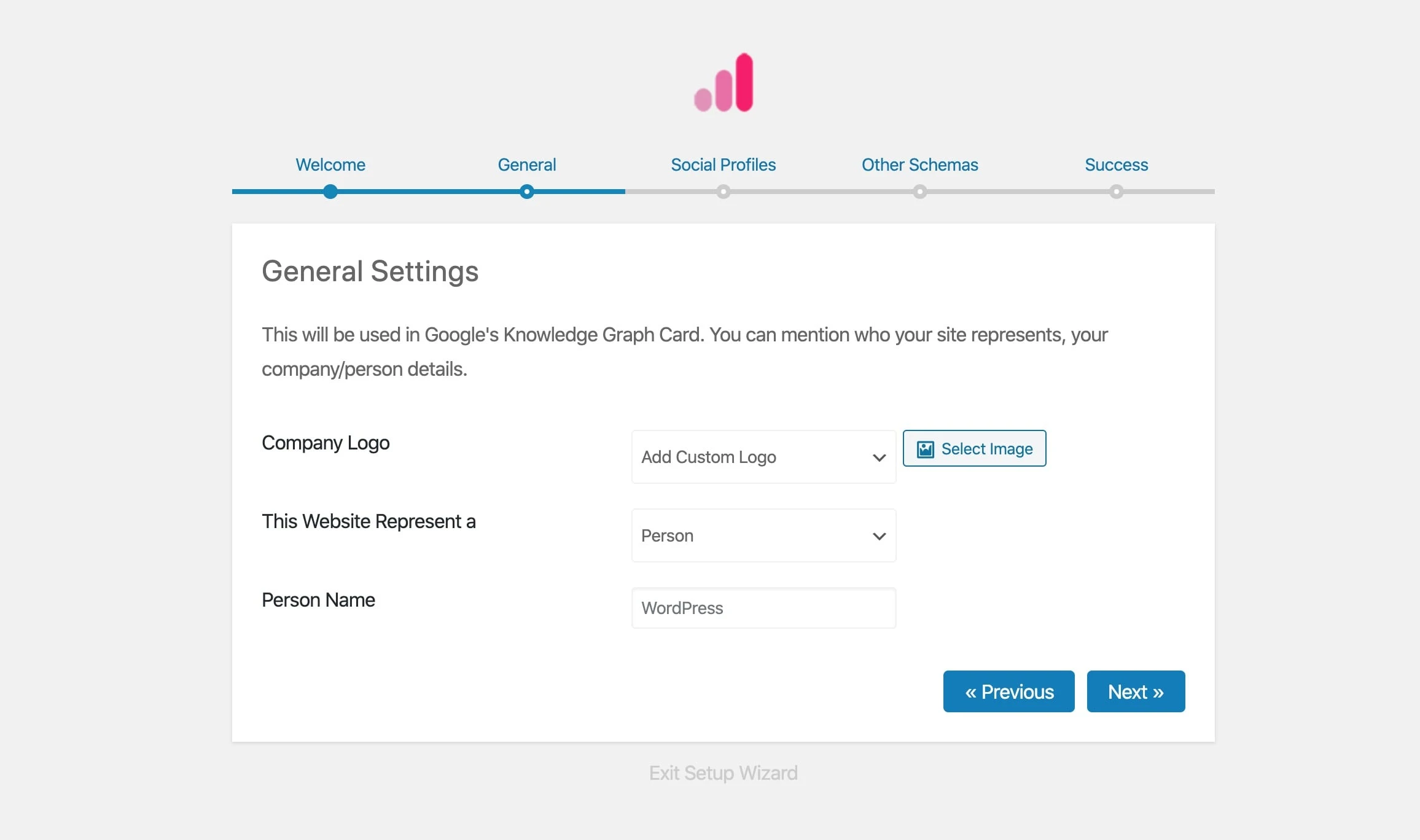
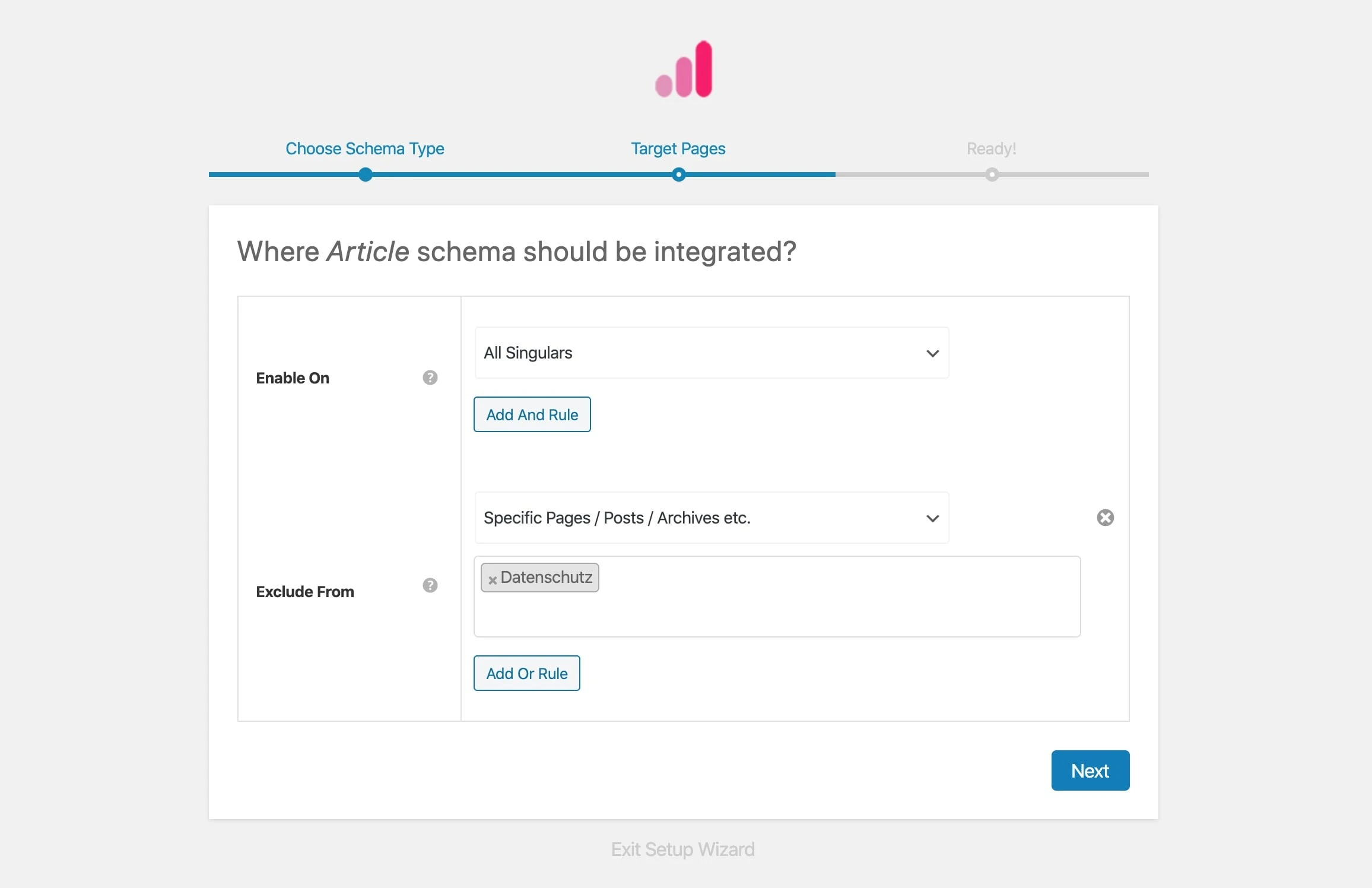
Thanks to the setup wizard, you define in a few steps which markup should be applied to which content.
7. FAQ
Here you'll find answers to common questions about SEO plugins:
What are the best alternatives to Yoast SEO?
Which plugin is best for WooCommerce?
Rank Math comes with a WooCommerce module that you can optionally activate to optimize WooCommerce product pages.
Is WordPress SEO possible without a plugin?
WordPress now generates basic XML sitemaps, among other things, and can output page titles. For targeted control of important SEO settings, though, a specialized plugin is usually the more practical solution.
A plugin is especially useful for the following features:
- Setting the meta title and description
- Customizing or replacing the WordPress sitemap
- Setting robots meta tags (noindex, nofollow, etc.) for individual posts, post types and taxonomies





