
You can't solve the GDPR with one or more WordPress plugins.
Neither can marriage problems or climate change.
Plugins can help you implement one or more individual aspects of the applicable privacy rules, though. And they save you a massive amount of time when making WordPress GDPR-safe.
In this article I introduce you to 13 great plugins for different setups and use cases.
Before I go into detail, a word of warning. As with many things, this applies to WordPress plugins too:
The fewer, the better.
Please don't blindly install every plugin on this list. And think twice about whether you really need a plugin or not.
- WordPress alone is not GDPR-compliant, but plugins can help you implement individual aspects such as cookie consent, local Google Fonts, spam protection or safe share buttons in a legally sound way.
- Real Cookie Banner and Borlabs Cookie are the best cookie plugins, OMGF Pro loads Google Fonts locally and prevents cease-and-desist letters (Abmahnungen), and Antispam Bee protects against spam without transferring data.
- Other recommended tools are Disable Emojis and Disable Comments for reducing data processing, Shariff Wrapper for privacy-compliant share buttons and Really Simple SSL for a quick switch to HTTPS.
1. Real Cookie Banner
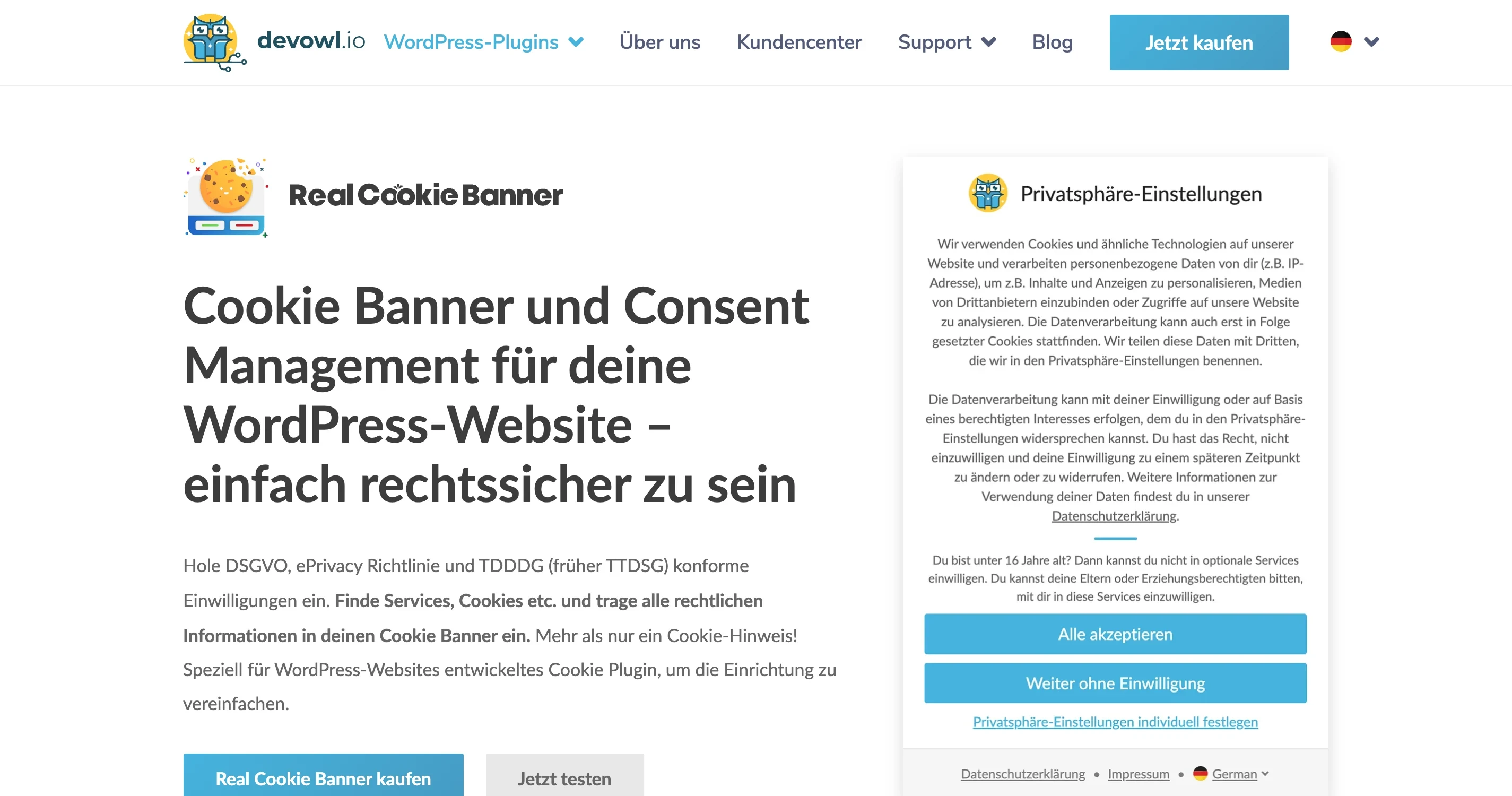
Does your website set cookies that serve marketing purposes and aren't technically necessary, like those from the Facebook Pixel or Google AdSense? Or does it connect to third-party providers?
Then you need a cookie plugin to get your visitors' active consent for that!
Currently the best cookie plugin for WordPress and cookie consent tool is Real Cookie Banner.
In my comparison, Real Cookie Banner was the easiest to set up. Borlabs Cookie 3.4 has caught up significantly with its new wizard, though, and offers more configuration depth.
According to the vendor, Real Cookie Banner offers more than 160 service templates and more than 130 content blocker templates. That means you have to enter less information yourself for many services.
The scanner in Real Cookie Banner searches your website for services that may require consent. You should check its suggestions yourself.
2. OMGF Pro
If you've embedded Google Fonts the default way, meaning via Google's servers, data such as your visitors' IP address or browser may be transmitted to Google.
Under the GDPR, that can be a legal risk. Since a ruling by the Munich Regional Court (LG München) in January 2022, the use of Google Fonts has also been widely targeted with cease-and-desist letters (Abmahnungen).
By far the easiest and fastest way to host Google Fonts locally is the small but brilliant WordPress plugin OMGF Pro.
It not only finds all Google Fonts on your website and loads them from your own server, it also removes every instance that is loaded from Google's servers.
The plugin is very easy to use. After installing it, all you have to do in the settings is click “Save & Optimize”, and within seconds all Google Fonts are detected and loaded locally:
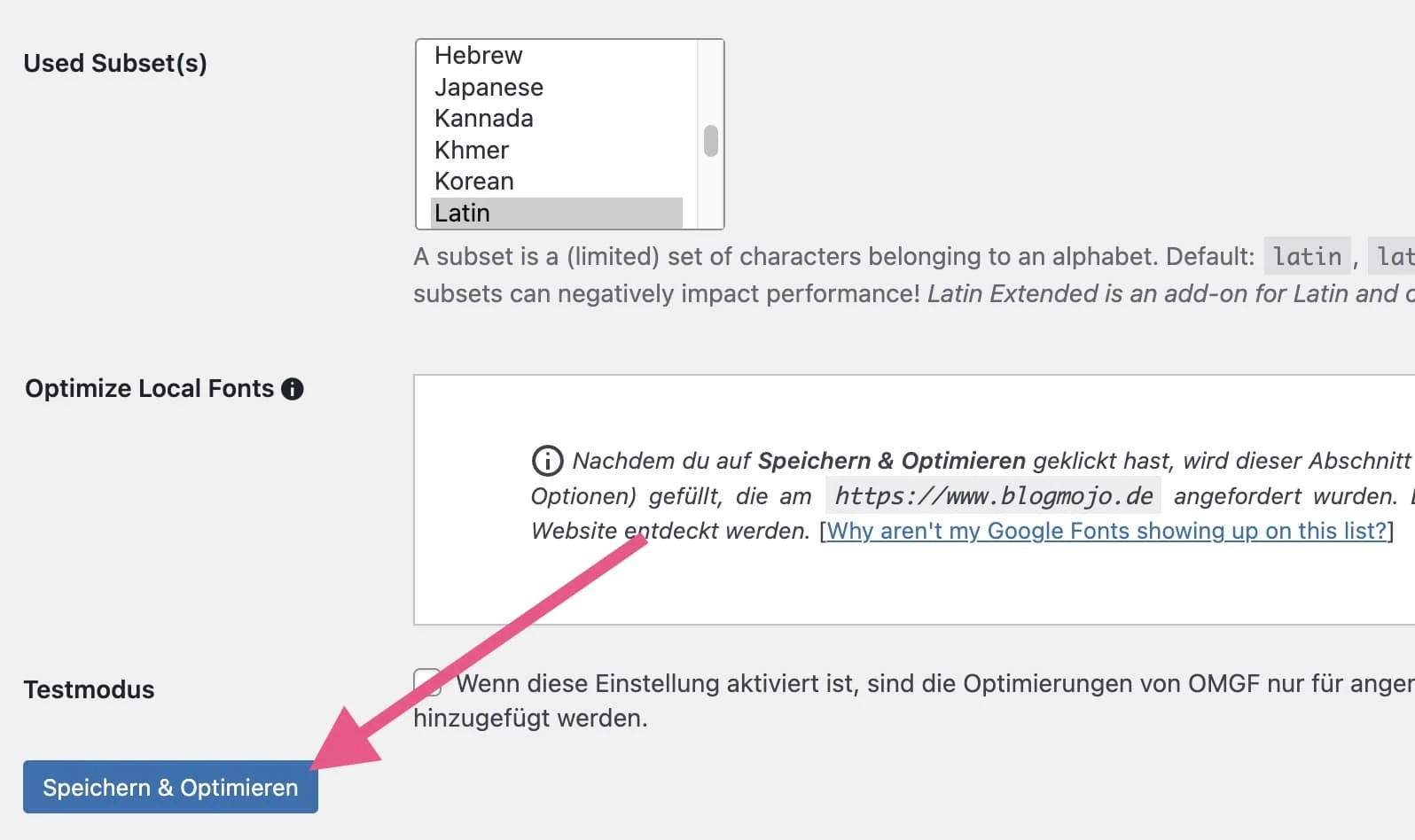
In other words:
It does all the steps for you (and offers various options for advanced users on top).
And at just €19 a year, it's an absolute no-brainer!
3. Borlabs Cookie
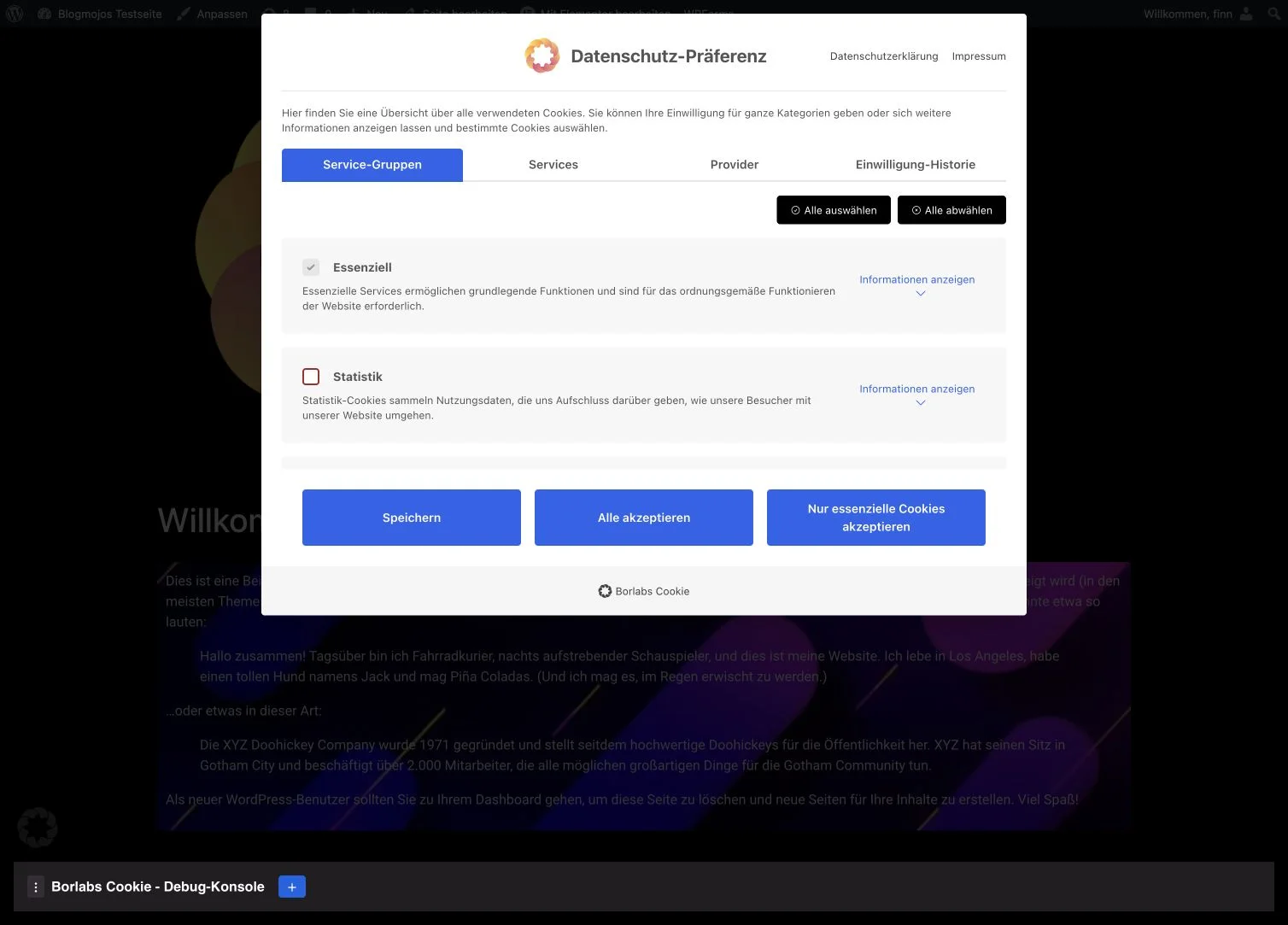
Borlabs Cookie 3.4 guides you through the setup with a wizard. A simplified mode keeps the settings easy to follow for beginners. If you want more control, you switch on the full view.
The Cloud Scanner searches for cookies and external resources and suggests matching packages. On my test site it scanned six pages and installed eleven packages. According to the vendor, the library includes more than 370 packages.
On the frontend, YouTube, SoundCloud, Google Maps and reCAPTCHA stayed blocked at first. Only after I gave consent specifically did the YouTube video load. The other embeds stayed blocked.
After the setup, check the scanner's suggestions yourself. An installed package doesn't tell you whether you actually use the service in question.
You can see which features Borlabs Cookie offers in the vendor's feature overview.
If you want to learn more about the plugin, read my detailed review.
4. Disable Emojis

Disable Emojis is a small but fine plugin that removes an emoji script from WordPress.
That script is loaded from external WordPress servers and is meant to make sure emojis are also displayed in older browsers.
In my view, that isn't all that problematic from a privacy standpoint.
But the script is unnecessary anyway. I had disabled it long before the GDPR to make WordPress faster.
So get rid of it.
5. Disable Comments

Don't want your blog articles to be commented on? Or do you get few to no comments?
Then it can make sense to turn off the comment function in WordPress completely. That's quick and easy with the plugin Disable Comments.
That saves you the passage in your privacy policy and the mention in your record of processing activities. And you generally no longer have to think about the GDPR compliance of the comment function.
If you want to allow comments again, you can deactivate the plugin at any time.
Alternatively, you can of course disable comments through WordPress itself. To do that, go to Settings > Discussion and deactivate the option Allow people to submit comments on new posts. Then you disable comments on individual articles with a bulk action.
Disable Comments has the advantage that you skip these steps. And that the comment function is hidden completely below your posts (so not even the note Comments are closed appears). On top of that, Disable Comments also hides all comment features in the dashboard.
6. Clearfy
Clearfy is a useful plugin for everyone who wants to free WordPress of all unnecessary ballast.
It lets you disable various features to improve privacy in WordPress, such as:
- Remove Google Fonts
- Remove Google Maps
- Disable embeds
- Remove the emoji script
- Disable Gravatars
- Fully disable the comment function
If you've installed Clearfy, you can skip using the three plugins Disable Emojis, Disable Embeds and Disable Comments.
It also offers some functions that make administration easier, tidy up the dashboard and make WordPress more secure.
7. Autoptimize

Autoptimize is a great plugin for improving your loading time.
By minifying JavaScript and CSS files, lazy loading and other features, you can save many server requests and kilobytes.
But that's not all:
It also has two functions that matter for privacy: under Settings > Autoptimize in the Extra tab, you can remove Google Fonts and the emoji script.
8. DSGVO Patron
DSGVO Patron (the plugin's name is the German form of GDPR) is a well-implemented all-in-one solution for better privacy in WordPress.
Of course, it doesn't make WordPress completely GDPR-safe. That can't be done with a single plugin.
But it solves many of WordPress's privacy problems in one go. Problems for which you would normally have to spend several hours and install dozens of other plugins.
It offers the following functions:
- Self-host Google Fonts (that saves you the 7 steps of this guide)
- Local hosting of externally loaded JS and CSS files (that saves you from tinkering with your theme or plugins)
- Removing the emoji script (that saves you the plugin Disable Emojis)
- Removing Gravatar images (that saves you WP User Avatar or Avatar Privacy)
- Anonymizing IP addresses in comments (that saves you Remove IP or Remove Comment IPs)
- A two-click solution for YouTube videos (that saves you YouTube Lyte)
What I personally like best is that it makes hosting Google Fonts locally possible.
That function alone is worth the €30 a year for the plugin.
9. Antispam Bee
Anti-Spam Bee is one of the best plugins for fighting comment spam.
I've been using it for years on many of my WordPress websites and I recommend it without reservation.
Out of the box, the plugin doesn't store any personal data. And it also works great with anonymized IPs.
If you take privacy very seriously, you could also deactivate the following settings. According to Simon from Pluginkollektiv, though, that isn't strictly necessary:
- Only allow comments in a certain language (only the first three words are sent to Google Translate)
- Block comments from certain countries (the commenter's IP address is sent to the service IP2Country, but the last digits are cut off, so it is anonymized)
You'll find more info on Antispam Bee and privacy in the documentation on GitHub.
10. Shariff Wrapper
The original share buttons from Facebook, Twitter and co. are problematic:
They automatically send personal data to the social networks in the background. Without users ever having clicked a share button.
The popular plugin Shariff Wrapper fixes that. Its share buttons only connect to social networks after the click.
You can place them in various spots in posts, pages and custom post types. The button design can also be customized. They are also AMP-compatible and show share counts.
And all of that completely free!
11. Delete Me
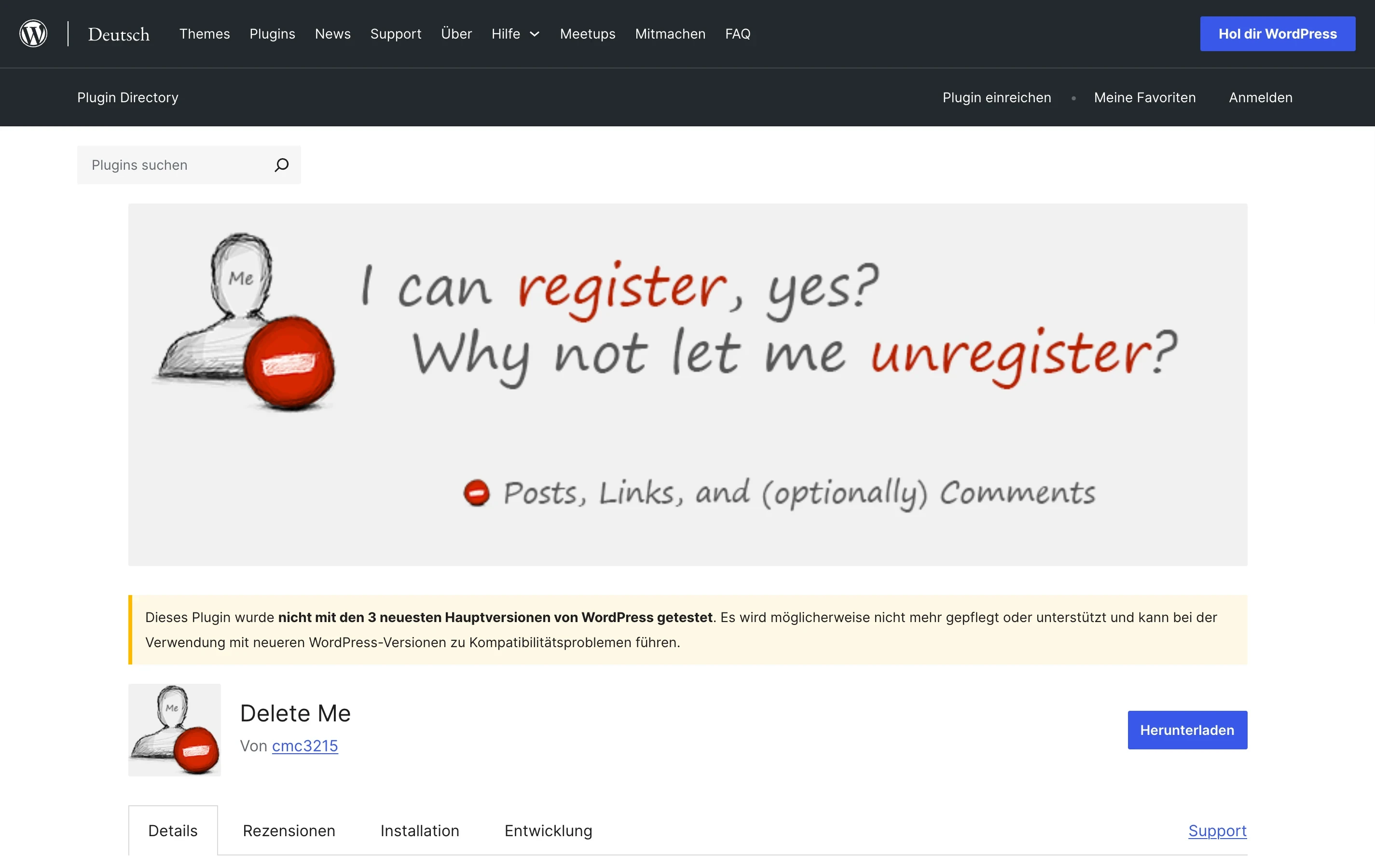
The WordPress plugin Delete Me adds a small but brilliant function to WordPress:
A link that lets WordPress users who have registered on your website delete their account and all associated posts, pages and optionally comments too.
Adding the link is quick and easy with the shortcode [plugin_delete_me /].
12. smart User Slug Hider

By default, the names of your WordPress users are publicly visible through their URL.
That's because for every user created in WordPress, a URL is generated that contains the username, like https://www.blogmojo.de/author/finn-hillebrandt/.
The plugin smart User Slug Hider fixes that by replacing the usernames with 16-character codes.
13. Really Simple SSL
In general, I recommend switching WordPress to HTTPS manually.
Need it to be quick? Or don't you have time right now to deal with the switch?
Then use Really Simple SSL.
Apart from creating the SSL certificate, it takes care of all the setup steps, such as changing the WordPress and site address or changing all internal links.
FAQ
Here I've put together the answers to common questions about privacy plugins:
Does every WordPress website need a privacy plugin?
Yes and no.
You can't solve the GDPR with one or more WordPress plugins.
Plugins can help you implement one or more individual aspects of the applicable privacy rules, though. And they save you a massive amount of time when making WordPress GDPR-safe.
Are all privacy plugins free?
Apart from Borlabs Cookie, all the privacy plugins presented here are either completely free or available as a freemium version.
What is a privacy plugin?
Privacy plugins are basically there to make your WordPress website more privacy-friendly. That means either reducing the amount of personal data your website processes or making its processing compliant with data protection law.
Which plugins do you need for WordPress in general?
I've summarized the best WordPress plugins for SEO, privacy, performance and more in this article.





