The choice of newsletter providers is huge. That makes it hard to pick the right one.
Prices, sending limits, automations, and technical interfaces change all the time. I compared 24 providers. The tables below show their entry plans and the documented language of their user interface. I present six of them in more detail in the article.
1. Simple newsletter tools
Some newsletter services have a gigantic range of features. You can use them to build landing pages, run split tests, create automations, host webinars, and much more.
But many of these features aren't really necessary!
If one or more of the following statements apply to you, a simple newsletter tool is completely sufficient for you:
- “I just want to send a weekly or monthly newsletter.”
- “I only want to email all my contacts occasionally to keep them up to date on news.”
- “My contacts are very homogeneous in their interests and problem awareness and don't need to be segmented, for example existing customers who all bought the same product.”
- “My email list is fairly small (under 2,000 contacts), and it's unlikely, or not even wanted, that my email list will grow a lot.”
These three tools have permanently free plans up to a certain number of contacts or emails and are therefore well suited for getting started:
1.1 CleverReach
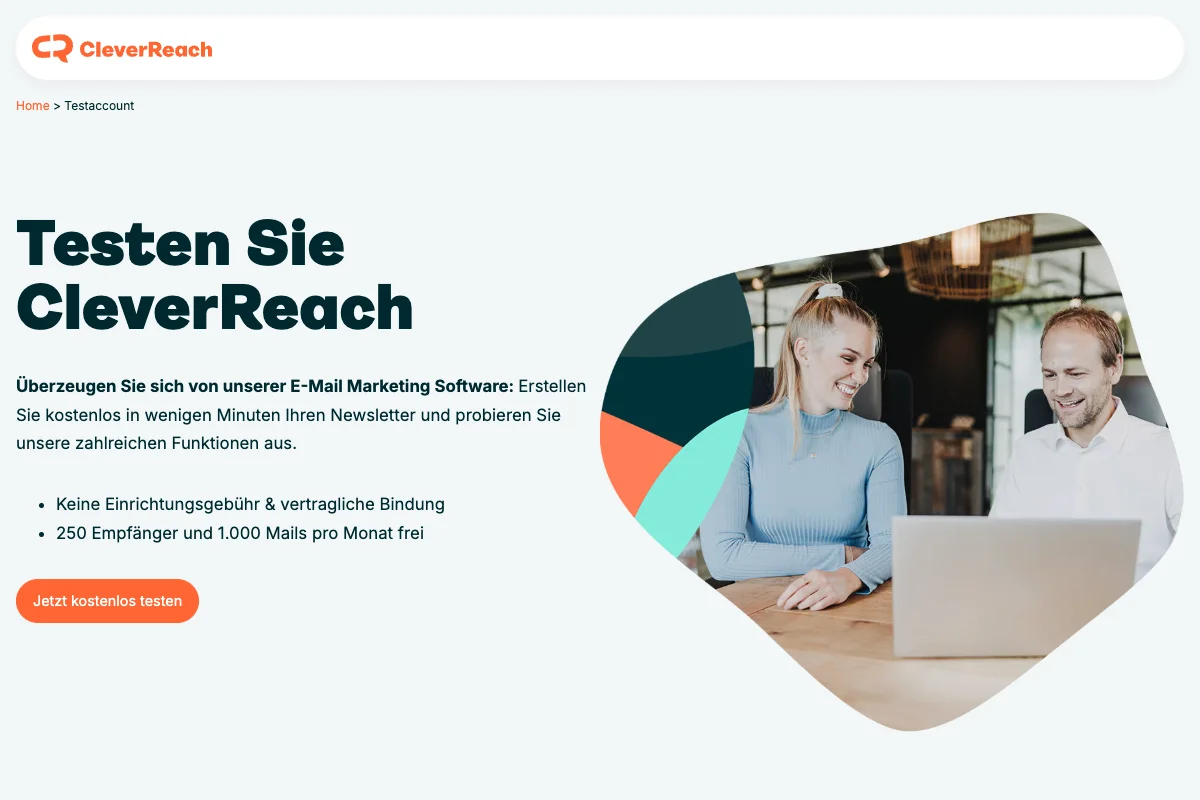
CleverReach has a German user interface and a permanently free Lite plan with 250 contacts and 1,000 emails per month.
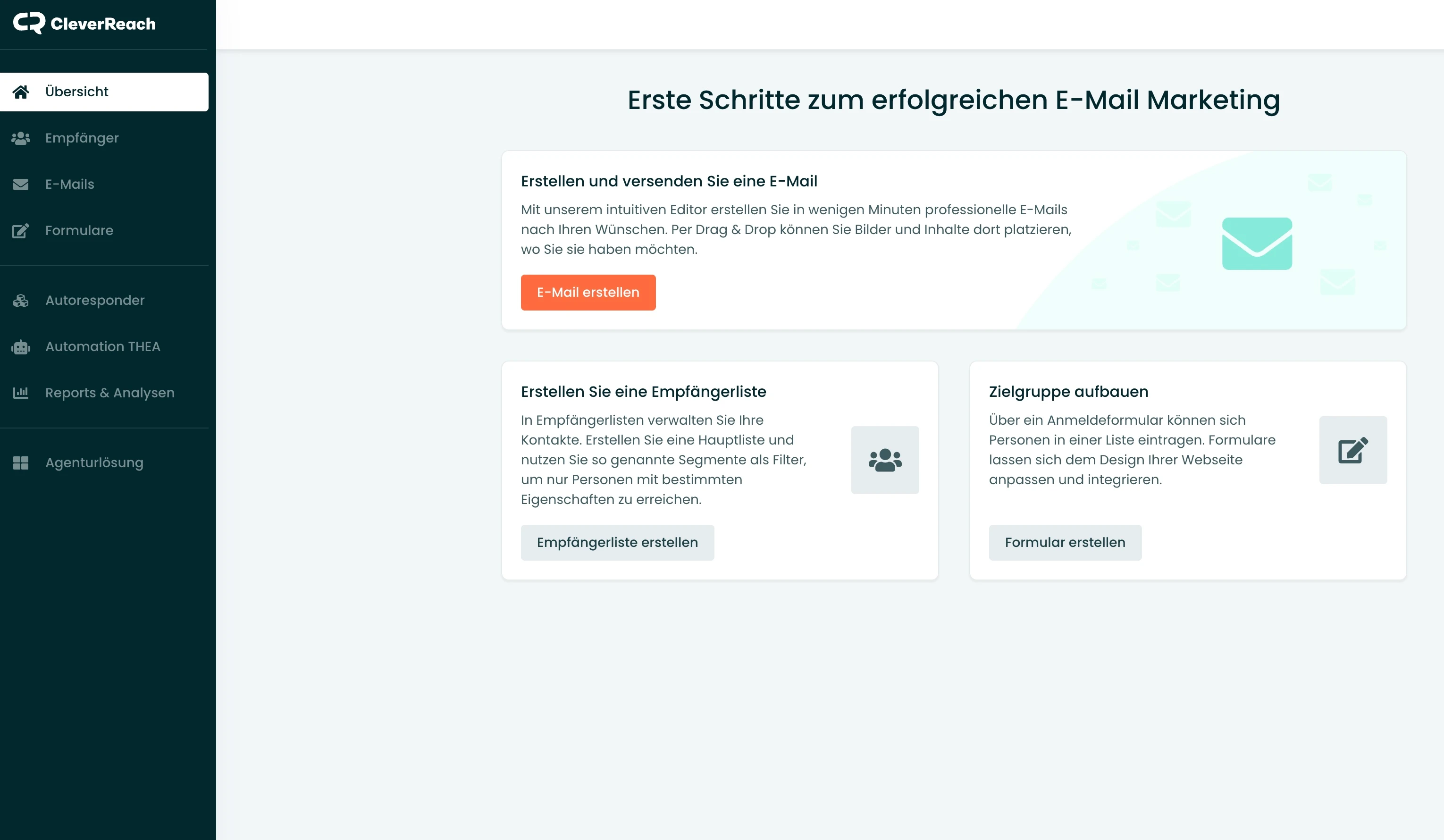
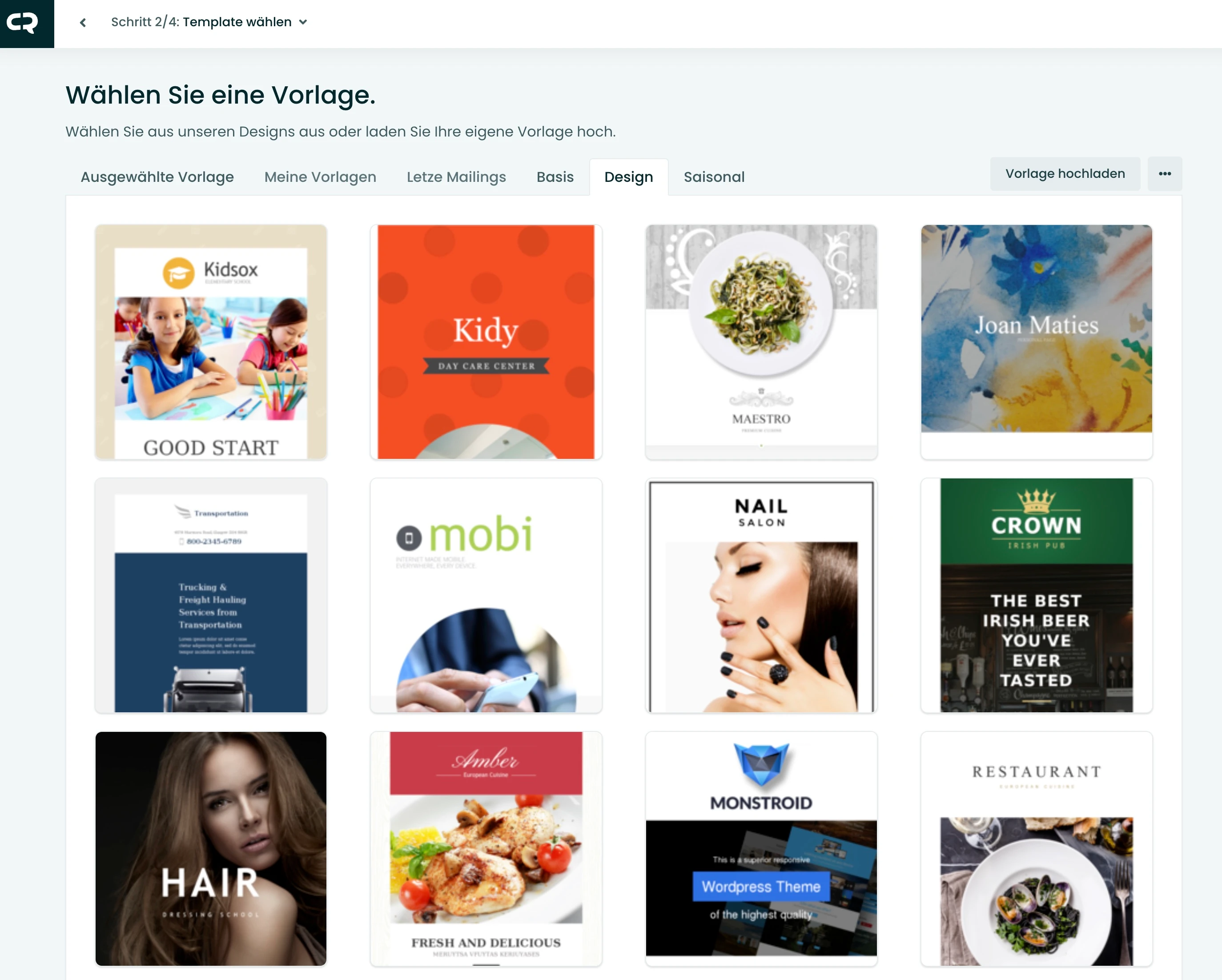
The Lite plan includes one automation and three landing pages. Paid plans extend these limits. A/B tests start with the Pro plan. Check on CleverReach's pricing page which tier fits your list.
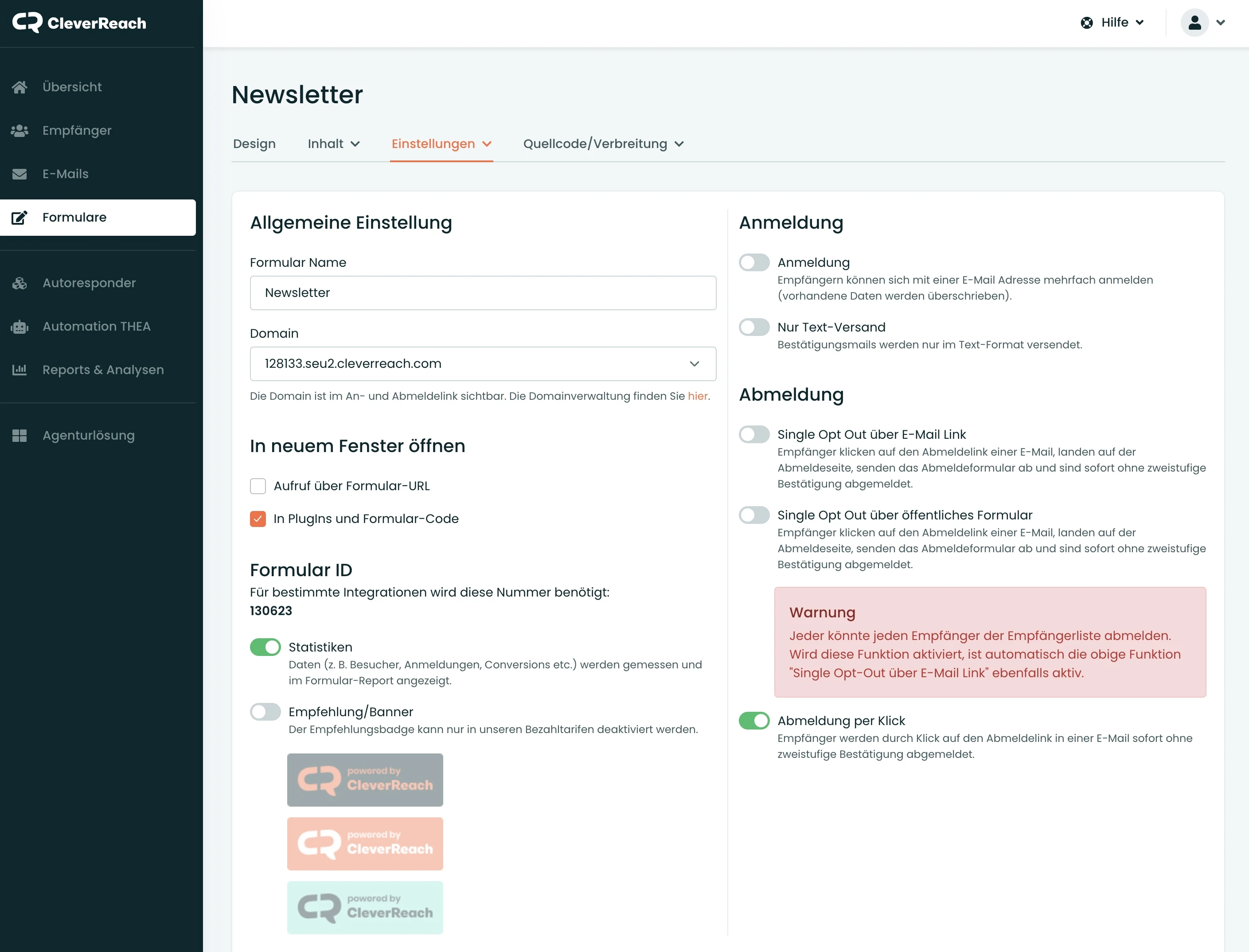
For sign-up forms, consents, and unsubscribes, check the settings before sending. The legal requirements depend on your specific use.
- Permanent Lite plan with 250 contacts and 1,000 emails per month
- German user interface
- Landing pages and automations covered in the comparison
- Lite plan limited to 250 contacts
- A/B tests start with the Pro plan
1.2 Brevo
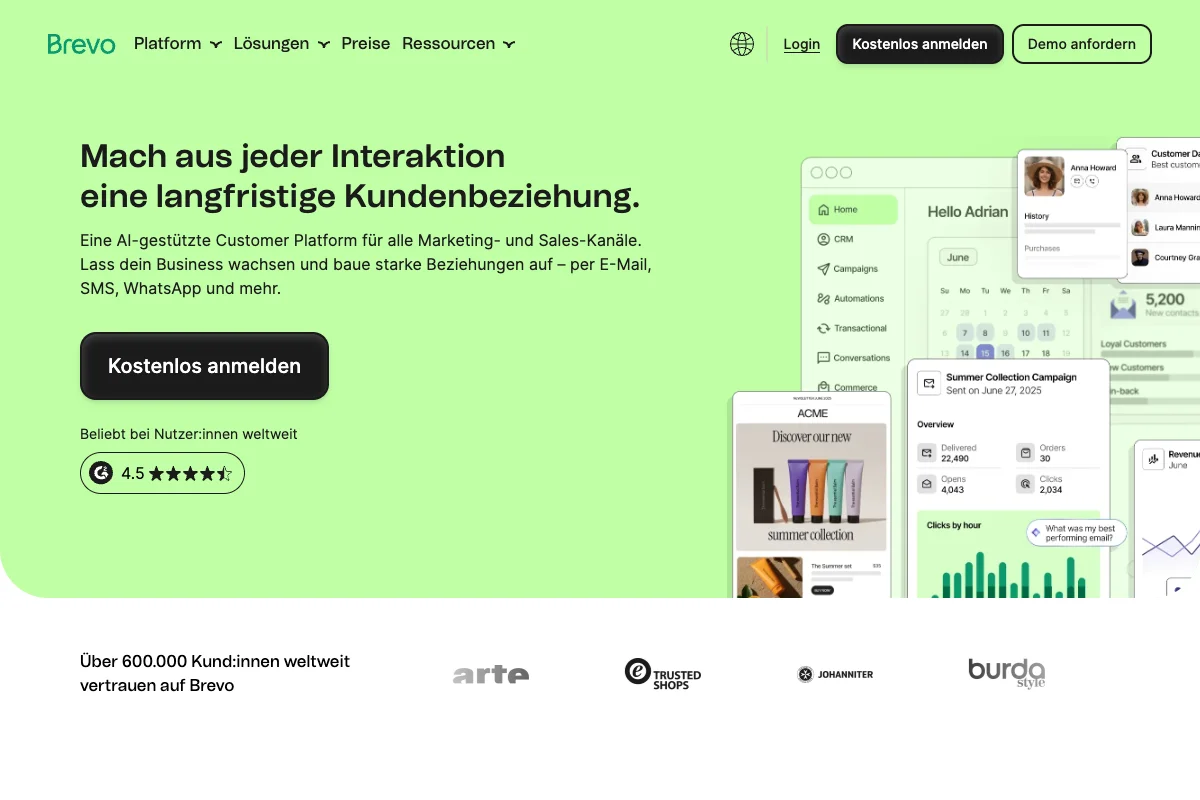
Brevo has a permanent free plan with 300 emails per day. Automations and other features have their own limits depending on the plan.
With Brevo, the monthly price mainly depends on the sending volume. The contact tier can also affect the price. So check both values with the provider instead of only comparing the entry price.
- Permanent free plan with 300 emails per day
- Plans can be compared by sending volume and contact tier
- Automations, landing pages, and A/B tests available depending on the plan
- Daily sending limit in the free plan
- Contact tier and sending volume affect the price
1.3 Mailchimp
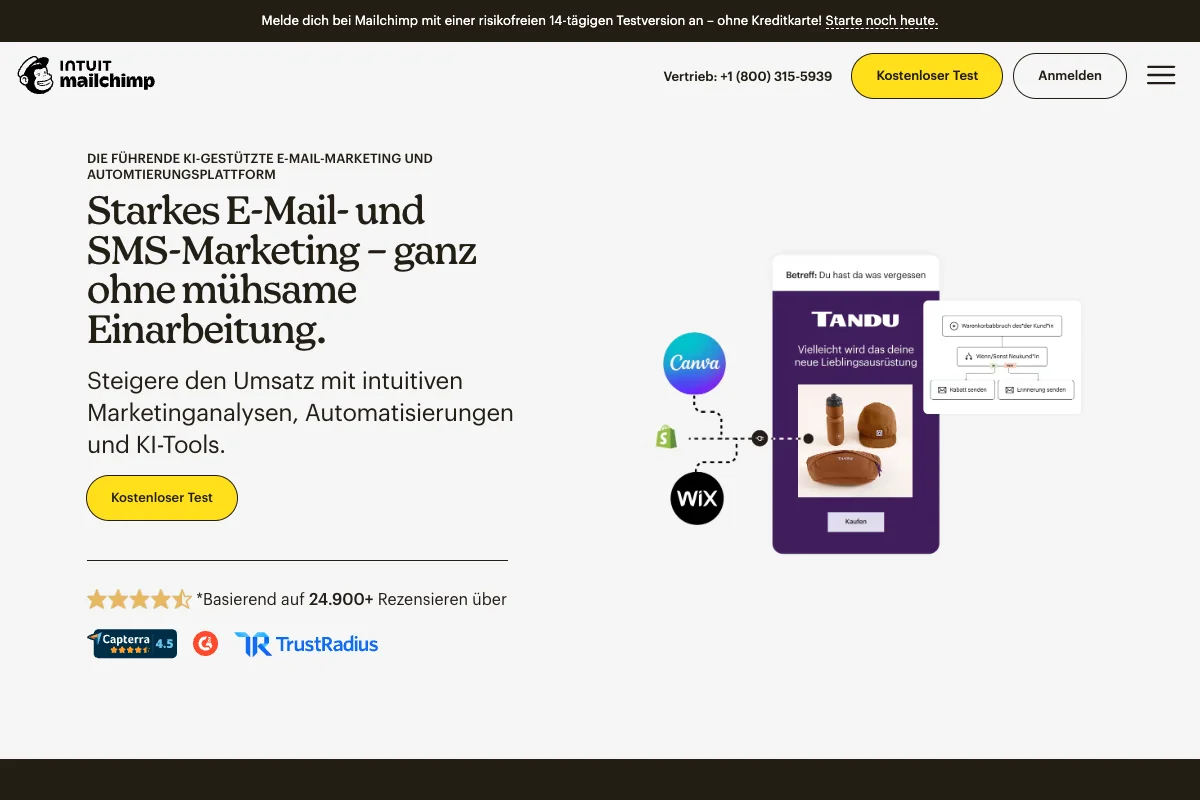
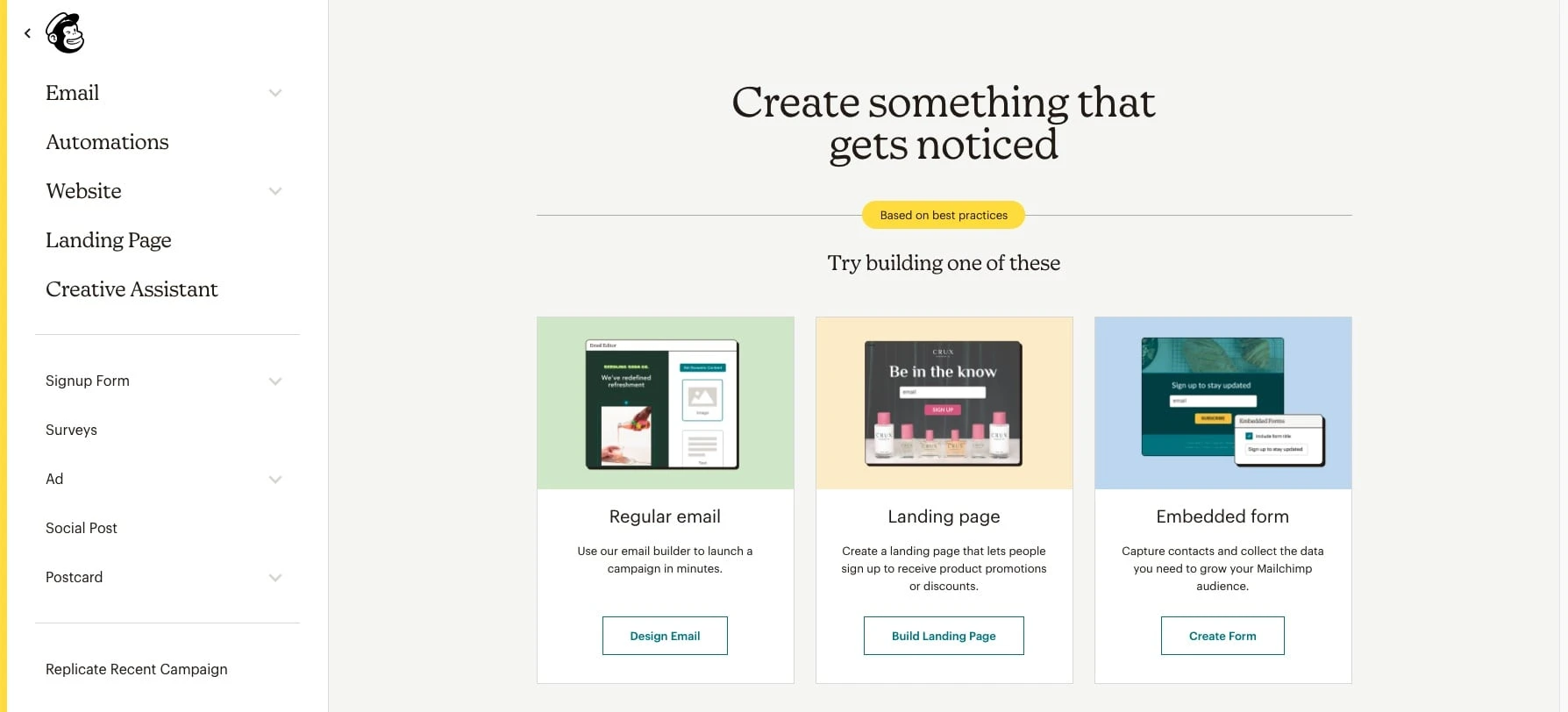
Mailchimp offers a permanent free plan for up to 250 contacts and 500 emails per month. Landing pages are available in the free plan too.
For marketing newsletters, only the documented Marketing API counts. The official Mailchimp MCP is currently aimed at transactional messaging. That's why this value can't be equated with full newsletter control.
- Permanent free plan with 250 contacts and 500 emails per month
- Landing pages even in the free plan
- German user interface
- Marketing features and sending limits differ by plan
- The official MCP covers transactional messaging, not the whole newsletter operation
2. Tag-based newsletter tools
As soon as you want to address contacts differently by interest or customer status, you need tags, segments, and matching automations. That's not a question of the type of tool. What matters are the features of the plan you choose.
A small example:
Let's say you offer two free e-books as freebies because you want to reach two different target groups with your coaching offer:
- 7 marketing tips for small and medium-sized businesses
- 8 rules for winning more clients as a freelancer
Although there will certainly be overlaps, not all of your newsletters are relevant to both target groups. That's why you want to keep them separate in your contacts.
What matters is whether the plan you choose includes the tags, segments, and automations you need.
This is where tag-based tools come into play:
2.1 ActiveCampaign
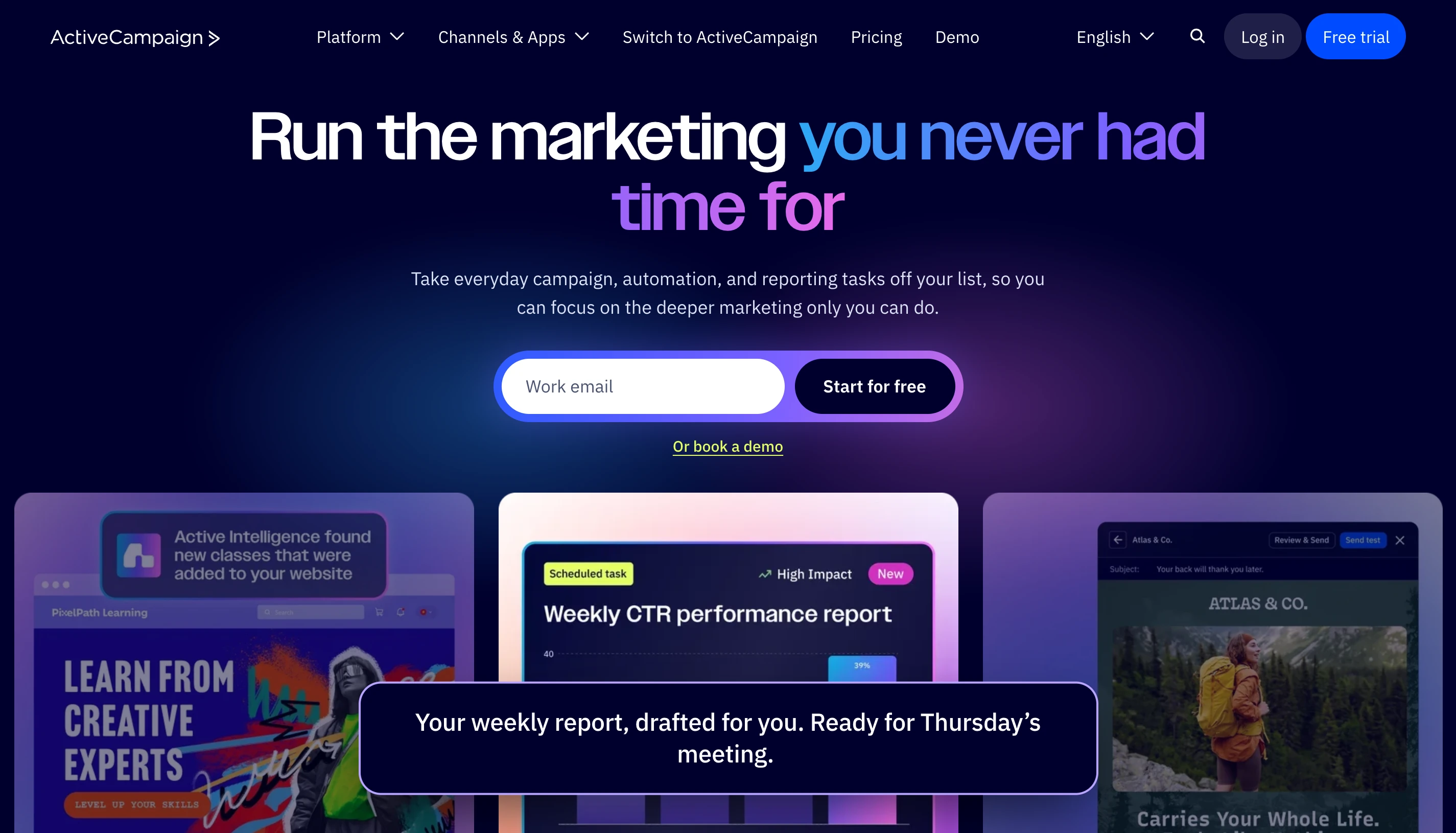
ActiveCampaign combines campaigns, contacts, tags, and automations. Check in the documentation which of these tasks can be controlled via API or the official MCP.
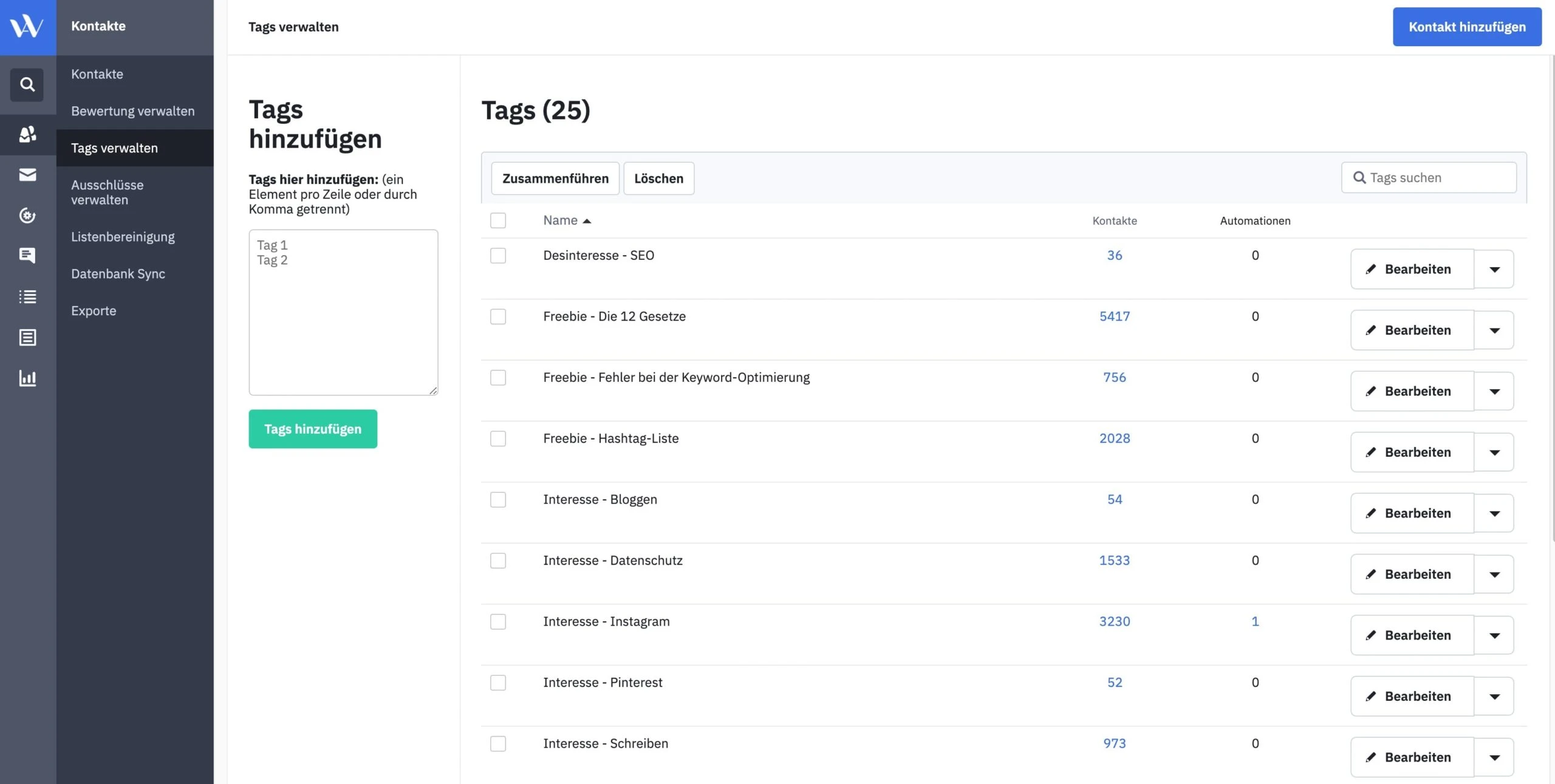
Aspect #1: Better segmentation
Tags and segments help you manage consents, interests, and customer status separately. That way you can send campaigns only to the contacts they're meant for.
Aspect #2: Simpler automation with more options
Automations connect triggers, conditions, and actions. Check with your provider which steps you can run via the interface you want.
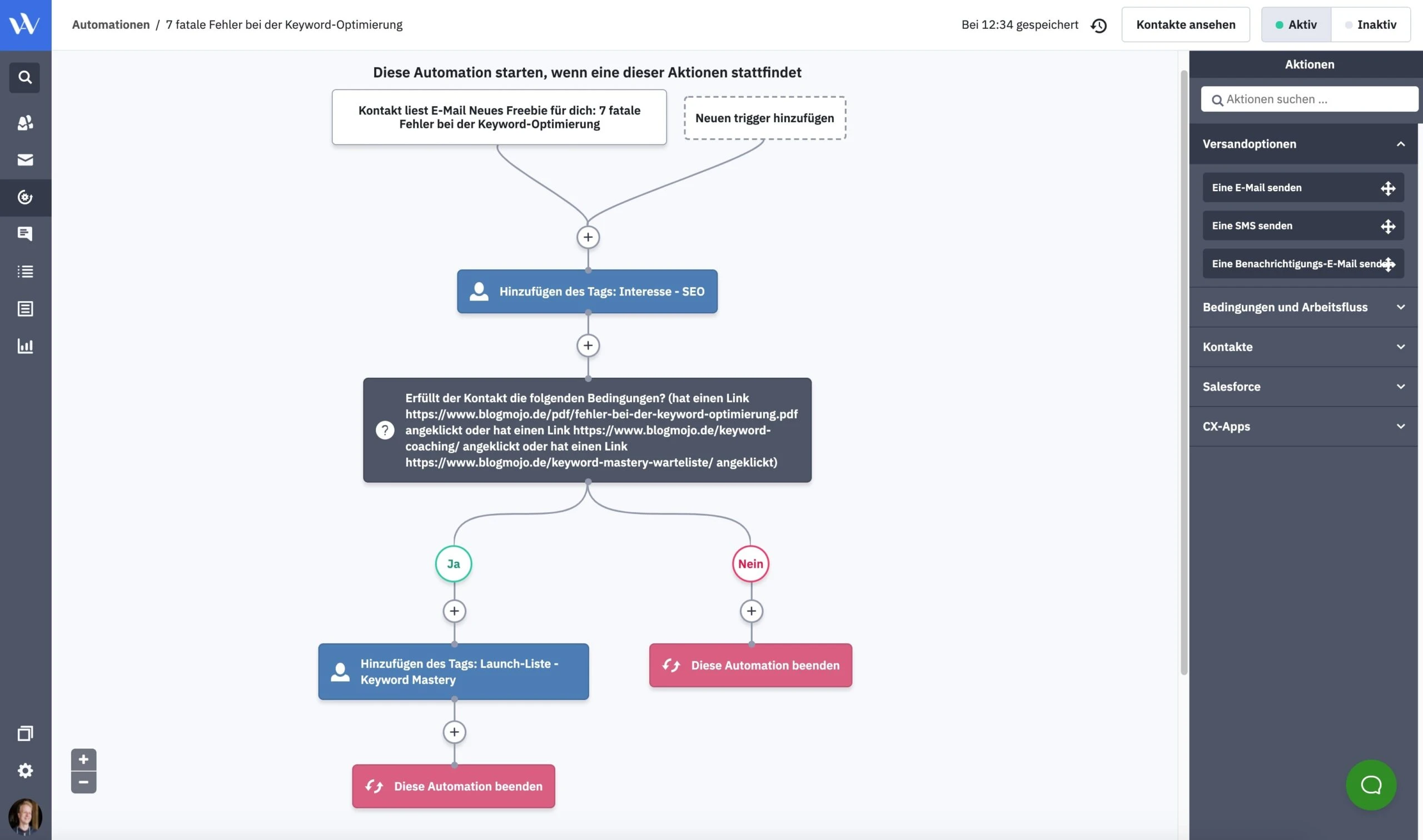
The current Starter plan allows only five actions per automation, and landing pages start with the Plus plan. Prices depend on the number of contacts and the billing option.
- API and official MCP for documented newsletter tasks
- Plans for contacts, campaigns, and automations
- A/B tests for email campaigns in the Starter plan
- No permanent free plan
- Starter limited to five actions per automation
2.2 GetResponse
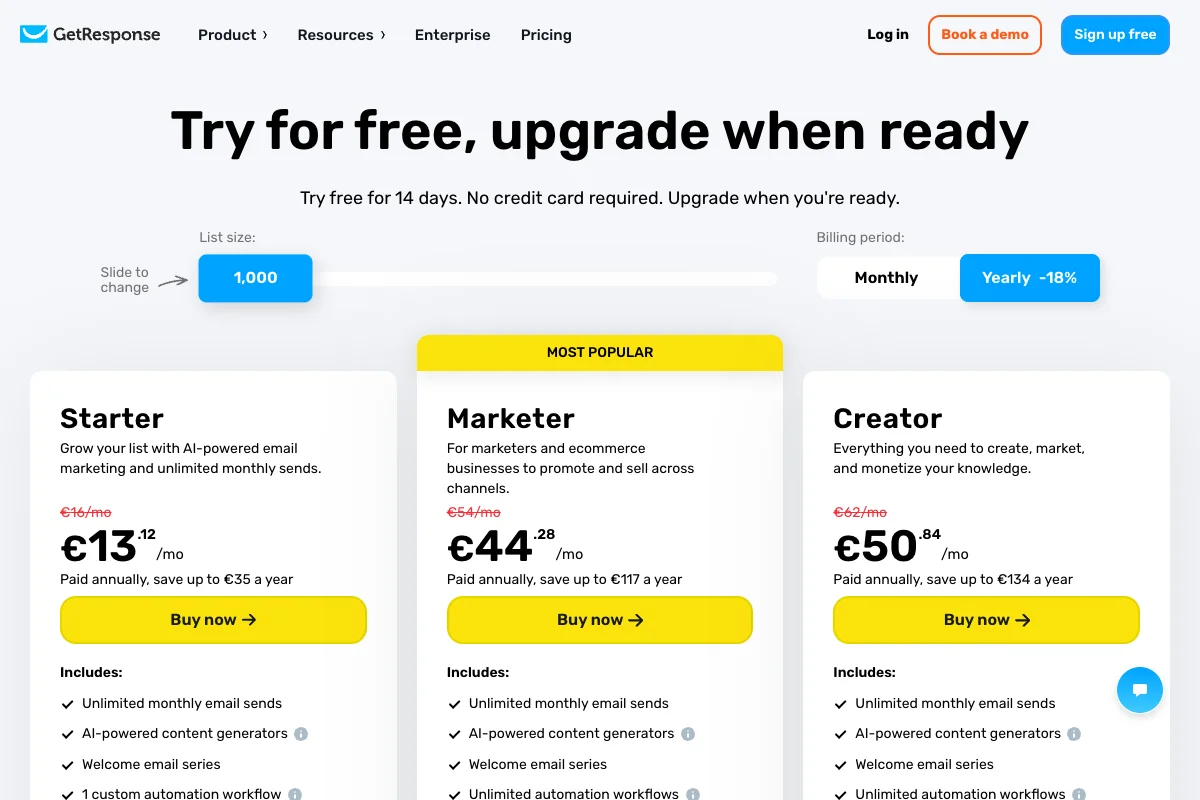
GetResponse offers a permanent free plan for up to 500 contacts and 2,500 newsletters per month.
The Starter plan includes unlimited email sending but only one custom automation. The price depends on your number of contacts.
A/B tests aren't included in the Starter plan. For current feature limits and interfaces, check GetResponse's pricing page.
- Permanent free plan with 500 contacts and 2,500 newsletters per month
- Unlimited emails in the Starter plan
- German user interface
- The Starter plan includes only one custom automation workflow
- A/B tests are not included in the Starter plan
2.3 MailerLite
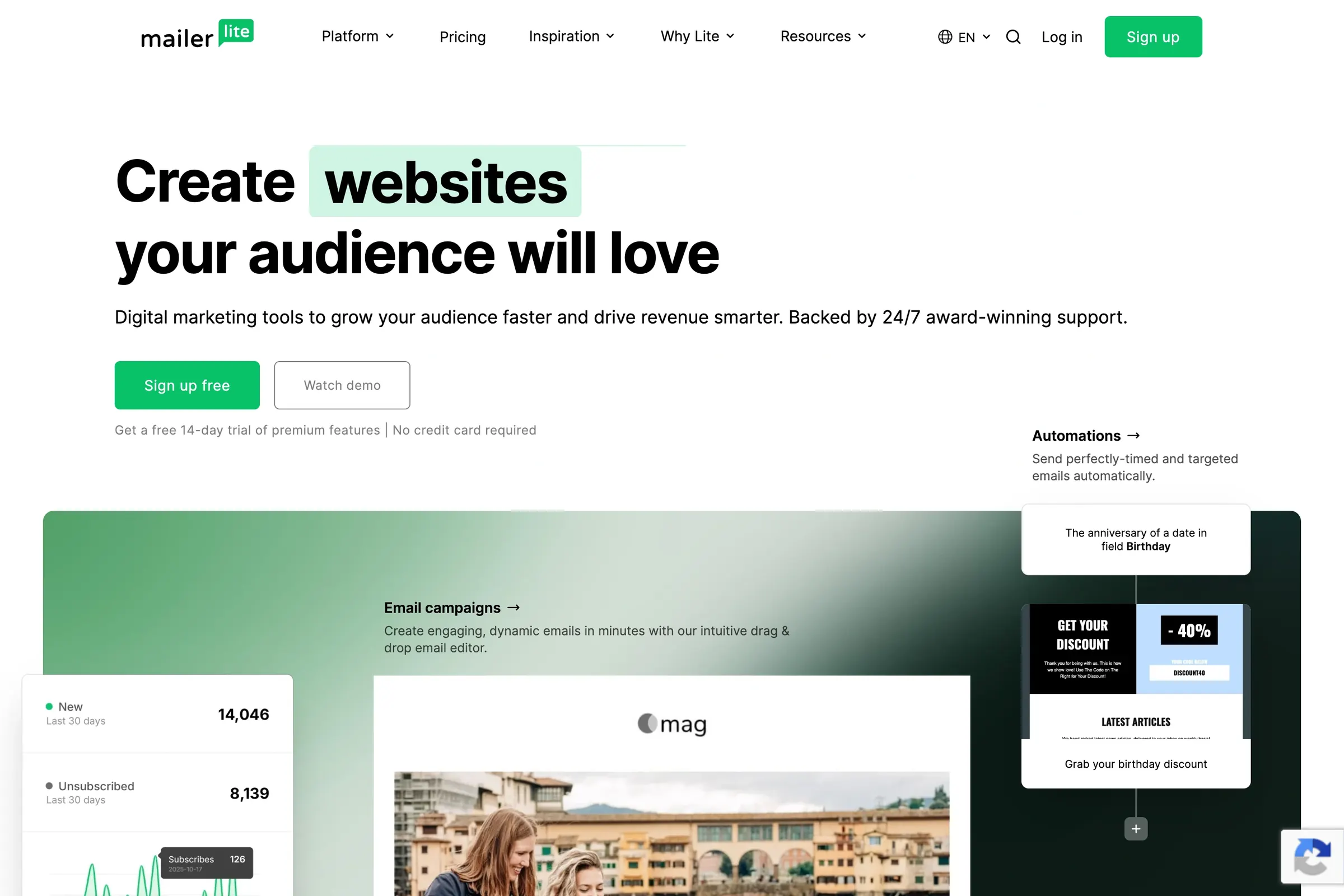
MailerLite has a permanent free plan for up to 250 active subscribers and 2,500 emails per month.
Comfort and Power are the paid plans. Comfort limits automations, forms, and landing pages. Power offers unlimited sending, subject to the fair use policy.
Pricing tiers depend on the number of active subscribers and the plan. So check whether the plan you need includes A/B tests, automations, and landing pages.
- Permanent free plan with 250 active subscribers and 2,500 emails per month
- Unlimited sending in the Power plan, subject to fair use
- Automations, landing pages, and A/B tests can be filtered in the comparison
- No German user interface
- Contact and sending limits differ by plan
3. Newsletter basics
Here you'll find the most important newsletter terms and what they mean:
- Automation: A system for sending emails based on certain sequences or conditions. For example, when a subscriber clicks a link in an email, they get another email or email series.
- Autoresponder: Like automation, just a bit simpler, for example automatically sending an email on a customer's birthday.
- Freebie: Free content, for example an e-book or video, that serves as an incentive to sign up for your email list. Also called a lead magnet or ethical bribe.
- Tags: Keywords you can use to group email subscribers. They help you sort subscribers by interests or customer status (existing customer, potential customer, etc.)
- Bounce: An email that can't be delivered (for example because the email address no longer exists or the inbox is full).
- Opt-in form: A form where someone can enter their email address and possibly further contact details to be added to your email list.
- Double opt-in: An email with a confirmation link that is sent after the opt-in form has been submitted.
- Split test: Sending two or more versions of an email, each with small changes, for example in the subject line, to see which one performs better.
4. Price comparison
Here you'll find the entry conditions at a glance. Check which plan covers your number of contacts and sending volume, and check the billing option as well. Check with the provider whether you can use a feature in the plan shown.
For advanced plans with better support and more features, prices are sometimes higher.
With yearly billing, the monthly amounts shown can be lower. So always compare the same billing option.
Also keep in mind that the lowest price doesn't automatically offer the best value for money. With ActiveCampaign Starter, for example, automations are limited to five actions.
Tool | Free plan or trial | Paid entry plan | Billed by |
|---|---|---|---|
| CleverReach | 250 contacts, 1,000 emails / month | Basic: €15 per month, billed monthly | Contacts, plan, and sending limit |
| Brevo | 100,000 contacts, 300 emails / day | Starter: €7 per month, billed monthly | Email volume and contact tier |
| Mailchimp | 250 contacts, 500 emails / month | Essentials: $13 per month, billed monthly | Contacts, plan, and sending limit |
| ActiveCampaign | No permanent free plan | Starter, monthly, 1,000 contacts: $19 per month, billed monthly | Contacts, plan, and sending limit |
| GetResponse | 500 contacts, 2,500 emails / month | Starter, monthly: €16 per month, billed monthly | Contacts, plan, and sending limit |
| MailerLite | 250 contacts, 2,500 emails / month | Comfort: €11 per month, billed monthly | Contacts, plan, and sending limit |
| AWeber | 500 contacts, 3,000 emails / month | Unlimited: $899 per month, billed monthly | Contacts, plan, and sending limit |
| beehiiv | 2,500 contacts, Unlimited emails / month | Lite, up to 1,000 contacts: $59 per month, billed monthly | Contacts, plan, and sending limit |
| Campaign Monitor | No permanent free plan | Lite, 500 contacts: €12 per month, billed monthly | Contacts, plan, and sending limit |
| Constant Contact | No permanent free plan | Lite, yearly: $10.20 per month, billed yearly | Contacts, plan, and sending limit |
| Drip | No permanent free plan | 1 to 2,500 active people: $39 per month, billed monthly | Contacts, plan, and sending limit |
| EmailOctopus | 2,500 contacts, 10,000 emails / month | Pro, up to 500 contacts: $10 per month, billed monthly | Contacts, plan, and sending limit |
| HubSpot | 1,000 contacts, 2,000 emails / month | Marketing Hub Starter: $20 per month, billed monthly | Contacts, plan, and sending limit |
| Kit | 10,000 contacts, Unlimited emails / month | Creator: $39 per month, billed monthly | Contacts, plan, and sending limit |
| Klaviyo | 250 contacts, 500 emails / month | Email: $20 per month, billed monthly | Contacts, plan, and sending limit |
| Mailjet | 1,000 contacts, 6,000 emails / month | Starter, 8,000 emails: €8 per month, billed monthly | Contacts, plan, and sending limit |
| Mailmodo | No permanent free plan | Lite, up to 1,000 contacts: $34 per month, billed monthly | Contacts, plan, and sending limit |
| MailPoet | 500 contacts, 5,000 emails / month | Business, up to 500 contacts: €10 per month, billed monthly | Contacts, plan, and sending limit |
| Moosend | No permanent free plan | Pro, 500 contacts: $9 per month, billed monthly | Contacts, plan, and sending limit |
| Omnisend | 250 contacts, 500 emails / month | Standard: $16 per month, billed monthly | Contacts, plan, and sending limit |
| rapidmail | No permanent free plan | Essential, 500 contacts: €15 per month, billed monthly | Contacts, plan, and sending limit |
| Sender | 2,500 contacts, 15,000 emails / month | Standard, up to 500 contacts: $9 per month, billed monthly | Contacts, plan, and sending limit |
| SendPulse | 500 contacts, 15,000 emails / month | Standard, yearly: $9.60 per month, billed yearly | Contacts, plan, and sending limit |
| Zoho Campaigns | 2,000 contacts, 6,000 emails / month | Standard, up to 500 contacts: $4 per month, billed monthly | Contacts, plan, and sending limit |
With Brevo, the monthly email volume mainly determines the price. The tier you choose now also limits the number of contacts you can store. In the free plan, you can send up to 300 emails per day.
5. GDPR & data protection
Admittedly:
Data protection isn't a particularly sexy topic.
This section is not legal advice. Whether your newsletter is legally sound depends on the recipients, consent, data flows, and the specific plan you choose.
Before you start, check the data processing agreement, the subprocessors, the documented consent, and a working unsubscribe link.
5.1 Data processing agreement
If a provider processes personal data on your behalf, you usually need a data processing agreement. Article 28 GDPR requires a binding contract or legal act and lists its minimum contents.
So read the current agreement of the specific provider instead of relying on an overview or old screenshots of terms and conditions.
5.2 Double opt-in
With double opt-in, the sign-up is confirmed via a link in an email. Store a traceable record of when and how consent was given.
If needed, clarify with a data protection expert whether and how this procedure is required in your case.
5.3 Data flows and transfers to third countries
A company's headquarters or a single server location doesn't answer the data protection question. Check where the provider and its subprocessors process data and whether data is transferred outside the European Economic Area.
For transfers to third countries, the GDPR provides for various safeguards. These can include the standard contractual clauses adopted by the European Commission. Which basis fits your case depends on the actual data flow.
5.4 Checklist before you start
Take care of these four points before your first campaign:
- Read the data processing agreement and the exact service description.
- Check subprocessors and documented data transfers.
- Test consent, confirmation, and unsubscribing in your form.
- Get professional advice on open legal questions.
6. Interfaces
What matters is whether the tasks you need actually work via API, MCP, or a connector.
So check API and official MCP servers against the newsletter functions you need, including the documented tasks and their limitations for each tool. Then check any single integration with the provider or connector.
7. Available in German?
The interface and the support can be in different languages. The following table only shows the documented language of the user interface.
Tool | German user interface |
|---|---|
| CleverReach | Yes |
| Brevo | Yes |
| Mailchimp | Yes |
| ActiveCampaign | Yes |
| GetResponse | Yes |
| MailerLite | No |
| AWeber | Not documented |
| beehiiv | Not documented |
| Campaign Monitor | Not documented |
| Constant Contact | Not documented |
| Drip | Not documented |
| EmailOctopus | Not documented |
| HubSpot | Yes |
| Kit | Not documented |
| Klaviyo | Yes |
| Mailjet | Not documented |
| Mailmodo | Not documented |
| MailPoet | Not documented |
| Moosend | Not documented |
| Omnisend | Not documented |
| rapidmail | Yes |
| Sender | No |
| SendPulse | Not documented |
| Zoho Campaigns | Yes |
8. Can't I just use Outlook or Gmail to send newsletters?
Maybe you've asked yourself this question before:
Why spend €10, €20, or even €50 a month?
I can just send newsletters through my Gmail or GMX account or through my web host's mailbox.
But I advise you against it (in most cases)!
There are several reasons for this:
- Mailboxes are meant for individual correspondence. So check your provider's sending limits and terms of use before you email larger mailing lists.
- You usually lack key features for consent, unsubscribing, segmentation, templates, and campaign reports.
- Deliverability depends on the sender configuration, the content, and how recipients react. A specialized tool doesn't replace this work, but it supports it with suitable features.
For regular newsletters, a system built for the purpose is therefore the more reliable foundation.
I show you how to create a newsletter here: Create a newsletter in 2026: The ultimate guide for beginners
9. Does email marketing still work at all?
Of course!
A newsletter creates a direct channel to people who have consciously signed up. It doesn't replace social networks, but it makes you less dependent on their reach.
Because even though more and more customer retention happens on social networks like Instagram, Facebook, or Twitter, social networks have serious drawbacks:
Drawback #1: You have little control over your contacts!
So export contacts and proof of consent regularly, as far as your contract and data protection allow. Switching providers still requires a careful migration and retesting all forms and automations.
Drawback #2: Reach depends on the network
On social networks, whether someone sees a message depends on how the network distributes it. Newsletter open rates aren't a fixed benchmark either. They vary with consent, target group, subject line, and measurement method.
10. Which newsletter software is right for whom?
Not sure which of the email marketing tools listed above suits your use case?
No problem!
These criteria help you choose:
- Fewer than 250 contacts: Look for a free plan and compare its limits with your actual sending volume.
- German interface: Check the table in section 7 and check support and documentation with the provider separately.
- Automations and tests: Check whether the plan includes the features you need.
- API or MCP: Compare the documented coverage of the tasks you need, the same way for every tool.
- Data protection: Check the contract, data flows, and your specific sign-up process before you decide.
A low entry price is only the beginning. Decide based on the sending volume you need, the plan restrictions, and the interfaces for your specific workflows.
11. FAQ
Here you'll find answers to frequently asked questions about newsletter tools:
Are there free newsletter tools?
Yes, CleverReach offers a permanent free plan with up to 250 contacts and 1,000 sent emails per month.
I put together more free newsletter tools and plans for you in this article: Create a free newsletter: The 8 best tools
How do I add a newsletter form to WordPress?
First check whether your newsletter provider offers an official WordPress plugin or an embed code for forms.
With a third-party plugin, check before publishing that it correctly passes on the list, groups, and double opt-in you chose.
Is there open source software for sending newsletters?
Yes, there is.
Well-known open source tools include OpenEMM, Mailtrain, and Mautic, for example.
Self-hosted software gives you more control over operation and location. In return, you also take on more responsibility.
You need a server, have to plan for updates and security, and have to monitor deliverability yourself. Whether that pays off depends on your technical know-how and your requirements.
Which providers have a German user interface?
The table in section 7 shows which providers have a documented German user interface. Support, help pages, and contract documents may differ. So check them with the provider before you commit.
How do I add a newsletter to my website?
You can embed a form from the provider or use a connector for your content management or shop system.
Many providers supply JavaScript or HTML code for this. Then test the integration with a test sign-up:
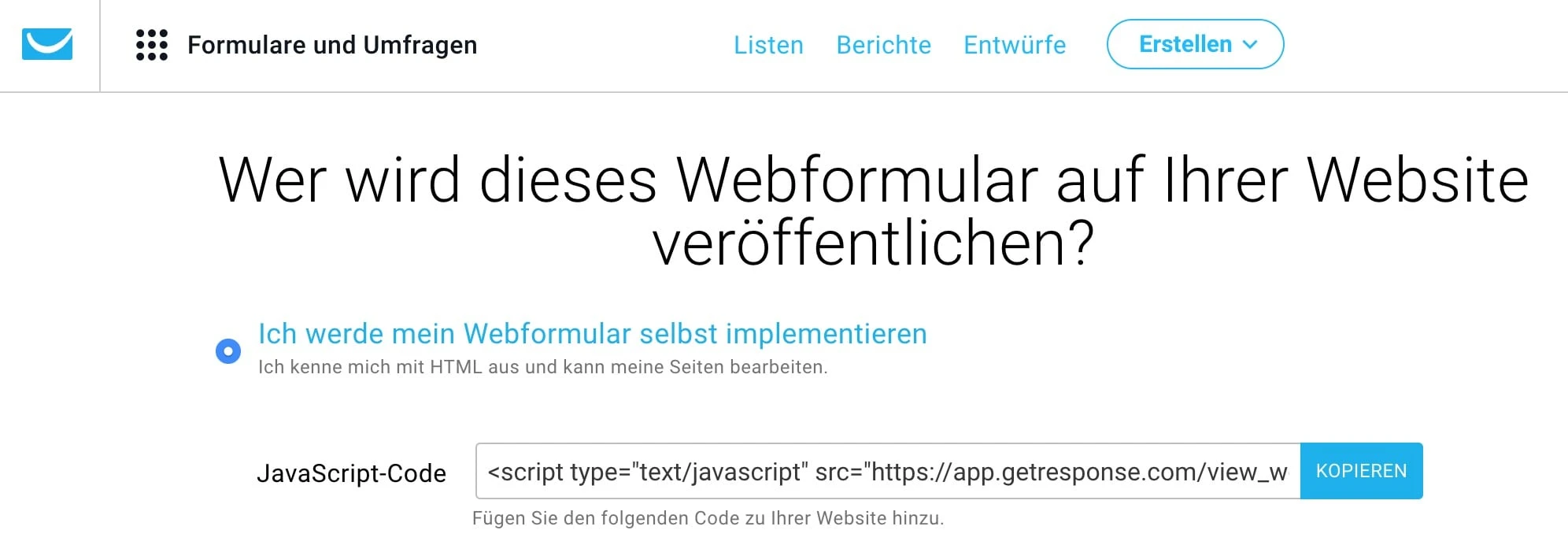
A plugin only makes sense if it reliably passes the required fields, consents, and groups on to your newsletter tool.
What is a tag?
The word tag means something like keyword or label.
Tags help you sort your contacts by interests, demographic traits, their goals or problems, or by customer status.
For a nutritionist, the tags could look like this, for example:
- Diet type: vegan, vegetarian, omnivore
- Goal: lose weight, build endurance, build muscle
- Age: under 30, 30 to 50, over 50
- Customer status: completed free online course, had intro call, coaching
These tags let our nutritionist send emails in a much more targeted way.
For example, he can prevent vegan contacts from unsubscribing from his list one day because they keep getting recipes with meat or eggs.
Or he can send upsell products to all customers who have already booked a coaching with him. Or downsell products to all customers who had an intro call with him but didn't book.
What is an autoresponder?
An autoresponder is an email sent automatically by your newsletter provider, for example by Mailchimp or ActiveCampaign.
Every autoresponder is preceded by a specific event (for example a subscriber's birthday) or a specific action by a subscriber (the subscriber buys a product or signs up for an email list).
Example:
A subscriber signs up for the email list of a nutrition consultancy.
They then get a welcome email followed by a five-part email series with weight-loss tips and recipes (one email a day).
What is an automation?
An automation goes one step further than an autoresponder.
Like an autoresponder, an automation is triggered by a specific action of a subscriber. But it also contains further conditional instructions and branches.
Example:
A subscriber signs up for the email list of a nutrition consultancy.
They get a welcome email in which they first have to choose whether they are vegan, vegetarian, or omnivore (using 3 links).
If the subscriber clicks the vegan link, the email marketing software assigns them the tag vegan.
Assigning the tag starts a customized email series that features only vegan recipes.