
Community platforms all promise the same thing. Your members are supposed to discuss, learn, attend events, and, ideally, pay for access.
In practice, the tools differ a lot. Some are a clear home for a membership business. Others feel more like a quick group chat or a course platform with a comment function.
Here's what matters:
The wrong platform doesn't make your community livelier. It just spreads discussions, courses, and payments across more menu items.
I've been using Circle since 2024 for our KI Business Club.
- Circle is my first choice for a professional, paid community with courses, events, and a clear structure.
- Skool makes it easy for members to get started and starts at $9 per month. In return, the Hobby plan charges 10% plus $0.30 per transaction.
- Discord is free and strong for ongoing chats. For courses, payments, and a structured membership, you usually need additional tools.
My clear recommendation is Circle if you want to run a community as a professional product. Skool is the best alternative for a simple start. I would only choose Discord if the ongoing chat matters more than courses and payment processes.
1. What does good community software need to do?
A community platform is more than a forum. It should organize conversations, introduce new members in a sensible way, and bring recurring formats such as courses or events together in one place.
Here I compare hosted platforms for creators, coaches, and memberships. Social media management tools serve a different purpose. They are mainly about editorial planning, comments, and messages in existing social networks.
Seven points were decisive for my comparison:
- How quickly do new members find their way around?
- Can you structure posts, chats, and areas in a sensible way?
- Are there courses, events, and livestreams?
- Can you offer free and paid memberships?
- What branding, integration, and automation features are there?
- How well do moderation and member management work?
- What does the platform cost, including transaction fees?
If you're looking for free community software or a self-hosted open-source solution, my comparison of classic forum software will help you. If you want to run the community directly in WordPress, you'll find suitable solutions in my WordPress membership plugins. If the course area matters more than the community, you'll find suitable providers in my comparison of online course platforms.
2. Community software compared directly
The table shows the entry plans and the main strength of each tool. Pay attention to the stated billing, because an annual price ties you in for longer than a plan paid monthly:
Tool | Starting price | Free trial | Best for |
|---|---|---|---|
| Circle | $89 per month billed annually, 2% transaction fee | 14 days | Professional, paid communities |
| Skool | $9 per month, 10% plus $0.30 per transaction (without Growth Boost) | Yes | Simple communities with courses |
| Mighty Networks | $79 per month billed annually, 2% platform fee | 14 days, no credit card | Communities with courses and events |
| Heartbeat | $49 per month, 5% transaction fee | 14 days, no credit card | Small, closely guided groups |
| Discord | Basic server free | Not needed | Free, chat-heavy communities |
The lowest price isn't automatically the cheapest overall package. With Skool, the transaction fee can quickly matter more than the monthly base price. With Discord, additional services for courses, emails, and payments often come on top.
An example calculation:
With $1,000 in monthly revenue from members you acquired yourself, without Skool's Growth Boost, the base price plus the percentage platform fee works out to $109 per month each for Circle Professional with annual billing and Skool Hobby with monthly billing. Skool charges an additional $0.30 per transaction. With Circle, the costs of payment processing come on top. The exact cost threshold therefore depends on the number of payments and the payment provider.
3. Circle
Circle is my recommendation. The platform combines spaces, chats, courses, events, livestreams, direct messages, and paid memberships without the interface feeling overloaded.
Members get clear navigation with community, courses, events, and a member directory. In the admin area, you manage audience, community, courses, website, payments, and analytics separately.
This is how Circle presents the platform on its landing page:
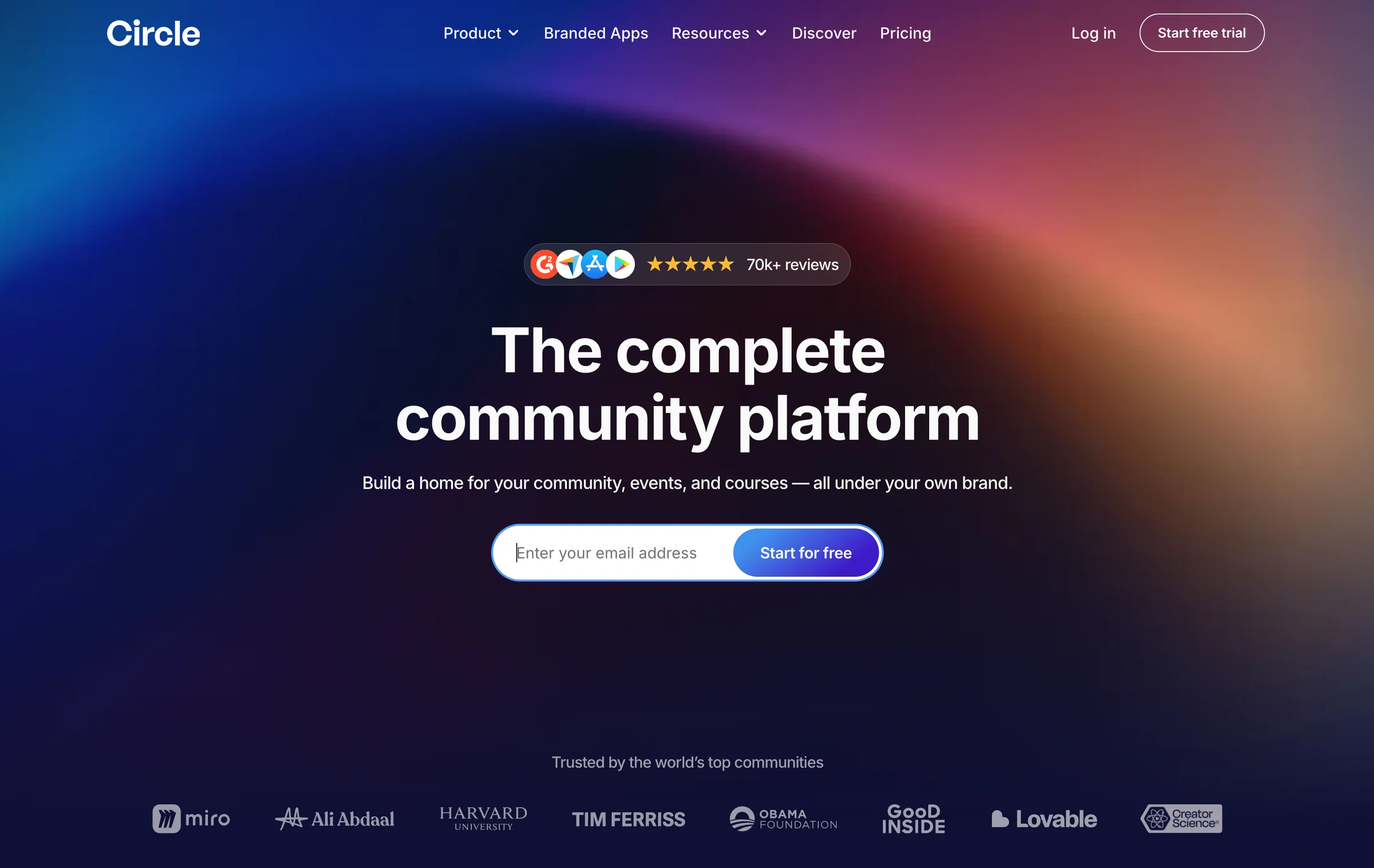
The Professional plan costs $89 per month when billed annually. It includes courses, events, livestreams, your own brand colors, your own domain, and paid memberships, among other things. The Professional plan includes 20 automations and 20 scheduled workflows. The available actions are limited, though. The full standard actions, unlimited automations, and API access come with the Business plan for $199 per month when billed annually. Circle explains the details in its workflow overview. For payments, Circle charges a 2% transaction fee on the Professional plan and 1% on the Business plan. Payment processing fees come on top.
- Very clean interface for members and administrators
- Community, courses, events, livestreams, and paid memberships in one tool
- Your own branding and your own domain already in the Professional plan
- At $89 per month at minimum, the most expensive entry option in this comparison
- Unlimited automations and API access only come with the Business plan
- The Professional plan charges a 2% transaction fee
Who is Circle right for?
Circle suits you best if your community is a product in its own right or an important part of your offering. For coaches, creators, memberships, and training offers, the mix of structure and range of features is currently the most convincing.
4. Skool
Skool reduces community software to a few fixed areas. You switch between community, course area, calendar, members, map, and leaderboard without first having to work your way through settings.
This very simplicity is its greatest strength. Posts work much like in a Facebook group, while courses sit in clear modules. Points and leaderboards are meant to increase activity.
On the public homepage, communities take center stage:
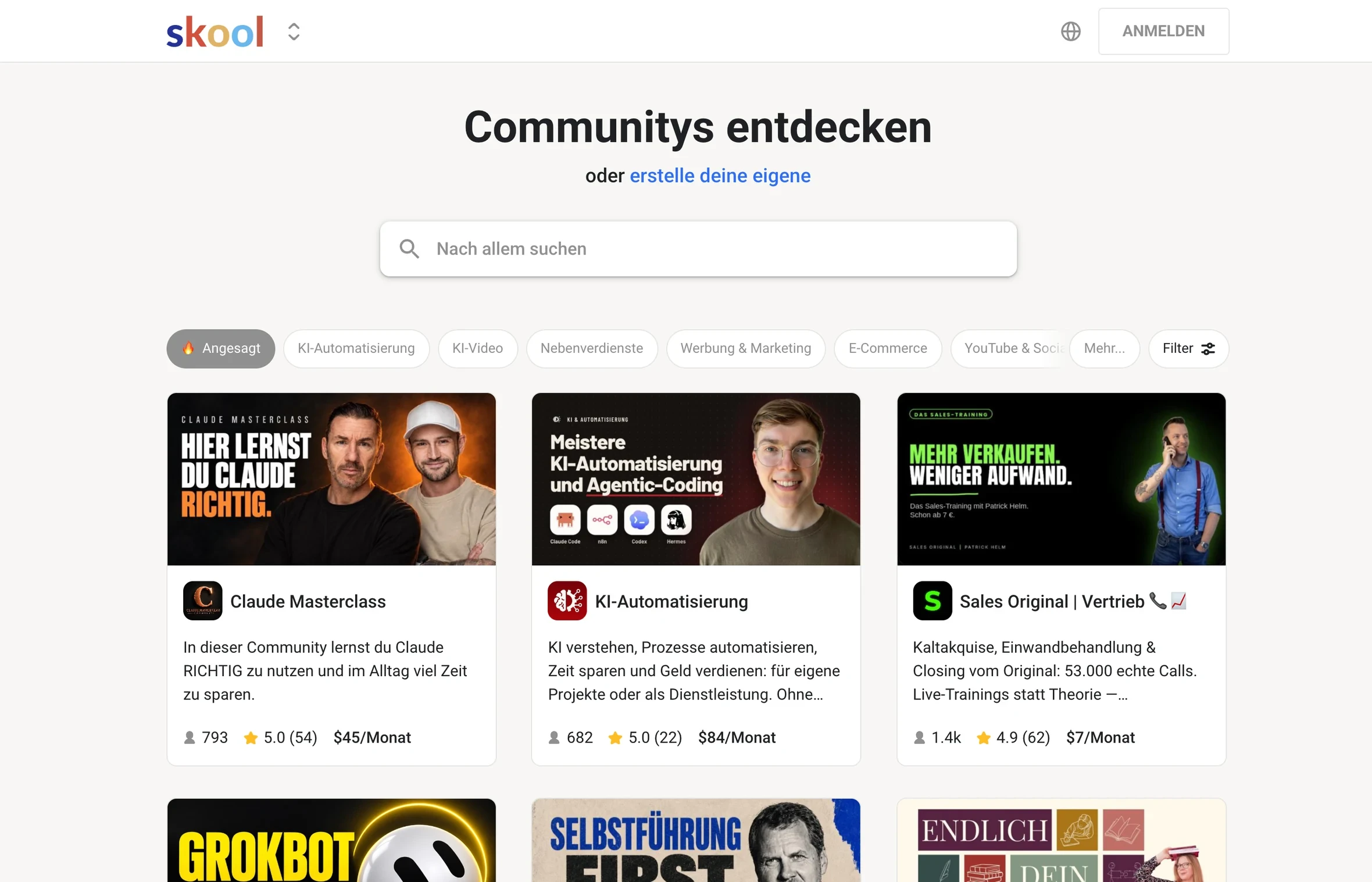
The Hobby plan costs $9 per month but charges 10% plus $0.30 per transaction. The Pro plan costs $99 per month. For transactions up to $899, the fee there drops to 2.9% plus $0.30 per transaction. For transactions over $900, Skool names 3.9% plus $0.30. Which rate applies at exactly $900 is left open by the current help page. According to the provider, members, courses, videos, and live calls are unlimited on both plans.
- Very simple to use, with only a few menu items
- Courses, calendar, leaderboards, and member directory are built in
- The Hobby plan costs only $9 per month
- The Hobby plan charges 10% plus $0.30 per transaction
- Growth Boost is active by default and costs an extra 30% commission for members it brings in
- Fewer options for your own branding and individual structures
- The deliberately reduced design doesn't suit every brand
Who is Skool right for?
Skool is a good choice if you want to start quickly and don't want to configure design or complex workflows. As your revenue grows, you should run the transaction fees against Circle or Skool's Pro plan.
5. Mighty Networks
Mighty Networks combines community, courses, events, and gamification. The platform clearly targets larger creator businesses that want to build several offers out of one community.
The landing page puts this full package front and center:
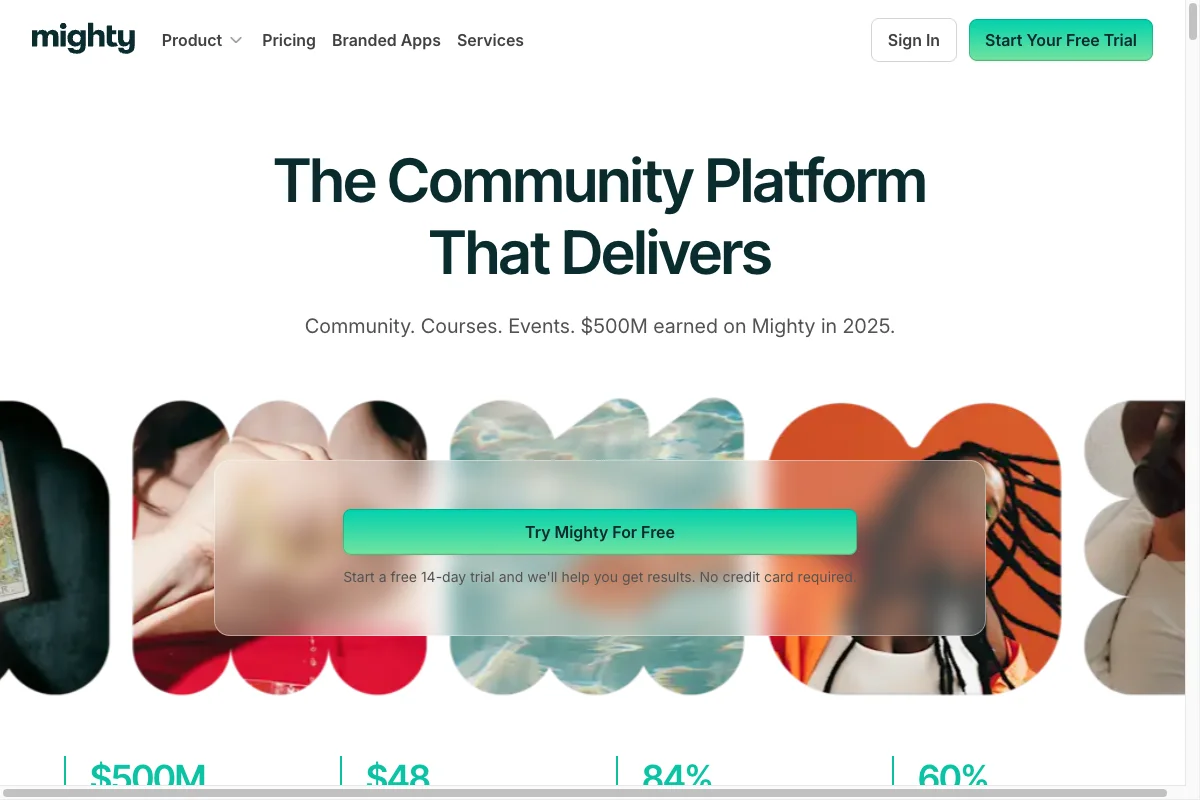
The Launch plan costs $79 per month when billed annually and includes courses, events, badges, gamification, and basic automations. The Scale plan costs $179 per month when billed annually and adds API access and further integrations, among other things. The platform fee is 2% and 1%, respectively.
You can try Mighty Networks for 14 days, free and without a credit card. For sales during the trial period, though, a 5% platform fee applies on top of the Stripe fees.
In the admin area, you manage members, spaces, collections, access rules, automations, and integrations. There is also an AI assistant and templates for chats, feeds, pages, resource libraries, courses, events, and challenges.
- Community, courses, events, and automations in one platform
- Members, spaces, collections, and access rules can be managed centrally
- The 14-day Growth trial works without a credit card
- Getting started costs $79 per month billed annually
- The Launch plan charges a 2% platform fee on top of payment processing
- API and more extensive integrations are only included in the Scale plan
Who is Mighty Networks right for?
Mighty Networks is worth it if you want to tightly interlink courses, events, and community and need more growth features than Skool offers. For a small project, on the other hand, the package is quickly too expensive and too extensive.
6. Heartbeat
Heartbeat combines a feed, chat channels, courses, events, documents, and member profiles. Matchups, workflows, and revenue management come on top. You can try the platform for 14 days, free and without a credit card.
The public landing page positions Heartbeat for memberships:
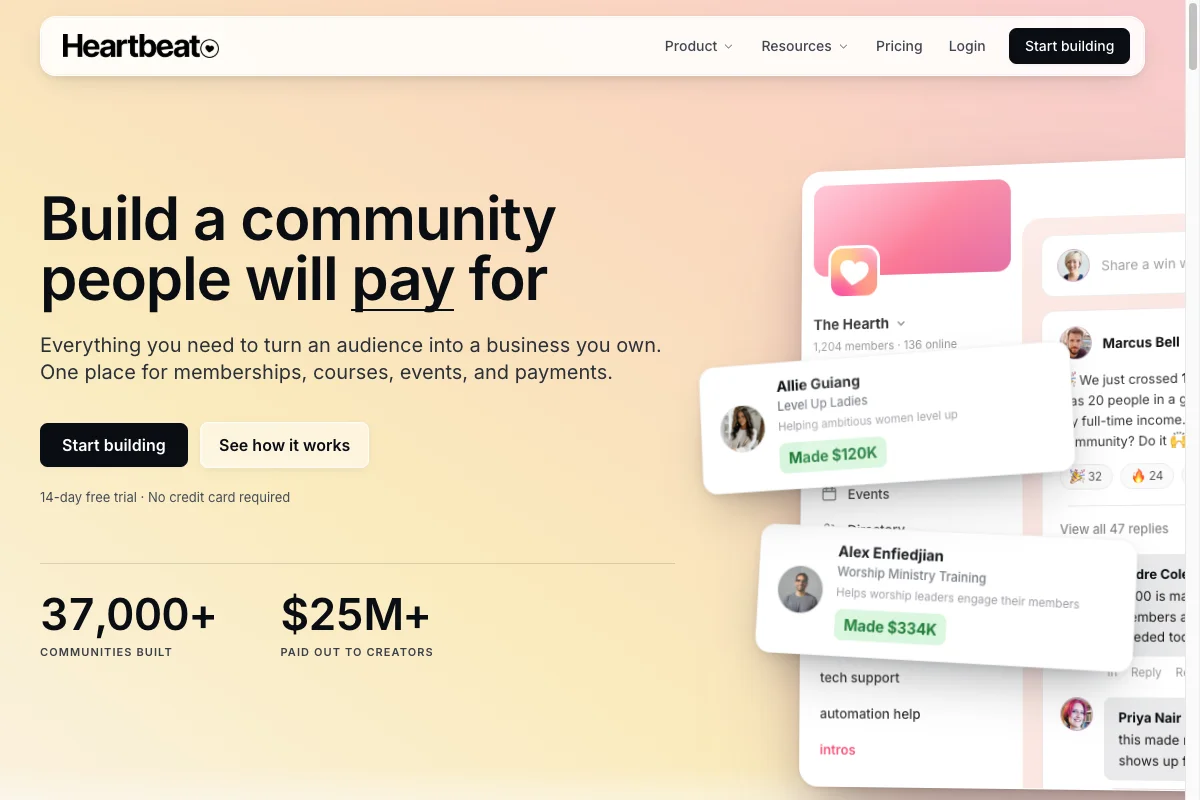
The Build plan costs $49 per month or, according to the provider, $40 per month when billed annually. The amount billed is $490 per year, which effectively comes to $40.83 per month. It is limited to 350 members. In return, it includes unlimited channels, courses, events, documents, and landing pages as well as five workflows. In the Build plan, one of the landing pages can be designed individually. The Grow plan starts at $149 per month and adds API, more automations, and up to 5,000 members, among other things. For payments, Heartbeat charges a 5% transaction fee on the Build plan on top of Stripe. On the Grow plan, it is 2.5%.
- Clear mix of feed, chats, courses, events, and documents
- 14-day trial without a credit card
- Your own domain, colors, and several integrations already in the Build plan
- The cheapest plan is limited to 350 members
- API access and removal of the Heartbeat branding only come with the Grow plan
- The Build plan charges a 5% transaction fee on top of Stripe
Who is Heartbeat right for?
Heartbeat is interesting if you want to build a manageable, closely guided group and need more structure than Discord offers. For fast-growing communities, the member limit of the entry plan becomes the most important cost factor.
7. Discord
Discord is the only solution in this comparison whose basic server is currently free to use. You can divide a server into text, voice, and forum channels. Roles and channel-specific permissions control who may see and manage which areas.
Discord mainly promotes community servers for games and fans:
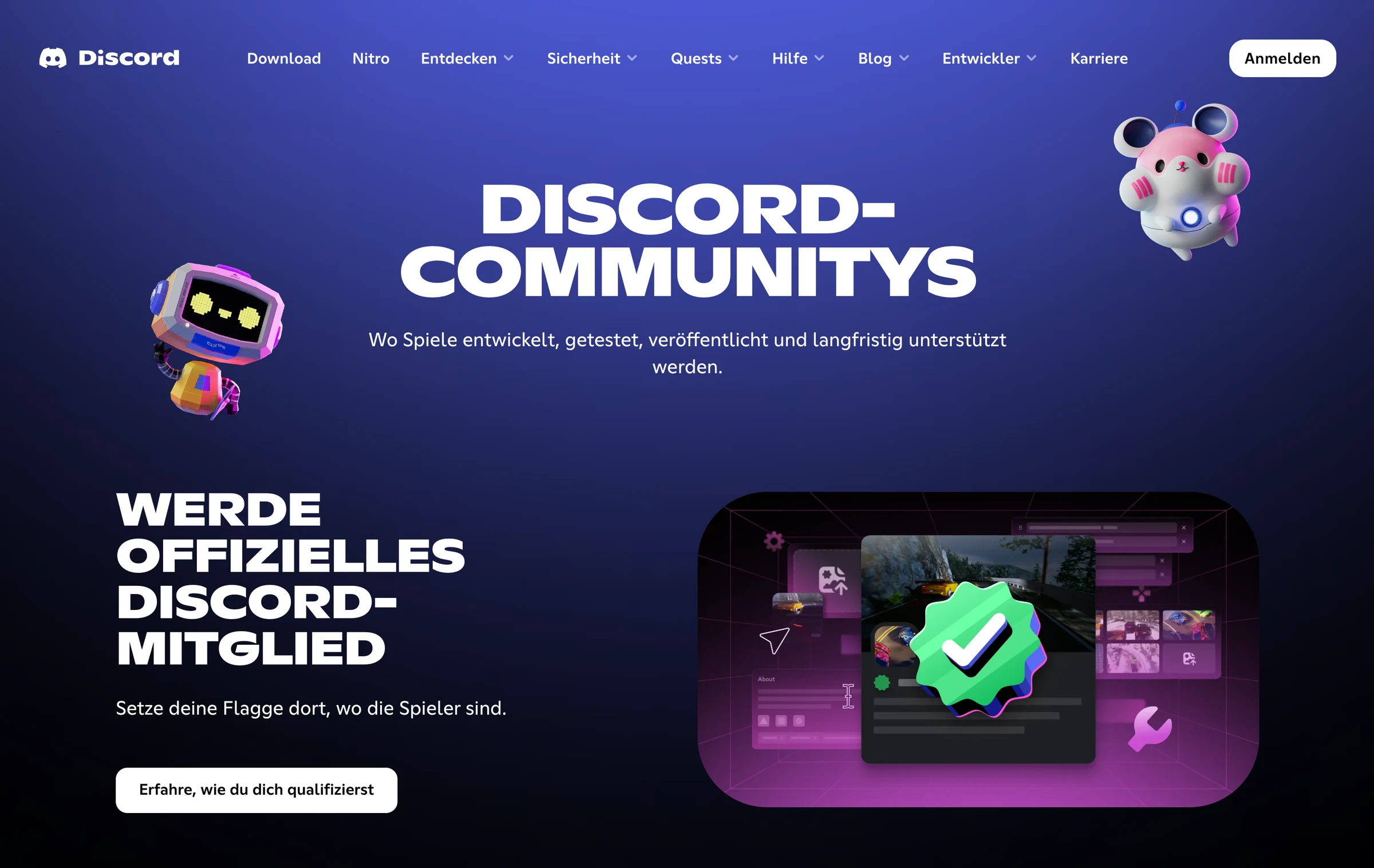
With community features enabled, you also get structured onboarding, announcement channels, and AutoMod, according to the Discord documentation. Server Insights is an experimental feature for community servers with more than 500 members. According to Discord, the earlier experiment called Server Discovery ended in February 2026.
For eligible servers, Discord also supports monthly server subscriptions and digital products sold as one-time purchases. This monetization isn't available to every server, though. According to Discord, the server owner currently has to be based in the US and provide a US bank account and a US ID document to use server monetization. One-time server products are also in a beta phase and only available to selected servers.
You can only create and manage these subscriptions on desktop or in the browser. The platform's strength therefore still lies in fast communication, not in a fully integrated membership with courses and email marketing.
- Servers, text channels, voice channels, and roles are free to use
- Strong real-time communication and a mature permission system
- Community onboarding, AutoMod, and announcement channels are built in
- No full course platform or central member management for a membership business
- Lots of channels and ongoing chats quickly get confusing
- Courses and email marketing require additional tools; monetization isn't available to every server
Who is Discord right for?
Discord suits free communities where people write or talk a lot in real time. If you need courses, paid access, email sequences, and a calm knowledge structure, Circle or Skool is usually the better foundation.
8. Which community platform fits your business?
My recommendations boil down to five cases:
- Paid membership or coaching community: Circle
- Quick, simple start: Skool
- Courses, events, and growth features: Mighty Networks
- Small, closely guided group: Heartbeat
- Free chat community: Discord
Circle or Skool?
Circle is the better choice if your own branding, your own domain, different areas, and a professional member interface matter. Skool fits better if you want as few settings as possible and a very cheap entry. If you only compare the base price and the advertised percentage transaction fee, Circle Professional with annual billing and Skool Hobby with monthly billing work out to $109 each at $1,000 in monthly revenue from members you acquired yourself. Skool's Growth Boost commission isn't included. That doesn't yield a universally valid cost threshold, because fixed transaction and payment fees come on top.
Don't decide based on the feature list alone. Moving gets tedious once members, posts, courses, and payment processes are tied to the first platform. So test the path of a new member in particular, from joining to their first meaningful post.
9. Costs, payment fees, and data protection
Always compare the total costs. These include the base price, transaction fees, payment provider, additional automations, and possibly a separate email or course tool.
For data protection, the provider's location alone isn't enough as a decision criterion. Check the data processing agreement, sub-processors, third-country transfers, deletion periods, export options, and the settings you have to configure yourself. The guide from the European Data Protection Board offers orientation for data transfers outside the EEA. This comparison is not a substitute for legal advice.
10. Conclusion
For me, Circle is the best community software in this comparison. The platform is more expensive than Skool and Heartbeat, but in return it covers a professional membership with community, courses, events, payments, and your own branding most completely.
If you want to start as quickly and cheaply as possible, Skool is the strongest alternative. Discord only wins if free chat matters more than courses, payment processes, and a calm knowledge structure.
11. Frequently asked questions
Here you'll find answers to the most important questions: