
A forum is a great way to get in touch with your visitors and build an active community.
But what's the best way to create a forum? Which forum software is the best? And how can you add a forum to your existing website quickly and easily?
In this article I've put together everything you need to know about creating a forum or an online community, and I introduce you to 24 different pieces of software (including pros and cons).
If you're looking for a hosted platform with courses, events, and paid memberships rather than a classic forum, read my current community software comparison.
- My first choice is Circle: a hosted community platform with spaces, courses, events, and memberships, and no maintenance work on your end.
- The comparison covers 7 self-hosted solutions, 9 WordPress plugins, and 7 cloud services. EverForo and DW Question & Answer are only listed as an archive.
- Plan your hosting, alternatives such as Facebook or LinkedIn groups, and the questions of moderation, data protection, and support before you launch your forum.
My recommendation: Circle
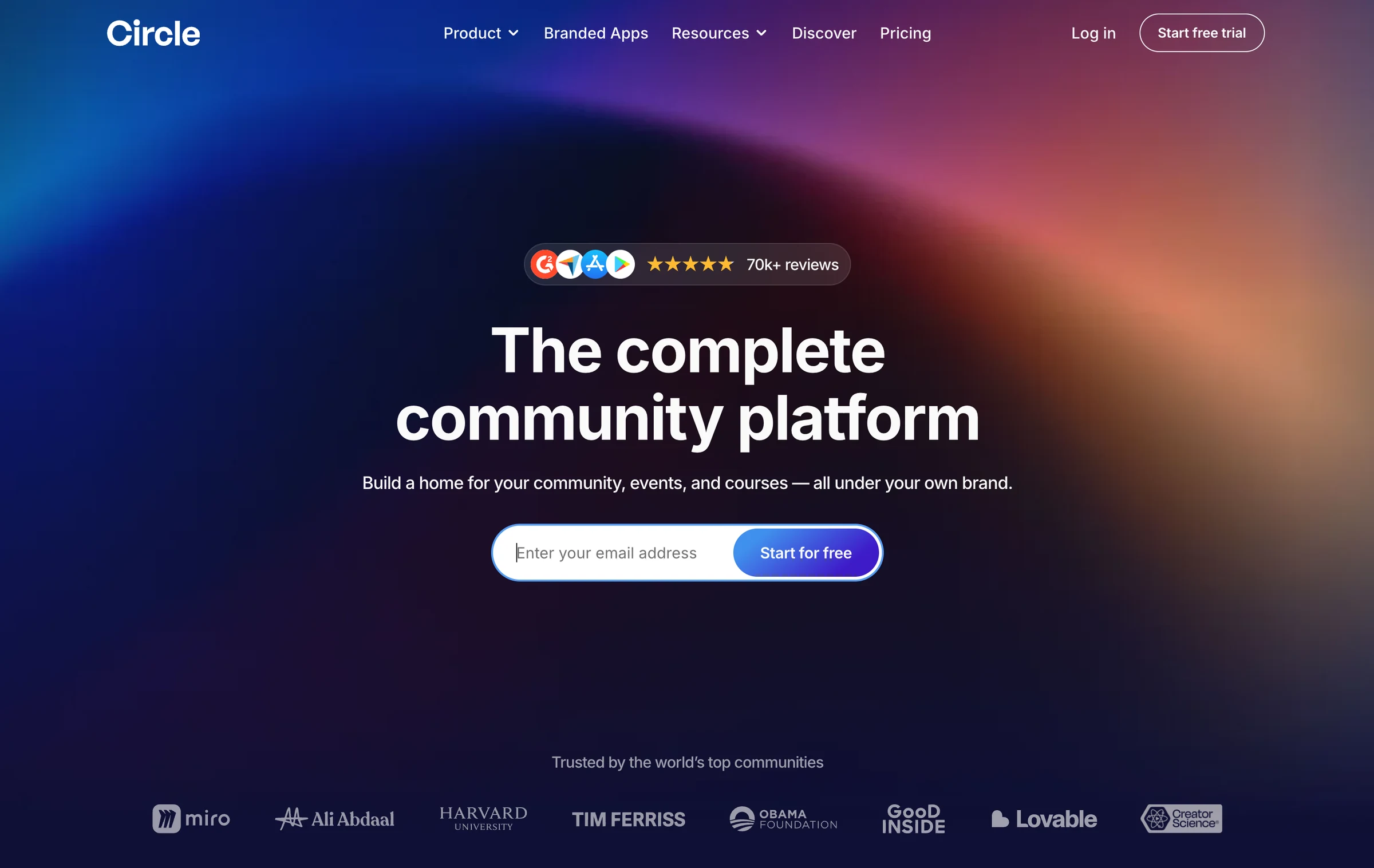
Circle is not pure forum software in the classic sense but a comprehensive community platform offered as software as a service (SaaS).
That means you don't have to deal with hosting, updates, or technical maintenance.
Circle is aimed mainly at creators, coaches, and businesses that want to build a central hub for their community and offer paid memberships or online courses.
I've been using Circle since 2024 for our AI membership, the KI Business Club, and I'm very happy with it.
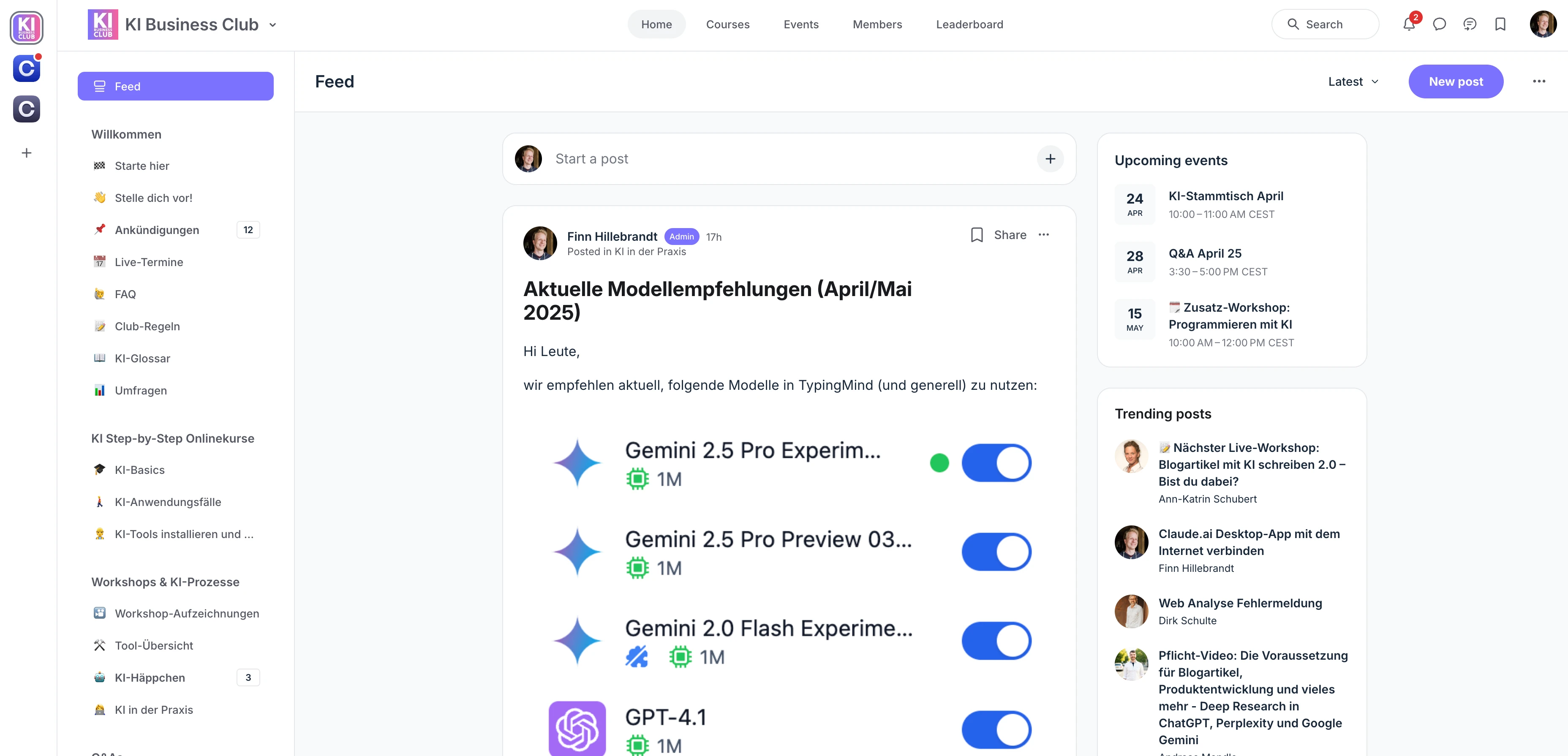
Circle combines classic discussion areas (spaces) with courses, livestreams, events, DMs, and memberships. That way you need just one tool instead of many separate solutions.
The focus is on a modern user experience and on bundling all interactions clearly in one place, whether community feed, course modules, or event recordings.
Through integrations such as Zapier, Make, or native interfaces (e.g., to Stripe), Circle connects easily to your tech stack and fits into your customer journey.
- Combines forums, courses, events, memberships, and more in one platform.
- No technical effort for installation, maintenance, or updates (hosted solution).
- Modern and user-friendly design (modeled on Facebook groups).
- You can create paid memberships and courses.
- Offers livestreams, events, and group chats.
- Connects to many other tools through Zapier or native integrations (e.g., Stripe for payments).
- Use of your own domain and branding customization (in higher plans).
- Very good iOS and Android app.
- Monthly or annual subscription (from €89 per month for the Professional plan).
- Compared with self-hosted open-source solutions, customization options (at code level) are limited.
- You're tied to the platform and its further development (vendor lock-in).
- Export to other platforms not possible (as far as I know).
- The platform's own interface is primarily available in English and unfortunately mostly can't be translated into German (community content can be in any language, though).
1. Most popular forum software
Here you'll find an overview of the 7 most popular forum software options you can host yourself:
vBulletin
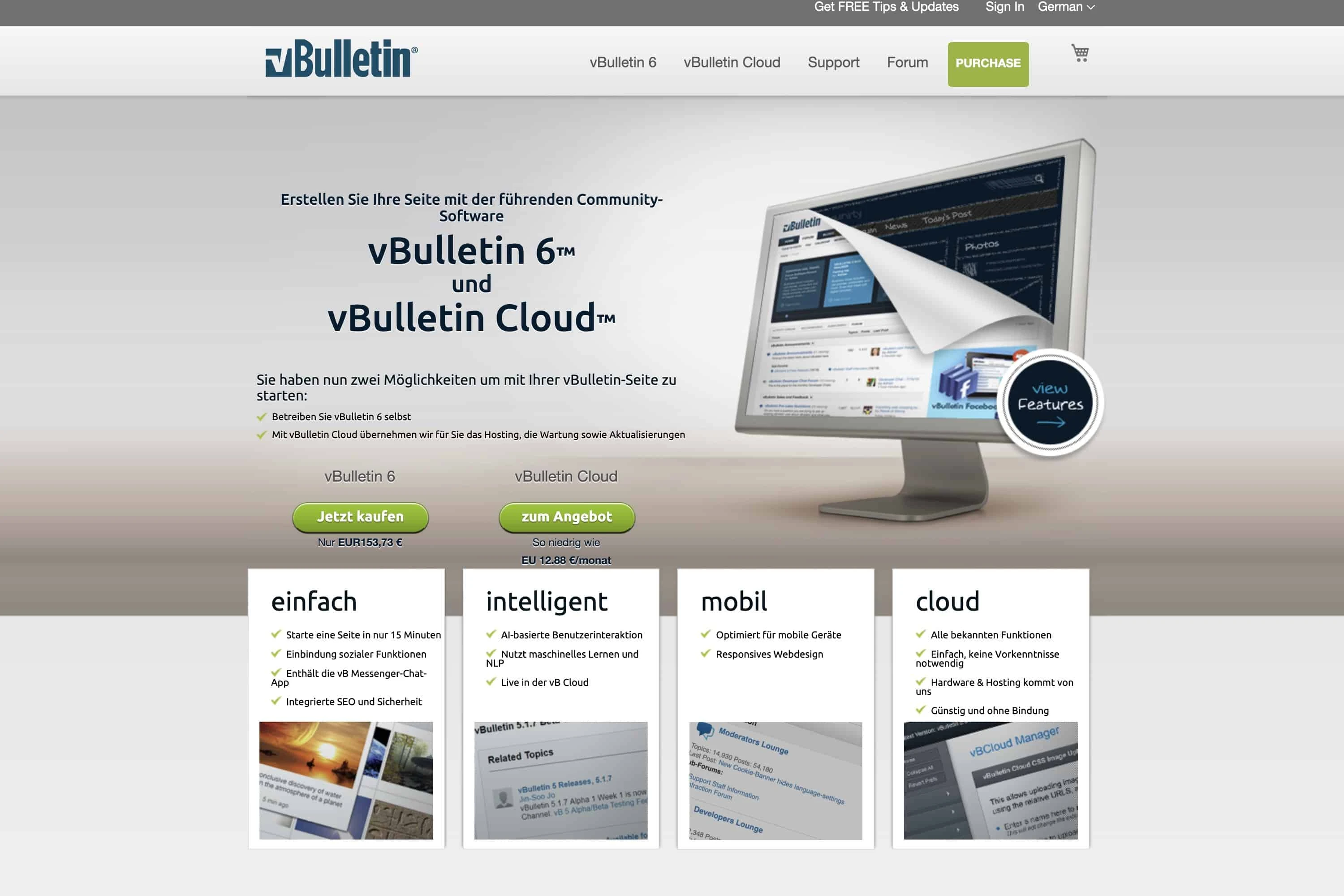
vBulletin has existed since 2000 and was for a long time one of the best-known and most popular forum software options worldwide.
vBulletin is now in its sixth version. Version 5 started the shift in 2012 from pure forum software to a complete CMS.
The software is available both as a self-hosted version and as a cloud version.
The self-hosted license for vBulletin 6 currently costs $179.
Because of shortcomings, weak support, and a barely active developer community (for add-ons, for example), many operators, such as ComputerBase, have already switched to alternatives.
- A German version exists (so you don't have to laboriously translate files, as with other providers).
- Large feature set: polls, a messenger, user groups, and even a blog solution are available.
- SEO tools and cloud solutions available.
- Optimized for mobile devices.
- High costs, which is usually a big drawback for smaller websites and blogs.
- Branding can only be removed for an extra fee.
- Various reports of poor support.
- In 2019/2020 there was a critical security vulnerability in vBulletin that was exploited to attack the forum software.
phpBB
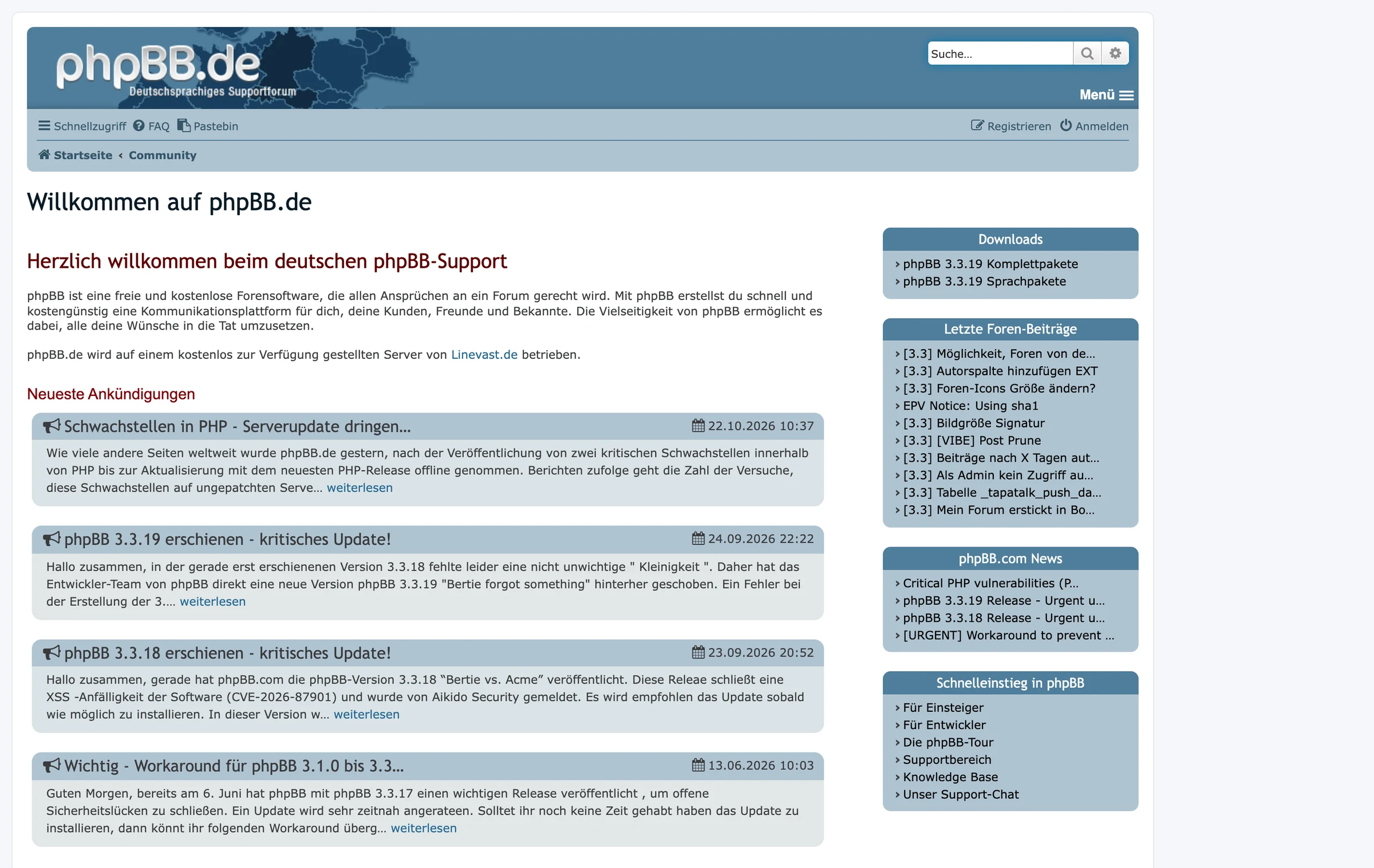
With phpBB, a community forum is free, yet it can still keep up with many paid solutions and impresses with a steadily growing feature set.
The source code is released under the GNU General Public License (GPL). That makes phpBB a classic open-source solution.
One of the biggest advantages is the modular building-block system. The forum software can be adapted to your needs quickly and easily. Thanks to the large community, plenty of ready-made templates are available.
The only drawback: there's no SEO support, such as readable URLs. On the other hand, phpBB can be used not only with WordPress but also with Joomla.
- phpBB is free and released under the GPL license.
- Numerous customization options thanks to the building-block system.
- Dead-simple permission management.
- Also compatible with Joomla!.
- Responsive design.
- No SEO support.
- No support from the developers, only within the community.
WoltLab Suite
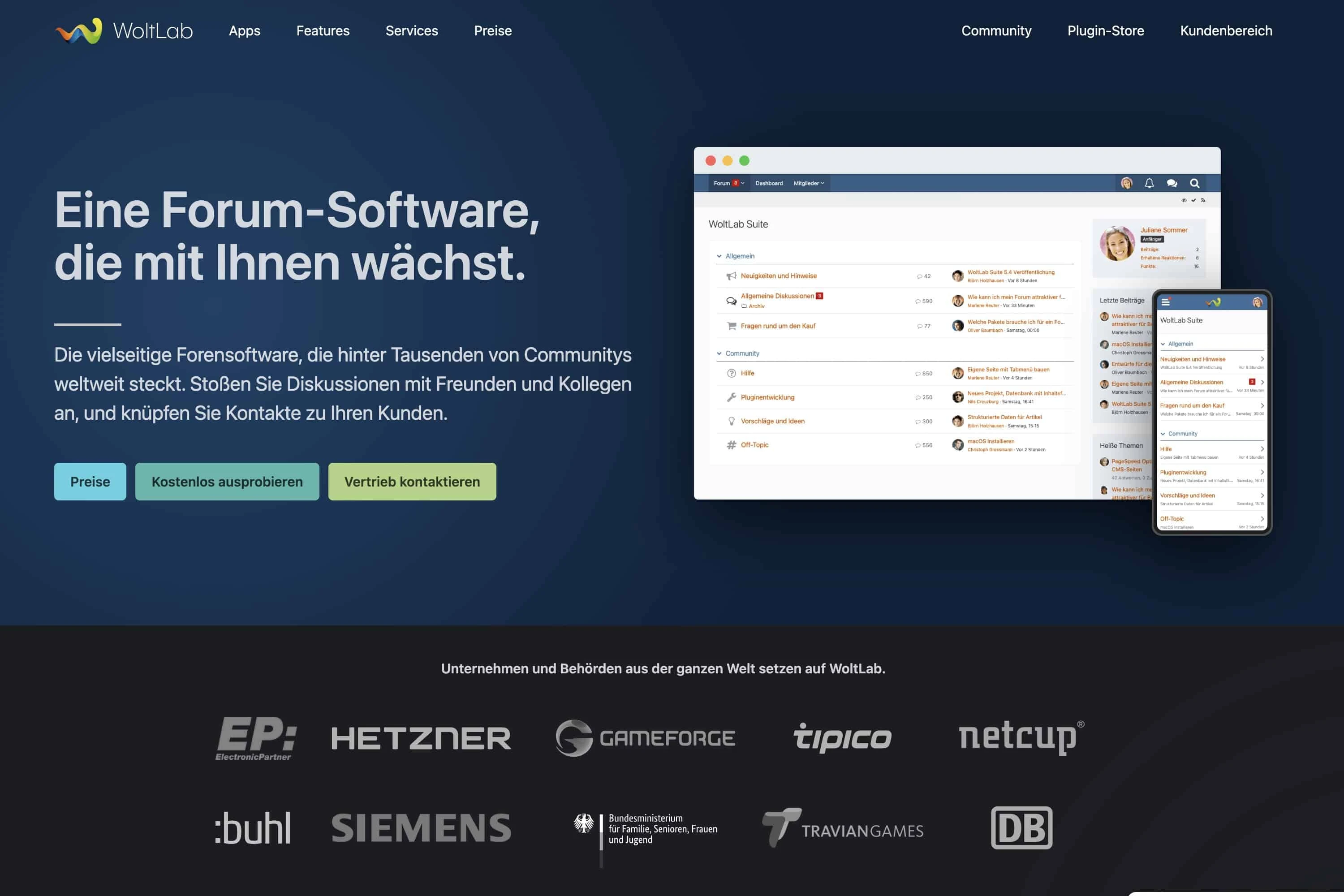
The WoltLab Suite is a German premium forum software and one of the most professional solutions for creating your own discussion forum.
It offers everything your heart desires: extensive customization options, a notification system, sophisticated user management, spam defense, social media integration, and multilingual support.
Through the plugin store, the software can be extended with add-ons from WoltLab or third parties.
If you need support, you can also book an installation service.
The WoltLab Suite Forum license currently costs €129.99 and includes one year of updates and support. The optional installation service costs a one-time €109.99.
- Its own CMS integrated.
- Extensive extensions available.
- Responsive.
- SEO-friendly.
- Social media features.
- Thanks to the building-block system, adaptable to your own needs and extendable at any time.
- Competent, German-language support.
- Managed hosting available (from €35.95 per month).
- Installation and migration service.
- Fairly high costs (fees also apply, for example, for removing the branding).
myBB
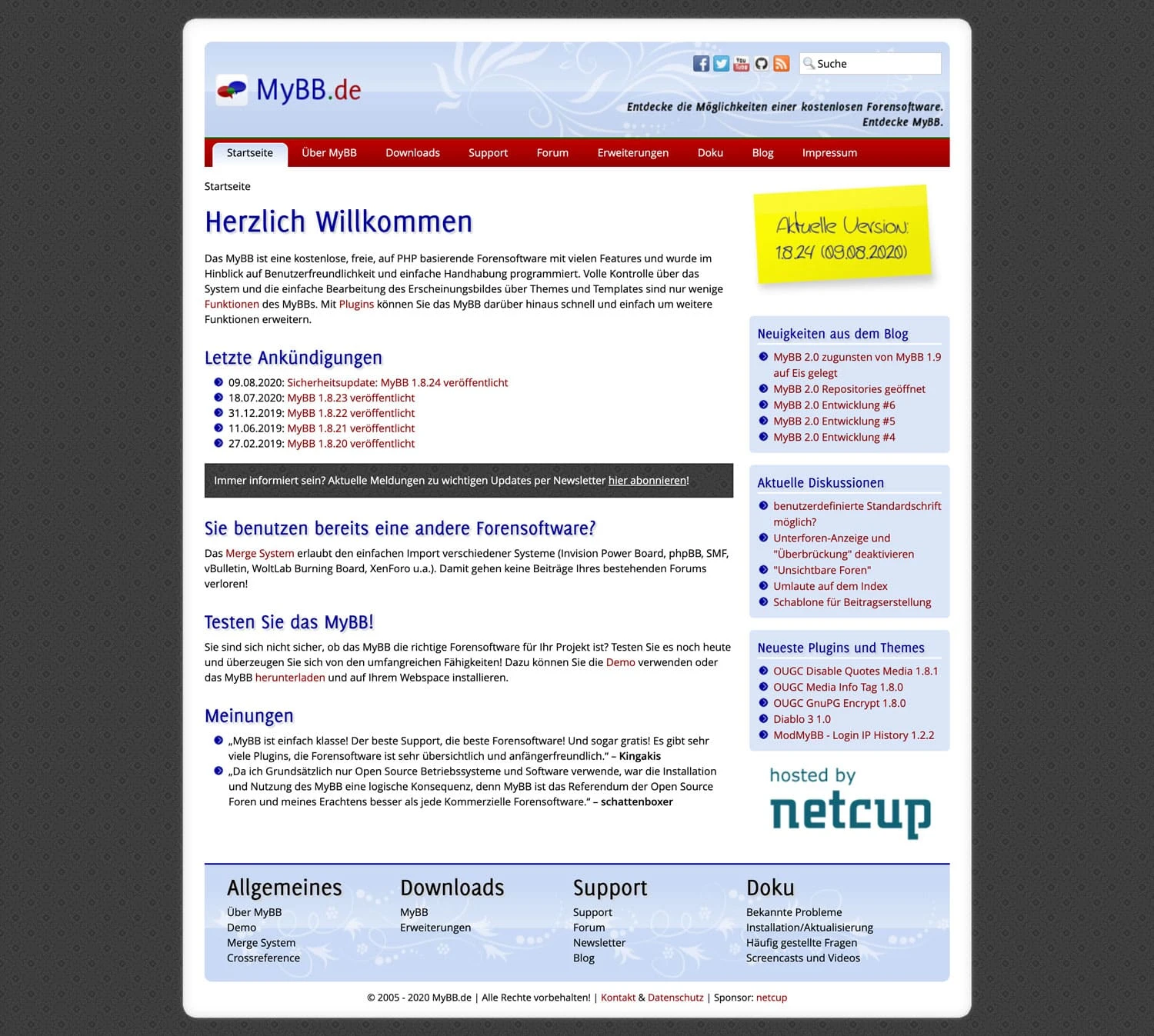
The German-language forum software MyBB (short for My Bulletin Board) is free open-source software distributed under the Lesser General Public License (LGPL) and comes with a considerable feature set.
You get extensive user management, a messenger service, and a template editor.
A highlight is the warning system, which lets you keep unwanted actions (insults, link spam, etc.) under control.
MyBB falls short on SEO and mobile-friendliness, though. Extensions exist that help, but it is more cumbersome than with other forum software. You can find a free demo here.
- MyBB is 100% free.
- Open-source software whose feature set is steadily extended by an active community.
- Extensive warning system for unwanted actions.
- Compatible with many different database management systems.
- Lack of optimization for mobile devices.
- Poor SEO functionality.
XenForo
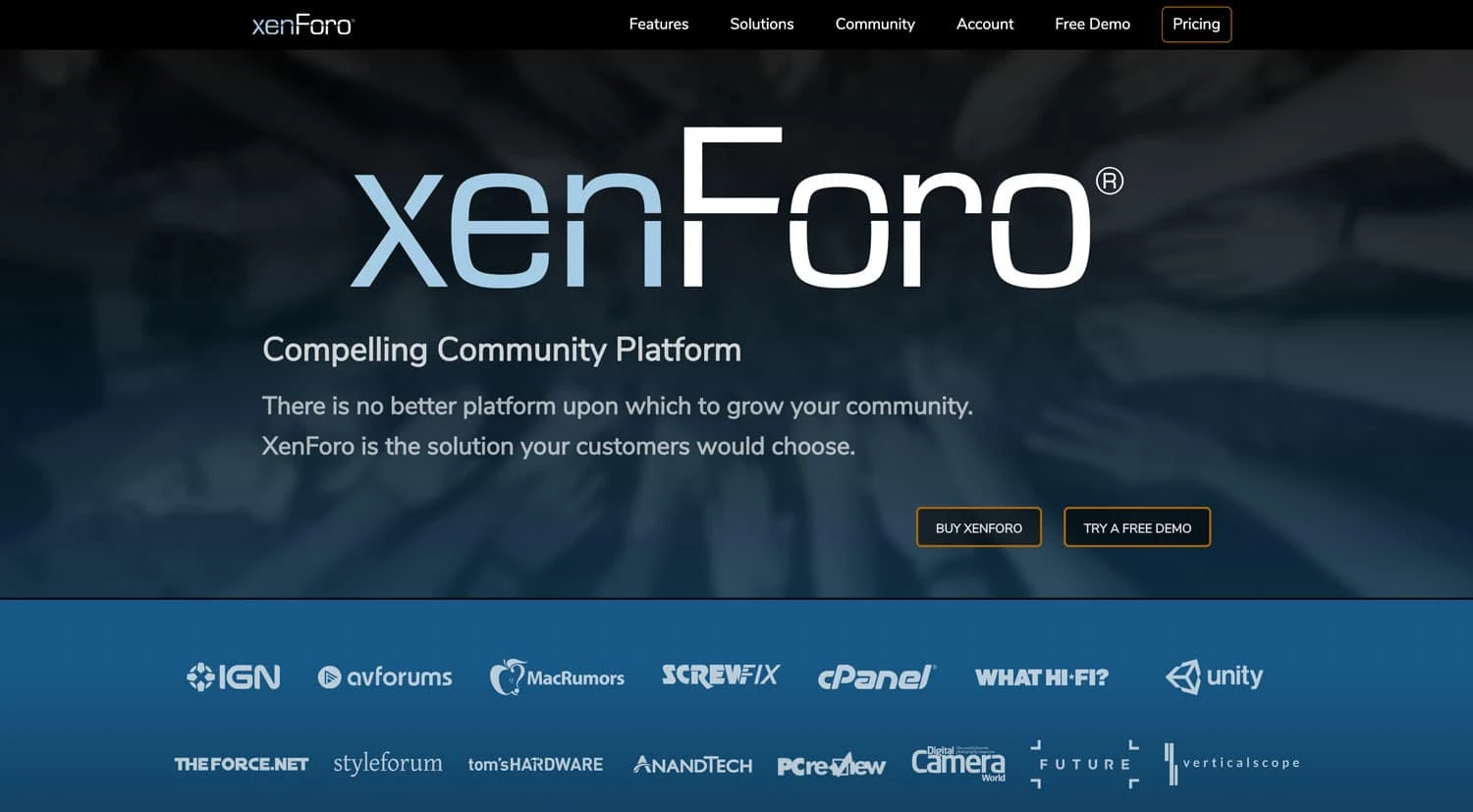
If an active community matters a lot to you, the English-language forum software xenForo might be for you.
Gamification is the focus here: users collect trophies in like systems, which increases interaction.
xenForo sits in the mid-range on price but offers numerous features in return. The software is designed as a building-block system and comes with standard features such as color schemes, an activity display, and a notification system for quotes or replies.
If that's not enough, you can add many more features through add-ons, both from xenForo itself and from third parties (e.g., a media gallery). All templates are mobile-optimized.
The self-hosted license currently costs $195 plus any applicable VAT. It can be used permanently and includes one year of support and updates.
- Building-block system that can be adapted very flexibly.
- Good SEO features (e.g., the conditional indexing of forum threads, introduced in version 2.2).
- Fair value for the money.
- Large range of add-ons and design templates.
- Optimized for mobile devices.
- Support from the developers and the community.
- Only MySQL is supported.
- Small feature set in the standard version.
Simple Machines
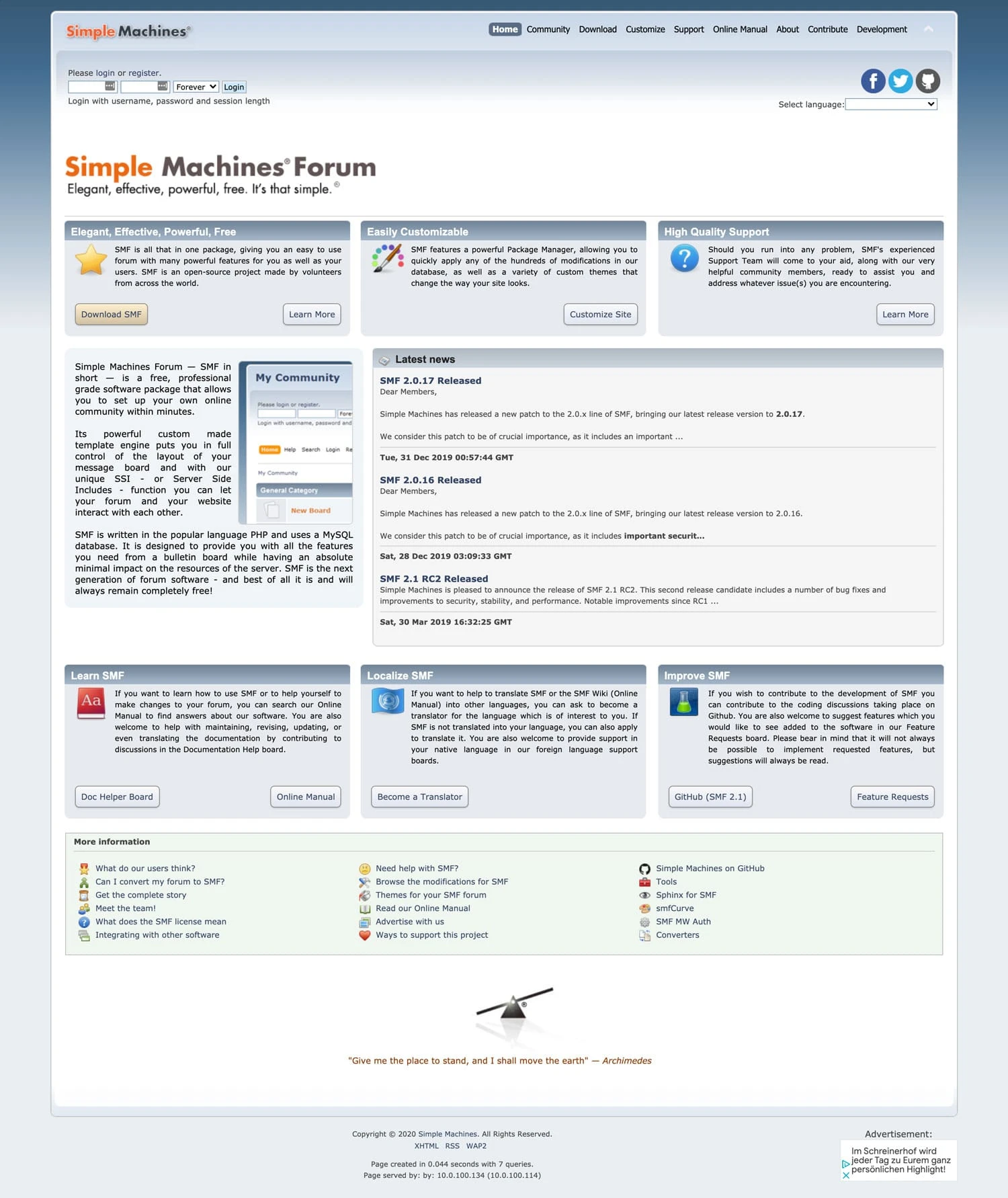
Simple Machines describes its forum software as “elegant, effective, powerful, free,” and that sums it up well.
The open-source software is free, offers a large feature set, and comes with a helpful community behind it.
Since version 2 you can make extensive design adjustments or draw on a large template database.
Simple Machines is ideal for smaller communities, but thanks to extensions it also scales without problems for large user numbers.
- Optimized for mobile devices and search engines.
- Very active and large community.
- Compatible with various databases, including MySQL, PostgreSQL, SQLite, and SQLite 2.x.
- CMS bridges are available not only for WordPress but also for Joomla and mambo.
- Free.
- Open source.
- Steady further development.
- Strong performance.
- No support from the developers.
Vanilla Forums
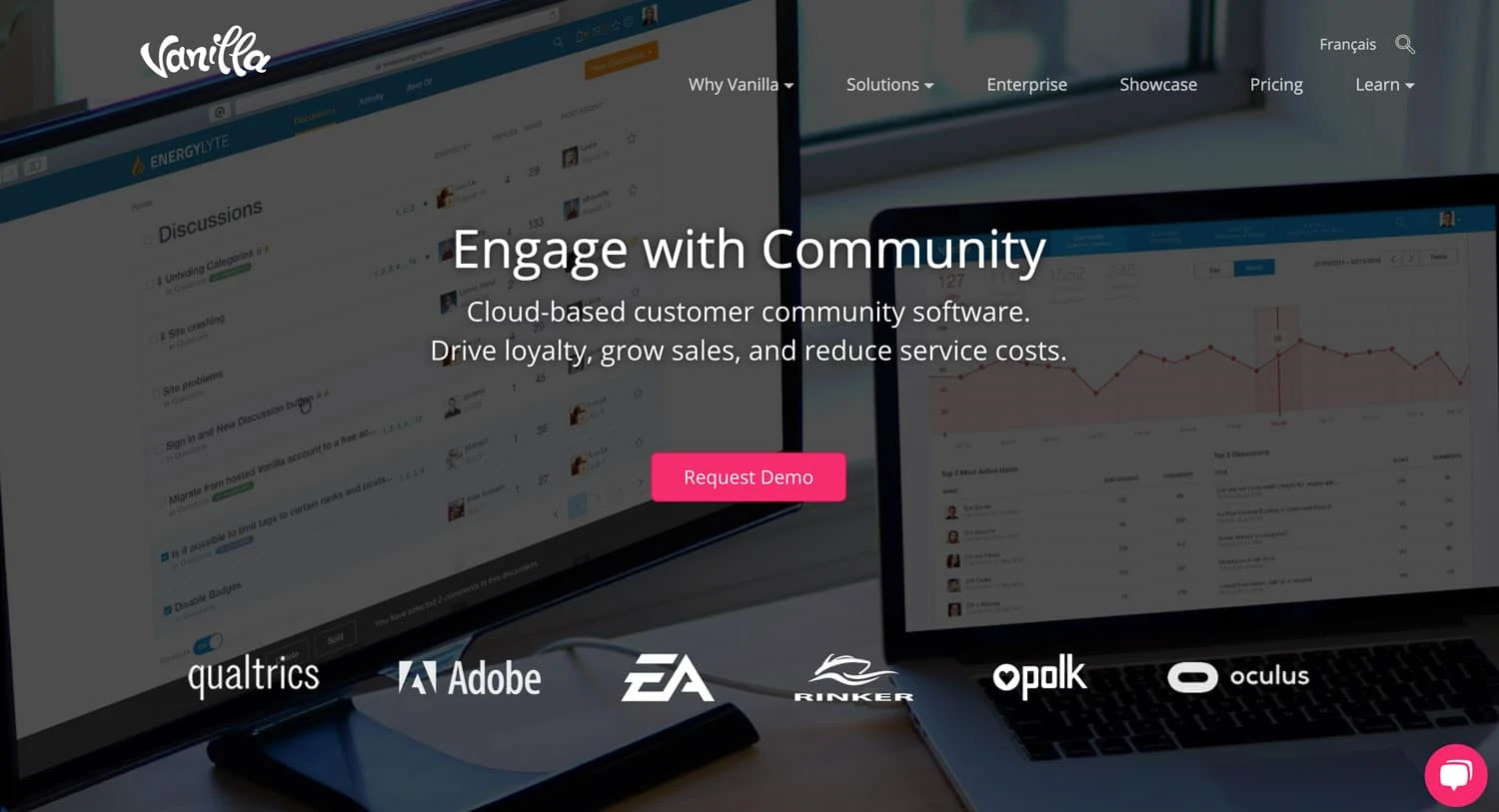
If you're interested, take a look at the current Higher Logic Vanilla site. The provider only gives prices on request.
Vanilla Forums relies on a modular building-block system with numerous add-ons that offer a high degree of flexibility. Gamification is also at the center, which according to the developers is meant to ensure a lively and active community.
This is only one of the many extra features Vanilla Forums offers. Among other things, you also get extensive analytics software, excellent moderation features, and built-in multilingual support.
Thanks to extensive API support, services such as Mailchimp can be integrated without problems.
- Fast and competent support.
- Easy migration and data transfer possible.
- Very extensive features.
- Flexible design adjustments possible.
- Search engine optimized and responsive.
- Extendable with various add-ons.
- External services are easy to integrate through the API.
- High price.
- Support is only available in English.
2. Popular WordPress forum plugins
WordPress also has a variety of plugins you can use to add a discussion forum to your website. Among the most popular are:
Sabai Discuss
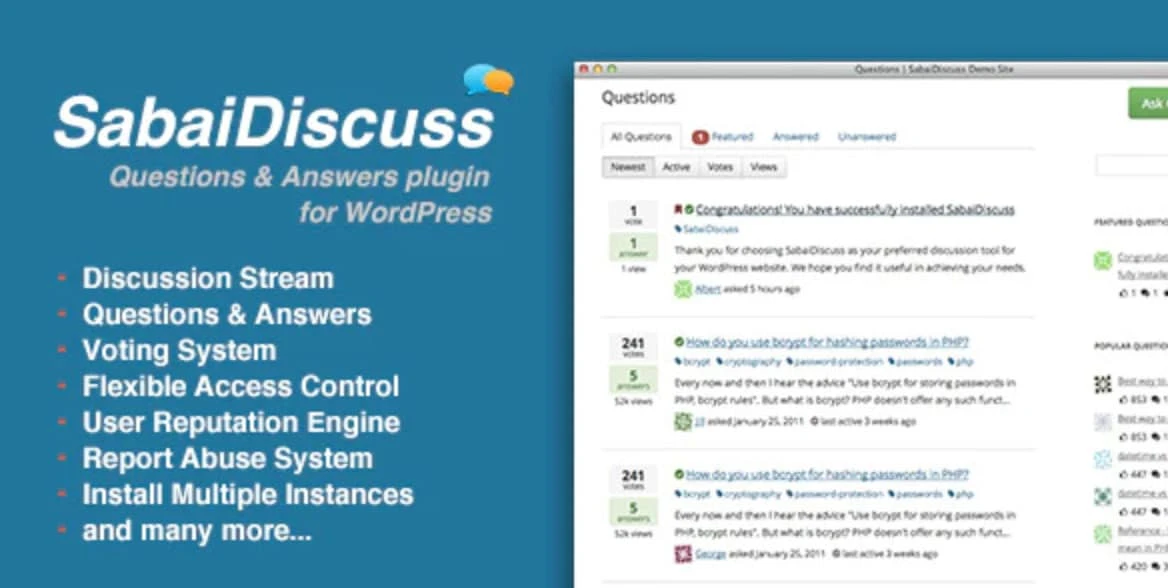
You get the forum plugin Sabai Discuss through the Envato marketplace. The regular license currently costs $20. However, the last listed update dates from April 23, 2024, and the author no longer offers support.
Still, the plugin has quite a bit to offer:
You can build a classic forum or a question-and-answer portal (similar to gutefrage.net, a German Q&A portal, or Reddit). Thanks to voting systems, helpful answers rise to the top.
Sabai Discuss also impresses on design: modern, mobile-optimized, and flexibly embeddable via shortcodes. It also has strong spam protection features.
- Built-in email notifications to users about important events.
- Reward system that honors active users.
- Free support from the developer.
- Easy integration via shortcodes.
- Flexible choice of the type of forum.
- Smart search functions with suggestions.
- Modern responsive design.
- Compatible with custom fields.
- Not free (the cost is low at $24, though).
- Slow to react to WordPress updates.
DW Question & Answer

DW Question & Answer was a free plugin for question-and-answer portals.
Visually it resembles a forum, but the focus is on answering questions efficiently, including a rating system.
It used to be extendable with CAPTCHA and leaderboards, among other things.
- Free open-source plugin with a large community.
- Built-in rating system for answers.
- Numerous free add-ons available.
- Private Q&A areas possible.
- Various protection mechanisms against spam.
- Optimized for mobile devices.
- No classic community forum possible.
- Support only through the community.
- Last update some time ago, may no longer be developed.
wpForo Forum
With wpForo Forum, design takes center stage; compared with old hands like bbPress, it looks far more modern.
Even so, wpForo delivers a large feature set, including caching, built-in SEO tools, and its own spam protection (optionally combined with Akismet). The plugin scales for small and large communities alike.
As a building-block system, it can be adapted flexibly. Add-ons (e.g., messenger, ads manager, polls) cost extra, though. In return, the plugin has already been translated into several languages.
- Support from the developer.
- Building-block system and therefore extendable and flexibly adaptable.
- Very elegant and modern design.
- Subscription feature for users.
- Three different forum types available (advanced, simplified, Q&A).
- Extensive profile management for users.
- Regular updates.
- Rated very well on WordPress.org.
- Add-ons are paid.
Asgaros Forum
With just over 10,000 active installations, Asgaros Forum is a real insider tip.
The plugin focuses on the essentials: a powerful editor, user management (including online/offline status), notifications, file uploads, contact between members, and a search function.
Integration works through a shortcode you can place anywhere.
- Free.
- Extensive statistics.
- Numerous features for administrators.
- Well-thought-out user management.
- Free add-ons available.
- Optimized for mobile devices.
- Compatible with multisites.
- Various widgets and design adjustments possible.
- Detailed documentation on the developer's website.
- Rated very well on WordPress.org.
- Regular updates.
- Support only through the community on the developer's website.
WP Discussion Board
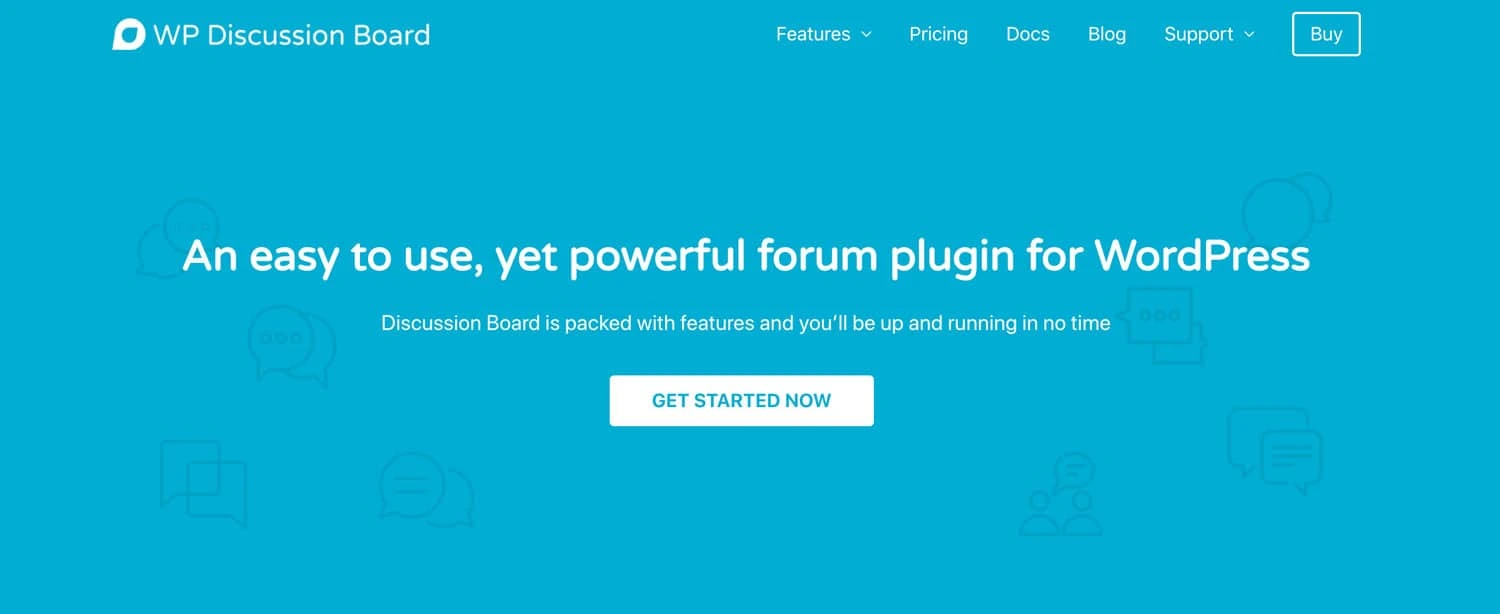
WP Discussion Board is a minimalist forum plugin available as a free version and as a Pro version.
For small support forums, the free version is enough: user management, spam protection, and moderation are included. Pro ($49 / year) adds a WYSIWYG editor, widgets, media uploads, categories, and tags.
Alternatively, the Standard lifetime license currently costs a one-time $149.
Installation is extremely easy: with one click you integrate the forum anywhere on your website. The design is modern, minimalist, and compatible with every theme.
- Support from the manufacturer.
- Extensive spam protection already in the free version.
- Modern and clear design.
- Extensive user management and moderation options.
- Three design templates already integrated.
- Pro features only available for an extra fee.
- No additional add-ons available.
AnsPress
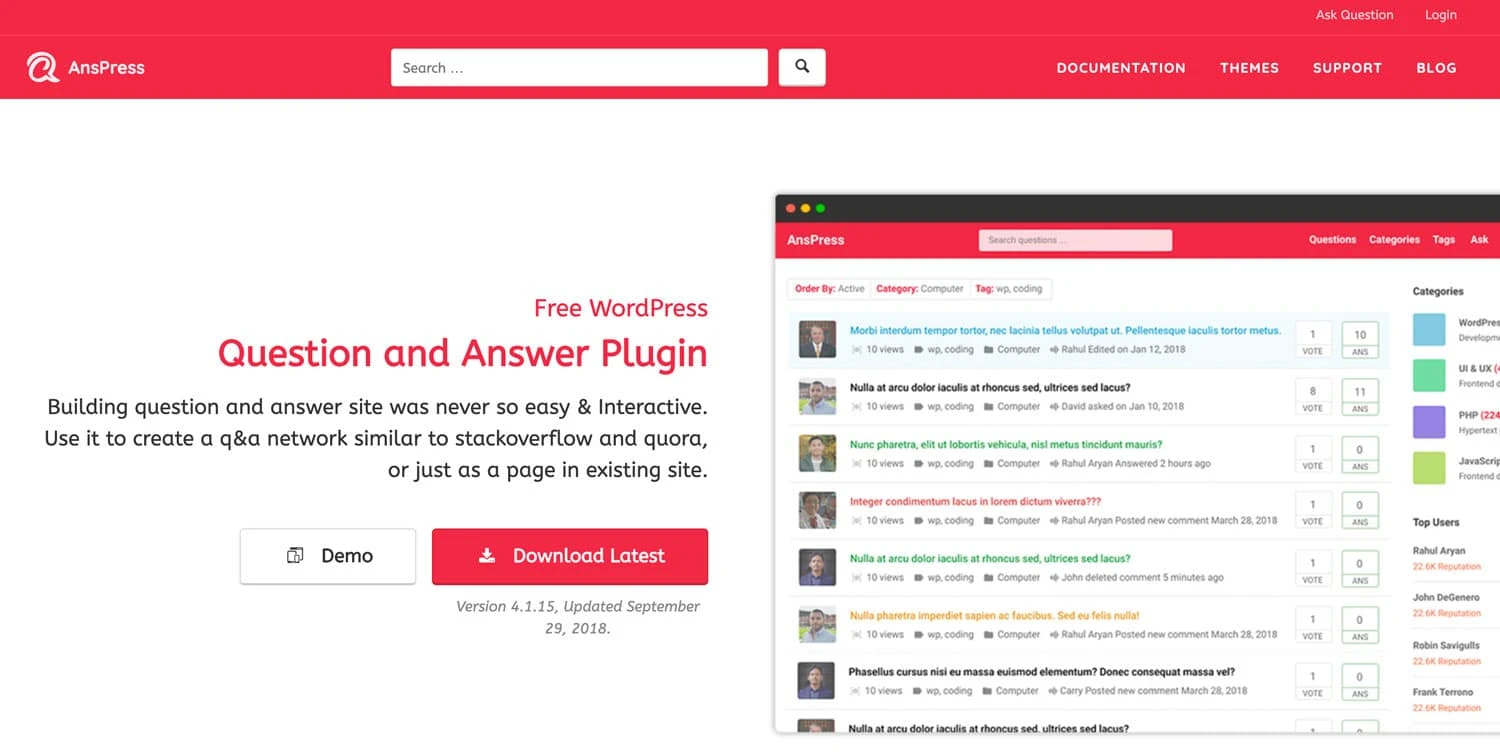
AnsPress is another open-source plugin that specializes in question-and-answer portals.
Highlights: push notifications, a points system, email alerts, categories, tags, and media uploads, plus built-in Schema.org markup and SEO-friendly URLs.
You can also set up extras such as FAQs, support tickets, or a bug tracker.
- Large feature set.
- Minimalist and clear design.
- Search-engine-friendly and responsive.
- Free open-source plugin.
- Good performance.
- Extra features such as FAQ, support tickets, or a bug tracker included.
- No support from the developer.
- No classic forum operation possible.
CM Answers

CM Answers enables a full-featured question-and-answer portal directly in WordPress.
The basic version is free but heavily limited in features. The Pro version adds social media integration, profile management, and markers for best answers.
CM Answers also offers features such as AdSense integration or geo information about users, which are rare among free options.
You can test the free version first and upgrade if needed, even while the forum is running. The plugin is (largely) search-engine-friendly and responsive.
- Support from the developer.
- Easy to embed.
- Search-engine-friendly.
- Optimized for mobile devices.
- Design looks a bit dated.
- Add-ons are not included in the Pro version but have to be bought separately (there is a bundle, though).
- May no longer be actively developed (the last update of the free version was a while ago).
bbPress
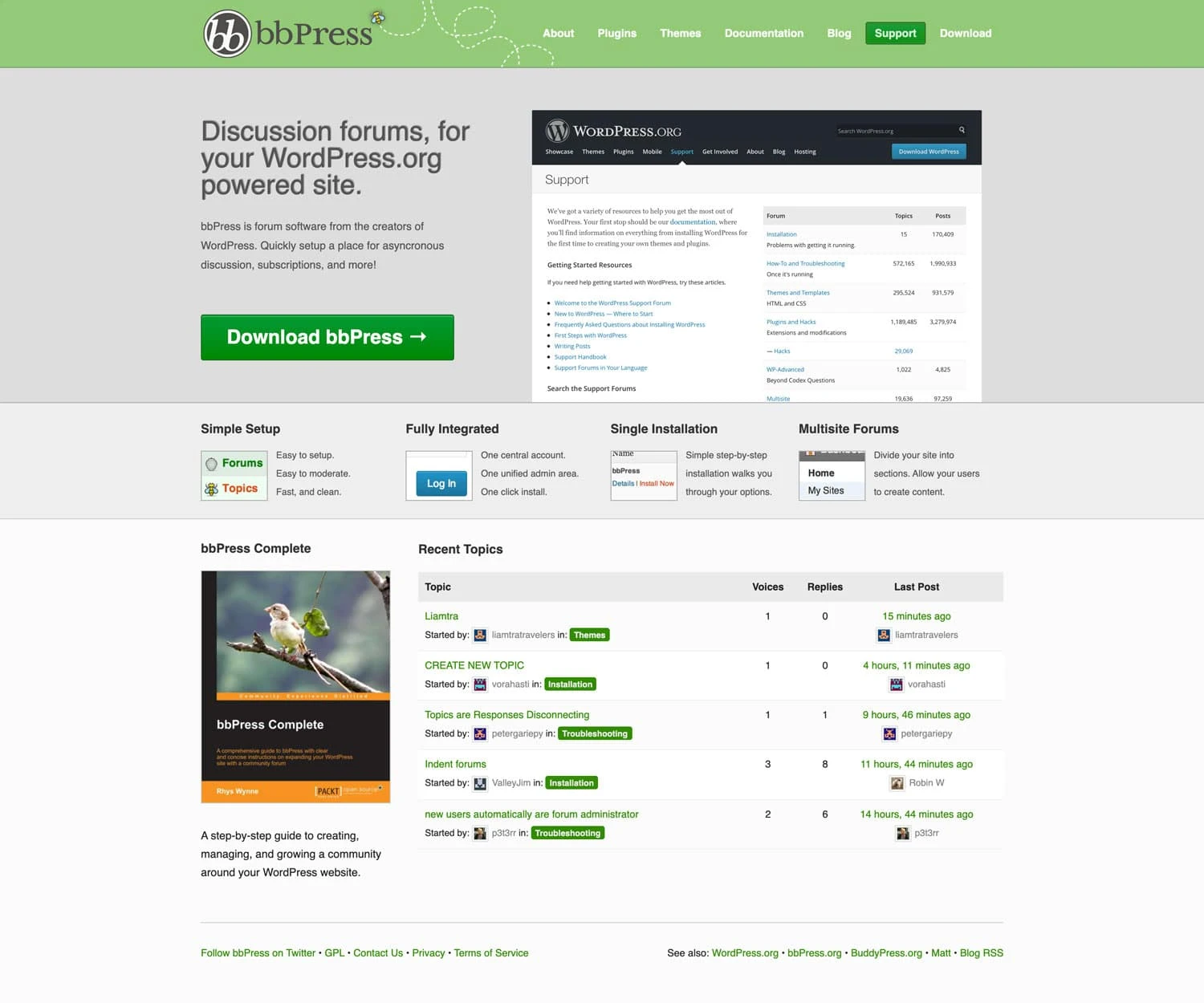
bbPress currently has more than 100,000 active installations and is offered for free.
The open-source project offers a large feature set and can be extended with numerous extensions, such as breadcrumbs, social media buttons, or comprehensive avatar management.
The only downside: there's no official support, and development is rather slow.
- Open source and free.
- Supports Akismet to fight spam.
- More than 200 add-ons available on the developer's homepage or in the plugin store.
- Compatible with many popular WordPress themes.
- Management of several forums from one dashboard possible.
- Quick and easy changes and customizations to the design possible.
- No support from the developers.
- Development is slow (for example, there was not a single update from September 2017 to November 2019) because only a few developers work on the project.
Simple:Press
In my opinion, Simple:Press is currently the best forum software for WordPress. I used the plugin for several years and was mostly satisfied.
It probably offers the largest feature set of all forum plugins, is actively developed, and delivers good support.
The free version already covers a lot. You can unlock more features, such as a private messaging system, a media uploader, or additional add-ons, for a fee.
The full Pro package currently costs $199 per year for one website and includes more than 70 premium extensions as well as premium support.
You can find a complete feature list here. Even migrations from other forums (phpBB, vBulletin, Simple Machines, or bbPress) are possible with the help of an importer plugin.
- Free in a very extensive basic version.
- Numerous configuration options.
- Support from the developers.
- Extensive guide for beginners.
- Search engine optimized and responsive.
- API interface.
- WooCommerce integration.
- Active further development.
- Not all features are included in the free package.
- Design a bit old-fashioned, even with newer forum themes.
3. Popular cloud-based forums
Here you'll find popular cloud solutions where the providers take care of hosting, installation, and in some cases even configuration:
forumieren.de
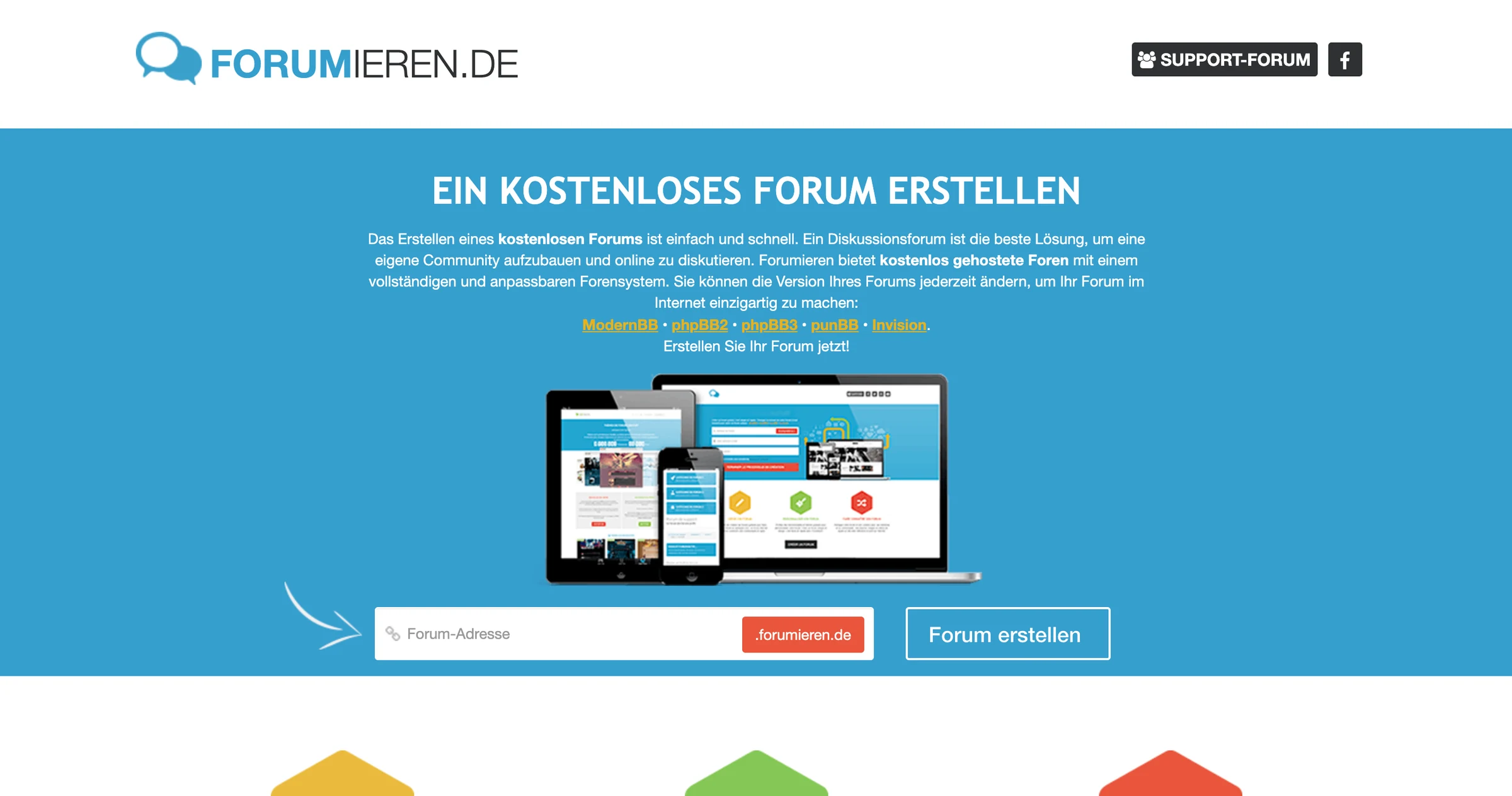
With the German-language provider Forumieren, you can choose between five forum software options (ModernBB, phpBB2, phpBB3, punBB, Invision) and numerous design templates.
The service is free but financed by ads displayed in the forums.
The feature set is impressive for a free solution: SSL certificate, support, automatic backups, chat, gallery, calendar, and even a role-play generator as well as classified ads.
Setup happens directly on the manufacturer's website in a few steps.
- Free.
- Several forum versions to choose from.
- Role-play generator and classified ads.
- German-language support.
- Automatic backups.
- Numerous personalization options.
- Newsletter sending possible.
- Facebook Connect.
- Search engine optimized and responsive.
- Data exchange between members possible.
- Forums run on a subdomain (… .forumieren.de).
WoltLab Cloud
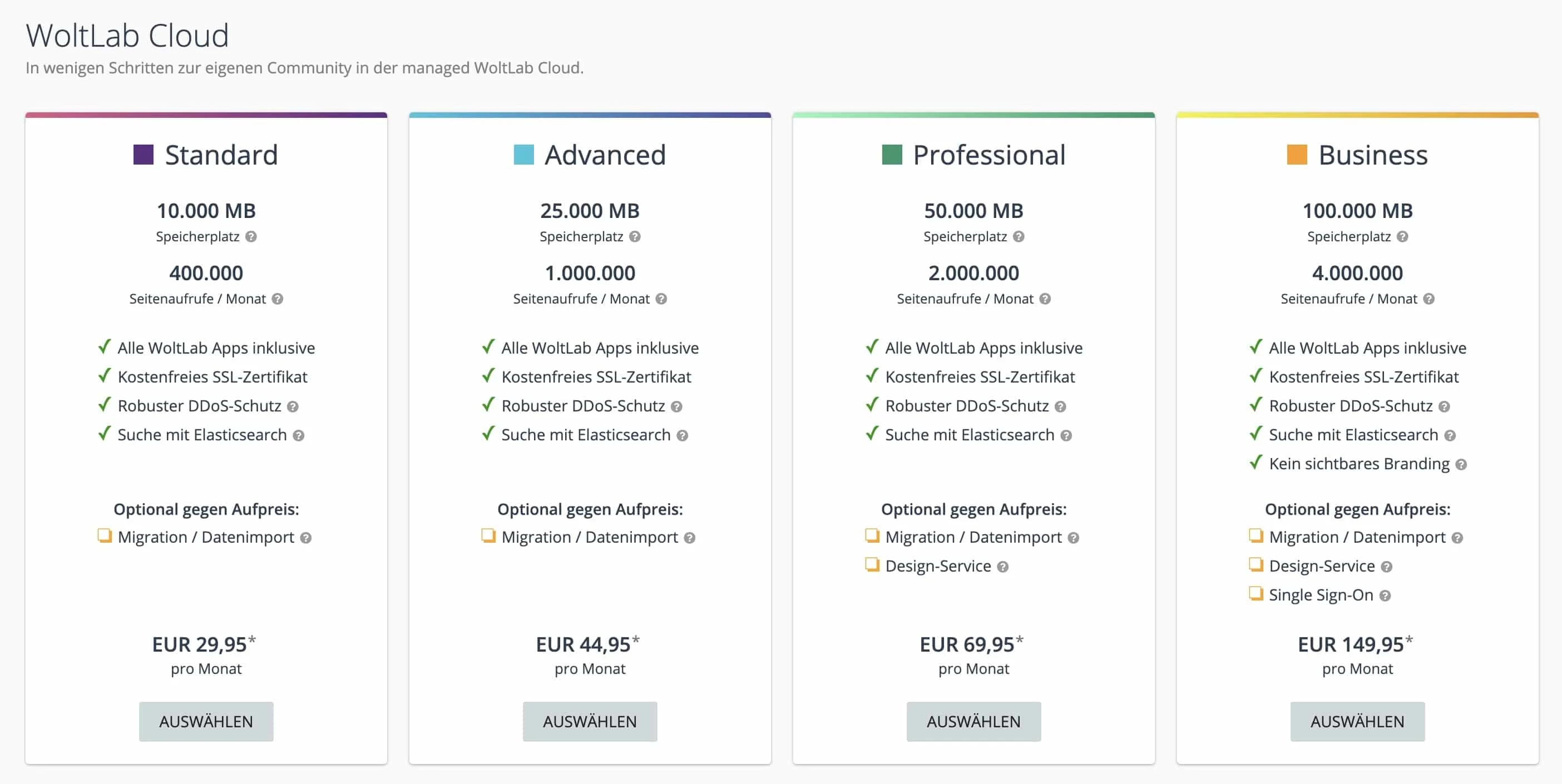
The WoltLab Cloud is the “Mercedes” of cloud forum software: not cheap, but very good.
The Cloud Starter currently costs €35.95 per month. Cloud Professional costs €71.95 per month. According to the provider, both prices include German VAT.
In return you get a worry-free service: setup, GDPR-compliant data storage, all apps of the WoltLab Suite, an SSL certificate, DDoS protection, and an Elasticsearch search.
- Huge feature set.
- Support from a competent German company with a lot of forum experience.
- Cancelable monthly.
- Switching between packages possible at any time.
- Strict data protection.
- High monthly costs.
- WoltLab branding is only removed from the Business package.
vBulletin Cloud
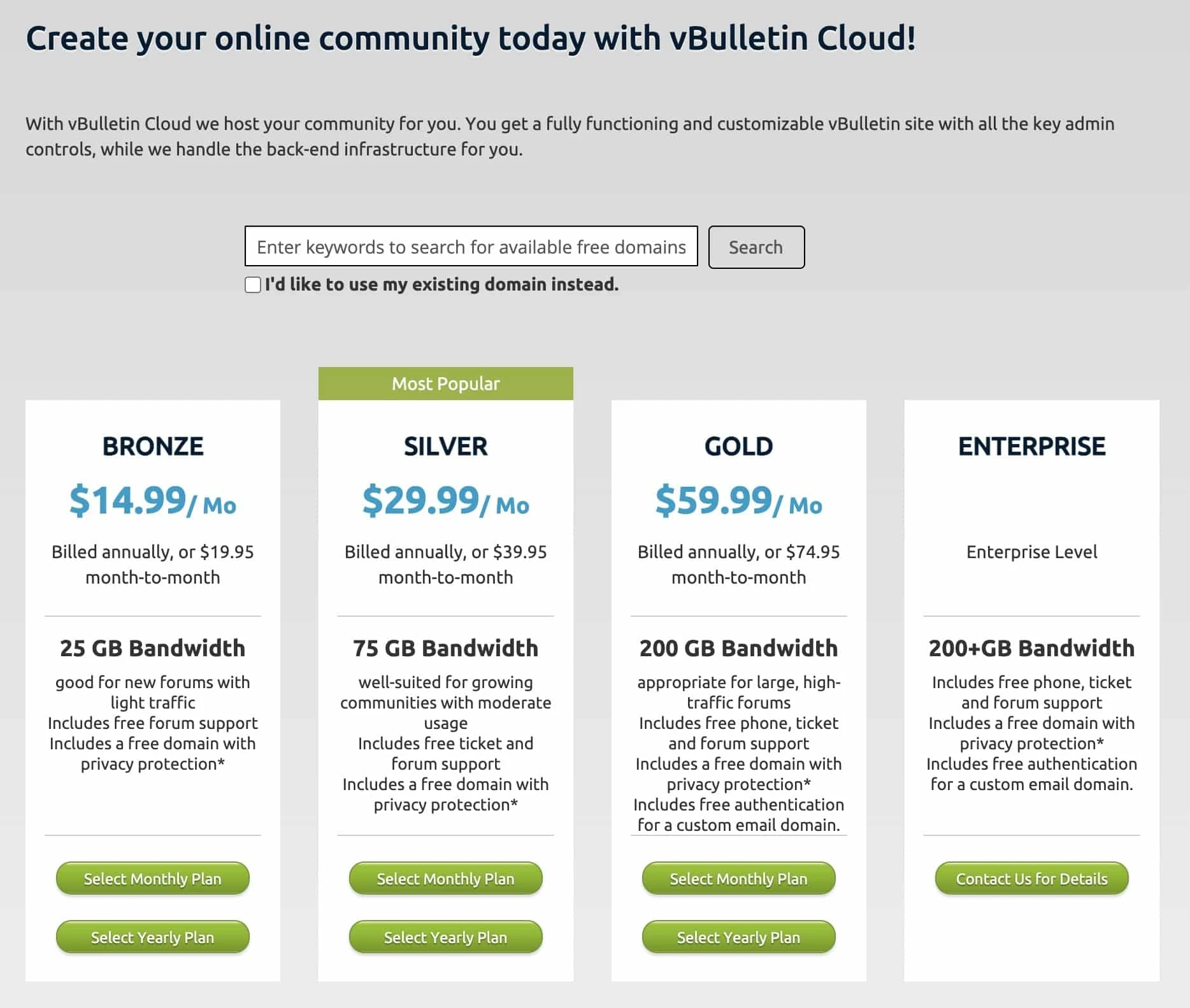
vBulletin Cloud offers plans by bandwidth. Bronze with 25 GB costs $18.74 per month with annual payment, Gold with 200 GB costs $74.99 per month.
Included are all vBulletin features, cloud storage, a free domain including SSL, daily backups, and a security center. However, support is English only and is not rated particularly well.
- Comprehensive package of features.
- Prices in the mid-range.
- Large cloud storage.
- Protection against hackers and malware.
- Daily backups.
- Not free.
- Support in English only.
- Support is rated poorly.
Invision Community
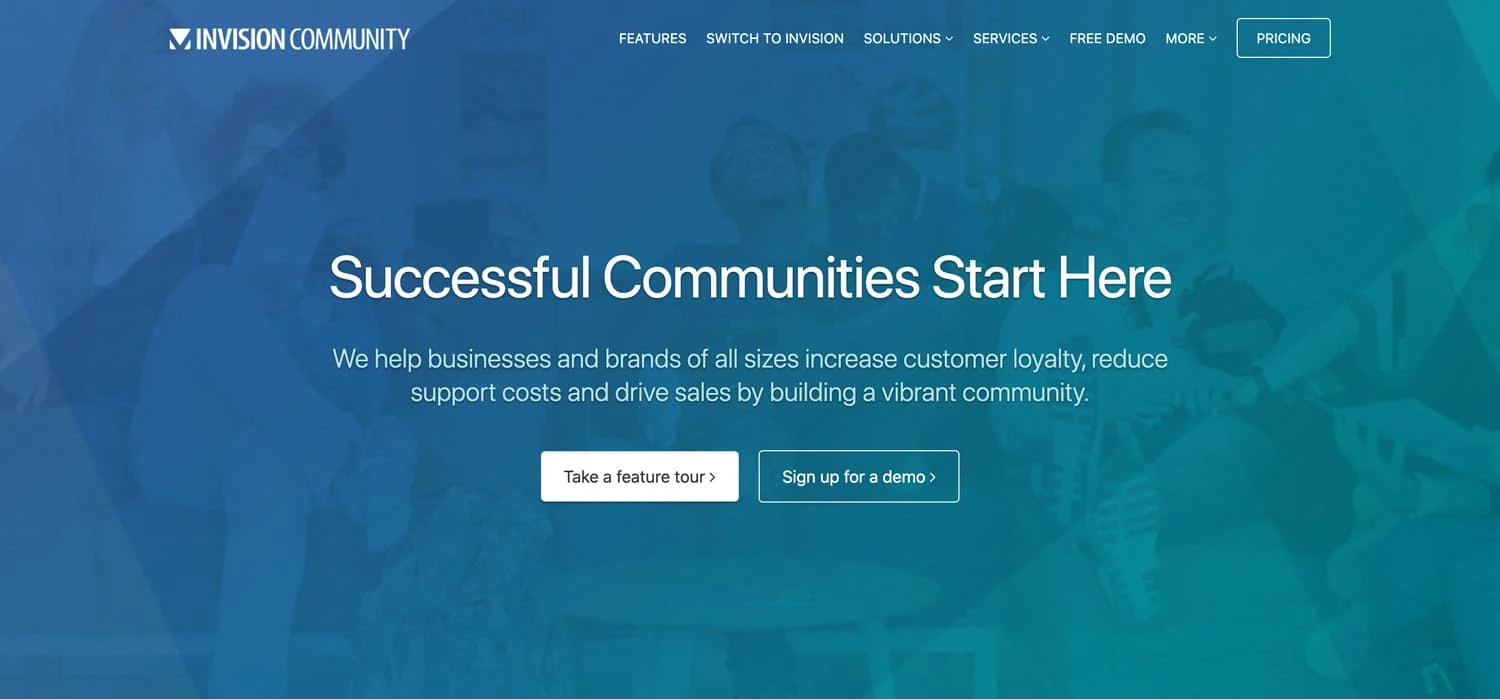
The Invision Community is long past being just a forum: it combines a CMS with a drag-and-drop editor, paid memberships, e-commerce, and helpdesk features.
Moderation tools, intelligent user management, and good spam protection are included. The Creator plan currently starts at $89 per month with annual payment and includes 50 GB of storage and up to 0.5 million monthly views from logged-in members.
- Huge feature set.
- Its own CMS with a building-block system.
- E-commerce features.
- Competent support.
- Access to all features.
- Unlimited user numbers.
- No German-language support.
- Paid (from $45 per month).
Xobor
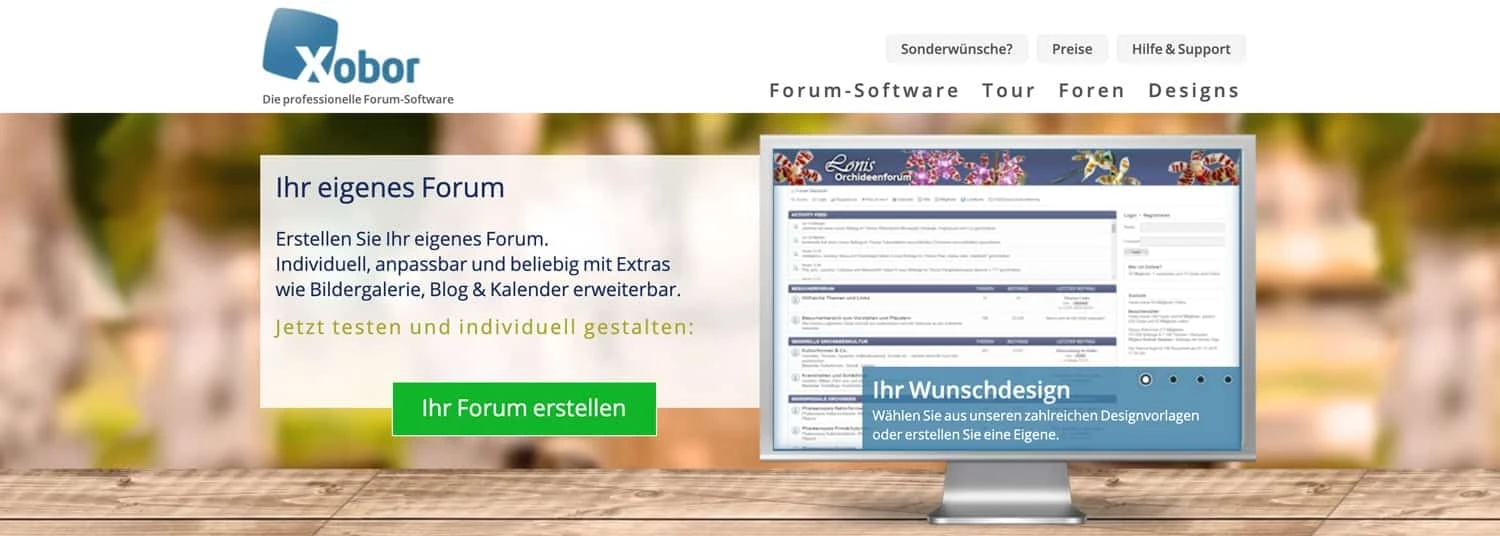
Xobor offers a free version and several paid packages. Even for free you get a plugin system, gallery, multilingual support, daily backups, and spam protection.
For €6.95 per month you additionally get your own chat, a newsletter function, and a .de domain with SSL.
A “Thank and Rate” function is also unlocked for your users.
The ad-free Pro plan starts at €13.90 per month and allows your own ads. With more than 250 members, the price rises in steps. Support is available through the Xobor Support Forum.
- German-language software.
- Support from the manufacturer.
- Various price packages.
- Extensive features already in the free version.
- No member limit.
- Numerous design templates.
- Removal of the Xobor branding and exclusive support only with the Business plan (€33 / month).
ProBoards
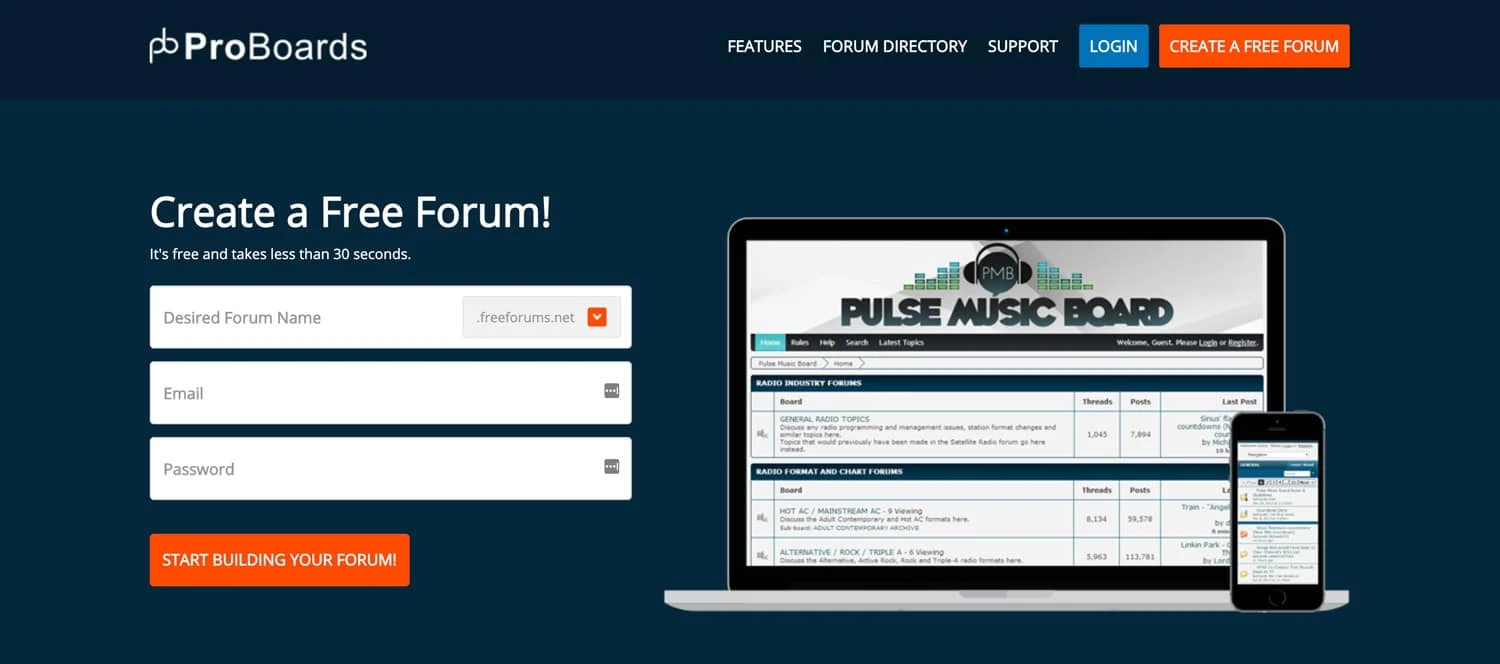
ProBoards is an extensive cloud forum system that you can use completely free of charge.
Highlights: a large design and plugin library, its own analytics system, a powerful search, plus free 24/7 support.
ProBoards is definitely one of the most extensive free cloud providers currently on the market.
Thanks to the many customization options, you can build an individual forum where your community feels at home.
- Free.
- No limits on bandwidth or number of members.
- Free support.
- Your own domain from $14 per year.
- Search engine optimized and responsive.
- Building-block system that can be customized as you like with plugins.
- Numerous design templates.
- Extensive customization options.
- Data exchange between members possible.
- Analytics software preinstalled in the backend.
- Branding can only be removed with the paid version (via Forums.net, from $50 per month).
EverForo
EverForo relied on a flexible forum structure and privacy.
You get a well-thought-out system with a news view, push notifications, extensive moderation options, and any number of subforums.
For a new forum, you should pick one of the actively offered alternatives from this comparison.
- Free.
- Extensive customization options.
- Modern design.
- Flexibly adaptable to your own community.
- Free support from the operator.
- Not a classic online forum.
- Sometimes confusing to use.
4. Which hosting for forums?
If you want to create a self-hosted support forum, I recommend the SSD Starter web hosting package.
The package offers 50 GB of SSD storage, five databases, free SSL certificates, and an included domain, for example with a .de ending.
With a 12-month term it costs €7.95 per month with annual prepayment (€95.40 per year). With a monthly term it's €8.95 per month, in each case including 19% German VAT.
blogmojo, new customers receive a €10 credit on their webgo customer account after a successful order. The credit is applied from the first invoice.P.S. If you want to create a WordPress forum, take a look at my recommendations for WordPress hosting.
5. Why does a forum make sense on a website?
Internet forums offer the right answer to many questions. Forums are the playgrounds of nerds, serve as discussion or knowledge platforms, offer experience reports, or provide first aid for important questions.
Beyond all that, they matter for net culture:
Several thousand users find themselves in forums every day, where they read and post articles, send attachments, and make other users' lives a bit more colorful.
Creating a forum can also be a way to make money online, e.g., through affiliate marketing, banner ads, an e-commerce platform, or digital products.
6. What alternatives are there to creating a forum?
To build your own community, a forum is without doubt one of the best, but also one of the most labor-intensive options.
If you're not willing to invest that working time and don't see yourself up to the heavy moderation and administration effort, there's good news for you:
Besides forums, there are other ways to give people a platform on a particular topic:
6.1 Online community via Facebook groups
These have become a very popular way to exchange ideas with other members about a particular topic in a relaxed, casual atmosphere.
One of the biggest advantages of Facebook groups is certainly the low setup and administration effort. On top of that, it's easier for users because most of them are already on the platform and don't have to sign up again.
6.2 Xing and LinkedIn
In the B2B space, groups on Xing (a German business network) and LinkedIn are an option, even if they're less popular and offer fewer features than Facebook.
7. What to consider before you create a community forum
7.1 High moderation effort
If you're toying with the idea of creating your own forum, you should be clear beforehand that it comes with a high moderation effort.
Not only member management but also constant monitoring of posts is part of your daily tasks. Among other things, you must make sure your forum stays free of insults, glorification of violence, racism, and the like. Many forum applications have filters for this, but they can't possibly block all such posts reliably.
If you don't make sure your forum is free of violence and insults, you'll hardly be able to enjoy a growing community.
Another aspect: there will certainly be requests from members about technical or organizational topics again and again, and these also need to be answered as well and as thoroughly as possible.
7.2 High administration effort
Not only moderation but also administration may require several hours of work per week. Especially if you host the forum yourself.
Your regular tasks include:
- Technical maintenance through updates.
- Data backups (e.g., with a backup plugin).
- Immediate action for technical problems.
These are tasks that absolutely have to be done, because otherwise smooth operation can't be guaranteed. And smooth operation is essential for your community to feel at home. Otherwise many members will quickly look for other platforms to exchange ideas with like-minded people.
7.3 A community has to be built (and doesn't come out of nowhere)
A working forum with an active, discussion-loving community is great and lets you interact with your target audience.
But a forum like that doesn't come out of nowhere!
Creating a forum can take a long time, and so can winning active members.
After all, you have numerous competitors (other forums, Facebook groups, etc.), and especially with more general topics it can be hard for a newcomer to build a community. That can take several years under some circumstances and require a lot of time and work.
The fact that search engine optimization can only be used to a limited extent for forums (more on that later) doesn't necessarily make things easier.
And money for advertising via Facebook or Google is usually not available when founding a forum either.
7.4 Technical and organizational support
You should be aware that as the operator of a forum, you're the direct contact for your members, who will come to you with all kinds of technical or organizational questions.
The effort depends enormously on the type of forum (cloud or self-hosted) and the number of your members, but it can take up several hours of your time per week.
And support doesn't even have to be limited to technical problems. You'll often find yourself forced to answer usage questions along the lines of “Where do I find X?” or “How do I do X?”.
7.5 Poor standing with Google
Many forum software options have SEO problems. These include, for example:
- no readable URLs, but often cryptic URLs with thread numbers (e.g., https://meinforum.de/thread/234124212).
- slow load times and poor Core Web Vitals (e.g., due to the lack of a caching system, uncompressed images, lots of third-party code, or extremely heavy JavaScript).
- duplicate content (the same forum threads are available under several URLs).
- missing alt text on images (forum users usually don't add alt text).
- problems with the structure and readability of texts.
- Forum software isn't optimized for mobile devices (so it's harder to read on a smartphone).
- Forum software often doesn't come with built-in SEO tools or features.
- a lot of spam (e.g., from SEOs placing backlinks there, or classic automatically generated spam for casinos, potency drugs, etc.).
- The trustworthiness and expertise of the authors in forum threads is unclear.
Over the years, these problems have led Google to give forums less and less room in the search results.
Various Google updates in recent years, such as the core update of May 2020, restricted the visibility of forums and question-and-answer portals even further.
So you'll inevitably have to tap into another traffic source to move your community building forward.
7.6 Spam problems
If you already run your own WordPress blog, you'll be familiar with the problem of spam in comments.
It's similar with a forum.
Members will try again and again to place links in forum profiles or threads to point to their own website. As long as these are on-topic links that offer your members value, there's nothing wrong with that.
Often, though, these are links whose only goal is to rank higher in Google's search results.
This problem in turn increases your moderation effort considerably.
7.7 Data protection and other legal pitfalls
If you want to create a forum, you have to deal with data protection thoroughly (just like someone who wants to create a blog, online store, or website).
In some cases even more, because in your forum you sometimes store numerous personal data of your members, such as:
- Email address.
- Last name.
- First name.
- IP address.
- Birthday.
- Personal preferences and interests.
- Private messages or chat histories.
To be on the legal safe side, you have to make sure that the collection of this personal data complies with the GDPR.
That sounds far more complex than it is. Still, there are numerous stumbling blocks around data protection that you should definitely clear out of the way.
Here is a small (non-exhaustive) overview of to-dos and topics you have to deal with:
- Include a valid privacy policy.
- Obtain consent for the processing of personal data (if necessary).
- Data minimization (only collect necessary data).
- Conclude data processing agreements (AV contracts) (e.g., for newsletter tools, WordPress hosting, web hosting, website builders, landing page tools, or CMS).
- Use a WordPress cookie plugin or cookie consent tool.
- Enable SSL encryption.
- Anonymize IP addresses.
- Create a record of processing activities.
8. FAQ
Here you'll find answers to common questions about forum software and building forums: