
Have you been selling your products on eBay, Amazon or other online marketplaces and you're unhappy about the high fees?
Or have you developed a product of your own but don't know yet how to sell it online?
Then you're in exactly the same position we were in back in 2021:
Besides our website, we run a successful Instagram channel about crafting, through which we wanted to sell craft boxes.
To find the best platform for that, we spent weeks researching and compared well-known providers in detail.
For this update, I checked prices, plan limits and key features again in the providers' current interfaces and on the official product pages.
In this article you'll find my experience and the verified provider details, so you can pick the e-commerce platform that fits your needs.
- Shopify is the most well-rounded cloud solution for a standalone shop. Basic currently costs €27 per month with annual billing.
- WooCommerce, Magento Open Source, PrestaShop and the Shopware Community Edition have no license fee. Hosting, maintenance, extensions and payment processing still cost money.
- Don't just compare the base price. Order fees, payment fees, revenue limits, apps and legal adjustments can raise the total cost significantly.
The best cloud solutions
Cloud-based platforms are probably the easiest way for most beginners and advanced users alike to create an online shop of your own.
You don't need your own server and don't have to deal with hosting. The provider takes care of that. You set up and manage your shop in the browser.
This principle is also called a “rental shop” or software as a service (SaaS).
1. Wix
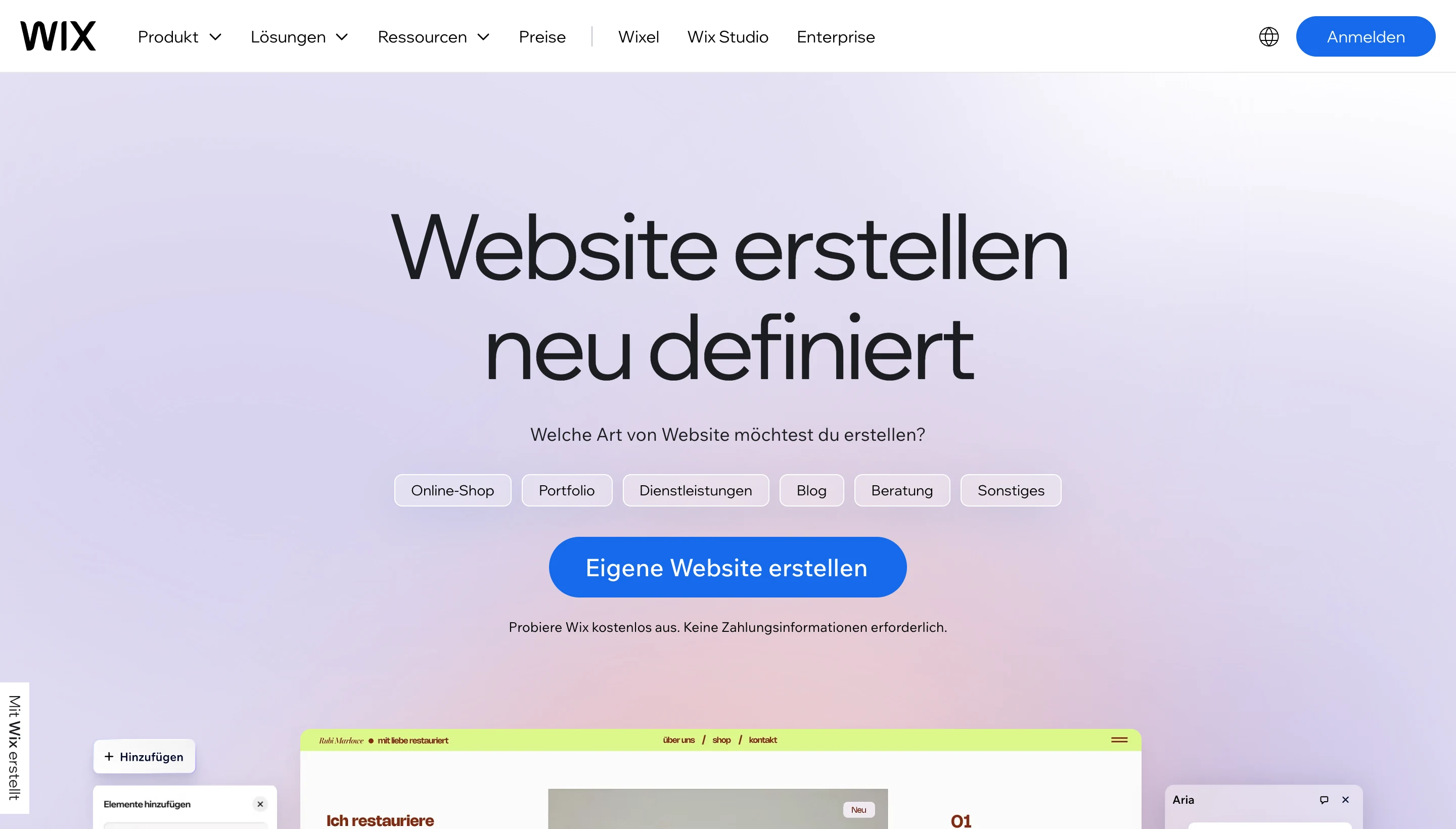
Wix is, alongside Shopify, one of the best-known solutions for online shops. It isn't a classic e-commerce platform, though, but a website builder with an e-commerce function.
That also makes Wix suitable for starting a blog of your own or for creating different types of websites.
I don't see the lack of focus as a disadvantage at all. Quite the opposite. Besides a classic shop, Wix offers a very good blogging feature, so you can boost your sales with content marketing. Writing blog posts can also go faster than you think. There are plenty of aids by now, such as AI text generators.
In the backend, you also get email marketing features, decent inventory management and extensive statistics tools.
Who is Wix right for?
Do you want to create an online shop without getting into a lot of technical background?
Then Wix is ideal, because thanks to the excellent drag-and-drop builder, you can make changes to your website without any programming skills at all.
I also recommend Wix if you want to build an email list and run a blog of your own alongside your products. For smaller shops especially, a blog like that can be a great way to attract visitors.
- Very beginner-friendly
- Easy-to-use drag-and-drop editor
- Very well-graded plans
- Marketing tools (e.g. email list)
- Good inventory management
- Analytics
- Competent and friendly support
- Feature set is limited in places
- Naming in the interface is a bit confusing for German-speaking users
2. Shopify
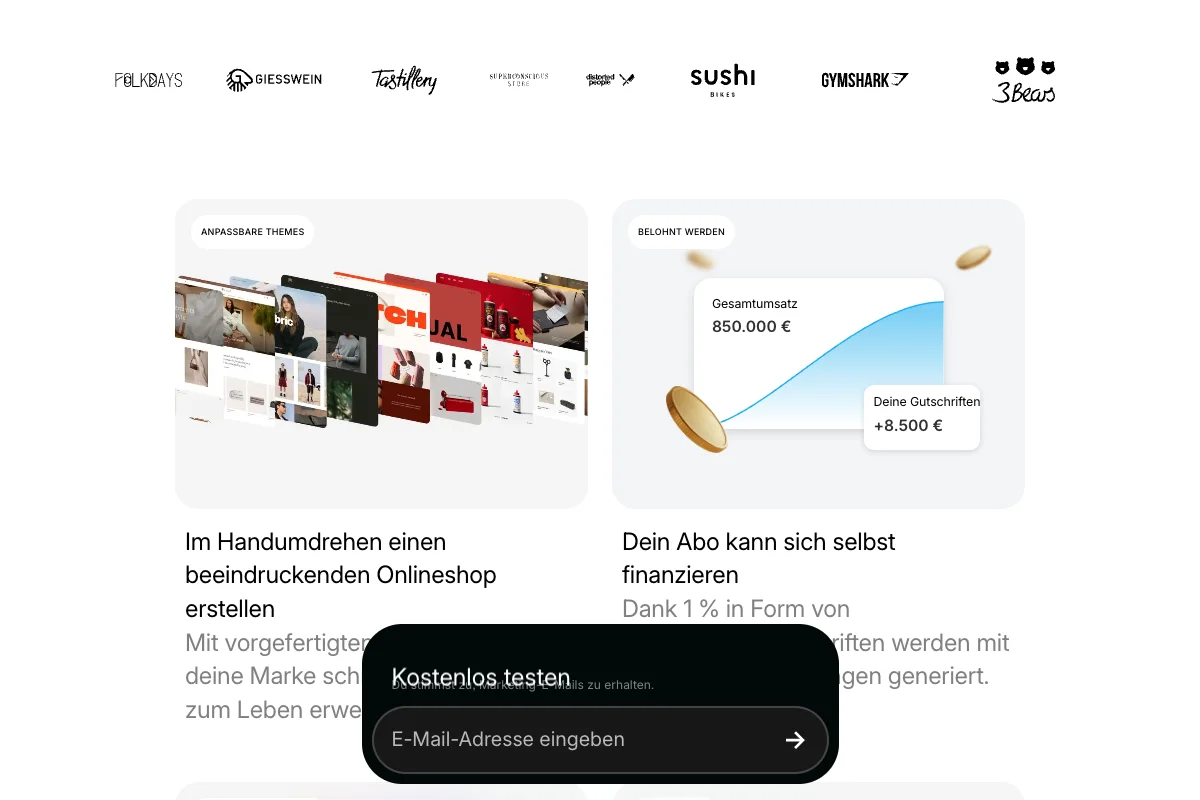
Shopify is one of the best-known shop solutions on the market. Among other things, that's because it's easy to use. The backend is tidy, you make changes in a drag-and-drop editor with a live preview, and you find all the important settings in one central menu.
Extensibility through apps is also a big strength. Numerous extensions can be combined individually.
Shopify is a great platform for beginners and professionals alike, and almost any project can be built with it.
By the way:
You can try Shopify free for 3 days and then use it for another 3 months for $1 per month. The features unlocked depend on the plan you choose.
Who is Shopify right for?
The easy-to-implement platform from Shopify is aimed mainly at small and medium-sized businesses. Start-ups also find the tools they need to launch their first professional web shop.
Businesses with an existing customer base can easily tailor their shop to their own requirements and those of their customers.
- Free trial period
- Fair value for money
- Very beginner-friendly
- Several templates available
- Extendable with numerous apps
- Easy dropshipping
- International data processing needs a legal review
- Additional transaction fees without Shopify Payments
- Limited control over the URL structure
3. Squarespace

Squarespace was originally designed as a classic website builder. Its central element is an excellent drag-and-drop builder that lets even beginners create professional shops. On top of that, there's a wealth of templates you import with a click of the mouse.
In recent years, Squarespace has added many e-commerce features that help you build a complete web shop. Marketing features such as coupon codes and comprehensive analytics come on top.
Who is Squarespace right for?
With Squarespace, you don't just build your shop, but a complete website around it.
The blogging feature is decent for a builder. If content is the core of your project, WordPress offers much more flexibility.
- Very good value for money
- Easy-to-use drag-and-drop builder
- Strong blogging feature
- Good performance
- Analytics built in
- Marketing tools such as coupon codes
- Basic charges an additional 2% shop transaction fee
- Fewer specialized shop extensions than Shopify
4. ALZURA Shop
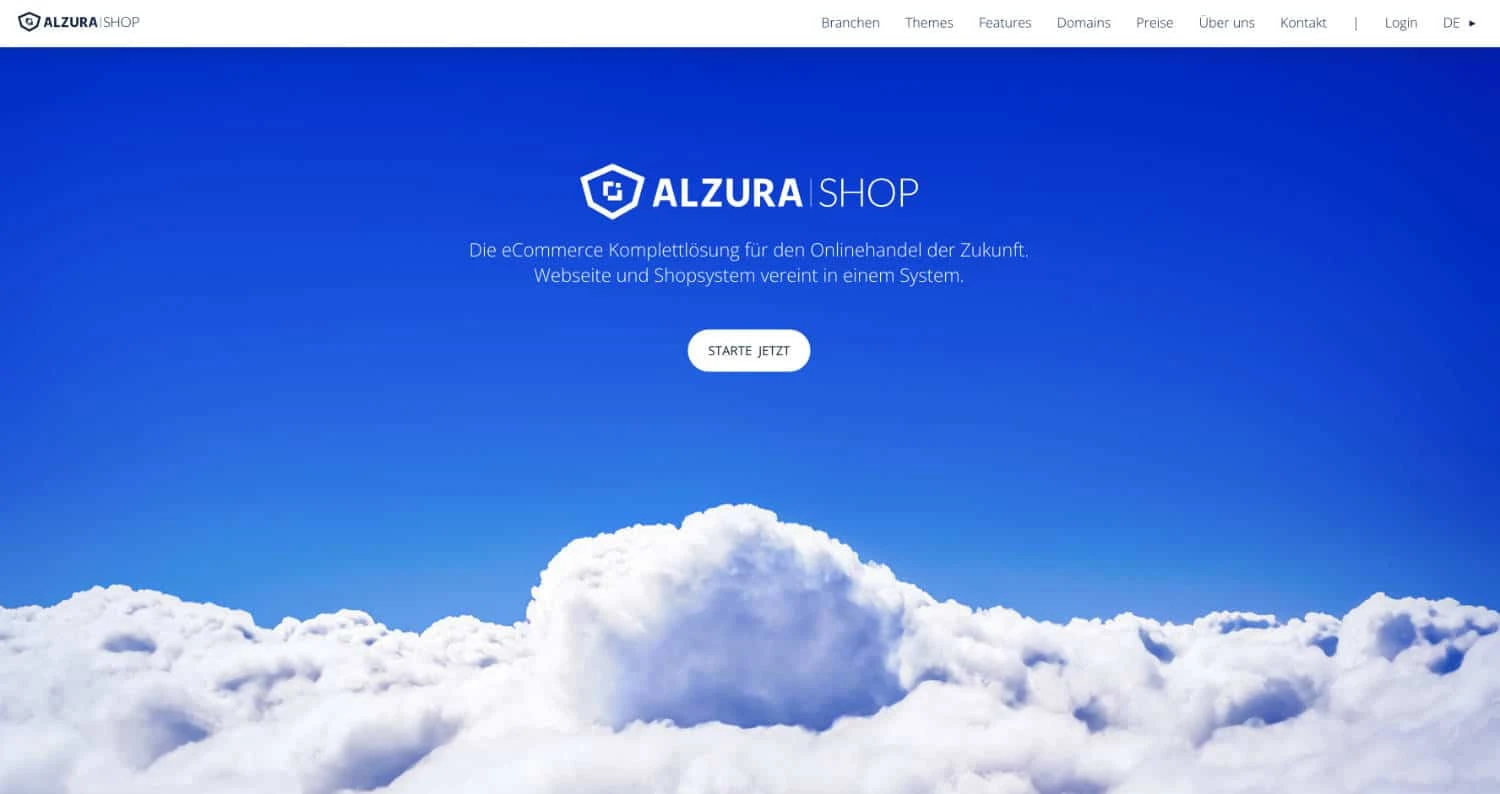
Alzura comes from ALZURA AG, which has been developing e-commerce solutions since 1998.
Besides a drag-and-drop builder, you get a CMS that makes managing your product portfolio child's play.
You'll also find advanced shop tools such as coupons, filter functions or member accounts.
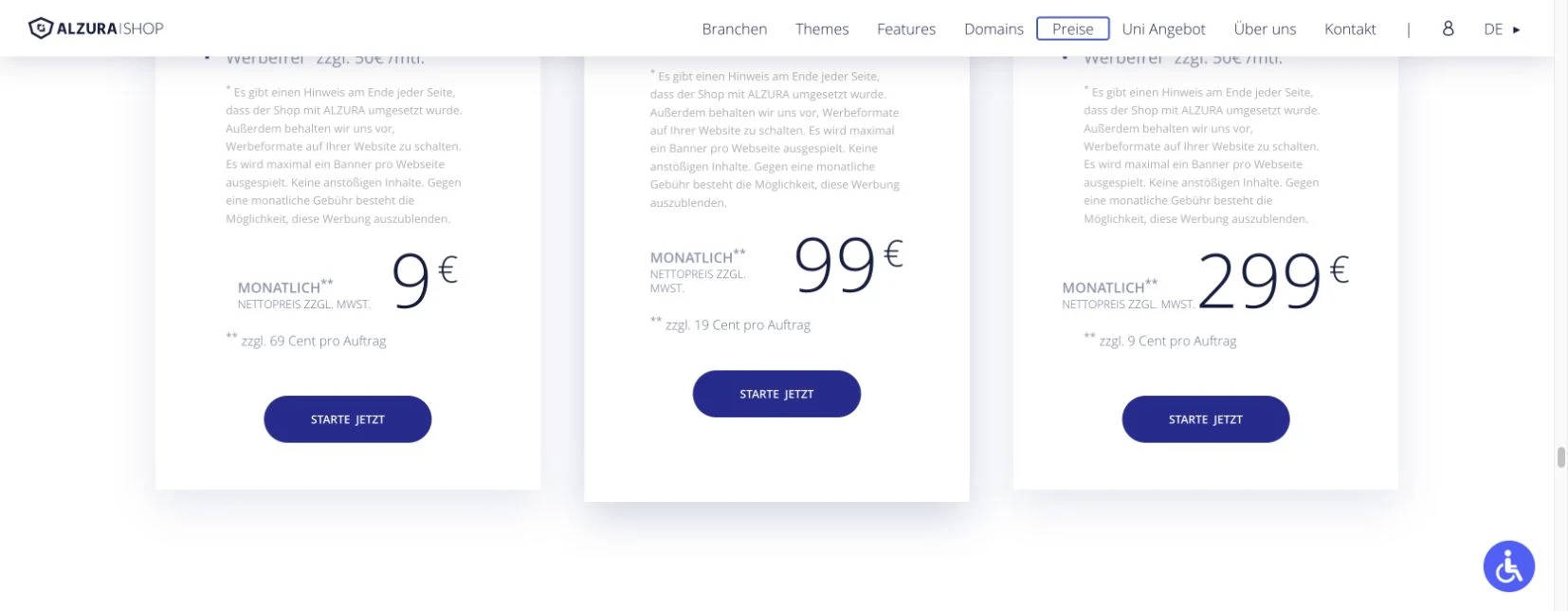
The Basic plan currently costs €9 net per month plus €0.69 per order. If the shop should be completely ad-free, the plan page says another €50 net per month comes on top.
Who is an ALZURA Shop right for?
ALZURA is a complete shop solution for small and medium-sized projects. Besides shop features, the current plans include a WordPress blog. Before you book, check the order fee and the surcharge for an ad-free shop in particular.
- Very clear backend
- Lots of features at a fair price
- Drag-and-drop builder
- Advanced shop features such as coupon codes
- Many design templates
- Multilingual
- Per-order fee in the Basic plan
- Going ad-free costs extra in the Basic plan
5. Gambio Cloud
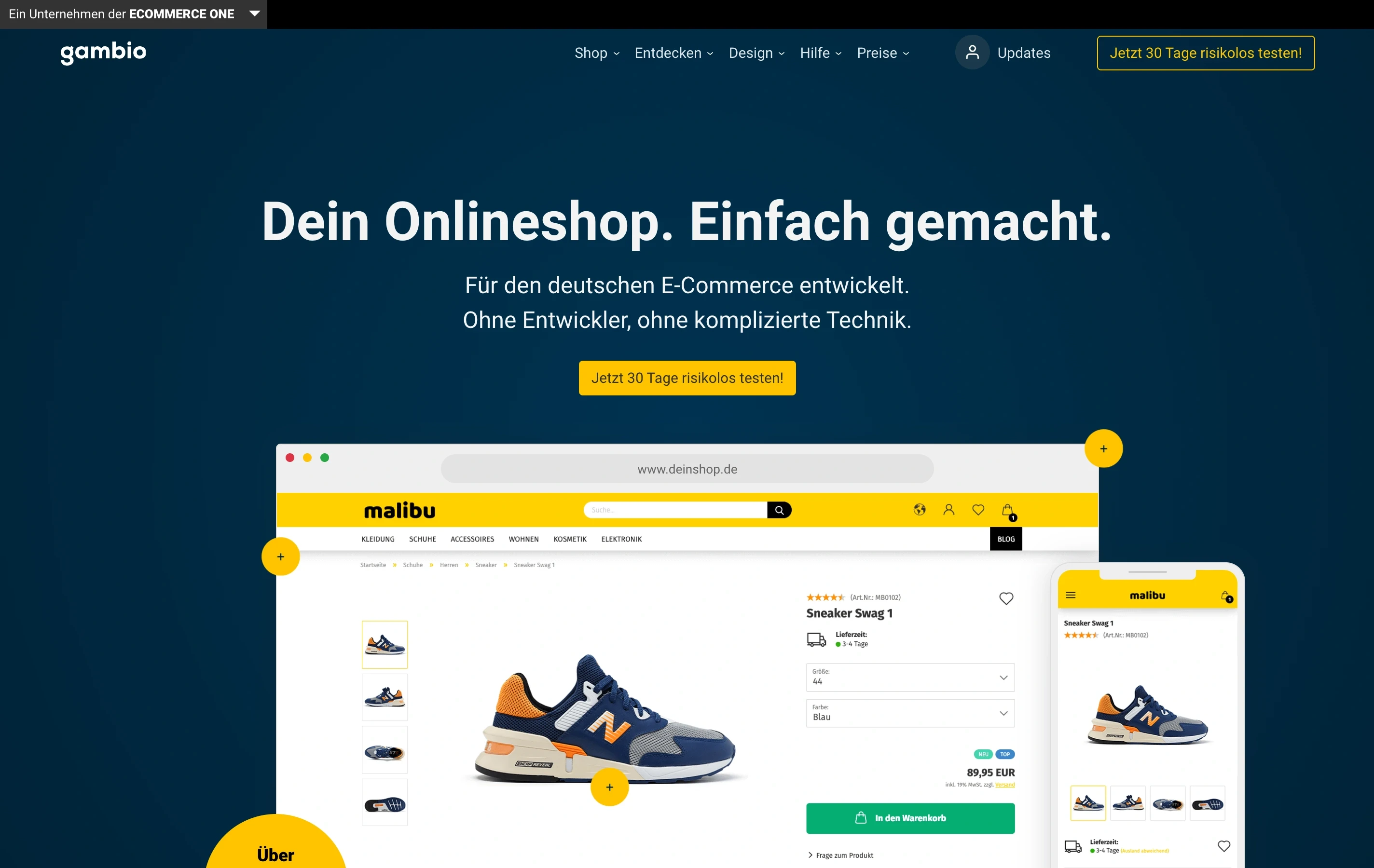
If you prefer a German provider, Gambio Cloud is a very good option.
You get a drag-and-drop builder with templates, you can create several staff accounts with detailed permissions, and if needed you can use a local content delivery partner.
So that you get an appealing website right from the start, Gambio has a quick setup wizard on board. Within a few minutes, product, category and checkout are ready for your first sales.
Gambio also scores with an integrated newsletter and several payment options, such as PayPal, Klarna, invoice and prepayment. On top of that come a double order confirmation, automated returns, inventory management and an interface to DATEV (German accounting software).
The Starter plan costs €29 per month with annual billing. It includes €500 of free monthly volume. On revenue beyond that, Gambio charges a 1.5% transaction fee according to its plan overview.
Gambio is also strong in multichannel. Through interfaces, you can offer your products on marketplaces such as eBay or Amazon. A marketplace of its own adds reach.
Who is Gambio Cloud right for?
The Gambio Cloud is a compact, easy-to-use platform with strengths in design, marketing and SEO. Multichannel sellers in particular benefit from the interfaces to eBay or Amazon.
- Quick setup
- Many built-in payment methods
- Multichannel sales including its own marketplace
- Newsletter and coupons built in
- DATEV interface
- Server location in Germany
- Starter includes €500 in free volume, then 1.5% applies
- Fewer templates than the big international providers
- Interface feels more technical in places than Wix or Shopify
6. BigCommerce
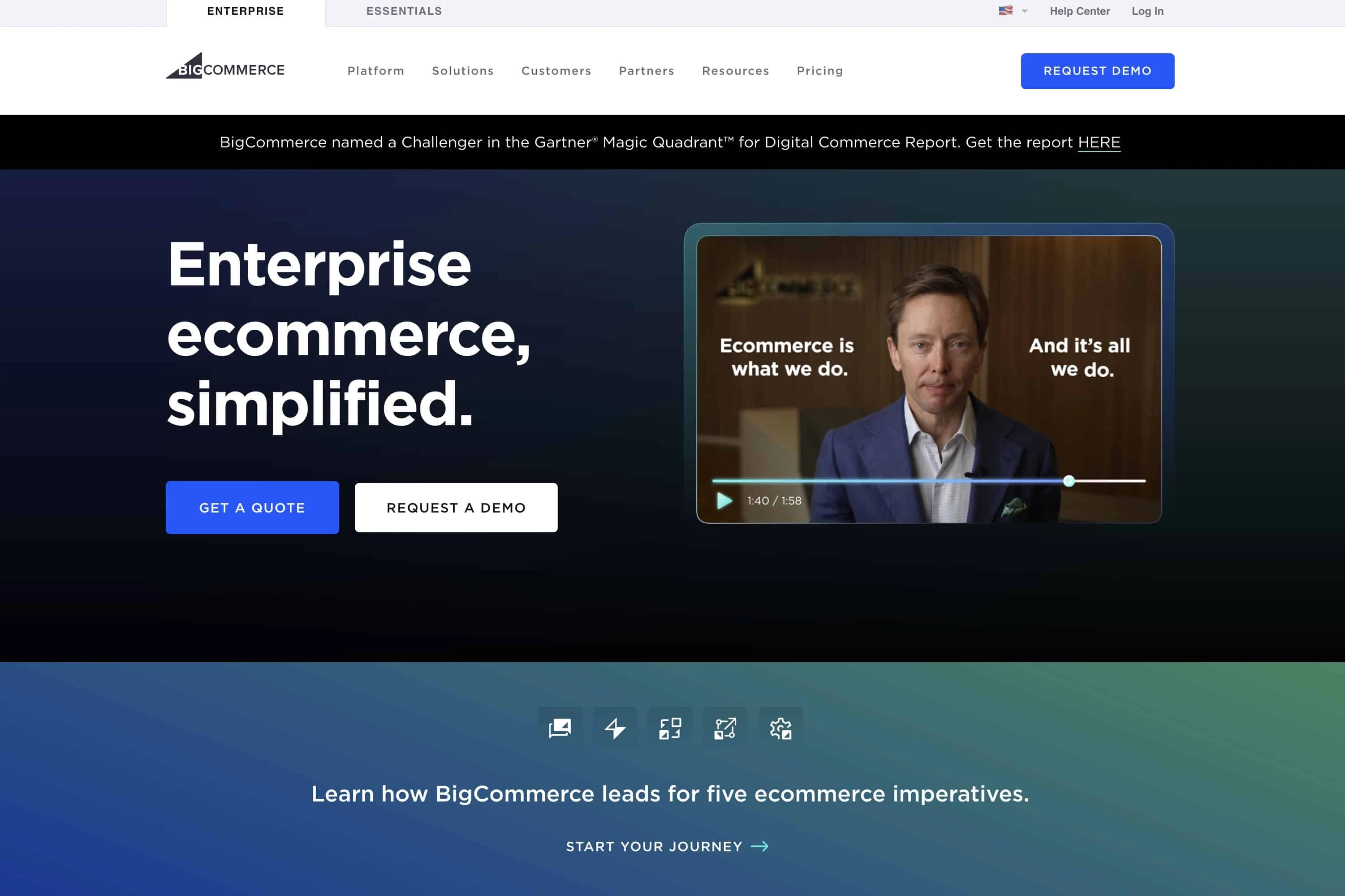
BigCommerce is aimed at advanced users with web experience. Even so, a setup wizard walks you through the most important settings step by step.
Compared with Shopify or Wix, BigCommerce is much more complex, but in return it delivers features that otherwise only enterprise solutions offer. These include B2B features, headless commerce interfaces, detailed shipping rules and numerous payment methods.
You can manage several shops within one account, which is interesting for international teams. Social media platforms such as Instagram, TikTok or Pinterest can also be connected directly.
Who is BigCommerce right for?
BigCommerce is a robust solution for growing businesses and corporations with international ambitions.
You do need a team that can handle complex systems for it, though. Then the large feature set can pay off.
- Very large feature set including enterprise features
- Headless commerce and multi-store management
- Many third-party integrations
- Good multichannel connections
- Scalable for international teams
- Much more complex interface
- More expensive than beginner solutions
- New plan logic takes revenue and payment provider into account
7. Ecwid

Ecwid (e-commerce widget) has been on the market since 2009 and is present in over 175 countries. Unlike classic shop platforms, Ecwid has its roots in an app that you use to add e-commerce features to existing websites. Today there's also a full-fledged builder.
There's no permanently free plan anymore. The paid Starter plan costs €5 per month and allows up to 10 products. Venture costs €29 per month with annual billing and extends the shop to up to 100 products, digital goods, coupons and further sales channels.
Connecting social media channels and point-of-sale solutions (e.g. Square) is already built in.
Who is Ecwid right for?
Before you book the Starter plan from Ecwid, check it against your billing country, because Ecwid bills in several currencies. Ecwid is mainly interesting for operators of existing websites who want to add e-commerce features without switching systems.
- Starter plan for up to 10 products
- Integrates into existing websites
- POS and social media selling
- Digital products and services
- Easy to use
- No permanently free plan anymore
- More complex customizations only via code
- Chat and phone support only in higher plans
8. Weebly
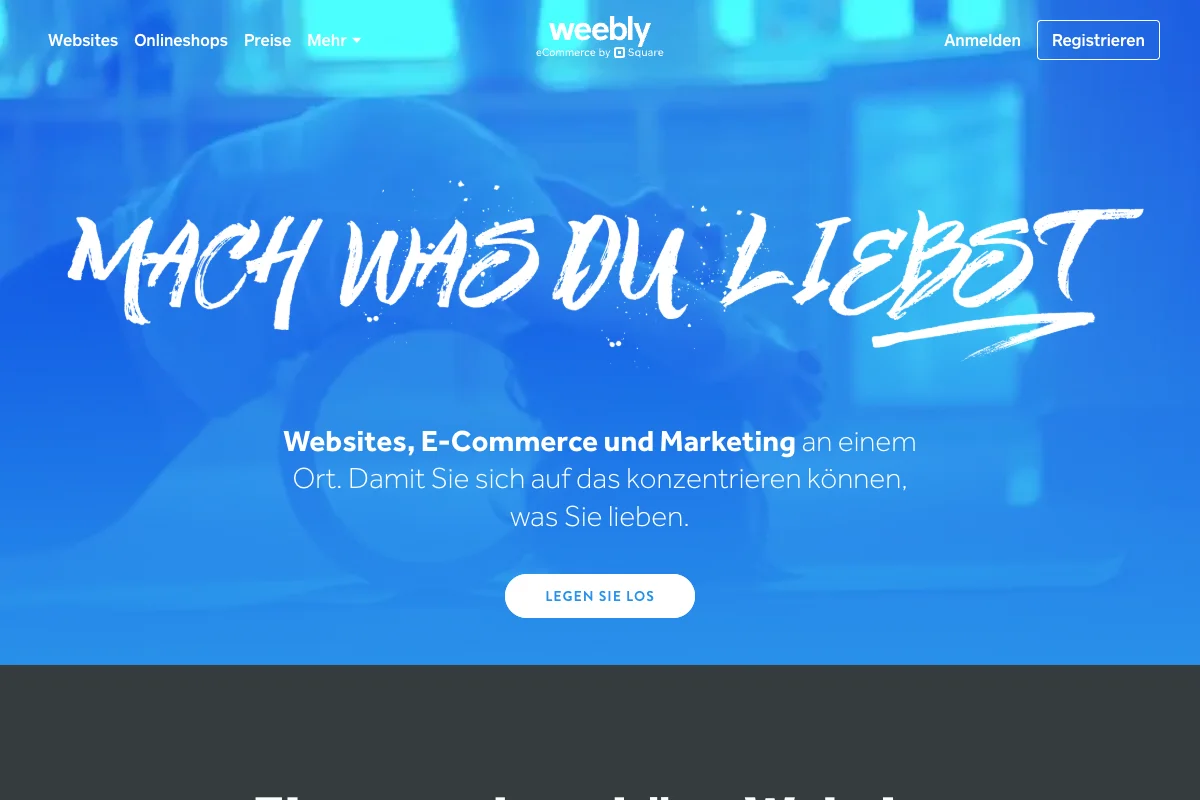
Weebly is primarily a website builder that was extended with e-commerce features.
The tool is easy to use, but it's developed much less actively than Wix, Squarespace or Square's own platform, Square Online.
You can sell digital products, create coupons and make basic SEO settings. Extensive marketing automation, on the other hand, is missing.
Who is Weebly right for?
Weebly is mainly an option for existing projects. For a new shop, I would choose a more actively developed platform.
For more ambitious projects, though, I'd recommend Wix or Squarespace instead. If you already have a WordPress website, it's also worth looking at how to create a WordPress shop.
- Very easy to use
- Drag-and-drop editor
- Digital products possible
- Coupons built in
- Cheap entry
- Limited feature set
- Less marketing automation
- Few interfaces to external tools
- Product development is increasingly focused on Square
On-premise e-commerce platforms
On-premise means you run the shop software on your own server. You have full control, but you're also responsible for hosting, updates and security.
9. Shopware
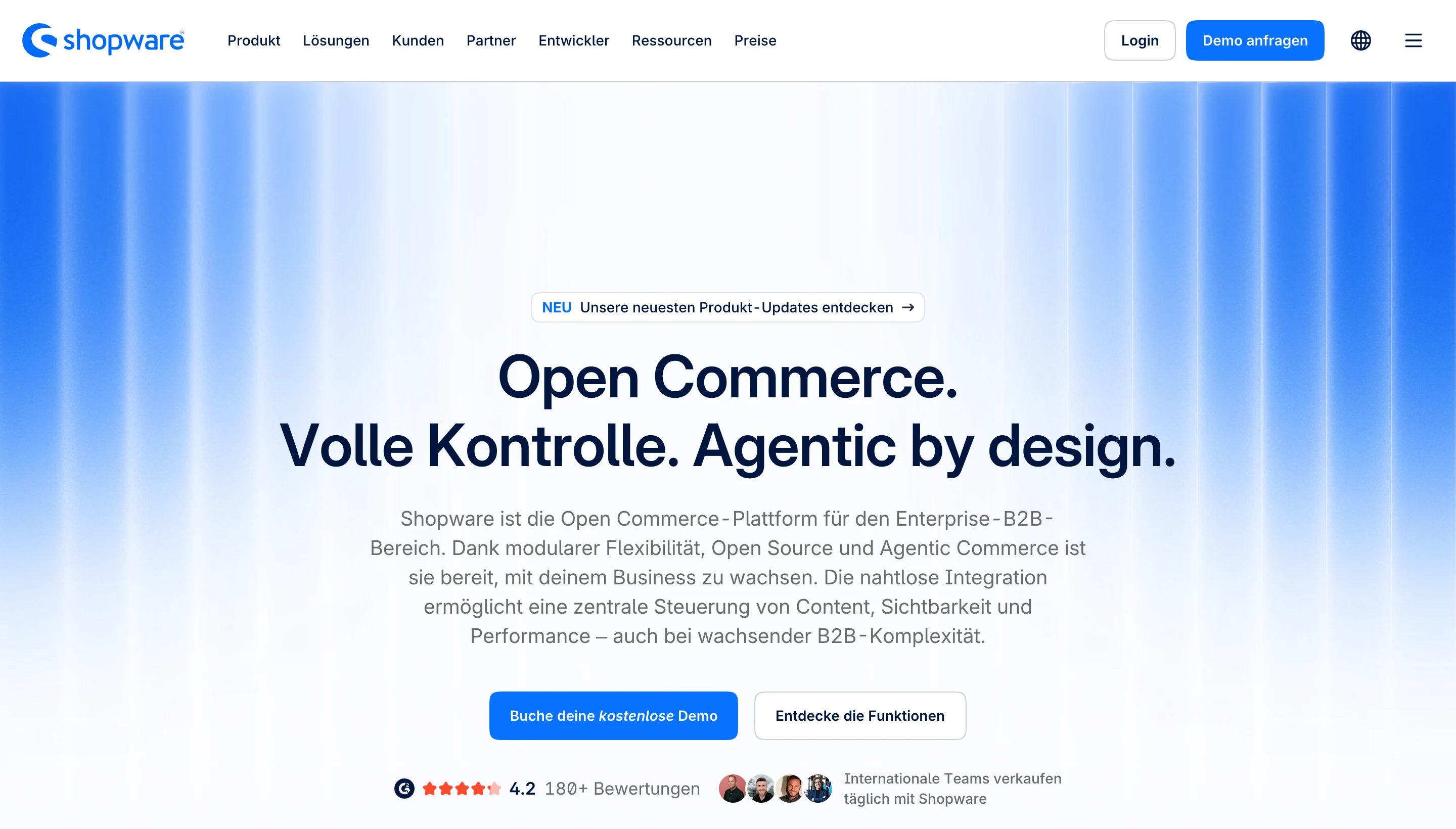
Shopware is an e-commerce platform from a German vendor. That makes coordination with German-speaking partners easier. It doesn't automatically make a shop legally compliant, though. You have to configure legal texts, checkout, privacy settings and connected services to suit your business model and have them reviewed.
Shopware offers extensive features for marketing, content management (CMS) and personalization. The Rule Builder is especially handy, letting you define custom rules for prices, shipping or promotions.
You can use the Shopware Store and run Shopware headless if you want to serve several frontends.
The self-hosted Community Edition is free. The paid Rise plan currently starts at €600 net per month. Shopware also names the gross merchandise value and other individual factors as the basis for its pricing.
Who is Shopware right for?
Shopware plays to its strengths in large projects and B2B solutions that need heavy customization.
You should plan for an experienced team or an agency, though, because setup, maintenance and updates are much more involved.
- German vendor and open-source core
- Extensive CMS and marketing tools
- Headless-capable
- Large plugin marketplace
- B2B features
- Paid plans start at €600 net per month
- Community Edition needs your own hosting infrastructure
- More maintenance effort than cloud solutions
10. Gambio (on-premise)
Gambio isn't only available as a cloud version, but also as a self-hosted variant. You can install it on your own server or on web space recommended by Gambio. It requires at least 500 MB of storage, PHP 8.0 and MySQL 5.7 or MariaDB 10.2.
The feature set is similar to the cloud version. You get ready-made designs, a customizer, product variants, a multilingual shop, plus newsletters and coupon codes. You can book add-ons individually.
Thanks to interfaces to DATEV and the option to assign permissions to several staff members, Gambio is also suitable for teams.
The current contract costs €252 per year. For payments through the Gambio Hub, a 0.2% transaction fee comes on top. According to the provider, invoice, prepayment and cash on delivery are exempt.
Who is Gambio (on-premise) right for?
If you want full control over your shop and can take care of hosting, maintenance and updates yourself, Gambio is a possible solution for small and medium-sized shops. You still pay annual contract costs and, where applicable, the hub fee.
- Fixed annual price for updates, hub and support
- Many features included right away
- Multilingual
- Newsletter and coupons built in
- Good interfaces (e.g. DATEV)
- You are responsible for hosting and updates
- 0.2% fee for payments through the Gambio Hub
- Performance depends on your server
- Interface looks less modern
Open-source e-commerce platforms
With open-source systems, the software core is available without a license fee. Hosting, maintenance, security, payment processing, extensions and legal adjustments still cause costs. In return, you get a lot of technical control.
11. WooCommerce (with WordPress)
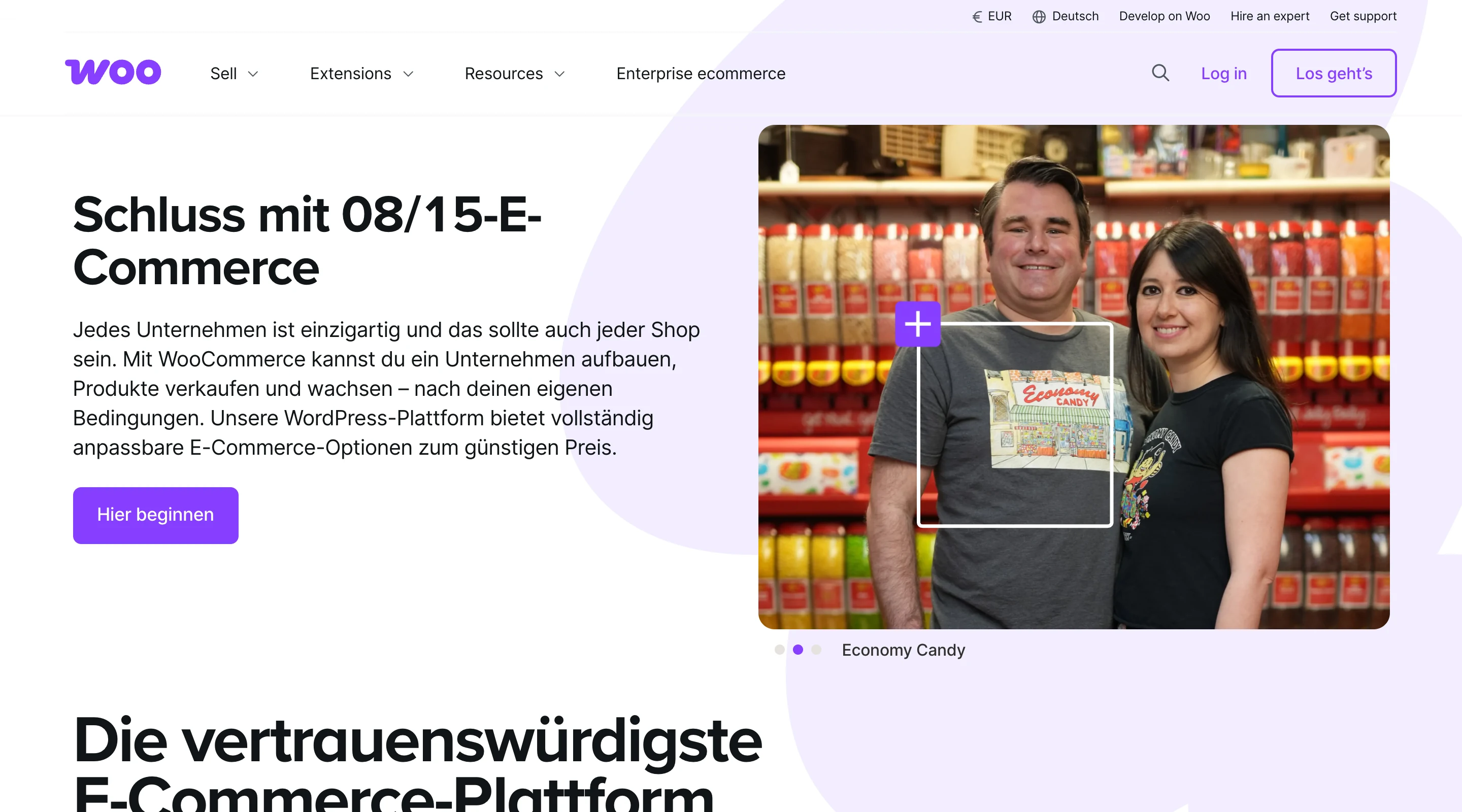
WooCommerce is one of the best-known systems on the market. It isn't a standalone e-commerce platform, but a WordPress plugin that you can install for free.
It fits into the WordPress interface and extends your existing website with core shop features.
You create products directly in the backend, and you can adjust designs through the Customizer or page builders such as Elementor.
WooCommerce can be combined with many third-party tools and adapted in detail to your needs.
The core plugin is free. You have to budget separately for hosting, payment fees, maintenance and many extensions.
Who is WooCommerce right for?
Ideal for everyone who already has a WordPress website and wants to extend it with a shop.
After installation, you can sell physical and digital products, offer subscriptions and add almost any feature you want.
- Core plugin is free and open source
- Gigantic community
- Easy to use for WordPress users
- Seamless integration
- Scalable even for larger product ranges
- Any extension via plugins
- Legal compliance in Germany requires adjustments
- Hosting, maintenance and many extensions cost extra
- Support is spread across several providers
12. Adobe Commerce (Magento)
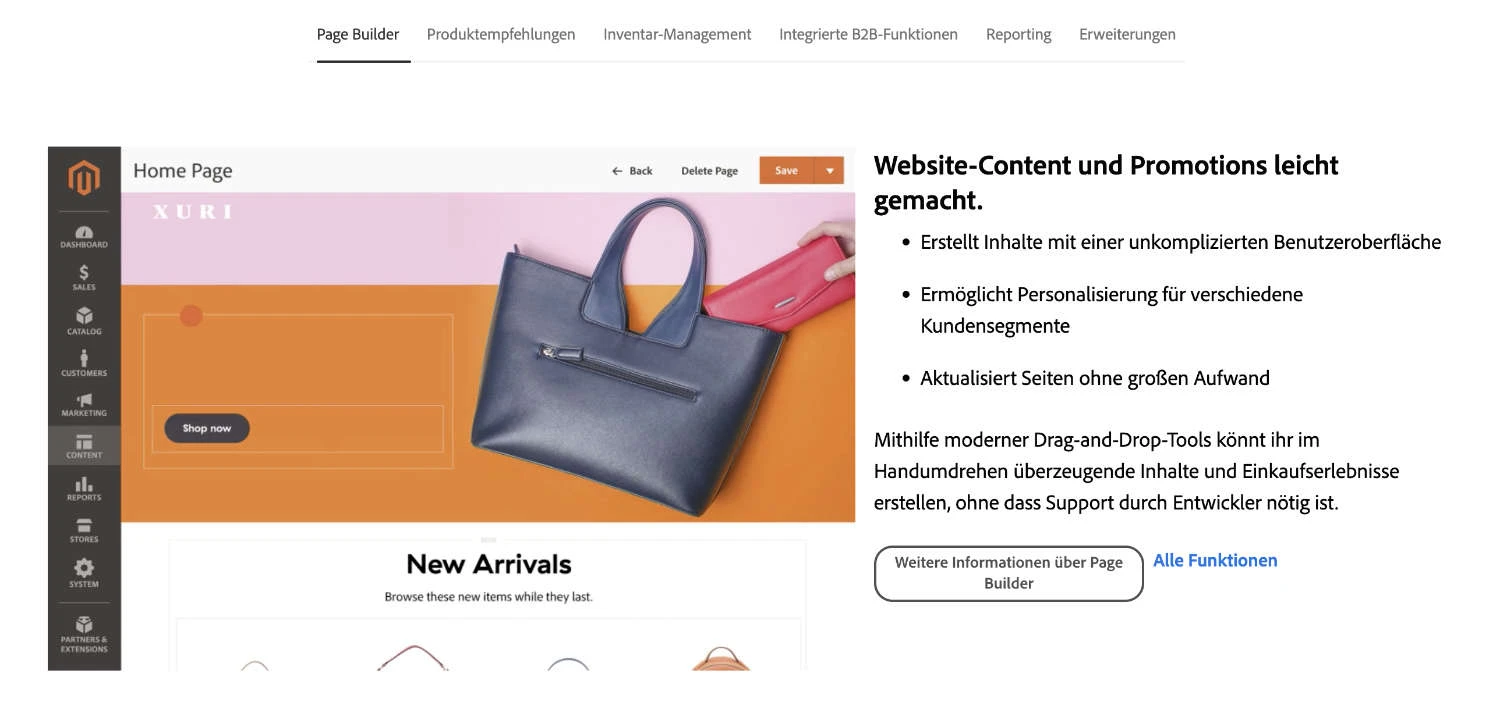
Adobe Commerce is Adobe's paid enterprise platform. Alongside it, Magento Open Source is still available as a free open-source core. Both products are aimed more at technically experienced teams than at beginners.
Magento Open Source contains basic e-commerce features, but no Adobe Commerce contract. Adobe Commerce adds cloud, scaling, B2B and support services, among other things. Adobe doesn't state a public list price. Companies have to request a custom quote.
Who is Adobe Commerce right for?
For companies with extensive product catalogs that need maximum control and flexibility.
If you're an Adobe customer anyway, you can connect additional products from the Adobe ecosystem. Because of the high technical and organizational requirements, plan for an experienced implementation team.
- Magento Open Source as a free, open core
- Adobe Commerce for complex B2B and B2C requirements
- Several shops, brands and markets manageable in one place
- Large feature set and extensive interfaces
- Vendor support in the paid Adobe edition
- Adobe Commerce only with a custom quote
- Themes and extensions are often paid
- High system requirements
- Heavy administration effort
13. PrestaShop
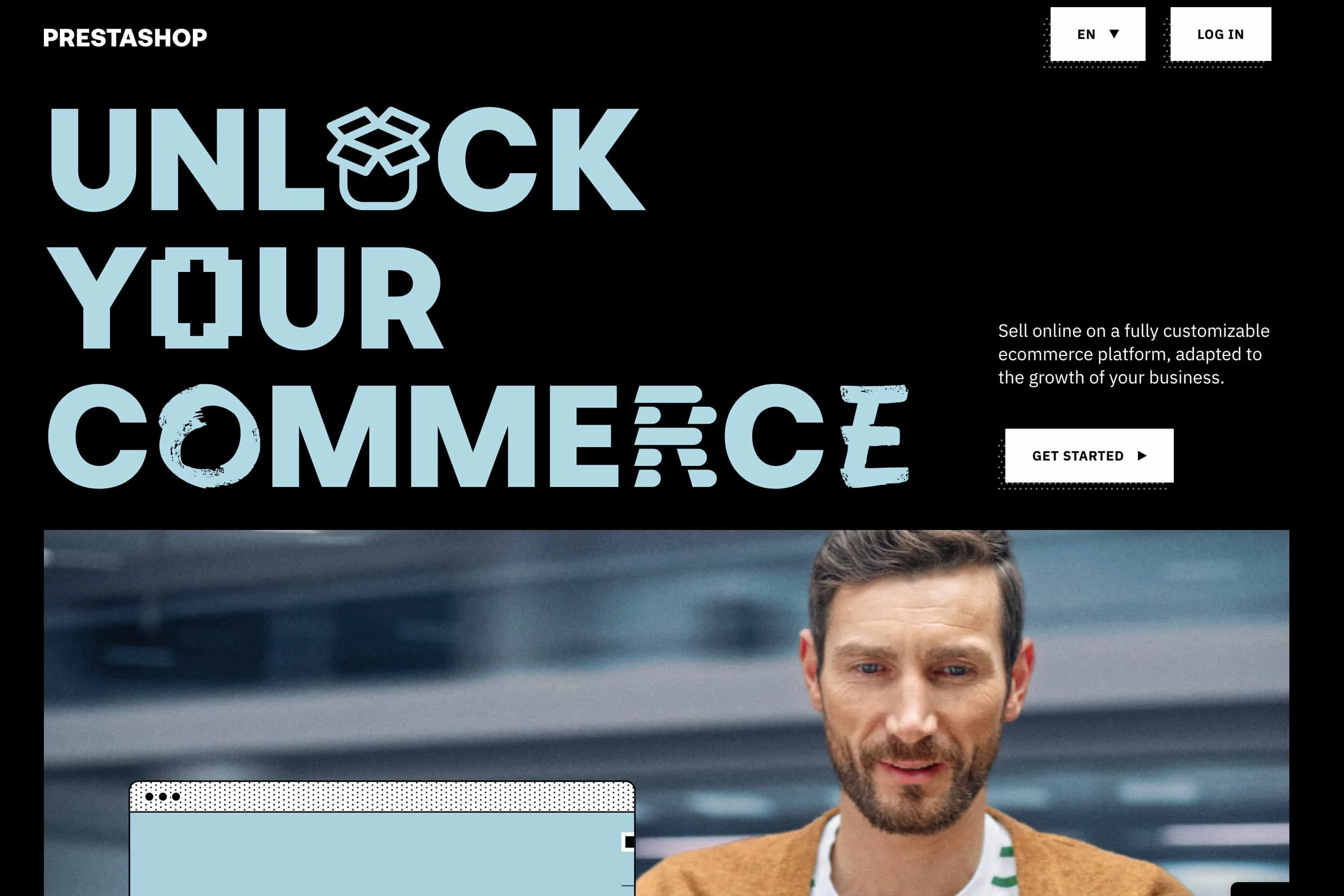
PrestaShop is an open-source e-commerce platform with extensive product management, multistore features and a large range of modules.
The open-source core is available without a license fee. The official installation package can also contain commercial modules. Despite the installation wizard, PrestaShop is much more complex than most systems in this list. Once you've worked your way in, though, almost unlimited possibilities open up to you.
The feature set includes, among other things:
- Extensive product management
- Multiple shops and languages
- Extensions through modules
- SEO features
- Web service interface
PrestaShop was built for professionals and leaves little to be desired.
Who is PrestaShop right for?
For experienced e-commerce teams that need full control over their system.
Setup is complex, but the feature set is huge in return.
- Open-source core with no license fee
- Many design templates
- Extensive product management
- Multistore and extensive interfaces
- Technically demanding
- Many modules and professional support cost extra
How to choose the right e-commerce platform
Before you decide, you should settle on the number of products, target markets, payment methods, required interfaces and your full monthly budget. Also factor in apps, hosting, maintenance, transaction fees and legal adjustments.
A cloud system usually fits better if you want to start without a technical team of your own. A self-hosted open-source system offers more control, but demands regular updates, backups, security work and technical know-how.
Which e-commerce platforms are the most popular?
Reliable market shares can't be derived clearly from publicly available data. Providers such as BuiltWith and W3Techs capture different sets of websites and detect e-commerce platforms with different methods. Percentage values like that are therefore not directly comparable.
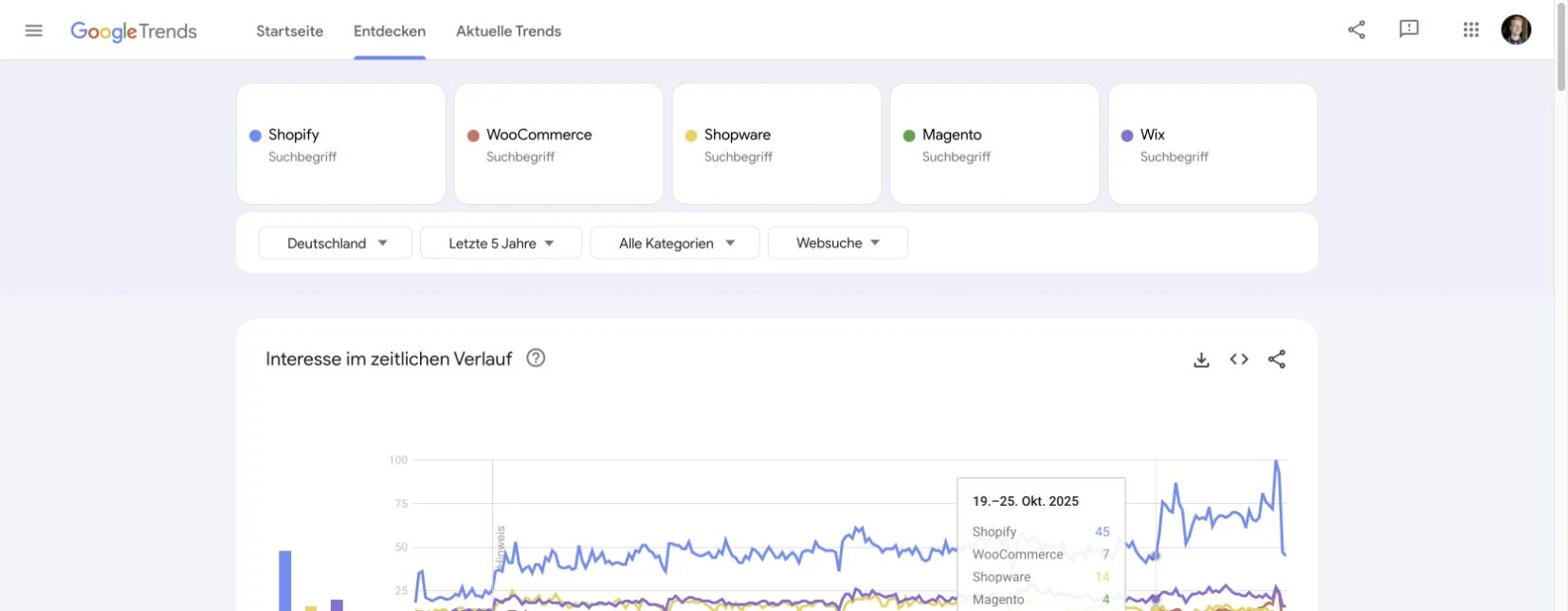
As additional orientation, on July 23, 2026, I compared the search terms Shopify, WooCommerce, Shopware, Magento and Wix in Google Trends for Germany over the last five years.
In this comparison, Shopify has the highest relative search interest. Wix and Shopware follow. These values measure search queries, not the number of active shops or their revenue.
A little online shop glossary
Dropshipping
Dropshipping is a selling model in which merchants don't store goods themselves. Instead, products are shipped directly from a supplier to the customer after the purchase.
Inventory management system
An inventory management system (known as “WaWi” in German) monitors stock levels and movements of goods. With it, you see stock levels as well as sales and purchases.
ERP system
ERP stands for enterprise resource planning. An ERP system can map a company's processes, from production through purchasing and sales to staff management.
E-commerce platform
An e-commerce platform is a software solution with which you create and run a shop. It consists of the frontend (the visible part) and the backend (administration).
Checkout funnel
The checkout is the “cash register area” of a shop. It often consists of several steps, such as entering an address, shipping method, payment method and confirmation, and is called a checkout funnel.
Call to action
A call to action is a direct prompt to act, usually as a button (“Buy now”, “Register now”). The goal is to lead users to a conversion.
Digital products
Digital products are delivered electronically, such as ebooks, software or online courses.
mCommerce
mCommerce describes trade via mobile devices such as smartphones. That includes shopping, e-banking and mobile payments.
Multichannel
With multichannel retail, you don't just sell through your shop, but also through other channels such as Etsy, eBay or Amazon.
Omnichannel
Omnichannel stands for the combined use of several marketing and sales channels. Besides email marketing, these can be blog posts or YouTube videos.
Merchant account
A merchant account is used to process card payments. Many payment service providers bundle this function in their offering today, so merchants don't always have to open a separate account.
Customer journey
The customer journey describes a customer's path from first contact to completing the purchase, for example through blog posts, videos and finally the shop.
Frontend and backend
The frontend is the visible part for visitors, the backend is the administration area with inventory management, content maintenance and settings.
Shopping cart
The shopping cart collects selected products. Technically, it's usually implemented through cookies and marks the start of the checkout.
Upsell
With an upsell, customers are offered matching add-on products after the purchase, e.g. gasoline or covers for a lawn mower.
Cross-sell
With cross-selling, you place complementary products, such as a case for a smartphone.
Social proof
Social proof refers to social signals that can create trust, such as traceable customer reviews, case studies or the documented use of a product by other people.
What should I look for when choosing an e-commerce platform?
E-commerce platforms differ greatly in look and feature set. So analyze your own needs first.
Look out for these quality features:
- Usability: A good platform is tidy and clearly structured. As a beginner especially, look for a feature set that isn't overloaded.
- Templates: They make getting started much easier. A good system comes with enough templates that you can import quickly.
- Inventory management: Keep an eye on stock levels, sales and returns. Well-functioning inventory management is a must.
- Marketing features: Newsletters, coupons or automations can boost your sales significantly.
- Content marketing feature: Blogs help you build traffic. Ideal if the platform comes with blogging features.
- Support: When you have questions or problems, competent contacts should help quickly. A longer outage can cost revenue.
Frequently asked questions
How much does an online shop cost?
There's no blanket answer to that, and it depends heavily on your requirements. With some providers, a limited start is possible for a single-digit amount per month. For a full-fledged shop, plan costs, payment fees, apps, hosting or maintenance often come on top.
If you want well-functioning inventory management and marketing features, the costs quickly climb to a mid two-digit amount.
Which e-commerce platform is suitable for small shops?
For smaller shops, I recommend website builders with an e-commerce function, such as Wix or Squarespace. Shopify Basic and Ecwid are good alternatives if the shop is more of a focus.
Are there free e-commerce platforms?
Yes. You can use WooCommerce, Magento Open Source, PrestaShop and the Shopware Community Edition as open-source software without a license fee. Adobe Commerce, on the other hand, is a paid enterprise product. Even with free shop software, in practice you pay for hosting, domain, maintenance, payment processing and often extensions.
Do I need programming skills to work with an e-commerce platform?
With cloud systems such as Wix, Shopify or Squarespace, you usually don't need programming skills to get started. Self-hosted systems such as Shopware, Magento Open Source or PrestaShop require much more technical knowledge for setup, updates and custom adjustments.
Can I do dropshipping with any e-commerce platform?
No, not every platform makes dropshipping easy. You need interfaces that forward orders from your shop to a third party that handles storage and shipping.
I highly recommend Shopify if you want to get into the dropshipping market.