
One of the first steps on the way to your own website is choosing the right system.
While website builders are great for smaller websites, for larger projects with large amounts of data you absolutely need to fall back on what's known as a content management system (CMS), which forms the foundation of your future website.
In this article you'll find everything you need to know about content management systems:
- What is a CMS, anyway?
- Which systems are the most popular?
- What are their pros and cons?
With one single goal:
To help you find the right CMS for your website.
- There are CMSs for blogs, stores, website builders and portals, each serving different requirements and audiences.
- WordPress leads the market by a wide margin with over 60% share, followed by Shopify, Wix, Squarespace and Joomla.
- Choosing the right CMS depends on the scope of the project, the features you need and the technical resources you have.
1. What is a content management system?
Content management systems (CMS) sounds like a very complex IT term at first.
Not even close.
Put into plain words, it's simply “content management software”, and it quickly loses its scare factor.
So a CMS is nothing more and nothing less than the basic system of a website, which makes it easy to manage large amounts of data and, above all, several authors.
Using a content management system therefore makes the most sense for websites with a lot of content or online stores with many products.
One of the biggest advantages of such systems is their flexibility, because most popular CMSs can be adapted at will to different needs through add-ons (also called plugins or extensions).
With the most widely used and best-known representative, WordPress, you have 60,000+ plugins available, for example.
1.1 Open source vs. proprietary
Among other things, content management systems differ in whether they are open-source or proprietary systems.
The meaning of the two terms can be defined as follows:
- Open source: The source code of the system is publicly available. Anyone can view or adapt the code. Open-source systems were mostly developed by a community or are developed further by a community.
- Proprietary systems: The source code is not publicly available but licensed and in the hands of a company. Running such a system usually means monthly costs, but in return you get support.
So which of the two is better?
The sobering answer: it depends!
Depending on your plans, it can make sense to fall back on a proprietary system (we'll look at some of them later). For example, if you don't want to take care of things like updates, administration or security yourself.
An open-source system is the right choice if you want to hold all the strings yourself.
2. Types of CMS
A content management system offers you absolute flexibility. Even so, the do-it-all solution doesn't exist here either, unfortunately.
That means: every CMS has its strengths and weaknesses.
To give you a first feeling for which system can be the right choice for which project, we'll first take a short look at the 4 different types of CMS before we examine the individual systems more closely.
2.1 Blog platforms
A blog is a very lively website that is regularly fed with new content and where often several authors work.
If you want to start a blog of your own, you need a CMS that is equipped with important blogging features (categories, tags, multiple authors, comments, etc.) and that also copes easily with large amounts of data.
WordPress.org is perfectly suited for this.
If you want to take your first steps with a very stripped-down system, we can also recommend Blogger.com.
2.2 Store systems
Behind a good store CMS there is above all a well-designed inventory management, a secure payment system and, ideally, a direct connection to DHL, Hermes and the like.
While many CMSs such as WordPress.org, which are not specialized in online stores to begin with, can be equipped with these functions through plugins, there are also systems designed purely as online store solutions.
The market leaders in this area are Shopify and Magento.
2.3 Website builders
Website builders play their strengths when you know nothing about things like CSS or HTML code but still want to launch your own professional website within a few hours.
Thanks to innovative editors, very attractive pages can be created in no time.
In return, flexibility is often much more limited compared with classic CMSs.
The platform Wix did excellently in our website builder test.
2.4 Online portal systems
If you want to develop an online portal of your own, you need a system that copes with gigantic amounts of data and also helps you present and organize lots of content in a clear structure.
One such system is TYPO3, for example, which we'll take a closer look at later.
3. CMS market share
Since every CMS can score in different areas, you would assume that market share is distributed very fairly.
Think again.
There is one system that towers over all the others many times over and gains even more market share year after year:
WordPress.
A look at Google Trends alone shows how far apart the five most frequently used systems are:
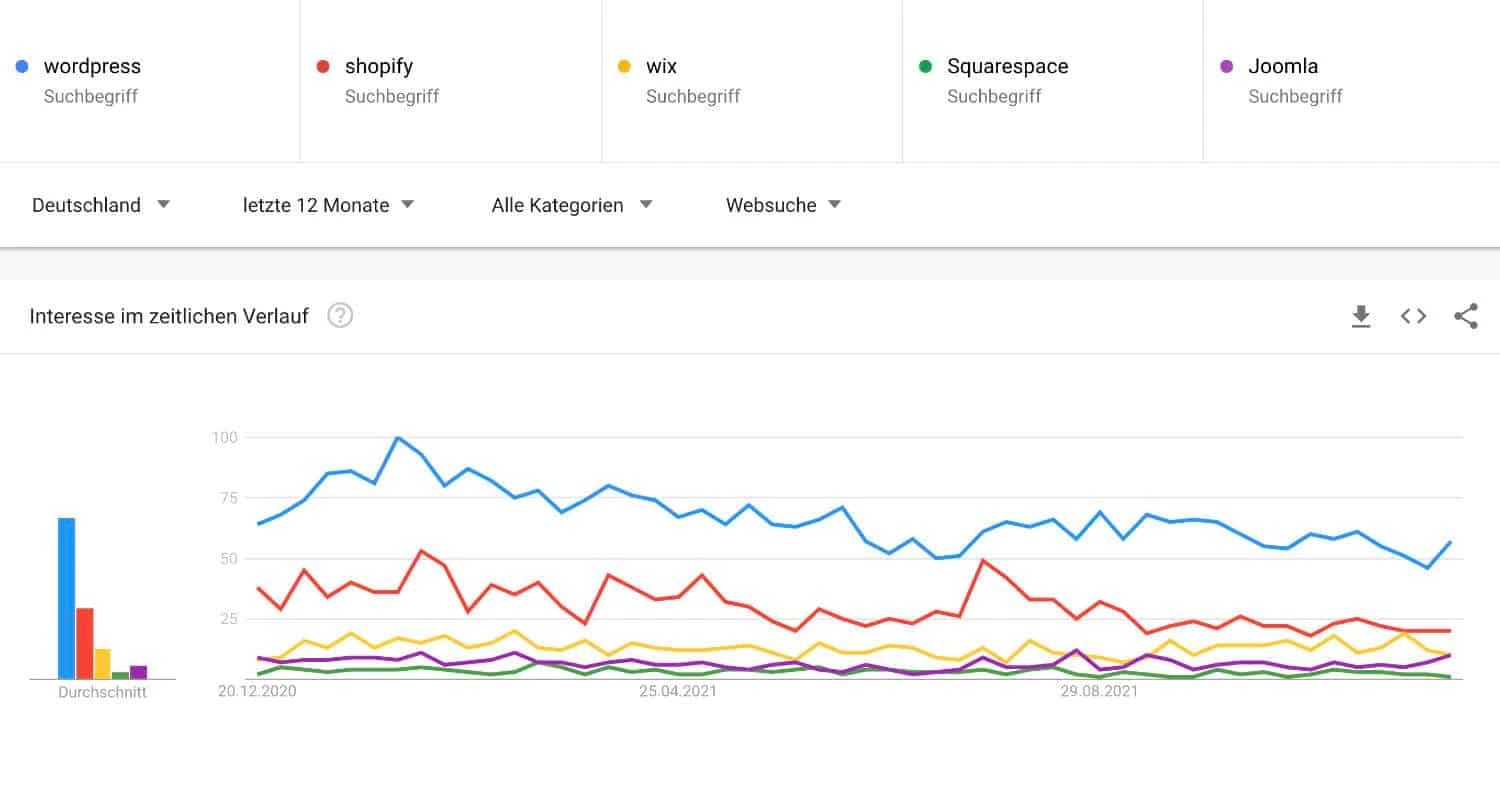
To complement this chart with current figures (source: Statista 2021), here is an overview of the current market shares:
- WordPress: 65.2%
- Shopify: 6.6%
- Wix: 2.9%
- Squarespace: 2.7%
- Joomla: 2.7%
- Drupal: 2%
- Blogger: 1.5%
Reason enough to start right away with the undisputed leader in our detailed report...
4. CMS in detail
In the following chapters, we take a detailed look at 15 of the most popular content management systems...
All of them with different approaches.
This way we can give you a comprehensive look at the market and help you make the final choice of the right system.
WordPress.org
Price: free
Type: Blog platform
Source code: Open source
WordPress.org is not only the most popular CMS but also, in our eyes, the most user-friendly solution.
Learning WordPress can be a bit overwhelming at first. After just a few hours of work, though, you'll feel “at home” in the backend and be able to create a website the way you imagine it.
WordPress.org itself is free. You only pay hosting and domain fees, which are in the low double-digit range per month.
The system is very flexible and adaptable, which is why it is often, rightly, described as the Swiss Army knife of website creation.
How good WordPress.org really is shows in the fact alone that some of the largest companies in the world, including Microsoft and Sony, trust it.
In short: with WordPress you can't go wrong.
If you need help, there is also a huge community that is happy to support you in Facebook groups, forums and blogs.
The additionally available YouTube videos and blog articles from many WordPress experts help with every conceivable problem and make WordPress one of the best solutions for beginners. On this blog alone you'll find over 50 WordPress tutorials.
I show you how to create a WordPress blog in the following guide: Create a WordPress website: in 6 steps
- Simple, uncomplicated and tidy backend
- Free because it's open source
- Extensible at will with tens of thousands of plugins
- Suitable for small and large websites
- No programming skills required when using editors like Gutenberg, Elementor or Divi
- Large community that is there right away when you have questions
- SEO-optimized
- A very popular target for hackers
- Complete beginners need a few hours to get up to speed
Joomla
Price: free
Type: Online portal system
Source code: Open source
Joomla is also an open-source CMS, but it has never come close to the popularity of WordPress.
The system is based on the widely used programming language PHP, but lets you create high-quality pages even without that knowledge.
Joomla's biggest weakness is the editor, which at first glance resembles the one in WordPress but repeatedly runs into problems with complex formatting.
All in all, though, the system is excellent for beginners and impresses with a very tidy and simple backend.
Of course, you can also adapt Joomla at will to your needs with the right extensions.
What's more: many features, such as multilingual support, are already included in the standard installation, so this system definitely brings its own unique selling points and is excellently suited for international sites.
Joomla is suitable as a blogging platform but can also be the basis for extensive websites.
- In some respects even more flexible than WordPress
- Free because it's open source
- Quick start possible for beginners
- Large German-speaking community
- Multilingual websites without additional plugins
- No programming skills required
- Significantly fewer extensions than WordPress
- Editor is somewhat complicated
Drupal
Price: free
Type: Online portal system
Source code: Open source
Drupal is, like WordPress and Joomla, a great open-source CMS, but it is much more complex to use than the other two systems.
In short: Drupal is definitely not the right choice for beginners who want to gain their first experience creating websites. Even the installation requires good IT skills, because numerous settings and changes to the system have to be made during the initial setup.
But anyone willing to get to grips with Drupal gets a very reliable and extensive CMS that specializes in managing large amounts of data and therefore copes effortlessly with blogs, larger company websites or even social networks.
The security of the system is also very positive. Successful hacker attacks are rare here.
On the negative side, Drupal is a free CMS, but many extensions are only available for a fee.
- Free open-source solution
- High flexibility thanks to a large number of extensions
- Handles large amounts of data with ease
- High security standard
- Complex to use, not suitable for beginners
- Many extensions are paid
- Community is rather small
Blogger.com

Price: free
Type: Blog platform
Source code: not public
Blogger.com is a free platform for bloggers that is run by none other than Google itself.
One thing upfront: this CMS is really very limited in its range of features, because the name says it all. Here you can really only run a very rudimentary blog. That may be great for nice hobby projects but less suited for a professional company presence.
It would be unfair, though, to hold the stripped-down range of features against it, because Blogger.com doesn't want to be an extensive CMS at all but to offer a simple and quick entry into the world of blogging.
And it does that really well!
Your own blog is created in seconds and then just waits for you to fill it with content. Posts can be customized with images, videos and even custom HTML code.
Changes to the main design of the website, on the other hand, are not possible.
It's also a real pity that the blog can only be run on a subdomain (xxx.blogspot.com).
Even so, Blogger.com is excellent for beginners who want to take their first steps in the online world.
- Quick start possible
- Free
- Very uncomplicated and easy to use
- Easy monetization via Google AdSense
- Extensive visitor statistics
- No options for custom design changes
- Blog lives on a subdomain
Magento

Price: free / on request
Type: Shop system
Source code: Open source / licensed
Magento is, alongside Shopify (more on that in a moment), one of the best-known store systems in the world. It lets you build a professional e-commerce store in no time, through which you can sell your products internationally.
One of the biggest advantages lies in the CMS's flexible adaptability, because there are almost no limits to plugins and extensions in Magento.
Unfortunately, the large range of features creates big hurdles, especially for beginners: while the installation is still fairly simple to carry out, setting up a store later requires a lot of expertise.
As a beginner, you will definitely struggle here!
Magento comes in two different plans:
- free open-source plan
- Enterprise Edition from Adobe
Unfortunately, an exact price for the Enterprise Edition can't be given, since Adobe calculates prices individually on request.
Expect high costs here.
In return, you get a store system that really leaves nothing to be desired and that many experts describe as the most comprehensive e-commerce solution in the world.
- Gigantic range of features
- Extensible at will
- Uncomplicated payment options
- Excellent inventory management
- Open-source version available
- Very complex
- Enterprise version very expensive
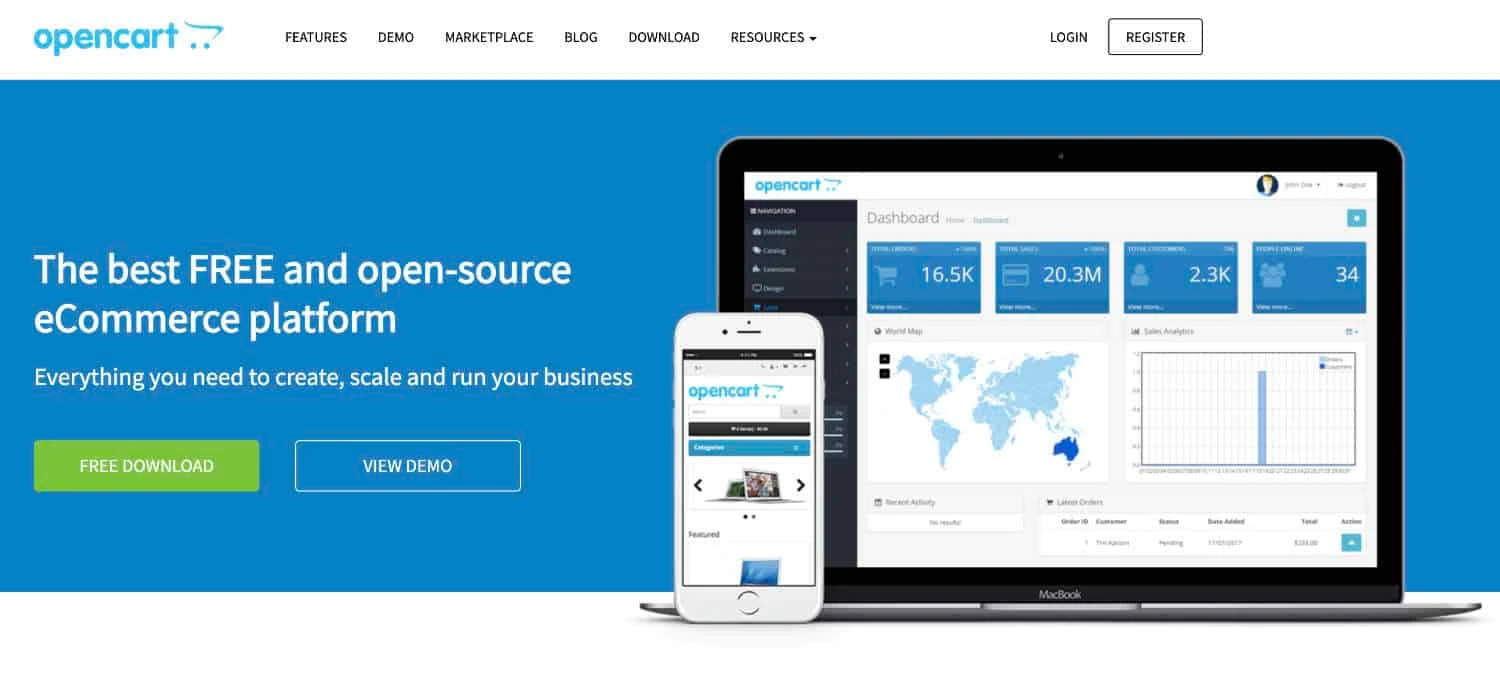
Open Cart
Price: free
Type: Online store
Source code: Open source
Open Cart really impressed us in this test!
The system is completely free and can be adapted at will to your own needs through numerous extensions.
The one downside: you have to be willing to invest some time in getting to know the CMS, because in one place or another you'll need a little time to get familiar with the backend and the development options.
If you're willing to do that, though, you get a really great e-commerce system that also makes it easy to build large stores.
Open Cart impresses with a very well thought-out and extensive product management that is in no way inferior to paid CMSs like Shopify.
You get:
- The ability to create an unlimited number of products
- Various payment options
- Shipping calculator for customers
- Coupons and discounts
- An extensive statistics tool
Considering that Open Cart only incurs hosting and domain costs, this range of features is really remarkable.
- 100% free and open source
- Easy-to-use backend
- Numerous plugins and themes to download
- Multilingual support built in
- Extensive review system for products
- Large community
- Some learning time needed
- Few to no marketing features
- SEO-friendliness could be better
Bitrix
Price: free or premium (from €61 / month)
Type: Project management
Source code: not public
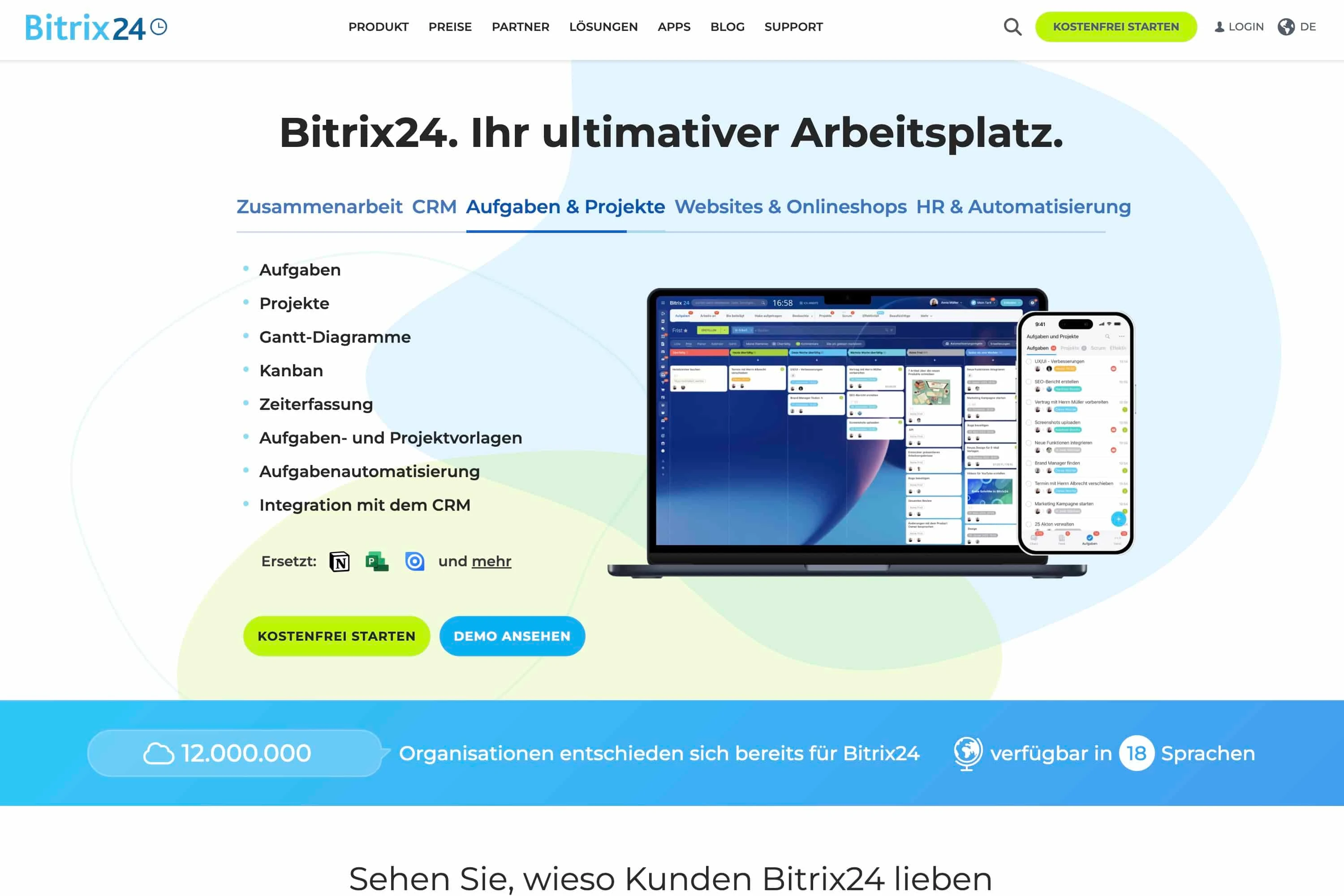
Bitrix is one of the most complete CMSs in our test and clearly focuses on project management and CRM (customer relationship management).
In short: Bitrix is not for your hobby blog.
It's more of an all-in-one software that, besides extensive tools for customer and project management, also lets you launch a website and / or an online store.
Sounds complicated?
Not with Bitrix.
The system can easily handle large amounts of data and a large number of tasks and workflows. However, you should really only fall back on this CMS if you also want to carry out larger projects.
You can get Bitrix in a free plan, but it's only suitable for “having a look around”.
The standard plan, which includes features such as a website builder, features for employee collaboration (HD video calls, calendar, etc.) or an online drive with 100 GB of storage, costs you €124 per month.
- Free plan available for testing purposes
- Gigantic range of features
- Very good support
- Webinars and training courses for learning all features
- Mobile app available
- GDPR implementation appears to be complete
- Server location in the USA
- Premium plan very expensive
PrestaShop
Price: free
Type: Shop system
Source code: Open source
Another open-source store system is PrestaShop, which can't be missing from this overview. The CMS is extremely clear, offers a great range of features and is 100% free.
Admittedly: the backend is much more demanding than that of WordPress or Shopify.
In return, PrestaShop offers an extensive installation wizard that guides you through all the important features at the start and then introduces you to the backend step by step.
If you're willing to get to know the system better, you get a CMS that leaves almost no online store feature to be desired.
Besides simple product creation or the automatic generation of Google rich snippets, there are professional tools such as affiliate programs, email marketing or coupon codes on top, free of charge.
The email marketing software in particular really impressed us. It is even equipped with numerous automation features.
Of course, the CMS also has various extensions that let you adapt PrestaShop at will to your needs. Even ready-made design templates are already built in.
- Free and open source
- Design templates and add-ons
- Brilliant marketing tools
- Easy product creation
- Simple inventory management
- Getting started is somewhat complex
- No free customer support
TYPO3
Price: free
Type: Online portal systems
Source code: Open source
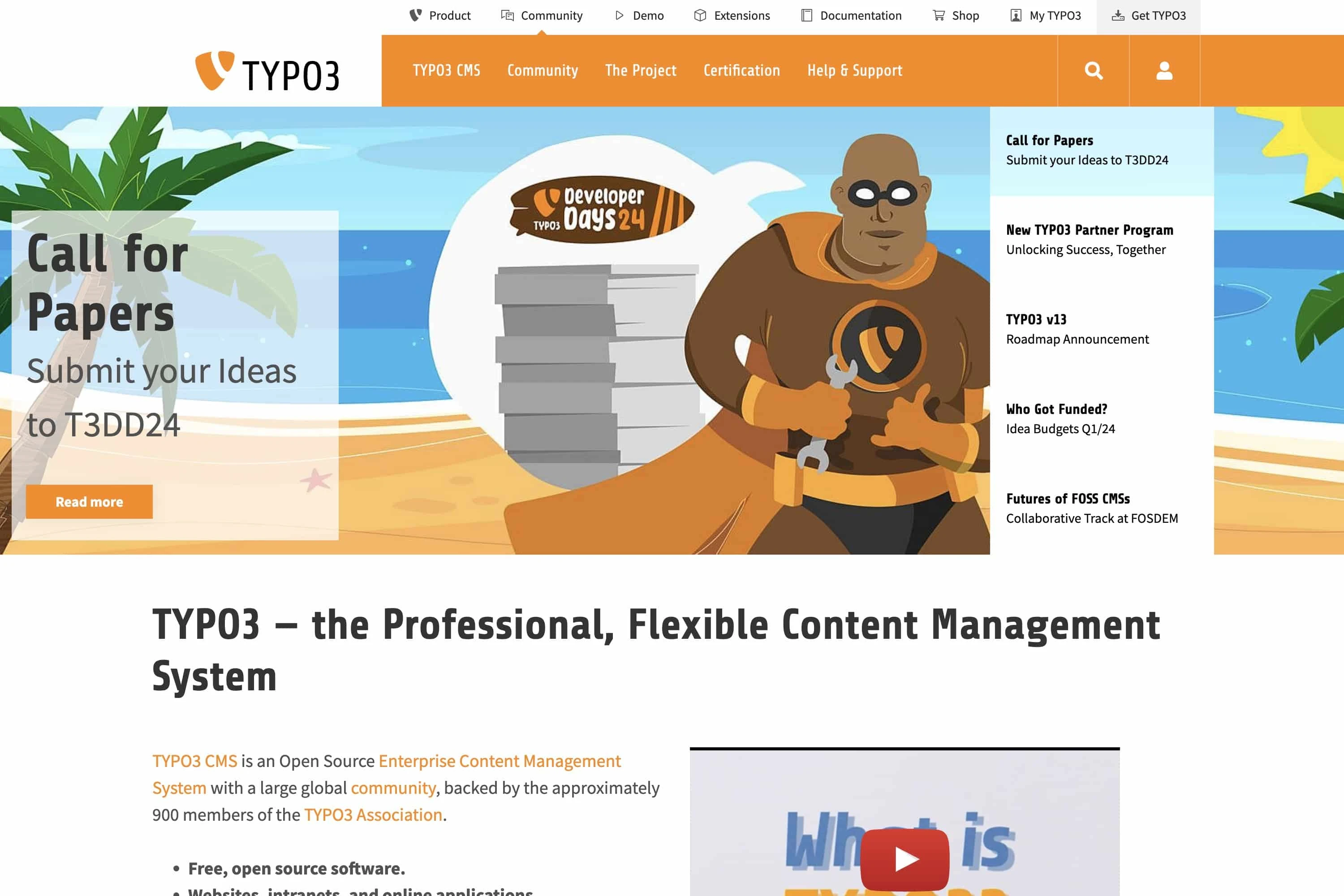
TYPO3 is an open-source CMS, but it can hardly be compared with the other solutions presented so far. The system really only comes into question if you want to launch a very elaborate and complex company website.
The CMS is designed to cope with a large number of employees and large amounts of content, so even multilingual and international websites are no real problem.
The catch: TYPO3 is very complicated.
That applies in particular to basic tasks such as design adjustments or building the framework of a website. Knowledge of the programming language TypoScript is absolutely required here, and without it you simply won't manage to launch a website with TYPO3.
The high entry barrier makes it hardly a real alternative to WordPress for bloggers.
- Open source and 100% free
- Very professional and comprehensive system
- Handles large amounts of data with ease
- Very well thought-out staff management
- Widely used in Germany, with numerous agencies
- Customizable at will through add-ons
- Very complex
Shopify
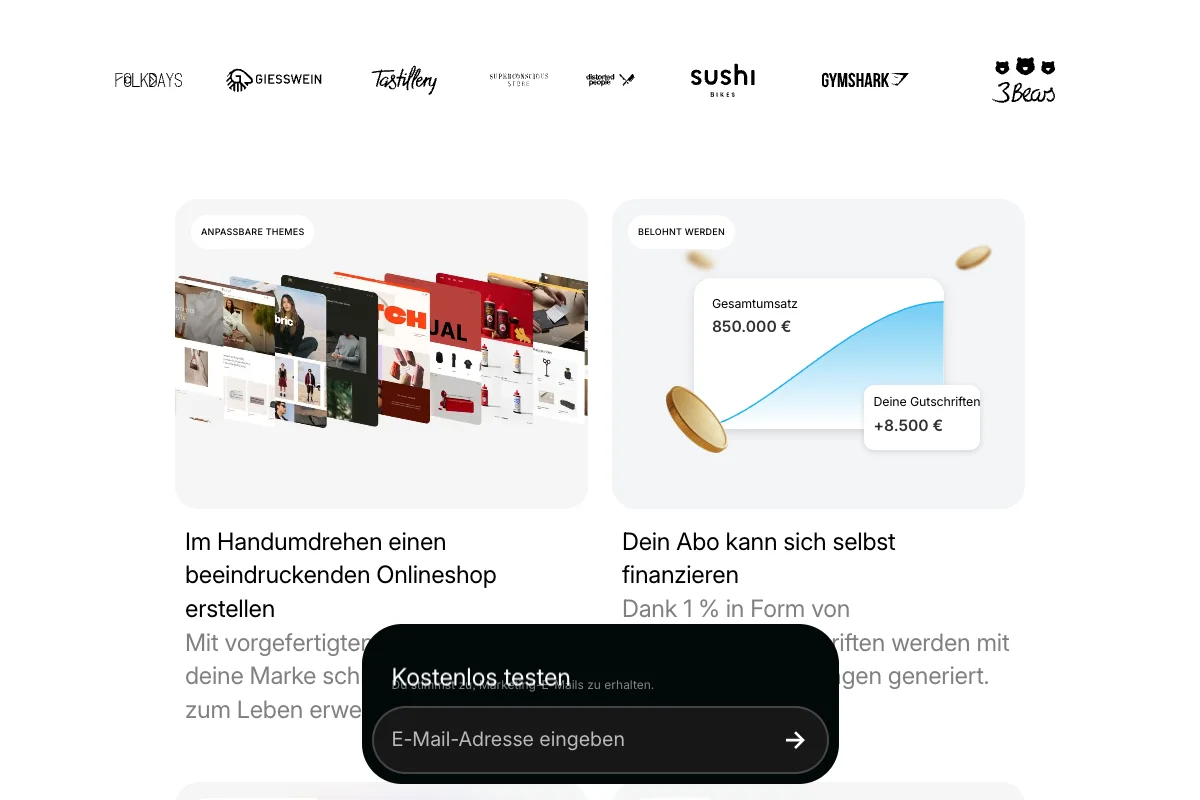
Price: from €27 per month (billed annually)
Type: Online store system
Source code: not public
Shopify has quietly taken second place behind WordPress among the most widely used CMSs in recent years.
And not without reason!
Shopify gives you easy access to your own online store, through which you can sell digital or physical products in no time. The system is aimed equally at beginners and professionals, which makes the CMS an excellent partner for small and large stores.
The great thing about Shopify is that as a beginner you are literally taken by the hand and accompanied from the start by knowledgeable experts or well-structured guides. That starts with choosing a domain and the store name and ends with processes like brand building.
Of course, here too your store can be flexibly adapted to your needs through hundreds of extensions.
Extensive templates are also available, so you can quickly import a first framework for your website.
Unfortunately, GDPR and German sales law were not implemented as well. Every store can be adapted 100% to the legal requirements, but some manual measures are needed first.
- 14-day free trial
- Excellent for beginners
- Quick setup and installation
- Wide selection of payment providers
- Extensible through hundreds of plugins
- SSL certificate included
- Manageable monthly costs
- Not automatically GDPR compliant
- Not adapted to German sales law (adjustments required)
- No German-language support
- No email newsletter marketing built in
Wix
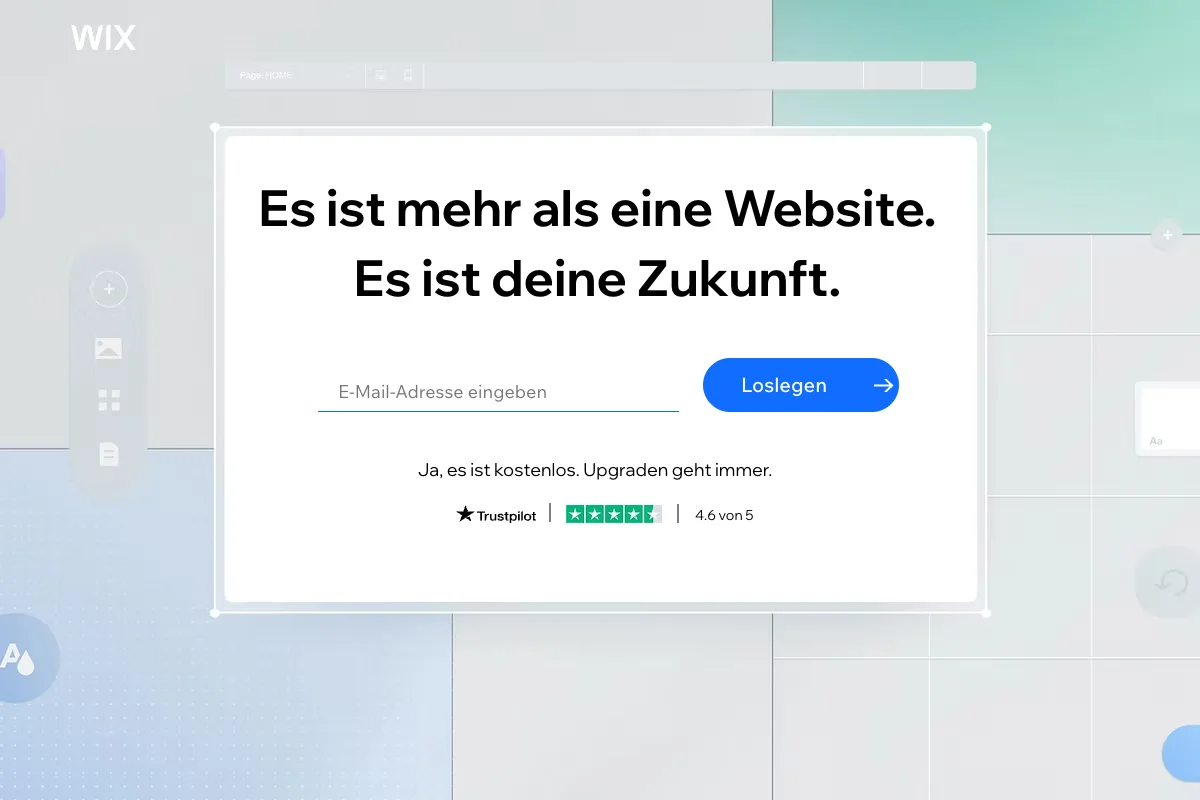
Price: free / premium from €16.66 per month (incl. German VAT, billed annually)
Type: Blog system / online store
Source code: not public
Wix offers you a very popular and good all-in-one solution with which you can build numerous different projects and which took a good third place in our website builder test.
Wix is a kind of hybrid: actually designed as a classic website builder that is basically meant to appeal to inexperienced beginners, who can quickly develop their own website thanks to the intuitive drag-and-drop builder, Wix also meets the requirements of a CMS because of its large range of features.
In fact, the system is excellent for building different projects such as a blog or an online store of your own.
Wix manages the balancing act between a beginner and a professional solution, so you're not forced to switch systems as your website grows more popular.
You get a wealth of ready-made designs that you can then edit with a WYSIWYG editor. The website can also be adapted at will to your needs through 200+ apps. Tools such as email marketing or visitor analytics are also already built in.
- Good value for money
- Free plan available for testing
- Numerous ready-made templates
- Intuitive drag-and-drop editor
- Extensive blogging feature
- Extensible through 200+ apps
- Servers are located outside the EU
- Website limited to 100 subpages
- No email mailboxes included
Squarespace

Price: from €12 per month (excl. German VAT, billed annually)
Type: Blog system / online store
Source code: not public
Squarespace is another website builder that we definitely don't want to withhold from you in this list.
Besides classic websites, Squarespace also makes it child's play to build online stores and blogs, and the latter in particular is really worth highlighting with this provider.
We would even go so far as to claim that Squarespace's blogging feature can certainly compete with WordPress.
For a fair price you get many useful features such as a free domain, an SSL certificate, unlimited bandwidth, 24/7 customer support, statistics or SEO features.
Squarespace's CMS is definitely worth a look if you're a beginner who wants to start your first online store or blog and not deal with too many technical details.
The template gallery combined with a good WYSIWYG editor lets you create professional pages in no time, even without programming skills.
- Very good value for money
- Many features included even in the cheapest plan
- Easy-to-use editor
- Flexibly customizable through apps
- Extensive SEO features
- Professional blogging feature
- Many built-in design templates
- Servers are located in the USA
- No backups possible
- Slow loading times
Webflow
Price: Freemium, individual pricing
Type: Online portal CMS
Source code: not public
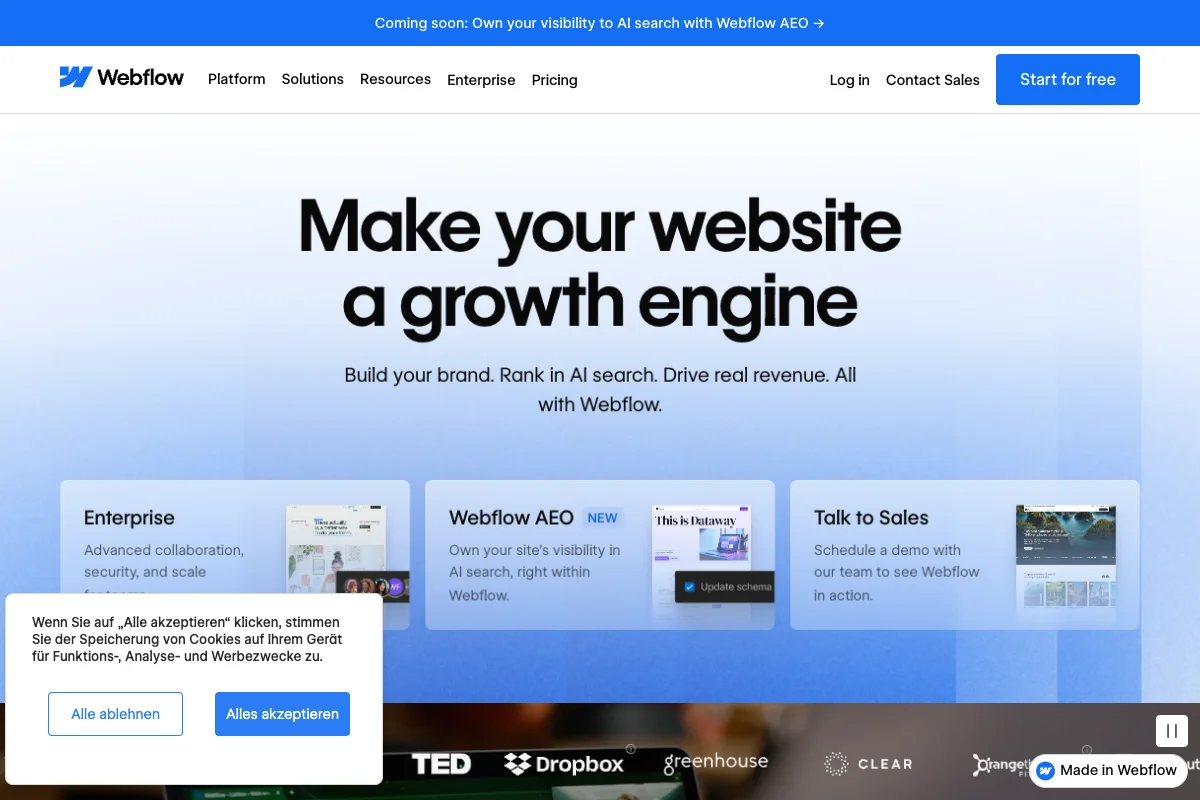
Webflow is the CMS of a somewhat different kind.
The system's developers hold that you don't have to be a professional programmer to create your own website, but that it still wouldn't work entirely without HTML and CSS.
Rudimentary knowledge of CMSs and HTML is therefore a prerequisite here.
At the same time, though, Webflow also offers a very innovative designer, with which you can add and customize elements on your page via drag and drop.
So Webflow is CMS and builder in one.
And the best part: both parts are completely free. You only pay for hosting, which you must book through Webflow, however.
2 projects are allowed here, published on a Webflow subdomain. If you want your own domain and further extras, additional costs apply.
Webflow has deliberately not defined a target group but wants to appeal to everyone who wants to launch their own website. That's why the CMS is equipped with important blogging and e-commerce features.
These features can be extended through plugins.
You also get ready-made templates that you can simply import and change to your liking.
All in all, we're really very taken with Webflow, but we wouldn't recommend the system to absolute beginners. Webflow is the right choice if you already have a basic understanding of web design, HTML and CSS and would like to expand that knowledge.
- Very comprehensive system with many features
- Almost any project can be built
- “Webflow University” learning platform
- Many SEO tools
- E-commerce features already built in
- Innovative drag-and-drop builder
- Prior knowledge required
- Only available in English
- Pricing not transparent
Weebly
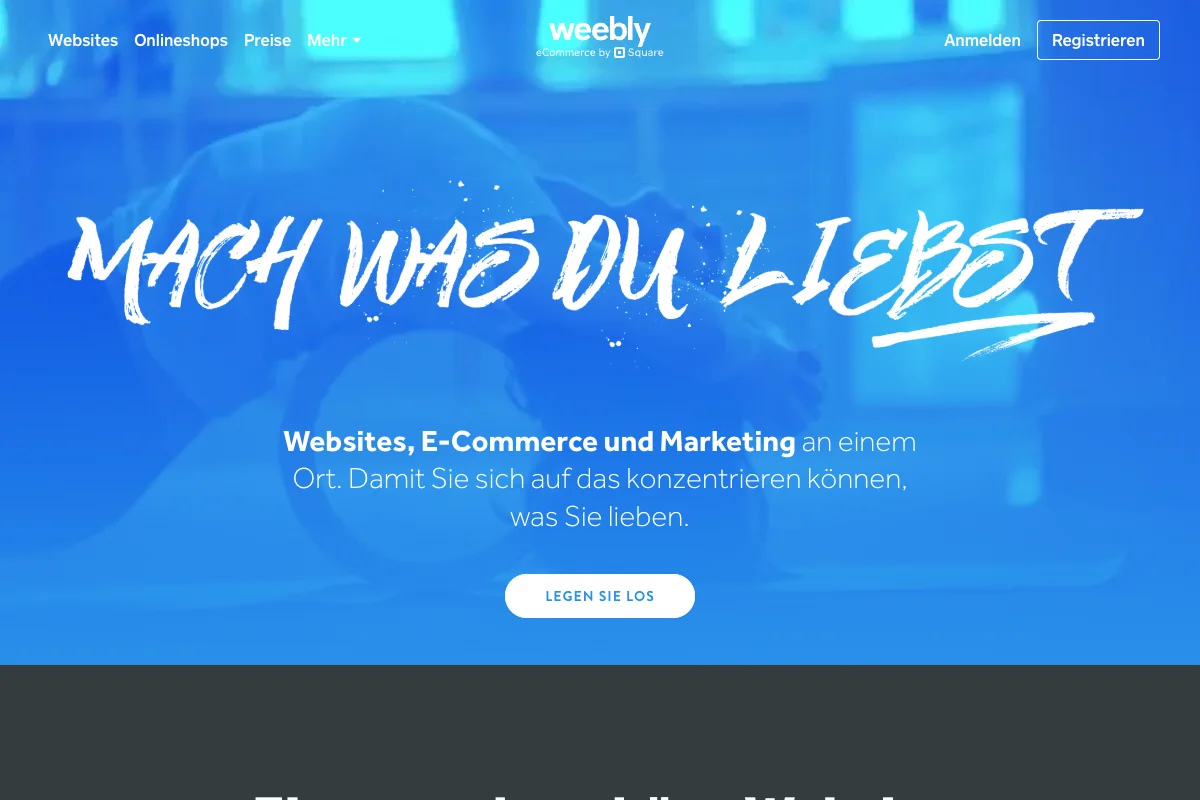
Price: free / premium from €11 per month (billed annually)
Type: Primarily online store
Source code: not public
Weebly is a still very young CMS that is definitely still in its infancy in many areas and needs to improve significantly in terms of loading time, data protection and data security.
Even so, this system has its advantages too and therefore can't be missing from this list.
Weebly is a great way for beginners to gain their first experience building websites. The very easy-to-use drag-and-drop editor lets you design an attractive page in seconds.
At the same time, your website can be adapted at will through 200+ apps.
Besides the free plan, which admittedly is really only suitable for testing purposes or hobby projects that aren't meant seriously, the Personal plan starts at €11 per month (billed annually). With it you can connect your own domain.
An online store can also be built with Weebly, though here we would rather advise one of the solutions already presented.
- Good value for money
- Easy start
- Very good drag-and-drop editor
- Extensible through 200+ apps
- Support only in English
- No email mailboxes included
Jimdo

Price: from €12 per month (incl. German VAT, billed annually)
Type: Blog system / online store
Source code: not public
Jimdo will certainly be familiar to you from TV ads, because the website builder was one of the first of its kind and, until a few months ago, drew attention to itself very aggressively.
In recent years the platform has developed steadily, so that Jimdo has matured into a really good and beginner-friendly CMS that impresses in particular with its really good drag-and-drop editor.
Almost all projects can be built with the system, though for pure blogs we would prefer other CMSs.
Jimdo is ideal, on the other hand, if as a local business or smaller online store you want to sell products online and present your company at the same time.
In short: Jimdo is a great solution for beginners who have neither the motivation nor the time to invest great effort in developing a website.
- Free test plan
- Probably the best drag-and-drop builder on the market
- Great online store feature
- Easy start possible
- Extensive templates
- Confusing pricing
- Number of subpages limited
- No backup option
- Blogging feature could be better
5. FAQ
Here you'll find answers to common questions about content management systems:
Which CMS is the most secure?
The security of a CMS depends on many different factors, so this question can't be answered across the board.
First of all, a system's market share determines how attractive it is for hacker attacks.
Makes sense, right?
Naturally, hackers look for weak spots in the systems used by the most websites. Once a weak spot is exposed, millions of sites can be hacked with the same method.
This makes WordPress the most frequently attacked CMS in the world, which doesn't automatically mean that WordPress is insecure. Quite the opposite: with the right security plugins, the system can be protected very well against attacks.
Even so, experts consider Drupal one of the most secure systems, partly because of its small market share and partly because of how the system is built.
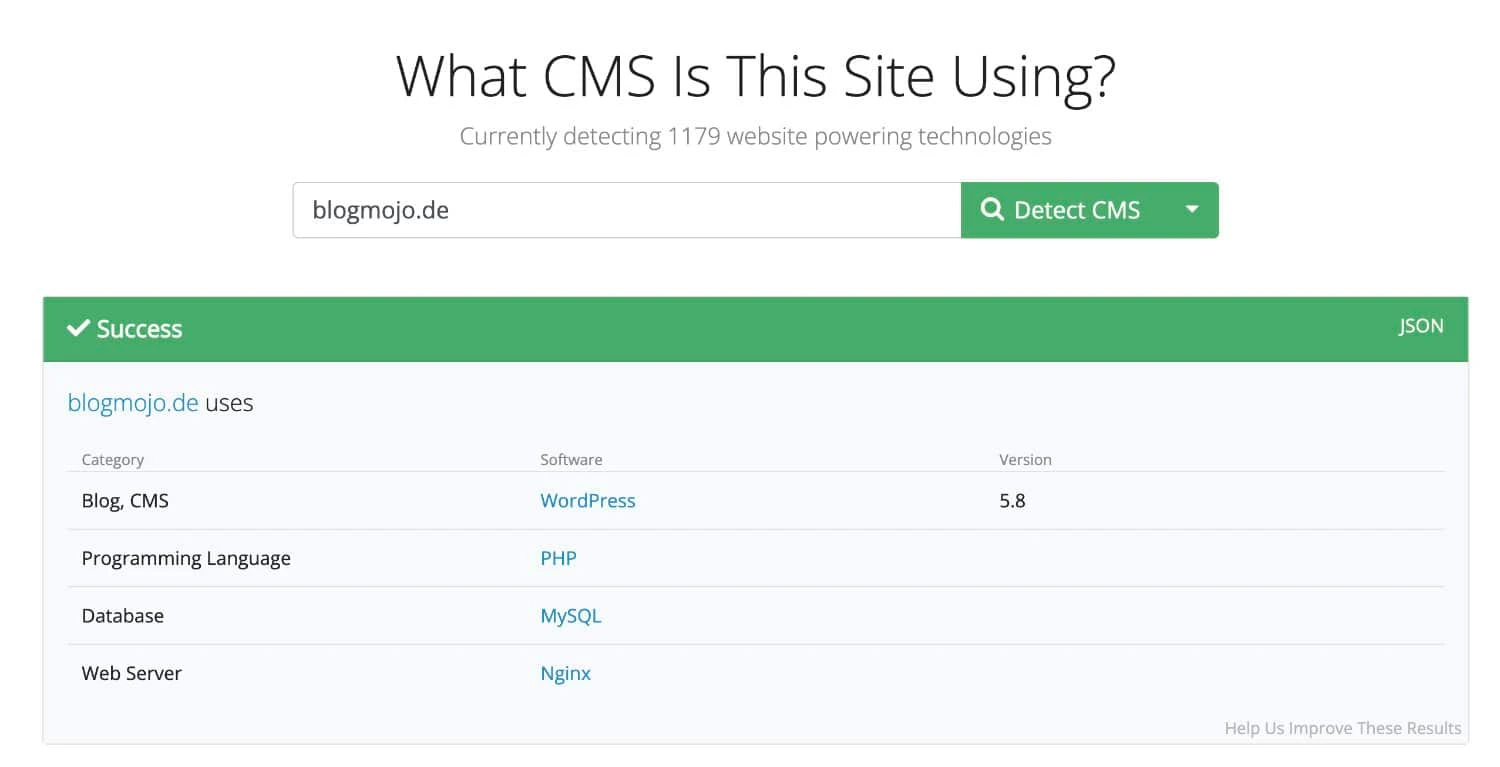
How do I find out which CMS a website uses?
The website whatcms.org gives you the answer.
Just enter the URL of the site you want to check, and you get a clear overview of all the important information.
Here's an example using Blogmojo...
What is a headless CMS?
In a “headless CMS”, backend functions such as creating content are strictly separated from frontend functions such as delivering content.
The advantage is that content can be delivered faster and, above all, more independently.
One disadvantage, however, is that users no longer communicate with the backend, so personalized content can no longer be delivered in real time.





