
Once you've built a certain reputation and a loyal readership with your blog or website, it can make sense to offer exclusive content in a members area.
The good news:
With the right plugin, setting up a members area with WordPress is child's play.
In this post, I compare 13 well-known membership plugins for WordPress and look at their pros and cons.
- MemberPress currently starts with an introductory price of $199.50 per year. The launch plan also charges a 4.9% transaction fee.
- DigiMember PRO costs €47 per month or €397 per year (each plus VAT). The free version can be used without a time limit, but it is heavily stripped down.
- Ultimate Membership Pro currently costs $99 one-time. Future updates and six months of support for one website are included.
1. What makes a good membership plugin?
A members area that is separate from the website and provides exclusive content (usually for a fee) is easy to create in WordPress with a plugin.
A really good membership plugin, however, offers more than a members area. It also has further features that let you manage your community as effectively as possible with little effort.
A good membership plugin should offer the following features:
- A separate members area: Obviously. The prerequisite is a separate members area that can only be reached with a username and password. The top plugins create both fully automatically right after a customer buys, so you don't have to deal with the handling after a payment.
- Payment processing: Depending on which payment model you follow (one-time payment or subscription), the plugin should bill due amounts automatically and block access immediately if payment isn't made. A connection to providers like Digistore24 or ablefy (formerly Elopage), which are German sales and payment platforms, also makes sense. Ideally, the plugin also offers several different payment methods (PayPal, credit card, etc.).
- Privacy and data security: The plugin should not only collect and store data in a GDPR-compliant way, but also offer reliable protection against hackers. Self-hosted solutions that sit on your own server and give you control over your data are ideal here.
- Analytics: To keep optimizing and improving your members area, you need data on user behavior that is as accurate as possible. That way you can see right away which content goes down well and which doesn't.
- Marketing: The best way to promote new offers and content to your members is by email. Ideally, these options are built into the plugin, or at least there is an integration with newsletter tools like MailChimp or ActiveCampaign.
As you can see, a membership plugin has to meet some pretty complex requirements.
The good news:
There are definitely a few candidates that meet most of these strict requirements and can even exceed them:
2. Which membership plugin is the best?
As in many areas, the same applies here:
There is no single best membership plugin. It depends heavily on your individual requirements.
Here you'll find 13 membership plugins with different focuses:
2.1 MemberPress
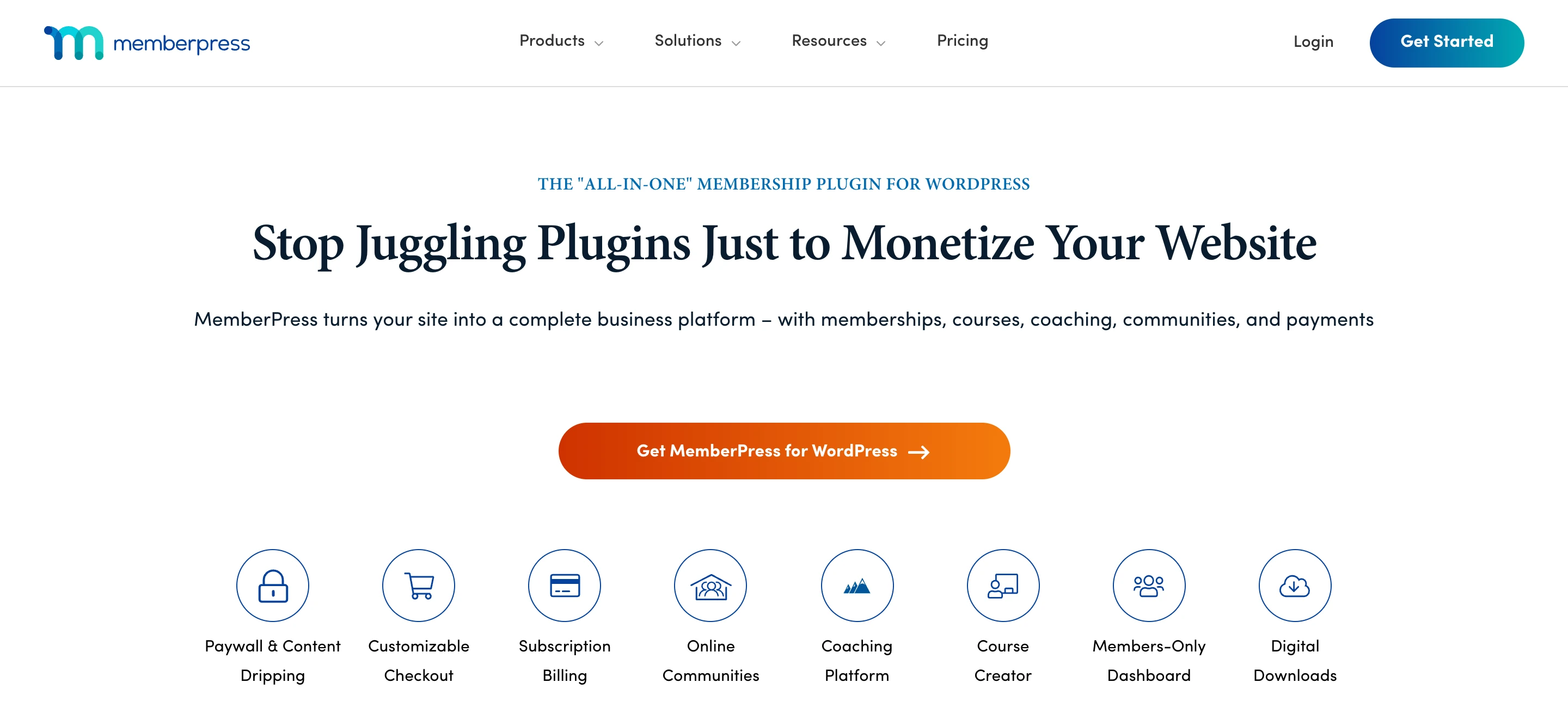
MemberPress proved to be one of the most comprehensive and powerful plugins in our test.
Many features that other candidates charge extra for through expensive add-ons are already included in the standard package here.
These include extensive payment features (coupons, upsell, downsell) and a very intelligent access control for content, which lets you define very specifically who may view which content, when and how often.
The usability for your members also meets the highest standards. MemberPress offers custom menu structures, user flow maps or simple conveniences like a password strength indicator at registration.
That definitely makes a professional impression.
MemberPress can be connected to numerous marketing and payment providers, including ActiveCampaign, MailChimp, BuddyPress, Zapier, PayPal and Stripe.
Even bookkeeping becomes child's play with this plugin. In the plugin's backend, you can create invoice templates, which MemberPress automatically generates and stores in the system after a payment is completed.
It stands out positively that, despite its very large feature set, MemberPress is simple to operate, which appeals not only to beginners but also to users with high requirements.
- Very easy to set up and use
- Well-organized backend
- Gigantic feature set
- Integrations with numerous external providers (MailChimp, GetResponse, PayPal, etc.)
- Automatic email notifications to administrators for important events
- Intelligent content control
- Different payment models for members possible
- Extensive tracking in combination with MonsterInsights
- No free trial version
- Launch plan with a 4.9% transaction fee
2.2 Paid Memberships Pro
Paid Memberships Pro is the ideal solution if you want to take your first steps with your own members area but don't want to spend any money at the beginning.
The plugin comes in a free version that already includes numerous useful features.
These include building a very well thought-out members area, as well as connections to many common payment providers such as Zapier or PayPal.
We particularly liked that the WooCommerce integration is also included in the free version, so you can handle payments very conveniently via WooCommerce (incl. VAT and invoicing). That makes for clean and simple bookkeeping, but on the other hand it also makes the initial setup a bit more complex.
In addition to WooCommerce, you can easily and quickly integrate numerous other external services like MailChimp, BuddyPress or AWeber. With the “WP Affiliate Platform” tool, you can even manage affiliates for your members area.
What does the Pro version offer?
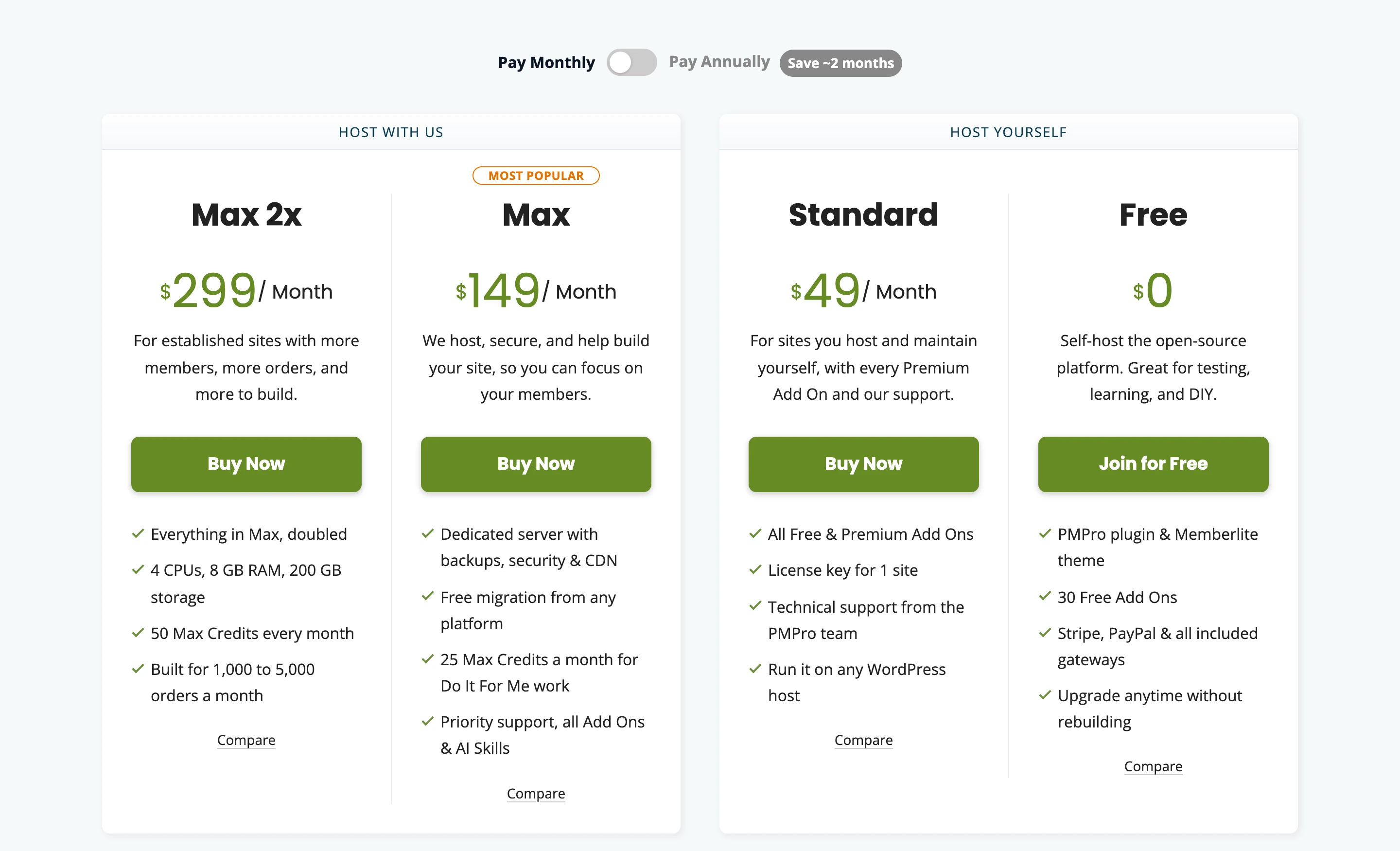
The current Standard plan costs $49 per month or $499 per year and includes a license for one self-hosted website, all premium add-ons and technical support. The basic version with 30 free add-ons stays free.
The Max ($149 per month) and Max 2x ($299 per month) plans also include managed hosting. The vendor grants a 100-day money-back guarantee on its premium plans.
- Free version
- 30 free add-ons
- Billing via WooCommerce possible
- Simple bookkeeping
- Integration of newsletter services like MailChimp, AWeber and others
- Affiliate management
- Extensive statistics
- Design adjustments only via CSS
- Standard plan costs $49 per month
2.3 DigiMember
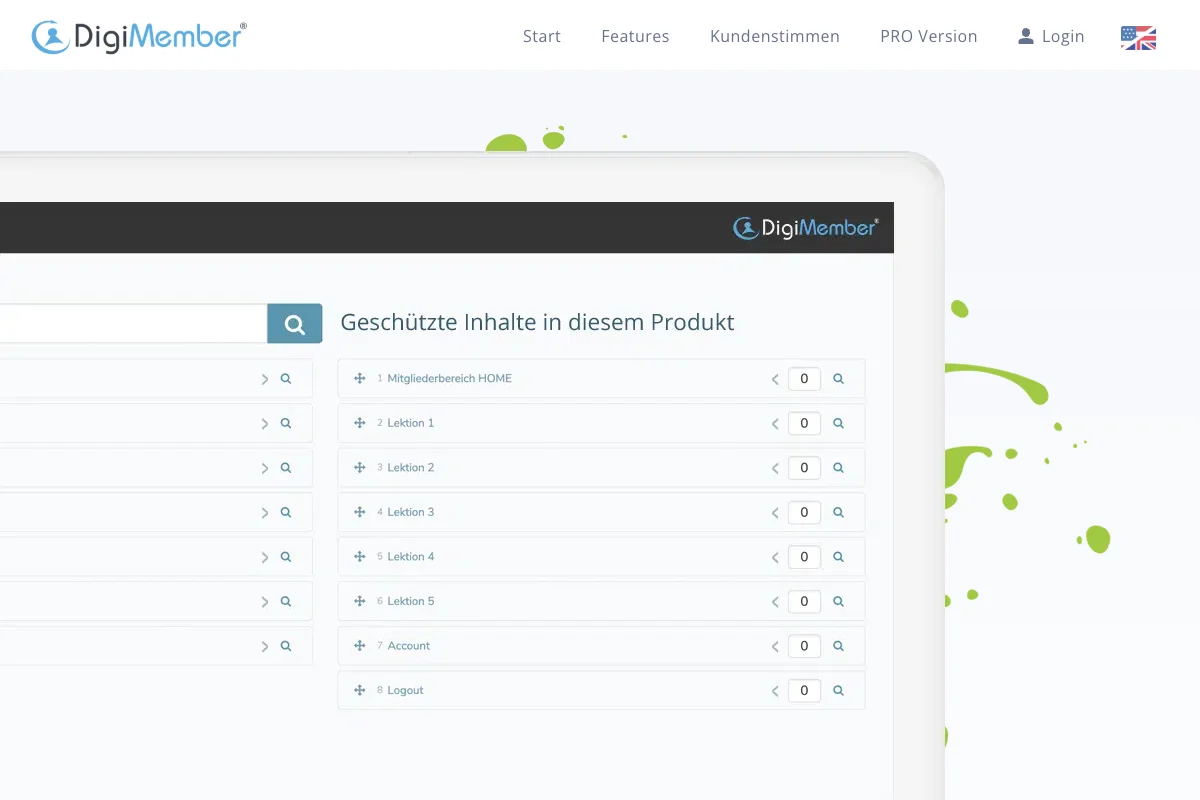
DigiMember is the German-language membership plugin par excellence and was one of the first of its kind. The easy and quick connection to the payment provider Digistore24 in particular makes DigiMember a really great solution that you should definitely take a closer look at.
The free version of the plugin can be used without a time limit. You get it by signing up for the DigiMember newsletter, and you can use it to build members areas and protected content.
Unfortunately, the features are heavily stripped down here, so in our view the free version is really only suitable for trying out the plugin. Not only is the Digimember branding extremely annoying, you also can't define any special rules for unlocking content.
What does the Pro version offer?
The Pro version opens up a broad range of features that let you create very professional members areas, online courses in particular.
For example, you can unlock content only after a certain period, run final exams and issue certificates, or have automatic marketing emails sent.
DigiMember works best with the German-language email marketing provider Klick-Tipp. A connection to MailChimp is possible as well.
Unfortunately, at €397 per year (or €47 per month, each plus VAT), DigiMember PRO is not exactly a bargain. You order through Digistore24.
In return, though, you get a very comprehensive plugin and German-language support that is available right away for problems and questions.
- Free version available
- Wide range of features in the Pro version
- Easy to use, even for beginners
- Fits into any WordPress installation and any theme without problems
- Sequential unlocking
- Exams and certificates
- Locking of online content and download products
- Very easy Digistore24 integration
- Email marketing already integrated
- German-language support
- Free version heavily stripped down
- Pro version expensive
2.4 LearnDash

LearnDash is a so-called LMS (learning management system).
That makes the plugin ideal if you want to create online courses and members areas for teaching knowledge of all kinds. This also happens in a separate members area, but LearnDash clearly focuses on self-contained courses.
The plugin is ideal if you want to sell several different online courses through your website in self-hosted members areas, ideally ones that even build on each other.
LearnDash gives you a wealth of really great features to offer your members a great learning experience. These include things like discussion forums, final exams, certificates or leaderboards.
LearnDash can also be connected to numerous external services like MailChimp or Zapier that support you with marketing.
A WooCommerce integration is already prepared as well, so you can manage all payments conveniently through that plugin.
Of course, LearnDash is compatible with every theme and every page builder (Elementor, Divi, etc.), so you can create appealing course areas with the tools you already know.
Tip: LearnDash is also excellent for internal, automated employee training!
- Numerous templates built in
- Easy connection to well-known payment providers like PayPal
- WooCommerce compatible
- Exams, certificates and quizzes
- Multi-level course structure possible
- Drag-and-drop course builder
- Built-in forums
- Members area can be designed with page builders
- No trial version
- A bit complex for beginners
2.5 WooCommerce Memberships Plugin
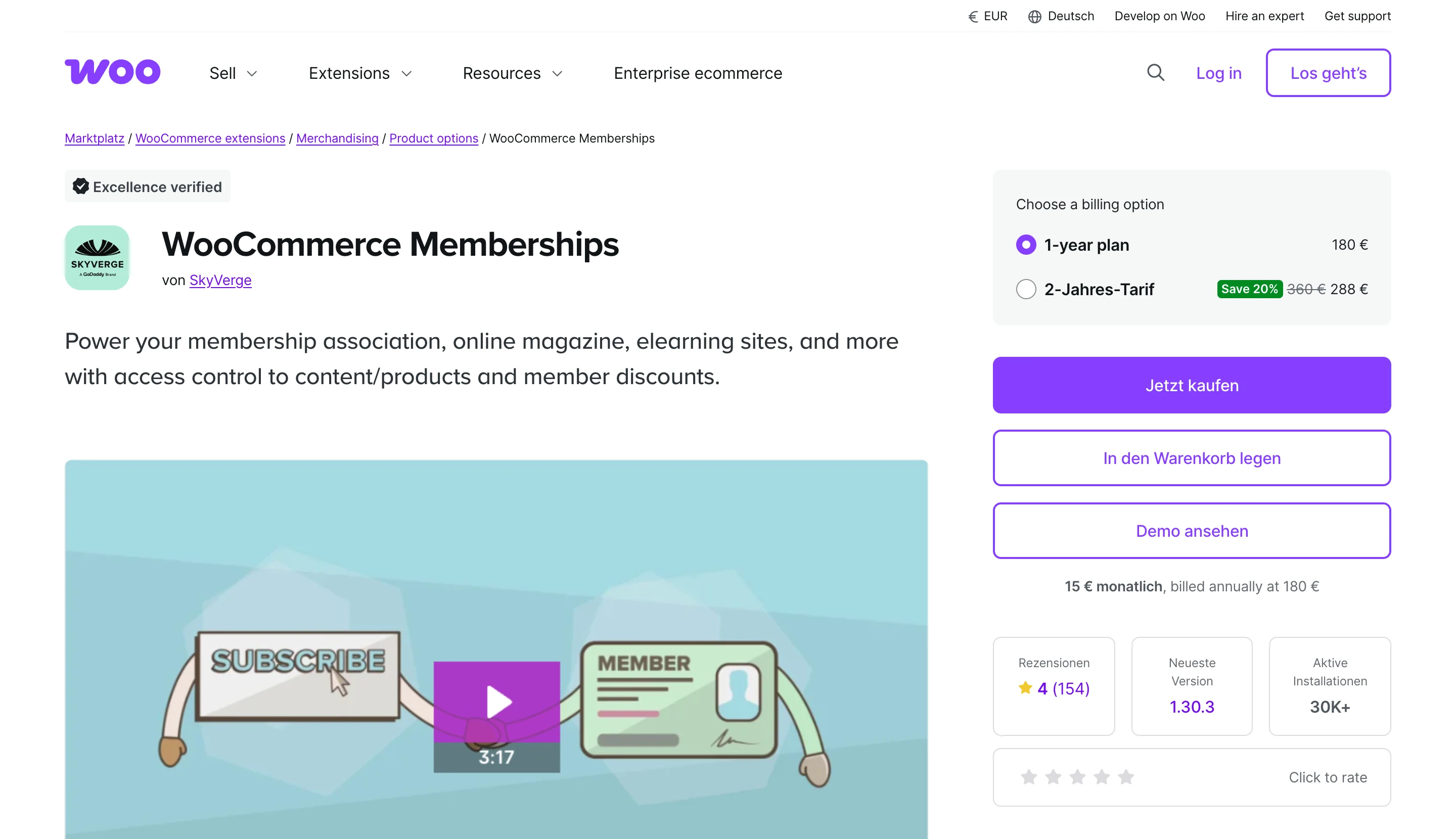
If you've already set up WooCommerce on your website, WooCommerce Memberships is certainly worth considering.
The plugin is available through the official WooCommerce marketplace and is 100% compatible with WooCommerce. The backend also fits right into your existing WordPress environment.
WooCommerce Memberships is ideal if you want to combine a members area with the sale of physical products, for example if you sell sporting goods and also want to offer a paid fitness program on your website.
In all other cases, though, we would advise you to look at other plugins.
Compared to the other candidates on our list, the feature set is heavily limited and, given the price of €180 per year, not really good.
WooCommerce Memberships Plugin has no marketing tools, for example. The notification function for members that is built into the plugin also leaves a lot to be desired.
But as I said: If you already run an online store with WooCommerce, this plugin can definitely be the right choice.
- 100% compatible with WooCommerce
- Perfect addition to an existing online store
- Discount and coupon function
- Numerous easy-to-integrate shortcodes
- Developed further on a regular basis
- Poor value for money
- No good messaging system
- No integration options
- No overview page for members
- Style customization extremely difficult and only possible via CSS or page builder
2.6 Wishlist Member

Wishlist Member is a powerful membership plugin that combines easy operation with a wealth of really great features.
Beginners are guided through the initial setup by a setup wizard, which also explains all of the plugin's features very well. In addition, a so-called “one-click content protection” lets you capture content for your course within seconds.
The plugin lets you define very precisely when which content becomes available to which members. That means you can not only offer different subscription models, but also create content that builds on each other thanks to sequential unlocking, and so guide your participants through a course in a targeted way.
These basic features are complemented by the option to integrate different payment providers like PayPal, Stripe or JVZoo, or to send marketing emails via third-party providers like Mailchimp, AWeber or ActiveCampaign.
We also really liked the analytics tool built into the backend of Wishlist Member. Here you can see exactly which content goes down best with your members, so you can keep optimizing your members area.
Because of the large feature set, you'll need a bit of time to get used to it, but we didn't find that to be a big downside.
The plugin is only offered as a Pro version. According to the vendor, the Basic version for one website regularly costs $299 per year. The Plus (2 websites) and Pro (5 websites) plans regularly cost $499 and $699 per year.
- Good setup wizard for beginners
- Numerous integration options for third-party providers
- Content can be targeted with pinpoint accuracy
- Sequential unlocking possible
- Very extensive statistics tool
- Different subscription models possible
- Large feature set confusing at first
- No trial version
- Support only in English
2.7 Ultimate Member

Ultimate Member is one of the most popular membership plugins, with an impressive 200,000+ active installations and a good rating of 4.4 stars in the WordPress plugin directory.
The base installation of the plugin is free and already offers extensive features for creating your own members area.
In addition, according to the vendor, there are 29 extensions and integrations that you can buy individually to adapt the plugin very specifically to your requirements.
Alternatively, you could buy all extensions as a bundle at a special price. More on that in a moment.
First, a look at the free version.
Ultimate Member Free lets you create protected members areas and gives you not only the protection features themselves, but also a really good drag-and-drop form builder, user account pages and member directories.
You can contact your members in a targeted way with the built-in notification system and send them individual messages. There is also a well-implemented comment function and custom navigation menus, which makes for excellent usability.
What does the Pro version offer?
Ultimate Member Free can be extended with individual extensions or a bundle. The Standard plan currently costs $276 per year for one website and includes 21 extensions.
You'll find an overview of all extensions here.
The Pro plan costs $348 per year, covers two websites and additionally includes Stripe, Zapier and the Ultimate Member theme. Both plans include one year of updates and email support as well as a 30-day money-back guarantee.
- Very good free version
- Add-ons can be bought individually
- Drag-and-drop form builder
- Gutenberg templates
- WordPress theme available on request
- Available in German
- Payment via WooCommerce possible (add-on)
- Email marketing only possible with MailChimp
2.8 MemberMouse Membership
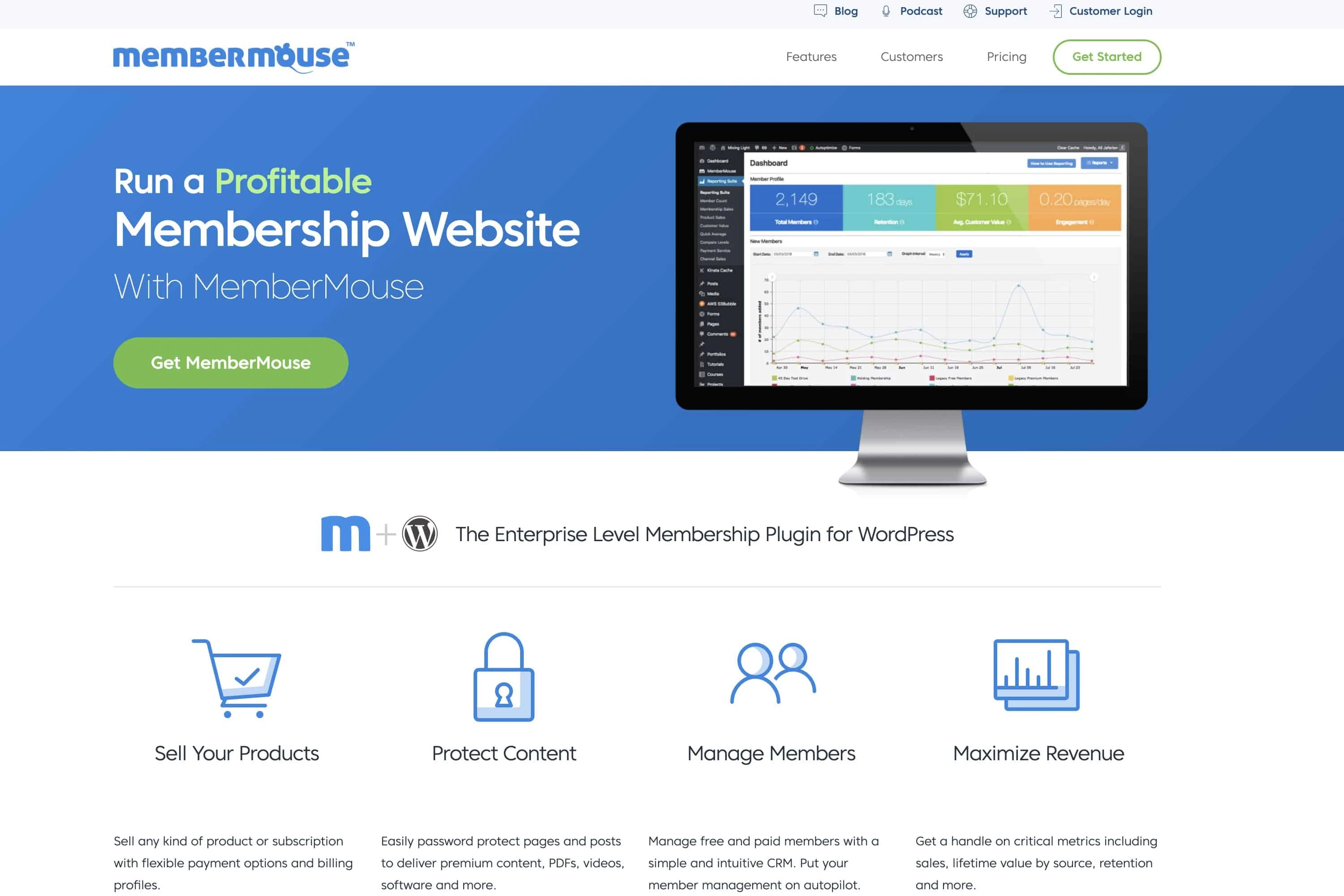
MemberMouse is one of the most comprehensive membership plugins in our test and is aimed more at advanced users.
Here we can say with a clear conscience that there is no project you couldn't build with MemberMouse.
Here's just a quick preview:
- Free and paid memberships
- Upsell and downsell
- One-time purchase or subscription model
- Installment models
- Affiliate integration
- Coupon codes
- Special member discounts
The features available to you in the backend are truly gigantic.
You decide which content is protected and have different configuration options for it. For example, you can protect content by category, by tag, individually or by publication date.
Member management runs almost automatically and can even be adapted very flexibly through various automation settings. The built-in messaging system can also be extended with third-party marketing tools.
Another highlight is the statistics tool. Here you'll find values like customer lifetime value, revenue by product, an activity log for individual members or trends presented in nice charts.
Almost no other plugin offers that!
What does the Pro version offer?
MemberMouse doesn't offer a free version. The Basic plan currently costs $149.50 in the first year. The regular renewal price is $299 per year.
Instead of a trial plan, there is a 14-day money-back guarantee. For the higher plans, check both the introductory price and the regular renewal price.
- 14-day money-back guarantee
- Gigantic feature set
- Upsell / downsell / coupons
- Great statistics tool
- Tagging system for users
- Pro version very expensive
- Large feature set rather unsuitable for beginners
2.9 Simple Membership
Simple Membership does what it's supposed to:
It helps you create a members area, to which you can provide access either for free or for a fee.
The feature set is clearly more stripped down than the other plugins on our list, but in return Simple Membership is completely free and very easy to use, so even beginners won't have any problems.
Simple Membership is certainly not suited to complex, large-scale projects.
For gaining first experience with your own members area, though, we can recommend the plugin without reservation. After all, you get all the features you need as a beginner: besides a login widget, a connection to PayPal and a very detailed visitor log, there is also a simple messaging function right in the backend.
A German translation has recently been available as well.
What does the Pro version offer?
There is no actual Pro version of Simple Membership.
You can extend the standard version with a few add-ons, though, such as the WooCommerce connection or third-party integrations like those for AWeber or ConvertKit.
The vendor currently offers 13 premium add-ons. The prices are listed on the respective add-on pages.
- Free
- Easy to use, perfect for beginners
- Great features (login widget, PayPal, etc.)
- Log that contains all members
- Any number of membership levels
- Any content can be protected
- Feature set can be extended via add-ons
- Little to no support
- Few payment providers integrated
2.10 Paid Member Subscriptions
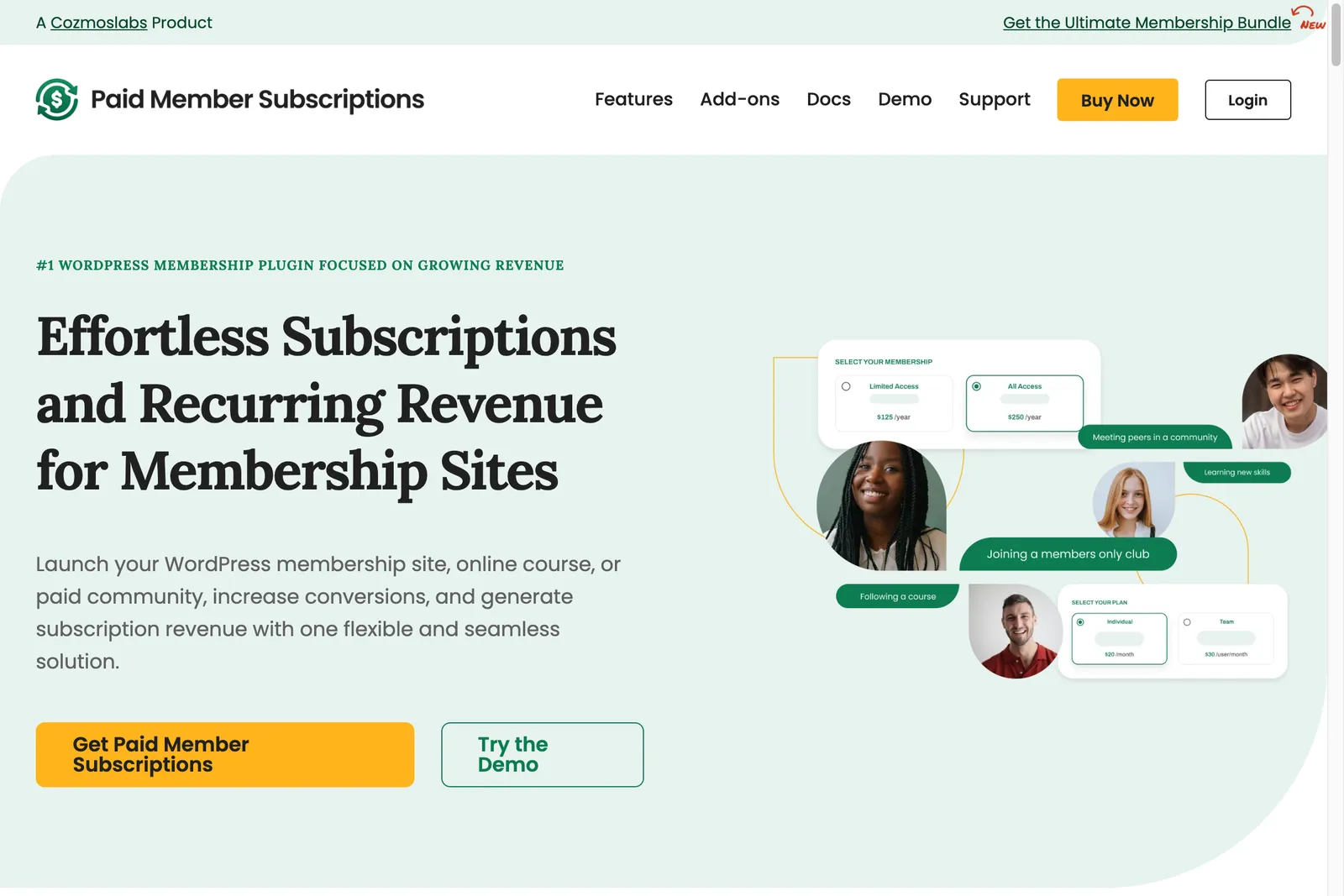
Do you use Elementor on your website? Then Paid Member Subscriptions could be the ideal solution for you.
The plugin not only lets you create professional members areas whose access you can conveniently sell to your readers via WooCommerce. You can also design these members areas directly in Elementor.
A really great thing if you have no programming skills.
That is not the only advantage of Paid Member Subscriptions, though. The plugin is packed with great features. You can offer different payment plans and even free trial periods, interact with your members through the built-in email tool, or spot particularly valuable content through the statistics tool.
You won't find this range of features in any other membership plugin.
We also like the tidy and easy-to-use backend very much, which lets even beginners find their way around right away.
What does the Pro version offer?
Paid Member Subscriptions lets you choose whether to add add-ons to the plugin individually or via one of the two Pro versions. Besides a Basic version for one website (€99 per year), there is also a Pro version for three websites (€169 per year) and an Agency version for an unlimited number of websites (€299 per year). The vendor grants a 15-day money-back guarantee.
You usually only need the paid versions if you want to integrate more complex payment structures, discount codes or invoicing directly into the plugin.
- Free
- Compatible with Elementor
- Free WooCommerce integration
- Easy to use
- Numerous shortcodes
- Email marketing integrated
- Export function
- Pay-what-you-want function
- Recurring payments only possible via an add-on
- Hardly any third-party integrations possible
2.11 s2Member
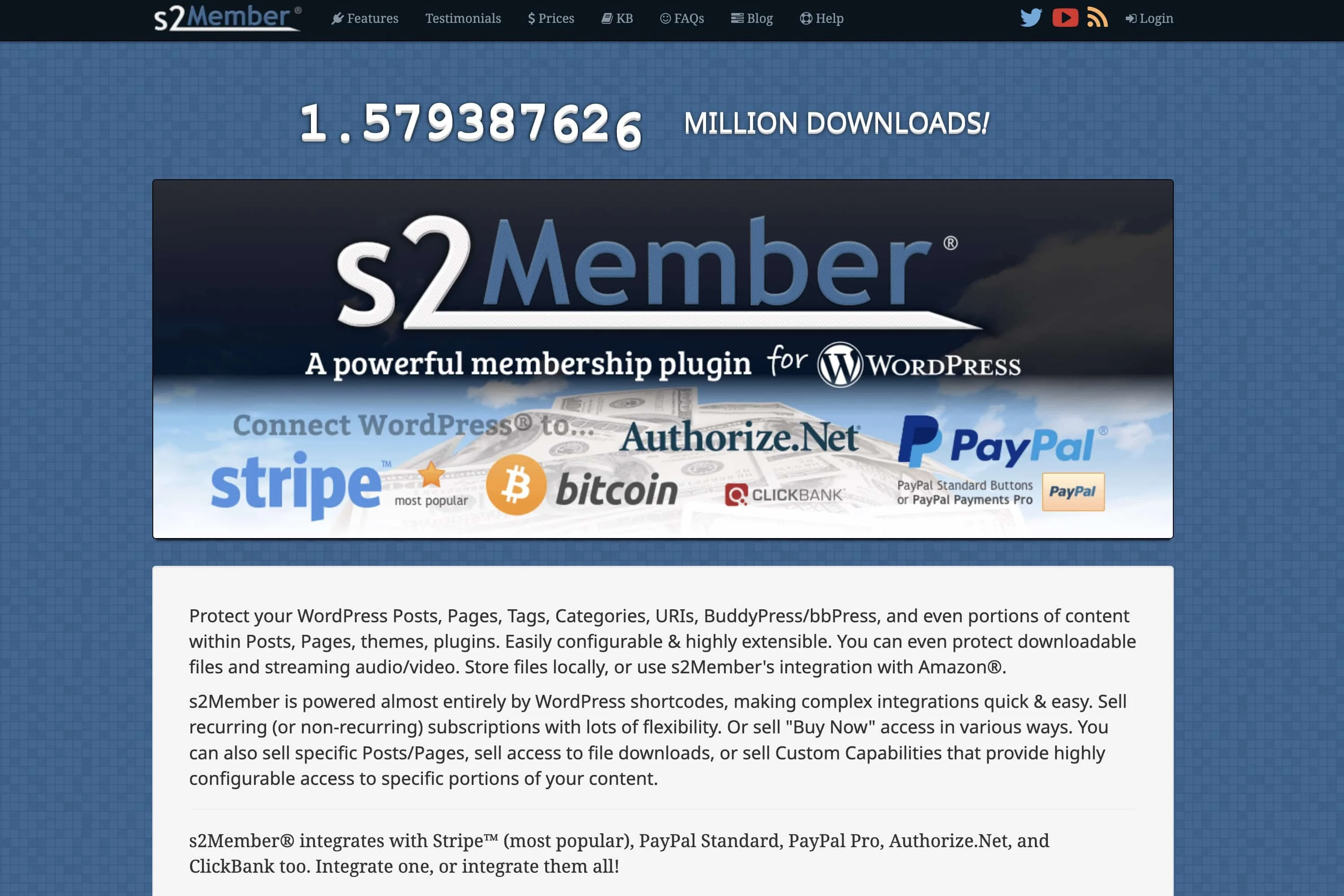
s2Member is one of the most frequently downloaded membership plugins, but it seems to have aged a bit and can no longer really compete with the modern plugins in terms of usability and scope.
Still, s2Member has a few advantages to offer.
First of all, the plugin is free and has a decent feature set that should definitely be enough for smaller projects and first steps.
You can lock content very specifically, receive payments via PayPal, invite affiliates or offer download products for a fee.
Security is covered too, thanks to brute-force protection and IP restrictions.
s2Member is still being maintained. Version 261110 was released in November 2026. The vendor limits its support to documentation and volunteer help from the community, though.
What does the Pro version offer?
It stands out very positively that the Pro version of s2Member is available for a one-time payment of $89 (one website). For an unlimited number of websites, you pay $189 one-time. That's a really good price.
Besides numerous other payment providers like Stripe or ClickBank, the Pro version adds a WooCommerce integration, different member levels and discount codes.
- Free
- Very extensive security measures
- Easy to set up
- Pro version for a one-time payment
- Media protection (videos, images)
- Customizable registration and login forms
- Support limited to documentation and community
- Complex to use
2.12 Kadence Memberships (formerly Restrict Content)
The former Restrict Content has been called Kadence Memberships since version 4.0. The existing plugin ID, and with it the update path, stays the same.
Kadence Memberships offers three decisive advantages:
- The plugin is very easy to use
- The free version is already well equipped
- 35 premium add-ons make the Pro version an all-rounder
That makes Kadence Memberships a good fit if you want to start with a small members area and extend it later with Pro add-ons.
The free version already includes connections to various payment providers like PayPal, Stripe or Authorize.net, different member levels, automatic invoicing and an email marketing tool.
You can even lock physical WooCommerce products for the general public, so you can offer specials exclusively to your community.
What does the Pro version offer?
The Pro version provides around 35 extensions. The earlier price of $99 per year can no longer be clearly assigned to a membership plan on the current Kadence pricing page. So check the current checkout price before you buy.
These include a MailChimp integration, IP restriction, discount codes and a download manager.
- Very extensive free version
- Inexpensive Pro version with many extensions
- Integration for all common third-party tools
- Compatible with WooCommerce
- Email marketing integrated
- Different member levels
- Compatible with Elementor
- Support could be better
2.13 Ultimate Membership Pro
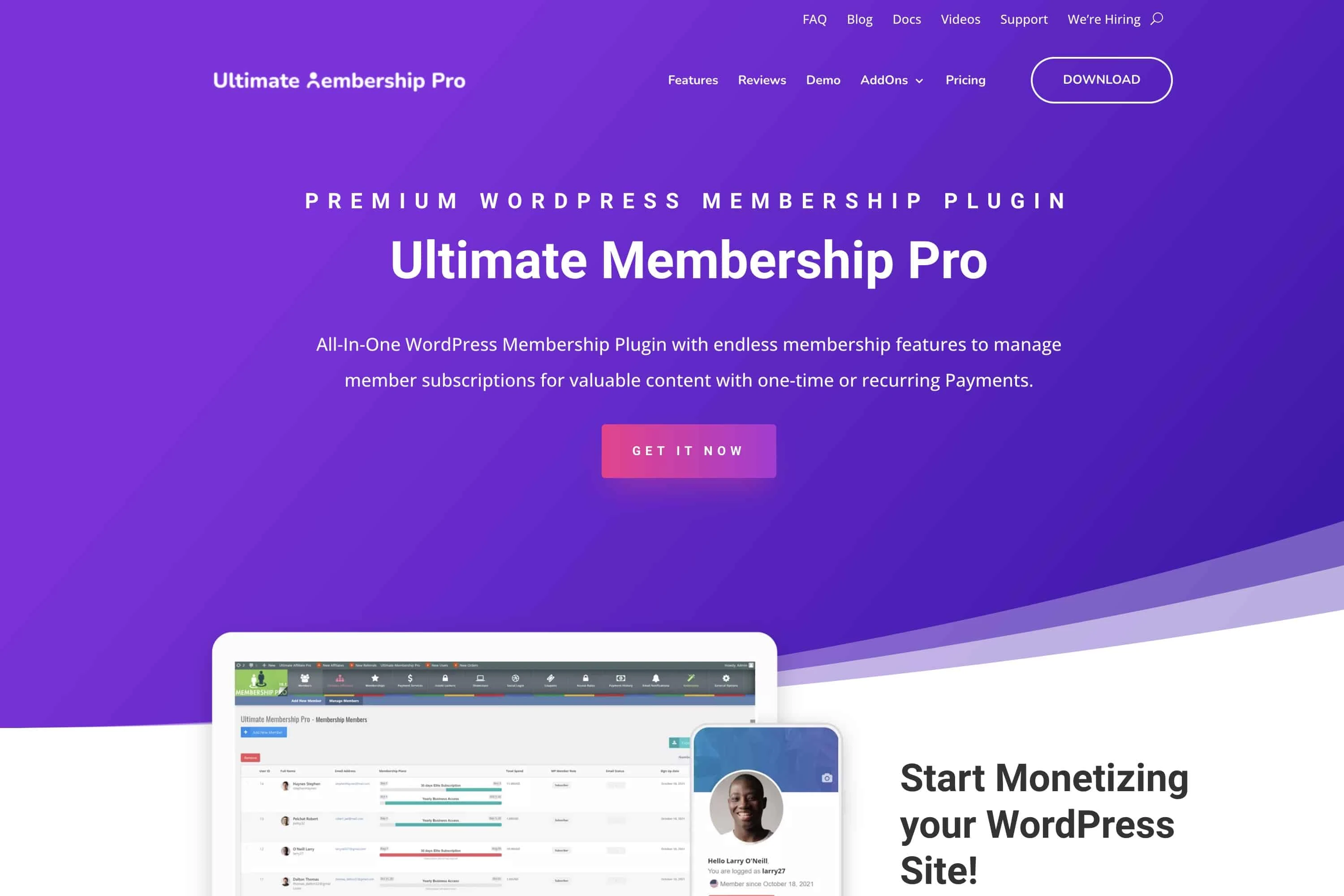
Ultimate Membership Pro currently has more than 41,000 sales on CodeCanyon and is still actively maintained. The last update was released on October 28, 2026.
The plugin's great popularity exists for a reason: Ultimate Membership Pro gives you all the tools you need to create smaller and larger members areas.
The regular license currently costs $99 one-time for one website.
The feature set is really great given the very low cost. Besides the option to lock individual areas of your website or create a self-contained members area, the plugin offers numerous integration options. These include payment providers like PayPal or Stripe, as well as marketing tools like AWeber or MailChimp.
There is even a very extensive analytics tool built in.
Good news for users in Germany: The VAT can be adjusted individually.
The excellent support is also worth mentioning. The plugin's developers make a real effort to help with advice and action when problems come up, and to improve the plugin regularly.
Future updates and six months of support are included in the purchase price. Extending the support costs extra.
- Excellent value for money
- Tidy dashboard
- Content to be locked can be selected very precisely
- Numerous payment providers integrated
- Integration of almost all well-known marketing tools
- Very dedicated support
- Extensive statistics on user behavior
- Large feature set a bit demanding at first
- Sign-up forms cannot be customized
3. What types of members areas are there?
A members area is a great and professional way to make money with your own website and build a community.
If you dream of your own members area too, you should first think about which type suits your website best and fits you and your content ideally.
To give you a feel for what is possible, we'd like to give you an overview of the different types of members areas here.
#1: Your own online course
The online course is the classic among members areas.
Through videos, audio or text, you teach participants your knowledge on a specific topic.
Most online courses deal with one very specific problem they solve or a skill you acquire through the course. They follow the formula “from point A to point B”.
#2: Product memberships
If you've developed a consumable product that keeps running out, such as a dietary supplement, or an information medium that keeps coming out anew, such as an investment newsletter, then you have what is called a product membership.
The great thing about this type of members area is, on the one hand, the predictable revenue and, on the other, a very high customer lifetime value.
#3: Time-limited programs
If you want to support your members with a specific solution to a problem that can be achieved in X days, time-limited programs are a great option for a members area.
Examples would be “Lose 3 kilos in 60 days” or “Quit smoking in 5 hours”.
#4: The online community
If your goal is to create a platform for like-minded people who can talk about specific topics every day, in a forum for example, then the online community is the right members area.
At the same time, this type is also the hardest to pull off, since Facebook and others already provide free options for building a community.
4. Conclusion
In this post, we presented 13 membership plugins for the most varied requirements and areas in great detail.
Still, we'd like to make one thing clear once more: There is no “best” plugin, but rather many good plugins that play out their strengths and weaknesses depending on your requirements.
In view of that, here is a short list of our recommendations for different requirements to finish.
Are you looking for...
- The best value for money: Ultimate Membership Pro
- The easiest operation: Paid Member Subscriptions
- The largest feature set: MemberPress
- The best free tool: Simple Membership
- The ideal addition to WooCommerce: WooCommerce Memberships
- The best plugin for selling course systems: LearnDash
5. FAQ
Here I've put together answers to common questions about WordPress membership plugins:
Is WordPress the best choice for a membership website?
It doesn't have to be WordPress to build your own membership website.
There are even cases where we would advise against a WordPress-based members area. If your community has so far communicated with you exclusively via social media like Instagram, for example, your own WordPress website is not the best solution.
External platforms are a better fit here. They provide the landing pages for selling your members area and the area itself, and they take care of things like hosting, security, backups and maintenance for you.
We can recommend online course platforms like Kajabi, elopage or Teachable.
All three platforms help you create your own courses and members areas without needing a website of your own.
Which membership plugins are compatible with Digistore24?
DigiMember and WishList Member are natively compatible with DigiStore24. Via Zapier, though, other membership plugins can be connected to Digistore24 as well, such as LearnDash or MemberPress.
What is the difference between LMS and membership plugins?
LMS and membership plugins have a lot in common. Many membership plugins can be used as an LMS (learning management system) and vice versa. The main difference is that an LMS offers extended features for creating and designing online courses.





