
A portfolio is a proven way to present references and past projects to impress potential new clients, but also to sell items such as photos or artworks.
The best part: Building a comprehensive portfolio with WordPress is child’s play.
There are numerous portfolio plugins that create an extensive collection of your work and projects at the push of a button and present it to your visitors in a visually appealing way.
I took a closer look at the 7 best plugins for you (including three free ones).
- Portfolio Gallery is the best free plugin, with many features, a filter function and a mobile-friendly display, and its Pro version with even more features starts at $29.
- WP Portfolio ($39 in the first year, regularly $49 per year) offers three different portfolio types (websites, images, videos) with a great drag-and-drop designer and impressive scroll effects.
- Media Grid ($35 one-time) is ideal for artists and photographers, with WooCommerce integration for selling your work directly and excellent value for money.
A good portfolio plugin should have a few characteristics so that it’s as comfortable as possible not only for you when you build the portfolio, but also for your future visitors.
That means it should be intuitive to use both in the backend and in the frontend.
Pay attention to the following points:
- Ease of use
- Mobile-friendly display
- Compatibility with page builders
- Filter and search functions for visitors
- Optional e-commerce functions (e.g. WooCommerce)
- Individual customization options (layouts, colors, effects)
- Import and export functions
- Support for different media formats (images, videos, audio)
- Gutenberg blocks or shortcodes for embedding
As you can see, a portfolio plugin has to meet some complex requirements.
The good news: The 7 plugins below meet almost all of these quality criteria.
1. WP Portfolio

WP Portfolio is a very comprehensive portfolio plugin that gives you 3 different types of portfolio:
- Portfolio for websites
- Portfolio for images
- Portfolio for videos
It also includes an intuitive portfolio designer that lets you build clear, attractive portfolios via drag and drop and then insert them wherever you want on your website using a shortcode.
Usability is covered too: You can sort portfolio entries into categories and add tags. That way, your visitors can not only click through the individual entries via menu items, they can also search for specific ones.
The visual presentation is certainly the highlight: Entries start scrolling automatically as soon as a user points the mouse at them. Other motion effects are built in as well.
A total of 48 templates (dummy portfolios) are already prepared, and you can bring them in quickly and easily with an import function.
WP Portfolio is compatible with Elementor and Beaver Builder. You can embed your portfolio in your page via shortcode.
According to the current price list, the annual license regularly costs $49. The introductory price is $39 for the first year. Renewals are billed at the regular price.
- Lifetime membership possible
- Very fair price for the range of features
- Extensive templates
- Filter and search function
- Entries can be sorted into categories and tagged
- Compatible with Elementor and Beaver Builder
- Great scroll effects
- Embedding via shortcodes
- No free version available
2. NextGEN Gallery

Are you a photographer or artist who wants to present your work in a visually appealing portfolio on your website?
Then NextGEN Gallery is the ideal solution for you!
The plugin gives you an extremely wide range of ways to display your photos or artworks. Above all, an easy-to-use slideshow or a grid that can easily hold several hundred images.
Management in the backend is also very user-friendly. You can organize files by photo name or by metadata and find them again quickly.
There’s even a batch upload for multiple files.
The WooCommerce integration deserves special mention. It lets you sell images to visitors directly from the portfolio and have them pay via PayPal or Stripe.
What the Pro version offers
With NextGEN Gallery Pro, you get access to numerous ready-made templates as well as a few additional features. These include a comment function for viewers and more layouts, for example.
- Great design, ideal for artists
- Easy to use
- Extensive management features in the backend
- Batch upload
- WooCommerce integration
- Comment function for individual entries
- Different layouts possible
- Template database
- Pro version is a bit expensive
3. Portfolio Gallery

I’d say Portfolio Gallery is the best free plugin in this category, giving you a wealth of features and a portfolio display with an appealing design.
Via shortcode, you can add a portfolio adapted for mobile devices anywhere on your website, and it even comes with a filter function.
Portfolio Gallery also gives you numerous design customization options. These include multi-column layouts, different numbering styles and spacers, for example.
What the Pro version offers
For a one-time payment of $29, the Pro version gives you additional filter and sort functions.
You can also make custom adjustments to the portfolio via CSS, insert gallery excerpts through a widget or embed smaller portfolios directly in blog posts.
Check out Portfolio Gallery Pro
- Very extensive free version
- Inexpensive Pro version
- Optimized for mobile devices
- Filter function
- Numerous motion effects
- Embedding via shortcode or widget (Premium)
- None
4. Media Grid
Media Grid shines when you want to present artworks such as images or paintings. The plugin gives you a visually elaborate and appealing portfolio whose look you can adapt very individually to your ideas.
Almost all media are supported, such as images, audio or video.
Your visitors can also interact with you directly through a built-in comment function.
A full WooCommerce integration is offered as well, which is certainly not a given for a plugin in this price range. In other words: You can sell your work directly from the portfolio.
That makes Media Grid the ideal solution for anyone who wants e-commerce functionality without building a full online shop.
Media Grid can be bought for a one-time price of just $35 on the Code Canyon marketplace.
- Very good value for money
- Numerous supported media formats
- WooCommerce integration
- Comment function for viewers
- Template gallery
- Easy embedding via shortcodes
- Visual grid builder with preview
- Filter function
- None
5. Go Portfolio

Go Portfolio is sold through the Envato Market and costs you just $27.
The low price does not imply in any way that this is a stripped-down plugin with limited features.
Quite the opposite: You get a comprehensive portfolio plugin with different display options, a filter for your visitors and even e-commerce tools. Customers can make a purchase right in the portfolio while browsing your work.
A WooCommerce connection is of course included.
Go Portfolio has plenty of effects, too. You can add numerous scroll animations or hover effects to make your presence look even more professional.
Thanks to a built-in import tool, you can upload several files (including audio, video and images) at the same time, so even extensive photo galleries are no problem.
Because of the strong effects Go Portfolio offers, I’d recommend this plugin especially to photographers and artists. Above all because you have numerous different display options such as sliders, lists or grid layouts.
- Excellent value for money
- Great effects on scroll and hover
- Import function for images, audio and video
- 38 templates already included
- Different formats such as sliders, grids or lists
- E-commerce function and WooCommerce compatible
- Numerous customization options in the backend
- No support from the developer.
6. Visual Portfolio

Visual Portfolio is one of the most popular portfolio plugins in the WordPress.org plugin directory, with 60,000+ active installations and a rating of 5/5 stars.
There’s a good reason for that: The portfolios are built directly in Gutenberg, so you don’t have to learn a separate plugin backend. Different blocks are waiting for you here, such as Masonry, Grid or carousels.
The visual presentation is managed through Gutenberg as usual, and you can also make custom adjustments via CSS.
Fans of visual effects are covered too, because Visual Portfolio has numerous built-in animations that you can add if you like.
You can also add a filter to the portfolio that offers selection options you define, such as category, tags or author.
Unfortunately, there is no e-commerce function, so Visual Portfolio is only partly suitable for photographers who want to sell images. For every other purpose, though, I can definitely recommend this plugin.
You won’t find support from the developers either, but a very helpful community has formed around the plugin.
- Free
- Numerous visual display options
- Portfolio creation via Gutenberg
- Custom CSS adjustments possible
- Shortcodes
- Numerous animations and effects
- Filter option
- No support from the developer
- No e-commerce function
7. The Grid
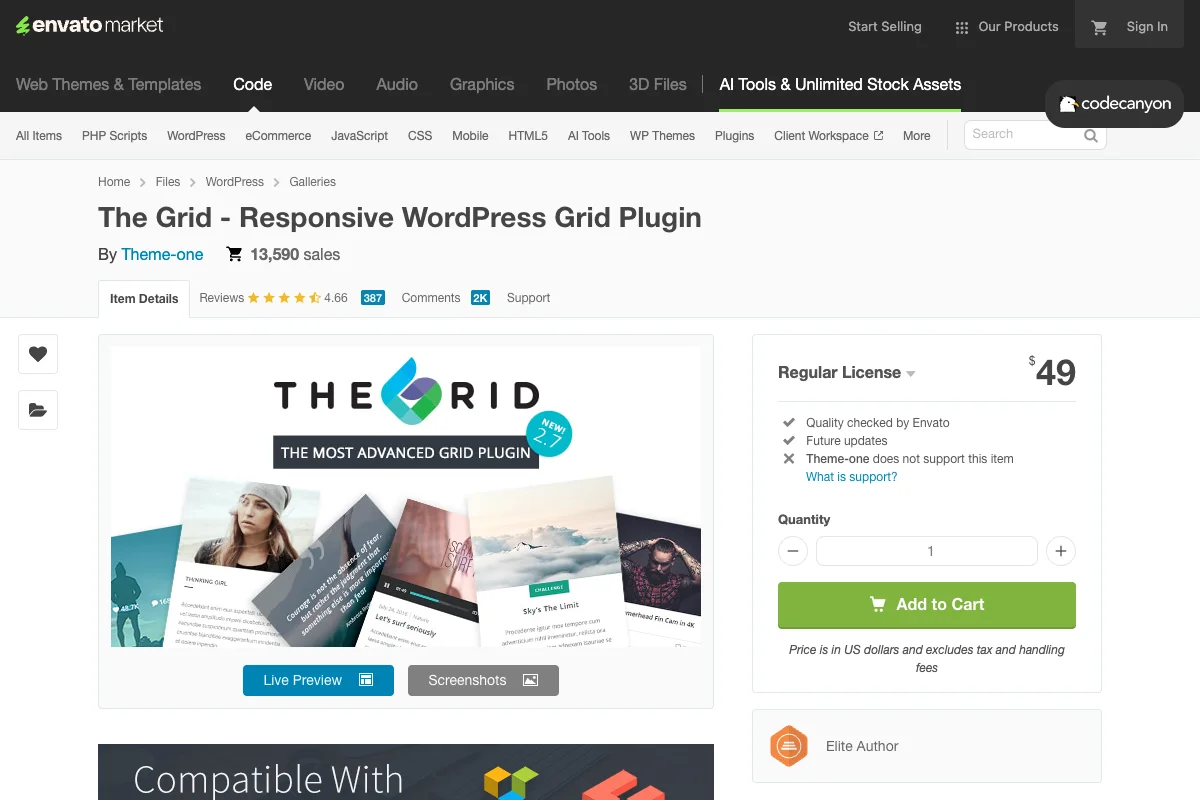
The Grid is another plugin from the Envato Market that I included in this list.
The heart of it is definitely the really good, intuitive drag-and-drop editor the makers provide in the backend. With the so-called “Skin Builder”, you build your portfolio to your own ideas and change color, shape and appearance as you like.
The results The Grid delivers look incredibly professional, without you having to enter a single line of code.
You get different display options such as Grid, Masonry, Full Width Pages or Sliders.
Thanks to the built-in WooCommerce function, you can sell directly from the portfolio. The visual presentation (including hover effects) is so appealing that smaller shops with only a few products should definitely consider this plugin.
You can also organize and display blog posts, YouTube videos and much more with The Grid.
Of course, an import function and a filter are part of the plugin as well.
Theme-one offers no developer support for The Grid.
- Outstanding value for money (one-time price)
- Very easy to use drag-and-drop editor
- Numerous templates
- Organize shops, blogs and portfolios
- Great animations and effects
- E-commerce function with WooCommerce integration
- Import function for large amounts of data
- Has a slightly negative effect on loading time





