
An online portfolio is the most modern and fastest way to wow potential clients or prospects with your work.
A portfolio website is therefore almost a must for every freelancer.
With that in mind, in this post we show you 13 of the best WordPress portfolio themes that help you present your work online in a very appealing way.
We didn't just look for user-friendly themes, but also collected products for every niche.
1. What are the benefits of a portfolio theme?
Unlike all-in-one solutions, dedicated portfolio themes let you present your work in an environment created specifically for it.
This website feature is an important prerequisite for artists and freelancers who win clients mainly through jobs they've already completed, such as photographers, painters, or designers, but also architects or fashion tailors.
The technical background of a portfolio theme is simple.
The entries in the portfolio aren't created with the two standard formats “post” or “page” but with a separate format generated through a custom post type.
This approach has the advantage that you can organize large portfolios much better when they're managed separately from the blog or the subpages of your website, and also that you can create individual rules and designs for portfolio entries.
That means: The detail view and the overview page of your portfolio look completely different from a blog post or a page.
These themes also usually include further features to improve usability for your visitors. For example, a filter that lets people search the portfolio in a targeted way.
2. The best portfolio themes
Admittedly: The selection of portfolio themes is gigantic!
There are plenty of excellent candidates that would basically have deserved a spot on this list. To keep things clear, though, we decided to limit it to 13.
Here's what we think are the best portfolio themes for WordPress.
2.1 Divi
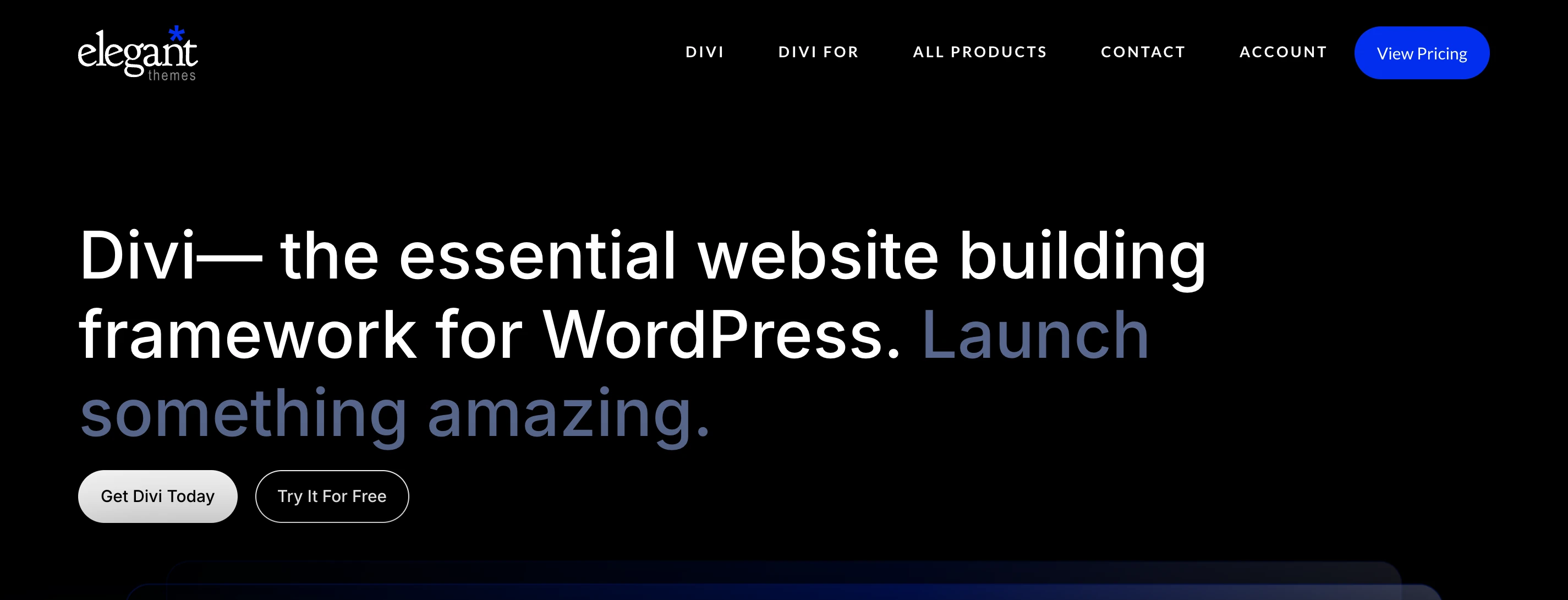
Divi is a kind of all-purpose tool when it comes to building a website. I'm not a fan of superlatives, but I have to admit I can't imagine a project that couldn't be built with Divi.
Even though Divi isn't a dedicated portfolio theme, it includes extensive portfolio management in the backend.
That means you can add entries through a custom post type and define your own layouts for them in the page builder.
You don't need to be a pro to get along with Divi, because the theme has one of the most advanced and innovative live builders on the market, which lets even beginners create professional websites.
Want a taste? There's a demo of the Divi live builder that lets you look at the theme in peace.
Of course, Divi also comes with hundreds of templates. 29 portfolio templates alone are waiting for you in the backend.
Divi has a GIGANTIC range of features that lets you build simple but also extensive projects. You also get marketing tools like Bloom.
That range of features can really be too much of a good thing if you only want to launch a small website.
But if you don't yet know which way your project will go, Divi is definitely the right choice if you want to build a great site on your own without typing a single line of code.
- Gigantic range of features
- Advanced WYSIWYG editor
- Numerous templates (29 portfolio templates)
- One-time payment possible
- Very competent support, huge community
- Page builder
- Extendable with designs, templates, and blocks
- Load time could be better
- The range of features can intimidate beginners a bit
2.2 Neve
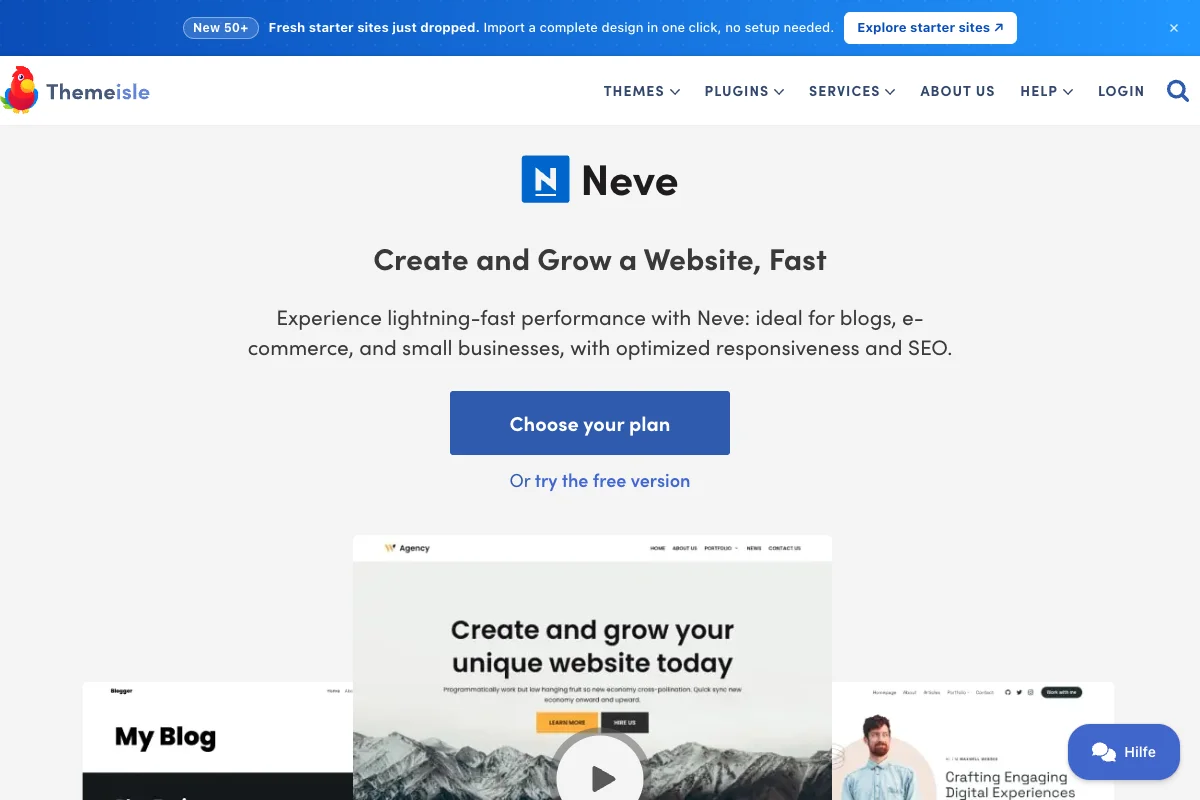
We've included Neve in many other best-of lists on Blogmojo. The reason is the theme's flexibility and wide range of uses.
Like Divi, Neve wasn't created as a dedicated portfolio theme, but it brings all the features you need for it. A custom post type is created automatically in the backend on installation, and you can design your own layouts for your portfolio entries with the page builder.
With different portfolio grids, you can then create overview pages that your visitors can even adjust to their own needs with filters. That makes for a high level of usability.
Neve comes in a free and a paid version, but the free Neve theme only gives you access to one portfolio template in combination with Elementor. So the premium version is a prerequisite if you want to use Neve.
Neve is a great solution for beginners and one of the best portfolio themes on the market, without being limited to this type of site.
That means your site can grow and change without any problem, without you having to change anything about the basic setup.
Thanks to its compatibility with page builders like Elementor, you're guaranteed to get along with this theme even as an inexperienced user.
- Free version available
- Extensive portfolio feature
- Clear backend
- Compatible with page builders like Elementor
- Very good support
- Wide range of uses
- I couldn't find any downsides
2.3 Brooklyn
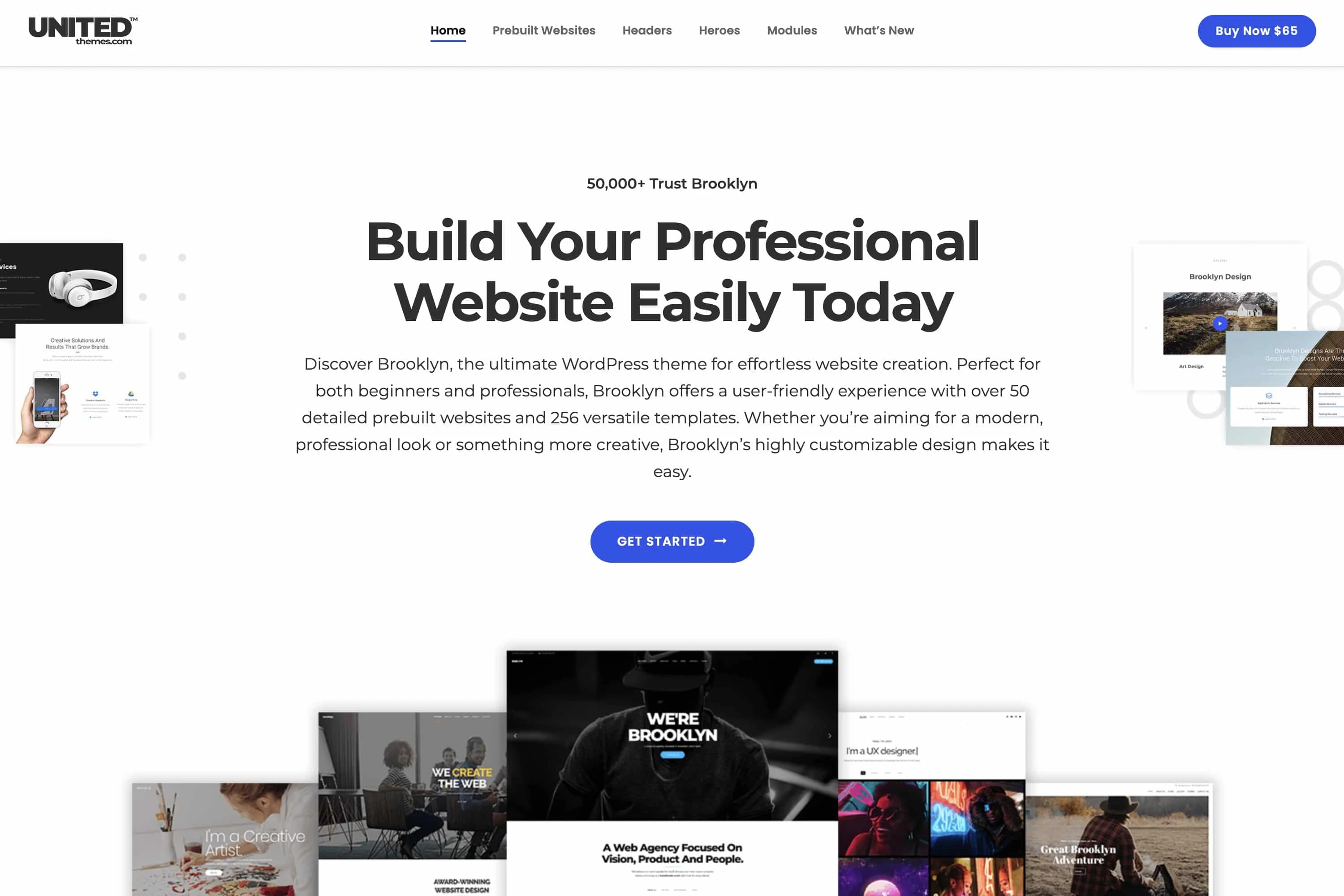
Brooklyn was released many years ago as a classic portfolio theme, but today it's much more than that. Even though the focus is still clearly on portfolio websites, you can also use Brooklyn to build modern sites in the creative field with significantly more features.
The theme offers both minimalist and very exciting designs, so among the 52 ready-made templates you're sure to find the right one for your design.
With Brooklyn, the look is clearly in the foreground, which shows in the numerous scroll effects and a total of 2,500 (!) different settings.
Beginners will love the page builder and the simple one-click installation, and are guaranteed to get along with the theme right away.
Other highlights are a comprehensive slider tool and excellent page speed values.
If you're a freelancer or work in a creative field, Brooklyn can be the right theme for you.
Thanks to its very clear backend, it's aimed at beginners and advanced users alike.
- One-time payment, no subscription
- 52 templates that can be installed with a one-click setup
- 2,500 design and feature settings
- Visual highlights like sliders or scroll effects
- Very good support
- Excellent performance
- Support unfortunately only for 6 months
2.4 Kalium
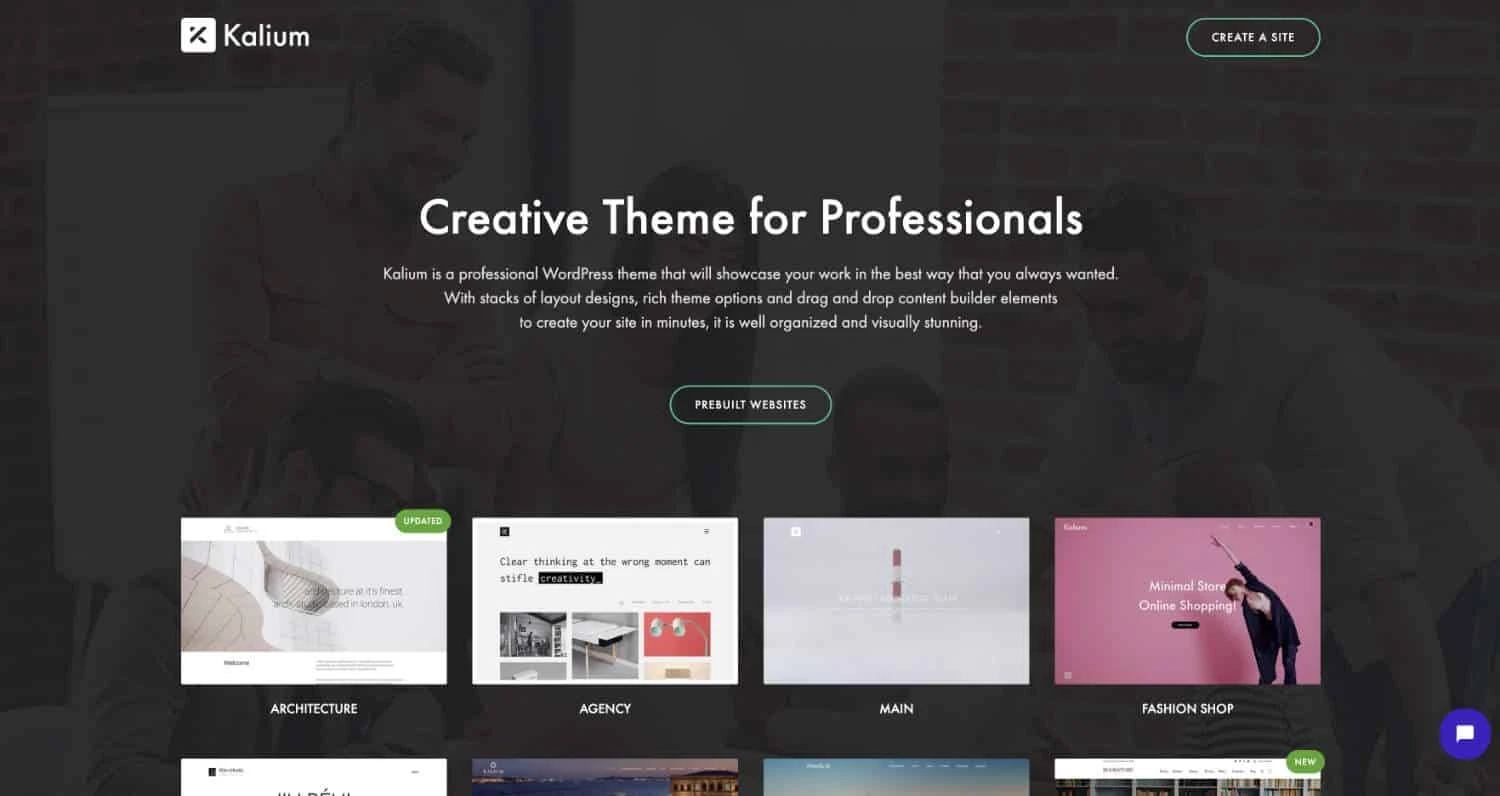
Kalium is a classic portfolio theme developed specifically for this purpose, and it puts the focus on your work accordingly.
You get a total of 30+ different portfolio layouts in the backend.
And it gets better: Numerous templates of the theme have won design awards in recent years, which speaks for the quality of the 21 templates you can add to your WordPress site with a one-click installation.
With Kalium you can customize the look in almost every area. For this, Kalium gives you built-in features like a font database or sliders. E-commerce features are also built in. For example, you can sell products like images directly through WooCommerce.
Building a website works through the Customizer in combination with the WPBakery page builder.
There's also nothing wrong with the load time. The developers state a Google PageSpeed Insights score of 92% for mobile devices.
Thanks to very different templates and settings, Kalium can be used flexibly, though here too the focus is clearly on creative niches.
That means photographers, painters, but also architects or web designers are guaranteed to love this theme.
- One-time payment, no subscription
- 21 very different templates (award-winning)
- 30+ different portfolio layouts
- Very good load time
- WooCommerce compatible with numerous settings
- Very good support
- More features like fonts, sliders, filters, etc.
- Support unfortunately only for 6 months
2.5 Oshine
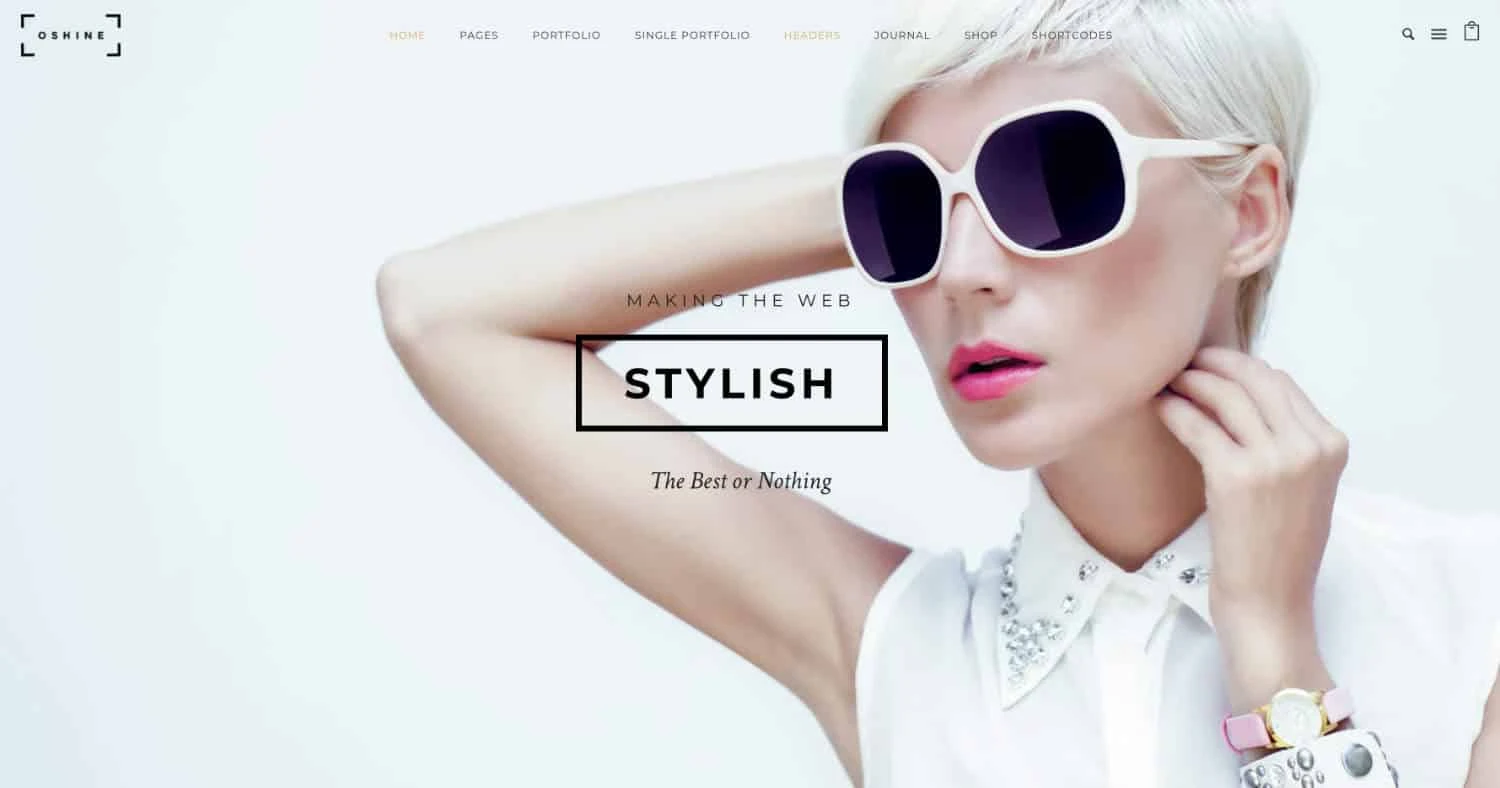
Strictly speaking, Oshine isn't an explicitly designated portfolio theme, even though the templates clearly focus on this type of site.
But that's exactly what sets the theme apart: With Oshine you can start a classic portfolio website, but later publish other content effortlessly (for example in a blog) without having to change the whole setup of your site.
Oshine gives you different design options and comes with a wealth of features. For example, you can adjust the menu display very flexibly (tree structure, side menu, etc.), set shadows, animations, or scroll effects as you like, or choose from numerous built-in fonts.
To make your work as comfortable as possible, Oshine comes with 52 ready-made templates and 60+ ready-made blocks. That should let even beginners achieve great results.
Oshine is very flexible and a fitting solution for most freelancers and artists. From architects to online copywriters, everyone finds a suitable template that can be adapted quickly and easily to individual requirements.
The theme can not only display very high-quality portfolios but also handle areas like a blog or a shop without problems.
- High flexibility
- Gigantic customization options for look and presentation
- WYSIWYG editor
- 52 ready-made templates
- 60+ ready-made design blocks
- Compatible with Elementor and WooCommerce
- Competent support
- Support only for 6 months
2.6 TheGem
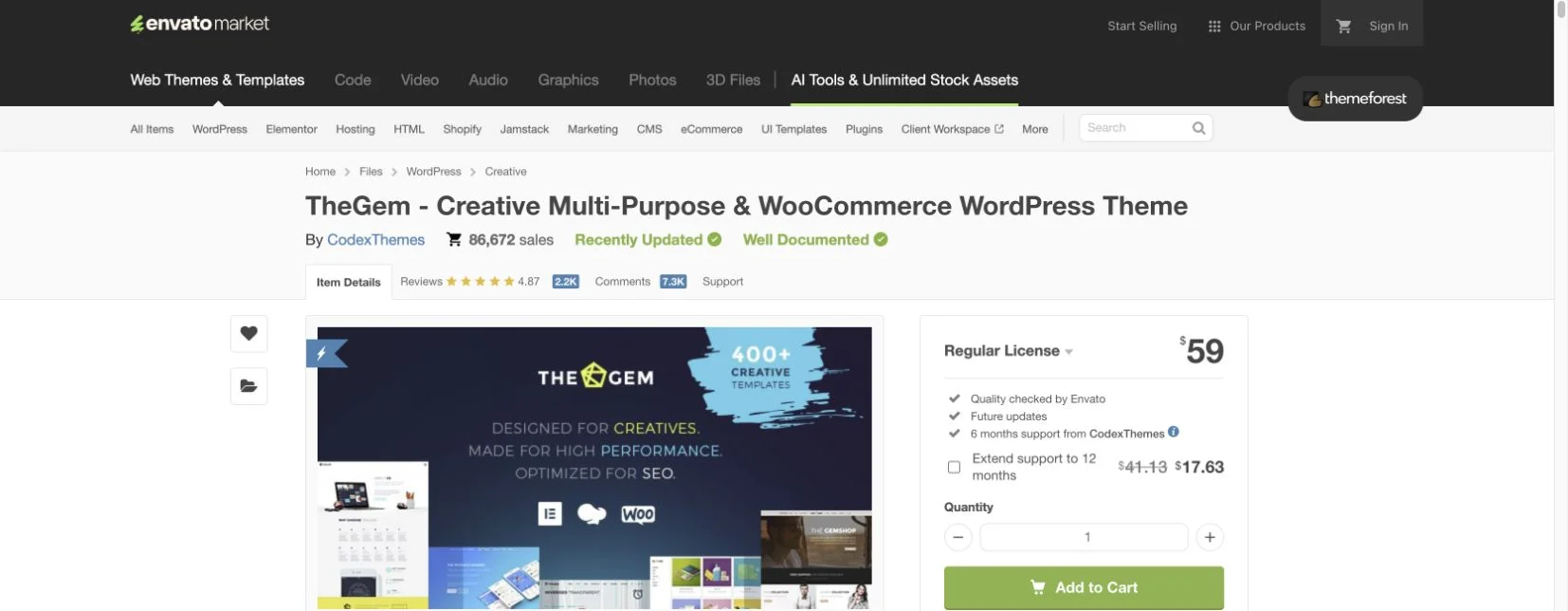
TheGem is a versatile portfolio and multipurpose theme. It includes more than 400 ready-made templates for creative websites, agencies, portfolios, and online shops.
You can edit TheGem with Elementor or WPBakery. For portfolios there are different grids and custom layouts for portfolio archives.
WooCommerce is built in as well. That lets you present your work and sell digital or physical products from the same website.
The theme is still maintained and was updated in June 2026. With more than 86,000 sales and a rating of 4.87 out of 5 stars, it's one of the established creative themes on ThemeForest.
The large range of features can look a bit confusing at first. If you want to combine portfolio, blog, and shop in one theme, TheGem is still a fitting alternative.
- 400+ ready-made templates
- Compatible with Elementor and WPBakery
- Portfolio grids and custom portfolio archives
- Compatible with WooCommerce
- Regular updates
- One-time payment, no subscription
- The large range of features can overwhelm beginners
- No free version
2.7 Bridge
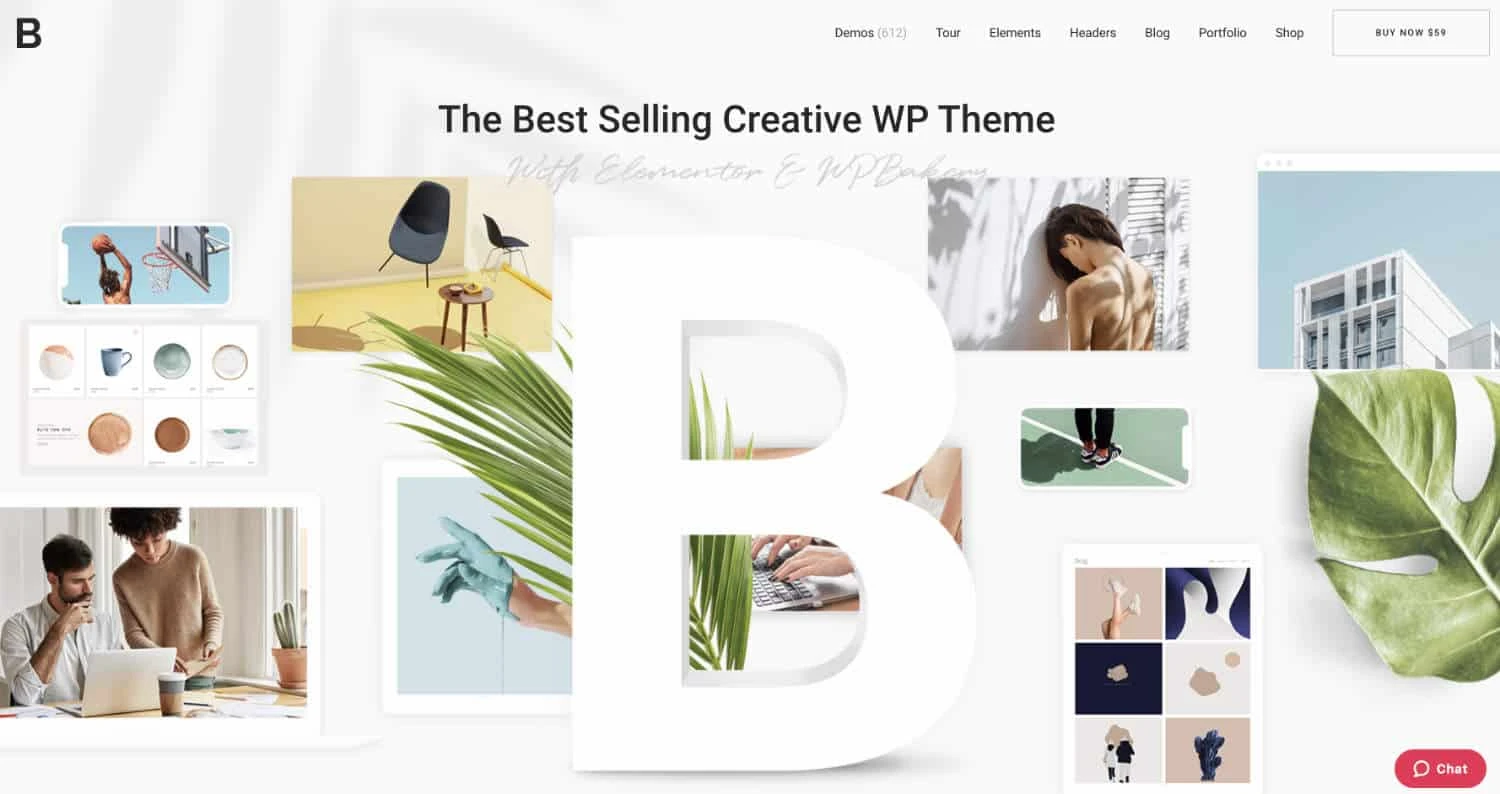
Bridge has been on the market since 2014 and in that time has racked up a proud 180,000 sales with an average rating of 4.78 stars (out of 5).
Those numbers speak for themselves!
The theme's popularity comes in large part from the lovingly designed templates and demo sites that you can import quickly and easily with a one-click installation. Here Bridge reaches new superlatives: An incredible 610+ templates are available to you, and 109 of them were created specifically for portfolio sites.
Thanks to 100% compatibility with Elementor, you can fill these demos with your own content in no time and adapt them if needed.
WooCommerce can also be used with Bridge without problems, so you can not only present your work in a portfolio but sell it directly to your visitors.
We also really like the numerous YouTube tutorials that the developers created themselves.
Bridge is a kind of Swiss Army knife among portfolio themes, since it not only lets you create great portfolio pages but also lets you add features like a shop or a blog.
That fact makes the theme especially attractive if your website is the linchpin of your business or work and is meant to grow in the future.
In short: No freelancer, in any industry, makes a mistake with Bridge.
- Excellent value for money
- 610+ ready-made demos (!)
- 109 dedicated portfolio templates
- Compatible with Elementor and WooCommerce
- Great blog layouts and features
- Very flexible
- Numerous video tutorials created by the developers
- Support unfortunately only for 6 months
2.8 Ozark
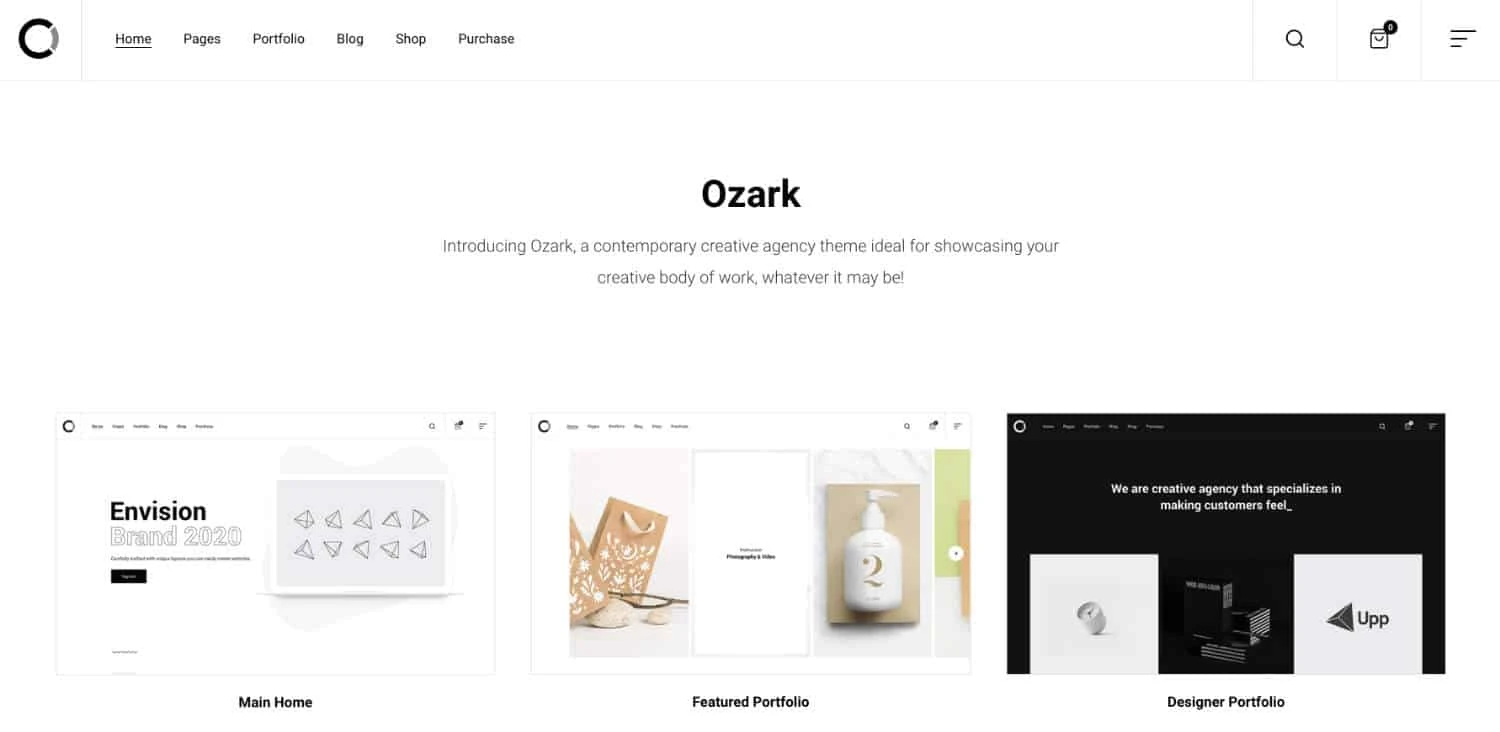
Ozark is a minimalist theme that wins people over more through understatement and so puts the focus clearly on your work and products. That's why we can recommend Ozark above all when your work speaks for itself and already draws all the attention.
Admittedly, the theme isn't equipped with lavish features, but it still convinces with very well-organized code and great performance.
You get 29 ready-made demos that you can conveniently import with a one-click installation and then adapt to your ideas with Gutenberg or the Elementor page builder.
Ozark also has extended blog settings and is 100% compatible with WooCommerce.
Ozark is ideal if you want to combine an online portfolio with an online shop and a blog.
That fact makes the theme a great solution for the fashion and creative fields.
- Low one-time price of $39
- Pleasantly minimalist design
- 29 high-quality templates
- Compatible with Elementor and WooCommerce
- Great performance
- 800+ Google Fonts built in
- Range of features could be bigger
- Support only for 6 months
2.9 Ambient
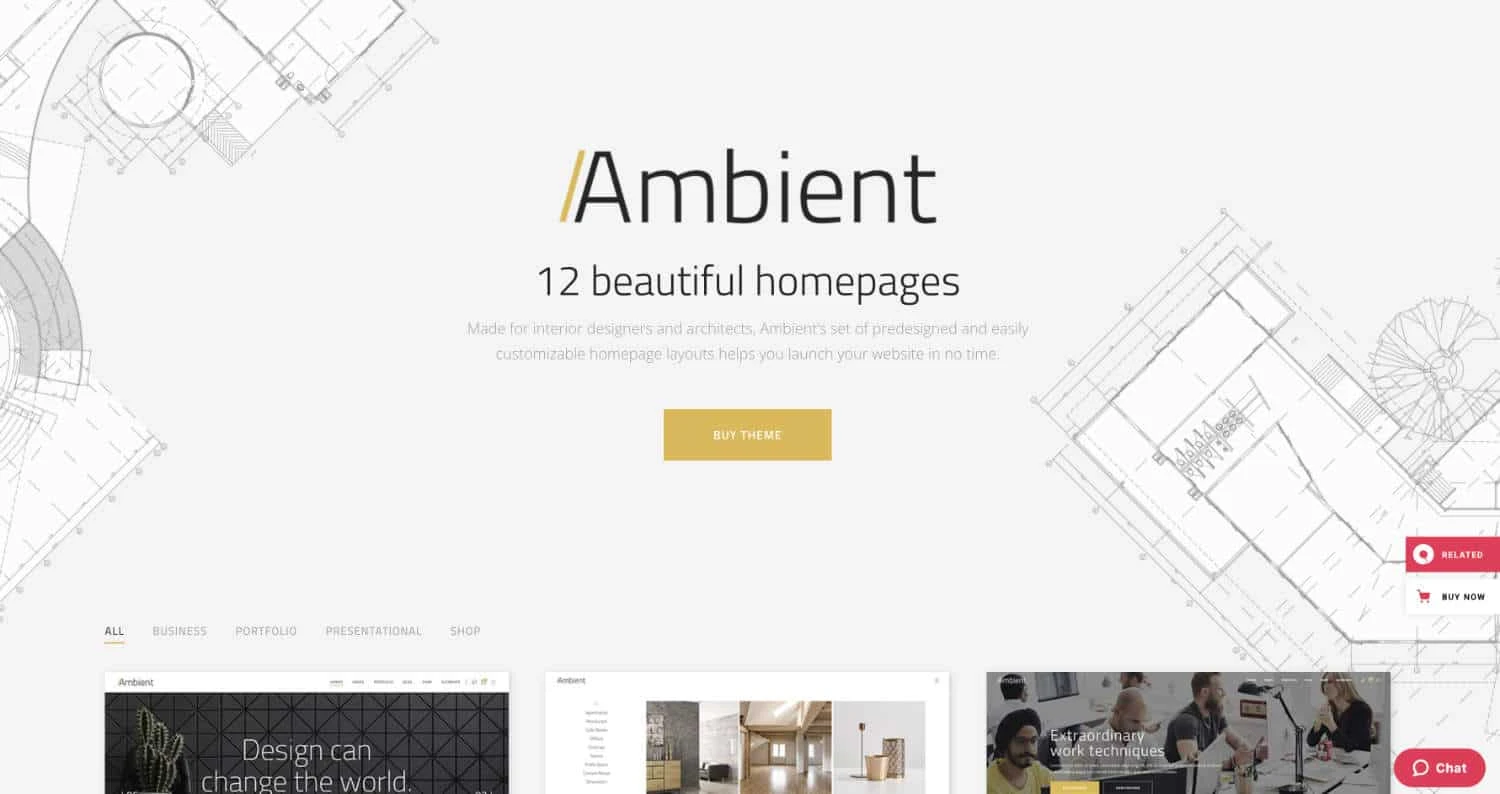
The character of the theme is already in the name of Ambient: Minimalist designs meant to give products by designers and architects a special stage.
The theme gives you 12 different templates that you can import with a one-click installation and then adapt with the WPBakery page builder.
The portfolio feature is extensive and gives you a lot of creative room. Besides different portfolio layouts, there are also portfolio sliders and very attractive galleries that present your work. A WooCommerce connection is also possible, so digital products like photos can be sold directly.
In addition to the portfolio features, Ambient offers extended blog layouts.
Numerous icons, fonts, and widget extensions are also built into the theme.
Ambient is aimed specifically at architects and interior designers. The theme is minimalist and mostly kept in white.
- Minimalist design
- Very focused on its target group
- Extensive design options
- Different portfolio layouts
- 12 high-quality templates
- WPBakery page builder
- WooCommerce compatible
- Elementor or other page builders can't be used
- Only 6 months of support
- At $69, one of the more expensive themes
2.10 Stockholm
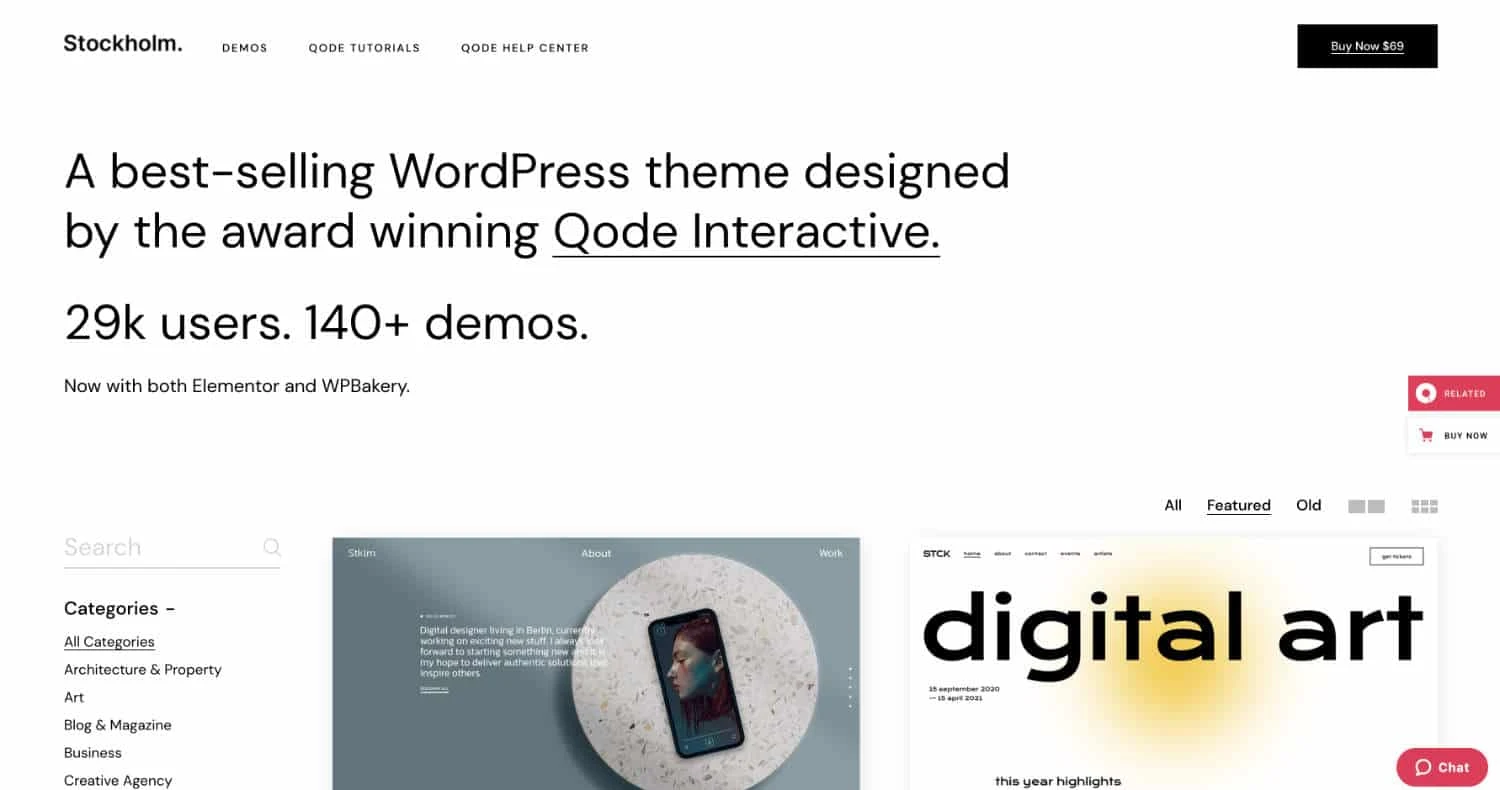
Stockholm relies on the two page builders Elementor and WPBakery to make page building very easy even for beginners, without programming skills.
It's also compatible with other plugins like WooCommerce or WPML, which enables the quick creation of multilingual sites. Other plugins, such as Revolution Slider, are even already included in the theme.
Stockholm is one of the 30 best-selling themes on the Envato Market and one of the most widely used portfolio themes overall, not least because of the numerous configuration options and the different portfolio layouts. There's also an extended search function and a filter to improve usability for your visitors even further.
Design elements like parallax or fullscreen sliders are built in as well.
Stockholm has a very wide range of applications, so we don't need to narrow it down here. Thanks to extended blogging and e-commerce features, almost any project can be built with this theme.
- 40 high-quality templates
- Compatible with Elementor and WPBakery
- WooCommerce ready
- Very good support
- Big community
- Nice design extras like parallax or fullscreen sliders included
- A bit expensive at $69
- Support only for 6 months
2.11 Jevelin
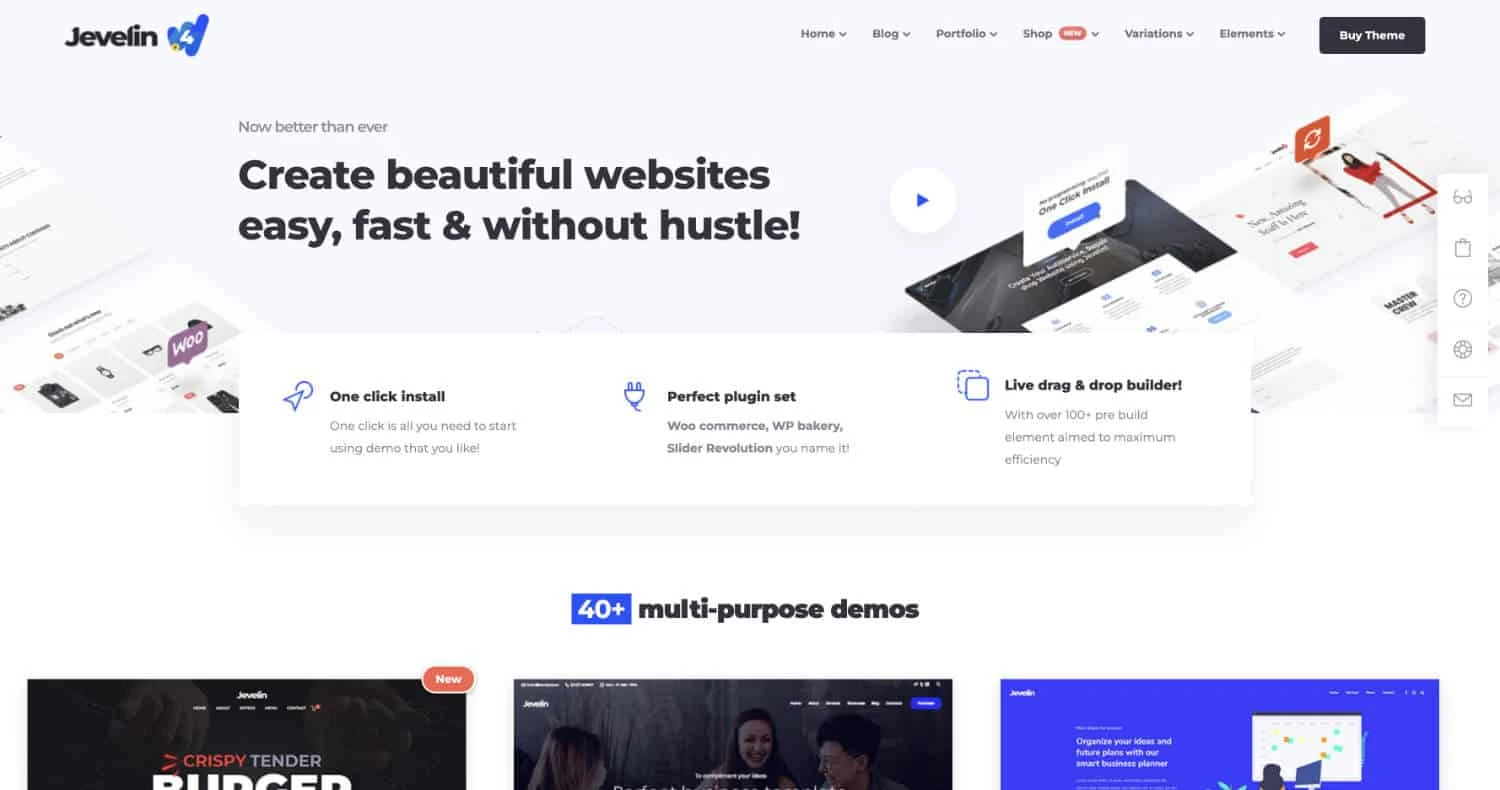
Jevelin makes building a portfolio website very easy for you. First, you get 40+ ready-made demos that you can import with a one-click installation. After that, you can edit the pages with the WPBakery page builder without typing a single line of code (WYSIWYG live editor).
There are also features like an extensive mega menu, a tool for creating sliders, or extended widgets.
Beginners can look forward to an extensive collection of video tutorials created directly by the developers.
By the way: The theme not only gives you different portfolio layouts but, thanks to its compatibility with WooCommerce, also makes it easy to sell digital products.
Jevelin is very flexible and, thanks to the very clear WPBakery page builder, really beginner-friendly.
Many of the 40+ ready-made demos have a tech connection, so freelancers from that industry in particular are guaranteed to find the right design quickly.
- One-time payment, no subscription
- Live editor (WPBakery)
- 40+ ready-made demos
- Compatible with WooCommerce
- Extensive sliders already built in
- Strong performance
- Support only for 6 months
2.12 Vadana
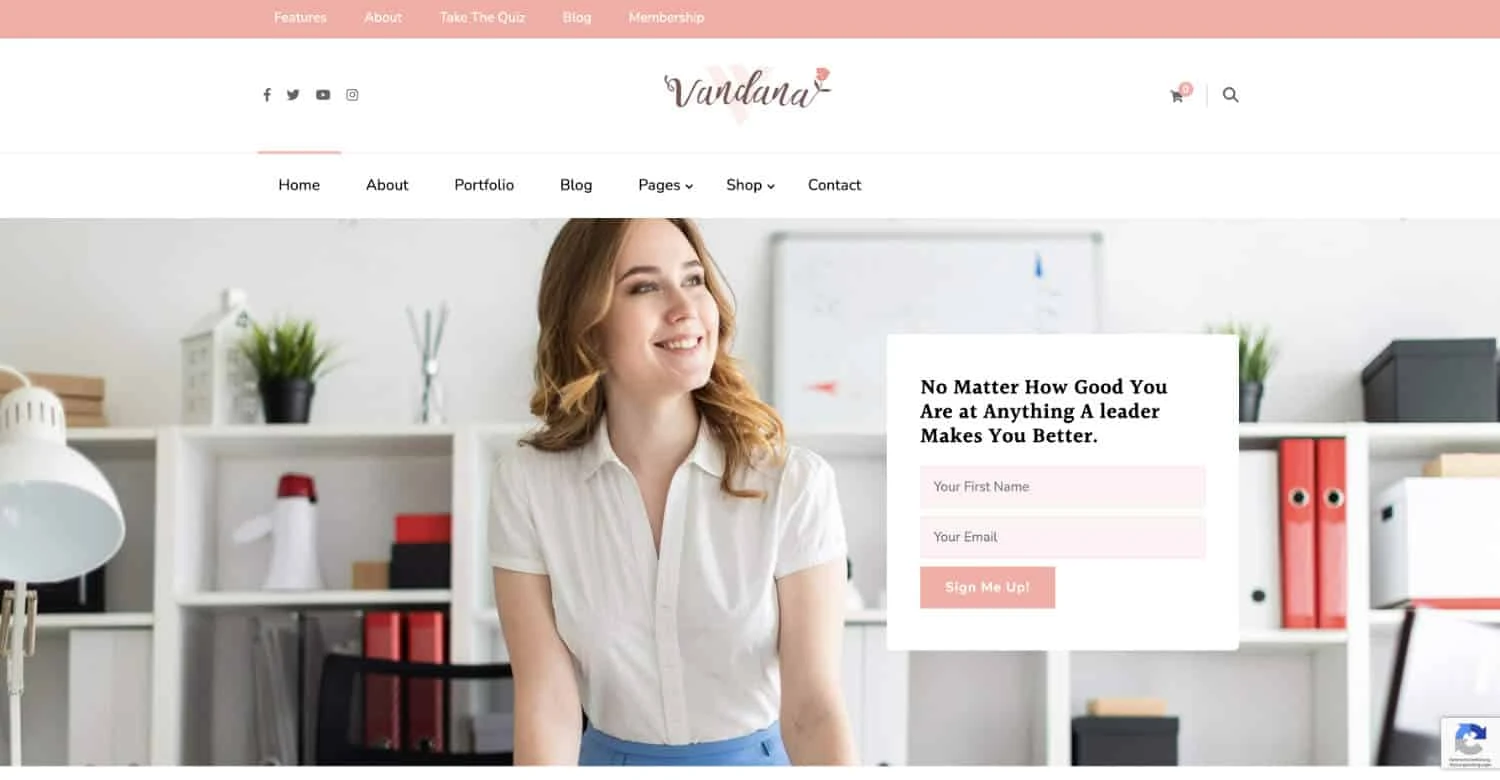
Vadana is a great freemium solution whose free Lite version already includes a great template made up of eleven blocks. It also includes a portfolio page with a filter for visitors.
One highlight is the social media features, like a very wide Instagram feed.
The portfolio can be displayed in different formats, including a slider layout.
It even covers building a mailing list: Vadana lets you add different forms in which visitors can sign up for your newsletter. The theme is also 100% compatible with WooCommerce, so an online shop won't be a problem either.
Vadana is aimed at freelancers and speakers. The colors are very feminine, so it mainly appeals to female users.
- Freemium
- Free version already well equipped
- Marketing features built in
- Social media extras like an Instagram feed
- Good support
- Premium version with an affordable lifetime offer
- 900 Google Fonts built in
- Range of features not comparable with the other themes on this list
2.13 Perfect Portfolio
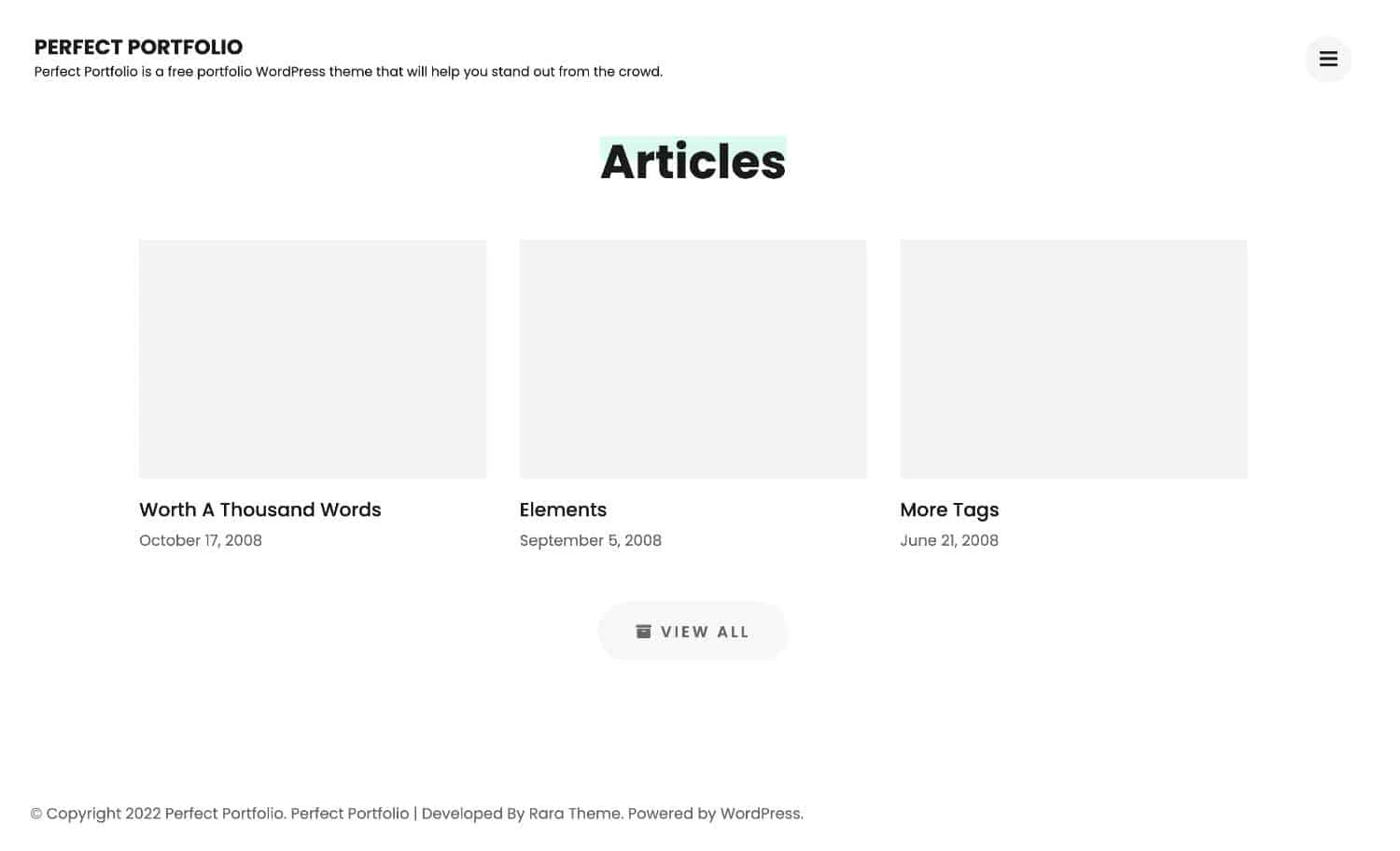
Perfect Portfolio is a free theme that you can download directly from the WordPress theme library.
The design is minimalist and appealing, but you shouldn't expect too much in terms of features. The focus here is clearly on simple operation, which is meant to appeal mainly to beginners.
The slimmed-down feature set shows in an excellent load time that almost no other theme on this list can compete with.
We also like the portfolio feature, which even comes with its own filter. An off-canvas menu is included as well.
Thanks to compatibility with page builders like Elementor, many projects can be built with Perfect Portfolio, even though we'd recommend a different solution for extensive sites.
Perfect Portfolio is the ideal solution if you don't want to spend any money on a theme and don't have big demands for your website. The minimalist design and the fast load time are the two biggest advantages of this theme.
- Free
- Very minimalist design
- Excellent load time
- Support available
- Portfolio filter
- Off-canvas menu built in
- No demo sites available
- Very limited range of features
3. Portfolio plugin or theme?
There are basically two ways to add a portfolio to your website:
- You use one of the portfolio themes presented here
- You use a portfolio plugin
While a theme is a kind of all-in-one solution, with a portfolio plugin you logically rely on two building blocks: a theme and a standalone plugin.
The advantage of this combined solution is flexibility. If you need to change the setup of your website, especially the portfolio, you can do that quickly and easily, for example by swapping the plugin.
The disadvantage is how the two work together. That automatically creates more seams that can cause problems under some circumstances. And since it's often unclear with such problems whether the plugin or the theme is causing them, you may have to turn to two different contacts (who, in the worst case, pass the buck to each other).
As a rule of thumb, our advice is...
If you plan to build an extensive website that is also meant to include a portfolio (among many other areas), then using a plugin makes sense.
Don't choose a portfolio theme here, but a complete solution.
If, on the other hand, you only want to create an online portfolio, then a portfolio theme is definitely the better choice.





