
Having your own website is standard for photographers today.
The problem:
A website for photographers follows very specific rules when it comes to function and design. Because of that, a WordPress theme for photographers has to meet very individual requirements.
In this article, we've collected 10 photography themes that make a professional web presence possible for you and your artwork.
And they do it without being expensive or requiring a lot of expertise.
What should a photography theme offer?
As mentioned at the start, a website for photographers needs very specific features.
Other features that a blog, for example, absolutely requires can be completely unnecessary here.
That's why, for a photography website, you shouldn't fall back on standard themes but choose solutions developed specifically for this field.
Before we look at the 10 photography themes, I'd like to give you a short overview of which features a theme should ideally include:
- Portfolio feature: There are excellent portfolio plugins, but it's ideal if the theme you choose already includes a portfolio feature. That way you can present your work to visitors directly.
- E-commerce feature: Good themes have good WooCommerce integration, so you can sell digital images automatically straight from your website.
- Client galleries: If you take photos on commission, it's ideal if you can make the results available in a protected members area.
Of course, the theme doesn't necessarily have to include all of these features. After all, you can also add them with plugins.
Still, it's better to have a wide range of features already built into the theme.
Flothemes is no longer sold
Flothemes is no longer sold and no longer receives updates or support. You'll find notes for existing websites in the vendor's support FAQ.
For a new WordPress website, you'll find available alternatives below, such as Divi, Neve or Elementor with Hello.
1. Divi
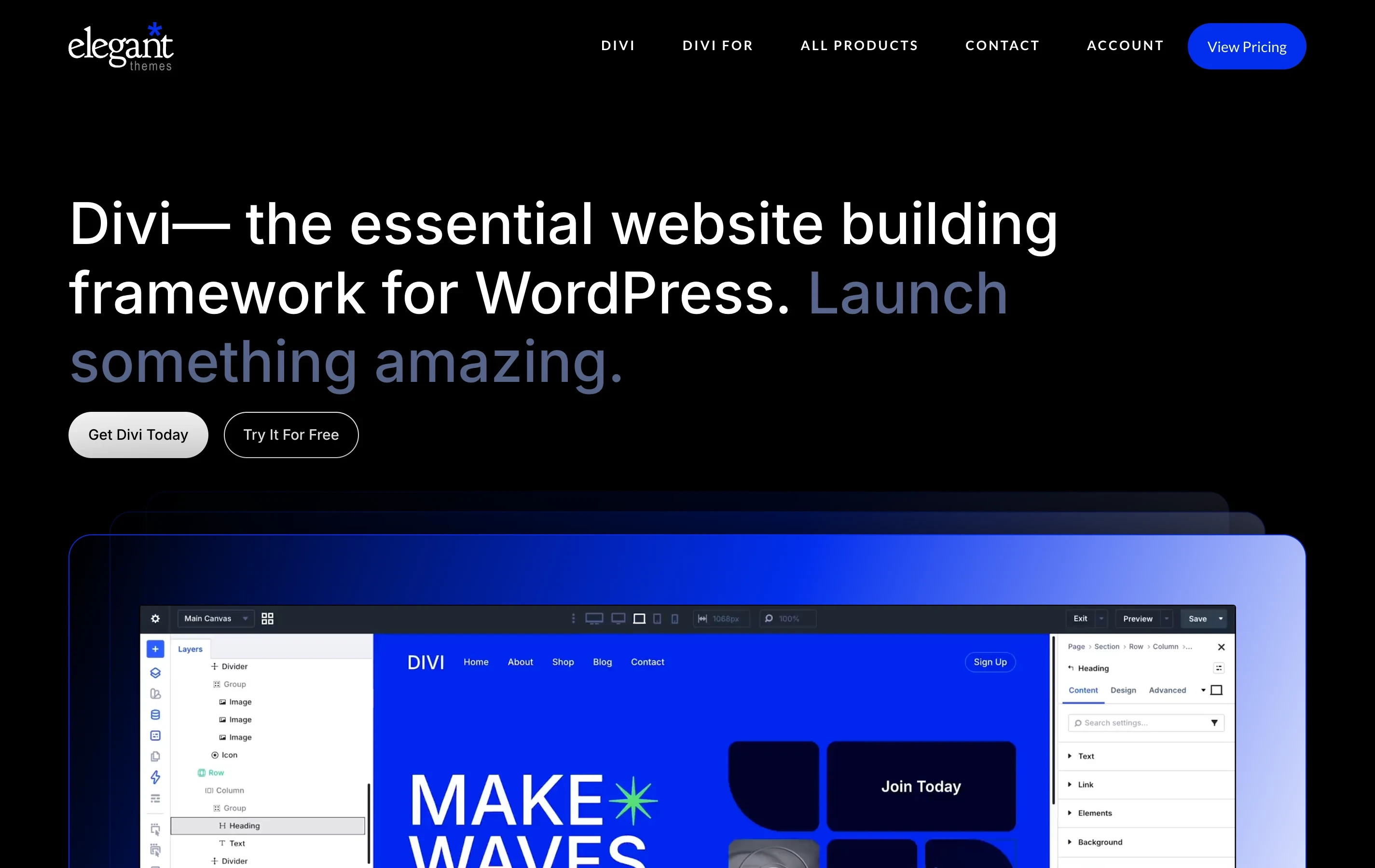
Strictly speaking, Divi isn't a theme made specifically for photographers. But Divi is so flexible in its structure that you can use it to build almost any project you already have in mind.
Divi comes with one of the best WYSIWYG editors (live editor) on the market. It takes some time to learn, but it lets you create professional pages without having to code yourself.
And the best thing about Divi: numerous complete templates are already built in.
Complete templates here means you can import an entire website (including all subpages) with a single mouse click and only need to add your own content (images, text).
That cuts the build time many times over.
Divi can also be extended as much as you like with numerous templates. For photographers specifically, you'll find, for example, 11 ready-made designs here that you can import easily.
The already very large range of features is expanded by additional tools such as Bloom (email marketing) or split testing.
On top of that, you get really competent support and a gigantic community that grows every day and helps you out with advice and practical help when problems come up.
- One-time payment possible
- One of the best drag-and-drop builders on the market
- Many prebuilt blocks
- Extensive templates
- Very intuitive theme builder
- Excellent support
- Compatible with Gutenberg (Divi block)
- Can be extended as much as you like with extensions
- Additional tools included
- Poor load time
- High price
- Learning curve required
2. Avada

Avada is also an extensive drag-and-drop builder that takes the coding work off your hands and shows you results immediately in a live view.
So Avada isn't a theme in the classic sense but rather a complete solution that lets you create very individual websites. With Avada you can customize not just the page content but also the header and footer as you like.
To make your work even easier, the developers give you 86 prebuilt designs that you can import directly.
Unfortunately, there's only one theme developed specifically for photographers here, which isn't necessarily a disadvantage. There are plenty of neutral templates that can be turned into a photography website, including a portfolio, contact form and many other extras, in no time.
Avada also gives you 91 design elements that you can integrate anywhere on your website.
And the best part: for this large range of features, you pay just $60 on Envato Market.
- Easy-to-use drag-and-drop editor
- 91 prebuilt design elements
- 86 prebuilt templates
- Theme builder: custom headers and footers
- 6 months of free support
- Sensational value for money
- Good load time for a page builder
- Only one prebuilt design made specifically for photographers
3. Neve
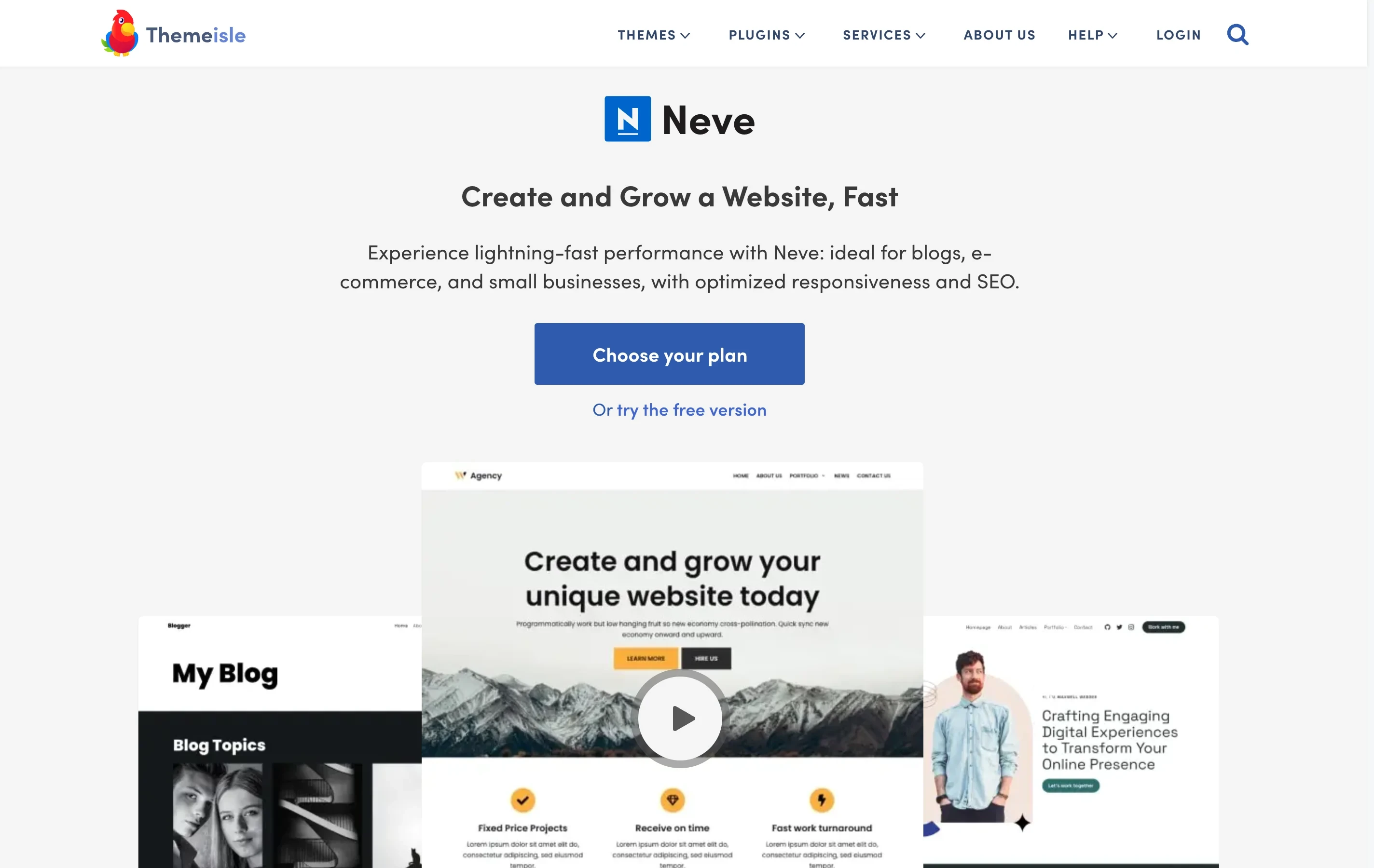
Neve is a theme whose free version counts 300,000+ active installations and reaches 5 out of 5 stars in the WordPress theme directory. That speaks for itself and makes clear that you can't go wrong with Neve for a photography website either.
The theme is easy to use, allows extensive customization via the Customizer even in the free version, and impresses with fast load times.
The highlight is the beautifully designed templates, which are already included in the free theme but are expanded significantly by the premium version.
There are even 4 templates developed specifically for photographers.
Easy integration of WooCommerce is also available, so you could sell your work directly through the website.
What the Pro version offers
As mentioned, even the free version is richly equipped. Real design freedom only comes with the premium version, though.
Here you get custom headers and footers, performance improvements and great blog templates. You can also polish the look with things like transparent headers.
Three premium plans are available, from $59 up to $259.
- Free version available
- Fast load time
- Easy to use via the Customizer and Gutenberg
- Affordable premium entry plan
- Extensive templates (4 for photographers)
- Large community, good support
- WooCommerce is only extensively usable from the Business plan ($149 / year)
4. Elementor + Hello Elementor
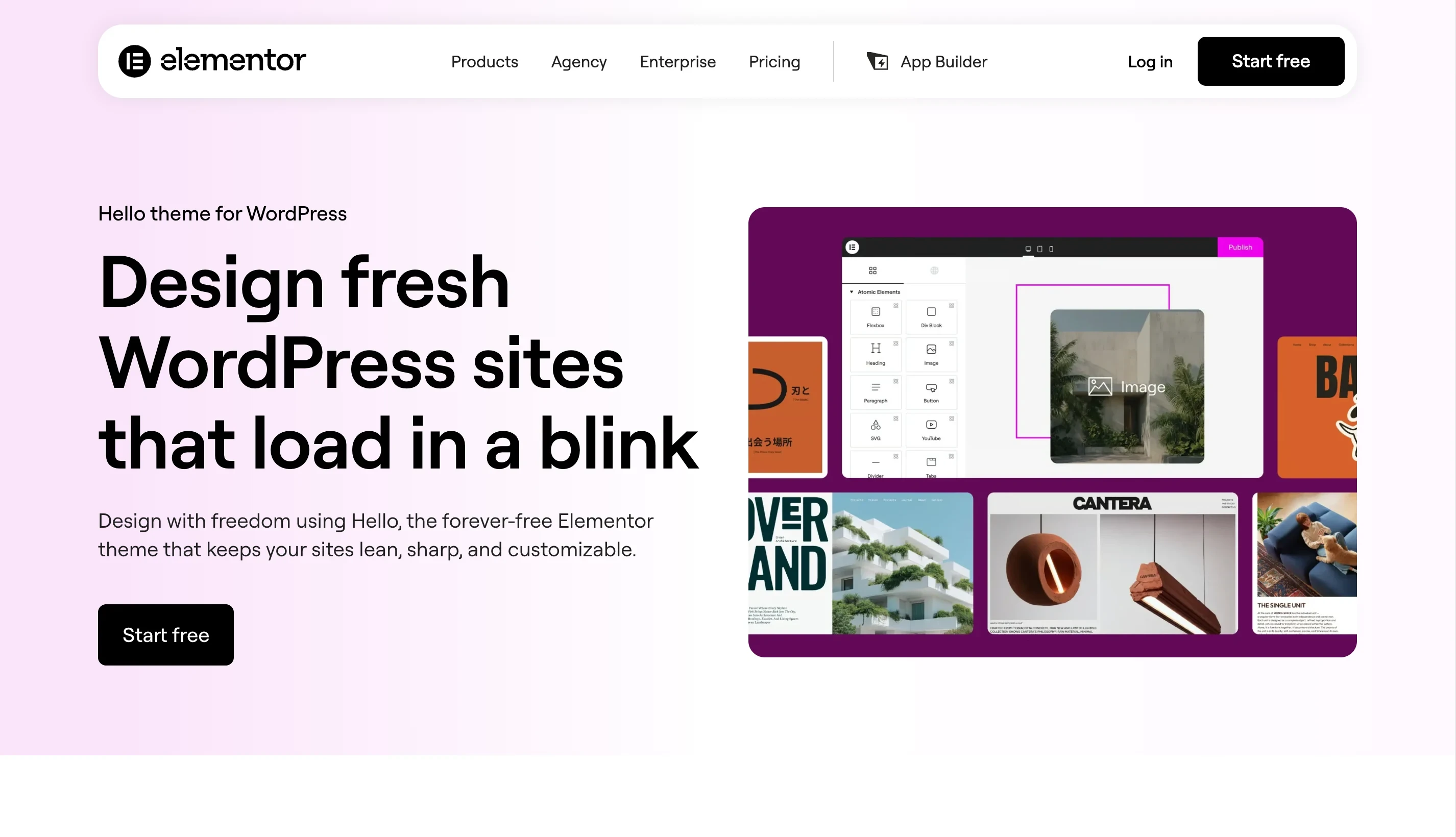
This solution consists of two parts: the free Hello theme and the page builder Elementor, which comes in a stripped-down free version and a premium version.
The Hello theme was developed by the Elementor developers themselves to work ideally with the page builder.
That's why the theme itself is fairly bare and can hardly be used as a standalone solution. Combined with Elementor, though, Hello comes into its own and lets you build a very professional photography website without any prior knowledge.
Helping you do that are numerous prebuilt templates (3 specifically for photographers) as well as one of the best (if not the best) page builders on the market.
With Elementor you build complex websites simply with drag and drop, without having to code yourself.
And the great thing: Elementor and the Hello theme are even free!
What does the Pro version offer?
Even though Elementor exists in a free version, designing a website with Elementor Pro is a lot more fun.
For one, it includes numerous additional blocks and templates. For another, you get a free SSL certificate, premium support and a CDN from Cloudflare. And all of that for $89 per year, which is definitely fair.
Elementor Pro can also be extended with extensions and filled with even more prebuilt blocks that add more shine to your website.
- Free to use
- One of the best page builders on the market
- Complete theme builder
- Numerous templates included
- Premium version with many features
- Can be extended as much as you like with extensions
- Very good support
- Load time not optimal
5. Bridge
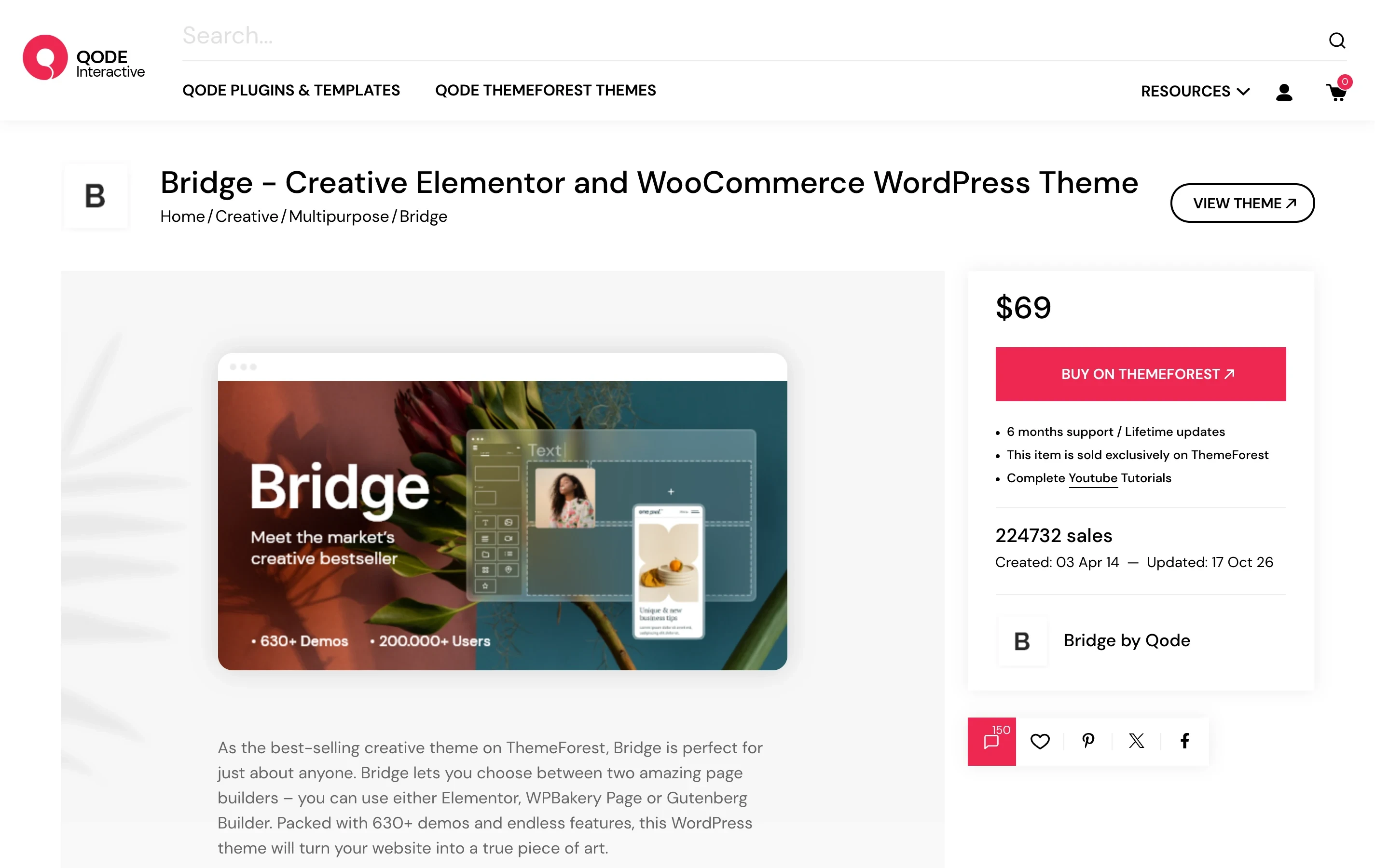
Bridge is a theme that was developed specifically for creative professions and topics.
That means all the templates built into the theme (612 of them) are artistically designed and give the visitor a matching feel right away.
To build a website, you can use Gutenberg, or you can fall back on the page builders WPBakery or Elementor.
Premium plugins worth $100 are already included. Among them, for example, a slider or booking software that lets visitors pick and book appointments directly.
The heart of the theme, though, is the built-in portfolio templates, which let you present your artwork in a very appealing design.
So that no problems come up while you build the page, or rather so they can be solved right away, you get extensive video tutorials, a help center and premium support from the developers for 6 months.
What does it cost?
Bridge costs just $59 (one-time payment).
- Very low price
- Compatible with page builders like Elementor
- 612 (!) templates included
- Great portfolio templates
- Many prebuilt elements
- WooCommerce-compatible
- Premium support
- Numerous video tutorials
- Support is only free for 6 months
6. SOHO
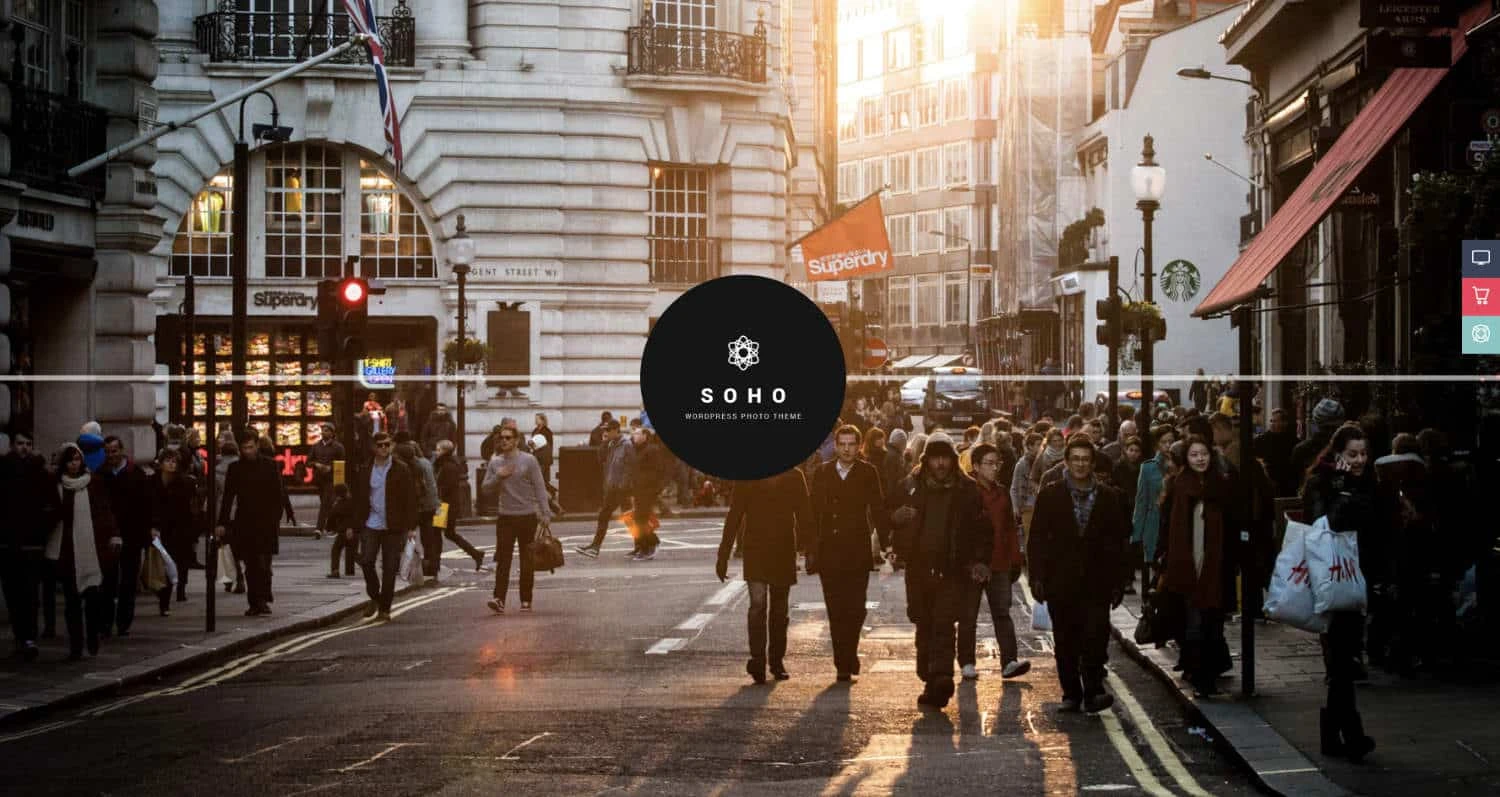
SOHO is a theme made specifically for photographers that is meant to serve only one purpose: making your images shine online with special brilliance.
The entire design of the theme is built to present your images to visitors. Above all, a very extensive gallery supports you, which you can customize however you like. Choose from Full Screen, Portfolio, Masonry or Ribbon.
There are also extras like a fullscreen slider that you can place on the home page, for example, to greet your visitors directly with your best work.
Building the page itself is also made especially easy, because SOHO is compatible with page builders like Elementor and even adds further blocks to them, such as counters, icons or pricing tables.
SOHO is bought through Envato Market and costs you $65 one-time, including future updates and 6 months of premium support.
- Very affordable
- Designed specifically for photographers
- Compatible with page builders
- Great gallery and portfolio
- Fullscreen slider
- 6 months of free support
- Support ends after 6 months
- Load time not ideal
7. Photography
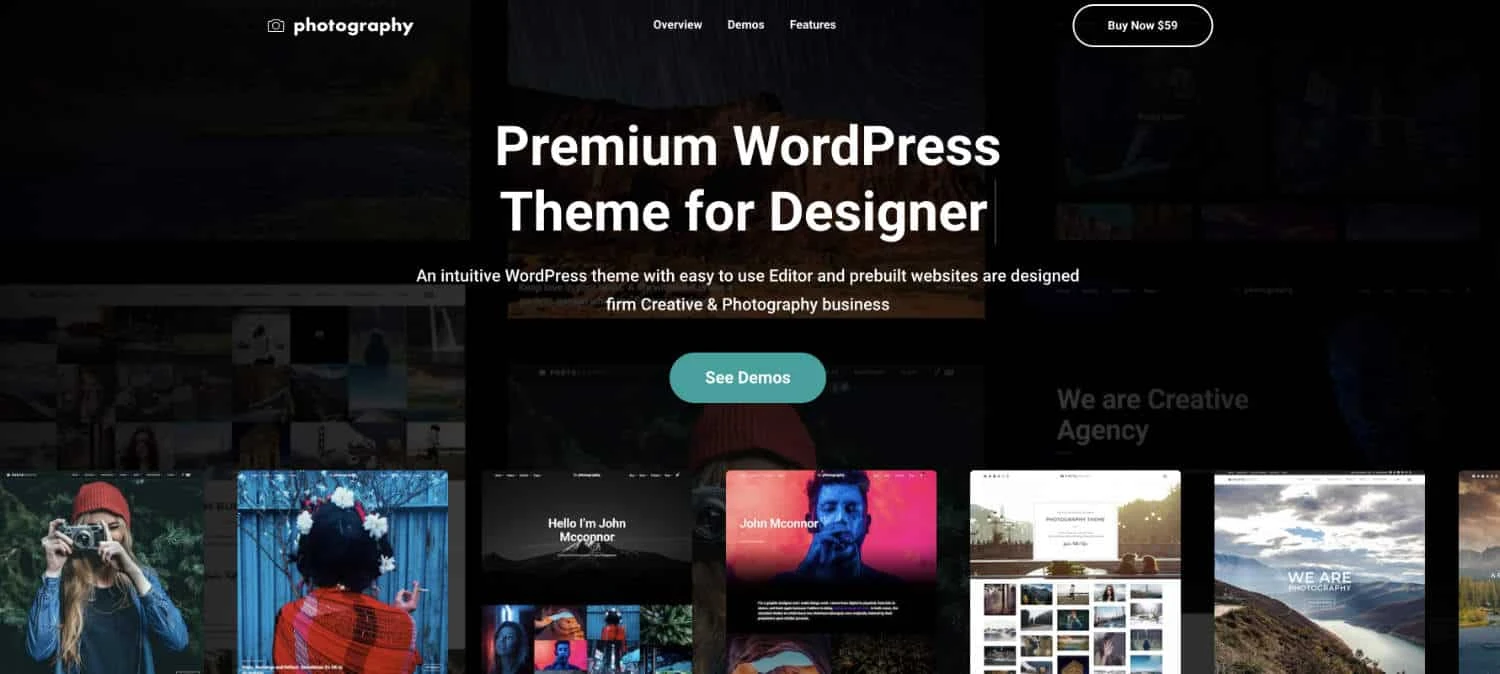
As the name already suggests, Photography is a tailor-made theme for photographers that absolutely can't be missing from this list.
21 very impressive templates await you, covering almost every style from artistic to minimalist and importable with a single mouse click.
So Photography makes it easy to create an individual, professional website, especially because the theme is compatible with page builders like Elementor and adds 50+ blocks to them.
There's also a WooCommerce integration that includes 86+ payment options and many great features made specifically for photographers.
The theme is rounded out by features like lazy loading for images, an Instagram integration, fullscreen lightboxes and SEO settings.
All in all, Photography is a theme aimed at beginners and pros alike.
Given the price of just $59, Photography is definitely worth considering. The 800+ reviews, which rate the theme 4.6 out of 5 possible stars on Envato Market, show that too.
- Affordable one-time price
- Page builders like Elementor can be integrated
- 70+ ready-made templates
- Developed specifically for photographers
- Extended WooCommerce features
- Multilingual support already built in
- 6 months of free support
- Load time could be better
8. Tasver
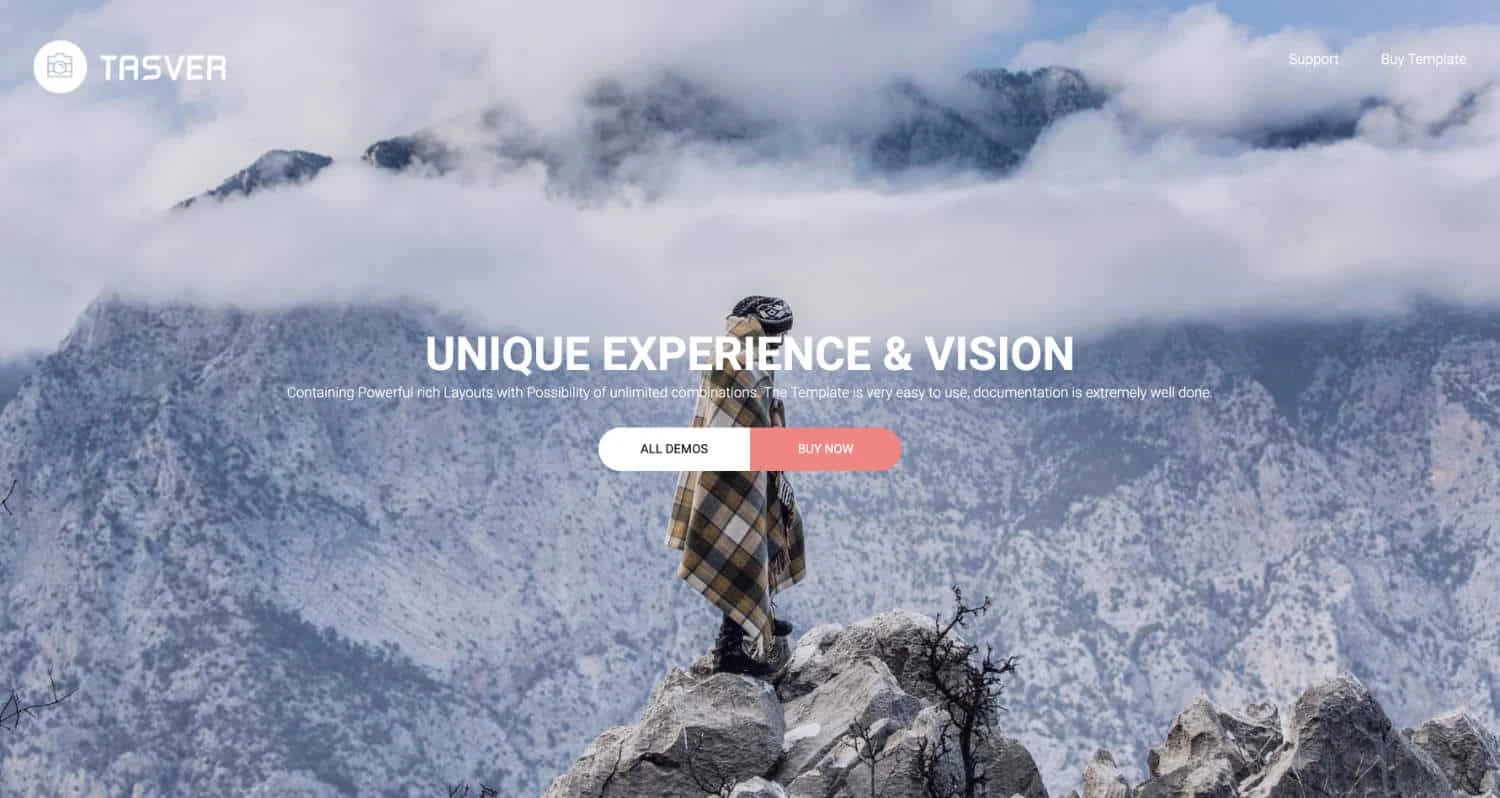
You can buy Tasver for just $18 (including 6 months of support and lifetime updates) on Envato Market.
Even though the theme is definitely one of the less widely used ones, it stands out with excellent value for money and is a great choice especially for photographers who don't want to build an extensive website.
Of course, for the purchase price you can't expect a full-featured theme with numerous extras. Tasver still comes with 19 templates, including templates for the home page, the gallery and your portfolios. There are also further ready-made blocks for About Us or contact pages.
Content is created conveniently with Gutenberg, while visual adjustments are made via the Customizer.
Even though beginners will certainly get along with Tasver, it doesn't hurt to have some CSS experience, since the customization options in the Customizer are very limited.
- Very low price
- High-quality templates included
- Made specifically for photographers
- Suitable for beginners
- 6 months of premium support
- Few settings
- Limited range of features
- CSS skills are ideal
9. Blacksilver Photography
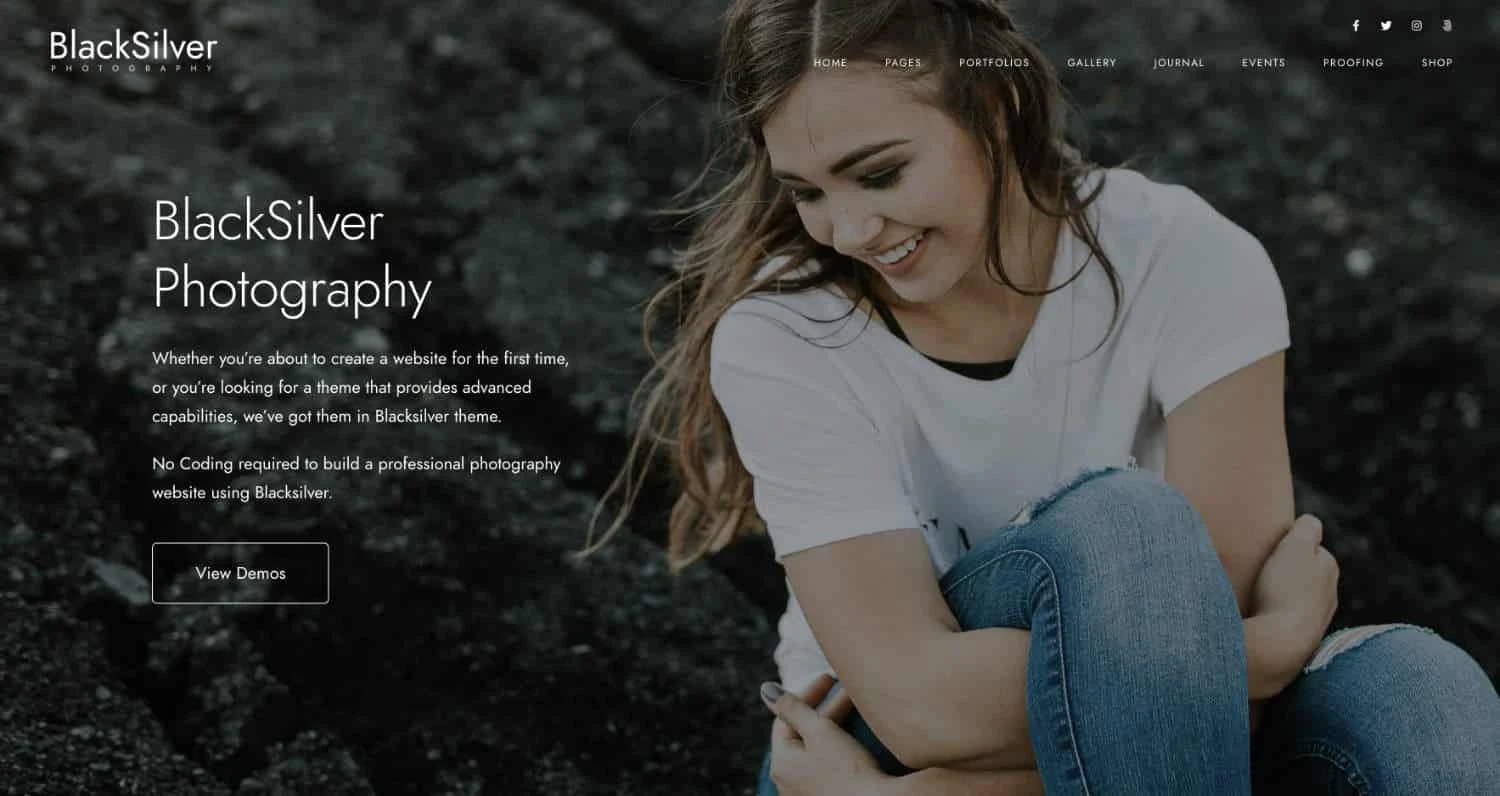
Blacksilver Photography is one of the most visually appealing themes on this list and also comes with a rich range of features.
First, you get a really large template library that holds not just different page designs but also subpage templates. You can customize these templates either in the classic Gutenberg editor or with the page builder Elementor, with which Blacksilver Photography is 100% compatible.
If you want to sell images directly through your website, WooCommerce support provides all the necessary building blocks. There's also extensive client management, including password-protected pages, so you can put client images online directly.
Of course, the theme is responsive and SEO-optimized.
The load time is also really excellent, which unfortunately only partly applies to many themes on this list.
If you want to set up a multilingual site, the theme has excellent integration with the WPML plugin.
You can get Blacksilver Photography for a one-time payment of $59.
- Very appealing designs
- Extensive template library
- One-time payment
- Compatible with Elementor
- 6 months of premium support
- Good load time
- WooCommerce support
- Client management
- Are there any?
10. Chique Photography
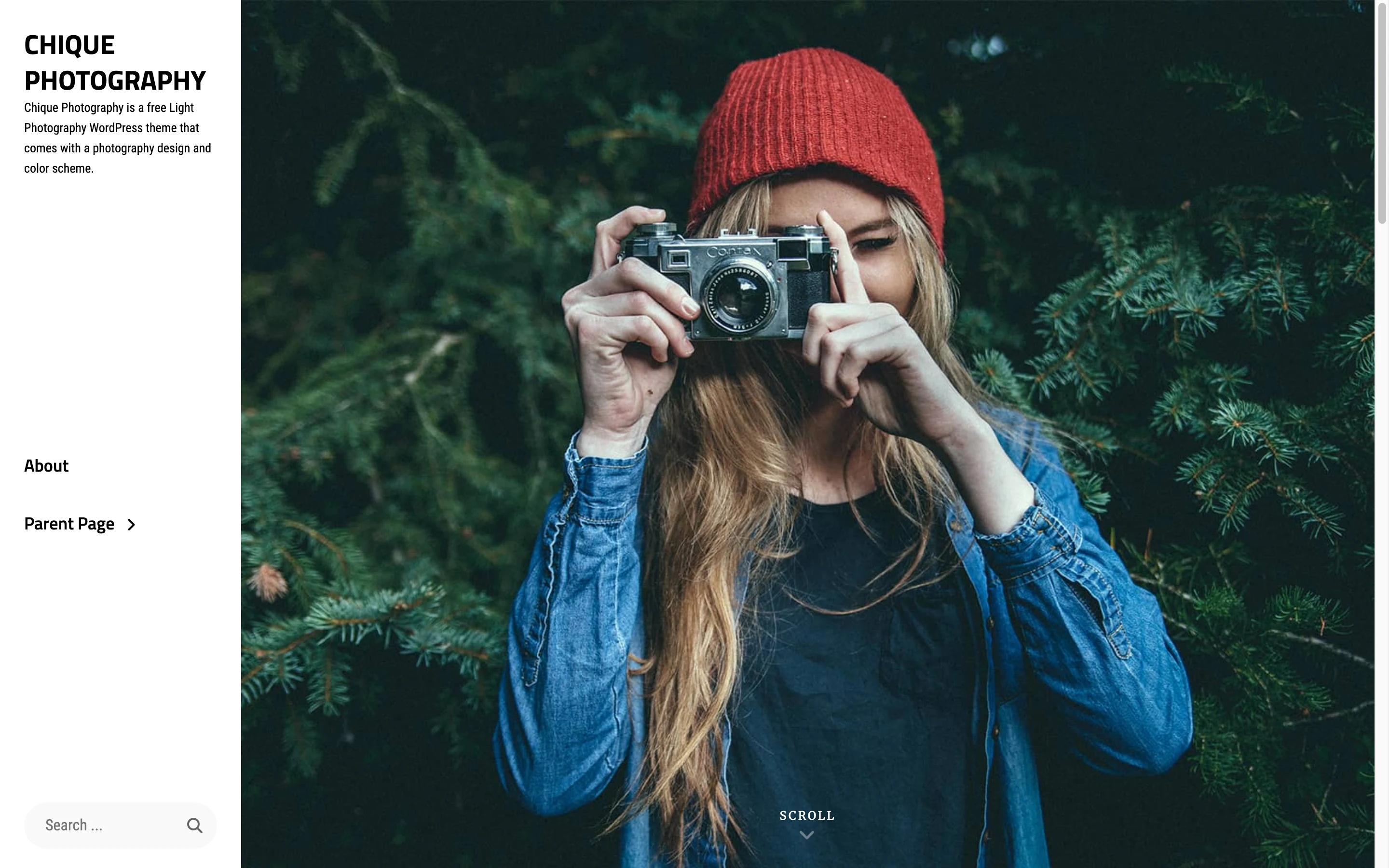
Chique Photography is a small, handy theme that you can download for free from the WordPress theme directory.
It isn't a premium solution, but Chique offers some great highlights that are definitely not a given for a free theme. Among them an integrated slider and a portfolio you can use to present your best work.
Chique Photography also impresses with a good load time and full optimization for mobile devices.
Smaller sites can be built with this theme without any problems.
For very specific design requirements and large image databases, though, I would advise you to go with a different solution. Here the theme is simply too inflexible, unless you're willing to make all the adjustments yourself via CSS.
- Free
- Good load time
- Suitable for mobile devices
- Slider and portfolio included
- Very creative design
- Stripped-down range of features
- No support





