
Since the Covid pandemic at the latest, it has been clear that continuing education, whether at school, in training within your own company or even in coaching programs, is (and has to be) increasingly digitalized.
A pleasant and functional learning environment is a basic requirement here to achieve ideal learning results.
In this article I'd like to introduce you to the 9 best LMS plugins for WordPress, which you can use to create exactly that kind of learning environment for your customers or students.
Let's get started.
- LMS plugins turn WordPress into a full-fledged e-learning platform, with quizzes, certificates, payment processing and much more.
- LearnDash, MemberPress and LifterLMS offer the largest feature sets, while LearnPress stands out as a free alternative.
- DigiMember combined with Digistore24 is ideal for the German-speaking market. Tutor LMS and MasterStudy LMS start with a free core, and fastgecko comes from Austria.
What is an LMS (learning management system)?
An LMS is nothing more and nothing less than a virtual classroom, a training room on the internet.
Within the online environment of such an LMS, you can structure course content such as webinars, recorded videos or learning materials and make it available to your participants.
Good LMS providers (more on that in a moment) add advanced features like surveys, quizzes or tests to make the learning experience as interactive as possible.
Ideally, participation ends with a certificate.
What should a good LMS plugin offer?
Many providers have recognized the trend toward online continuing education. As a result, LMS products are currently popping up like mushrooms.
To tell a good system from a bad one, you should primarily look for the following quality features:
- Usability: Usability has to be assessed from two angles. Once from your point of view as the course creator and once from the point of view of the later users. With an LMS, make sure you get a good editor that helps you create structured and clear content.
- Interactivity: Numerous studies have shown that learning results improve as interactivity increases. A good LMS lets you create surveys, quizzes or tests that encourage your participants to join in.
- Certificates: After completing a course, participants should, if possible, be able to receive a professionally designed certificate. This applies especially to professional training that can be regarded as an additional qualification.
- Notifications: Both you and your course participants should be able to be notified of important events by email or SMS. Ideally, an LMS even has a function for creating automated email campaigns.
- Monetization: Of course you also want to earn money with your courses. For that to be possible, an LMS plugin should have the right options and at least a connection to PayPal or WooCommerce.
- Add-ons: You won't always be able to judge at the start of creating a course which direction it will develop in. In light of that, good LMS products offer the option to connect third-party tools.
The best LMS plugins for WordPress
In this chapter we'd like to introduce you to 9 LMS plugins that we took a closer look at to identify and collect the pros and cons for you.
1. LearnDash

LearnDash is a so-called LMS (learning management system).
That makes the plugin ideal if you want to create online courses and member areas for conveying knowledge of all kinds. That also happens in a separate member area, but LearnDash's focus is clearly on self-contained courses.
The plugin is ideal if you want to sell several different online courses through your website in member areas you host yourself, ideally even courses that build on each other.
LearnDash gives you a wealth of really great features to offer your members a great learning experience. These include things like discussion forums, final exams, certificates or leaderboards.
LearnDash can also be connected to numerous external services like MailChimp or Zapier that support you with marketing.
An integration of WooCommerce is already prepared as well, so you can conveniently manage all payment processes through that plugin.
Of course LearnDash is compatible with every theme and every page builder (Elementor, Divi, etc.), so you can create appealing course areas with the tools you already know.
Tip: LearnDash is also excellently suited for internal, automated employee training.
There is no free version. LearnDash now belongs to Liquid Web and, according to the vendor, costs $350 per year for one website. For several websites there are tiered plans (10 websites for $599, 25 for $799). Instead of a money-back guarantee, the vendor offers a free 48-hour trial.
- Numerous templates built in
- Easy connection to well-known payment providers like PayPal
- WooCommerce compatible
- Exams, certificates and quizzes
- Multi-level course structure possible
- Built-in forums
- Member area can be designed with page builders
- No trial version
- A bit complex for beginners
2. MemberPress + Courses add-on
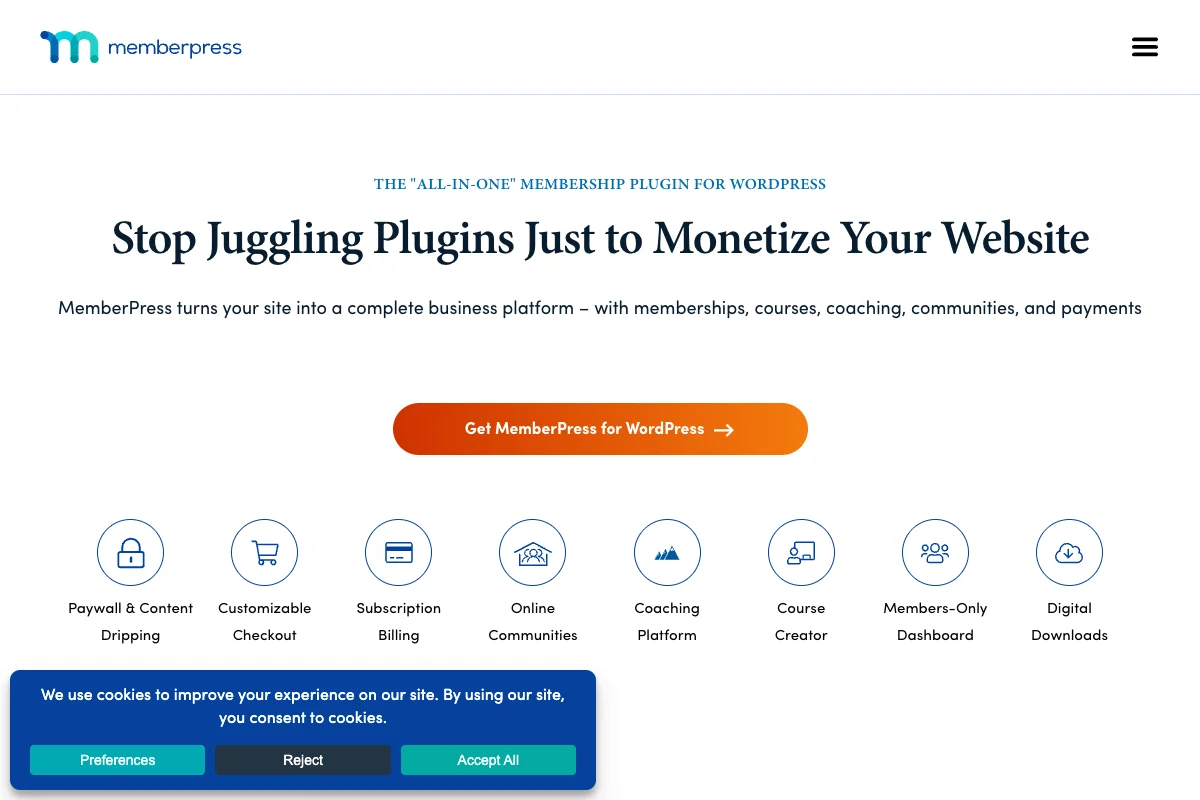
MemberPress proved to be one of the most comprehensive and powerful plugins in our test.
Many features are already included in the standard scope that other contenders make you pay dearly for through add-ons.
These include extensive payment features (coupons, upsell, downsell) and a very intelligent access control for content, which lets you, for example, define very specifically who may view which content, when and how often.
The usability for your members also meets the highest standards. MemberPress offers, for example, individual menu structures, user flow maps or simple conveniences like a password strength indicator at registration.
That definitely gives a professional impression.
MemberPress can be connected to numerous marketing and payment providers. Among them Active Campaign, MailChimp, BuddyPress, Zapier, PayPal or Stripe.
Even bookkeeping becomes child's play with this plugin. In the plugin's backend you can create invoice templates, which MemberPress automatically generates after a payment is completed and stores in the system.
It stands out especially positively that, despite its very large feature set, MemberPress is simple to operate and therefore appeals not only to beginners but also to users with high demands.
The Launch plan costs $199.50 in the first year (regularly $399) and additionally charges a 4.9% transaction fee on your payments. The more expensive plans don't. A 14-day money-back guarantee applies.
- Very easy to set up and use
- Well-organized backend
- Gigantic range of features
- Integration with numerous external providers (MailChimp, GetResponse, PayPal, etc.)
- Automatic email notifications to administrators for important events
- Intelligent content control
- Different payment models for members possible
- Extensive tracking in combination with MonsterInsights
- No free trial version available
3. DigiMember
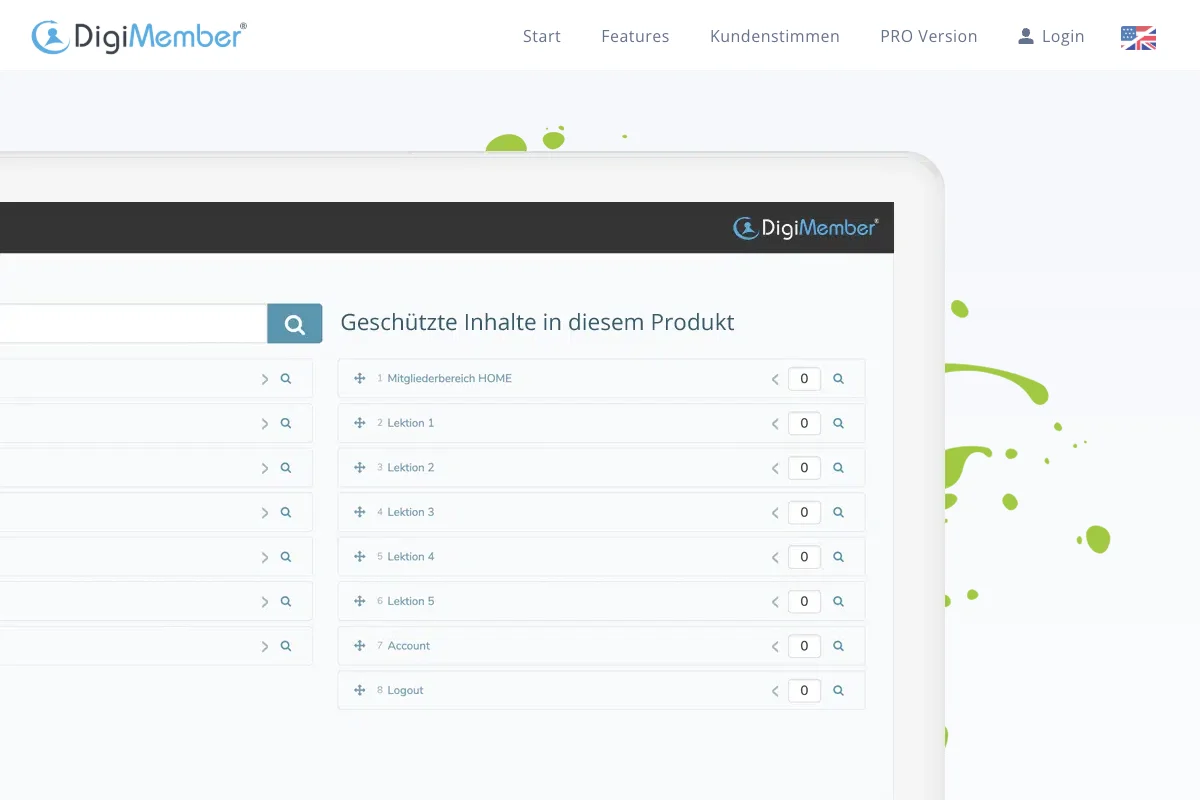
DigiMember is the German-language membership plugin par excellence and was one of the first of its kind. The easy and quick connection to the payment provider Digistore24 in particular makes DigiMember a really great solution that you should definitely take a closer look at.
The free version of the plugin can be used without a time limit. You get it by signing up for the DigiMember newsletter.
Unfortunately the features are heavily stripped down here, so in our view the free version is really only suitable for testing the plugin. Not only is the DigiMember branding extremely annoying, but so is the fact that you can't define any special rules for unlocking content.
What does the Pro version offer?
The Pro version opens up a wide range of features that let you create very professional member areas, especially online courses.
For example, you can unlock content only after a certain period, run final exams and hand out certificates, or have automatic marketing emails sent.
DigiMember works best with the German-language email marketing provider Klick-Tipp. A connection to MailChimp is possible too, though.
Unfortunately, at €397 per year (or €47 per month, each plus VAT), DigiMember PRO is not exactly a bargain.
That said, along with a very comprehensive plugin you get German-language support that is available to you immediately for problems and questions.
- Free version available
- Wide range of features in the Pro version
- Easy to use, even for beginners
- Fits into any WordPress installation and any theme without problems
- Sequential unlocking
- Exams and certificates
- Locking of online content and download products
- Very simple Digistore24 integration
- Email marketing already integrated
- German-language support
- Free version heavily stripped down
- Pro version very expensive
4. LifterLMS
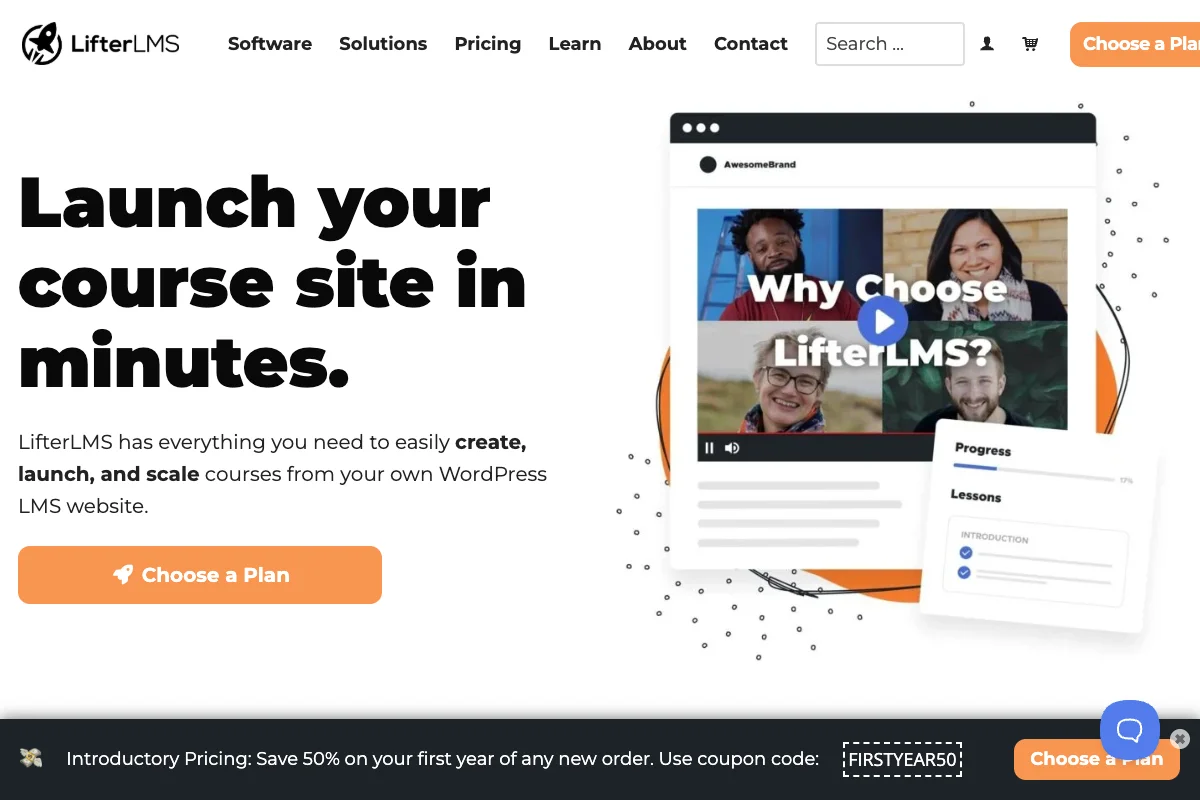
LifterLMS is one of the best-known systems on the market. In its basics it is strongly reminiscent of LearnDash, but tops its already generous feature set once more.
LifterLMS gives you a very extensive drag-and-drop editor that lets you create extensive courses in no time. You are very flexible in designing the learning content and can develop individual lessons, entire training courses or advanced seminars with the plugin.
So that your participants don't get bored, quizzes, tests and numerous other gamification elements are included. There are also certificates and final diplomas.
Affiliate marketing features and email marketing features are included as well. That lets you, for example, notify participants as part of automated campaigns and encourage them to join a course or buy another offer.
What does the Pro version offer?
The core version of the LifterLMS plugin is free. The problem is that it has no connection to payment providers, so if you want to sell courses, you can't do without the Pro version.
With the Earth bundle for one website, you get e-commerce add-ons for Stripe, PayPal and WooCommerce. The list price is $398 per year.
The Universe bundle ($598 per year, five websites) additionally includes add-ons for email marketing and CRM as well as for forms. The Infinity bundle ($1,598 per year) applies to an unlimited number of websites and includes all advanced add-ons. There is also a lifetime license for it.
The vendor temporarily discounts the bundles heavily, for example in November. A 30-day money-back guarantee applies to all products, and renewals are charged at the full price.
- Free version
- 30-day money-back guarantee
- WooCommerce connection
- Very good drag-and-drop editor
- Many gamification features
- Certificates and diplomas
- Numerous add-ons available
- Marketing features
- Very good support
- Additional features very expensive
5. fastgecko
fastgecko is one of the lesser-known LMS plugins, but offers a really decent feature set at a low price. The makers are also from Austria, which means you can look forward to German-language support.
You create courses with a drag-and-drop editor that is easy to use and convinces with good performance. In addition, you can choose from numerous ready-made templates, which you can import into the editor and then adapt to your individual requirements.
We also like the additional features very much, such as the built-in analytics tool, a data vault, and the time-based unlocking of content.
fastgecko has marketing covered too. Besides automated email campaigns and a connection to tools like Klick-Tipp, MailChimp or GetResponse, there are upsell funnels and an integration of the best-known payment providers like Digistore24 or PayPal.
Another highlight: fastgecko doesn't limit the number of courses and projects you can create with the plugin. That makes the tool the ideal solution for you if you want to create and sell more than one standalone course.
- Free trial version
- Drag-and-drop editor
- Extensive template gallery
- German-language support
- Automation features
- Upsell options
- Exams and certificates
- Connection to third-party providers like MailChimp, PayPal or Digistore24
- Somewhat limited in features like tests or quizzes
6. LearnPress
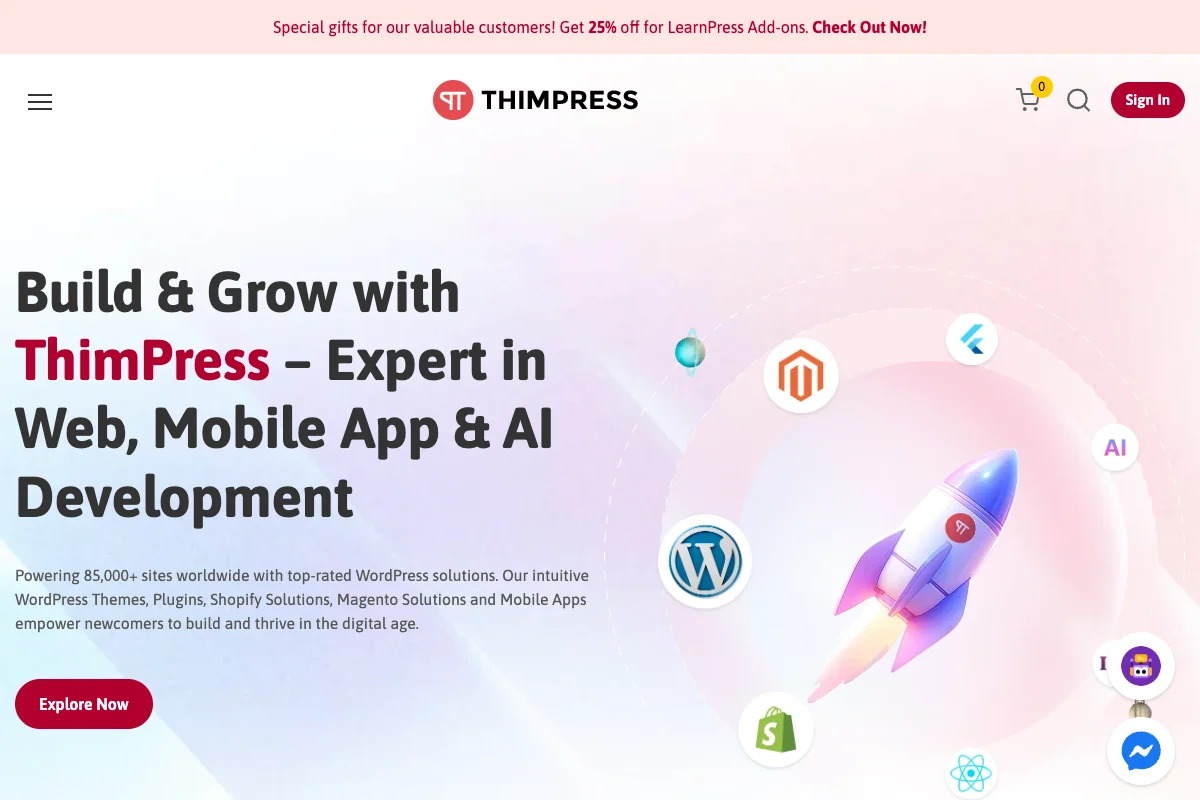
LearnPress is a free LMS plugin that you can download directly from the WordPress plugin library. More than 60,000 active installations and a rating of 4.3 out of 5 stars show how well the tool does its job.
LearnPress comes with all the features you need to create an extensive course area.
That means: you add individual content like videos, text lessons or documents to your course area, create quizzes and tests, and at the end of a course issue a certificate for successful participation.
The plugin settings are clear and well organized, so even as a beginner you'll find your way around right away. The only negative is that LearnPress has no drag-and-drop editor of its own. If you use a page builder like Elementor, though, that shouldn't be a problem.
What does the Pro version offer?
With 20+ available add-ons, you can adapt LearnPress to your wishes. Among other things, you'll find a WooCommerce connection, a quiz extension or a frontend editor for your course participants.
Alternatively, you can buy all the extensions in the Pro bundle for $299. That is a lifetime license for one website, so the add-ons keep running. Updates and support are included for twelve months, and a renewal for one more year costs $209.
- Free
- Large community that helps with questions
- Clear menu structure
- Create quizzes and tests directly in the backend
- Easy to add WooCommerce (add-on)
- No drag-and-drop builder
- Not compatible with every theme
- Add-ons partly very expensive
7. Tutor LMS
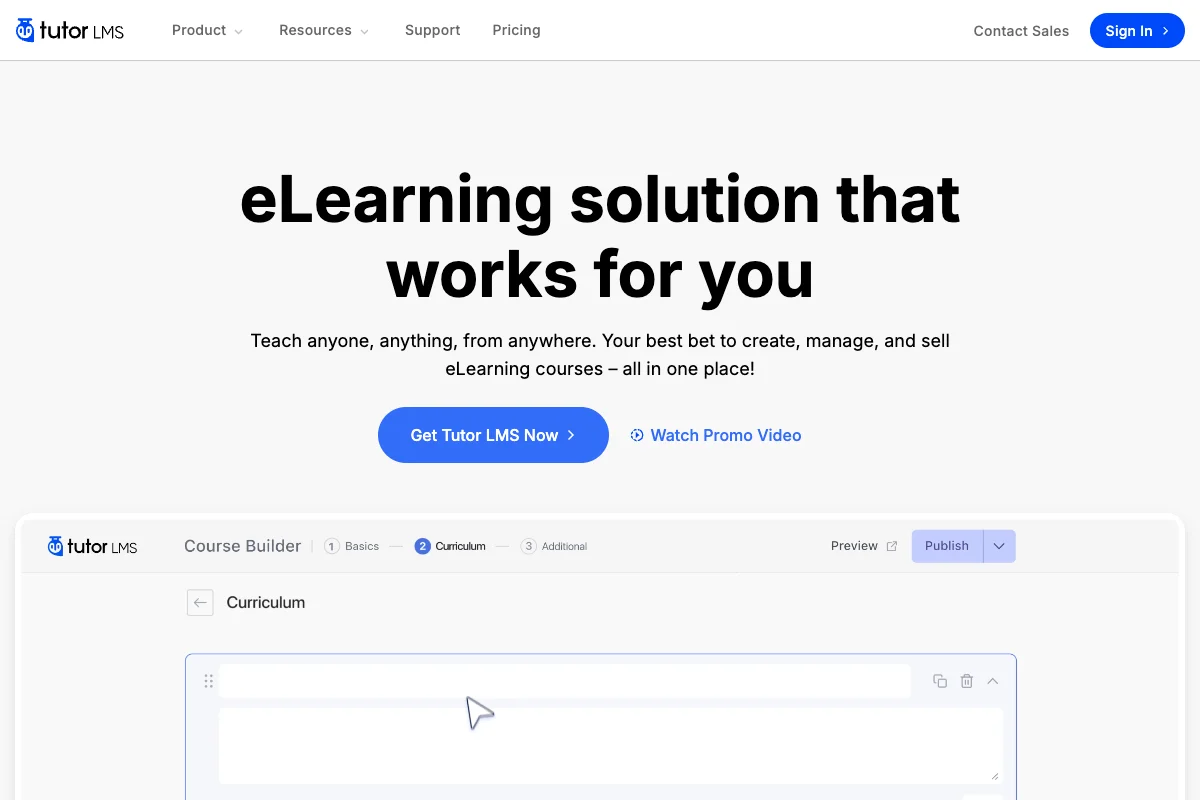
Tutor LMS is one of the newer plugins on the market, but comes with a generous feature set that will appeal above all to beginners: all areas, whether course creation itself, certificates or quizzes, come with an easy-to-use drag-and-drop builder.
The core version of the plugin is even free, but unfortunately it is only suitable for testing purposes (e.g. compatibility with the theme). Tutor LMS only gets really good in the Pro version.
The Pro version is available as an annual license from $199 for one website (Business $399 for ten websites, Agency $799 for unlimited websites) or as a lifetime license from $499 for one website. A 30-day money-back guarantee applies.
What does the Pro version offer?
With the Pro version you unlock all of the plugin's content. And that's quite a lot.
Here are the highlights:
- Frontend course builder: You create your courses directly in the presentation view. This live builder is ideal for beginners with little to no experience.
- Management tools: You as the course creator, but also the participants, get important information presented clearly on a dashboard.
- Certificates: Create certificates with a drag-and-drop builder
- Quizzes: Create quizzes of any size with a drag-and-drop builder
- Analytics: Extensive analysis tools for visitors, quiz participation, etc.
- Communication: Email templates and automated campaigns, as well as push notifications
- Add-ons: Third-party connections to tools like BuddyPress, WooCommerce, Elementor, Divi or Zoom
- Free version available
- Annual payment or lifetime version available
- Very good drag-and-drop builder and frontend editor
- Excellent support
- Numerous add-ons
- Free version heavily stripped down
8. Sensei
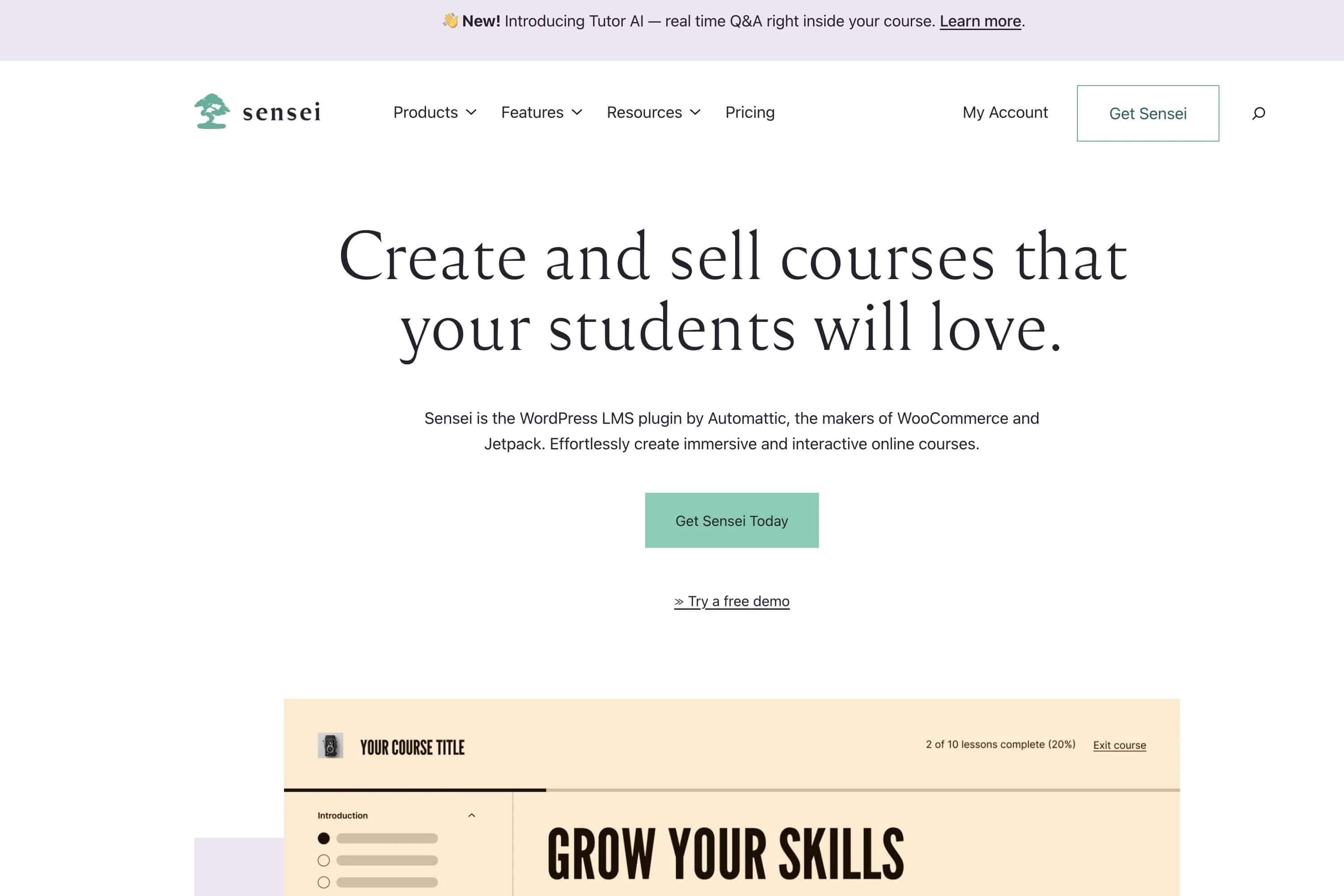
Sensei comes from Automattic, the makers of WooCommerce and Jetpack, and can therefore be combined especially well with WooCommerce. In addition to physical products, you can also sell course access directly through WordPress.
That means: Sensei is primarily recommendable if you already use WooCommerce (e.g. as part of an online store) and want to complement your physical products with online learning content, as an upsell, so to speak. Especially if you sell products that need explaining and an online course makes sense for buyers, Sensei is the ideal solution.
Admittedly, this plugin can't compete with extensive LMS products. Still, the classic standard features are included. That means you can create course content and increase gamification with quizzes and tests.
Certificates can even be issued.
Sensei LMS itself is free. For shop operators we can therefore give a clear recommendation, as long as they only need free courses or a way to get started.
What does the Pro version offer?
With Sensei Pro you can also sell paid courses with WooCommerce, create advanced quizzes and interactive lessons, or form groups and cohorts.
Sensei Pro costs $179 per year for one website ($15 with monthly payment). The Agency plan for up to 20 websites costs $360 per year. A 14-day money-back guarantee applies.
- Comprehensive free version
- Excellent value for money
- Ideal as a complement to physical products
- Quizzes and certificates
- Very dedicated support
- Feature set could be larger
9. MasterStudy LMS
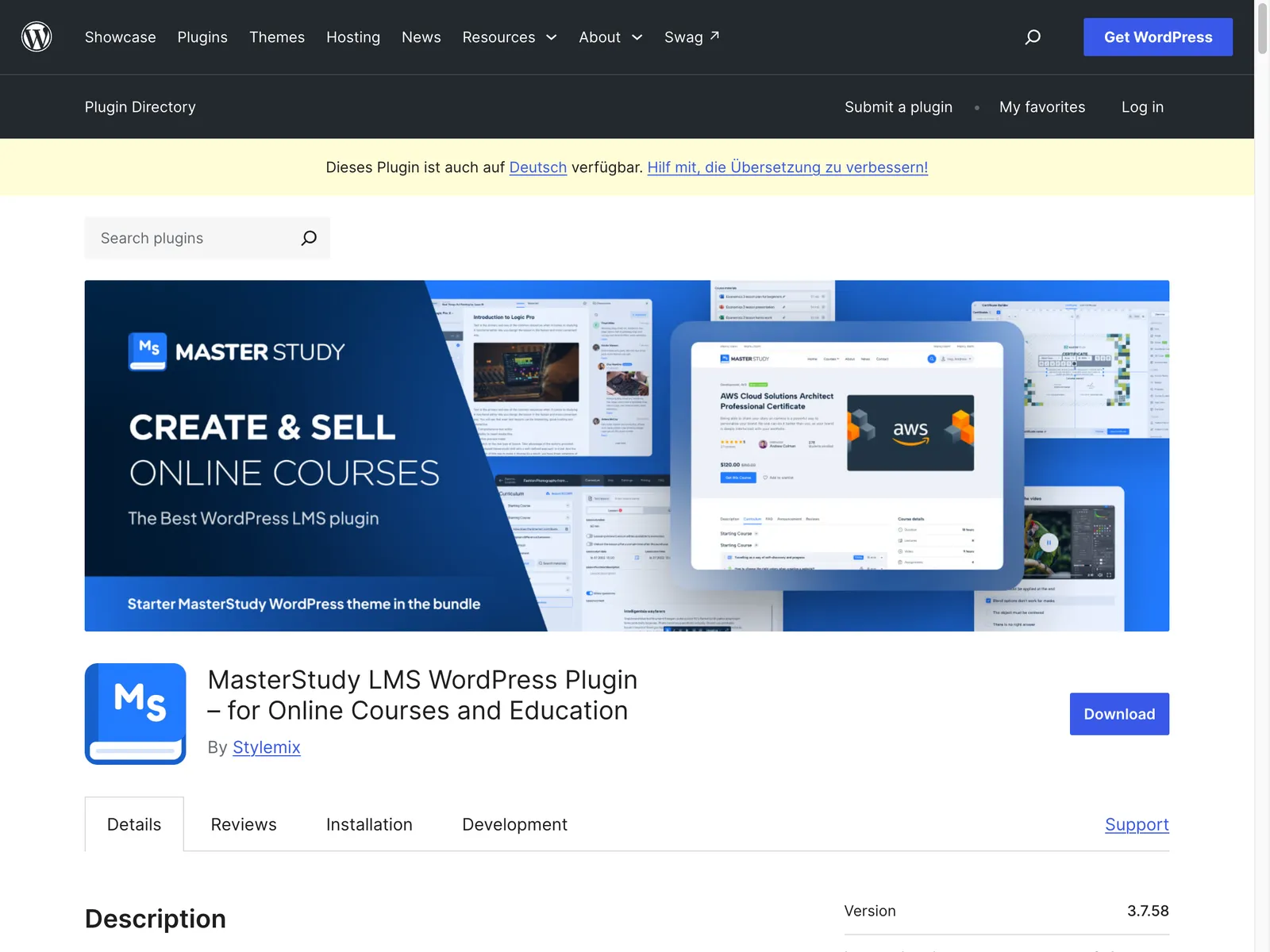
MasterStudy LMS by Stylemix is a free LMS plugin that, according to WordPress.org, is actively installed on more than 10,000 websites. It was last updated on November 9, 2026 and has a rating of 4.5 out of 5 stars.
With the plugin you create courses with video, audio and text lessons, quizzes and a progress display. It is suitable for individual trainers as well as for schools or a course marketplace of your own with several instructors.
The Pro version adds, among other things, custom certificates, advanced quizzes, course bundles and a Zoom connection. According to the vendor, it starts at $99, and a lifetime package is also mentioned. You have to check the exact plans on the vendor's pricing page. A 14-day money-back guarantee applies.
- Free core with no time limit
- Quizzes and progress display included
- Suitable for individual trainers and course marketplaces
- Pro version with certificates, bundles and Zoom
- Actively maintained
- Many features only in the Pro version
- Pro plans and prices hard to find on the vendor's site
Conclusion
In this article we introduced you to 9 different LMS plugins, which all have their pros and cons.
That fact leads us to the question: which LMS is ideal for which needs?
In this chapter we'd like to answer exactly that question with a short summary of all the plugins and look specifically at when which LMS makes sense.
- The Swiss Army knife: LearnDash and Lifter LMS are, so to speak, the all-rounders among LMS plugins and convince with a very large feature set and ease of use.
- The free alternative: Are you just getting started and can't afford to spend a lot of money on an LMS plugin? Then LearnPress is a really great solution that you can even extend with add-ons if your budget grows.
- The beginner solution: Lifter LMS with its drag-and-drop editor is a really excellent solution for beginners. You'll find your way around the plugin's backend right away.
- E-commerce champion: Do you already run an online store on WooCommerce and want to expand it with a course area? Then you should take a closer look at Sensei, because the plugin was developed specifically for this use.
- The low-cost start: MasterStudy LMS and Tutor LMS offer a free core that you extend with Pro features later.
LMS plugins & privacy: What should you keep in mind?
With every plugin that collects personal data, you should immediately ask yourself: what about data protection?
First the good news: all the LMS products we introduced in this article are built into your site as a plugin and are therefore stored on your own web space.
To our knowledge, the collected personal data is not forwarded to the plugin developers (even though you should check that yourself once more to be safe, and it can depend on your own setup).
Still, we'd like to give you a few tips on this topic:
- Collect only the data that is absolutely necessary. That will be name and address for invoicing, as well as an email address so a login to the member area can be generated.
- Adjust your privacy policy accordingly and point out the use of the LMS plugin. Also explain what happens to the data collected there.
- Don't pass on the data of your course participants
- If you want to use the email address that course participants gave during registration for marketing purposes (e.g. a newsletter), you need consent for it. The most reliable way is a checkbox directly in the sign-up form.
Alternatives to LMS plugins
An LMS plugin is only one way to develop and publish your own online course.
Alternatively, you can fall back on an external cloud solution.
The advantage of these online course platforms is obvious: not only the admin area but also the later course area is provided by an external vendor that takes care of the technology, maintenance and availability.
That is mainly interesting for people who don't (yet) have a website of their own or don't want to deal with the technical effort of an LMS plugin.
In our detailed comparison of online course platforms we introduce 8 providers and explain their pros and cons.
Blogmojo's big SEO course is also run by us through such a cloud provider, namely ablefy (formerly Elopage). We are very happy with this solution, because it let us make our course area independent of the website, and the availability of the course isn't tied to Blogmojo.
The biggest advantage from our point of view is that ablefy takes care of sales and invoicing completely. We're glad to have that burden off our backs.
Of course such external providers also have their disadvantages, especially when it comes to data protection. Because you pass personal data collected on your behalf on to a third-party provider, a data processing agreement (AV-Vertrag) may have to be concluded. You should also make sure that, ideally, this data does not leave the EU.
As you can see, both alternatives have their pros and cons, which you have to weigh for yourself.
If you decide on a cloud provider, we can really recommend ablefy.
FAQ
Here I've put together the answers to the most frequently asked questions about LMS plugins and WordPress as a learning management system:
What are the disadvantages of WordPress as an LMS or e-learning platform?
You need several building blocks to implement a flexible course system in WordPress. Besides the course area, which you create with the LMS plugin, you also need reliable payment processing. One option for that would be WooCommerce.
That means the setup can require a lot of technical knowledge.
Can I connect LMS plugins to Zapier?
Yes, there are many LMS plugins that can be connected to Zapier, including LearnDash and MemberPress.
Can I connect LMS plugins to newsletter tools or CRM systems?
Yes, many providers like LearnDash or Lifter LMS have interfaces for third-party tools, including newsletter tools like MailChimp.
Which LMS plugins offer an integration with WooCommerce?
Sensei is the one to mention here, as it was developed specifically to run in combination with WooCommerce. Lifter LMS and LearnDash also offer corresponding integrations, though.
Which free LMS plugin is the best?
We can recommend LearnPress, Tutor LMS and MasterStudy LMS as free ways to get started. LearnPress is especially simple. The feature set is decent, and it is easy to use and very beginner-friendly.
Which LMS plugins offer lifetime versions?
With Tutor LMS (from $499 for one website) or the LearnPress Pro Bundle ($299, updates and support included in the first year) you get lifetime licenses and don't have to deal with annual payments.





