
You want to create your own website, but you're not willing to accept high monthly costs for it?
No problem!
There are plenty of platforms that give you web space for free. And that comes with a website builder, numerous design options and your own (sub)domain.
In this post I took a closer look at the 7 best providers for you.
- Free plans make professional-looking websites possible, but you have to accept limitations such as ads, a subdomain and limited storage.
- Wix, WordPress.com and Jimdo offer website builders with templates and editors, while Blogger.com focuses on pure blogging features.
- For serious business projects, upgrading to premium plans from about €4-17 per month is worth it for your own domain and more features.
1. Wix
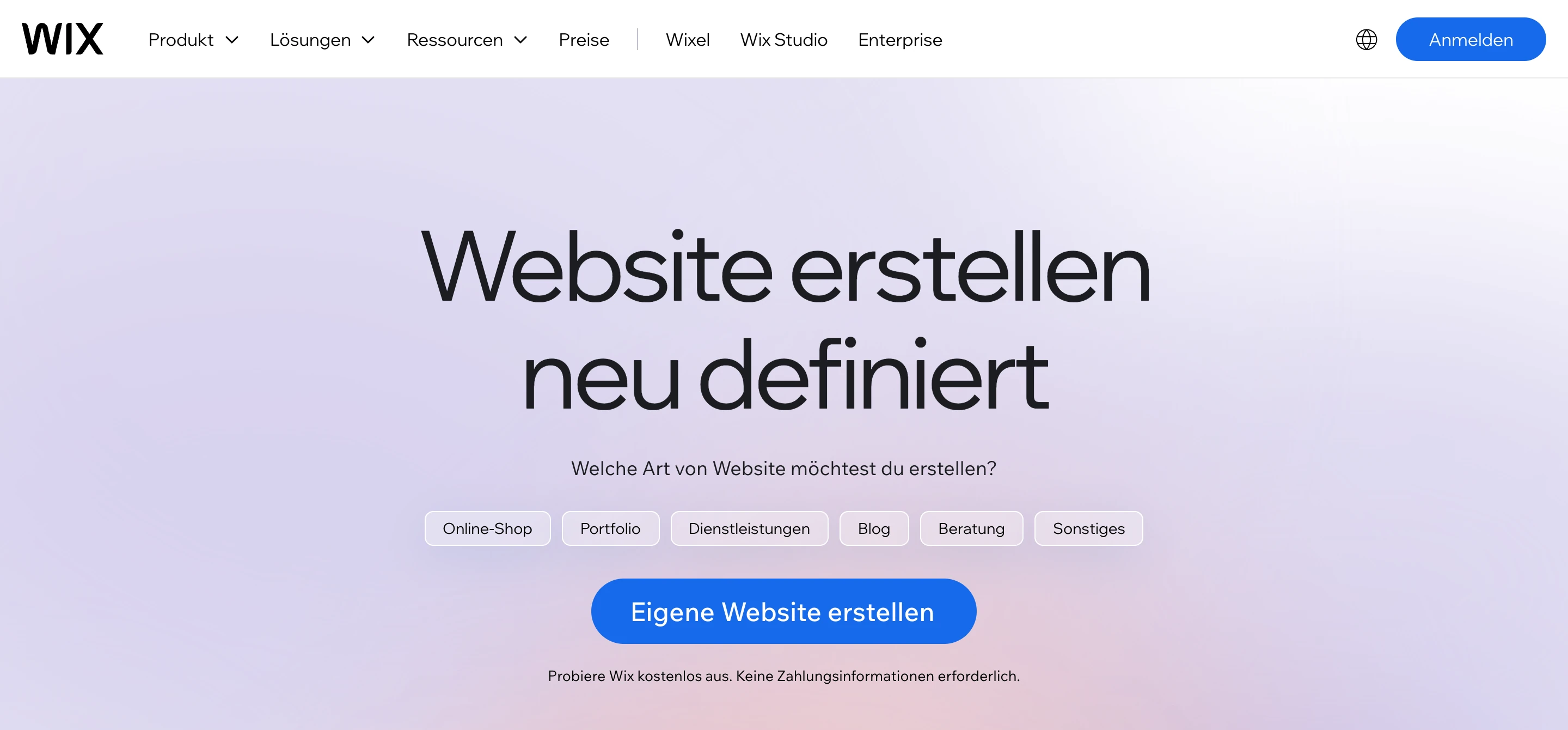
Wix is one of the biggest website builder providers on the market and also has a good free plan.
Unfortunately, though, Wix has one decisive drawback: Websites built on the free plan show large ad banners at the bottom and on the right edge of the screen.
Too bad!
What's genuinely positive, on the other hand, are the numerous features such as prebuilt templates or the intuitive editor. You do have to do without your own domain or Google Analytics integration.
Limitations of the free plan
- Only 500 MB of storage
- No Google Analytics
- No online store or payment function
- No custom domain (https://username.wixsite.com/webaddress)
Pros
- No page limit
- SEO tools included
- Access to the editor and app marketplace
- Numerous prebuilt templates
- Upgrade to a pro plan possible at any time
- 500 MB of storage
- Excellent support
Cons
- A lot of ads
2. WordPress.com
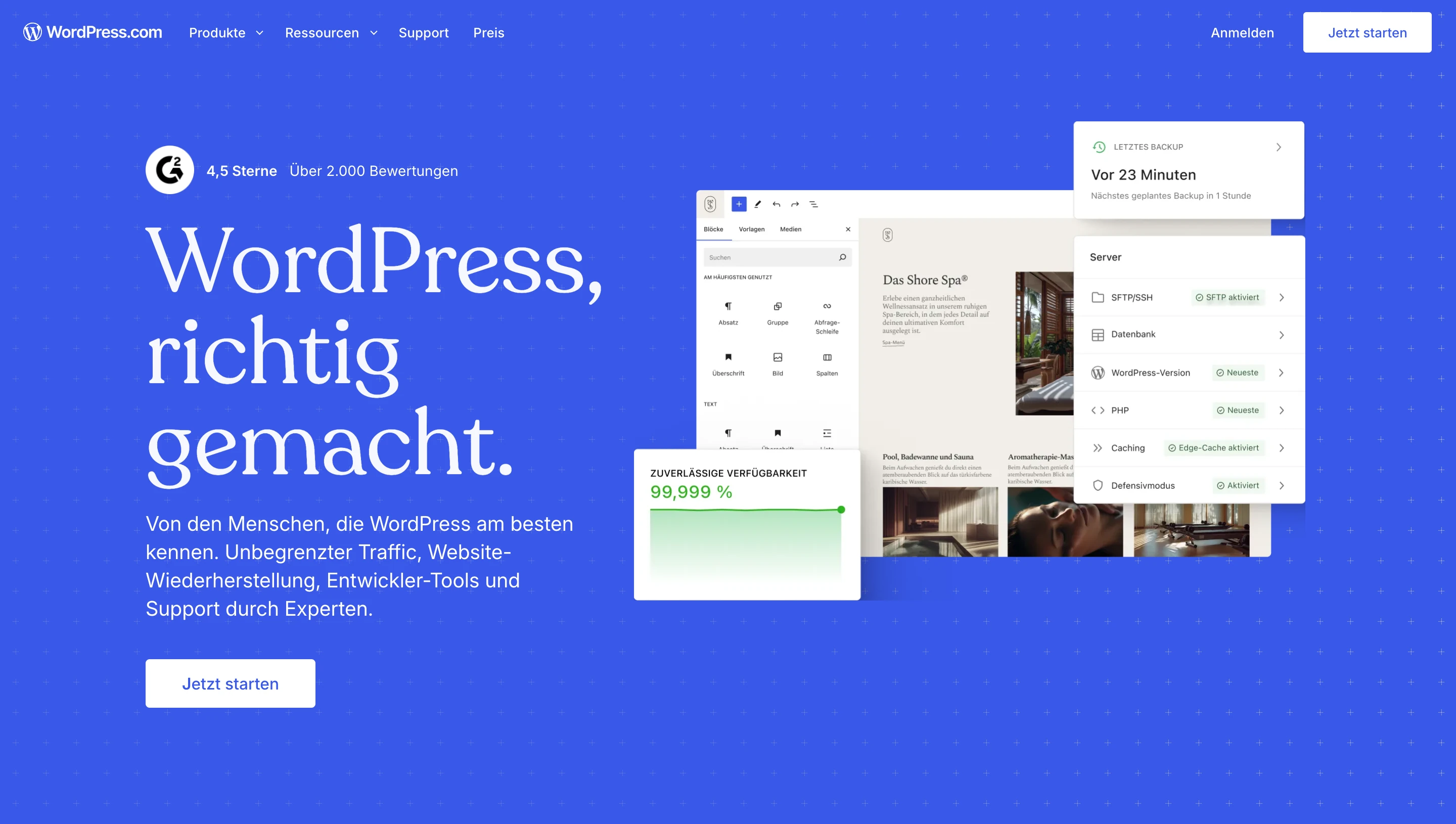
WordPress.com is one of the easiest ways to quickly create free websites or blogs.
Compared to the paid plans, though, the free version is really only suitable for hobby projects.
You get access to a number of high-quality design templates and 1 GB of web space. An SSL certificate is also already preinstalled.
On top of that, you have to put up with ad banners and WordPress.com branding. The features are also heavily limited in the free plan. There is no access to advanced design customization, the plugin directory or backup creation.
Something else that's a real shame:
There is no support. Not even by email.
If you want to use all of WordPress.com's features, you have to pay €25 per month (plus VAT, billed annually) for the Business version.
Limitations of the free plan
- 1 GB of storage
- Subdomain only (mywebsite.wordpress.com)
- Heavily limited feature set
- Not possible to create a WordPress store
Pros
- Numerous prebuilt templates
- Upgrade to the pro version possible at any time
- Very large web space
Cons
- Ads are displayed
- WordPress.com branding
- Only very limited features
- Using a WordPress cookie plugin is only possible in the pro version
3. Jimdo
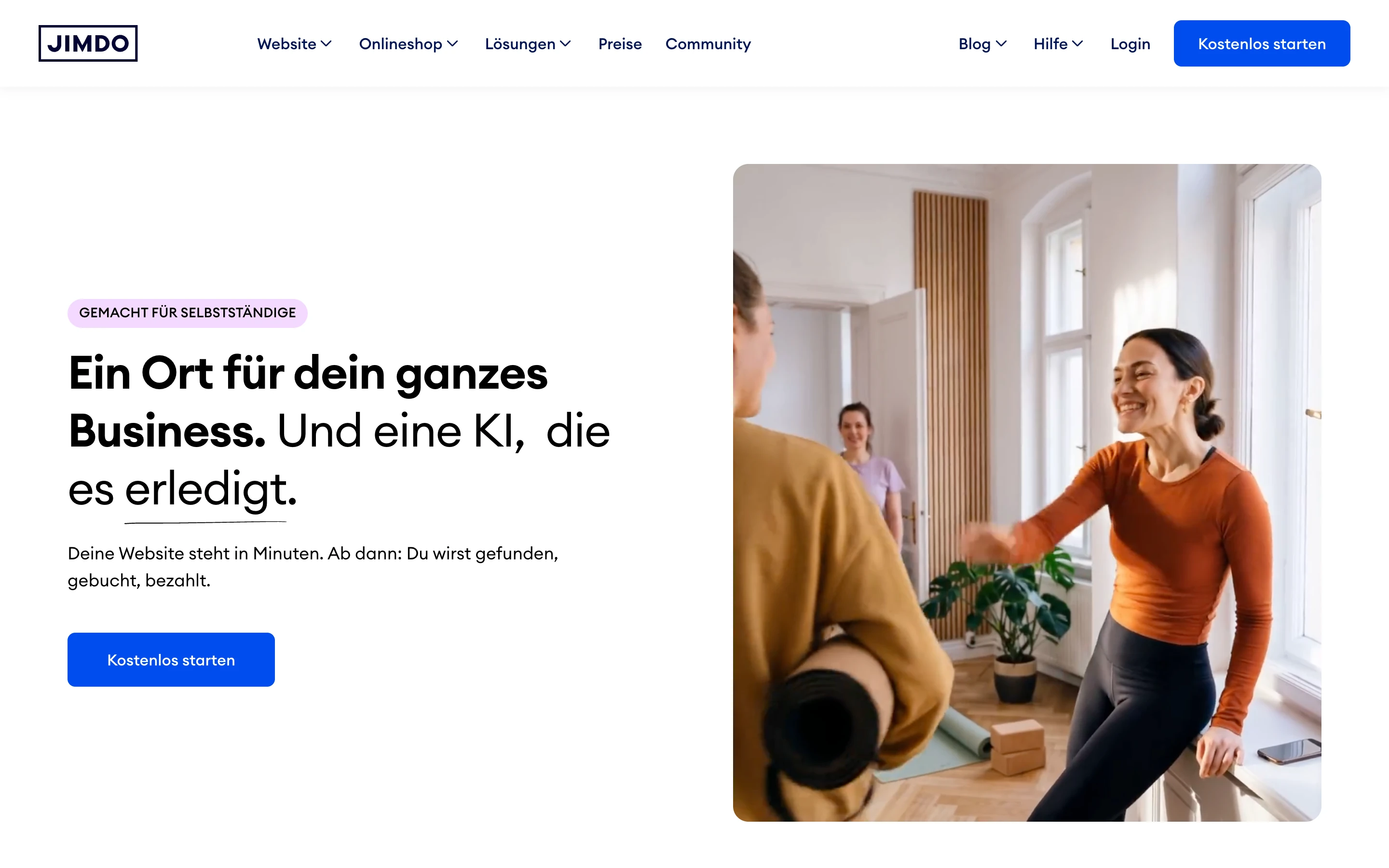
Jimdo lets you quickly create a free website that looks modern and is user-friendly.
The free plan is sold under the name “Free” and gives you access to most features. That includes the extensive template database and the editor.
The editor is nowhere near as innovative as those of competing products, though. Jimdo can't hold up against Wix's drag-and-drop editor, for example.
What we also find a real shame is that Jimdo has no app marketplace with matching extensions.
On the positive side, Jimdo shows only very discreet ads even in the free plan. In return there are annoying limits on bandwidth and on the number of subpages, which is capped at 5.
If you want to switch to a paid plan later, the smallest premium package costs €12 per month (incl. VAT, billed annually).
Limitations of the free plan
- Only 5 GB of storage
- 2 GB of bandwidth
- Maximum of 5 subpages
- SEO features
- Statistics
- You can't create an online store
- Subdomain only (yourname.jimdosite.com)
- No support
Pros
- Access to numerous features in the free plan
- Easy-to-use editor, especially for beginners
- Prebuilt templates
- Fast load times
- Responsive design
- Automatic and quick initial setup
Cons
- No support in the free plan
- Ads
4. Weebly
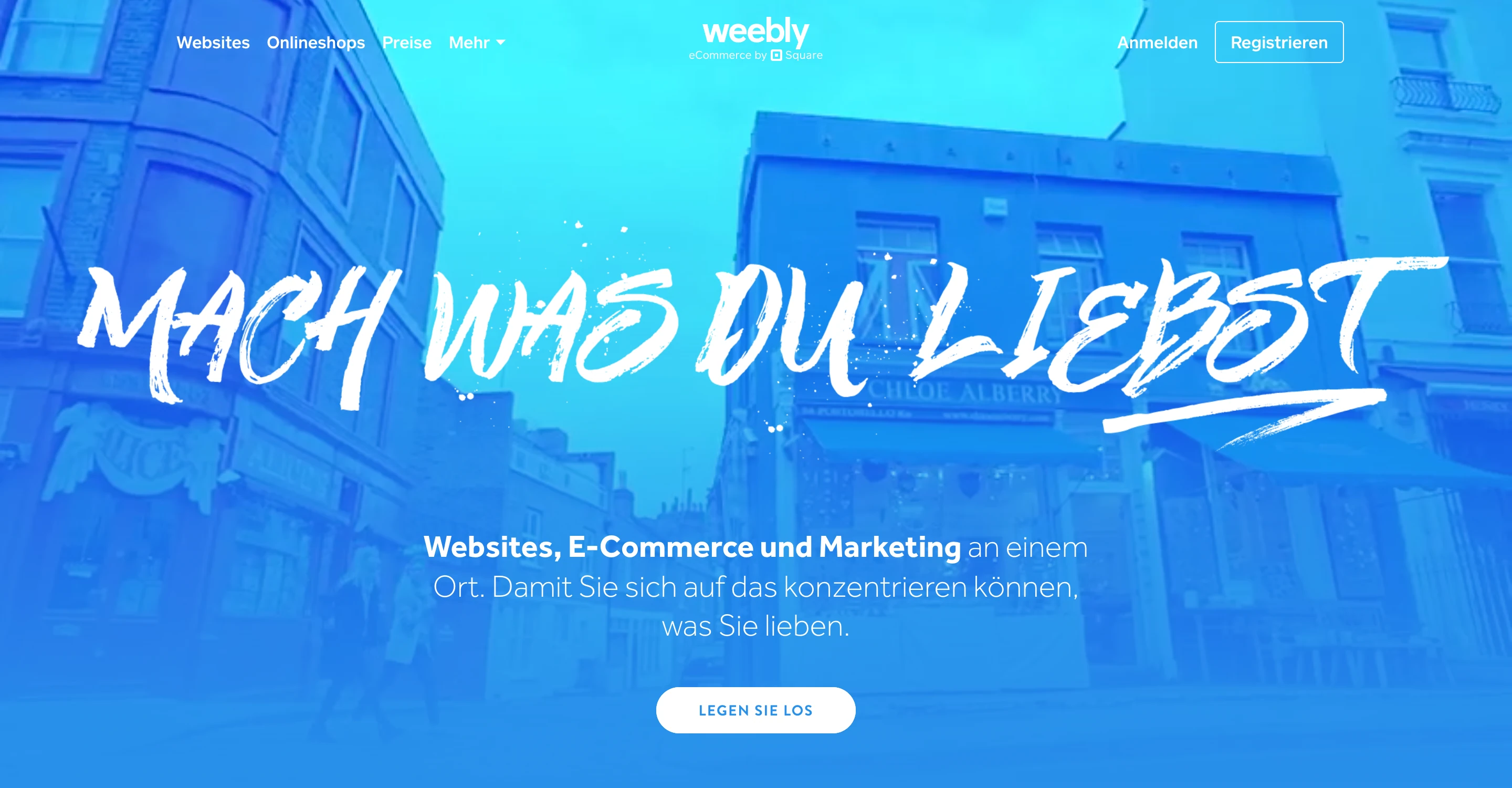
In our homepage builder test, Weebly took last place. Only the excellent drag-and-drop builder was convincing there.
What about the free plan?
Since we rate different criteria in this ranking, Weebly can show a somewhat better side. Even in the free plan you get access to the drag-and-drop builder and can even use a relatively extensive app marketplace.
On top of that you get fairly good SEO features, 500 MB of storage and, unlike with Wix and Jimdo, you can create as many subpages as you like.
What's rather annoying, however, are the very aggressive ad banners.
Limitations of the free plan
- 500 MB of storage
- No e-commerce function
- No phone support
- No page statistics
- Subdomain only (https://websitename.weebly.com)
Pros
- Very intuitive drag-and-drop builder
- Smartphone app
- Access to the app marketplace
- Support via email
- No page limit and acceptable storage
- No bandwidth limit
- Extensive SEO settings
Cons
- Annoying ad banners
5. Webnode
Webnode stands out above all for a high-quality editor that lets you quickly create a free website thanks to content blocks and 100+ templates.
You can even operate it with a smartphone and tablet, which isn't a given.
Unfortunately, though, Webnode's free plan is very limited. You get only 100 MB, which would be a bit tight even for smaller websites or simple homepages. We also consider the lack of an SSL certificate a no-go these days.
On the plus side, Webnode does without aggressive ads and without a page limit, which gives it an edge over Wix and Jimdo.
Some SEO features are also available to you in the free plan.
Also very positive is that the premium plans are really cheap and already start at €3.90 per month (plus VAT).
Limitations of the free plan
- No SSL encryption
- 100 MB of storage
- 1 GB of bandwidth
- No blog or online store function
- Subdomain only (yourname.webnode.com)
Pros
- Easy-to-use, high-quality editor
- No limit on subpages
- Competent support
- High-quality design templates
- Very discreet ads
- Extensive SEO features
Cons
- 100 MB of storage is really tight
6. SITE123
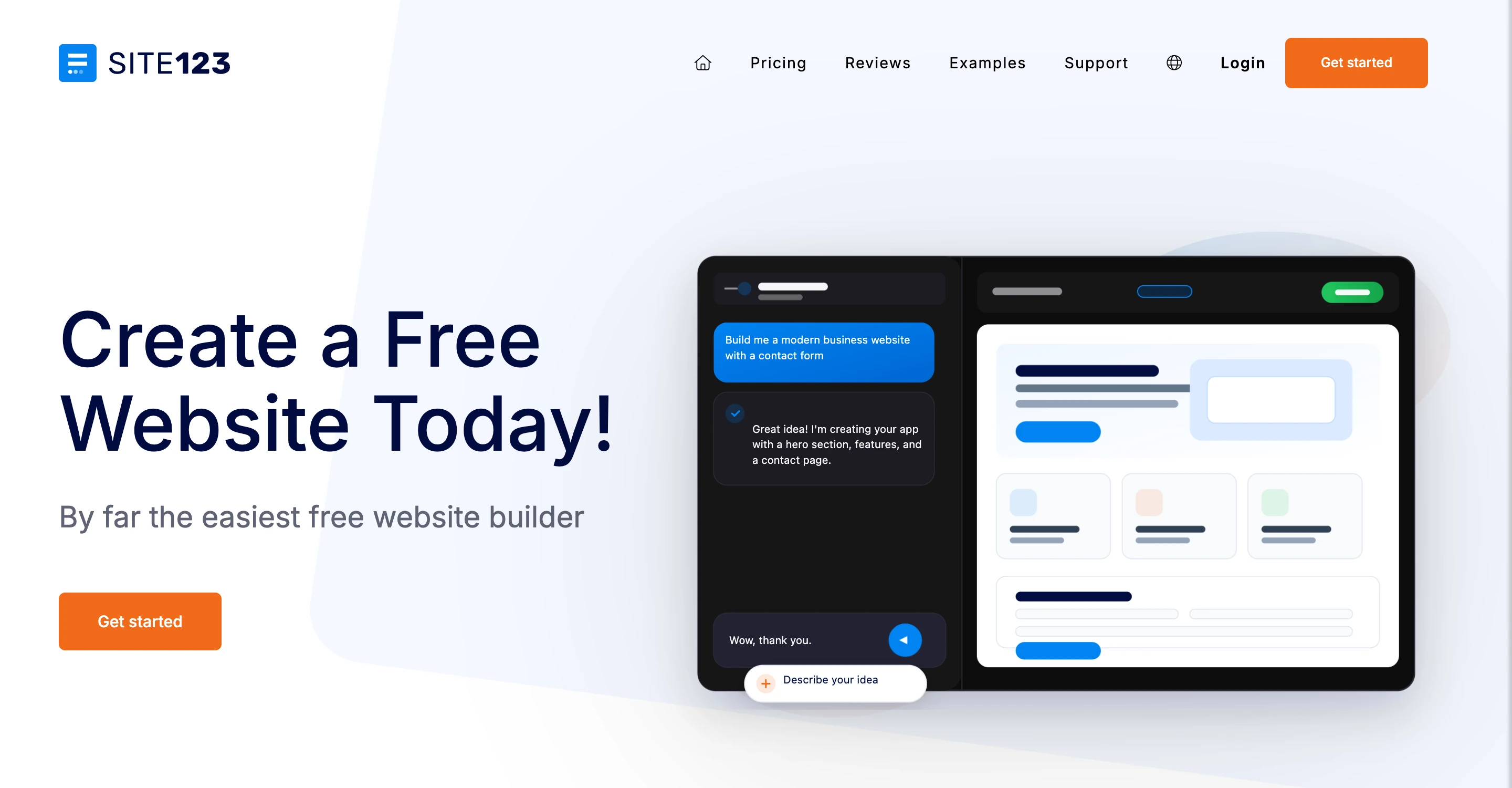
SITE123 is a rather unknown website builder provider that impresses above all with how beginner-friendly it is.
Compared to the industry giants like Wix or WordPress, the drag-and-drop editor is far from mature and clearly shows weaknesses in places. But if you have no experience building websites, you should definitely take a closer look at SITE123.
The free plan comes with only a few feature limitations and is therefore well suited for smaller projects and first steps with a website.
You get access to numerous templates and the page editor, plus 250 MB of free web space and good chat support.
Unfortunately, the free sites are heavily peppered with ads and bandwidth is limited to 250 MB.
For bloggers, SITE123 can be worth a look, since the blogging feature is really good.
Limitations of the free plan
- 250 MB of storage
- 250 MB of bandwidth
- No e-commerce features
- Complicated subdomain (https://random-id.site123.me)
Pros
- Prebuilt templates
- User-friendly editor
- Very competent chat support
- Good blogging features
Cons
- Limited bandwidth
- Aggressive ads
7. Blogger.com
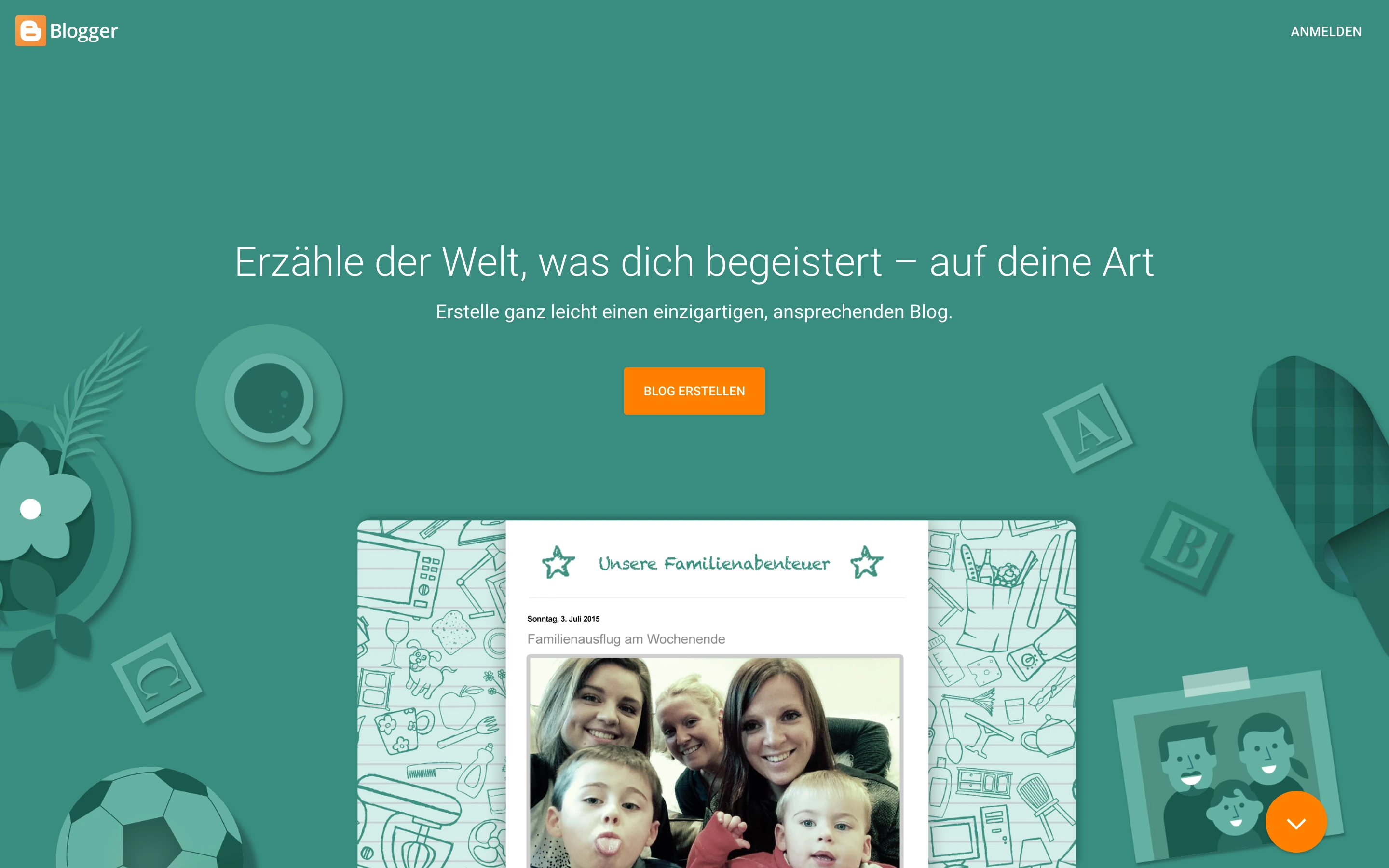
Blogger.com (also called Blogspot) is Google's in-house blogging platform and a good fit if you want to start a private blog.
The emphasis here is on “blog” and on “private”. For creating a professional website, e.g. for a company, a club or an organization, Blogger.com isn't suitable.
Blogger does score points for ease of use, though:
From signing up to publishing your first post, the platform is simply built and requires neither programming skills nor web design experience.
The focus is clearly on creating content. You can spice up your posts with images and videos and even make detailed adjustments via HTML. Fundamental changes and adjustments to the design, however, are missing entirely and are heavily limited, especially compared with the other solutions we've introduced to you.
Unfortunately, there is only a subdomain (yourid.blogspot.com).
Limitations of the free plan
Blogger.com has no paid plans and accordingly no limitations.
Pros
- Very easy to use
- Great blogging features
- Monetization via AdSense
- Extensive statistics
- Your own domain can be connected
Cons
- Subdomain only
- Heavily limited design customization
- No cookie consent tool built in
8. Are the providers really free?
Yes, you can use all the providers listed here for free permanently.
These are not trial versions that are limited in time or even automatically convert into paid subscriptions after a certain period.
However, you need to be aware that you sometimes have to accept heavy restrictions for it. Especially if you want to use your website in a professional setting, you should consider signing up for a paid plan at least in the medium term.
9. What disadvantages should I expect with a free website?
The two biggest disadvantages are the display of ads and the builder's branding.
Both look rather unprofessional and make a serious business presence almost impossible.
The subdomain isn't exactly a sign of professionalism either.
The providers in our ranking also generally don't equip their free plans with e-commerce features. So if you want to sell physical or digital products online, they are poorly suited. In that case, take a look at our shop system comparison instead: The 13 best shop systems compared in 2026
Extensive projects can't be realized because of limits such as web space or subpages. Since many providers also restrict bandwidth, a free website with high visitor numbers will have great difficulty.
10. How do I get a free domain?
You won't find a provider that gives you high-quality top-level domains (TLDs) like “yourname.de” or “youridea.com” for free.
Prices vary a lot between providers, but completely free plans don't exist.
There is still the option of registering less attractive and less well-known TLDs for free, e.g. .tk, originally the country-code TLD of the island state Tokelau, which sold the usage rights to it.
Possible providers for such free TLDs are:
- homepage-guru.de
- freenom.com
- dot.tk
FAQ
Here I've put together the answers to the most common questions about creating free websites:
What are indirect website costs?
Besides direct costs like hosting or a domain, a website often involves costs for services or software that aren't directly tied to running the website.
Freelancers are the main example here, for instance when they design a logo or write copy for you.
These indirect costs usually can't be calculated and depend heavily on your individual needs and ideas.
Which is better, Jimdo or Wix?
In our extensive website builder comparison we rated Jimdo and Wix, among others.
With a rating of 68.2%, Wix scores about 10 percentage points better than Jimdo and is objectively the better one, e.g. because Wix simply offers more features.
How much does a homepage of my own cost?
The cost of a website consists of the one-time setup costs, which make up a very small share, and the ongoing costs.
Depending on the project, the ongoing costs can vary widely, from a low single-digit amount to high three-digit amounts per month.