
WordPress is the most popular and most widely used CMS in the world.
That doesn't necessarily mean it's the best choice for every project, though.
For some projects, a simple HTML website, a website builder or a different CMS makes more sense.
In this article, I'll introduce you to 12 of the best WordPress alternatives, including their pros and cons.
- Website builders like Squarespace, Wix or webgo are perfect for simple websites without technical knowledge, but far less flexible than WordPress.
- Other CMS like Drupal, Joomla or TYPO3 offer more security and customizability, but also require more technical expertise and time to learn.
- For bloggers, platforms like Ghost or WordPress.com are interesting alternatives, while HTML websites are only suited to static content.
Website builders
Website builders are the best solution if you're looking for an all-in-one platform and want to keep the effort behind your website as low as possible.
On the other hand, you need to be aware that flexibility is significantly limited compared to WordPress.
1. Squarespace

Squarespace is a good WordPress alternative for bloggers, coaches, freelancers and other solo self-employed people.
The blog function in particular comes closest to WordPress, which is why it earned a good place in our website builder comparison.
In this area, Squarespace really offers nearly all the features we know from WordPress:
- Categories and tags
- Multiple authors with their own profiles
- Drafts and scheduled publishing
- SEO optimization of individual posts
- Comment function with moderation options
So if you want to build a blog, Squarespace could be the right WordPress alternative for you.
The monthly costs are between €12 and €69 when billed annually. The cheaper plans are enough for simple websites and blogs. For that you get a comfortable editor that is genuinely easy to use even on a tablet or smartphone.
The online store is impressive too:
What you first have to add to the system with WordPress through additional plugins like WooCommerce is already built into Squarespace. That makes this builder interesting if you want to bring a small store to life and delight your customers with features like discount codes or different shipping options.
Even some third-party tools are available for the store function.
The builder is rounded off by SEO features, visitor statistics and custom email addresses.
- Intuitive editor
- High-quality, extensive template library
- Access via tablet and smartphone
- WordPress-like blog function
- E-commerce interface for third-party providers
- Good online store function
- SEO tools
- Fair price
- Can also be used as a CMS (more on that later)
- Server location in the USA
- English-language support
- Slow loading times
2. Wix
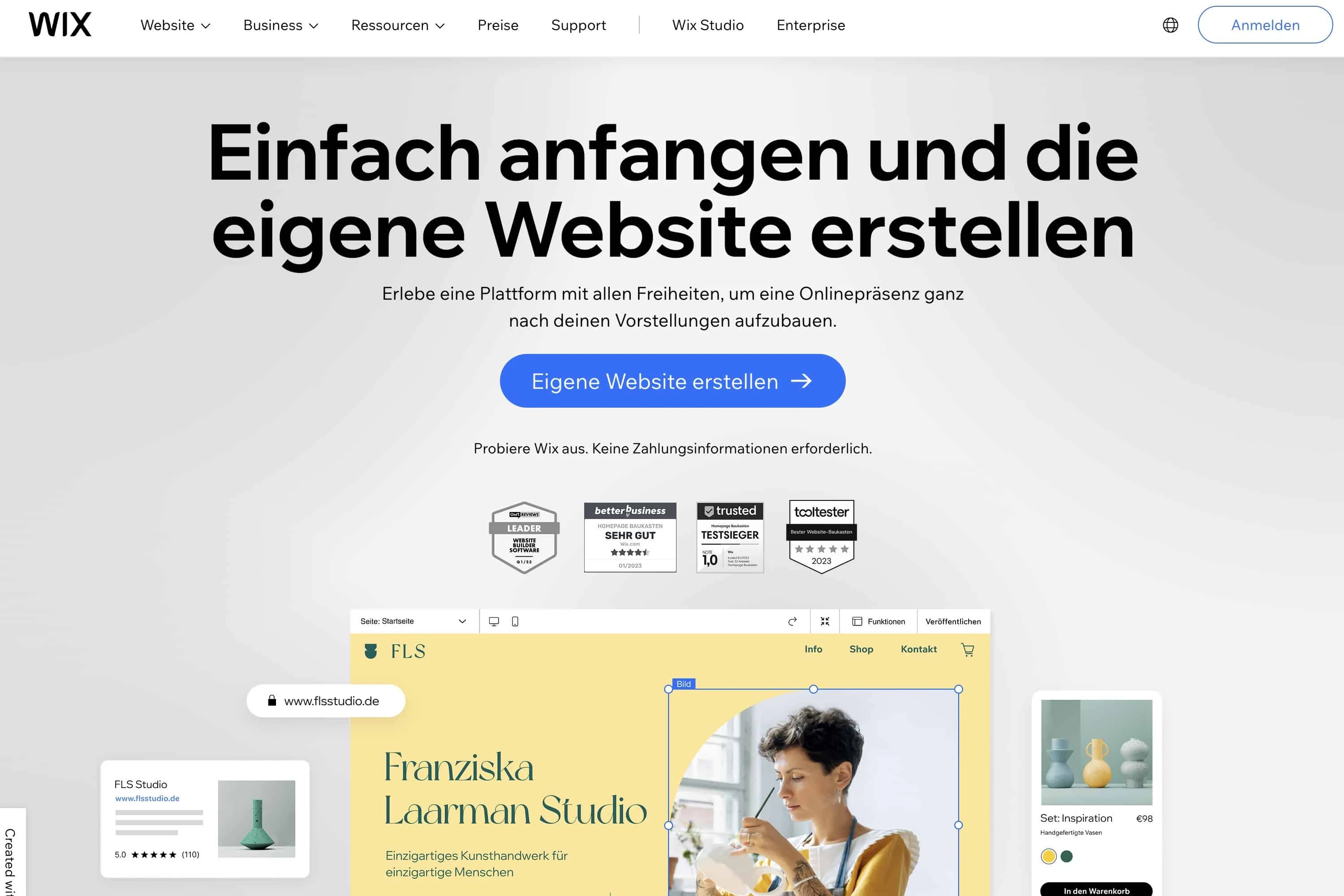
Wix is a good WordPress alternative that, compared with webgo, even lets you tailor the range of functions to your needs through apps, and with an overall grade of 2.1 (German school grades, where 1 is best) it tops our website builder comparison.
Wix also has a drag-and-drop editor that makes it easy to create high-quality pages in a modern and appealing design.
You can add content elements like images, text blocks, contact forms or social sharing icons to the page with a mouse click and place them where you want them.
The professional templates you can use as a starting point deserve special mention.
We can recommend Wix even if you want to start a blog. Although, to be fair, the blogging function still can't quite keep up with WordPress.
The heart of Wix lies in e-commerce, because that's where the builder plays to its strengths. With Wix, you can create an online store or integrate a booking and reservation system into your site relatively easily. You also get marketing features like your own newsletter or a live chat function.
What we like less is that Wix's server location is outside the EU and that Wix websites are generally limited to 100 subpages.
The fact that no email mailbox is included in the standard plans and has to be booked separately is also a no-go.
- Great drag-and-drop editor
- Gigantic template selection with really high-quality designs
- Extendable with over 200 apps
- Blogging function that is very good for a website builder
- Great e-commerce features
- Send your own newsletter directly through the builder
- Own domain included in all premium plans
- Numerous SEO features
- Create multilingual websites
- No email mailbox
- Limit of 100 subpages per website
- Servers outside the EU
3. webgo website builder
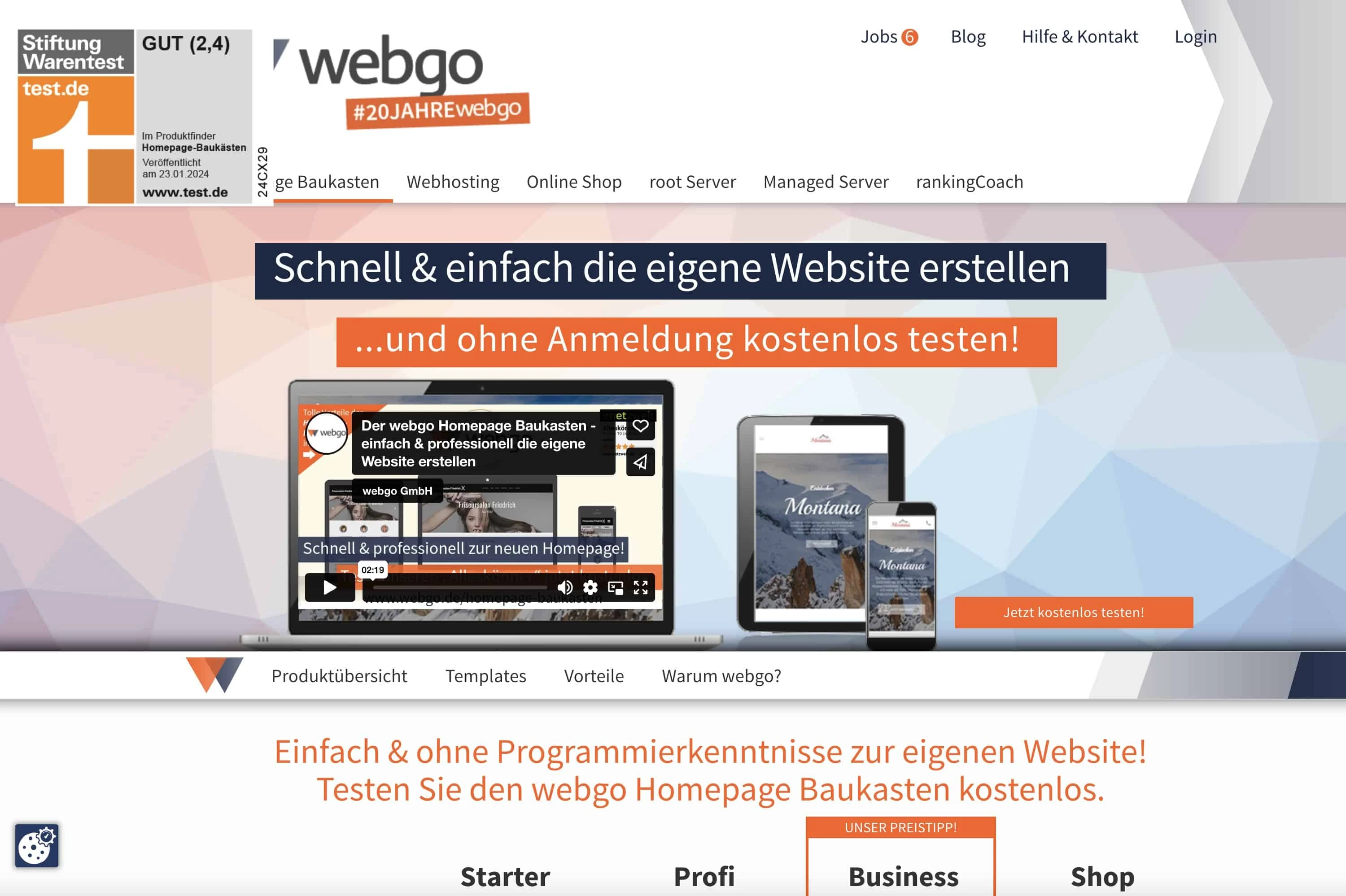
The website builder from webgo is one of the best website builders on the market right now.
With a grade of 2.4 (German school grades again), it took second place in our website builder comparison, surprisingly but deservedly.
It offers an intuitive, easy-to-use drag-and-drop editor that lets you build a really appealing website without prior knowledge and publish it within a few hours.
The editor doesn't just offer ready-made content blocks but numerous customization options, so you can adapt the website exactly to your ideas and your brand.
The builder also has classic elements like an online store, basic SEO features, visitor statistics or as many individual email addresses as you like.
When it comes to blogging, though, the webgo website builder reaches its limits. Among other things, it lacks a usable comment function, categories or tags.
The webgo website builder is the right alternative to WordPress if you want to create a simple website and use high-quality design templates while doing so.
But if your goal is to start a blog, the builder can't compete with WordPress.
- Intuitive drag-and-drop builder with many content elements
- High-quality templates
- Create as many email addresses as you like
- Excellent German-language support (chat, hotline, email)
- Completely free until the site is published
- Clear and fair pricing structure
- No extension options through apps or plugins
- Blog function with many weaknesses
4. Jimdo
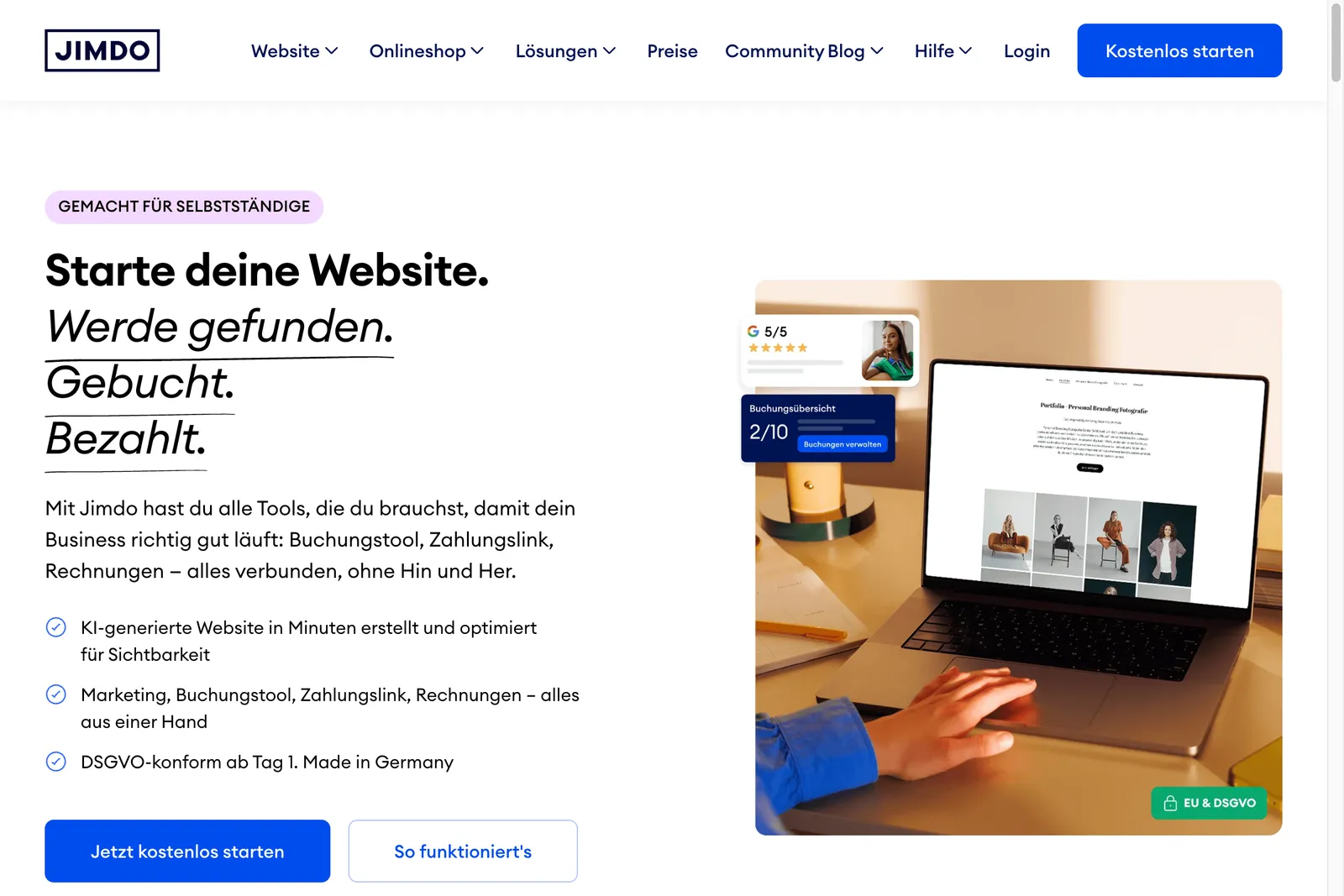
Jimdo is a website builder aimed 100% at beginners:
If you can surf the internet and use a keyboard and mouse, you can build a website with Jimdo too.
An easy-to-use drag-and-drop editor, an extensive template library and a clear interface make it possible.
Compared with WordPress, though, the blog function is significantly stripped down and not recommended for larger projects with multiple authors.
The already integrated store function, on the other hand, stands out positively. You can create products quickly and easily, and we also like the inventory management system in the background a lot.
Jimdo is rounded off by SEO tools, a custom email address, visitor statistics and numerous GDPR features, such as a cookie banner. Even email marketing can be set up quickly and easily thanks to an integrated interface for third-party providers like Mailchimp or CleverReach.
New additions are a booking tool, payment links, invoices and an AI that creates a first website for you.
What you'll sorely miss, on the other hand, is the ability to extend Jimdo's functions through plugins and apps. We also can't understand, unfortunately, that truly essential functions like creating a backup are not possible.
- Free plan available for testing
- Great drag-and-drop editor
- Extensive e-commerce function
- GDPR tools like a cookie banner
- Email software integration (e.g. Mailchimp)
- Ready-made templates
- Appealing blog function
- Numerous different plans
- Great visitor statistics
- Page limit in the cheaper plans (Start: 10 pages)
- No backups possible
Self-hosted CMS
When it comes to CMS (content management systems), WordPress is the undisputed market leader:
According to W3Techs, WordPress runs on 38.5% of all websites. Joomla barely reaches 1.0% and Drupal 0.6%.
Depending on your plans, though, there can be sensible alternative CMS to WordPress.
Below, I'll introduce you to five CMS. You'll find a detailed CMS comparison here: CMS comparison 2026: 15 popular content management systems
5. Drupal
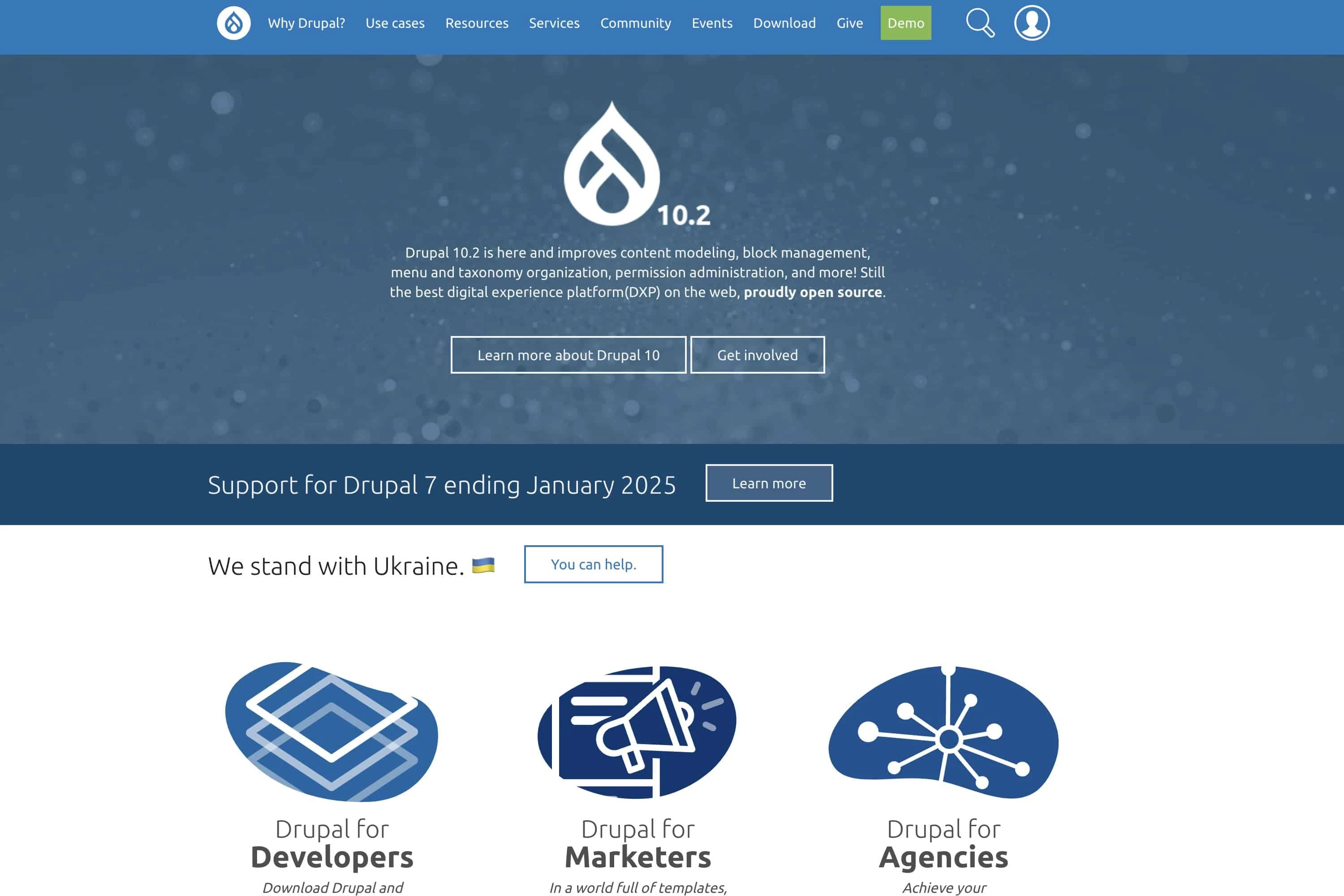
Even though Drupal has existed longer than WordPress, it doesn't come close to its market presence.
The reason is probably ease of use, because Drupal is significantly more complex here and requires more time to learn.
Without special programming skills, you can only handle the system in collaboration with a developer.
If you do manage to master working with Drupal, though, you get a system that can be adapted to your needs even more individually than WordPress.
To name just a few examples:
- If several users work on your website, Drupal lets you design permissions far more flexibly than WordPress.
- Drupal offers a sophisticated taxonomy system that helps you structure even large amounts of content in a sensible way.
- With a wide range of custom content types (similar to WordPress custom post types), you can customize your subpages individually in terms of content and design.
- Drupal is significantly less vulnerable to hackers and one of the most secure systems there is. That's why government agencies and organizations with high security requirements rely on this CMS too.
So Drupal definitely has its advantages over WordPress too, but it will never become a CMS for the masses.
What about flexibility and extensibility?
In the WordPress directory, you'll find around 75,700 free plugins and around 8,900 free themes (plus premium offerings). With Drupal, the selection of modules and themes is significantly smaller.
So here too, the system has to admit defeat.
- Smart user management
- Numerous different content types
- One of the most secure CMS of all
- Very SEO-friendly
- Large community with many developers
- Open source and therefore free
- Built-in interface for making content available
- Extendable through plugins
- Ready-made themes
- Long learning curve
- Significantly fewer plugins and themes than WordPress
6. Joomla!
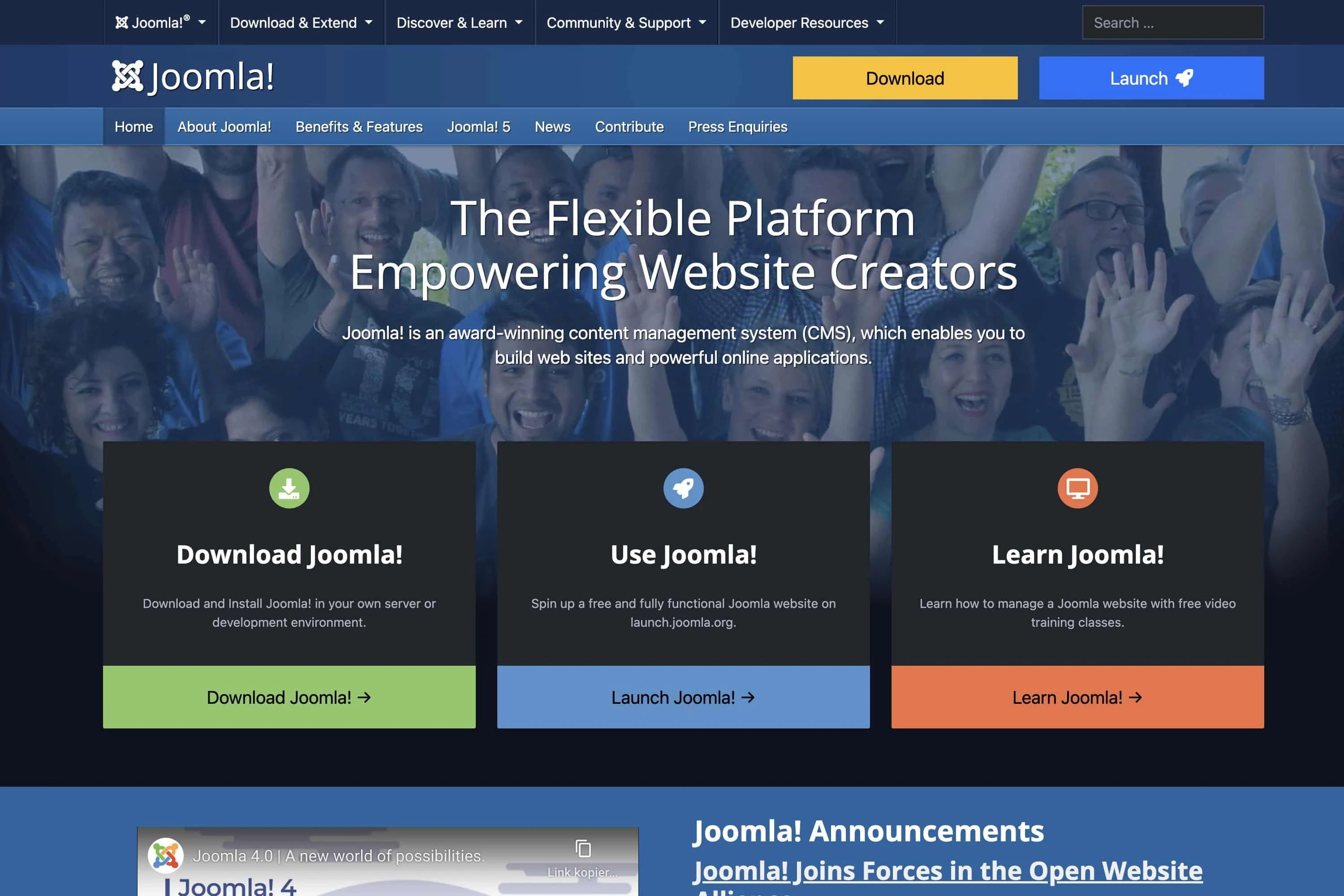
With its 3-tier structure (functional level, page content, design), Joomla offers you similar flexibility to WordPress, but is somewhat more complex to use.
Still, all in all, Joomla is the CMS that comes closest to WordPress and is really very similar in its basic functions. You have numerous free templates available, you can access thousands of plugins and extensions, and with a WYSIWYG editor you can quickly customize your site even without programming skills.
You don't have to compromise on the community either, because Joomla's is extremely helpful and committed.
Of course, Joomla is open source and therefore completely free.
Its advantages over WordPress lie mainly in user management, which allows significantly more settings options, and in IT security. The latter isn't necessarily due to the system itself, though, but to the fact that Joomla is used far less and is correspondingly less attractive to hackers.
Another plus is the already integrated multilingual support.
- Free to use as open-source software
- Extendable through free plugins and themes
- SEO-friendly
- WYSIWYG editor
- Modular structure and therefore easy to customize
- Multiple templates can be used on one site
- Large and helpful community
- High IT security
- Multilingual support already built in
- Extensive user management
- High need to learn the system
- Some complex options and settings
- Significantly fewer plugins and themes
7. TYPO3
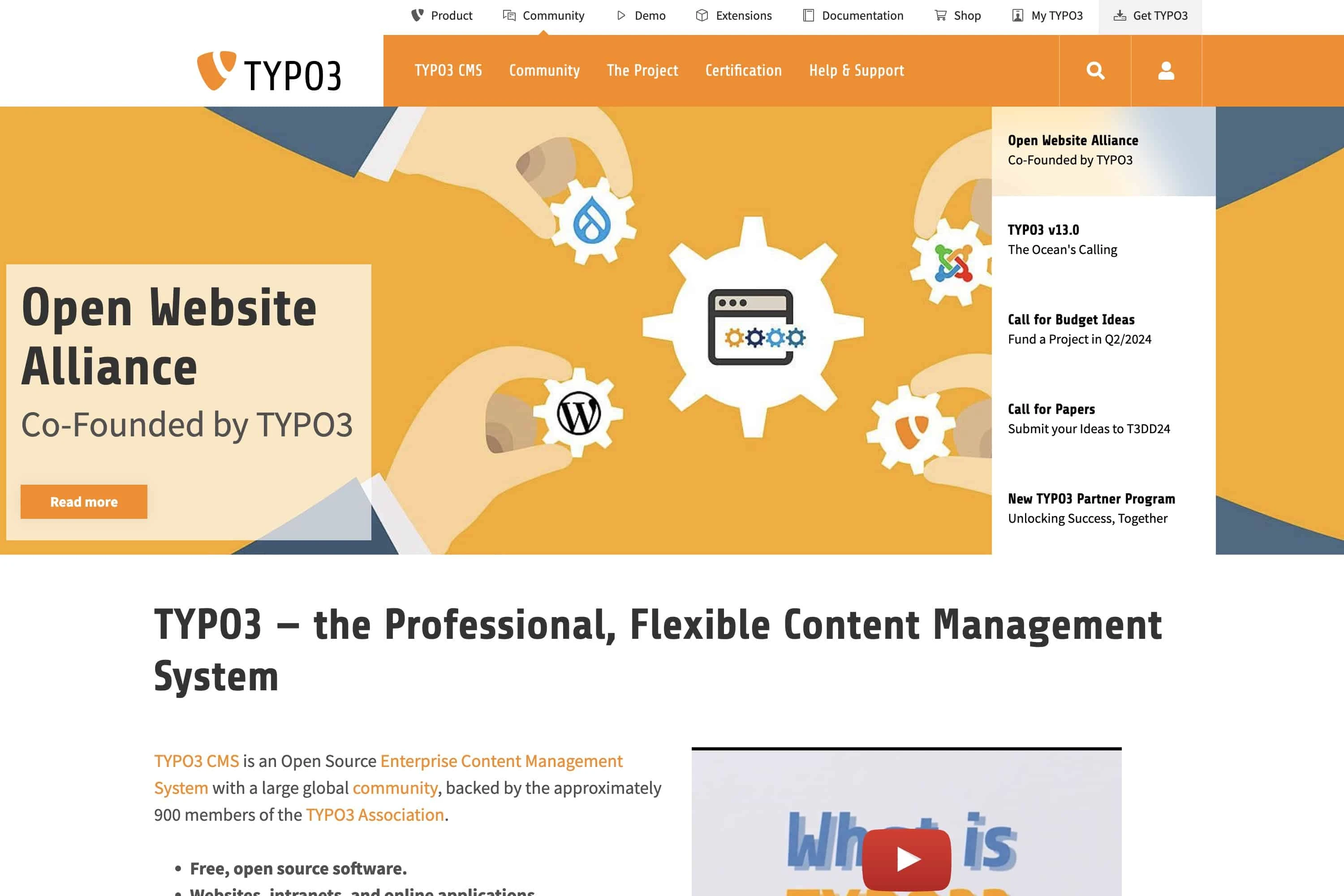
TYPO3 is a system that can handle gigantic amounts of data and subpages without any problem. That's why many international companies with large websites rely on this CMS.
For bloggers and smaller businesses, TYPO3 is probably not the right choice.
That has less to do with the CMS's capabilities and more with ease of use. While with WordPress you're used to creating impressive pages even as a non-developer with editors like Elementor or Divi, TYPO3 absolutely requires programming skills.
There's a great quote from the web developer Sebastian Kübler that hits the nail on the head:
I like to compare TYPO3 and WordPress to a “tanker” and a “speedboat”. TYPO3 is the tanker that brings an enormous number of technological possibilities, especially in customization, software development and internationalization. WordPress is very fast, and usually the “time to market” is significantly reduced.
Sebastian Kübler, ECONSOR
As this quote suggests, TYPO3 offers clear advantages over WordPress in many areas, but smaller, national sites will never get to play them out.
The extension library, for example, is significantly smaller than WordPress's. On the other hand, TYPO3 has the reputation of being the most secure system there is and of giving hackers hardly any attack surface.
- Open source and free
- Easy to adapt to your own needs
- SEO-friendly
- Fast loading times
- One of the most secure CMS
- Large German-speaking community
- Multilingual support built in
- Can work with large amounts of data
- Intuitive user management
- Expertise and a long learning curve required
- Significantly fewer plugins
8. Ghost
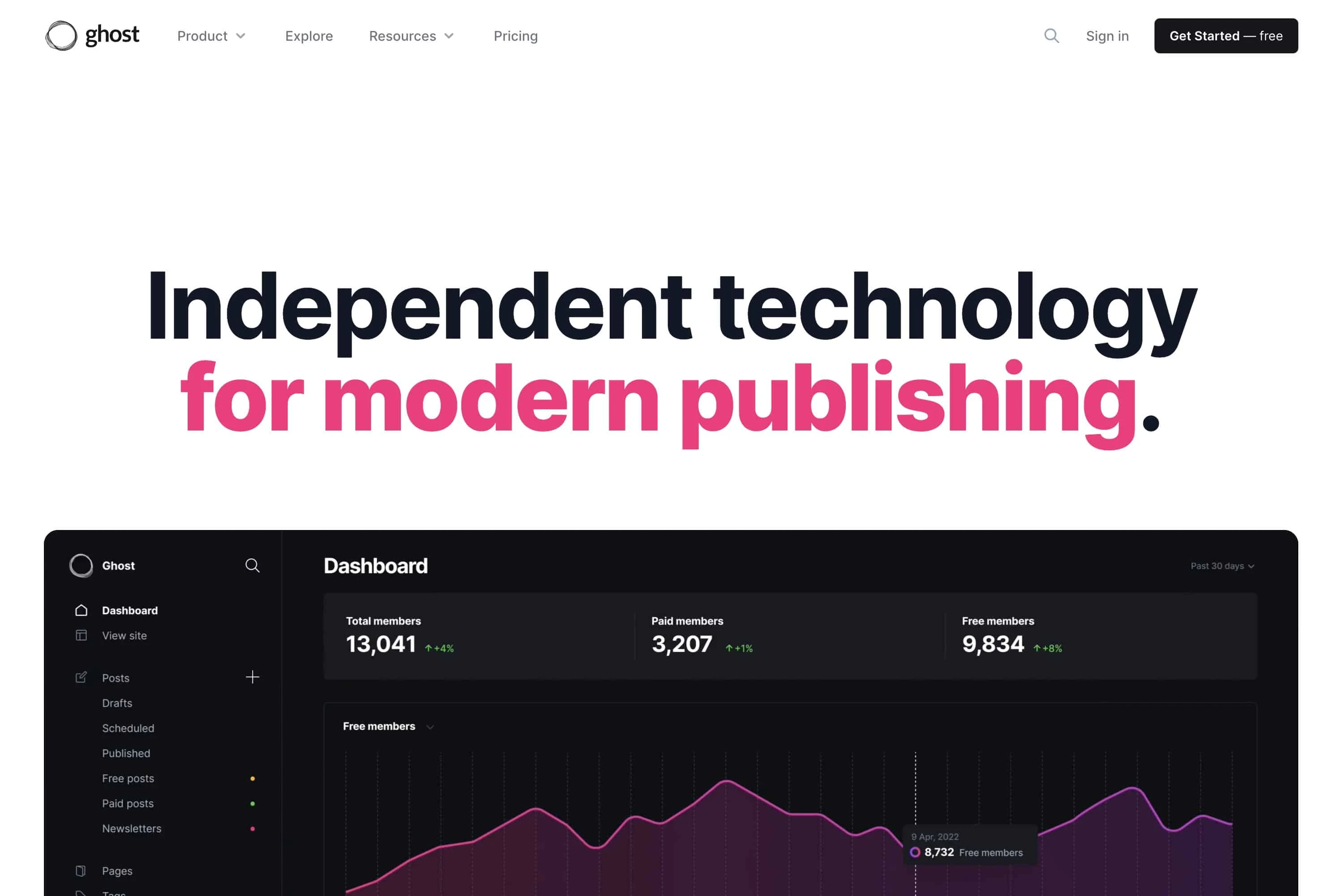
Ghost is definitely a “niche CMS” you've probably never heard of. No wonder, because according to W3Techs, only around 0.1% of all websites use Ghost.
The platform was originally founded as a publishing tool for journalists. Today, though, the CMS is also accessible to “the masses” and is available not only as open source for self-management but also as a managed version.
That's very reminiscent of WordPress.org and WordPress.com.
Ghost hasn't lost its original character even today: The CMS focuses entirely on content creation and offers you a lot of options there. Among other things, you can invite guest authors with a mouse click or create post templates.
You can customize the design of your site with free or premium themes.
Overall, though, Ghost's range of functions doesn't yet come close to WordPress.
I'd still advise you not to push the CMS completely into the background. Because if your main focus is on writing and you really want to concentrate 100% on writing, Ghost can be a sensible alternative to WordPress.
- Available as open source or as a managed version
- SEO-friendly
- Great features for writing content
- Easy to connect with other authors
- Smart template control
- Great development potential
- Few customization options
- Small community
Blog platforms
Especially for bloggers, there are two very popular platforms that I'd like to introduce in this chapter.
9. Blogger.com

Blogger.com (also called Blogspot or simply Blogger) is a blogging platform from Google and often the entry-level platform for anyone who wants to create their own blog.
Getting started is really simple, and it's easy to use.
Ultimately, though, Blogger.com is out of the question if you want to implement larger projects.
It simply lacks too many features.
You can customize the design and choose from 11 different templates, but further customization isn't possible.
Extending functionality through plugins isn't possible either. You can link various Google applications, but that's not a real enrichment for your website.
Blogger.com is also problematic with regard to data protection. You can read more about it here: Blogspot & GDPR: checklist (and unresolved questions!)
On the positive side, with Google AdSense you have a simple, immediately feasible way to make money.
It would be unfair to criticize Blogger.com here for things Google didn't intend for the service, such as missing e-commerce features.
All in all, though, I'd recommend Blogger.com exclusively for first steps online. If you already have a concrete idea of a web project or already have a community, this service is definitely not recommended.
- Easy start
- Simple to use
- Support from Google
- Monetization through AdSense
- Visitor statistics built in
- Multilingual support possible
- Backup function built in
- You only get a subdomain
- No SEO features
- Hardly any design customization possible
- Hardly any extensions
- Small community
- Limited to blogging
10. WordPress.com
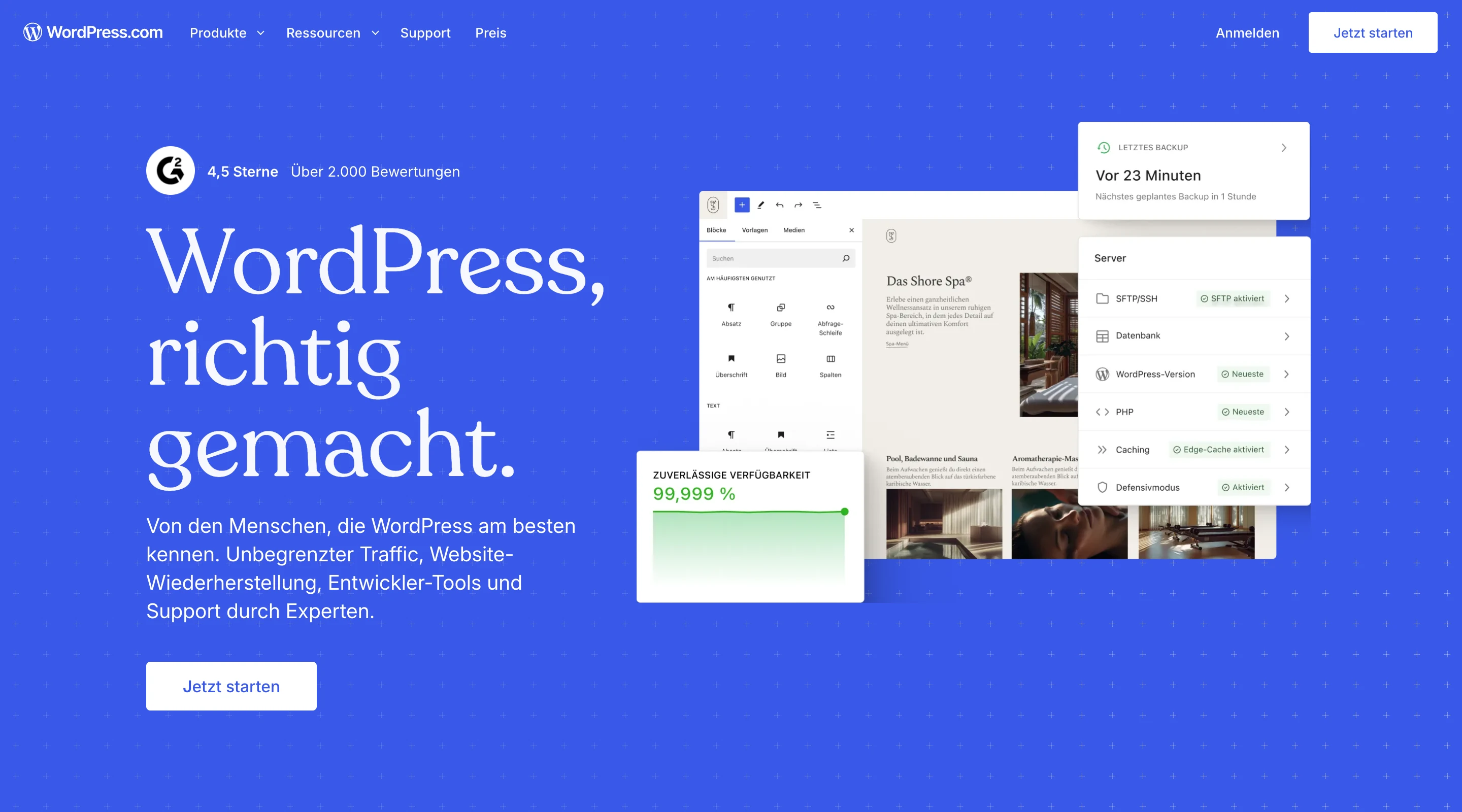
When I talk about WordPress on Blogmojo, I usually mean the self-hosted version you can download at WordPress.org.
With WordPress.com, though, there's another WordPress variant:
Unlike WordPress.org, WordPress.com takes most of the technical work on the website off your hands and thus considerably reduces the degree of personal responsibility. You don't have to worry about installation, backups, updates or maintenance, but can focus entirely on creating content.
But of course this service costs money...
With WordPress.org, you have to take care of the technology yourself. In return, it's completely free. You also get significantly more flexibility. Among other things, you can install plugins or themes as you like. On WordPress.com, that only works from the Business plan, which costs $25 per month when billed annually.
I'd always advise you to go with WordPress.org, because you don't have to struggle with any restrictions. And even if it sounds a bit complex at first glance, installing and maintaining a WordPress website is much simpler than you'd think.
- Large community
- Fast and easy start
- No technical responsibility
- Competent support
- Hosting included
- Free plan available
- Monthly costs
- Limitations in functionality
Other options
There are two more WordPress alternatives for bringing your own website or blog to life.
Two options you may not even have on your radar:
11. HTML website
In times of WordPress combined with WYSIWYG editors like Elementor, hardly any website owners still think about programming their website from scratch in HTML.
Why would they?
After all, modern solutions are far simpler and require almost no expertise.
Still, HTML websites offer some advantages over WordPress or other systems:
You can adapt the design of the page to your ideas without being restricted by a CMS.
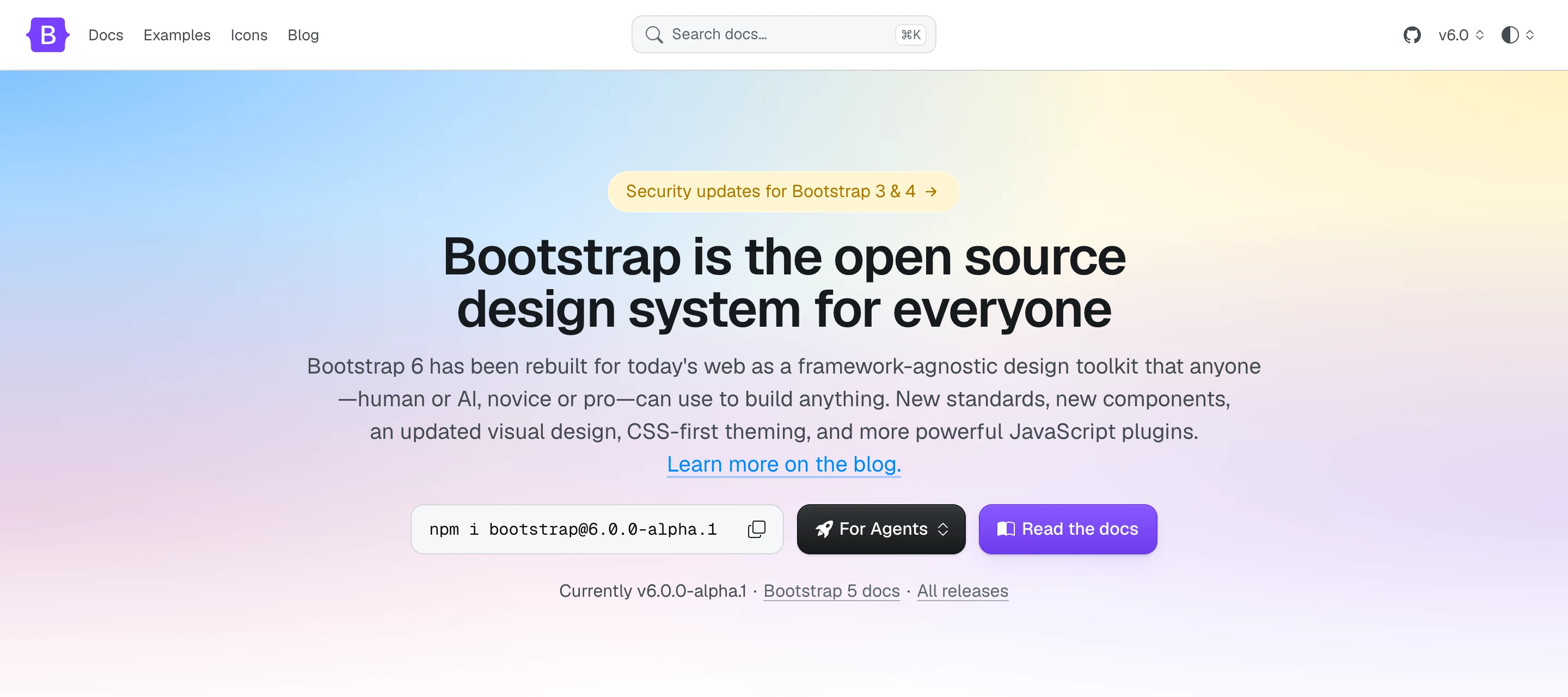
There's also a large selection of HTML templates, e.g. at Themeforest, or frameworks like Tailwind or Bootstrap that make the work significantly easier.
A big disadvantage is that features like a booking or store system have to be built in at great effort.
When would I recommend an HTML website?
Simple: Whenever you want to create a custom website whose content rarely changes.
For blogs or online magazines that upload new content monthly or even weekly, the alternative is rather unsuitable.
- No limits in content and design
- Clean source code
- Fast loading times
- Inexpensive (a small hosting package is enough)
- Design adjustable via CSS
- Knowledge of HTML & CSS required
- Not suited to sites with changing content
12. Medium
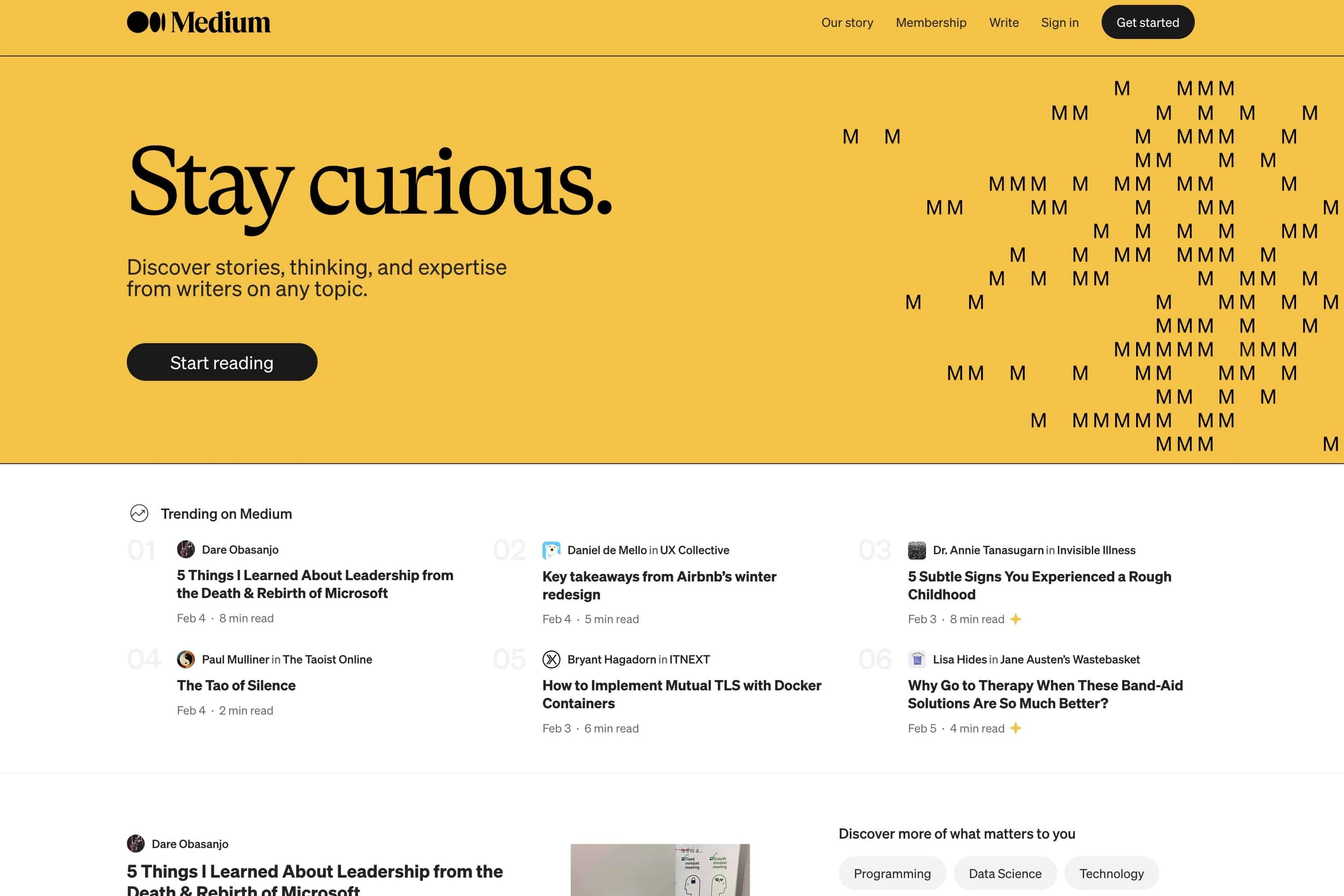
With its limited range of functions, Medium isn't really competition for WordPress, but it does give you the option of starting a small blog. That's why the platform can't be missing from this list.
Medium's functions are very manageable.
You get your own area on a subdomain (e.g. gradually.ai.medium.com) and can get creative there. A simple editor is provided for that.
The look and feel strongly resembles a social network. That means you can create an author profile that other authors or readers can follow. If you will, Medium makes you an influencer in text form.
That has very little to do with your own website, though. You can neither customize the design of your presence nor add functions.
- Instant access to your own blog
- Free to use
- Connect with other authors in your industry
- Good for showcasing your own skills
- Take your first steps without risk
- No design customization possible
- Very stripped-down functionality
FAQ
Here I've put together answers to common questions about WordPress alternatives:
Why not WordPress?
One reason some users avoid WordPress is that there is no official support.
The only forms of support you can get are through plugin and theme developers, volunteer helpers and the WordPress community.
Beginners also often complain that WordPress can take a lot of time to learn. Some website builders are easier to learn.
Which WordPress is free?
WordPress.org is the free variant of WordPress. The open-source software can be downloaded for free and used freely on your own server.
On the WordPress.com platform, the basic plan is free too. However, you need to sign up for WordPress.com Business at $25 per month (billed annually) if you want to connect your own domain and use advanced features, such as installing your own plugins.
Why is WordPress.org free?
WordPress.org is free because it isn't owned by a for-profit company but is developed by the nonprofit WordPress Foundation.
It was founded to “democratize publishing through open-source, GPL-licensed software.”





